






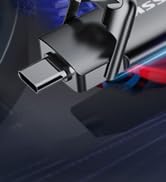

PORTABLE SSD DUAL USB C STICK
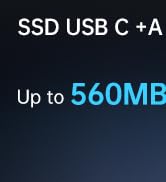

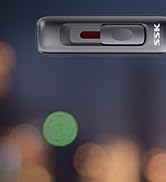

SSK Dual USB Flash Drive
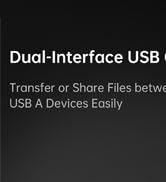
Fast dual usb flash drive
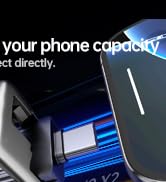
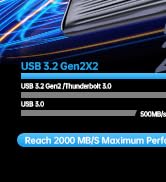
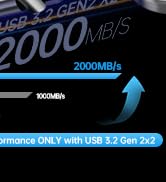
USB 3.2 Gen 2x2 Flash drive
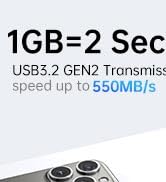

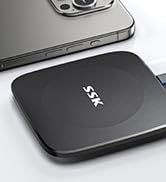

External Solid State Drives



SSD USB C Stick up to 1000MB/s
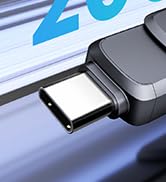
Dual USB Flash Drive
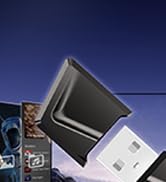

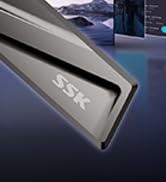
USB C Storage Flash Drive

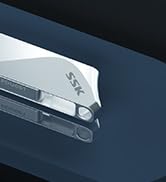
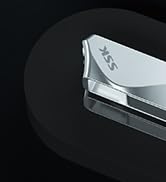

DUAL USB C 3.2 OTG METAL STICK
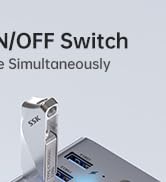
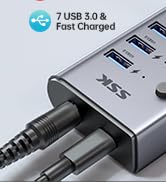

Powered USB 3.0 Hub

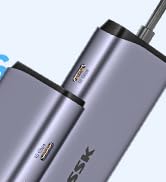
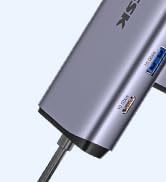
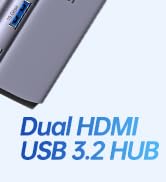
Powered USB 3.2 Hub 10GBPS
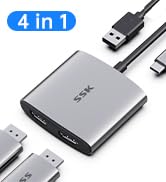
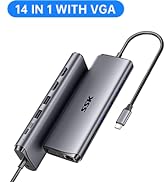
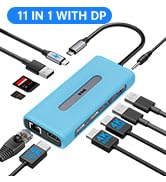
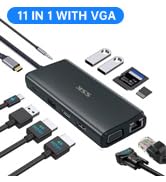
DUAL 4K HDMI USB C HUB
SSK USB Drive 560MB/s for iPhone 15/16/Android
Merchant VideoTips: Due to the conversion of 1GB=1024MB, the display capacity of a 128GB drive usually appears at around 90% on Windows due to algorithm differences in which 1GB is interpreted as 1024MB on Windows and 1000MB on USB drives. Therefore,128GB SSD drives˜119GB in Windows.MacOS shows the full 128GB

Note: The Writing Speed remains stable when the file size of each transfer is less than 1/4 of the remaining usable capacity. For example, when the SSD drive has 128GB available capacity left, you can transfer data less than 32GB at a time, and the speed will not drop

Super Fast USB3.2 Gen 2 External SSD Drive
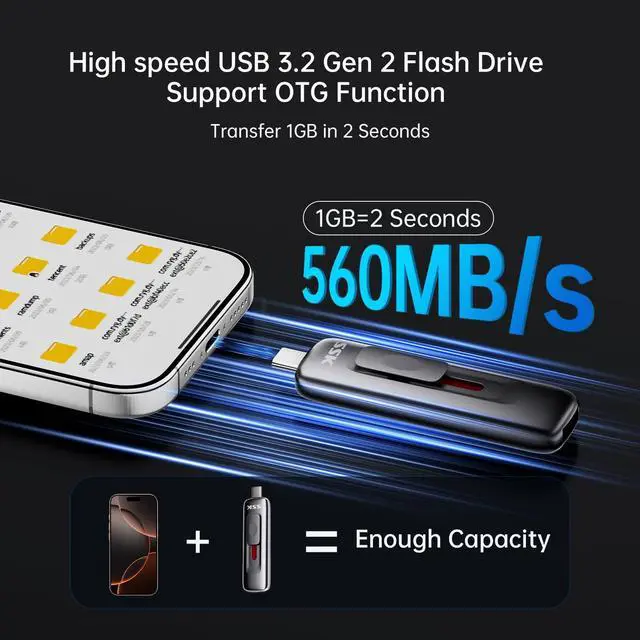
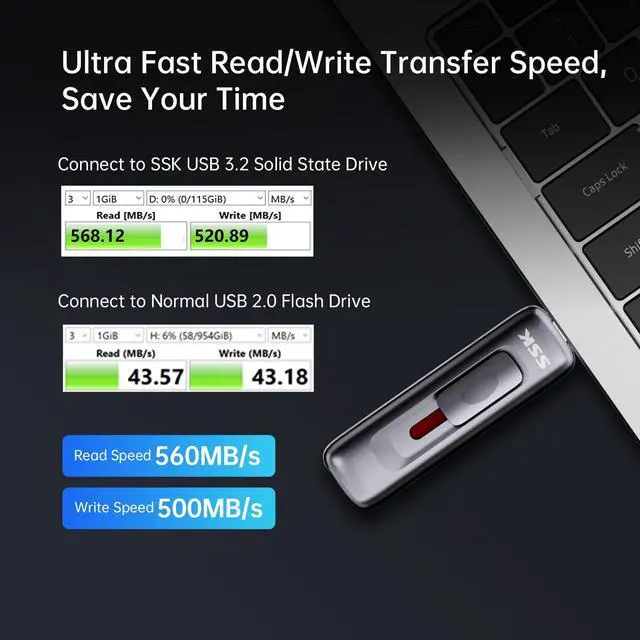
This portable external SSD adopts the latest USB 3.2 Gen 2 standard, up to 560 MB/s read speed and 500 MB/s write speed, which is 5 times faster than a traditional hard drive
(Please Note: If connected to a USB 3.0 or USB 3.1 Gen1 interface, the transfer speed will be limited up to 450MB/s.)

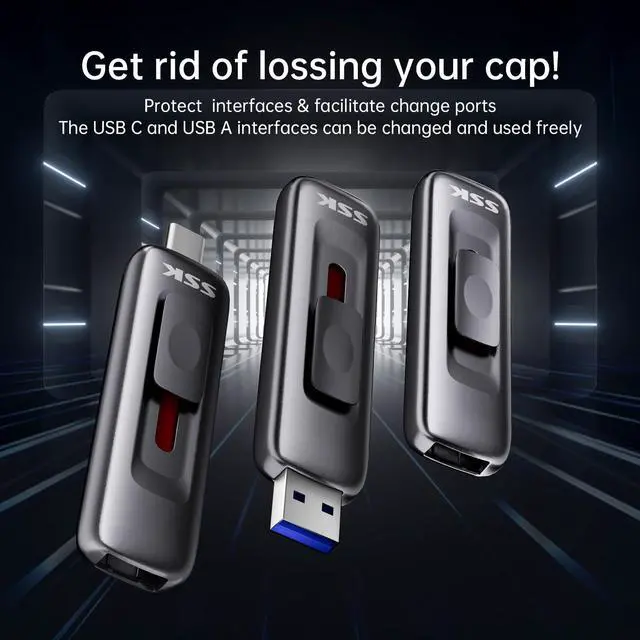
With Sliding Design,Get rid of lossing your cap!
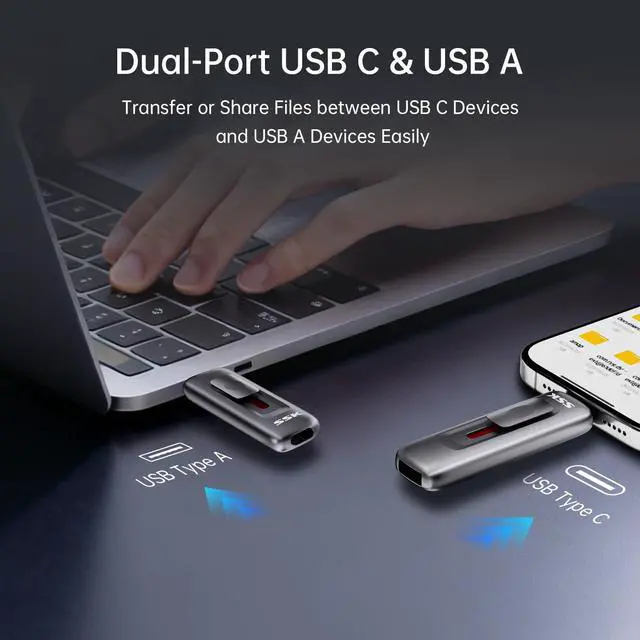
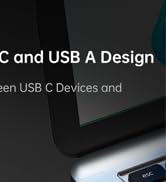
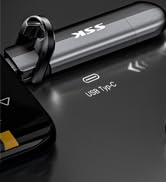
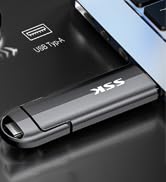
With 2 in 1 Sliding switch design,SSK USB SSD solid state drive allows you transfer data between USB-C port smartphone/tablet and USB-A port computer conveniently

Expand your device capacity
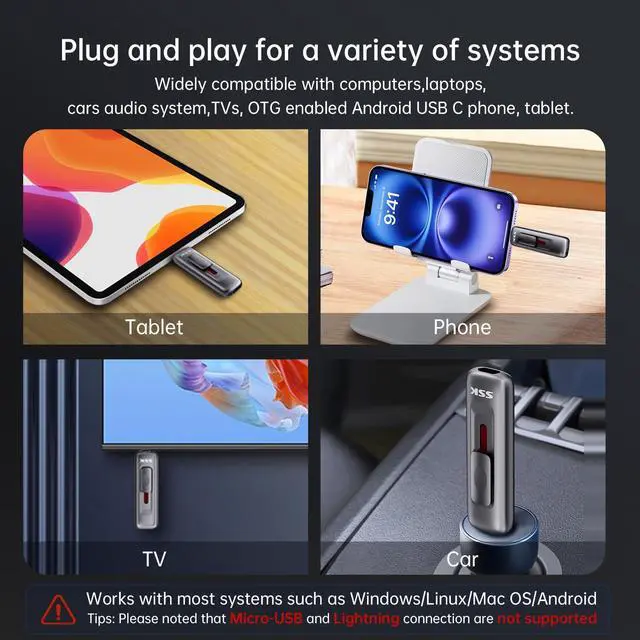
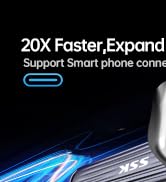
Instantly release space or quickly move pictures or movies on your OTG enabled Android Type C phone, tablet, Windows computer,smart TV and more
Tips: Always eject safely before disconnecting. Never disconnect the USB SSD from the computer during data transfer

Seamlessly connect bewteen different device
Equipped with 2 in 1 USB-C and USB-A Sliding design,SSK USB SSD solid state drive allows you to conveniently transfer data between phone/tablet and pc. Instantly release space or quickly move pictures or movies on your OTG-enabled Android Type C phone, tablet, Windows computer, smart TV and more

Universal Compatibility:Fast external memory storage compatible with computer equipment,smartphones, iPhone 15/16/17, iPad, Xbox(only for storage),Laptops,Macbook and more.Portable hard drive works with most systems such as Windows?macOS?Linux?Android?iPadOS/Android(Incompatible with lightning port)


Why does the write speed of SD304 drop off when I write a large files at once?
Large file write speed decline occurs in most SSD(even top brands), an industry-wide tech constraint, not a product flaw.To maintain speed,write =25% of left capacity per batch.PS: With 1TB left space,transfer under 250GB per time to aviod speed drop
Whether the product is compatible with IOS?
SD304 incompatible with Lightning port iOS devices.
For USB C port iPhone/iPad/Mac:
Open Files > Browse
Connect via USB-C, check "SSK Drive"
Note: iOS limits file access - unsupported formats can't open via SD304.
Why can't SD304 be recognized on a smartphone? How to solve it?
1. Verify SD304 format:Suggest EXFAT. If not, format it(backup data first)
2. if your phone is OPPO,enable OTG on phones:Manually activate in Settings for external device access.Search YouTube: 'Enable OTG on OPPO Developer Options' for guides.
Is it normal for the product to heat up during use?
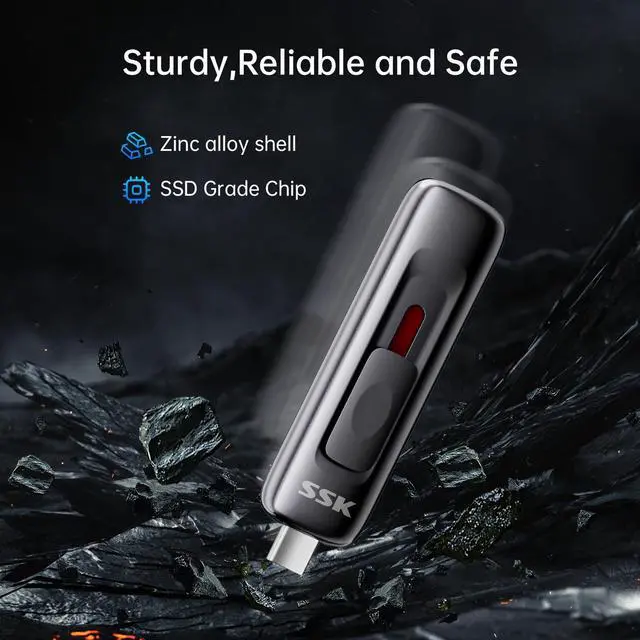
SD304 delivers significantly faster speeds than standard USB drives. Zinc Metal construction enhances heat dissipation, causing feelable warmth during use—this is normal and safe for device/data integrity. Rigorously tested for reliable performance
What is in the box?
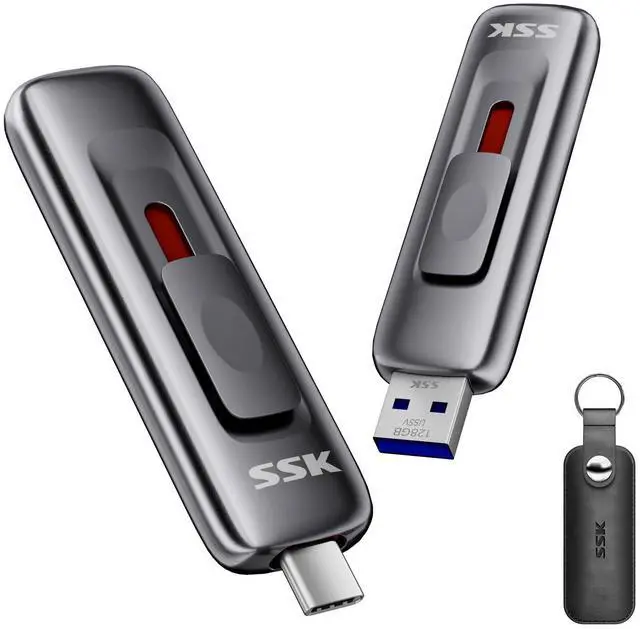
1 pc SD304
1pc protect cover
1pc user manual
SSK USB Drive 560MB/s for iPhone 15/16/Android
Merchant VideoTips: Due to the conversion of 1GB=1024MB, the display capacity of a 128GB drive usually appears at around 90% on Windows due to algorithm differences in which 1GB is interpreted as 1024MB on Windows and 1000MB on USB drives. Therefore,128GB SSD drives˜119GB in Windows.MacOS shows the full 128GB

Note: The Writing Speed remains stable when the file size of each transfer is less than 1/4 of the remaining usable capacity. For example, when the SSD drive has 128GB available capacity left, you can transfer data less than 32GB at a time, and the speed will not drop
Super Fast USB3.2 Gen 2 External SSD Drive
This portable external SSD adopts the latest USB 3.2 Gen 2 standard, up to 560 MB/s read speed and 500 MB/s write speed, which is 5 times faster than a traditional hard drive
(Please Note: If connected to a USB 3.0 or USB 3.1 Gen1 interface, the transfer speed will be limited up to 450MB/s.)
With Sliding Design,Get rid of lossing your cap!
With 2 in 1 Sliding switch design,SSK USB SSD solid state drive allows you transfer data between USB-C port smartphone/tablet and USB-A port computer conveniently
Expand your device capacity
Instantly release space or quickly move pictures or movies on your OTG enabled Android Type C phone, tablet, Windows computer,smart TV and more
Tips: Always eject safely before disconnecting. Never disconnect the USB SSD from the computer during data transfer
Seamlessly connect bewteen different device
Equipped with 2 in 1 USB-C and USB-A Sliding design,SSK USB SSD solid state drive allows you to conveniently transfer data between phone/tablet and pc. Instantly release space or quickly move pictures or movies on your OTG-enabled Android Type C phone, tablet, Windows computer, smart TV and more

Universal Compatibility:Fast external memory storage compatible with computer equipment,smartphones, iPhone 15/16/17, iPad, Xbox(only for storage),Laptops,Macbook and more.Portable hard drive works with most systems such as Windows?macOS?Linux?Android?iPadOS/Android(Incompatible with lightning port)


Why does the write speed of SD304 drop off when I write a large files at once?
Large file write speed decline occurs in most SSD(even top brands), an industry-wide tech constraint, not a product flaw.To maintain speed,write =25% of left capacity per batch.PS: With 1TB left space,transfer under 250GB per time to aviod speed drop
Whether the product is compatible with IOS?
SD304 incompatible with Lightning port iOS devices.
For USB C port iPhone/iPad/Mac:
Open Files > Browse
Connect via USB-C, check "SSK Drive"
Note: iOS limits file access - unsupported formats can't open via SD304.
Why can't SD304 be recognized on a smartphone? How to solve it?
1. Verify SD304 format:Suggest EXFAT. If not, format it(backup data first)
2. if your phone is OPPO,enable OTG on phones:Manually activate in Settings for external device access.Search YouTube: 'Enable OTG on OPPO Developer Options' for guides.
Is it normal for the product to heat up during use?
SD304 delivers significantly faster speeds than standard USB drives. Zinc Metal construction enhances heat dissipation, causing feelable warmth during use—this is normal and safe for device/data integrity. Rigorously tested for reliable performance
What is in the box?
1 pc SD304
1pc protect cover
1pc user manual
PORTABLE SSD DUAL USB C STICK
SSK Dual USB Flash Drive
Fast dual usb flash drive
USB 3.2 Gen 2x2 Flash drive
External Solid State Drives
SSD USB C Stick up to 1000MB/s
Dual USB Flash Drive
USB C Storage Flash Drive
DUAL USB C 3.2 OTG METAL STICK
Powered USB 3.0 Hub
Powered USB 3.2 Hub 10GBPS
DUAL 4K HDMI USB C HUB