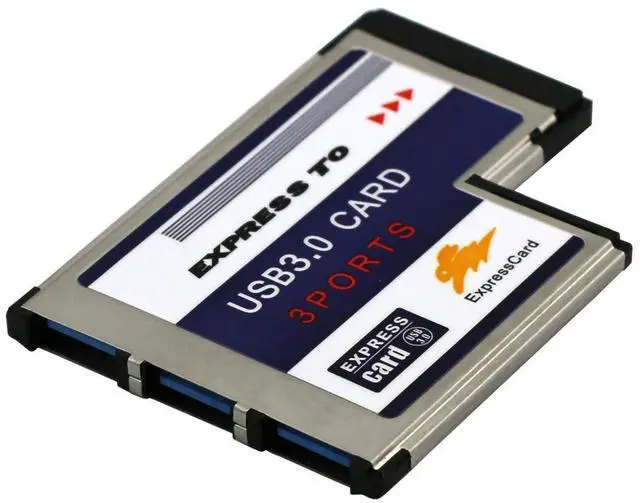
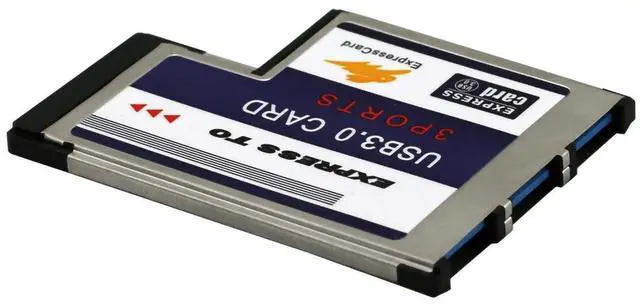
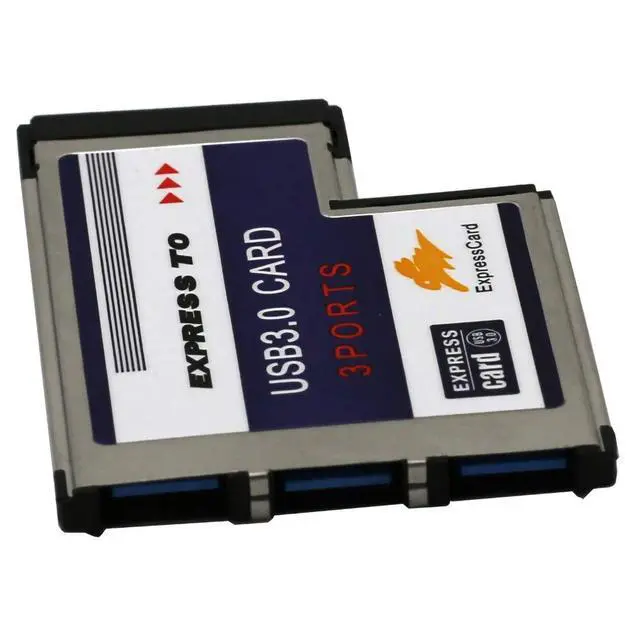
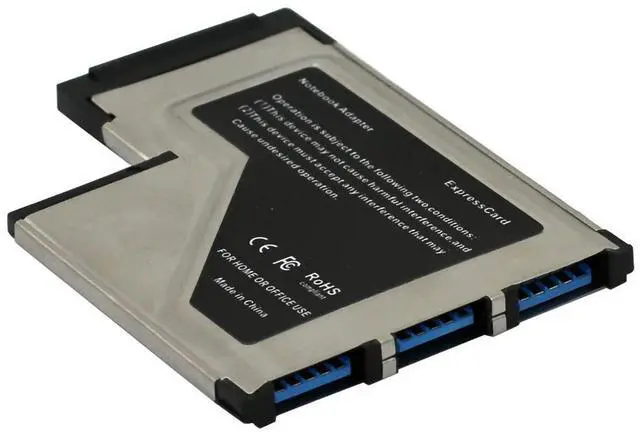
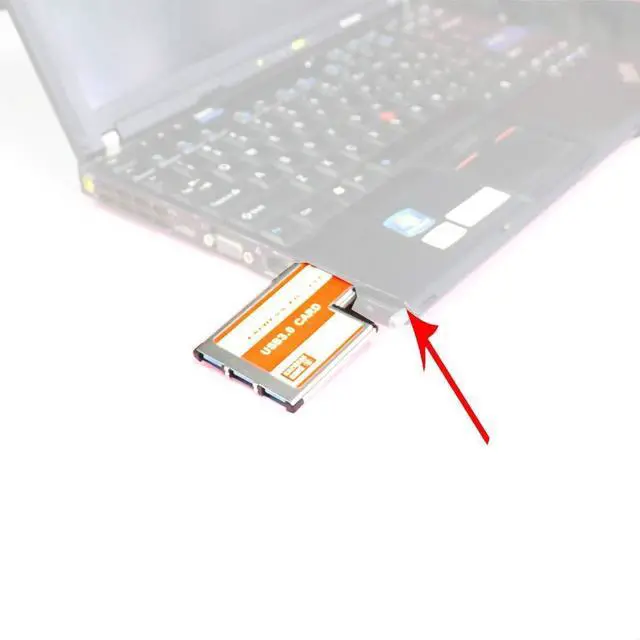
Product Requirements: As long as the computer has a T-type Express 54mm card slot, correctly installed the FL1100 chip driver can be used. Before installing the driver to the computer's original comes with the driver first uninstalled, to reinstall the special driver can be used. Problems related to the use of the product: Date
transfer speed: The interface is usb 3.0, the transmission cable should also be 3.0 to be as fast. Only one port is 3.0 will not work, both ports need to be 3.0 to make it faster.
blue screen the laptop: Make sure to install our special driver, and then restart the computer. This is great for small usb or powered USB items... not an external USB HDD, right? The product can support external hard drives. Can be used for external power hungry devices such as mice, hard drives, etc.. Gets really warm and easily pops out accidentally: The adapter is plugged into the computer, powered on, and gets warm, just like a computer gets warm when it's been used for a long time, which is associated with the computer. Pop out accidentally, remove the original driver and reinstall the driver. The other thing to watch out for is The card-slot clamping mechanism inside of the laptop is not super secure! It could be seen on many laptops from different manufactures. Be careful when unplugging your USB devices or you may pull the whole card out. Which is usually not a problem, you can just shove it back in and let the drivers rediscover it. But if you had several devices plugged into it, this will of course disrupt use of the ones you weren't intending to unplug. Easy enough to deal with once you're aware of it, just keep a finger on the card while pulling the USB connection.