

Your Browsing History
- Free 30-day Returns
$46.72

Best Sellers
 Hot Seller
- $52.05
- + FREE SHIPPING

Meet Your Seller

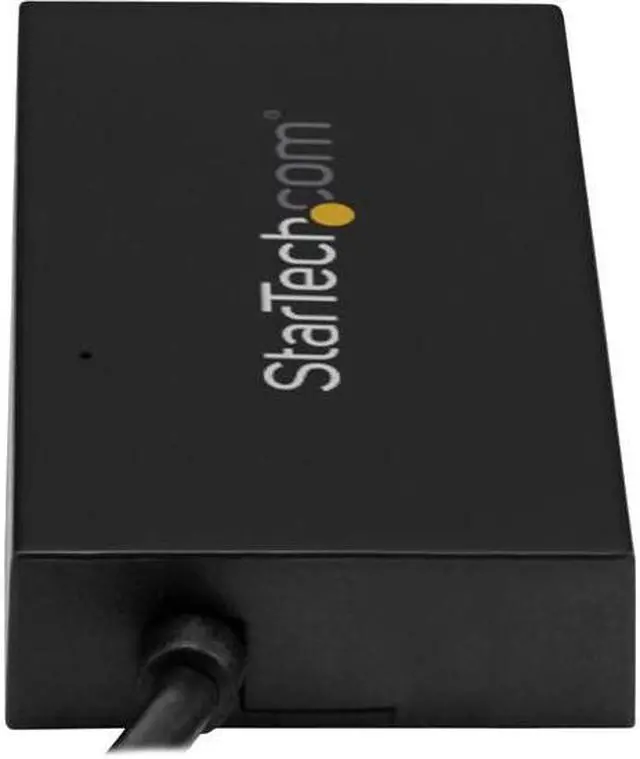
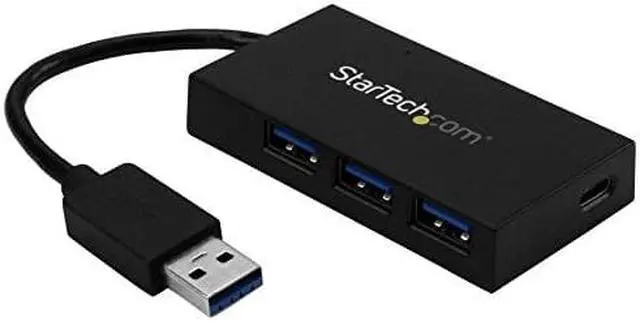
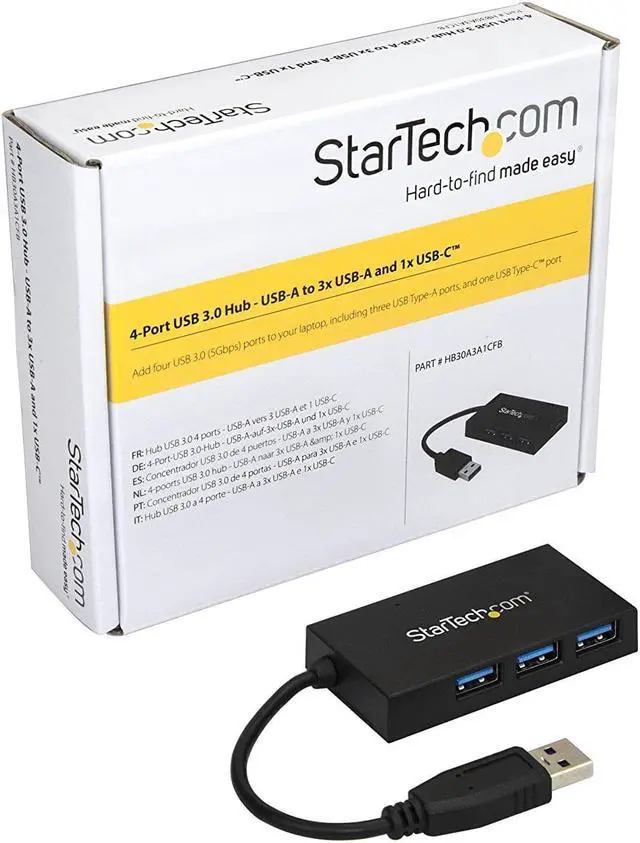
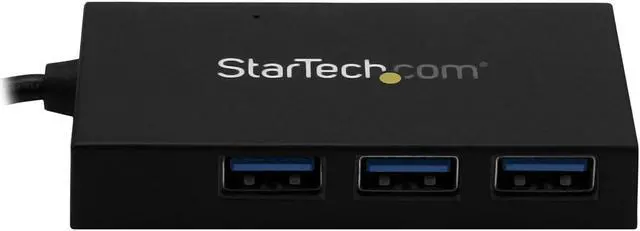
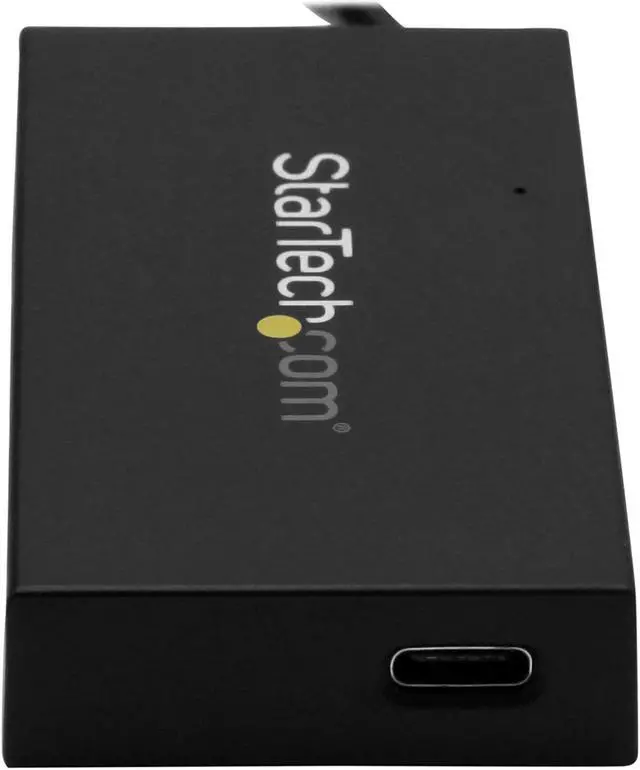
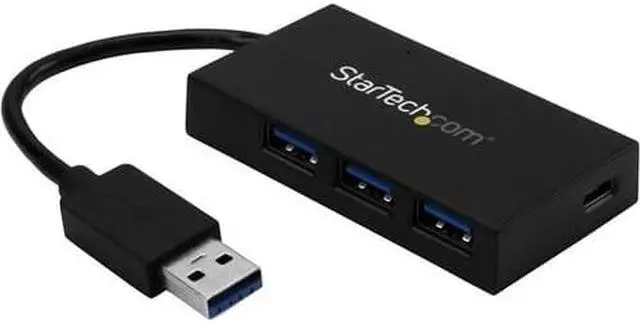
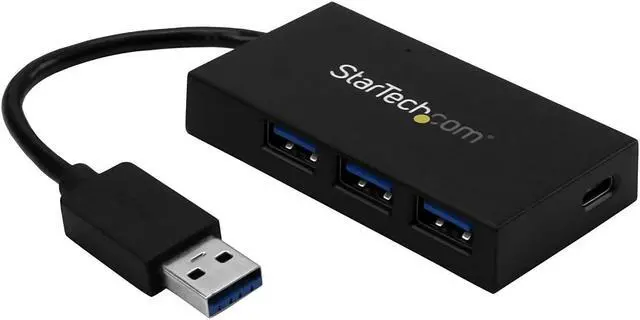
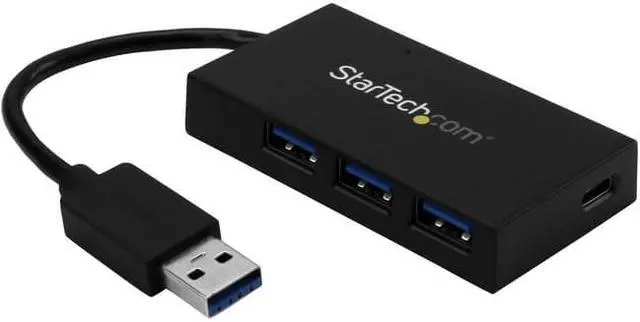


StarTech HB30A3A1CFB 4 Port USB Hub - USB 3.0 - USB A to 3 x USB A and 1 x USB C - USB Port Expander
- Add four USB 3.0 (5Gbps) ports to your laptop, including three USB Type A ports, and one USB Type C port
- Connect USB-C peripheral devices through your laptop's traditional USB-A port
- Easily connect USB-C devices through your laptop's traditional USB-A port / Perfect for your laptop, desktop, MacBook, Chromebook or Ultrabook
- USB powered, with a compact design for easy portability
- Fast, easy installation with broad OS support and no additional drivers required
+
+
Overview
Specs
Reviews

Any questions? Our AI mode will help you find out quickly.
Try me now
Here's an easy way to connect a wider range of peripherals to your laptop. This 4-port USB 3.0 hub turns your laptop's USB-A port into three USB-A ports (5Gbps), and one USB-C port. The hub is USB powered, so you can connect devices virtually anywhere you work or go. Now, you can use your laptop's traditional USB Type-A port to expand your connectivity, and connect your er USB Type-C devices to your laptop. Expand your USB connectivity This USB 3.0 hub lets you expand your USB connection options using the USB-A port on your computer.
(USB 3.0 is also known as USB 3.1 Gen 1. ) It offers three USB-A ports and one USB-C port, so you can connect traditional USB devices now, while still being able to connect USB Type-C devices in the future. It's the ideal way to connect your USB-C equipped device to your laptop's traditional USB-A port. Add USB ports to your laptop, anywhere you go With a compact and lightweight design, the USB-powered hub is tailored for mobility. It easily tucks into your carrying case and expands your connectivity when traveling.
This versatile USB hub takes up minimal space on a desk, so you can use it in hot-desk or BYOD (Bring Your Own Device) environments. Save time and money The 4-port USB 3.0 hub can help if you need a way to connect your er USB-C peripherals to your existing laptop. Now you can access your USB-C device while avoiding the cost of purchasing a er laptop that features a USB Type-C port. The bus-powered hub installs quickly with no additional drivers or software required, and it's compatible with virtually all operating systems. The HB30A3A1CFB is backed by a 2-year StarTech.
com warranty and free lifetime technical support.
(USB 3.0 is also known as USB 3.1 Gen 1. ) It offers three USB-A ports and one USB-C port, so you can connect traditional USB devices now, while still being able to connect USB Type-C devices in the future. It's the ideal way to connect your USB-C equipped device to your laptop's traditional USB-A port. Add USB ports to your laptop, anywhere you go With a compact and lightweight design, the USB-powered hub is tailored for mobility. It easily tucks into your carrying case and expands your connectivity when traveling.
This versatile USB hub takes up minimal space on a desk, so you can use it in hot-desk or BYOD (Bring Your Own Device) environments. Save time and money The 4-port USB 3.0 hub can help if you need a way to connect your er USB-C peripherals to your existing laptop. Now you can access your USB-C device while avoiding the cost of purchasing a er laptop that features a USB Type-C port. The bus-powered hub installs quickly with no additional drivers or software required, and it's compatible with virtually all operating systems. The HB30A3A1CFB is backed by a 2-year StarTech.
com warranty and free lifetime technical support.
Warranty & Returns
Warranty, Returns, And Additional Information
Warranty
- Please contact the Seller directly for warranty information. Warranty information may also be found on the Manufacturer's website.
- Read full details
- CONTACT
Return Policies
- Return for refund within: 30 days
- Return for replacement within: non-replaceable
- This item is covered by NothingButSavings Return Policy
Manufacturer Contact Info
- For a directory of all our manufacturers, please click below.
- Manufacturers Directory
LOADING...
LOADING...