


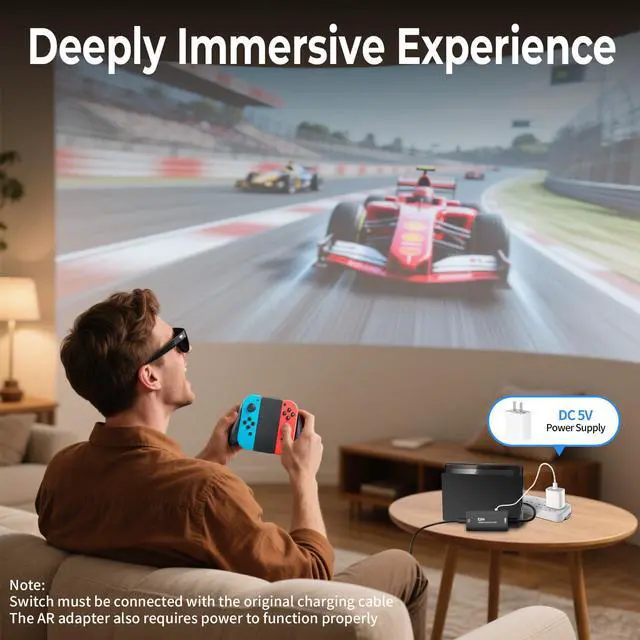


Switch-Activated TV Mode: Use the original Switch power adapter only to power the console. This product requires a DC 5V USB-C power supply—you can use the included USB-C charging cable with a compatible 5V adapter
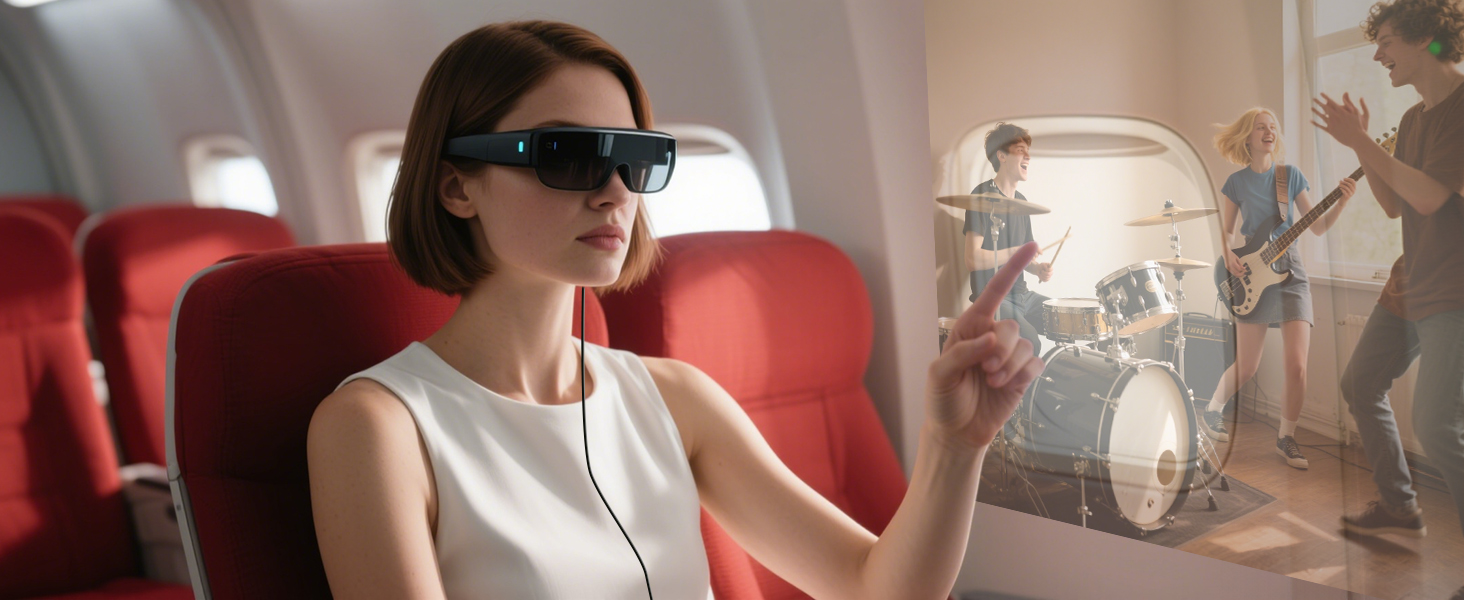
For Watching Movies During Travel
Connect to your AR glasses and stream tutorials, courses, and more
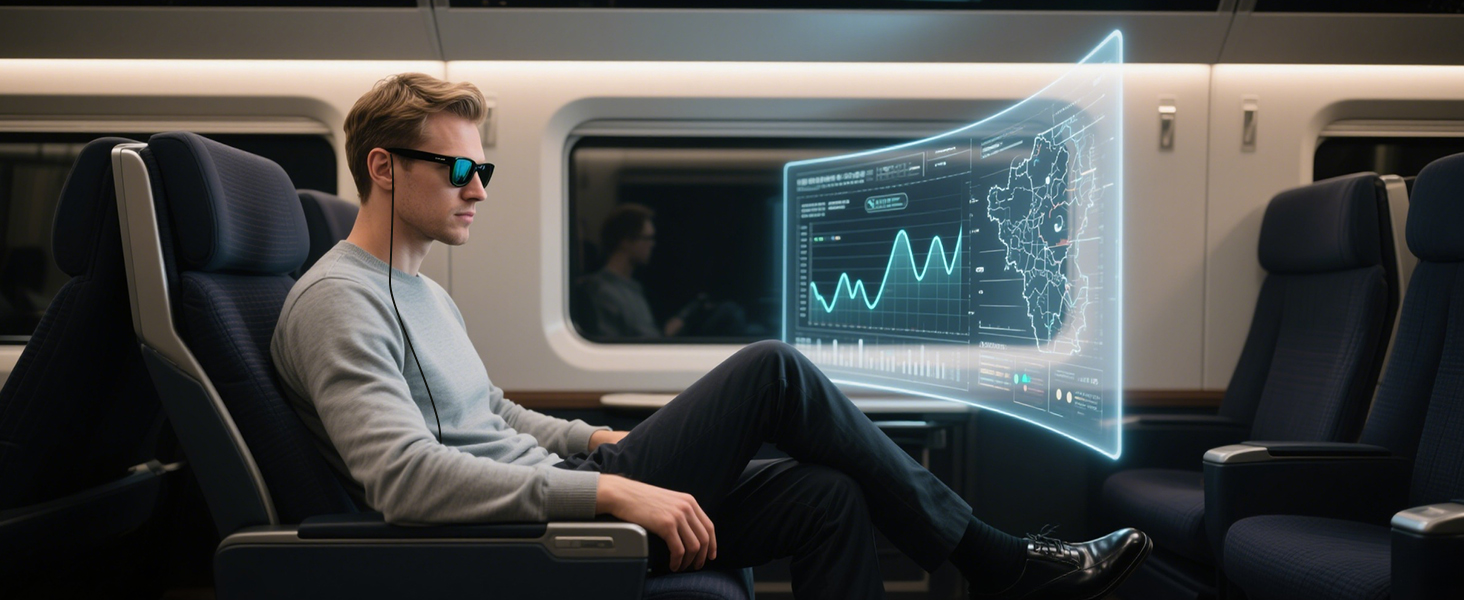
For Learning with AR Glasses on the Go
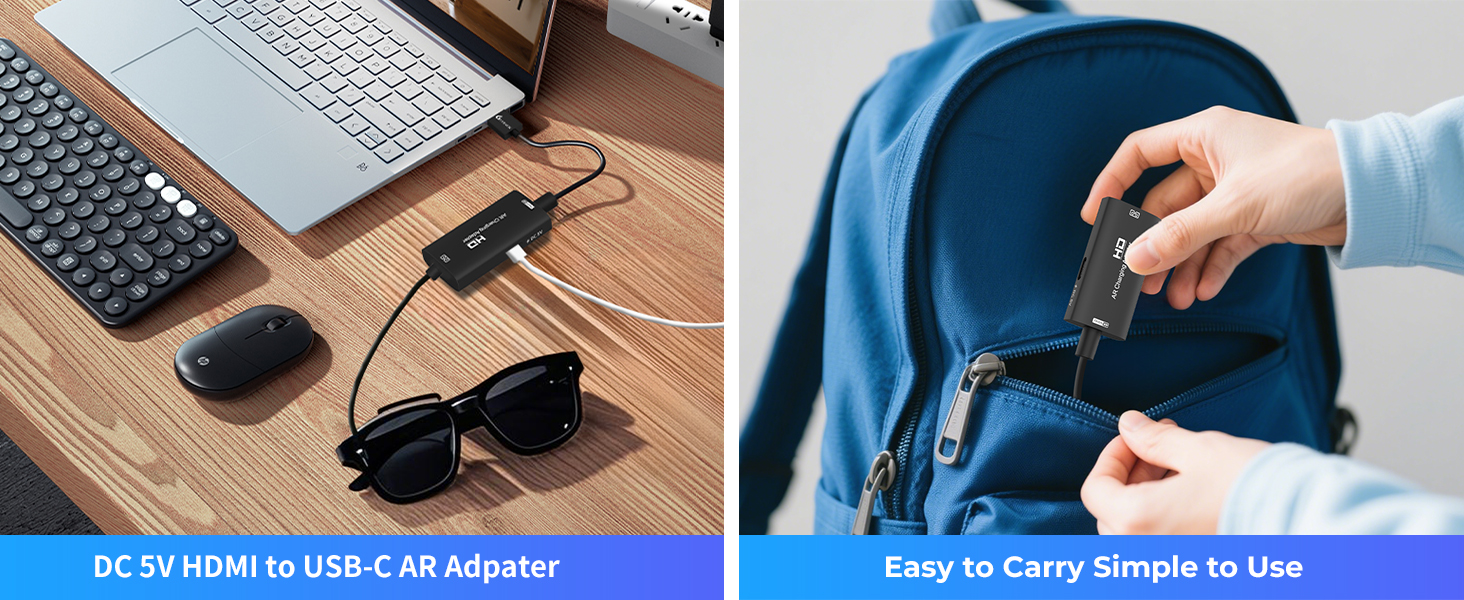
Turn your travels into a personal theater — enjoy movies anytime, anywhere with your AR glasses
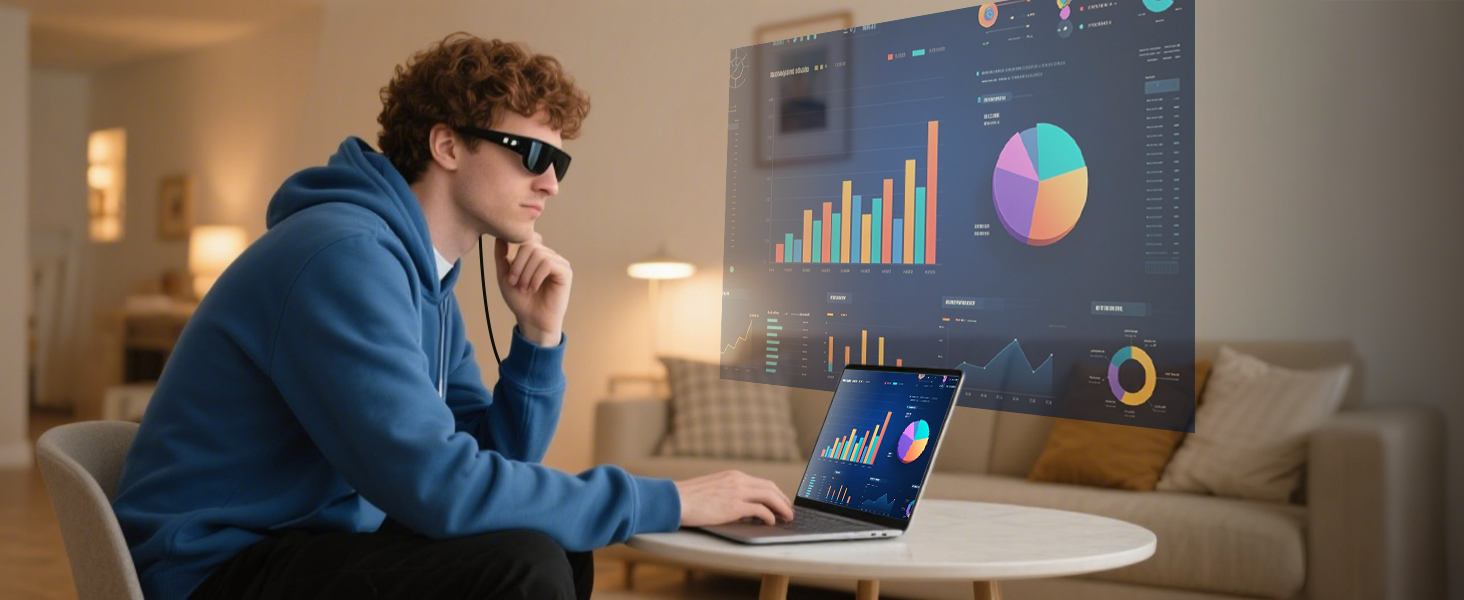
For Dual-Screen or Large-Screen Office Use
Easily link your laptop or monitor for extended displays and immersive multitasking wherever you work
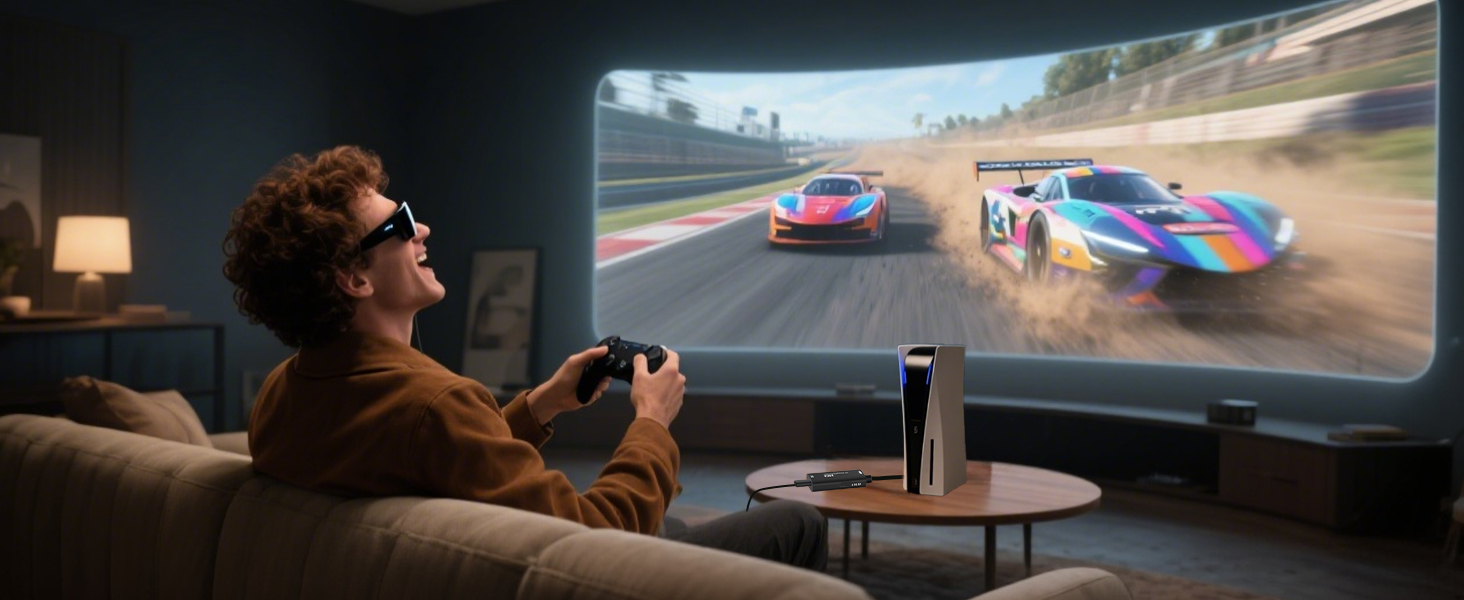
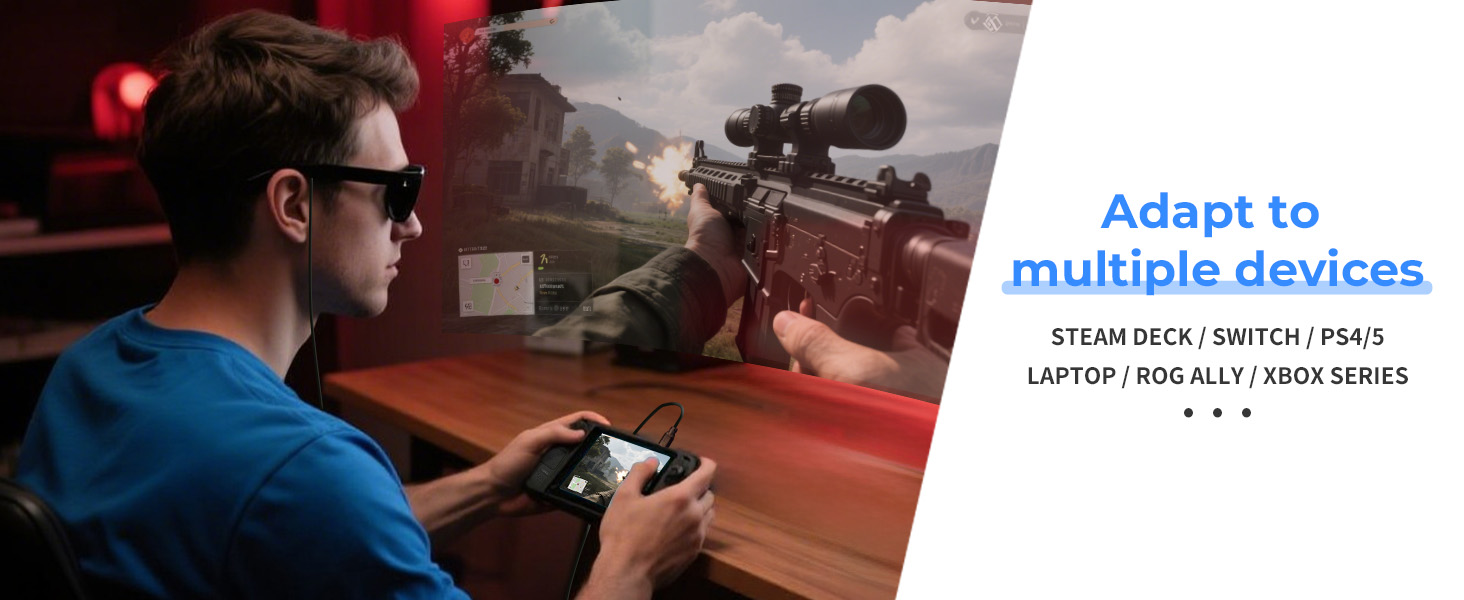
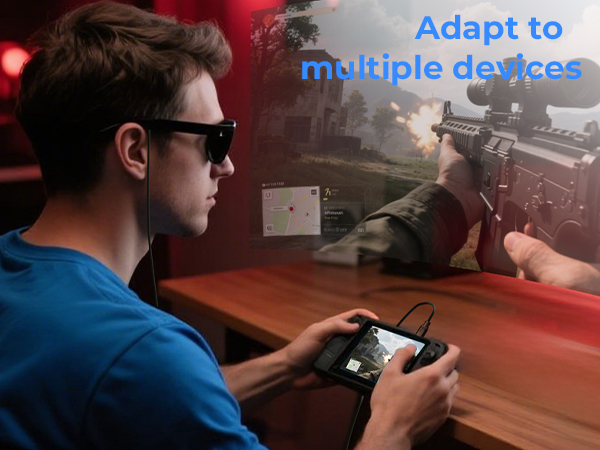
For Mobile Gaming with AR Glasses
Pair your smartphone with AR glasses for a portable, high-immersion gaming experience you can feel
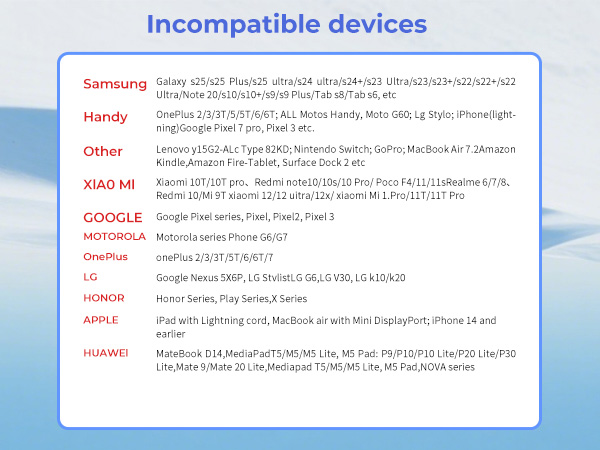
Noted: This product is not compatible with Quest 3 or other VR devices, please use a capture card for connection
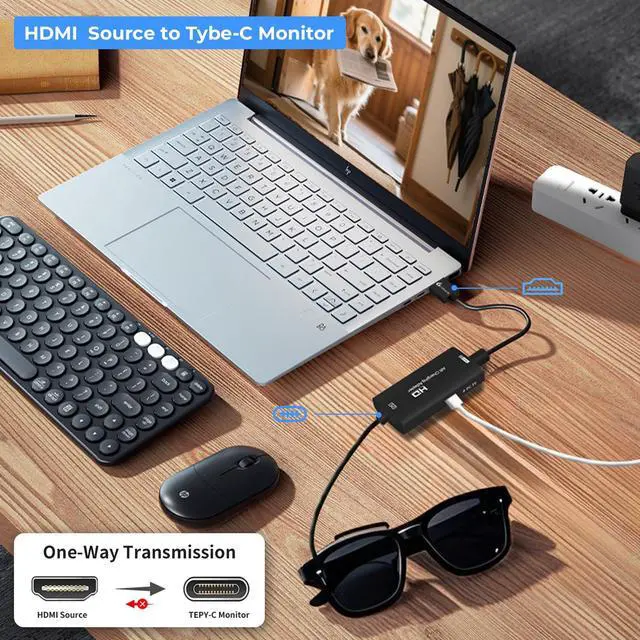
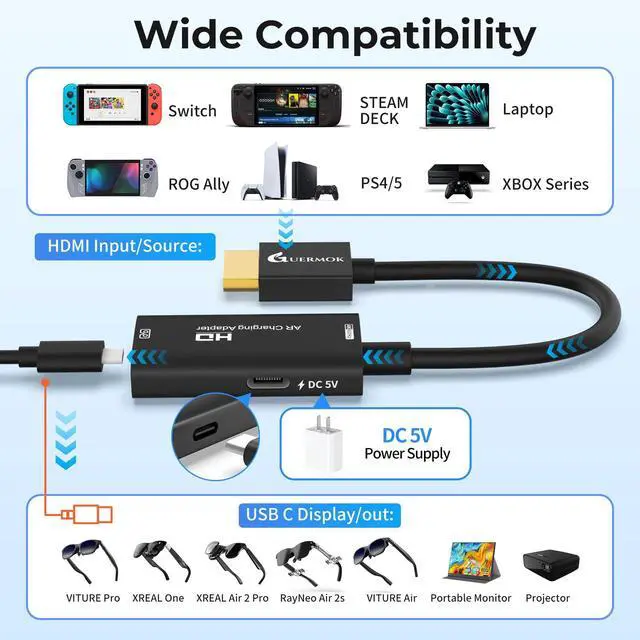
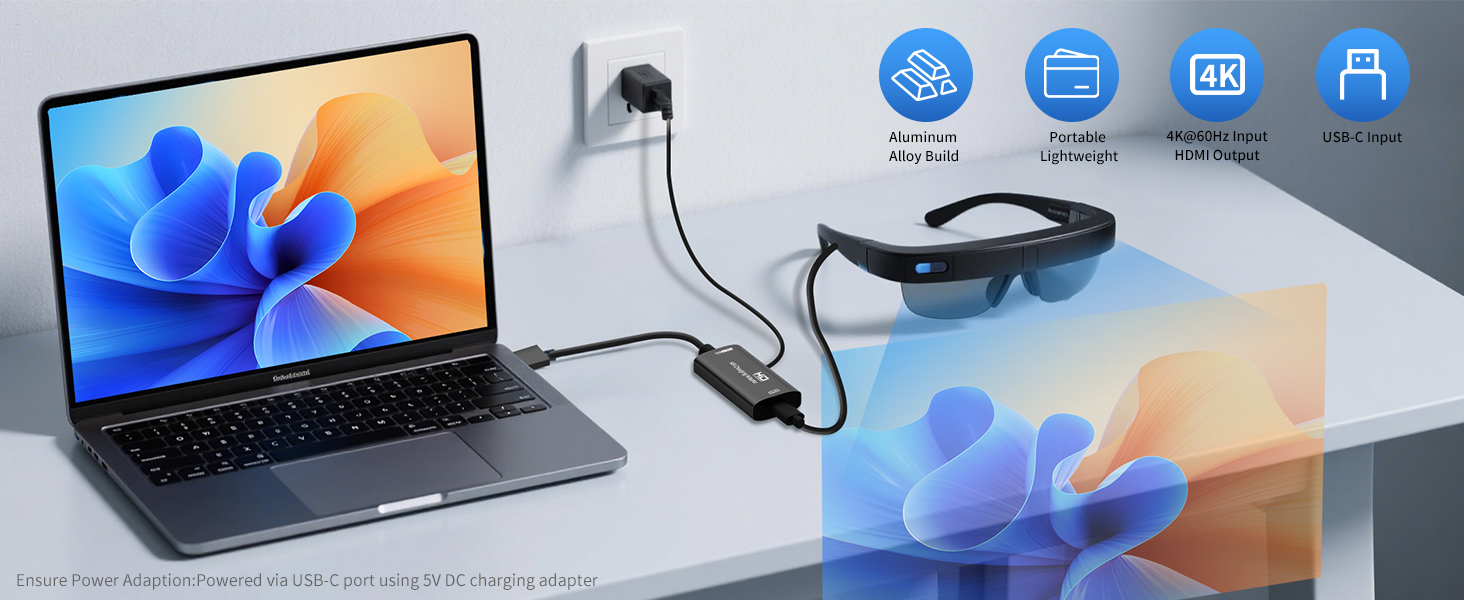
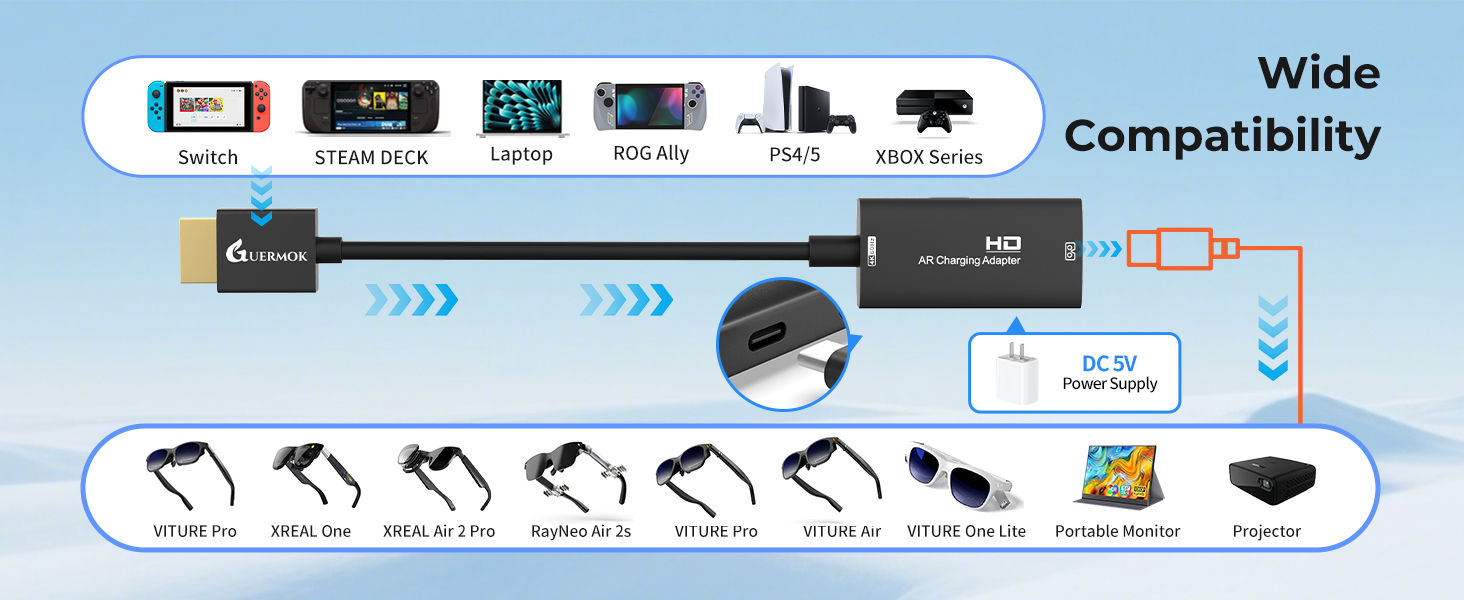
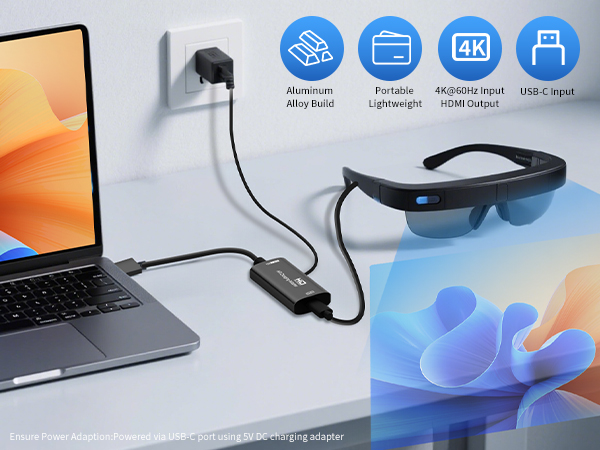
The Type-C DC 5V port is for charging upstream devices like computers, phones, and tablets
Note: Make sure both devices are charged at the same time to enable the screen to display
Note: Make sure the connected HDMI port supports audio and video outputs
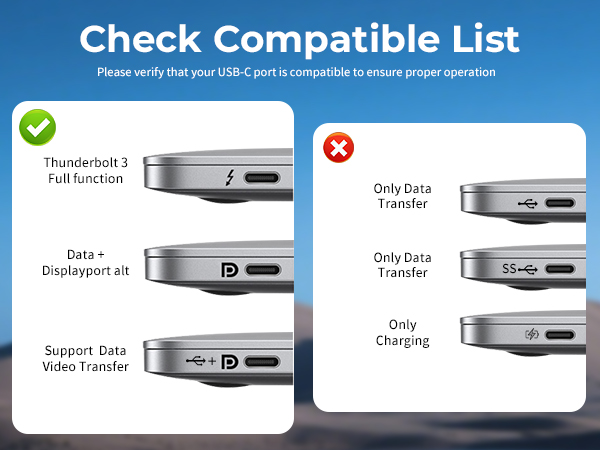
Rokid, Viture, Thunderbird, Rayneo: Ensure AR glasses support USB-C video & audio output before use
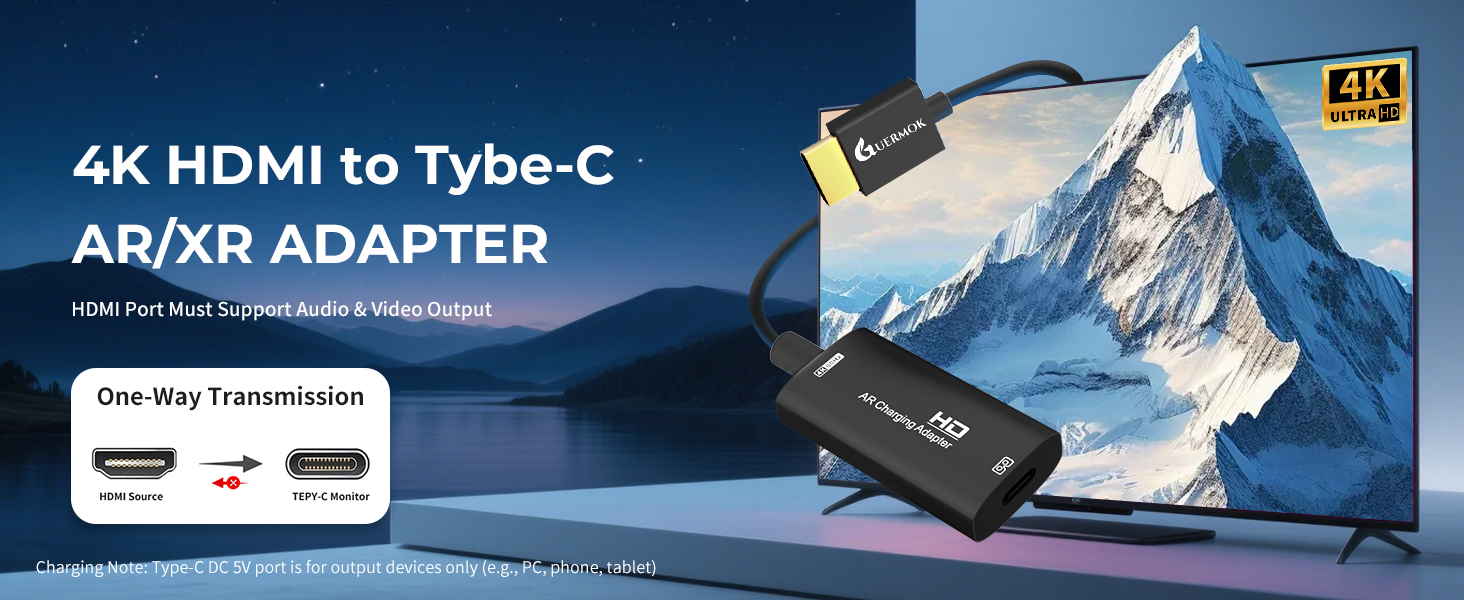
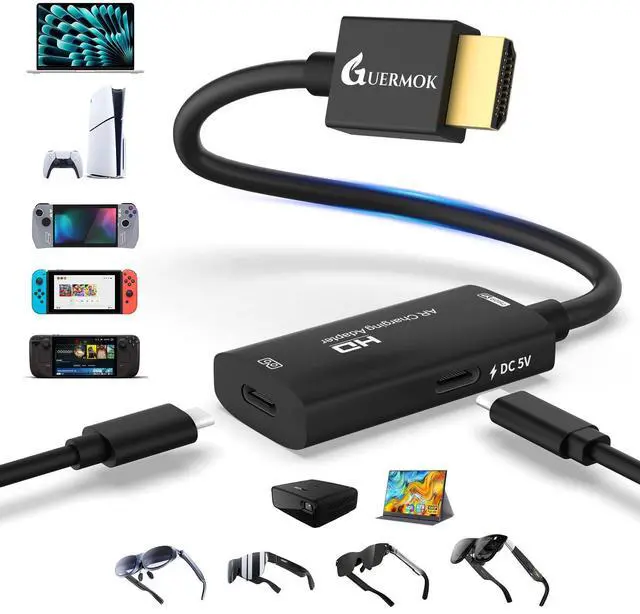
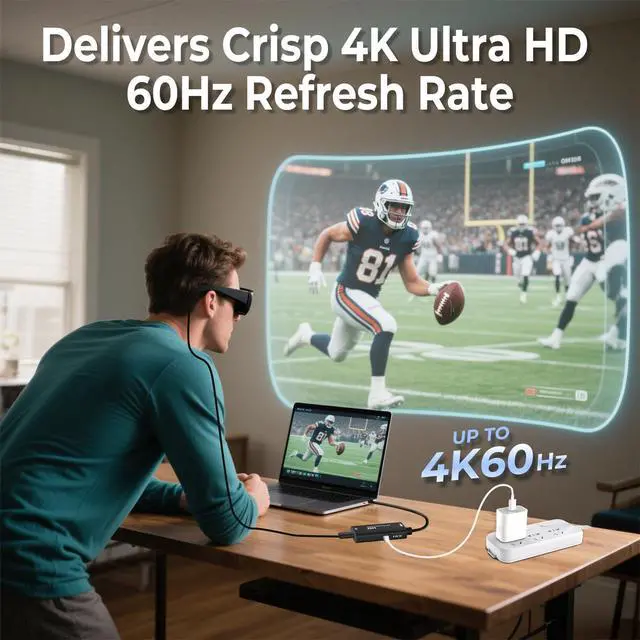
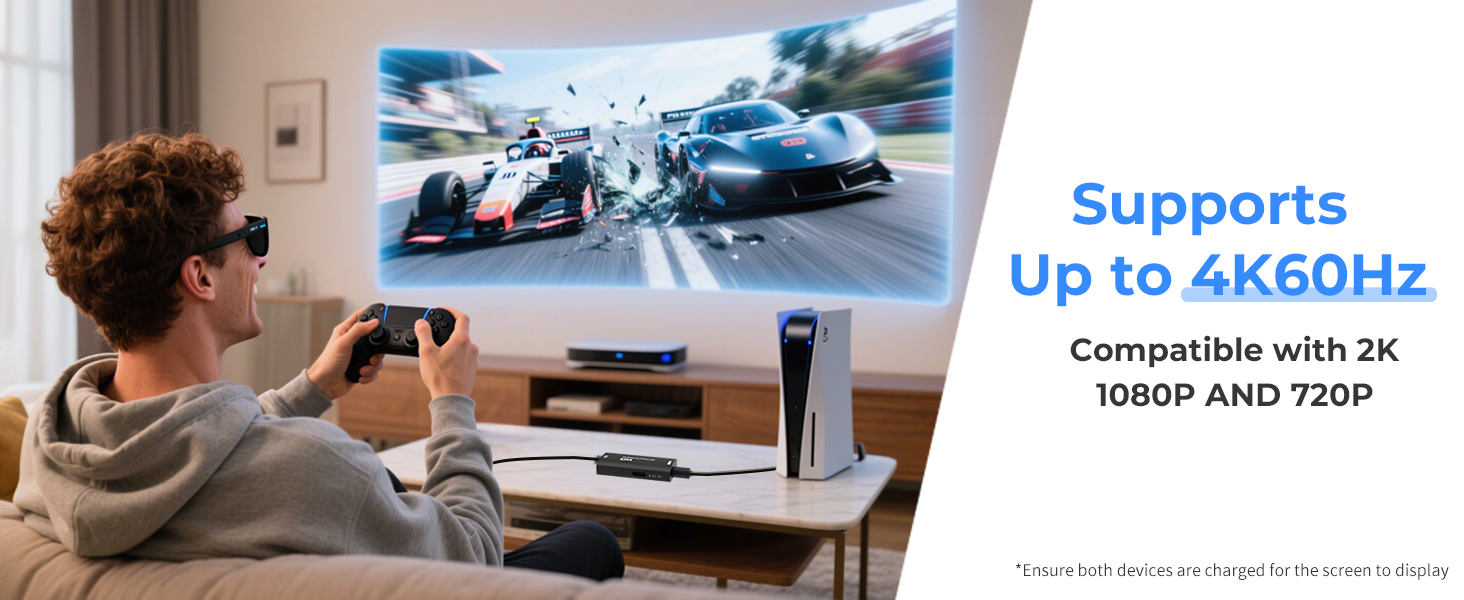
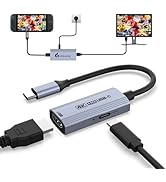
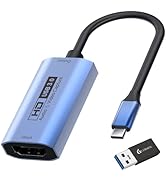
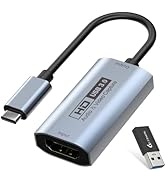
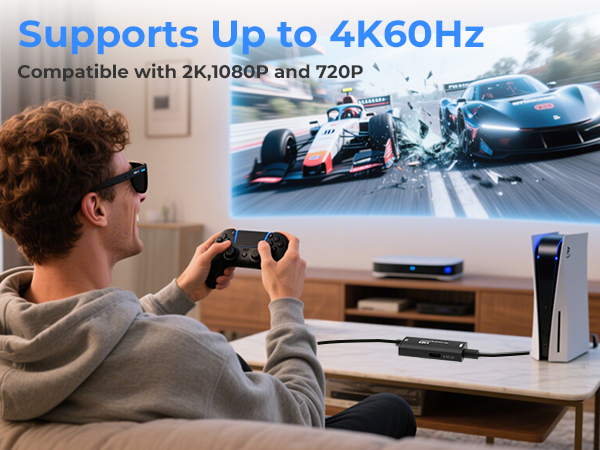
One-way HDMI to USB-C output with 4K support—ideal for AR glasses and external displays
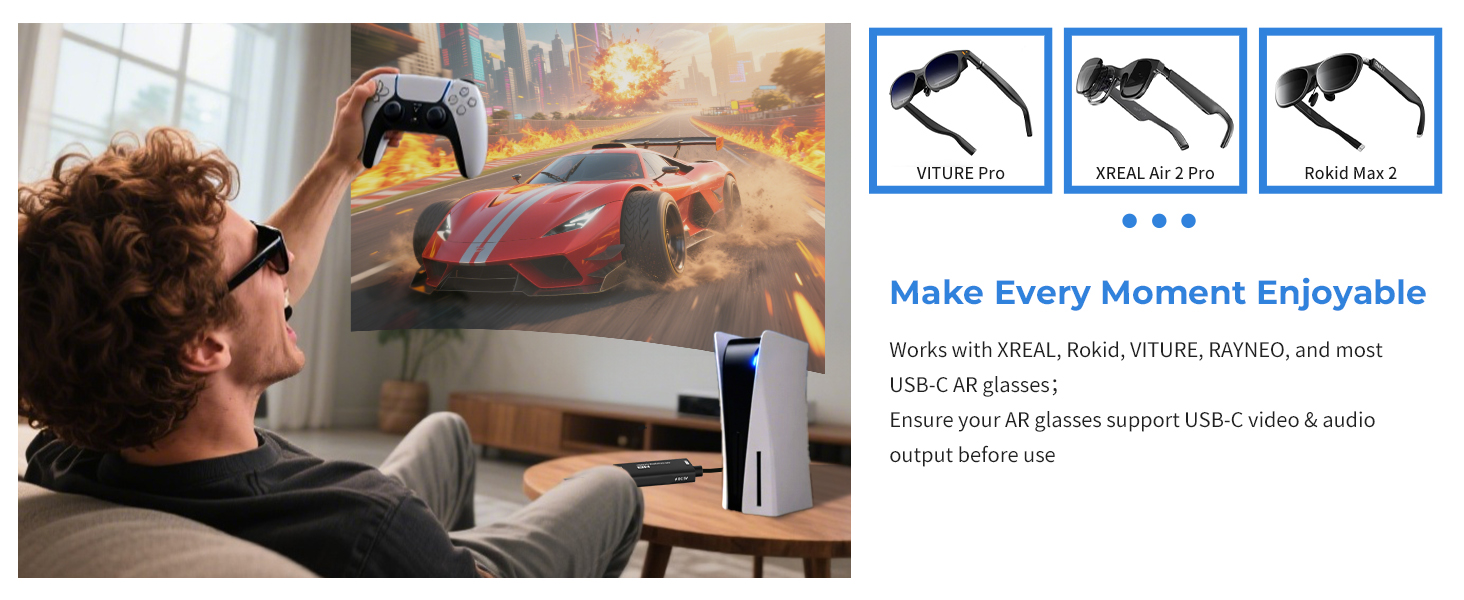
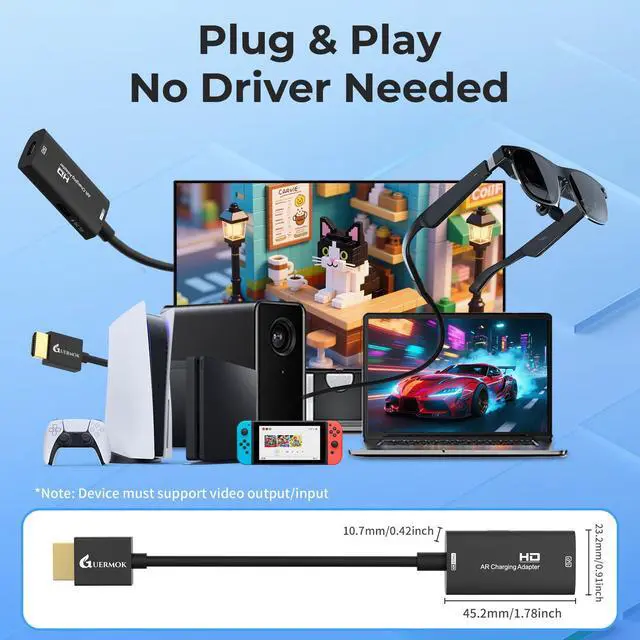
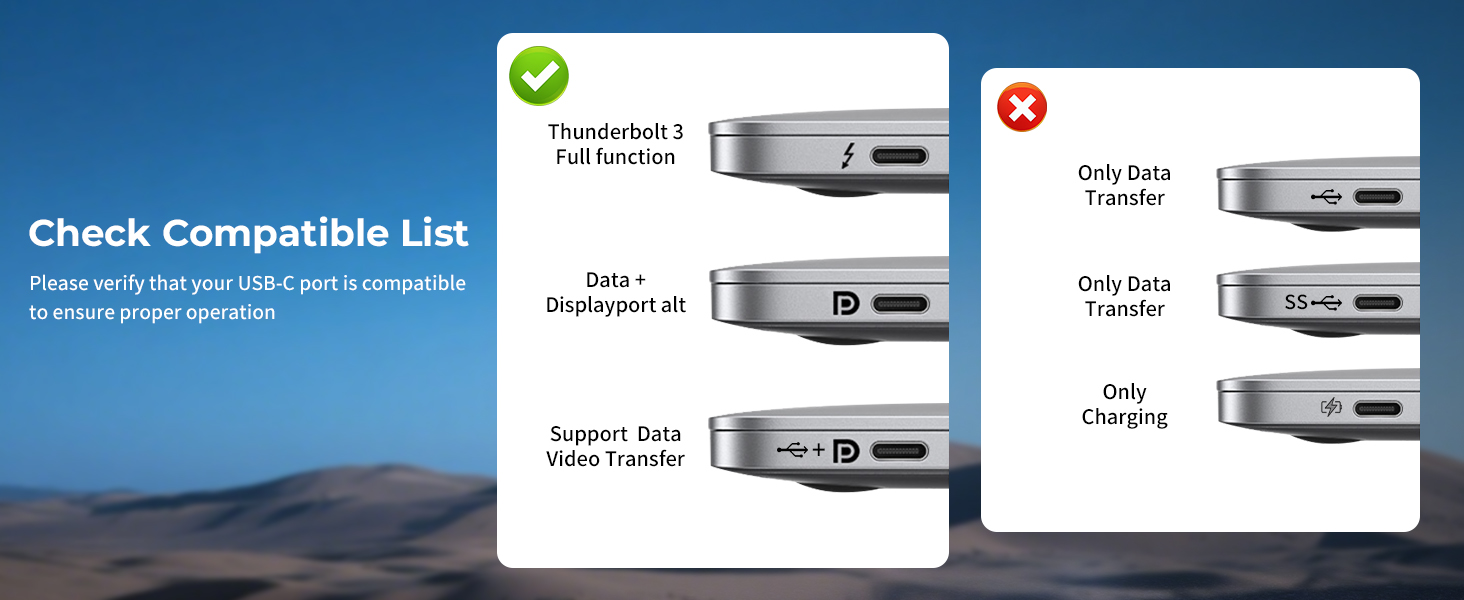
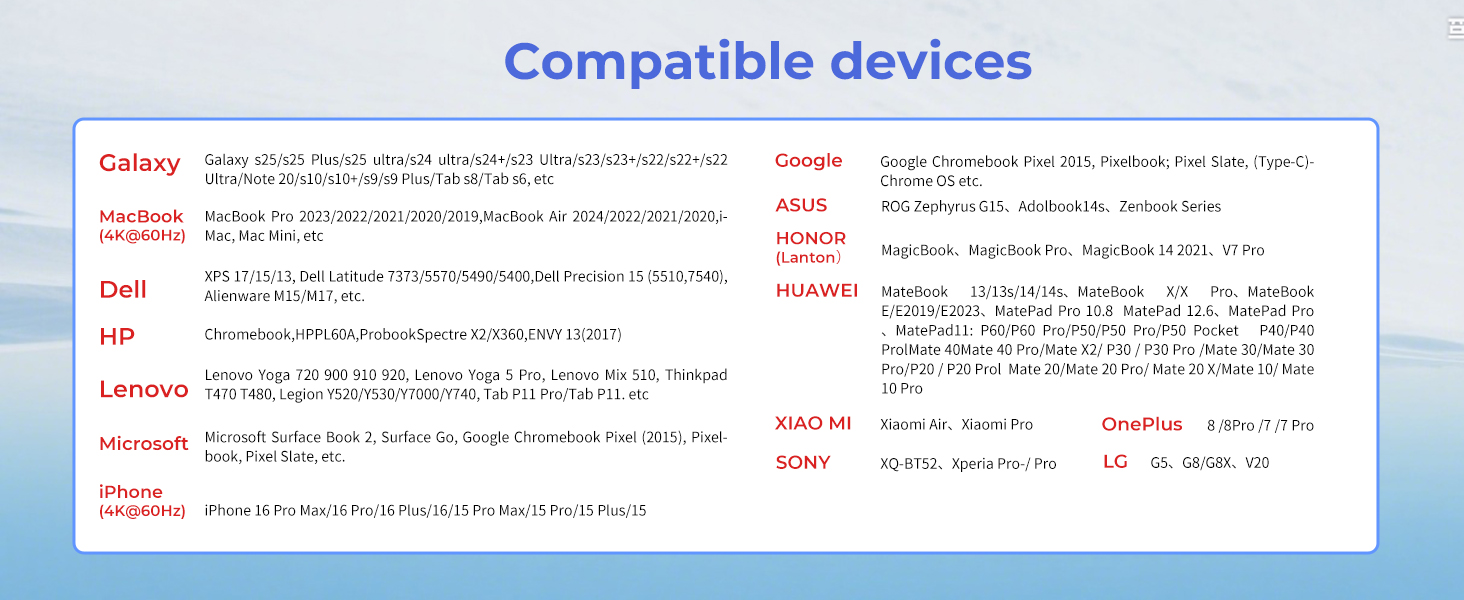
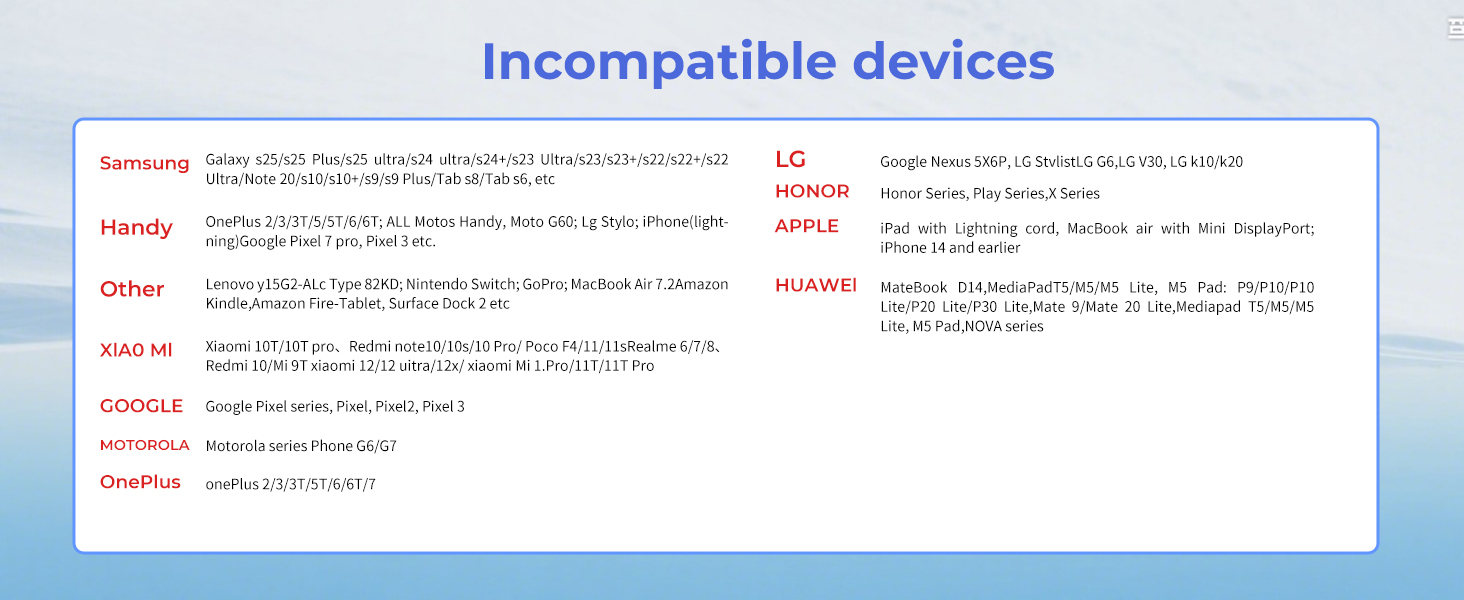
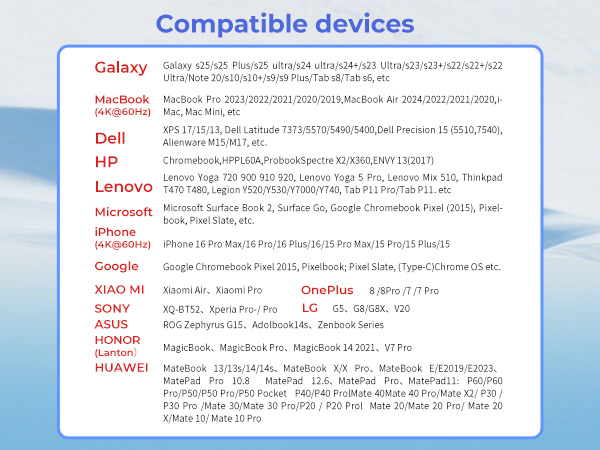
Compatible with a wide range of AR glasses, including XREAL Air 2 Pro, XREAL One, XREAL Air, XREAL Air 2, XREAL One Pro, Rokid Air/Max, Viture Pro/One, RayNeo Air 2/3s and more AR/XR Glasses
Note:
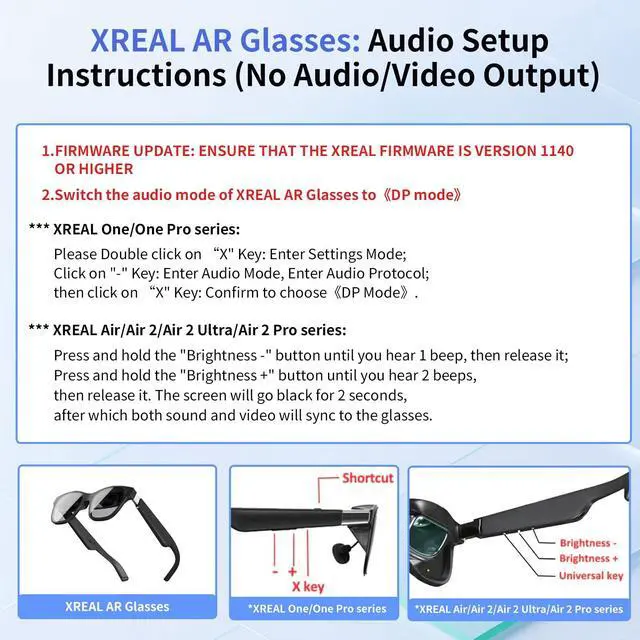
If there is no sound when the USB C adapter is connected to the XREAL Air/Air 2/Air 2 Ultra/Air 2 Pro Series l AR glasses:
1. please update your Xreal glasses firmware to the latest version (update in the Xreal app on your phone).
2. After updating, press and hold Brightness - (one beep) and release; then press and hold Brightness + (two beeps) and the screen will go black briefly while audio and video are displayed.
If there is no sound when the USB C adapter is connected to the XREALI One/One Pro Series:
Please double-click the "X" button: to enter Setup Mode; click the "_" button: to enter Audio Mode to access the audio protocol; and then click the "X" button: to confirm the selection of "DP Mode".
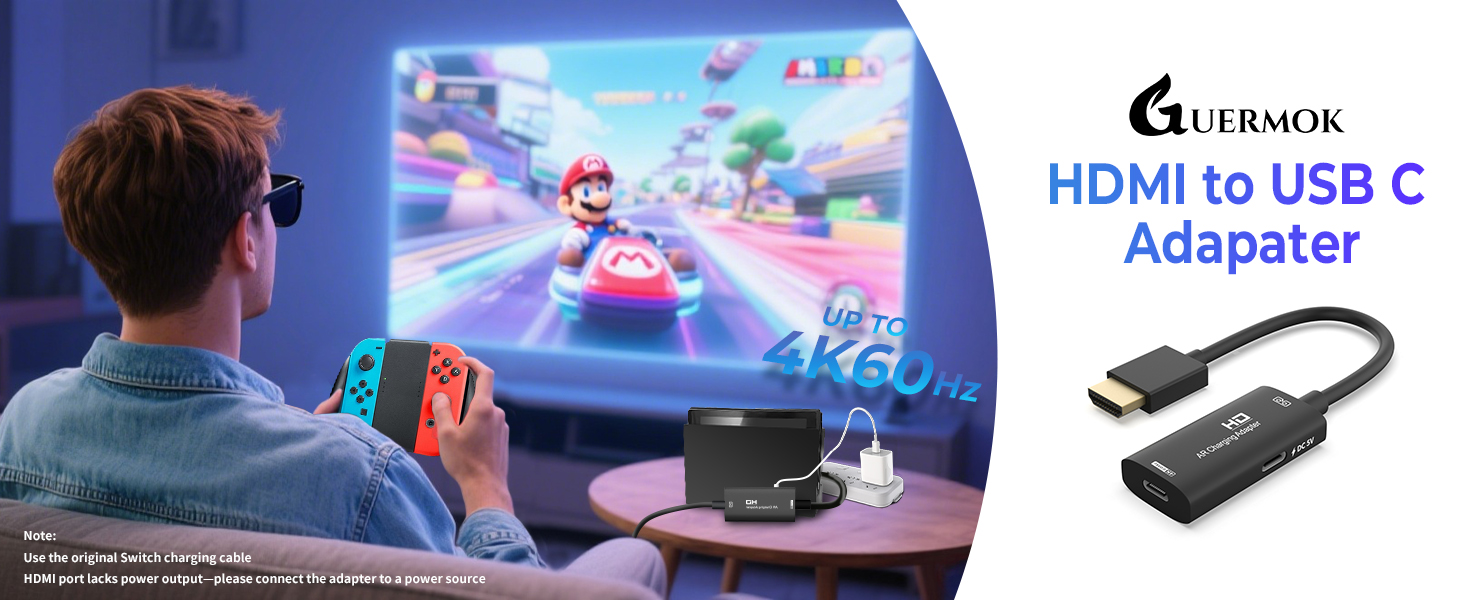
Switch Connection Guide:
1. TV Settings: Select “1080p” for resolution and “Auto” for audio.
2. Connect the HDMI connector to the Switch base.
3. Activate TV mode: Use the original Switch power adapter, or use the included USB-C charging cable and an adapter that supports 15V 3A output.
NOTE: Switch is sensitive to power requirements, and TV Mode must be powered by a power source that meets these requirements to function properly. If the screen does not go black, check the specifications of the power adapter.
Guermok AR/XR Glasses Adapter
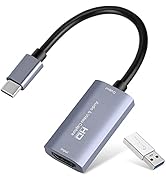
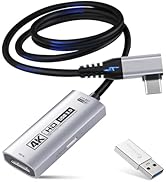
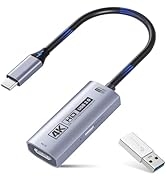
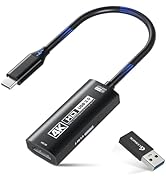
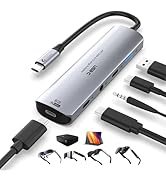
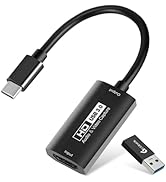
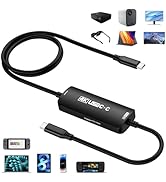
 HDMI to USB-C AR Adapter |  HDMI to USB-C AR Adapter | 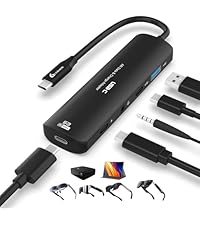 5-in-1 USB-C AR Adapter |  90° Video Capture Card |  Video Capture Card |  Video Capture Card |  Video Capture Card | |
|---|---|---|---|---|---|---|---|
Customer Reviews | — | — | — | — | — | — | — |
Price | — | — | — | — | — | — | — |
Supports Charging | ? | ? | ? | ? | ? | ? | ? |
Audio Out Port | ? | ? | ? | ? | ? | ? | ? |
Connection Port | HDMI to USB-C | HDMI to USB-C | USB-C to Type-C | HDMI to USB-A/C | HDMI to USB-A/C | HDMI to USB-A/C | HDMI to USB-A/C |
Charging Power | DC 5V | DC 5V | PD 100W | PD 100W | PD 100W | PD 100W | No |
Input Port Compatible Devices | Switch 2/1, PC | Switch 2/1, PC | Switch,Steam Deck,Rog Ally | Ipad/Iphone/Laptop/XBOX/Webcam | Ipad/Iphone/Laptop/XBOX/Webcam | Ipad/Iphone/Laptop/XBOX/Webcam | Ipad/Iphone/Laptop/XBOX/Webcam |
Input Port Compatible Devices | PS5/4,Laptop,XBOX Series | PS5/4,Laptop,XBOX Series | Laptop,Iphone/Ipad,Legion Go | Switch/SteamDeck/Camera/PS5/4 | Switch/SteamDeck/Camera/PS5/4 | Switch/SteamDeck/Camera/PS5/4 | Switch/SteamDeck/Camera/PS5/4 |
Output Port Compatible Devices | XREAL One/Pro,XREAL Air/2/Pro | XREAL One/Pro,XREAL Air/2/Pro | XREAL One/Pro,XREAL Air/2/Pro | Quest/Laptop | Quest/Laptop | Quest/Laptop | Quest/Laptop |
Output Port Compatible Devices | Rokid Air/Max, Viture Pro/One | Rokid Air/Max, Viture Pro/One | Rokid Air/Max, Viture Pro/One | All in one PC/Computer | All in one PC/Computer | All in one PC/Computer | All in one PC/Computer |
Output Port Compatible Devices | RayNeo Air 2/3s etc. | RayNeo Air 2/3s etc. | RayNeo Air 2/3s etc.,projector | Ipad/Imac | Ipad/Imac | Ipad/Imac | Ipad/Imac |
Product Usage | Screen transfer to AR glasses | Screen transfer to AR glasses | Screen transfer to AR glasses | Live feed capture in real time | Live feed capture in real time | Live feed capture in real time | Live feed capture in real time |
Used with Quest 3 | ? | ? | ? | ? | ? | ? | ? |

GUERMOK For Your Eletronics
Redefining Gaming, Uniting Office Excellence, and Live Streaming Thrills

Our Genesis
Guermok's story unfolds at the intersection of passion for gaming, the pursuit of streamlined office life, and the captivating allure of live streaming. We believe that these realms aren't just separate activities but integral parts of modern living. Our commitment is to provide innovative products that fuse these elements harmoniously.
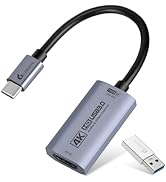
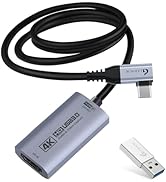
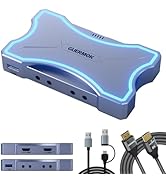
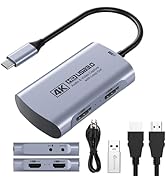
4K 60FPS capture card
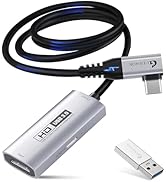
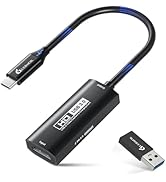
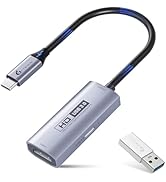
Live Streaming Excellence
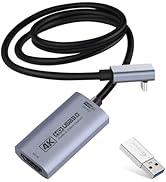
4K 60FPS Capture with PD100w
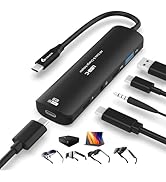
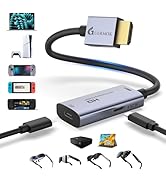
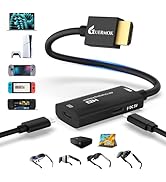
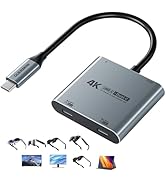
AR Glasses Converter (Switch2)
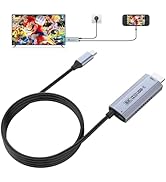
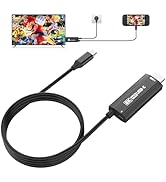
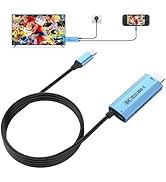
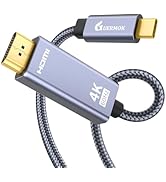
USBC to HDMI Adapter (Switch2)

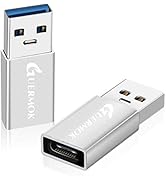
PD100W Fast Charging
Innovative Gaming Solutions
The Brand Philosophy
At Guermok, our brand philosophy is simple yet profound: make gaming a lifestyle, bring office excellence to the forefront, and infuse the thrill of live streaming into every moment. We encourage you to transcend boundaries and seamlessly integrate these facets into your daily life.
Empowering Office Life
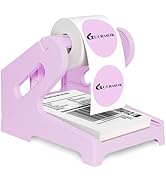
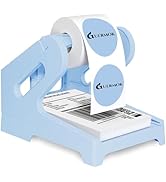


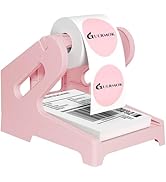
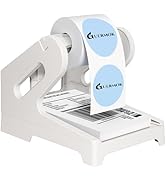
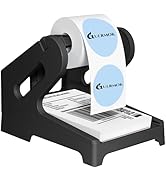
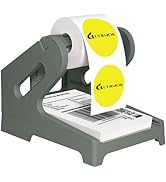
Label Holder

Live Gaming

Video Recorder

Live Streaming
Community-Centric
Guermok isn't just a brand; it's a community of like-minded individuals who understand the importance of balancing work, play, and entertainment. Our community encourages sharing, support, and the creation of unforgettable moments.
Thank You for Your Support
Guermok extends heartfelt gratitude to our customers, gamers, office professionals, and live streamers alike. Our mission is to empower you to seamlessly integrate these facets of modern life, ensuring you have the tools to succeed in work and play.
Guermok
where gaming, office, and live streaming unite in excellence.

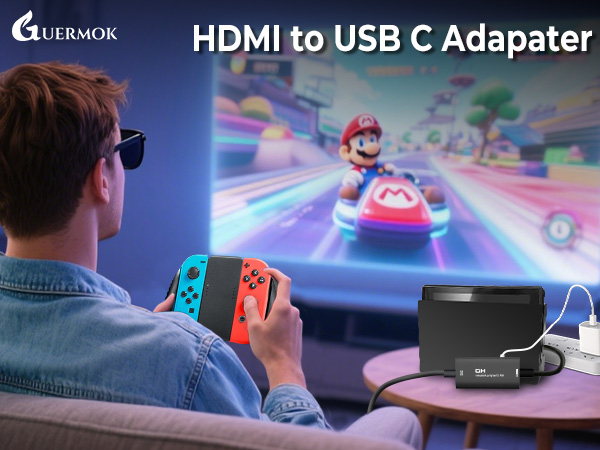
Switch-Activated TV Mode: Use the original Switch power adapter only to power the console. This product requires a DC 5V USB-C power supply—you can use the included USB-C charging cable with a compatible 5V adapter
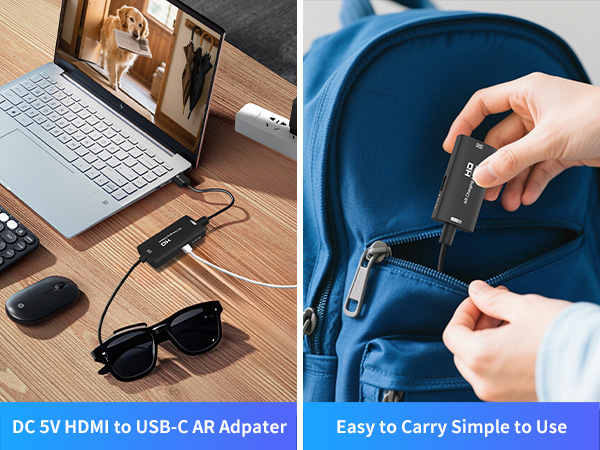
For Watching Movies During Travel
For Learning with AR Glasses on the Go
For Dual-Screen or Large-Screen Office Use
For Mobile Gaming with AR Glasses
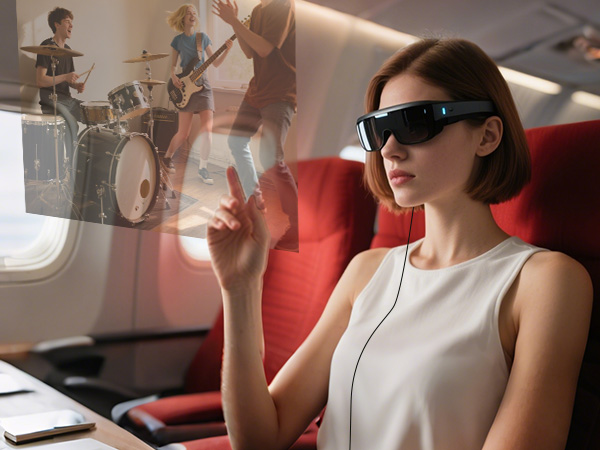
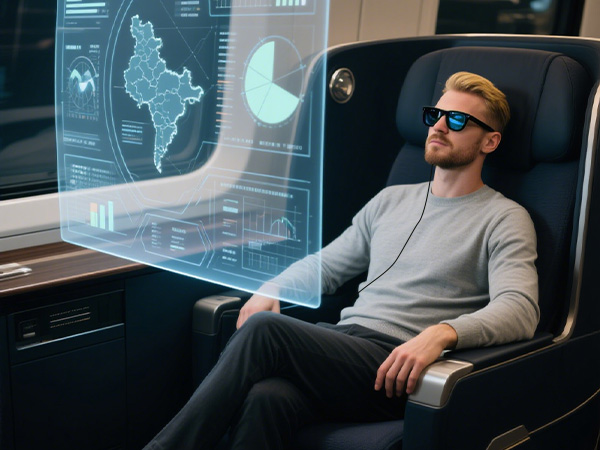

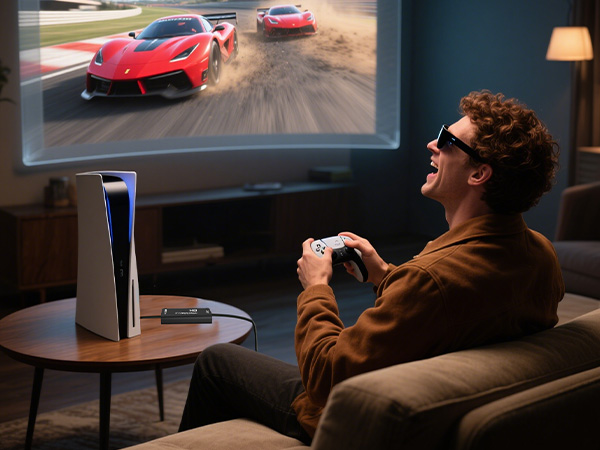
Connect to your AR glasses and stream tutorials, courses, and more
Turn your travels into a personal theater — enjoy movies anytime, anywhere with your AR glasses
Easily link your laptop or monitor for extended displays and immersive multitasking wherever you work
Pair your smartphone with AR glasses for a portable, high-immersion gaming experience you can feel
Noted: This product is not compatible with Quest 3 or other VR devices, please use a capture card for connection
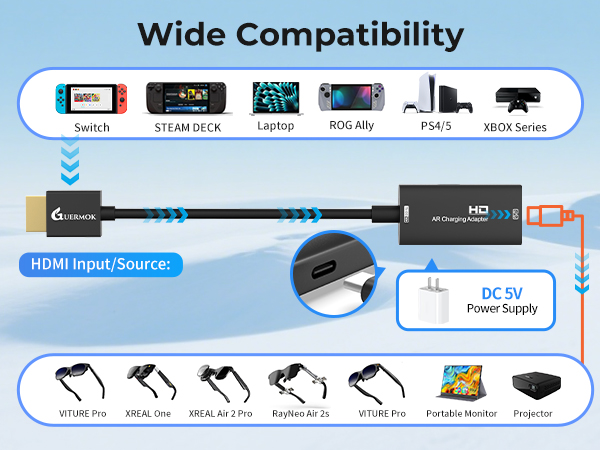
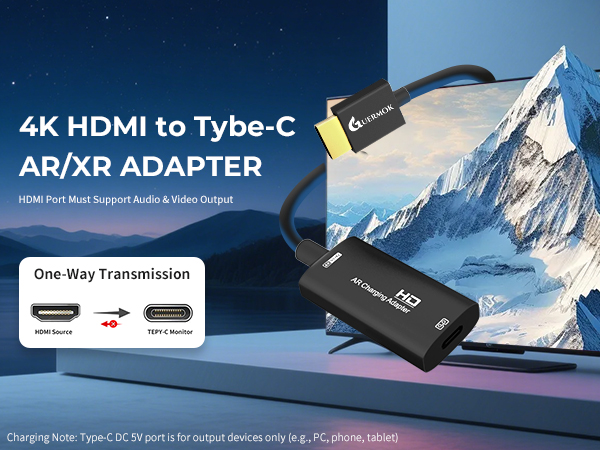
The Type-C DC 5V port is for charging upstream devices like computers, phones, and tablets
Note: Make sure both devices are charged at the same time to enable the screen to display
Note: Make sure the connected HDMI port supports audio and video outputs
Rokid, Viture, Thunderbird, Rayneo: Ensure AR glasses support USB-C video & audio output before use
One-way HDMI to USB-C output with 4K support—ideal for AR glasses and external displays
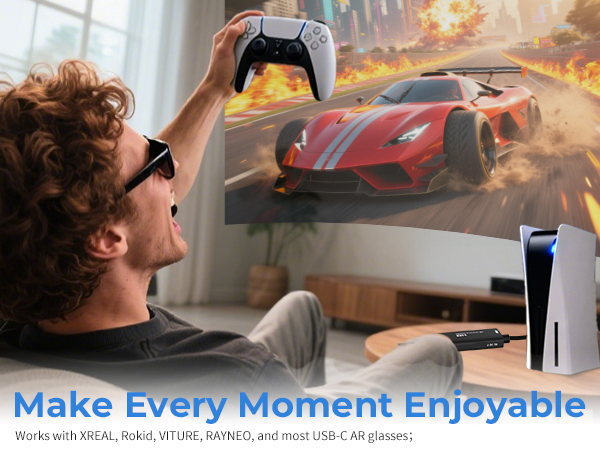
Compatible with a wide range of AR glasses, including XREAL Air 2 Pro, XREAL One, XREAL Air, XREAL Air 2, XREAL One Pro, Rokid Air/Max, Viture Pro/One, RayNeo Air 2/3s and more AR/XR Glasses
Note:
If there is no sound when the USB C adapter is connected to the XREAL Air/Air 2/Air 2 Ultra/Air 2 Pro Series l AR glasses:
1. please update your Xreal glasses firmware to the latest version (update in the Xreal app on your phone).
2. After updating, press and hold Brightness - (one beep) and release; then press and hold Brightness + (two beeps) and the screen will go black briefly while audio and video are displayed.
If there is no sound when the USB C adapter is connected to the XREALI One/One Pro Series:
Please double-click the "X" button: to enter Setup Mode; click the "_" button: to enter Audio Mode to access the audio protocol; and then click the "X" button: to confirm the selection of "DP Mode".
Switch Connection Guide:
1. TV Settings: Select “1080p” for resolution and “Auto” for audio.
2. Connect the HDMI connector to the Switch base.
3. Activate TV mode: Use the original Switch power adapter, or use the included USB-C charging cable and an adapter that supports 15V 3A output.
NOTE: Switch is sensitive to power requirements, and TV Mode must be powered by a power source that meets these requirements to function properly. If the screen does not go black, check the specifications of the power adapter.
Guermok AR/XR Glasses Adapter
HDMI to USB-C AR Adapter | HDMI to USB-C AR Adapter | 5-in-1 USB-C AR Adapter | 90° Video Capture Card | Video Capture Card | Video Capture Card | Video Capture Card |
|---|---|---|---|---|---|---|
| Customer Reviews | ||||||
| — | — | — | — | — | — | — |
| Price | ||||||
| — | — | — | — | — | — | — |
| Supports Charging | ||||||
| ? | ? | ? | ? | ? | ? | ? |
| Audio Out Port | ||||||
| ? | ? | ? | ? | ? | ? | ? |
| Connection Port | ||||||
| HDMI to USB-C | HDMI to USB-C | USB-C to Type-C | HDMI to USB-A/C | HDMI to USB-A/C | HDMI to USB-A/C | HDMI to USB-A/C |
| Charging Power | ||||||
| DC 5V | DC 5V | PD 100W | PD 100W | PD 100W | PD 100W | No |
| Input Port Compatible Devices | ||||||
| Switch 2/1, PC | Switch 2/1, PC | Switch,Steam Deck,Rog Ally | Ipad/Iphone/Laptop/XBOX/Webcam | Ipad/Iphone/Laptop/XBOX/Webcam | Ipad/Iphone/Laptop/XBOX/Webcam | Ipad/Iphone/Laptop/XBOX/Webcam |
| Input Port Compatible Devices | ||||||
| PS5/4,Laptop,XBOX Series | PS5/4,Laptop,XBOX Series | Laptop,Iphone/Ipad,Legion Go | Switch/SteamDeck/Camera/PS5/4 | Switch/SteamDeck/Camera/PS5/4 | Switch/SteamDeck/Camera/PS5/4 | Switch/SteamDeck/Camera/PS5/4 |
| Output Port Compatible Devices | ||||||
| XREAL One/Pro,XREAL Air/2/Pro | XREAL One/Pro,XREAL Air/2/Pro | XREAL One/Pro,XREAL Air/2/Pro | Quest/Laptop | Quest/Laptop | Quest/Laptop | Quest/Laptop |
| Output Port Compatible Devices | ||||||
| Rokid Air/Max, Viture Pro/One | Rokid Air/Max, Viture Pro/One | Rokid Air/Max, Viture Pro/One | All in one PC/Computer | All in one PC/Computer | All in one PC/Computer | All in one PC/Computer |
| Output Port Compatible Devices | ||||||
| RayNeo Air 2/3s etc. | RayNeo Air 2/3s etc. | RayNeo Air 2/3s etc.,projector | Ipad/Imac | Ipad/Imac | Ipad/Imac | Ipad/Imac |
| Product Usage | ||||||
| Screen transfer to AR glasses | Screen transfer to AR glasses | Screen transfer to AR glasses | Live feed capture in real time | Live feed capture in real time | Live feed capture in real time | Live feed capture in real time |
| Used with Quest 3 | ||||||
| ? | ? | ? | ? | ? | ? | ? |
GUERMOK For Your Eletronics
Redefining Gaming, Uniting Office Excellence, and Live Streaming Thrills
Our Genesis
Guermok's story unfolds at the intersection of passion for gaming, the pursuit of streamlined office life, and the captivating allure of live streaming. We believe that these realms aren't just separate activities but integral parts of modern living. Our commitment is to provide innovative products that fuse these elements harmoniously.
4K 60FPS capture card
Live Streaming Excellence
4K 60FPS Capture with PD100w
AR Glasses Converter (Switch2)
USBC to HDMI Adapter (Switch2)
PD100W Fast Charging
Innovative Gaming Solutions
The Brand Philosophy
At Guermok, our brand philosophy is simple yet profound: make gaming a lifestyle, bring office excellence to the forefront, and infuse the thrill of live streaming into every moment. We encourage you to transcend boundaries and seamlessly integrate these facets into your daily life.
Empowering Office Life
Label Holder
Live Gaming
Video Recorder
Live Streaming
Community-Centric
Guermok isn't just a brand; it's a community of like-minded individuals who understand the importance of balancing work, play, and entertainment. Our community encourages sharing, support, and the creation of unforgettable moments.
Thank You for Your Support
Guermok extends heartfelt gratitude to our customers, gamers, office professionals, and live streamers alike. Our mission is to empower you to seamlessly integrate these facets of modern life, ensuring you have the tools to succeed in work and play.
Guermok
where gaming, office, and live streaming unite in excellence.