

Your Browsing History
Ships from China.

Meet Your Seller

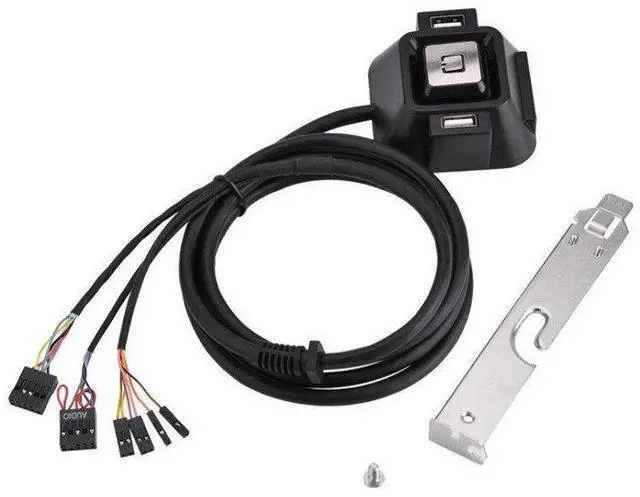
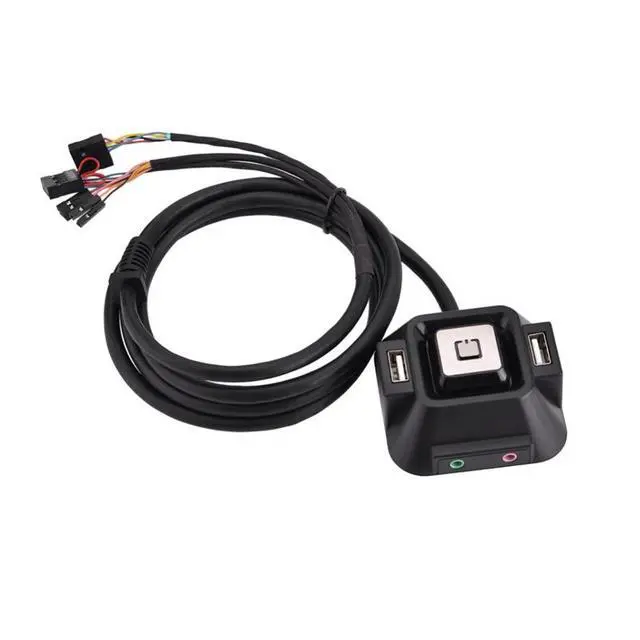
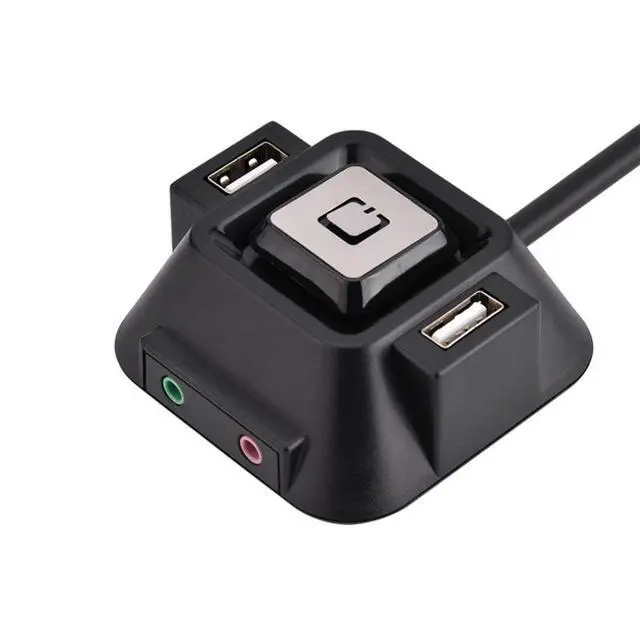
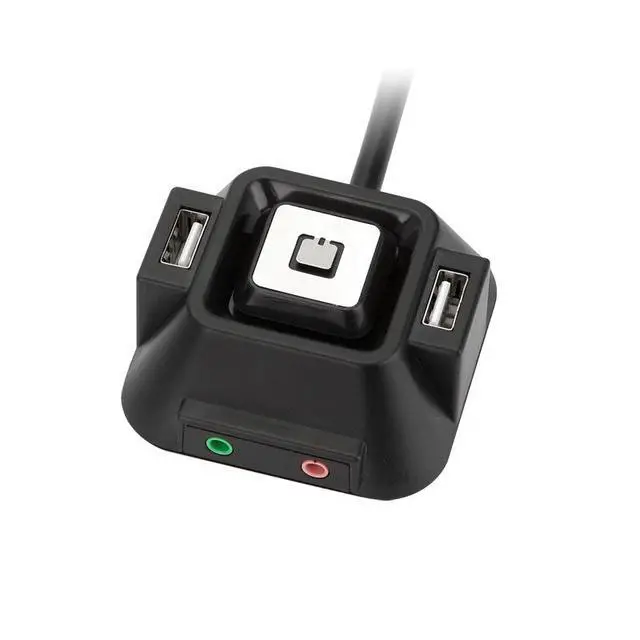
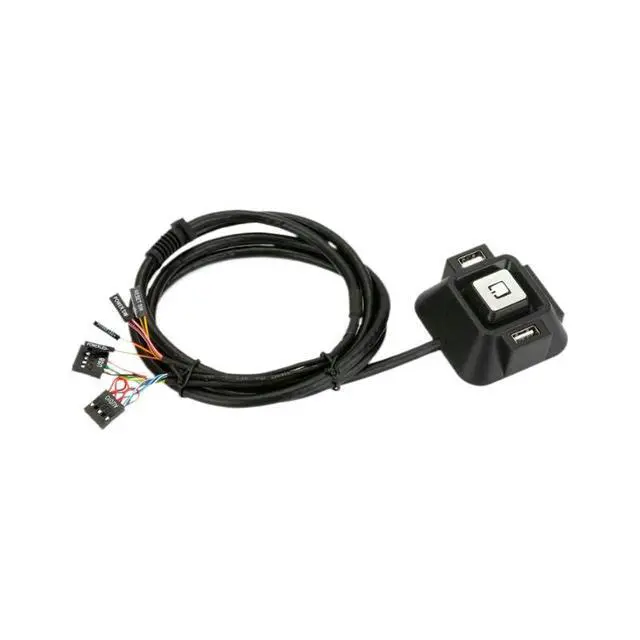


Computer Desktop Power Switch Remote Control On/Off Switch, Dual Audio Port, for Cybercafé / Home / Gaming PC, Desk Mount Computer Case Button
Limited time offer, ends 10/08 By SlotNeat
- Product Name: Desktop Computer Power Switch
- Model No.: DW-SW05
- Housing Material: ABS Eco-friendly Material
- Cable Length: Approx. 1.2 meters
- Operation Mode: Push-button operation (convenient and fast)
- Color: Black
- Compatibility: Desktop PCs
- Product Dimensions: 6 cm (L) × 6 cm (W) × 3 cm (H)
- Function: Specifically designed for powering desktop computers on and off. Suitable for use in internet cafes, homes, large enterprises, and more.
+
+
Overview
Specs
Reviews

Any questions? Our AI mode will help you find out quickly.
Try me now
Product Name: Desktop Computer Power Switch
Model No.: DW-SW05
Housing Material: ABS Eco-friendly Material
Cable Length: Approx. 1.2 meters
Operation Mode: Push-button operation (convenient and fast)
Color: Black
Compatibility: Desktop PCs
Product Dimensions: 6 cm (L) × 6 cm (W) × 3 cm (H)
Function: Specifically designed for powering desktop computers on and off. Suitable for use in internet cafes, homes, large enterprises, and more.
Warranty & Returns
Warranty, Returns, And Additional Information
Warranty
- Please contact the Seller directly for warranty information. Warranty information may also be found on the Manufacturer's website.
- CONTACT
Return Policies
- Return for refund within: 30 days
- Return for replacement within: 30 days
- This item is covered by SlotNeat Return Policy
Manufacturer Contact Info
- For a directory of all our manufacturers, please click below.
- Manufacturers Directory
LOADING...