


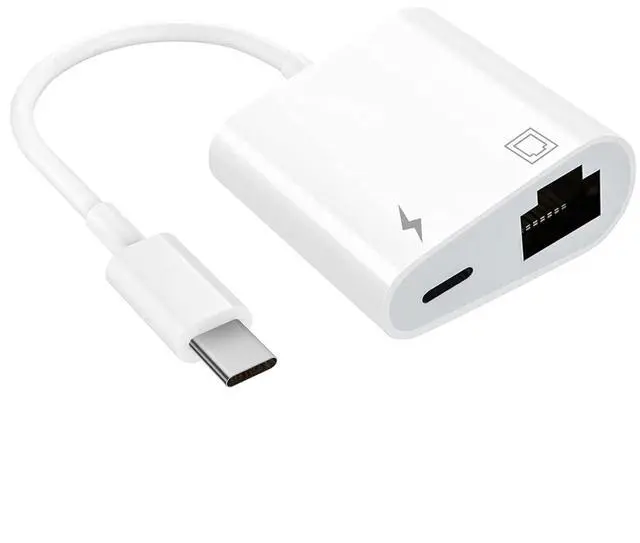
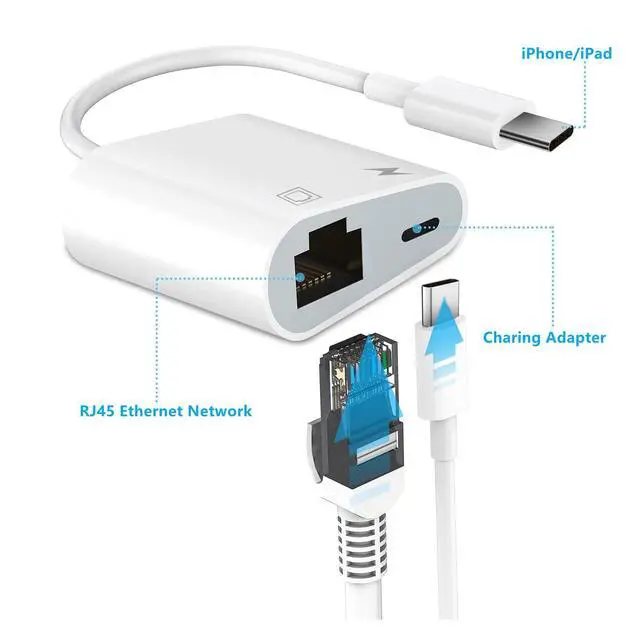
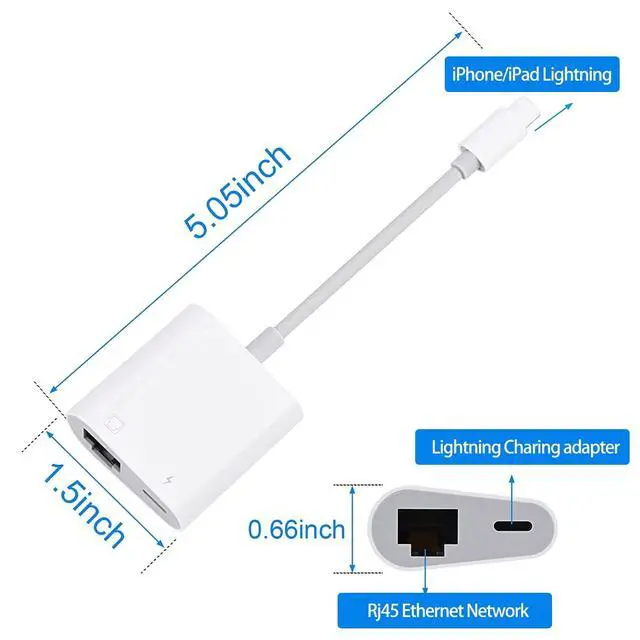
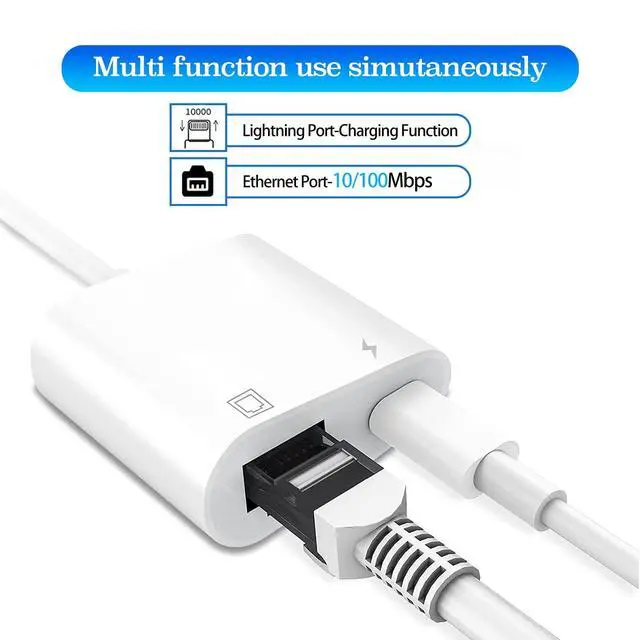


Supports Internet access and charging at the same time
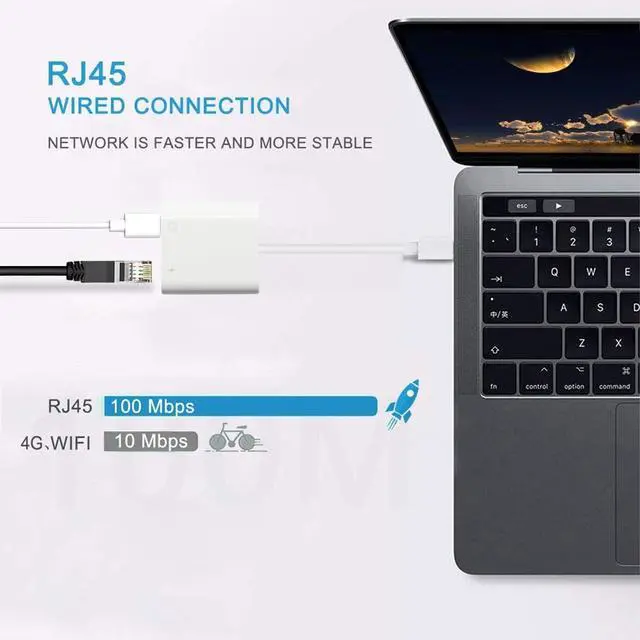
Supports fast Internet transmission of up to 100Mbps Ethernet LAN wired network.
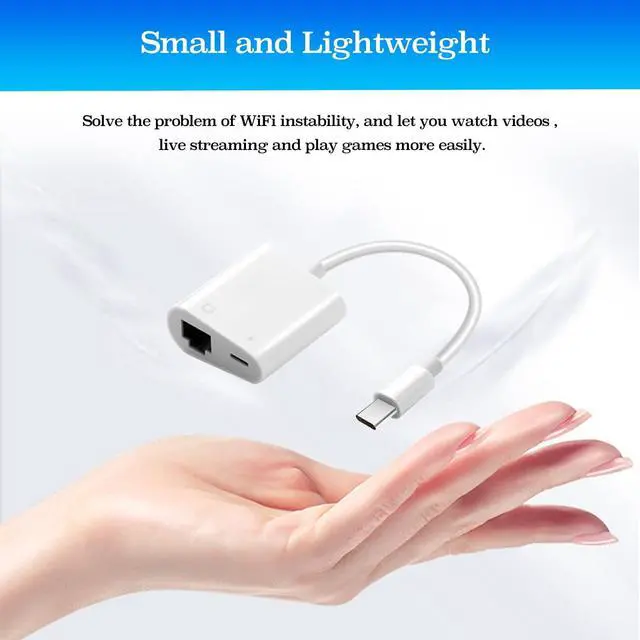
This RJ45 Ethernet adapter is small and portable. Generally, you can carry it with you when you are on a business trip or at work without taking up too much space.
Please note:
1. This adapter can't dial-up internet itself,need your router device provide a IP by DHCP service.
2.Please make sure your router-connected Ethernet cable is connected to internet.

For Lightning Tablets/iPhones:
- Connect to the Ethernet through the lightning port.
- Pass-through Power Delivery of up to 15W allows you to stay charged while you work using a single lightning port.
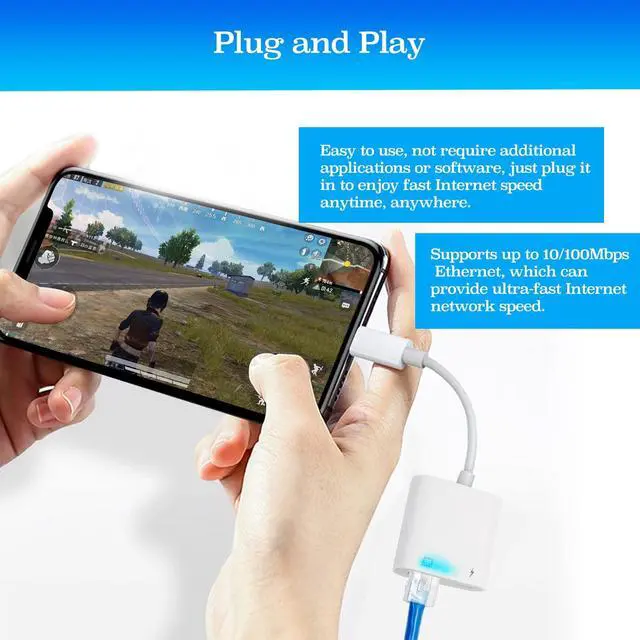
- Easily watch movies, entertainment, play games, surf the Internet.

Compact:
This lightning to ethernet adpater + charge is compact and lightweight. It is so portable which can be carried anywhere, perfect for the occasion of business traveling, education, entertainments, etc.

Plug & Play:
No need to install any drivers, just plug and play. Enables computers without an Ethernet port to connect to the network via the lightning to Ethernet adapter.
How to Use :
- Turn off WIFI on your iPhone/iPad.
- Insert your router-connected Ethernet cable into RJ45 port of our adapter, connect the Adapter to your iPhone/iPad.
- Go to "Setting" in your iPhone/iPad and the Ethernet lan wired network settings will show up on your screen.
- Click the "Ethernet" to obtain an IP address.
- Open Safari and check if the connection is working.
Friendly Note :
- Please make sure your router-connected Ethernet cable is connected to internet.
- This adapter can't dial-up internet itself,need your router device provide a IP by DHCP service.
- This adapter cannot work with the devices whose system is below iOS10.0. Please upgrade your system to iOS 10.0 or up before using it.
 Lightning to Ethernet Adapter with Charging |  USB C to Ethernet Adapter with Charging |  USB C to Ethernet Adapter with Charging |  USB C to Ethernet Adapter with Charging | |
|---|---|---|---|---|
| Customer Reviews | — | — | — | — |
| Price | — | — | — | — |
| Connector Gender | Lightning | USB-C | USB-C | USB-C |
| Charge | ?? | ?? | ?? | ?? |
| Compatible Devices | Before iPone 14 Series | iPhone 15 Series | iPhone 15 Series | iPhone 15 Series |
| Internet Speed | 10/100 M | 10/100 M | 10/100 M | 10/100 M |
| Length | 5.05 Inch | 7.08 Inch | 5.05 Inch | 3.3 FT |
Supports Internet access and charging at the same time
Supports fast Internet transmission of up to 100Mbps Ethernet LAN wired network.
This RJ45 Ethernet adapter is small and portable. Generally, you can carry it with you when you are on a business trip or at work without taking up too much space.
Please note:
1. This adapter can't dial-up internet itself,need your router device provide a IP by DHCP service.
2.Please make sure your router-connected Ethernet cable is connected to internet.
For Lightning Tablets/iPhones:
- Connect to the Ethernet through the lightning port.
- Pass-through Power Delivery of up to 15W allows you to stay charged while you work using a single lightning port.
- Easily watch movies, entertainment, play games, surf the Internet.
Compact:
This lightning to ethernet adpater + charge is compact and lightweight. It is so portable which can be carried anywhere, perfect for the occasion of business traveling, education, entertainments, etc.
Plug & Play:
No need to install any drivers, just plug and play. Enables computers without an Ethernet port to connect to the network via the lightning to Ethernet adapter.
How to Use :
- Turn off WIFI on your iPhone/iPad.
- Insert your router-connected Ethernet cable into RJ45 port of our adapter, connect the Adapter to your iPhone/iPad.
- Go to "Setting" in your iPhone/iPad and the Ethernet lan wired network settings will show up on your screen.
- Click the "Ethernet" to obtain an IP address.
- Open Safari and check if the connection is working.
Friendly Note :
- Please make sure your router-connected Ethernet cable is connected to internet.
- This adapter can't dial-up internet itself,need your router device provide a IP by DHCP service.
- This adapter cannot work with the devices whose system is below iOS10.0. Please upgrade your system to iOS 10.0 or up before using it.
Lightning to Ethernet Adapter with Charging | USB C to Ethernet Adapter with Charging | USB C to Ethernet Adapter with Charging | USB C to Ethernet Adapter with Charging | |
|---|---|---|---|---|
| Customer Reviews | — | — | — | — |
| Price | — | — | — | — |
| Connector Gender | Lightning | USB-C | USB-C | USB-C |
| Charge | ?? | ?? | ?? | ?? |
| Compatible Devices | Before iPone 14 Series | iPhone 15 Series | iPhone 15 Series | iPhone 15 Series |
| Internet Speed | 10/100 M | 10/100 M | 10/100 M | 10/100 M |
| Length | 5.05 Inch | 7.08 Inch | 5.05 Inch | 3.3 FT |