Out of stock
  • $32.28
  • Free 30-day Returns
Ships from China.
Most customers receive within 4-17 days.
Price alert
Shop it at NeweggBusiness.

Meet Your Seller

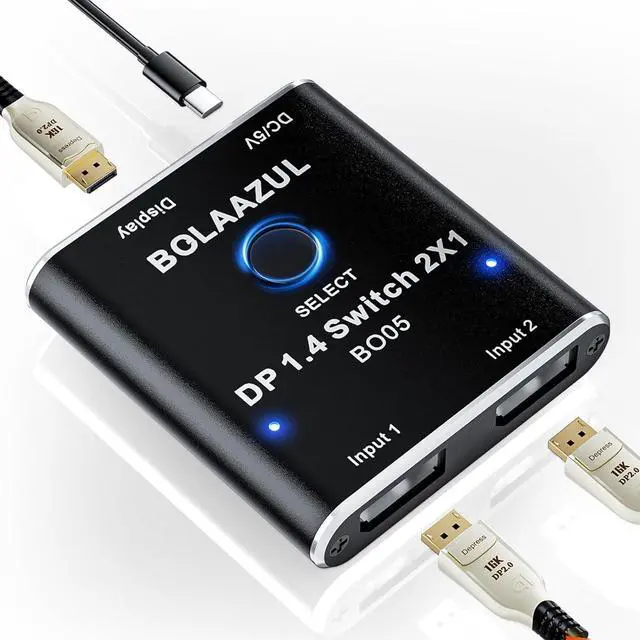
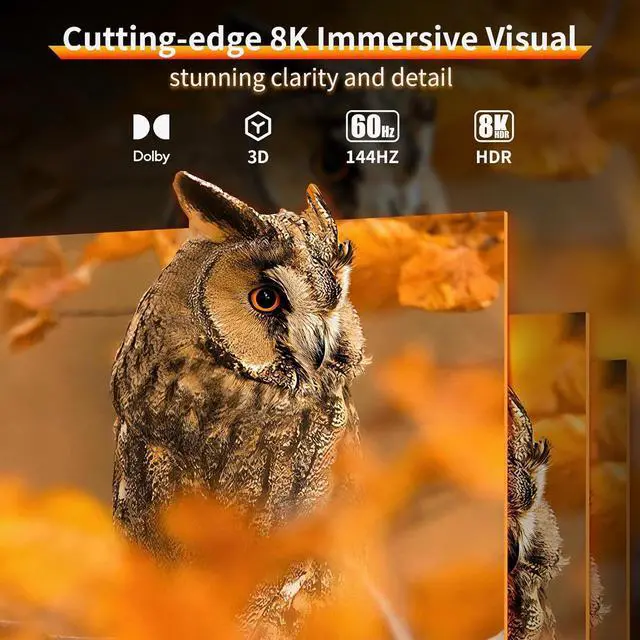
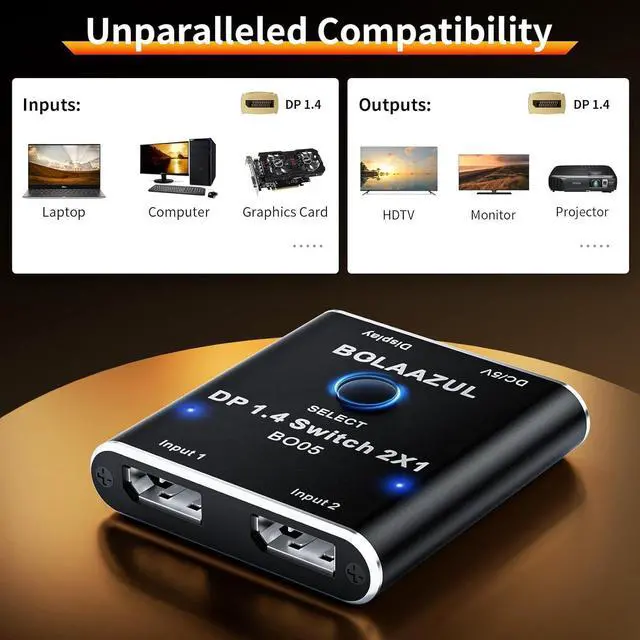
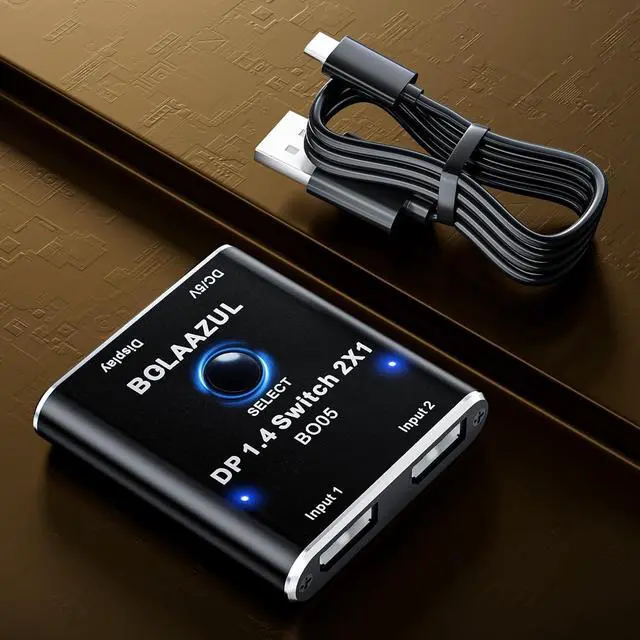
DisplayPort Switch 8K 2 in 1 Out Unidirectional, BolAAzuL DP 1.4 Switcher Box 2-Port - 8K@60Hz, 4K@120Hz, 2K@144Hz - Display Port 1.4 Switch Selector for PC Host Monitor Laptop

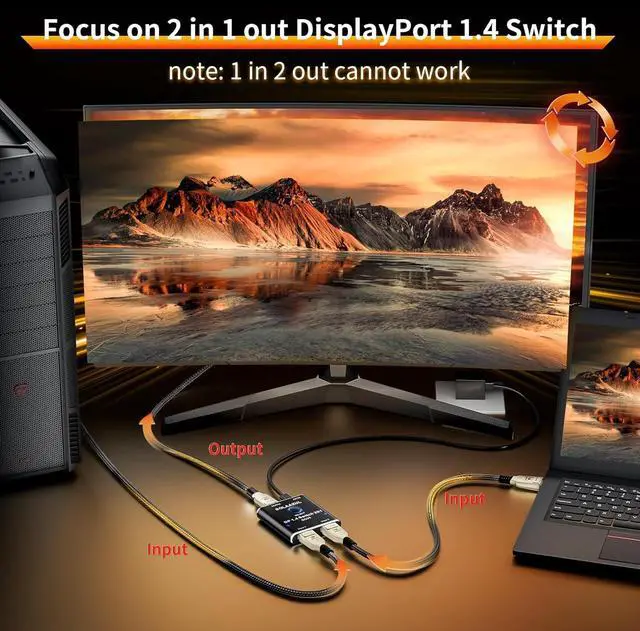
  • -This 8K Display Port Switch is unidirectional and only supports 2 in 1 out, it cannot work for 1 in 2 out.
  • -Using high-quality DP cables (DP1.4 or higher versions) to work with this DP 1.4 switch is essential to avoid issues such as flickering, random signal disconnection, or black screen. Additionally, the USB cable must provide power to the DP switch.
  • - This DP Switcher Box is not a KVM Switch and does not come with USB in and out, the USB cable is just for power. - This Displayport Switch does Not work with VR headsets.
  • - The Max. Transmission Distance: 7840X4320@60Hz<3M; 5120X2880@120Hz<5M; 3840X2160@144Hz<7M; 2560X1440@144Hz<8M; 1920X1080@144Hz<10M.
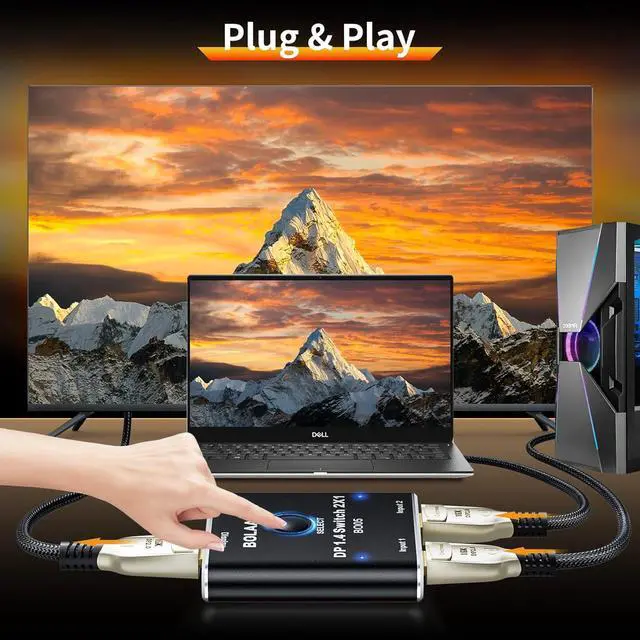
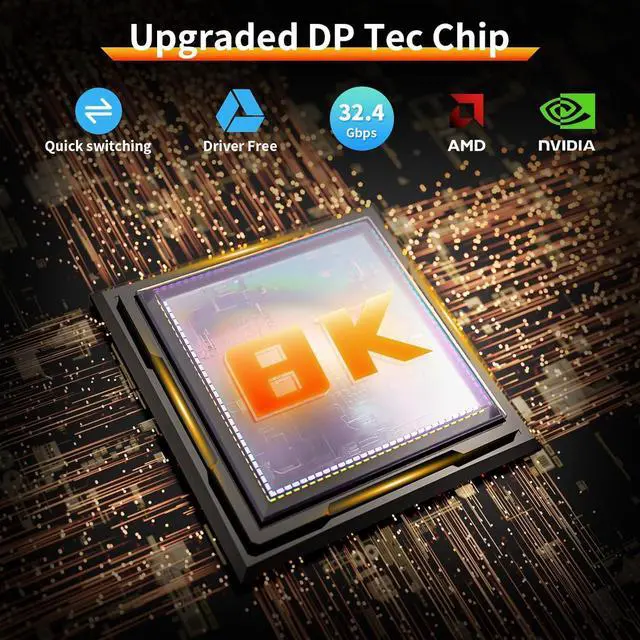
  • Uni-Directional DP 1.4 Switch- With this 8K uni-directional DisplayPort switcher, you can connect up 2 Displayport sources to 1 Display and switch among the video sources.

+
+
Overview
Specs
Reviews
avatar

Any questions? Our AI beta will help you find out quickly.

-This 8K Display Port Switch is unidirectional and only supports 2 in 1 out, it cannot work for 1 in 2 out.
-Using high-quality DP cables (DP 1.4 or higher versions) to work with this DP 1.4 switch is essential to avoid issues such as flickering, random signal disconnection, or black screen. Additionally, the USB cable must provide power to the DP switch.
- This DP Switcher Box is not a KVM Switch and does not come with USB in and out, the USB cable is just for power. - This Displayport Switch does Not work with VR headsets.
- The Max.
Transmission Distance: 7840X4320@60Hz <3M; 5120X2880@120Hz<5M; 3840X2160@144Hz<7M; 2560X1440@144Hz<8M; 1920X1080@144Hz<10M.
Uni-Directional DP 1.4 Switch- With this 8K uni-directional DisplayPort switcher, you can connect up 2 Displayport sources to 1 Display and switch among the video sources.

Warranty & Returns

Warranty, Returns, And Additional Information

Warranty

  • Please contact the Seller directly for warranty information. Warranty information may also be found on the Manufacturer's website.
  • CONTACT

Return Policies

Manufacturer Contact Info

LOADING...