


Your Browsing History
- In Stock
- Sold by Newegg
- Make an Offer
- New

Any questions? Our AI mode will help you find out quickly.
Try me now
Quick View
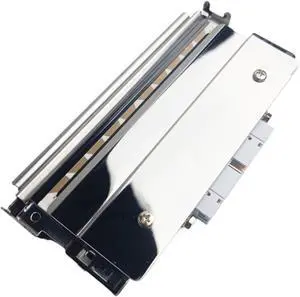
300dpi Thermal Printhead 073959-002 1-010106-900,Compatible for Intermec, PD41 PD42 305dpi Thermal Printer
- Model #: ENGEB0GMM4BMSC
- $652.99 –
- Free Shipping
Quick View
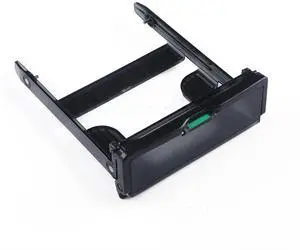
Generic For 3.5 HDD Hard Disk Caddy 506601-002 506601-001 663074-001 for Z600 Z620 Z640 Z800 Z820 Z840 Hard Drive Tray Caddy
- Model #: 3256804947158728
- $22.96 –
- Free Shipping
Quick View
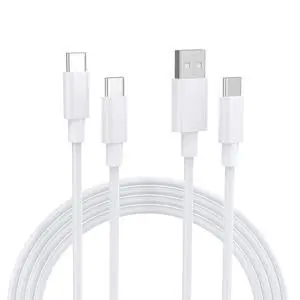
2-Pack 10FT USB A to USB C & USB C TO C Fast Charging Cable, Long charger cable, Compatible with iPhone 17/16/15Pro Max/Air, iPad Pro/Air, MacBook, Galaxy S25/S24, Google Pixel, Switch, PS5.
- Brand: Yashifeison
- Type: USB
- Color: White
- Connector Number: 2
- Model #: 340537264623
- $13.99 –
- Free Shipping
Quick View
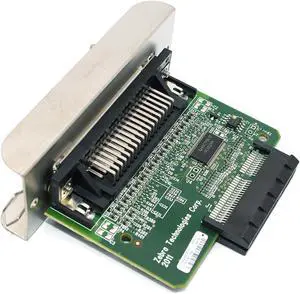
P1037974-002 New Paraller Port Card for Zerba ZT230 ZT220 ZT210 Thermal Printer 203dpi 300dpi Genuine
- Model #: ENGEB0CNLSB5T3
- $179.99 –
- Free Shipping
Quick View
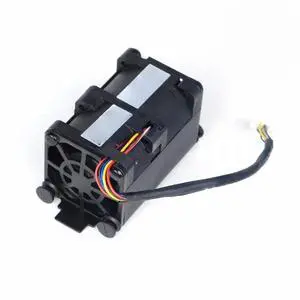
Generic For CPU cooling fan 675449-002 667882-001 654752-002 for DL320EG8 DL320E G8 Gen8 675449-001 GFM0412SS Server fan Cooler
- Model #: 3256807017767248
- $31.60 –
- Free Shipping
Quick View
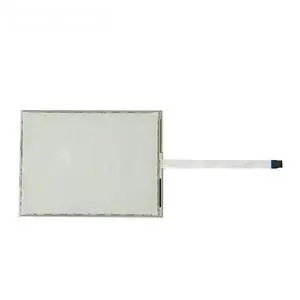
Generic Touch Screen Glass SCN-A5-FLT07.1-002-0H1-R Compatible with SCN-A5-FLT07.1-002-0H1-R
- Model #: 3256810247662018
- $92.78 –
- Free Shipping
Quick View
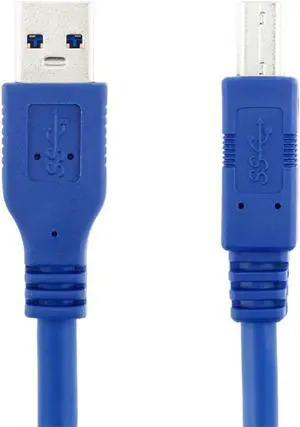
New USB 3.0 Standard A Type Male to B Type Male cable 1m For external Hard disk U3-002-1.0M
- Model #: A9Y1-0922-7
- $19.99 –
- Free Shipping
Quick View
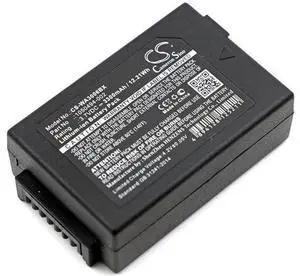
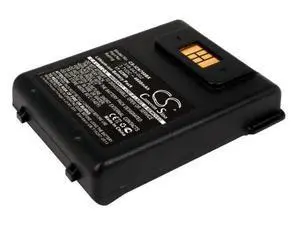
Battery for Psion 1050494 1050494-002 WA3006 WA3020 G3 G4 WA3010
- Model #: barcod3858
- $41.93 –
- $15.00 Shipping
Quick View
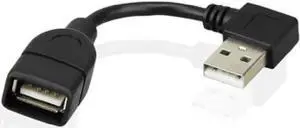
480Mbps USB 2.0 Right Angled 90d A type male to Female extension cable 10cm U2-002-RI-0.1M
- Model #: A9Y1-0922-10
- $19.99 –
- Free Shipping
Quick View
- $41.93 –
- $15.00 Shipping
Quick View
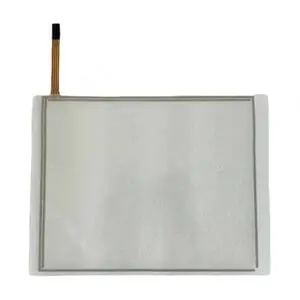
Generic TPI#1026-002 Rev A Touchpad Touch Glass Compatible with TPI#1026-002
- Model #: 3256808590873042
- $220.40 –
- Free Shipping
Quick View
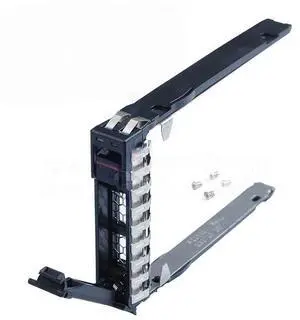
Generic For 10PCS P22892 For SAS HDD Caddy Bracket For ProLiant DL385 Gen10 Plus v2 Server 2.5INCH Hard Drive Tray Caddy P22892-002
- Model #: 3256804459374376
- $342.10 –
- Free Shipping
Quick View
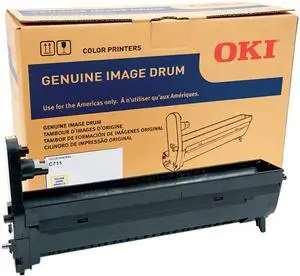
Oki 44318501/02/03/04 Image Drum - 20000 - 1 Each
- Product Type: Toner
- Color: N/A
- Weight: 2.92
- Features: Sold as 1 Each.
- Model #: 44318501
- $132.99 –
- $5.99 Shipping
Quick View
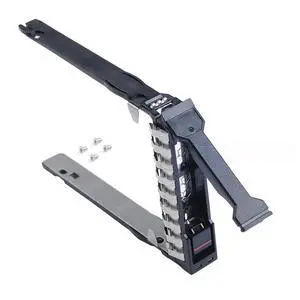
Generic For 2.5 Caddy For ML350 ML110 Gen11/10 DL380 DL360 DL345 DL20 DL325 RL300 DL20 DL380a G11 P22892-002
- Model #: 3256807065544943
- $55.66 –
- Free Shipping
Quick View
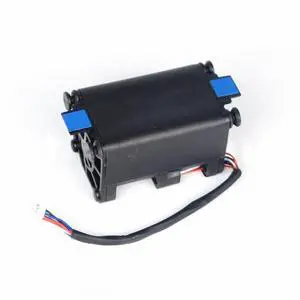
Generic For Cooling fan 675449-002 GFM0412SS 675449-001 for DL320EG8 DL320E G8 Gen8 Server
- Model #: 2255800876223167
- $36.46 –
- Free Shipping
Quick View
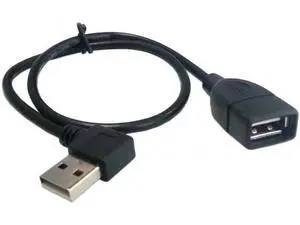
U2-002-RI-0.4M 480Mbps USB 2.0 Right Angled 90 Degree A Type Male to Female Extension Cable 40cm
Limited time offer, ends 08/01
- Model #: YC5KU.jiudian.1427
- $12.99 –
- Free Shipping
Quick View
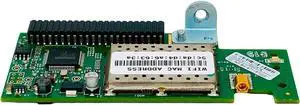
Tekswamp Intermec 1-971157-002 Wi-Fi Wireless Board for PD41 PD42 Label Printers
- Model #: ENGEB0CMDRBPP6
- $189.99 –
- Free Shipping
Quick View
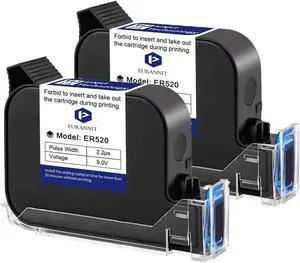
2 Pcs Original Black Ink Cartridge 0.5inch, 42ml Quick Dry Solvent Ink Replacement for 260E Automatic Inkjet Coding Machine
- Model #: DARJB0F4XN1JHV
- $306.99 –
- Free Shipping

Quick View
HON#GHWAPROLI44 GTS BATTERIES BATTERY REPLACEMENT FOR PSION TEKLOGIX 7527C-G2 AND WORKABOUT PRO 4400 MAH LILON OEM PART NUMBERS BTRY-1050192-002 AND WA3010 MOQ 50
- Model #: barcod3618
- $98.53 –
- $15.00 Shipping

Quick View
Intermec SR30 Handheld Bar Code Reader (225-761-002)
- Model #: barcod1303
- $455.53 –
- $15.00 Shipping
Quick View
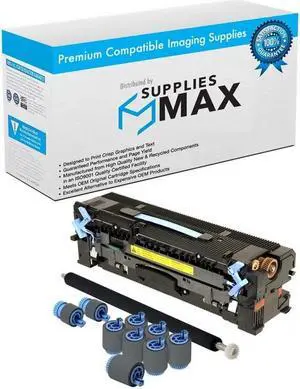
SuppliesMAX Compatible Replacement for Troy MICR 9000/9050 Secure EX 110V Maintenance Kit (350000 Page Yield) (02-00267-001)
- Series: Works In HP LaserJet 9000 / LaserJet 9040 / LaserJet 9050 / LaserJet M9040 / Laserjet M9050 / LaserJet M9059 / Troy MICR 9000 / 9040 / 9050 Series and Other Laser Printers - (Contains 1 Fuser 2 Pickup Rollers 7 Feed Rollers 1 Transfer Roller 1 Installation Guide)
- Product Sort: Printer Ink & Toner
- Product Type: Cleaning and Maintenance kits
- Color: Black
- Model #: 049918891218
- $314.99 –
- $8.99 Shipping
Quick View
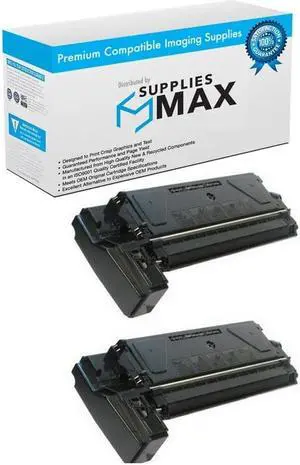
SuppliesMAX Compatible Replacement for Savin AC-204 Toner Cartridge (2/PK-6000 Page Yield) (TYPE 1180) (9840_2PK)
- Cartridge Quantity: 2 Pack
- Replacement Brand: Savin
- Replacement Model: Savin
- Compatible Products: Savin 9840_2PK
- Model #: 049918494815
- $114.99 –
- $10.99 Shipping
Quick View
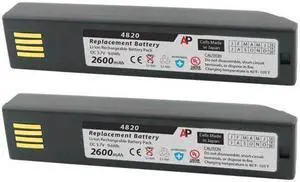
Pack of 2 Replacement Batteries for 3820, 4820, 6320 & Xenon 1902: 2600 mAh
- Model #: barcod1058
- $68.48 –
- $15.00 Shipping
Quick View
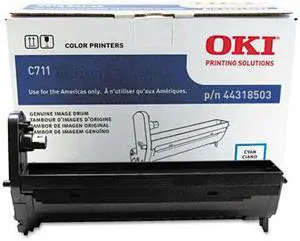
Oki 44318501/02/03/04 Image Drum - 20000 - 1 Each
- Product Type: Toner
- Color: N/A
- Weight: 2.92
- Features: Sold as 1 Each.
- Model #: 44318503
- $131.99 –
- More options from $113.99 - $132.25
Quick View
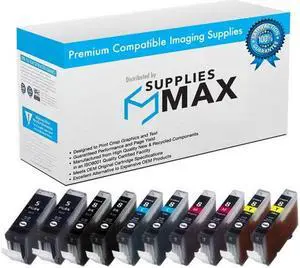
SuppliesMAX Compatible Replacement for Canon PIXMA iP-3300/iP-4200/iP-4500/iP-5200/MP-500/MP-600/MP-800/MP-950/MP-970 Inkjet Combo Pack (4-BK/2-C/M/Y) (PGI-5/CLI-8) (PGI-5BK_2PK/CLI-8MP_2PKMP)
- Cartridge Quantity: Black-4/Cyan-2/Magenta-2/Yellow-2
- Replacement Brand: Canon
- Replacement Model: Canon
- Compatible Products: Canon PGI-5BK_2PK/CLI-8MP_2PKMP
- Model #: 049911892571
- $19.99 –
- $8.99 Shipping
Quick View
Replacement Printer Parts 1Set Label Printer Ethernet Back Cove for Zebra c 212242-002 ZD420C ZD421 ZD410
- Model #: ENGEB0FY3V2FYS
- $91.99 –
- Free Shipping
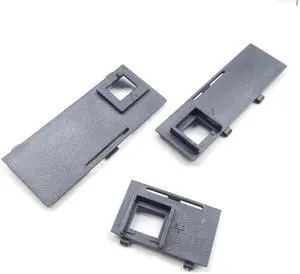
Quick View
Replacement Printer Parts 1Set Label Printer Ethernet Back Cove for Zebra ZD410 212442-002 ZD420D ZD420C
- Model #: ENGEB0FY3TZTPC
- $91.99 –
- Free Shipping
Quick View
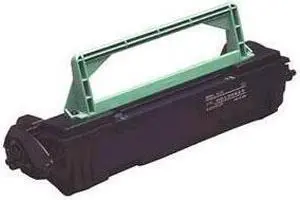
KONICA MINOLTA 1710399-002 Toner Cartridge Black
- Compatible Products: PagePro 8,1100, 1200,4100 Series
- Approximate Page Yield: 3,000 Pages based on 5% coverage of 8.5" x 11" prints.
- Model #: 1710399-002
- $38.58 –
- More options from $38.58 - $39.85
- Free Shipping
Quick View
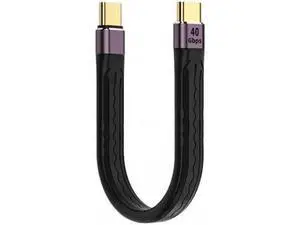
UC-002-0.13M Type-C USB-C Male to Male USB4 40Gbps 100W 8K Flat Slim FPC Data Cable for LaptopPhone 13cm
Limited time offer, ends 08/01
- Model #: YC5KU.jiudian.0105
- $13.79 –
- Free Shipping
Quick View
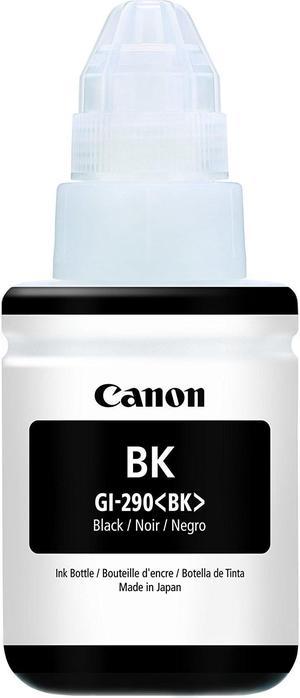
GI-290 BLACK INK BOTTLE
- Capacity: N/A
- Ink Type: Dye-based
- Model #: 1595C001
- $29.99 –
- Est. Shipping Fee $4.99

Quick View

- Brand: HP
- Part Number: P2V62A
- Cartridge Color: Cyan
- Replacement Model: HP
- Model #: P2V62A
- $101.00 –
- $4.99 Shipping
Quick View
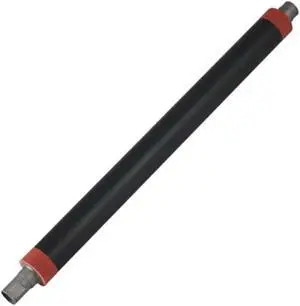
Lower Fuser Pressure Roller Compatible with Printer Supplies MP C2051 C2551 for Part Number AE02-0192
- Model #: CHIPB0G6WKCPYF
- $130.99 –
- Free Shipping
Quick View
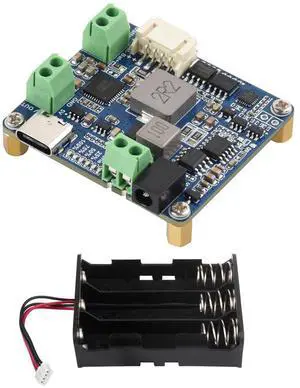
Solar Power Manager Module (D), Solar Charge Controller USB, Supports 6V~24V Solar Panel and Type-C Power Adapter, 5V/3A Regulated Output, with Battery Holder (Batteries are Not Included)
Limited time offer, ends 08/02
- Model #: LC6W1J16-1200
- $52.46 –
- Free Shipping
Quick View
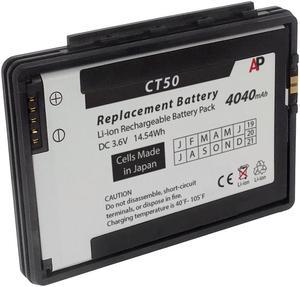
Replacement Battery for Honeywell / Datalogic Dolphin CT50, CT60 Mobile Computers. 4040 mAh
- Color: Black
- Model #: SB-CT50-L
- $61.90 –
- More options from $61.90 - $104.00
- Free Shipping
Quick View
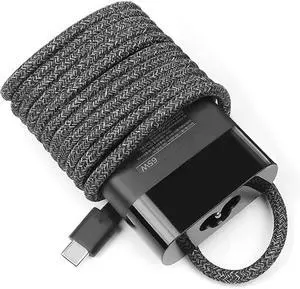
Original 65W Type-C Charger Compatible for HP L04650-850 TPN-LA12 TPN-DA13 Spectre 13 x360 13-AP Folio 13-ak0000 Elite x2 1013 G3, Elite Dragonfly, EliteBook x360 1040 G4 G5 Laptop Power Cord
Limited time offer, ends 08/02
- Model #: BLC73X-618-ZM-70
- $82.98 –
- Free Shipping
Quick View
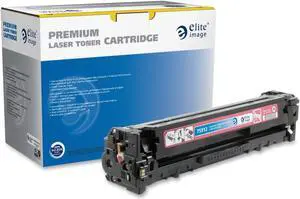
Elite ufactured Toner Cartridge 1800 Page Yield Magenta 75912
- Model #: 035255759120
- $88.99
- $82.99 –
- Save: $6.00 (6%)
- Free Shipping
Choosing the Right Printer for Your Office Needs
When it comes to office solutions, printers and scanners are essential tools for any business. Whether you need to print important documents, scan invoices, or create professional-quality marketing materials, having the right equipment is crucial. In this article, we will explore the different types of printers and scanners available in the market and provide tips on how to choose the best one for your office.
All-in-One Printers: Versatility and Convenience
all-in-one printers, also known as multifunction printers, are a popular choice for offices. These devices combine the functionality of a printer, scanner, copier, and sometimes even a fax machine into a single unit. They offer versatility and convenience, allowing you to perform multiple tasks without the need for separate devices. All-in-one printers are available in both inkjet and laser options, catering to different printing needs and budgets.
Specialized Printers for Specific Tasks
In addition to all-in-one printers, there are specialized printers designed for specific tasks. For example, 3D printers are ideal for creating prototypes or intricate models, while barcode and label printers are perfect for businesses that require efficient inventory management. laser printers are known for their fast printing speeds and high-quality output, making them suitable for offices with high-volume printing needs. inkjet printers, on the other hand, are more cost-effective and can produce vibrant color prints.
Choosing the Right Supplies
Once you have selected the right printer for your office, it is important to choose the right supplies to ensure optimal performance and longevity. When it comes to inkjet printers, using high-quality ink cartridges is essential to achieve the best print quality and prevent clogging. For laser printers, it is important to choose the right type of toner cartridges that are compatible with your printer model. Additionally, investing in high-quality paper can make a significant difference in the final print results.
FAQs: Common Questions about Printers and Scanners
| Q: How often should I replace the ink cartridges? | A: The frequency of replacing ink cartridges depends on your printing volume. However, it is recommended to replace them when the print quality starts to degrade. |
|---|---|
| Q: Can I use third-party ink cartridges with my printer? | A: While it is possible to use third-party ink cartridges, it is important to ensure compatibility with your printer model. Using incompatible cartridges may result in poor print quality or damage to the printer. |
| Q: How do I clean the scanner glass? | A: To clean the scanner glass, use a soft, lint-free cloth slightly dampened with glass cleaner. Gently wipe the glass surface to remove any smudges or debris. |
| Q: What is the difference between optical and interpolated resolution in scanners? | A: Optical resolution refers to the actual hardware resolution of the scanner, while interpolated resolution is achieved through software enhancements. Optical resolution provides more accurate and detailed scans. |
| Q: How can I improve the scanning speed? | A: To improve scanning speed, reduce the scanning resolution, use black and white mode instead of color, and ensure that the scanner is connected to a high-speed USB port. |