

Your Browsing History
- In Stock
- Sold by Newegg
- New

Any questions? Our AI mode will help you find out quickly.
Try me now
Quick View
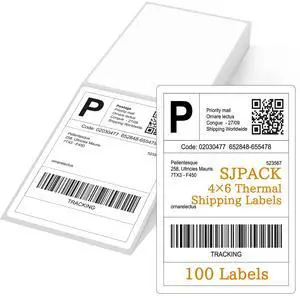
#1 Best Seller
- Model #: 178149861103313
- $10.99 –
- Free Shipping
Quick View
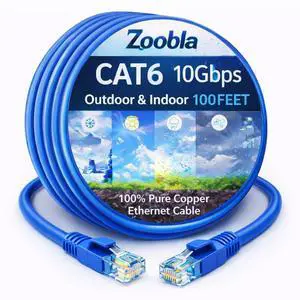
Cat6 UTP 100% Pure Copper Patch Cord, 0.5-150 FEET Ethernet LAN Cable Fluke Tested (100 FEET)
- Model #: TOLKB0FXGYYGB3
- $59.99 –
- Free Shipping
Quick View
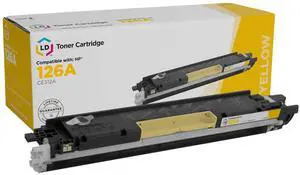
LD Reman Replacement for HP 126A (CE312A) Yellow Toner Cartridge for use in Color LaserJet CP1025nw, Color LaserJet TopShot Pro M275, Color LaserJet 100 MFP M175a, and Color LaserJet 100 MFP ...
- Compatible Products: For use in the following HP Color LaserJet printers: CP1025nw, TopShot Pro M275, 100 MFP M175a, and 100 MFP M175nw
- Parts: This Compatible Yellow laser cartridge for HP is backed by a 2 Year Warranty-Ships Fast and Great Service
- Model #: CE312ARTS


Quick View
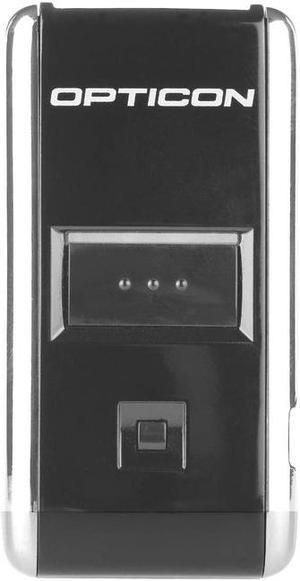
Opticon OPN2001 Handheld Barcode Scanner - Wireless Connectivity - 100 scan/s - 1D - Laser
- Model #: OPN2001-00
- $111.10
- $111.00 –
- Free Shipping
Quick View
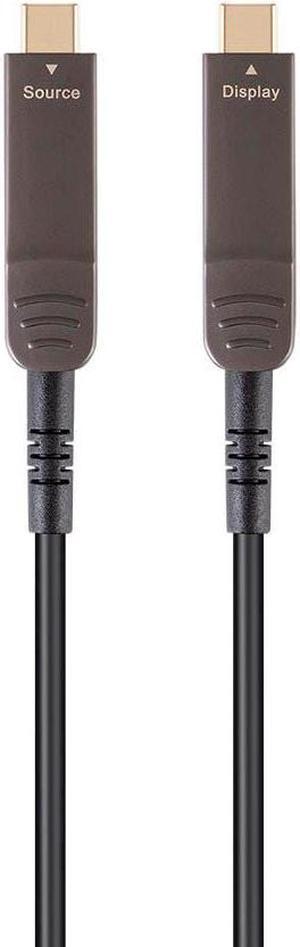
Monoprice USB 3.1 Type-C to Type-C Video Cable - 30 Feet - Black | 4K@60Hz, Fiber Optic, AOC, Transmits Up To 100 Feet, Gold Plated Connectors - SlimRun AV Series
- Cable Length: 29.99 ft.
- Brand: Monoprice
- Model: 138578
- Type: USB
- Model #: 138578
Quick View
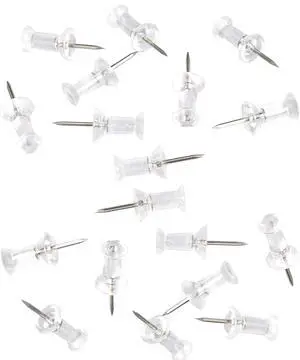
100-Pack Push Pins Tacks, Clear Plastic Head, Steel Point,Thumb Tacks for Wall Corkboard Map Calendar Photo -Home Office Craft Projects Heavy Duty Head Pin
- Model #: 441718305318220
- $10.99 –
- Free Shipping
Quick View
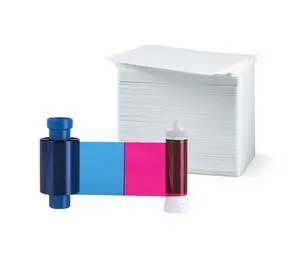
Magicard MA100YMCKO Color Ribbon - YMCKO - 100 Prints with Premium CR80 30 Mil Graphic Quality PVC Cards - Qty 100
Limited time offer, ends 09/17
- Model #: 152354365158
- $149.99
- See price in cart
- Free Shipping
Quick View
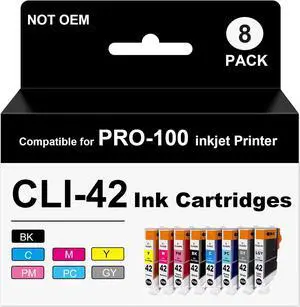
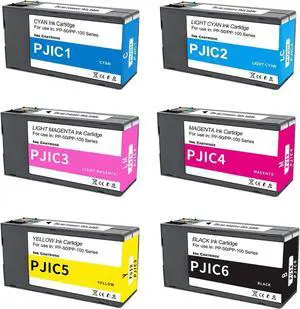
CLI-42 Pro 100 Ink Cartridges Compatible for Compatible for PRO-100 PRO-100S Printer (8 Pack)
- Model #: HANWB0DT954GVW
- $106.99 –
- Free Shipping
Quick View
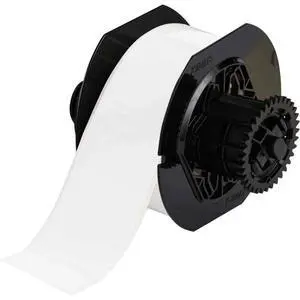
B30C-2250-569-WT 100' Length x 2.25" Width, B-569 Hi-Performance Polyester, White BBP31 Low-Halide Tape
Limited time offer, ends 09/18
- Model #: 179421182692
- $505.99
- See price in cart
- Free Shipping
Quick View
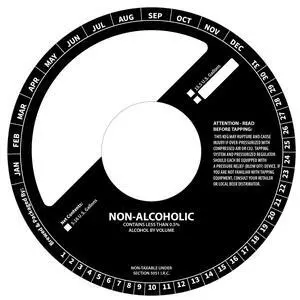
100 Pack Keg Ring Collars 6.5" with 2.25" Cutout Paperboard Discs for Non-Alcoholic Keg Labeling Writable Tags for Brewery Beverage Identification
Limited time offer, ends 09/18
- Model #: 626817435301
- $82.99
- See price in cart
- Free Shipping
Quick View
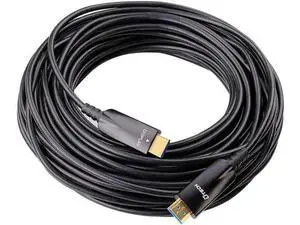
DTech 100ft Fiber Optic HDMI Cable with 4K 60Hz 1080p HD Video 3D HDCP CEC High Speed Supported Compatible with Laptop Computer Monitor Projector TV DVD Player Gaming Console (100 Feet, Black)
Limited time offer, ends 09/12
- Model #: C2ZP817-XMYYD0408
- $62.25 –
- Free Shipping
Quick View
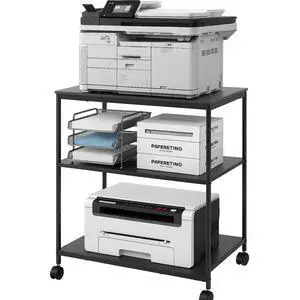
Heavy Duty 3-Tier Printer Stand with Locking Wheels, 23.6"x18.9" *31.5" Large Printer Table Shelf, Holds 100 lbs per Shelf - Fits Most 60" Desks, Perfect for Office, Home, Laser Printer or Mini Fridge
Limited time offer, ends 09/21
- Model #: 957609718273
- $104.99 –
- Free Shipping
Quick View
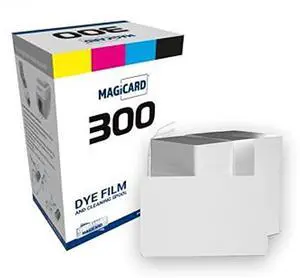
Magicard MC300YMCKO Color Ribbon & 100 Cards, for Model 300
Limited time offer, ends 09/17
- Model #: 692952386877
- $169.99
- See price in cart
- Free Shipping
Quick View
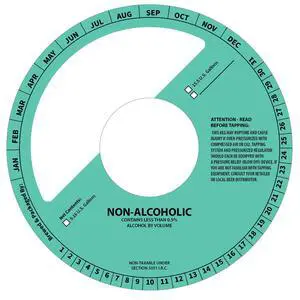
100 Pack Keg Ring Collars 6.5" Diameter with 2.25" Center Cutout Paperboard Discs for Non-Alcoholic Keg Labeling and Beverage Identification
Limited time offer, ends 09/18
- Model #: 488229161304
- $82.99
- See price in cart
- Free Shipping
Quick View
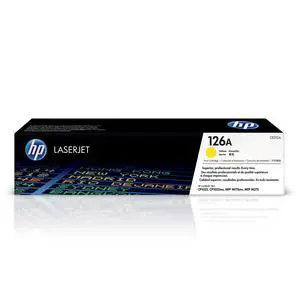
126A Yellow Toner Cartridge | Works LaserJet Pro 100 Color MFP M175 Series, CP1025 Series, TopShot LaserJet Pro M275 MFP Series | CE312A
Limited time offer, ends 09/14
- Model #: 848774941033
- $127.49 –
- Free Shipping
Quick View
126A Magenta Toner Cartridge | Works LaserJet Pro 100 Color MFP M175 Series, CP1025 Series, TopShot LaserJet Pro M275 MFP Series | CE313A
Limited time offer, ends 09/14
- Model #: 848774941026
- $127.49 –
- Free Shipping
Quick View
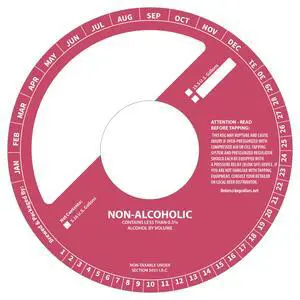
100 Pack Keg Ring Collars 6.5" Diameter with 2.25" Center Cutout Paperboard Round Tags for Non-Alcoholic Beverage Keg Labeling Writable Blank Stock Identification Discs for Brewery Use
Limited time offer, ends 09/18
- Model #: 488229161342
- $82.99
- See price in cart
- Free Shipping
Quick View
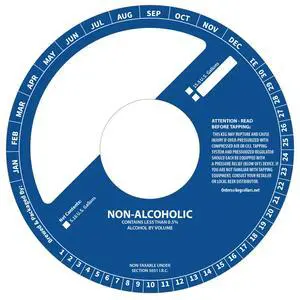
100 Pack Keg Ring Collars 6.5" with 2.25" Cutout Paperboard Discs for Non-Alcoholic Keg Labeling Writable Brewery Tags for Beverage Identification
Limited time offer, ends 09/18
- Model #: 488229161298
- $82.99
- See price in cart
- Free Shipping
Quick View
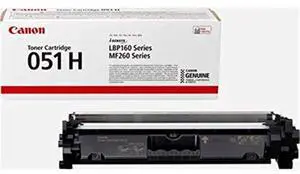
Genuine 051H Black High Yield Toner Cartridge (2169C001),Yield up to 4,100 Pages for LBP162dw, MF264dw, MF267dw
Limited time offer, ends 09/14
- Model #: 595325641620
- $177.74 –
- Free Shipping
Quick View
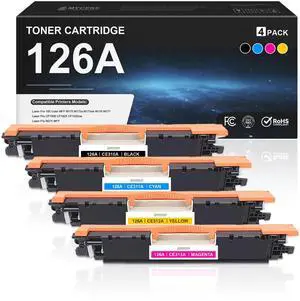
126A Toner Cartridge 4 Pack Replacement for HP 126A CE310A CE311A Toner | Compatible with HP Laser Pro 100 Color MFP M175 M175a M175nw M176 M177 CP1000 CP1025 CP1025nw M275 MFP Printer, CE312A CE313A
Limited time offer, ends 09/14
- Model #: 362387467341
- $169.49 –
- Free Shipping
Quick View
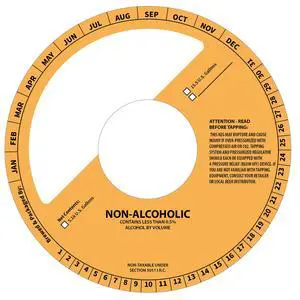
100 Pack Keg Ring Collars 6.5" Diameter with 2.25" Center Cutout Paperboard Discs for Non-Alcoholic Keg Labeling and Beverage Identification
Limited time offer, ends 09/18
- Model #: 488229161359
- $82.99
- See price in cart
- Free Shipping
Quick View
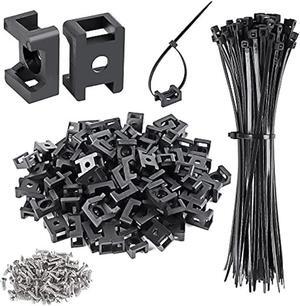
100 Pcs Cable Zip Tie Saddle Type Mounts Base with 8 Cable Ties Tapping Screw, Wire Cable Clips Organizer Holders Clamps Black
- Connector Type: type
- Model #: 603904578849325
- $25.77 –
- More options from $24.68 - $25.77
- Free Shipping
Quick View
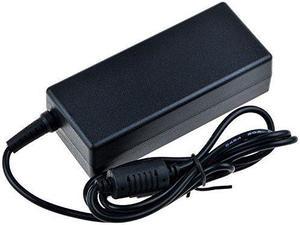
SLLEA AC/DC Adapter for Zebra HC100 Z-Band Direct Wristband Thermal Label Barcode Printer HC-100-3001-0000 Power Supply Cord Cable Charger Mains PSU
- Model #: SLLEA_1431
- $54.99 –
- Free Shipping

Quick View
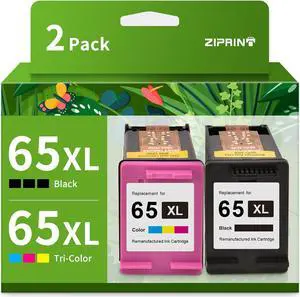
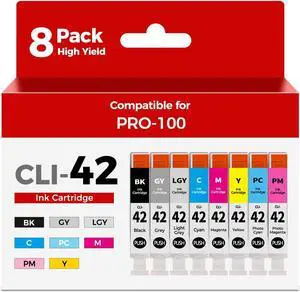
CLI-42 Ink Cartridges Pro-100 Pro-100S Ink Compatible for Canon CLI42 Ink
- Model #: HANWB0H394D8PG
- $144.99 –
- Free Shipping
Quick View
- $69.14 –
- $7.85 Shipping
Quick View
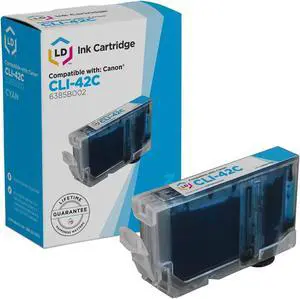
LD © Compatible Replacement for Canon 6385B002 / CLI-42C Cyan Inkjet Cartridge for use in Canon PIXMA PRO-100 Printer
- Cartridge Quantity: 1
- Compatible Products: For use in the following Canon PIXMA Printer: PIXMA PRO-100
- Parts: This Compatible Cyan ink cartridge for Canon is backed by a 1 Year Warranty-Ships Fast and Great Service
- Model #: 6385B002CIC
Quick View
- $44.99 –
- Free Shipping
Quick View
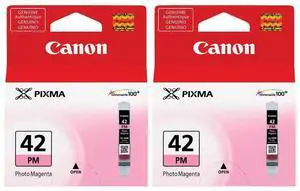
Canon CLI-42 Photo Magenta Ink Cartridge for Pixma PRO-100 Inkjet Photo Printer, 2-Pack
- Model #: 6389B002 2
- $36.00 –
- $7.85 Shipping
Quick View
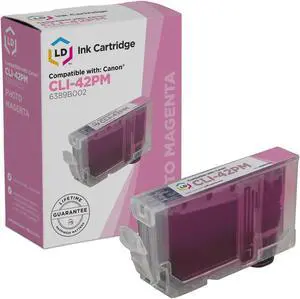
LD © Compatible Replacement for Canon 6389B002 / CLI-42PM Photo Magenta Inkjet Cartridge for use in Canon PIXMA PRO-100 Printer
- Cartridge Quantity: 1
- Compatible Products: For use in the following Canon PIXMA Printer: PIXMA PRO-100
- Parts: This Compatible Photo Magenta ink cartridge for Canon is backed by a 1 Year Warranty-Ships Fast and Great Service
- Model #: 6389B002CIC
Quick View
- $52.68 –
- $7.85 Shipping

Quick View
10Gtek 12G Mini SAS HD SFF-8644 to SFF-8644 Cable for NVMe Enclosure/Storage Array, SAN & JBOD Compatibility, 100-Ohm, 2-m(6.6ft), 2-Pack
Limited time offer, ends 09/14
- Model #: 9435761200429
- $82.39 –
- More options from $82.39
- Free Shipping
Related searches
Choosing the Right Printer for Your Office Needs
When it comes to office solutions, printers and scanners are essential tools for any business. Whether you need to print important documents, scan invoices, or create professional-quality marketing materials, having the right equipment is crucial. In this article, we will explore the different types of printers and scanners available in the market and provide tips on how to choose the best one for your office.
All-in-One Printers: Versatility and Convenience
all-in-one printers, also known as multifunction printers, are a popular choice for offices. These devices combine the functionality of a printer, scanner, copier, and sometimes even a fax machine into a single unit. They offer versatility and convenience, allowing you to perform multiple tasks without the need for separate devices. All-in-one printers are available in both inkjet and laser options, catering to different printing needs and budgets.
Specialized Printers for Specific Tasks
In addition to all-in-one printers, there are specialized printers designed for specific tasks. For example, 3D printers are ideal for creating prototypes or intricate models, while barcode and label printers are perfect for businesses that require efficient inventory management. laser printers are known for their fast printing speeds and high-quality output, making them suitable for offices with high-volume printing needs. inkjet printers, on the other hand, are more cost-effective and can produce vibrant color prints.
Choosing the Right Supplies
Once you have selected the right printer for your office, it is important to choose the right supplies to ensure optimal performance and longevity. When it comes to inkjet printers, using high-quality ink cartridges is essential to achieve the best print quality and prevent clogging. For laser printers, it is important to choose the right type of toner cartridges that are compatible with your printer model. Additionally, investing in high-quality paper can make a significant difference in the final print results.
FAQs: Common Questions about Printers and Scanners
| Q: How often should I replace the ink cartridges? | A: The frequency of replacing ink cartridges depends on your printing volume. However, it is recommended to replace them when the print quality starts to degrade. |
|---|---|
| Q: Can I use third-party ink cartridges with my printer? | A: While it is possible to use third-party ink cartridges, it is important to ensure compatibility with your printer model. Using incompatible cartridges may result in poor print quality or damage to the printer. |
| Q: How do I clean the scanner glass? | A: To clean the scanner glass, use a soft, lint-free cloth slightly dampened with glass cleaner. Gently wipe the glass surface to remove any smudges or debris. |
| Q: What is the difference between optical and interpolated resolution in scanners? | A: Optical resolution refers to the actual hardware resolution of the scanner, while interpolated resolution is achieved through software enhancements. Optical resolution provides more accurate and detailed scans. |
| Q: How can I improve the scanning speed? | A: To improve scanning speed, reduce the scanning resolution, use black and white mode instead of color, and ensure that the scanner is connected to a high-speed USB port. |