
Your Browsing History
- In Stock
- Sold by Newegg
- Make an Offer
- New

Any questions? Our AI beta will help you find out quickly.
Try me now

Quick View
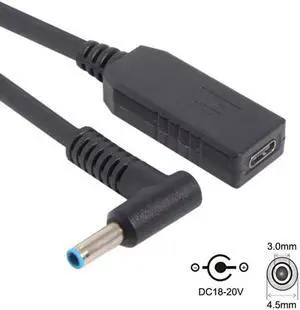
Jimier USB 3.1 Type C USB-C to 4.5*3.0mm Plug Cable UC-102
- Model #: UC-102-JM
Quick View
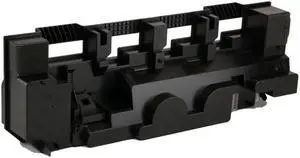
Waste Container for Konica Minolta WX-102 A2WY-0Y1
- Part Number: WX-102 A2WY-0Y1
- Cartridge Quantity: 1
- Replacement Brand: Konica Minolta
- Type: Compatible
- Model #: WX-102
Quick View
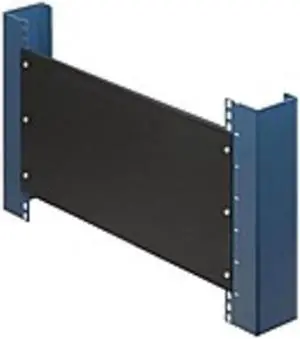
Rack Solutions 2U Filler Panel with Stability Flanges
- Color: Black
- Model #: 102-1823
Quick View
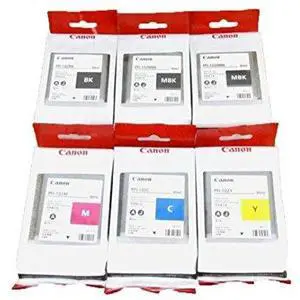
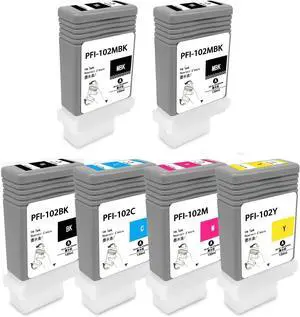
Canon PFI-102 Ink Tank Set 90ml for iPF510/710/720
- Model #: PFI102KIT
- $440.45 –
- Free Shipping
Quick View
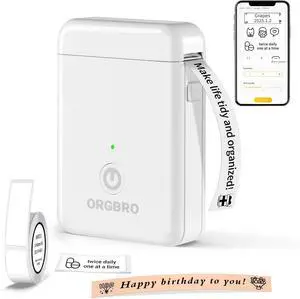
Label Maker Machine with Tape, X1 Portable Bluetooth Mini Label Printer, Support Pre-Cut & Continuous Label, Wireless Small Label Makers with Versatile App for School Home Office Organization
Limited time offer, ends 05/16
- Model #: C51M-H-2.5-102
- $57.99 –
- More options from $52.09 - $57.99
- Free Shipping
Quick View
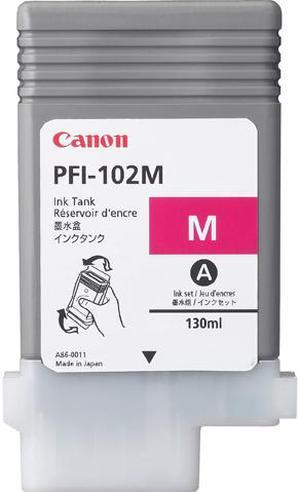
Canon PFI-102 Ink Cartridge - Magenta
- Part Number: 0897B001
- Compatible Products: Canon imagePROGRAF iPF500 Canon imagePROGRAF iPF510 Canon imagePROGRAF iPF600 Canon imagePROGRAF iPF605 Canon imagePROGRAF iPF610 Canon imagePROGRAF iPF650 Canon imagePROGRAF iPF655 Canon imagePROGRAF iPF700 Canon imagePROGRAF iPF710 Canon imagePROGRAF iPF720 Canon imagePROGRAF iPF750 Canon imagePROGRAF iPF755
- Ink Type: Dye-based
- Model #: 0897B001AA
- $91.26 –
- More options from $79.00 - $91.26
- Free Shipping
Quick View
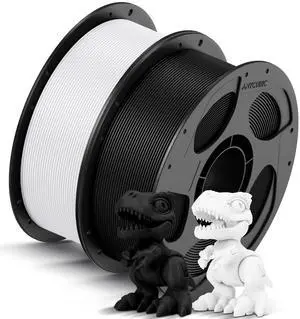
High Speed 3D Printer Filament 1.75mm Bundle, Rapid PLA Filament with High Prints Quality, Dimensional Accuracy +/- 0.02mm, 1KG Reusable Spool, 2KG Pearl Black+Bright White
- Brand: ANYCUBIC
- Color: 2*1kg Pearl Black+bright White
- Material: Polylactic Acid
- Diameter: 1.75
- Model #: 164182807027
- $44.99 –
- Free Shipping
Quick View
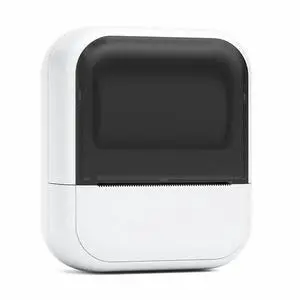
C50 Mini Thermal Tattoo Stencil Printer AI, Bluetooth Portable Label Maker, 1200mAh Battery, for Tattoo Artists Home Office Organization, Compatible with iOS/Android (White, Includes 1 Roll Paper)
Limited time offer, ends 05/15
- Model #: C2AG-C0416-36
- $65.05 –
- Free Shipping
Quick View
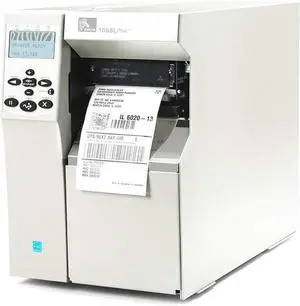
Ze bra 105SLPlus Thermal Transfer Printer - Monochrome - Desktop - Label Print 102-801-00000
- Model #: 1VG5A-FUVJ1896
- $392.00 –
- Free Shipping
Quick View
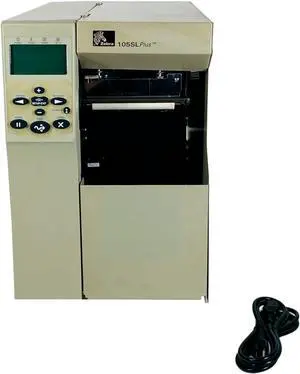
Ze bra 105SL Plus Thermal Transfer Label Printer Peeler Rewinder LAN USB Serial 102-801-00250-05, Bundle with Power Cable
- Model #: 1VG5A-FUVJ1920
- $404.00 –
- Free Shipping
Quick View
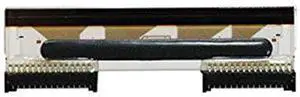
Printhead for Ze bra TLP2824 LP2824 TLP LP 2824 Printer G105910-102 G105910-148 203dpi
- Model #: 1VG5A-FUVJ96
- $121.00 –
- Free Shipping
Quick View
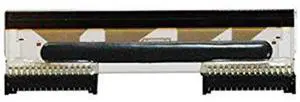
Ze bra Technologies G105910-102 Printhead for LP2824 Printer, 203 dpi Resolution
- Model #: 1VG5A-FUVJ158
- $121.00 –
- Free Shipping
Quick View
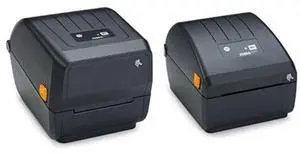
ZD220 label printer Thermal transfer 203 x 203 DPI 102 mm/sec Wired
- Model #: ZE0S1-A013
- $300.00 –
- Free Shipping
Quick View
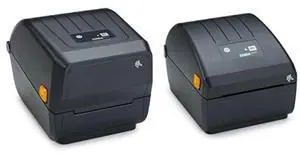
ZD220 label printer Direct thermal 203 x 203 DPI 102 mm/sec Wired
- Model #: ZE0S1-A008
- $298.00 –
- Free Shipping
Quick View
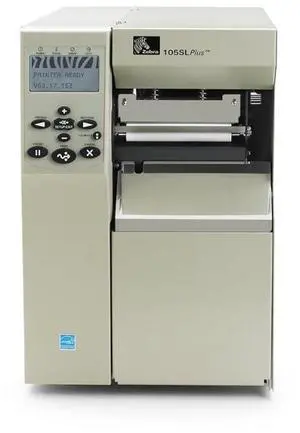
Ze bra TECHNOLOGIES 105SLPlus Thermal Transfer Printer - Monochrome - Desktop - Label Print / 12.01 in/s Mono - 203 dpi - Fast Ethernet - USB - LCD / 102-801-00200 /
- Model #: 1VG5A-FUVJ1983
- $459.00 –
- Free Shipping

Quick View
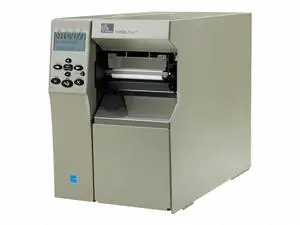
Canon PFI-102 Ink Cartridge - Matte Black
- Part Number: 0894B001
- Cartridge Quantity: Single Pack
- Compatible Products: ImagePrograf IPF500, ImagePrograf IPF600, ImagePrograf IPF610, ImagePrograf IPF700, ImagePrograf IPF800
- Model #: 0894B001AA
- $80.99
- $76.95 –
- More options from $72.99 - $76.95
- Free Shipping
Quick View
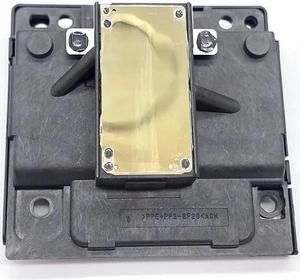
Printhead Printer Nozzle F197010 Fits Forepson-Expression Home XP-103 XP-245 XP-201 XP-202 XP-215 TX430W XP-102 XP-203 XP-207
- Product Type: Printhead
- Model #: Dyj-231218-1668
- $93.69 –
- More options from $93.69
- Free Shipping
Quick View
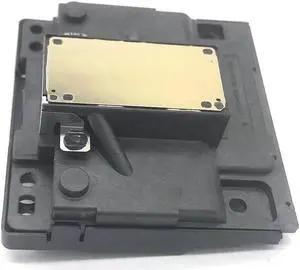
Printhead Printer Nozzle F197010 Fits Forepson-Expression Home XP-255 XP-200 TX420W XP-235 XP-231 XP-214 XP-102 XP-211 BX305FW
- Product Type: Replacement Parts
- Model #: DYJ23-12-2-337
- $89.69 –
- More options from $89.69
- Free Shipping
Quick View
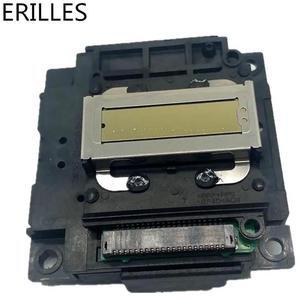
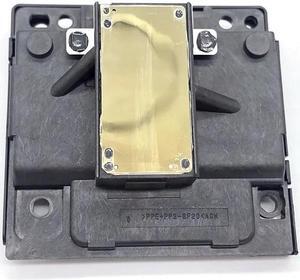
FA04010 FA04000 Print Head Printhead For EPSON L351 L355 L358 L300 L301 L303 L111 L120 L210 L211 ME401 ME303 XP 302 402 405 201
- Model #: SUDGE-102
- $77.65 –
- Free Shipping
Quick View
Printhead Printer Nozzle F197010 Fits Forepson-Expression Home XP-235 XP-215 XP-211 XP-101 XP-247 XP-245 XP-103 XP-102 TX420W
- Product Type: Printhead
- Model #: Dyj-231218-1637
- $93.69 –
- More options from $93.69
- Free Shipping
Quick View
Printhead Printer Nozzle F197010 Fits Forepson-Expression Home XP-103 XP-245 XP-201 XP-202 XP-215 TX430W XP-102 XP-203 XP-207
- Product Type: Printhead
- Model #: CH-DYJ-1668
- $94.66 –
- More options from $94.66
- Free Shipping
Quick View
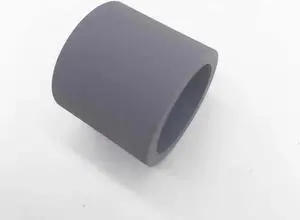
10PCS Paper Feeder Pickup Roller Rubber Tire Fits For B1260 3225 3325 WorkCentre3315 B1265 Phaser 3320
- Product Type: Printhead
- Model #: Dyj-231218-102
- $71.69 –
- More options from $71.69
- Free Shipping
Quick View
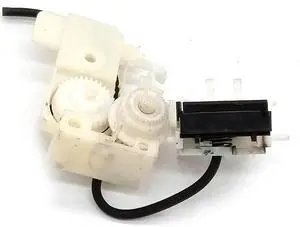
Ink Pump Fits Forepson-XP-342 XP-201 XP-101 XP-102 XP-220 XP-211 XP-212 XP-202 XP-205 XP-214 XP-207 XP-103 XP-200 XP-215 XP-235
- Product Type: Printhead
- Model #: Dyj-231218-1559
- $93.69 –
- More options from $93.69
- Free Shipping
Quick View
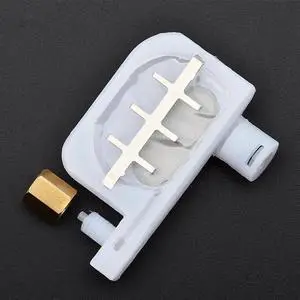
50pcs DX4 DX5 Printhead Small Ink Damper For Roland SP540 Mutoh RJ900 Formimaki-JV3 Forepson-R1800/ R1900 1390 Dumpers(damper and Nut)
- Product Type: Replacement Parts
- Model #: Dyjmh-231221-102
- $303.69 –
- More options from $303.69
- Free Shipping
![4" x 6" (102 mm x 152 mm) Shipping Labels Compatible with Zebra & Rollo Label Printer(not for dymo 4XL), Premium Adhesive & Perforated [2 Rolls, 500 Labels]](https://c1.neweggimages.com/productimage/nb300/C5U4D2603180IGXNZ7B.jpg "4\" x 6\" (102 mm x 152 mm) Shipping Labels Compatible with Zebra & Rollo Label Printer(not for dymo 4XL), Premium Adhesive & Perforated [2 Rolls, 500 Labels]")
Quick View
4" x 6" (102 mm x 152 mm) Shipping Labels Compatible with Zebra & Rollo Label Printer(not for dymo 4XL), Premium Adhesive & Perforated [2 Rolls, 500 Labels]
- Brand: HP
- Part Number: ZB400600-2
- Color: Black
- Compatibility: BETCKEY
- Model #: 718744760725
- $29.99 –
- More options from $24.79 - $29.99
- Free Shipping
Quick View
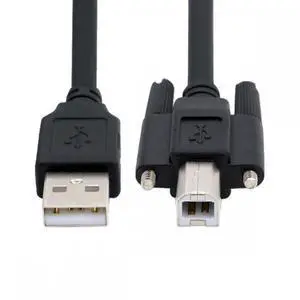
USB 2.0 Type-A Male to Type-B Thumbscrew Standard Male Mount Panel Type for Industrial Camera Robot Scanner Disk
- Model #: U2-102-1.5M-NG
- $7.99 –
- Free Shipping
Quick View
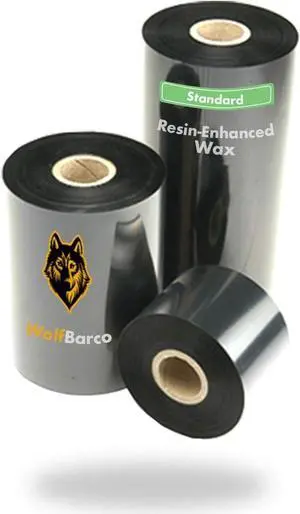
24 Rolls 4.02" x 1345' (102 mm x 410 m) Thermal Transfer General Purpose Wax Ribbon 1" Core, Coated Side in for SATO Printers
- Model #: DARJB0G4C5VR75
- $313.59 –
- More options from $313.59 - $316.99
- Free Shipping
Quick View
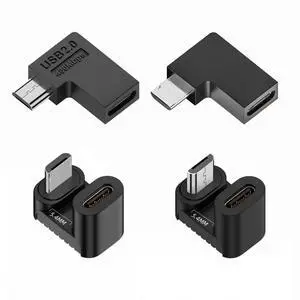
4pcs/lot USB-C USB2.0 Type-C Female to Micro USB Male Power Data Adapter 90/360 Degree Angled Type
- Model #: UC-102-TC-NG
- $9.99 –
- Free Shipping
Quick View
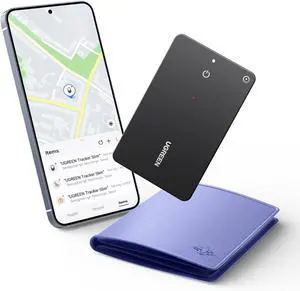
UGREEN FineTrack Slim S Bluetooth Tracker Tags Work with Samsung SmartThings APP (Samsung Only), 1.7mm Ultra-Slim Wallet Card Finder, Rechargeable IP68 Waterproof Tracker Card for Wallet, Key, Luggage
Limited time offer, ends 05/18
- Model #: ee-102
- $68.29 –
- Free Shipping
Quick View
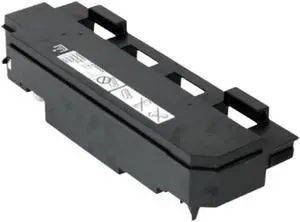
Waste Toner Container 552 652 654 754 808 Pro958 WX-102 Compatible with for Printer Models
- Model #: CHIPB0GGHQZZ45
- $250.99 –
- Free Shipping
Quick View
Waste Toner Container Compatible with 552 652 654 754 808 Pro958 WX-102
- Model #: CHIPB0GK4SR2QF
- $252.99 –
- Free Shipping
Quick View
Waste Toner Container Compatible with Printer Models 552, 652, 654, 754, 808, Pro958, WX-102
- Model #: CHIPB0GJT238GF
- $252.99 –
- Free Shipping
Choosing the Right Printer for Your Office Needs
When it comes to office solutions, printers and scanners are essential tools for any business. Whether you need to print important documents, scan invoices, or create professional-quality marketing materials, having the right equipment is crucial. In this article, we will explore the different types of printers and scanners available in the market and provide tips on how to choose the best one for your office.
All-in-One Printers: Versatility and Convenience
all-in-one printers, also known as multifunction printers, are a popular choice for offices. These devices combine the functionality of a printer, scanner, copier, and sometimes even a fax machine into a single unit. They offer versatility and convenience, allowing you to perform multiple tasks without the need for separate devices. All-in-one printers are available in both inkjet and laser options, catering to different printing needs and budgets.
Specialized Printers for Specific Tasks
In addition to all-in-one printers, there are specialized printers designed for specific tasks. For example, 3D printers are ideal for creating prototypes or intricate models, while barcode and label printers are perfect for businesses that require efficient inventory management. laser printers are known for their fast printing speeds and high-quality output, making them suitable for offices with high-volume printing needs. inkjet printers, on the other hand, are more cost-effective and can produce vibrant color prints.
Choosing the Right Supplies
Once you have selected the right printer for your office, it is important to choose the right supplies to ensure optimal performance and longevity. When it comes to inkjet printers, using high-quality ink cartridges is essential to achieve the best print quality and prevent clogging. For laser printers, it is important to choose the right type of toner cartridges that are compatible with your printer model. Additionally, investing in high-quality paper can make a significant difference in the final print results.
FAQs: Common Questions about Printers and Scanners
| Q: How often should I replace the ink cartridges? | A: The frequency of replacing ink cartridges depends on your printing volume. However, it is recommended to replace them when the print quality starts to degrade. |
|---|---|
| Q: Can I use third-party ink cartridges with my printer? | A: While it is possible to use third-party ink cartridges, it is important to ensure compatibility with your printer model. Using incompatible cartridges may result in poor print quality or damage to the printer. |
| Q: How do I clean the scanner glass? | A: To clean the scanner glass, use a soft, lint-free cloth slightly dampened with glass cleaner. Gently wipe the glass surface to remove any smudges or debris. |
| Q: What is the difference between optical and interpolated resolution in scanners? | A: Optical resolution refers to the actual hardware resolution of the scanner, while interpolated resolution is achieved through software enhancements. Optical resolution provides more accurate and detailed scans. |
| Q: How can I improve the scanning speed? | A: To improve scanning speed, reduce the scanning resolution, use black and white mode instead of color, and ensure that the scanner is connected to a high-speed USB port. |