
Your Browsing History
- In Stock
- Sold by Newegg
- Make an Offer
- New
Quick View
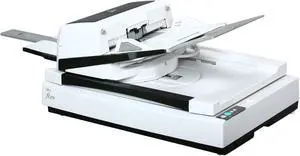
Used - Good Fujitsu fi Series fi-6770 CCD 600 dpi Duplex Document Scanner
- Brand: Fujitsu
- Series: fi Series
- Type: Duplex
- Element Type: CCD
- Model #: PA03576-B105
- $698.95 –
- More options from $698.95 - $1,499.95
- Free Shipping
Quick View
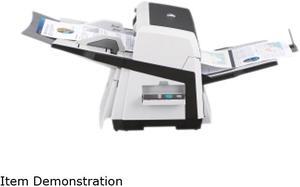
Used - Very Good Fujitsu fi-6670 (CG01000-281601) Up to 180 ipm 1200 dpi USB Duplex Sheetfed Document Scanner
- Brand: Fujitsu
- Type: Sheet Fed
- Element Type: Charge coupled device (CCD) image sensor (x 2)
- Scanning Speed: Letter/Landscape Mode: Simplex: Monochrome, Grayscale & Color @ 200 dpi: 90 ppm Monochrome, Grayscale & Color @ 300 dpi: 80 ppm Duplex: Monochrome, Grayscale & Color @ 200 dpi: 180 ipm Monochrome, Grayscale & Color @ 300 dpi: 160 ipm Letter/Portrait Mode: Simplex: Monochrome, Grayscale & Color @ 200 dpi: 70 ppm Monochrome, Grayscale & Color @ 300 dpi: 60 ppm Duplex: Monochrome, Grayscale & Color @ 200 dpi: 140 ipm Monochrome, Grayscale & Color @ 300 dpi: 120 ipm
- Model #: CG01000-281601
- $698.95 –
- Free Shipping
Quick View

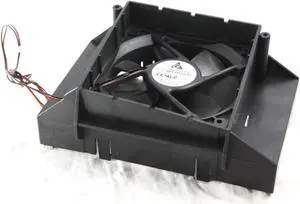
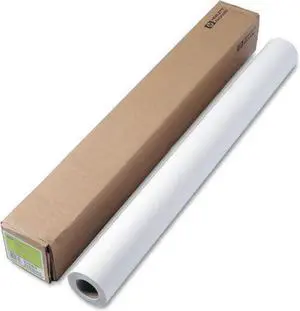
- Product Type: Board
- Model #: HP DesignJet 1055CM WFB1224L
- $21.99 –
- Free Shipping
Quick View
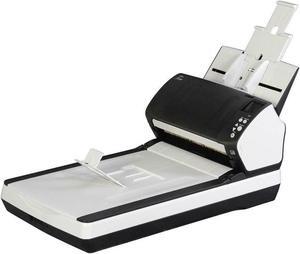
Refurbished Fujitsu fi-7260 PA03670-B555-R CCD 600 dpi Duplex Document Scanner
- Brand: Fujitsu
- Series: fi-7260
- Type: Duplex
- Element Type: CCD
- Model #: PA03670-B555-R
- $348.95 –
- Free Shipping
Quick View
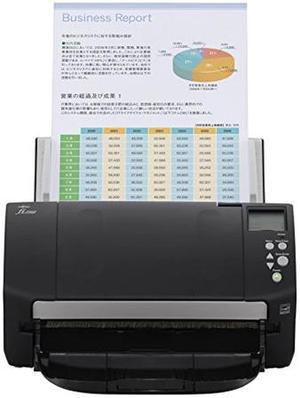
Refurbished Fujitsu fi-7160 PA03670-B055-R CCD 600 dpi Duplex Document Scanner
- Brand: Fujitsu
- Series: fi-7160
- Type: Duplex
- Element Type: CCD
- Model #: PA03670-B055-R
- $599.95 –
- Free Shipping
Quick View
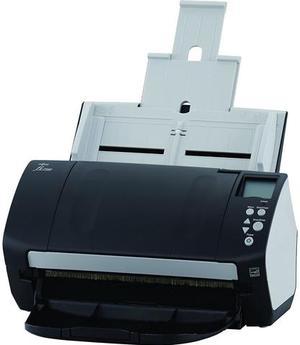
Used - Good Fujitsu Fi-7160 FJ3011 24 bit 2 x Color CCD (1 x Front, 1 x Back) 600 dpi Duplex Document Scanner (A4, Duplex) 60 ppm, 80 Sheets ADF, 600 dpi, USB 3.0
- Brand: Fujitsu
- Series: Fi-7160
- Type: Duplex
- Element Type: 2 x Color CCD (1 x Front, 1 x Back)
- Model #: FJ3011
- $499.95 –
- Free Shipping
Quick View
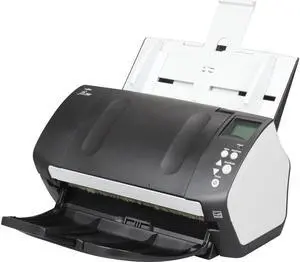
Used - Good Fujitsu FI-7160 (PA03670-B055) Duplex Up to 600 DPI USB Color Image Document Scanner
- Light Source: White LED Array
- Scanning Speed: Simplex: 60 ppm (200 dpi / 300 dpi) Duplex: 120 ipm (200 dpi / 300 dpi)
- Max. Document Size: 8.5" x 14"
- USB Ports: USB 3.0 (backward compatible)
- Model #: PA03670-B055,.,.,
- $278.95 –
- More options from $278.95 - $997.99
- Free Shipping
Quick View
Refurbished FUJITSU IMAGE DOCUMENT SCANNER FI-7160
- Model #: FUJITSU IMAGE SCANNER FI-7160
- $350.00 –
- More options from $269.95 - $350.00
- Free Shipping
Quick View
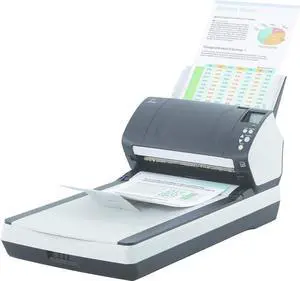
Used - Very Good Fujitsu fi-7260 PA03670-B551 24 bit Triple CCD 600 x 600 dpi Document Scanner
- Light Source: LED
- Max. Document Size: 216 x 355.6 mm
- Automatic Document Feeder (ADF): Yes
- ADF Capacity: 80 sheets
- Model #: PA03670-B551,.,.
- $399.95 –
- More options from $399.95 - $2,197.99
- Free Shipping
Quick View
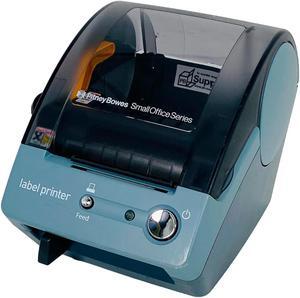
Refurbished Pitney Bowes LPS-1 Small Office Series Thermal Label Printer USB
- Model #: 304858586275
- $62.00 –
- Free Shipping
Quick View
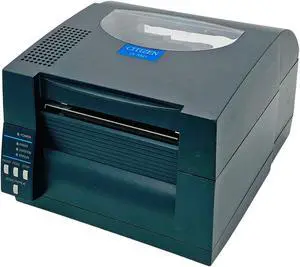
Refurbished Citizen CL-S521 Industrial Direct Thermal Label Printer USB LAN
- Model #: 306177002999
- $167.50 –
- Free Shipping
Quick View
- $239.97 –
- Free Shipping
Quick View
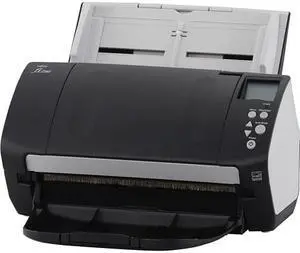
Used - Very Good Fujitsu fi-7160 Document Scanner (PA03670B055)
- Model #: PA03670B055
- $599.95 –
- Free Shipping
Quick View
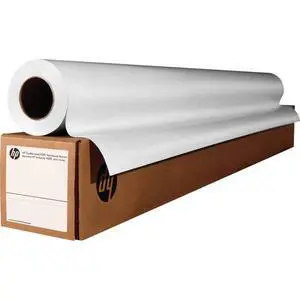
- $59.49 –
- Free Shipping
Quick View
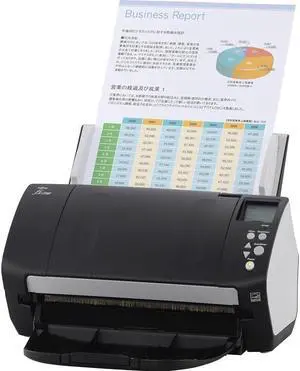
Used - Very Good Fujitsu Fi-7160 Sheetfed Scanner (PA03670-B085)
- Model #: Fi-7160 (PA03670-B085)
- $349.95 –
- More options from $349.95 - $1,199.00
- Free Shipping
Quick View
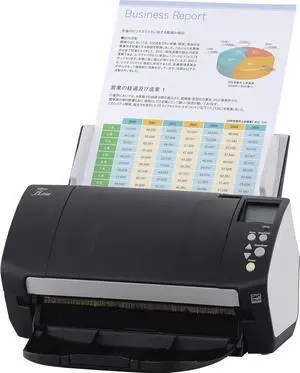
Used - Very Good Fujitsu Fi-7160 Sheetfed Scanner (PA03670-B085)
- Light Source: White LED Array
- Automatic Document Feeder (ADF): Yes
- USB Ports: USB 3.0 (backward compatible)
- Power Requirements: 100 to 240 VAC +/- 10 %
- Model #: PA03670-B085
- $448.95 –
- More options from $448.95 - $795.95
- Free Shipping
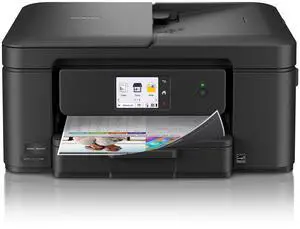
Quick View
Brother Work Smart 1410 Wireless Color Inkjet All-in-One Printer with 2.7" Color Touchscreen and Automatic Duplex Printing (MFC-J1410DW)
OUT OF STOCK
- Recommended Use: MFC / All-In-One
- Output Capacity, std.: 50 sheets
- Black Print Speed: Up to 16 ppm
- Black Print Quality: Windows: Up to 1,200 x 6,000 dpi Mac: 1,200 x 3,600 dpi
- Model #: MFC-J1410DW
- $179.99
- $159.99 –
- Save: $20.00 (11%)
- More options from $159.99 - $184.99
- $4.99 Shipping
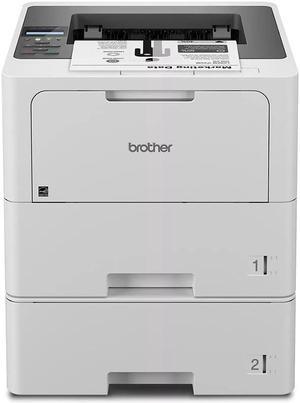
Quick View
Brother HL-L6210DW Business Monochrome Laser Printer with Dual Paper Trays, Wireless Networking and Duplex Printing
OUT OF STOCK
- Black Print Quality: 1200 x 1200 dpi
- Part Number: HL-L6210DWT
- Duplex printing: Automatic
- Model #: HLL6210DWT
- $499.99 –
- More options from $499.99 - $1,098.29
- Free Shipping
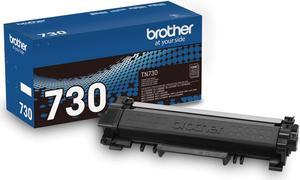
Quick View
Brother TN730 Toner Cartridge - Black
OUT OF STOCK
- Cartridge Quantity: Single Pack
- Compatible Products: DCP-L2550DW, HL-L2350DW, HL-L2370DW, HL-L2370DW XL, HL-L2390DW, HL-L2395DW, MFC-L2710DW, MFC-L2750DW, MFC-L2750DW XL
- Approximate Page Yield: 1200 Pages
- Model #: TN730
- $47.99 –
- More options from $47.99 - $72.17
- Free Shipping
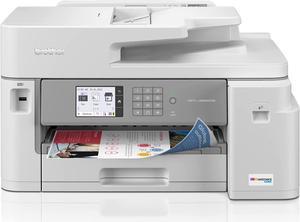
Quick View
Brother MFC-J5855DW INKvestment Tank Color Inkjet All-In-One Printer with up to 1 Year of Ink In-box1 and to 11” x 17” printing capabilities
OUT OF STOCK
- Model #: MFC-J5855dw
- $329.99 –
- More options from $327.46 - $470.13
- Free Shipping
Quick View
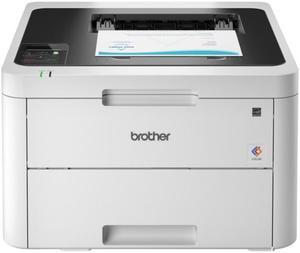
Brother HL-L6210DW Wireless Business Monochrome Laser Printer
OUT OF STOCK
- Cartridges Compatible: 1x Toner
- Time To First Page (seconds): 6.7 Seconds (Black)
- Print Languages, std.: Adobe PDF 1.7, HP PCL 6, XPS
- Scan Resolution, Optical: 1200 x 1200 dpi
- Model #: HL-L6210DW
- $329.99 –
- More options from $329.99 - $619.55
- $4.99 Shipping
Quick View
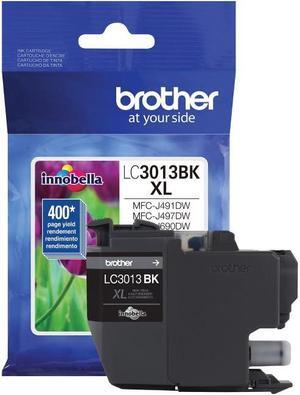
Brother LC3013BK Ink Cartridge - Black
OUT OF STOCK
- Part Number: LC3013BK
- Cartridge Quantity: 1
- Compatible Products: MFC-J491DW MFC-J497DW MFC-J690DW MFC-J895DW
- Ink Type: Dye-based
- Model #: LC3013BK
- $29.49 –
- More options from $28.08 - $50.62
- Est. Shipping Fee $2.99
Quick View
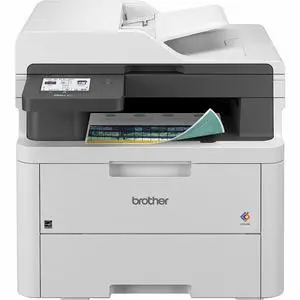
Brother MFC-L3720CDW Wireless Compact Digital Color All-in-One Printer
OUT OF STOCK
- Cartridges Compatible: 4x Toner
- Functions: Print, Scan, Copy, Fax
- Scan Resolution, Optical: 2400 x 600 dpi
- Fax Transmission Speed: 33.6 kb/s
- Model #: MFC-L3720CDW
- $499.99 –
- More options from $378.85 - $853.55
- $4.99 Shipping
Quick View
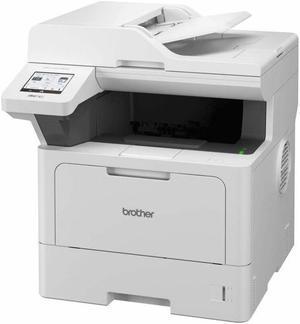
Brother MFC-L5710DW Wired & Wireless Laser Multifunction Printer - Monochrome MFCL5710DW
OUT OF STOCK
- Output Capacity, std.: 150 sheets
- Emulations: PCL 6 BR-Script 3 IBM ProPrinter XL Epson FX-850 PDF v1.7 XPS v1.0
- Max. Duty Cycle: 5000
- Max. Document Enlargement: 400%
- Model #: MFCL5710DW
- $499.99 –
- More options from $459.99 - $807.64
- $36.09 Shipping
Quick View
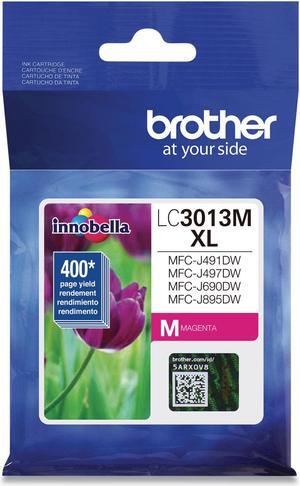
Brother LC3013M High Yield Innobella Ink Cartridge - Magenta
OUT OF STOCK
- Part Number: LC3013M
- Cartridge Quantity: 1
- Compatible Products: MFC-J491DW MFC-J497DW MFC-J690DW MFC-J895DW
- Ink Type: Dye-based
- Model #: LC3013M
- $19.99 –
- More options from $18.35 - $37.02
- Free Shipping
Quick View
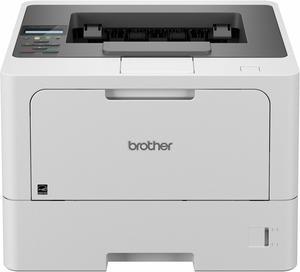
Brother HL HL-L5210DW Desktop Wireless Laser Printer - Monochrome - 48 ppm Mono - 1200 x 1200 dpi Print - Automatic Duplex Print - 350 Sheets Input - Ethernet - Wireless LAN
OUT OF STOCK
- Part Number: HL-L5210DW
- Color Print Speed: 1200 x 1200
- Time To First Page (seconds): 6.7 Second Monochrome
- Duplex printing: Automatic
- Model #: HLL5210DWT
- $479.99 –
- More options from $479.99 - $943.43
- Free Shipping
Quick View
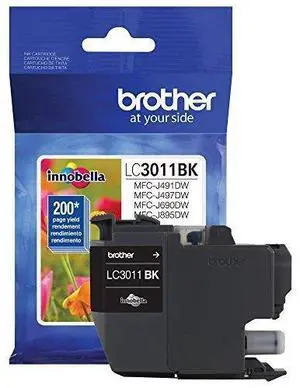
Brother LC3011BK Ink Cartridge - Black
OUT OF STOCK
- Part Number: LC3011BK
- Cartridge Quantity: 1
- Compatible Products: MFC-J491DW MFC-J497DW MFC-J690DW MFC-J895DW
- Ink Type: Dye-based
- Model #: LC3011BK
- $17.99 –
- More options from $17.29 - $36.97
- Est. Shipping Fee $4.99
Quick View
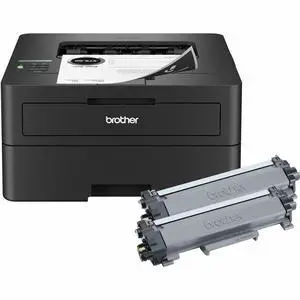
Brother HL-L2460DW XL Up to 36 ppm Monochrome Wireless 802.11b/g/n (2.4GHz) / 802.11a/n (5GHz), Ethernet, Hi-Speed USB 2.0 Electrophotographic Laser Printer
OUT OF STOCK
- Black Print Quality: 1200 x 1200 dpi
- Display: 1-line LCD
- Time To First Page (seconds): Less than 8.5 seconds
- Emulations: PCL6 (PCL XL Class 3.0)
- Model #: HL-L2460dw XL
- $210.99 –
- More options from $210.99 - $294.37
- Free Shipping
Quick View
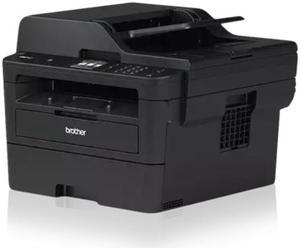
Brother HL-L2480DW Wireless Compact Monochrome Multi-Function Laser Printer with Copy and Scan, Duplex, Mobile, Black & White
OUT OF STOCK
- Model #: HL-L2480DW
- $239.99 –
- More options from $239.99 - $350.34
- Free Shipping
Quick View
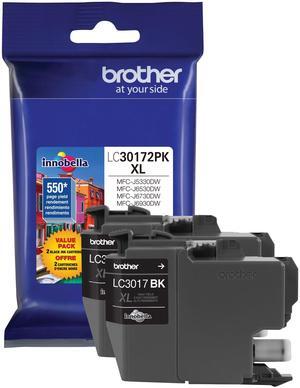
Brother LC30172PK High Yield Ink Cartridge - Dual Pack - Black
OUT OF STOCK
- Part Number: LC30172PK
- Compatible Products: MFC-J5330DW MFC-J6530DW MFC-J6930DW
- Approximate Page Yield: 550 Pages
- Parts: This OEM ink cartridge is BRAND NEW, Ships Fast and Great Service
- Model #: LC30172PK
- $53.99 –
- More options from $53.85 - $72.73
- Free Shipping
Quick View
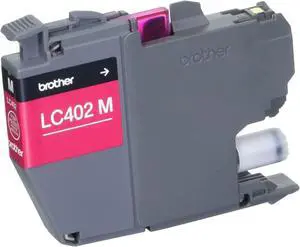
Brother LC402MS Magenta Ink Cartridge for MFCJ5340DW J6540DW J6940DW
OUT OF STOCK
- Part Number: LC402MS
- Model #: LC402MS
- $23.99 –
- More options from $23.99 - $39.94
- $4.99 Shipping
Quick View
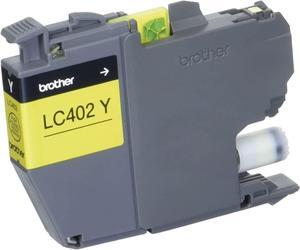
Brother LC402YS Yellow Ink Cartridge FOR MFCJ5340DW J6540DW J6940DW
OUT OF STOCK
- Part Number: LC402YS
- Model #: LC402YS
- $23.99 –
- More options from $23.99 - $39.81
- $4.99 Shipping
Quick View
- $589.99 –
- More options from $589.99 - $811.30
- $4.99 Shipping
Quick View
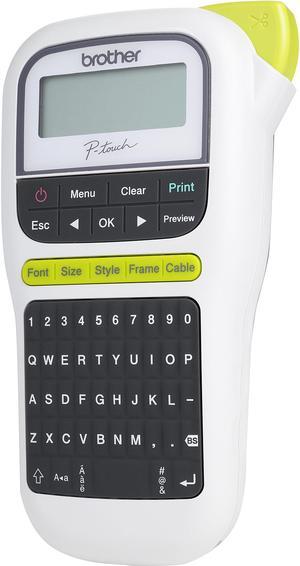
Brother P-touch PT-H110 Easy, Portable Label Maker, Thermal Transfer, 180 dpi, 20mm./sec, Up to 2 Print Lines, Manual Cutter
OUT OF STOCK
- Printer Type: Mobile
- Memory: Up to 15 labels Built-in Memory
- Fonts Included: Fonts: Helsinki, Brussels, Florida Font Styles: Normal, Bold, Outline, Shadow, Italic, Italic Bold, Italic Outline, Italic Shadow, Vertical, Vertical Bold Font Sizes: Small, Medium, Large
- Cutter: Manual
- Model #: PT-H110
- $39.99 –
- More options from $39.11 - $48.81
- Free Shipping
Quick View
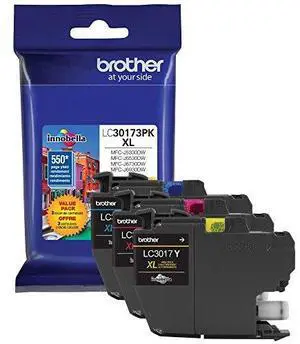
Brother LC30173PK High Yield Ink Cartridge - Combo Pack - Cyan/Magenta/Yellow
OUT OF STOCK
- Part Number: LC30173PK
- Cartridge Quantity: 3 Pack
- Compatible Products: MFC-J5330DW MFC-J6530DW MFC-J6930DW
- Approximate Page Yield: 550 Pages
- Model #: LC30173PK
- $44.99 –
- More options from $44.99 - $59.31
- Free Shipping
Quick View
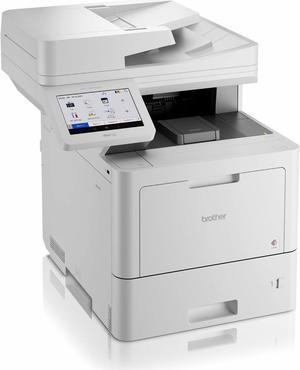
Brother MFC-L9610CDN Laser Multifunction Printer - Color - Copier/Fax/Printer/Scanner - 42 ppm Mono/42 ppm Color Print - 2400 x 600 dpi Print
OUT OF STOCK
- Recommended Use: MFC / All-In-One
- Black Print Speed: Up to 42 ppm
- Black Print Quality: 2400 x 600
- Brand: Brother
- Model #: MFCL9610CDN
- $1,249.99 –
- More options from $999.99 - $2,125.00
- Free Shipping

Any questions? Our AI beta will help you find out quickly.
Try me now
Choosing the Right Printer for Your Office Needs
When it comes to office solutions, printers and scanners are essential tools for any business. Whether you need to print important documents, scan invoices, or create professional-quality marketing materials, having the right equipment is crucial. In this article, we will explore the different types of printers and scanners available in the market and provide tips on how to choose the best one for your office.
All-in-One Printers: Versatility and Convenience
all-in-one printers, also known as multifunction printers, are a popular choice for offices. These devices combine the functionality of a printer, scanner, copier, and sometimes even a fax machine into a single unit. They offer versatility and convenience, allowing you to perform multiple tasks without the need for separate devices. All-in-one printers are available in both inkjet and laser options, catering to different printing needs and budgets.
Specialized Printers for Specific Tasks
In addition to all-in-one printers, there are specialized printers designed for specific tasks. For example, 3D printers are ideal for creating prototypes or intricate models, while barcode and label printers are perfect for businesses that require efficient inventory management. laser printers are known for their fast printing speeds and high-quality output, making them suitable for offices with high-volume printing needs. inkjet printers, on the other hand, are more cost-effective and can produce vibrant color prints.
Choosing the Right Supplies
Once you have selected the right printer for your office, it is important to choose the right supplies to ensure optimal performance and longevity. When it comes to inkjet printers, using high-quality ink cartridges is essential to achieve the best print quality and prevent clogging. For laser printers, it is important to choose the right type of toner cartridges that are compatible with your printer model. Additionally, investing in high-quality paper can make a significant difference in the final print results.
FAQs: Common Questions about Printers and Scanners
| Q: How often should I replace the ink cartridges? | A: The frequency of replacing ink cartridges depends on your printing volume. However, it is recommended to replace them when the print quality starts to degrade. |
|---|---|
| Q: Can I use third-party ink cartridges with my printer? | A: While it is possible to use third-party ink cartridges, it is important to ensure compatibility with your printer model. Using incompatible cartridges may result in poor print quality or damage to the printer. |
| Q: How do I clean the scanner glass? | A: To clean the scanner glass, use a soft, lint-free cloth slightly dampened with glass cleaner. Gently wipe the glass surface to remove any smudges or debris. |
| Q: What is the difference between optical and interpolated resolution in scanners? | A: Optical resolution refers to the actual hardware resolution of the scanner, while interpolated resolution is achieved through software enhancements. Optical resolution provides more accurate and detailed scans. |
| Q: How can I improve the scanning speed? | A: To improve scanning speed, reduce the scanning resolution, use black and white mode instead of color, and ensure that the scanner is connected to a high-speed USB port. |