
Your Browsing History
- In Stock
- Sold by Newegg
- Make an Offer
- New

Any questions? Our AI beta will help you find out quickly.
Try me now
Quick View
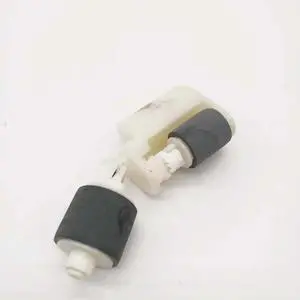
ADF Pick-Up Roller Fits Forepson-WF-4740 WF-4730 WF-4270 WF-4740 WF-4838
- Product Type: Printhead
- Model #: Dyj-231218-1003
- $183.69 –
- More options from $183.69
- Free Shipping
Quick View
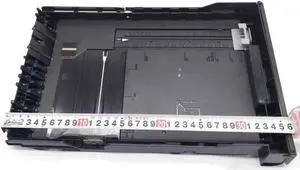
Printer Adf Paper Tray TypeC Fits Forepson-PX720 EP-904A
- Product Type: Printhead
- Model #: Dyj-231218-1239
- $201.69 –
- More options from $201.69
- Free Shipping
Quick View
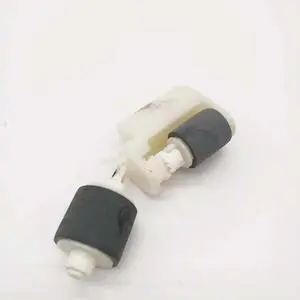
ADF Pick-Up Roller Fits Forepson-WF-4740 EC-4030 WF-4838 WF-4734 WF-4725 WF-4270
- Product Type: Printhead
- Model #: Dyj-231218-1075
- $183.69 –
- More options from $183.69
- Free Shipping
Quick View
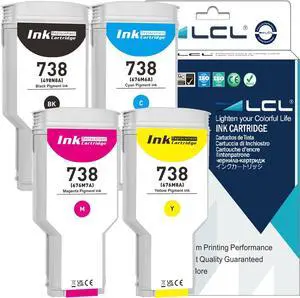
LCL 738 Black Cyan Magenta Yellow 300-ml High Yield Ink Cartridge Replacement for HP 738 Ink for HP DesignJet T850 T950 Printer (4-Pack)
- Model #: BAMB0DQW6RZ2G
- $641.99 –
- Free Shipping
Quick View
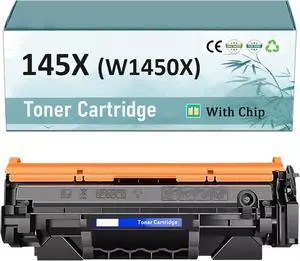
W1450X Toner Cartridge Replacement for HP145X, Compatible for HP Laserjet Pro 3003dn 3003dw 3003 Laserjet Pro MFP 3103fdn 3103fdw 3103 Printer Black 1 Pack
- Model #: BAMB0DWRHY3ZQ
- $121.99 –
- Free Shipping
Quick View
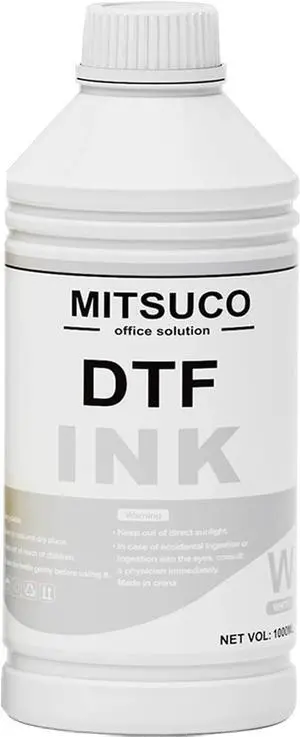
DTF White Ink 1000ml Compatible for printheads Installed DTF Printers L1800 R1390 ET-4800 8550 XP15000 I3200 4720 XP600 TX800 ET2800
- Model #: BAMB0F9TGJQRD
- $95.99 –
- Free Shipping
Quick View
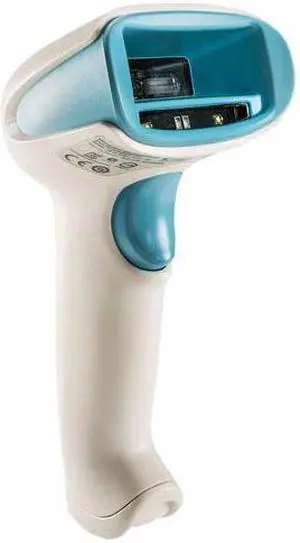
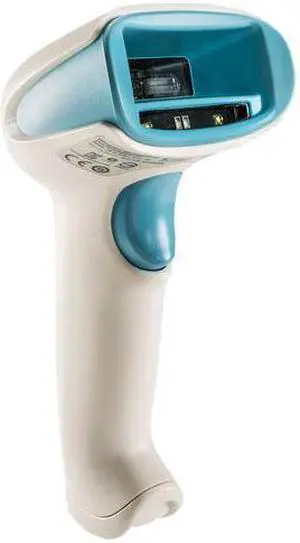
XENON HC USB KIT 1D PDF 2D
- Product Type: Printhead
- Model #: WWM845800-fs9
- $318.69 –
- More options from $318.69
- Free Shipping
Quick View
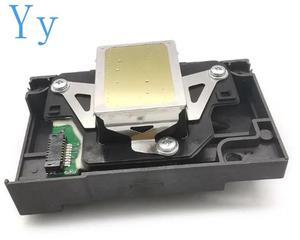
XENON HC USB KIT 1D PDF 2D
- Product Type: Printhead
- Model #: WWM845800-fs15
- $318.69 –
- More options from $318.69
- Free Shipping
Quick View
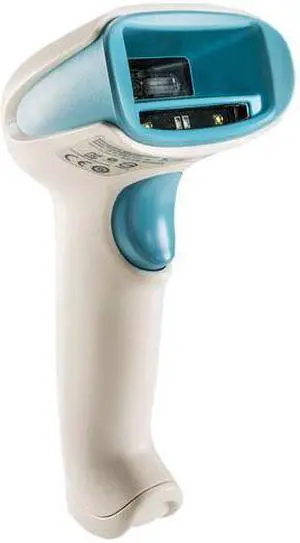
F173050 F173060 F173070 Print Head Printhead For Epson Stylus Photo RX580 1390 1400 1410 1430 L1800 1500W R260 R270 R330 R360
- Model #: BADGE-543
- $195.47 –
- More options from $195.47
- Free Shipping
Quick View
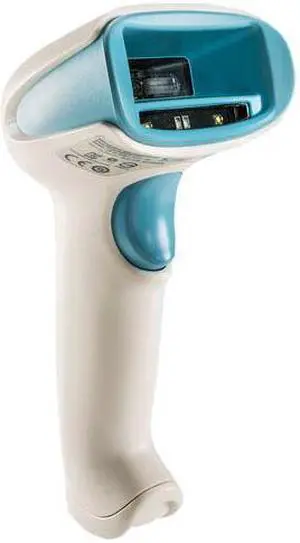
XENON HC USB KIT 1D PDF 2D
- Product Type: Printhead
- Model #: PR7A60101-df2
- $743.69 –
- More options from $743.69
- Free Shipping
Quick View
XENON HC USB KIT 1D PDF 2D
- Product Type: Printhead
- Model #: WWM845800-fs3
- $318.69 –
- More options from $318.69
- Free Shipping
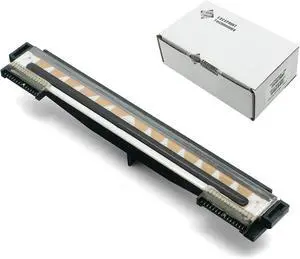
Quick View
P1115689 Printhead for Ze bra ZD230D ZD220D Thermal Label Printer 203dpi, Print Head Replacement
- Model #: 6YG3-6MJU378
- $187.70 –
- More options from $187.00
- Free Shipping
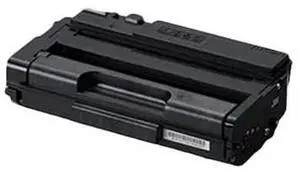
Quick View
RICOH Genuine Black Toner Cartridge 132 P & 132 MF 434057
- Brand: Ricoh Laser
- Model #:
- $105.79 –
- Free Shipping
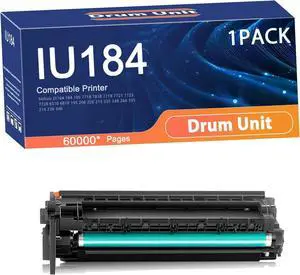
Quick View
Compatible IU184 Drum Unit Replacement for Konica Minolta Printers to Use with Bizhub Di164 184 185 7718 7818 7719 7721 7723 7728 6310 6810 195 206 226 Printer 1set
- Model #: LEMLB0FHGLBWS4
- $252.99 –
- Free Shipping
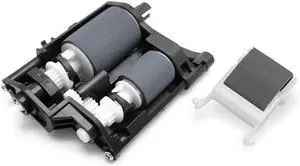
Quick View
1 Set Printer Roller kit Suitable Compatible for Epson L1455 WF-7610 7620 7720 7710 7621 7728 7511 7018 7521 S5040 Roller Shaft Roller Pick ADF LD Assy
- Model #: LEMLB0D2HW4WGN
- $119.99 –
- Free Shipping
Quick View
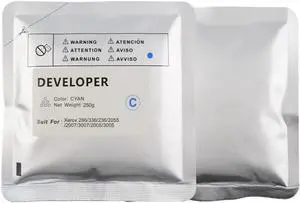
1pcs Universal DC286 Developer Powder Compatible with 286 336 236 2055 2007 3007 2005 3005 Refill Printer Iron Powder(1pcs Cyan 250G)
- Model #: LEMLB0FH7DLGL3
- $73.99 –
- Free Shipping
Quick View
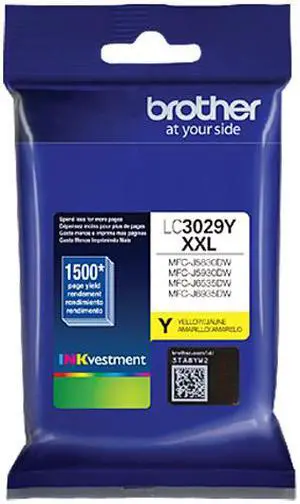
Brother LC3029Y Super High Yield Ink Cartridge - Yellow


- Part Number: LC3029Y
- Cartridge Quantity: Single Pack
- Compatible Products: MFC-J5830DW MFC-J5830DW XL MFC-J5930DW MFC-J6535DW MFC-J6535DW XL MFC-J6935DW
- Parts: This OEM ink cartridge is BRAND NEW, Ships Fast and Great Service
- Model #: LC3029Y
- $19.99 –
- More options from $19.99 - $49.92
- $7.85 Shipping
Quick View
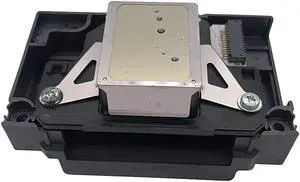
Print head Printhead Fits Forepson-R290 R280 A960 R330 R295 P50 A940 R285 A840 T960 P60
- Product Type: Printhead
- Model #: CH-DYJ-1522
- $319.96 –
- Free Shipping
Quick View
Axiom Maintenance Kit For Hp Laserjet 4000 4050 # C4118-67909
- Brand: Axiom
- Weight: 8
- Model #: C4118-67909-AX
- $179.06 –
- Free Shipping
Quick View
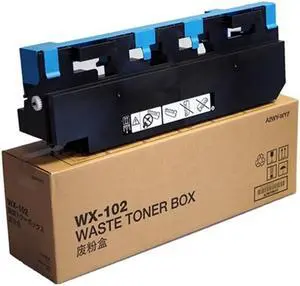
Konica Minolta A2WYWY7 Waste Toner Container
- Compatible Products: Konica Minolta bizhub 552, Konica Minolta bizhub 652, Konica Minolta bizhub 654, Konica Minolta bizhub 654e, Konica Minolta bizhub 754, Konica Minolta bizhub 754e, Konica Minolta bizhub PRO 958
- Model #: A2WYWY7
- $34.00 –

Quick View
Proxxon 28992 12-volt Units Extension Cord for Micromot
- Connector Type: type
- Model #: 603904578918625
- $26.32 –
- Free Shipping
Quick View
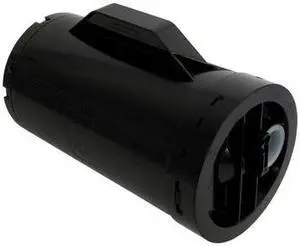
Compatible Black High Yield Toner Cartridge for Dell 47GMH H815dw Cloud Multifunction Printer, S2810dn Smart Printer, S2815dn Smart Multifunction Printer
- Compatible Products: DELL H815dw Cloud Multifunction Printer,DELL S2815dn Smart Multifunction Printer,DELL S2810dn Smart Printer
- Approximate Page Yield: 6000 Pages
- Coverage: 5%
- Model #: 47GMH-K-19935
- $170.84 –
- Free Shipping
Quick View
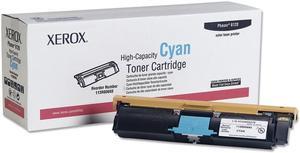
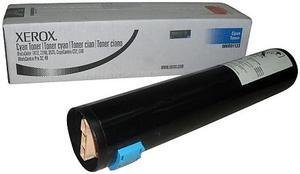
Xerox 113R00693 High Yield Toner Cartridge - Cyan
- Compatible Products: Phaser 6120 and 6115MFP
- Approximate Page Yield: 4500 Pages
- Model #: 113R00693
- $25.00 –
- More options from $25.00 - $39.15
- Free Shipping
Quick View
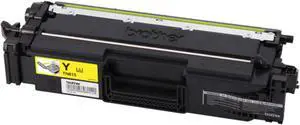
Brother TN815Y Original Super High (XXL Series) Yield Laser Toner Cartridge - Yellow
- Part Number: TN815Y
- Cartridge Quantity: 1
- Compatible Products: HL-L9430CDN HL-L9470CDN MFC-L9630CDN MFC-L9670CDN
- Approximate Page Yield: 12000 Pages
- Model #: TN815Y
- $296.49 –
- More options from $149.99 - $307.96
- $2.99 Shipping
Quick View
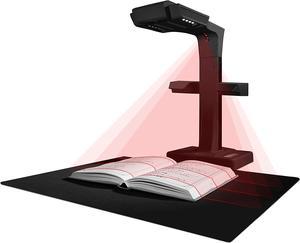
ET18 Pro Professional Document Scanner, 2nd Gen Auto-Flatten & Deskew Tech, 18MP HD Camera, Capture A3, 186 Languages OCR, Convert to PDF/Searchable PDF/Word/Tiff/Excel, Run On Windows & MacOS
- Product Type: Professional Document Scanner
- Model #: BJFIB993IR3BR3
- $799.99 –
- Free Shipping
Quick View
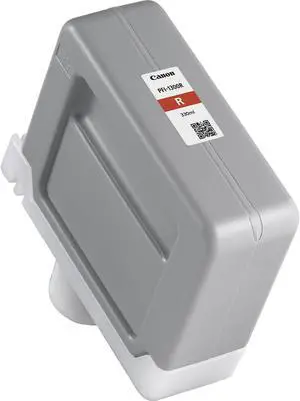
Canon 0819C001AA PFI-1300 Pigment Ink Tank Red
- Cartridge Quantity: 1
- Compatible Products: Canon imagePROGRAF PRO-2000 Canon imagePROGRAF PRO-4000 Canon imagePROGRAF PRO-4000S Canon imagePROGRAF PRO-6000S
- Capacity: 330 ml
- Ink Type: Pigment-based
- Model #: 0819C001AA
- $187.75 –
- More options from $187.00
- Free Shipping
Quick View
- $320.00 –
- Free Shipping
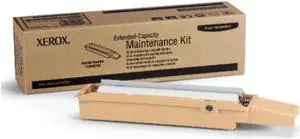
Quick View
Xerox Phaser 8860,8860MFP High Yield, Maitenance Kit 113R736
- Model #: 113R736
- $104.00 –
- Free Shipping
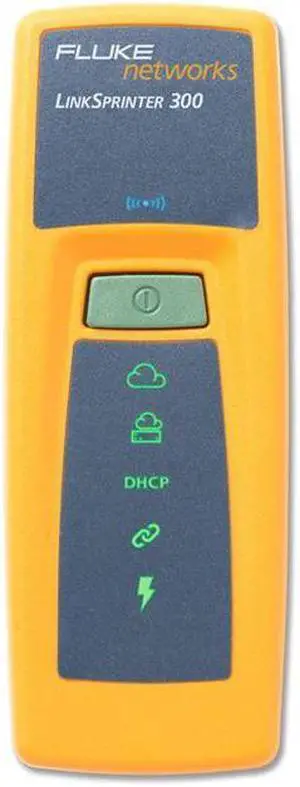
Quick View
Netscout HH Tools LSPRNTR-300 Linksprinter Model 300 - Yellow
- Model #: LSPRNTR-300
- $435.99 –
- Free Shipping
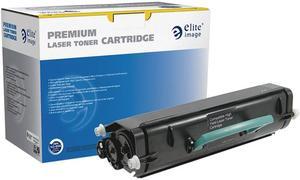
Quick View
Elite Image 75871 Black Toner
- Compatible Products: Lexmark X264DN, X363DN, X364DN and X364DW.
- Approximate Page Yield: 9000 Pages
- Model #: 75871
- $141.99
- $43.99 –
- Save: $98.00 (69%)
- Free Shipping

Quick View
Kodak Consumables Kit for i2900 and i3000 Series Scanners (1428101)
- Product Type: Printer Accessories
- Color: Black
- Model #: 1428101
- $448.46 –
- More options from $250.54 - $496.22
- Free Shipping

Quick View
Canon CLI-281XL Original Ink Cartridge - Cyan - Inkjet - 1 Each
- Capacity: N/A
- Ink Type: Dye-based
- Model #: 2034C001
- $25.99 –
- Free Shipping
Quick View
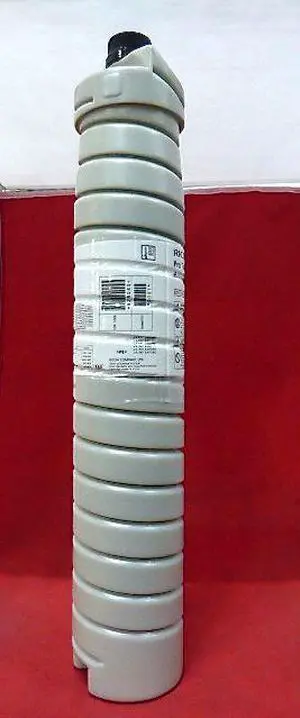
Black Toner Cartridge for Ricoh 828080 Pro 1107, Pro 1107EX, Pro 1357, Pro 1357EX, Pro 907, Pro 907EX, Genuine Ricoh Brand
OUT OF STOCK
- Compatible Products: Ricoh Pro 907EX,Ricoh Pro 1357EX,Ricoh Pro 1107EX,Ricoh Pro 1107,Ricoh Pro 1357,Ricoh Pro 907
- Approximate Page Yield: 60000 Pages
- Coverage: 5%
- Features: 100% satisfaction guaranteed
- Model #: 828080
- $69.99
- $56.99 –
- Save: $13.00 (18%)
- More options from $46.00 - $56.99
- Free Shipping
Choosing the Right Printer for Your Office Needs
When it comes to office solutions, printers and scanners are essential tools for any business. Whether you need to print important documents, scan invoices, or create professional-quality marketing materials, having the right equipment is crucial. In this article, we will explore the different types of printers and scanners available in the market and provide tips on how to choose the best one for your office.
All-in-One Printers: Versatility and Convenience
all-in-one printers, also known as multifunction printers, are a popular choice for offices. These devices combine the functionality of a printer, scanner, copier, and sometimes even a fax machine into a single unit. They offer versatility and convenience, allowing you to perform multiple tasks without the need for separate devices. All-in-one printers are available in both inkjet and laser options, catering to different printing needs and budgets.
Specialized Printers for Specific Tasks
In addition to all-in-one printers, there are specialized printers designed for specific tasks. For example, 3D printers are ideal for creating prototypes or intricate models, while barcode and label printers are perfect for businesses that require efficient inventory management. laser printers are known for their fast printing speeds and high-quality output, making them suitable for offices with high-volume printing needs. inkjet printers, on the other hand, are more cost-effective and can produce vibrant color prints.
Choosing the Right Supplies
Once you have selected the right printer for your office, it is important to choose the right supplies to ensure optimal performance and longevity. When it comes to inkjet printers, using high-quality ink cartridges is essential to achieve the best print quality and prevent clogging. For laser printers, it is important to choose the right type of toner cartridges that are compatible with your printer model. Additionally, investing in high-quality paper can make a significant difference in the final print results.
FAQs: Common Questions about Printers and Scanners
| Q: How often should I replace the ink cartridges? | A: The frequency of replacing ink cartridges depends on your printing volume. However, it is recommended to replace them when the print quality starts to degrade. |
|---|---|
| Q: Can I use third-party ink cartridges with my printer? | A: While it is possible to use third-party ink cartridges, it is important to ensure compatibility with your printer model. Using incompatible cartridges may result in poor print quality or damage to the printer. |
| Q: How do I clean the scanner glass? | A: To clean the scanner glass, use a soft, lint-free cloth slightly dampened with glass cleaner. Gently wipe the glass surface to remove any smudges or debris. |
| Q: What is the difference between optical and interpolated resolution in scanners? | A: Optical resolution refers to the actual hardware resolution of the scanner, while interpolated resolution is achieved through software enhancements. Optical resolution provides more accurate and detailed scans. |
| Q: How can I improve the scanning speed? | A: To improve scanning speed, reduce the scanning resolution, use black and white mode instead of color, and ensure that the scanner is connected to a high-speed USB port. |