

Your Browsing History
- Sold by Newegg
- Make an Offer
- New

Any questions? Our AI mode will help you find out quickly.
Try me now
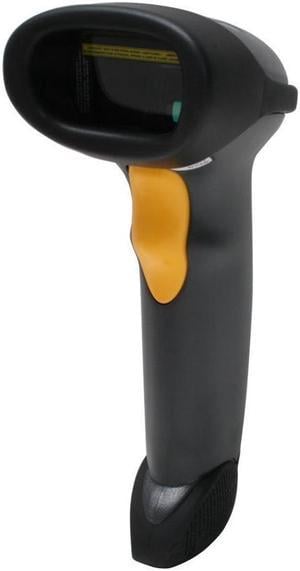
Quick View
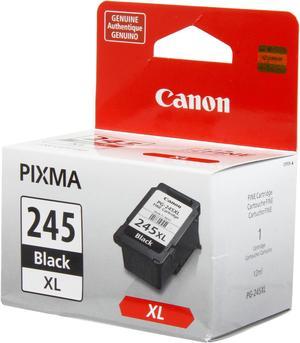
Canon PG-245 XL High Yield Ink Cartridge - Black
- Part Number: 8278B001
- Cartridge Quantity: Single Pack
- Compatible Products: PIXMA MG6820 Black Wireless PIXMA iP2820 PIXMA MG2924 Wireless PIXMA MG2520 PIXMA MG2924 Wireless PIXMA MG2420
- Ink Type: Pigment-based
- Model #: 8278B001
- $37.99 –
- $2.99 Shipping
Quick View
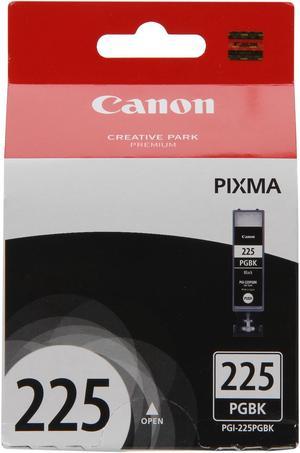
Canon PGI-225 Ink Cartridge - Pigmented Black
- Part Number: 4530B001
- Compatible Products: Canon PIXMA iP4820, PIXMA iP4850, PIXMA iP4950, PIXMA iX6520, PIXMA iX6550, PIXMA MG5120, PIXMA MG5150, PIXMA MG5220, PIXMA MG5250, PIXMA MG5320, PIXMA MG5350, PIXMA MG6120, PIXMA MG6150, PIXMA MG6220, PIXMA MG6250, PIXMA MG8120, PIXMA MG8150, PIXMA MG8220, PIXMA MG8250, PIXMA MX712, PIXMA MX715, PIXMA MX882, PIXMA MX885, PIXMA MX892, PIXMA MX895
- Ink Type: Pigment-based
- Labor: 1 year limited
- Model #: 4530B001
- $24.99 –
- Est. Shipping Fee $2.99
Quick View
Elo Elo Edge Connect 2D Barcode Scanner E384627
- Weight: 0.1500
- Model #: E384627
- $339.99 –
- More options from $311.00 - $378.44
- Free Shipping
Quick View
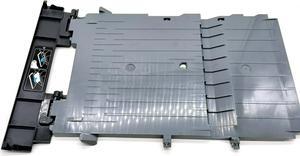
Output Exit Tray E3E01-40091 Fit Forhp- 8720 8724 8725 8726 8727 8728 8730 8732M 8734 8735 8736 8740 8743 8744 8745 8746 8747
- Product Type: Printhead
- Model #: Dyj-231218-210
- $138.69 –
- Free Shipping
Quick View
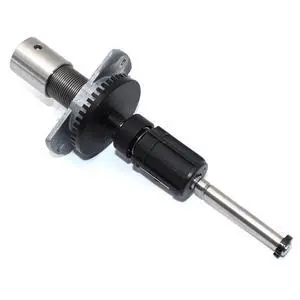
GETPARTS 1-040198-90 Ribbon Supply Unit Assembly for Intermec PX6i Thermal Label Printer 203dpi 300dpi
Limited time offer, ends 08/31
- Model #: OYS-C5TJ-2607130602
- $211.50 –
- Free Shipping
Quick View
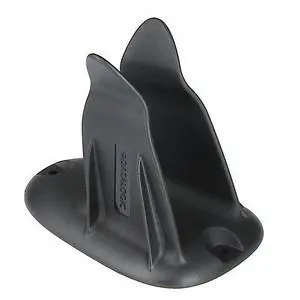
Datalogic Scanning 11-0360 Holder, Multi-Purpose, Black
- Brand: Datalogic
- Part Number: 11-0360
- Scan Engine: 1D
- Included Cables: USB Cable
- Model #: 11-0360
- $21.99 –
- More options from $21.99 - $24.43
- $2.99 Shipping
Quick View
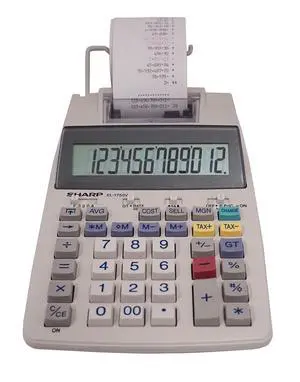
El-1750V 12-Digit Desktop Printing Calculator, White
Limited time offer, ends 08/27
- Model #: 952126696622
- $92.24 –
- Free Shipping
Quick View
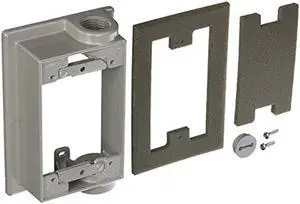
BELL 5412-0 Swing Arm Extension Adapter, Gray
- Connector Type: type
- Model #: 6039045791851
- $47.77 –
- More options from $47.42
- Free Shipping
Quick View
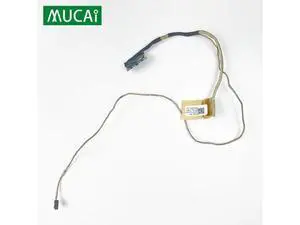
Video screen Flex cable For ASUS E403S E403SA laptop LCD LED Display Ribbon Camera cable 14005-01730200
Limited time offer, ends 08/31
- Model #: YLJGZMC7AZ-0722-2624
- $41.04 –
- Free Shipping
Quick View
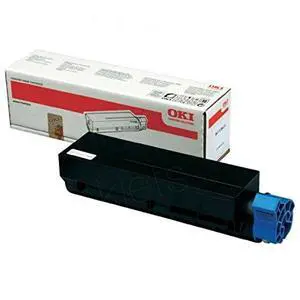
- $265.49 –
- Free Shipping
Quick View
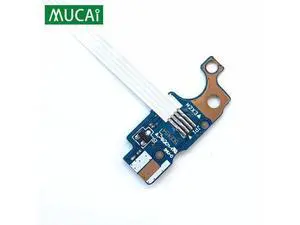
For Lenovo E43L E43G E43A E43 laptop Power Button Board with Cable switch Repairing Accessories
Limited time offer, ends 08/31
- Model #: YLJGZMC7AZ-0722-3282
- $37.92 –
- Free Shipping
Quick View
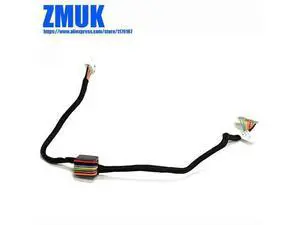
Laptop Cable For Lenovo Thinkpad E431 E440 Series,P/N DC02001L400
Limited time offer, ends 08/31
- Model #: YLJGZMC7AZ-0722-2570
- $41.01 –
- Free Shipping
Quick View
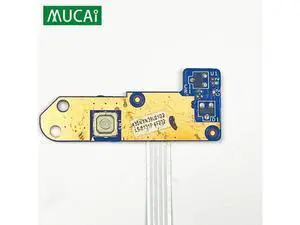
For Lenovo ThinkPad E430 E430C E435 E445 E530 E535 E545 laptop Power Button Board with Cable 04W4268 04W4129 LS-8131P
Limited time offer, ends 08/31
- Model #: YLJGZMC7AZ-0722-3259
- $34.46 –
- Free Shipping

Quick View
10SETS 1830528 1749772 Porous Pad Compatible with L3100 L3101 L3110 L3115 L3116 L3150 L3151 L3156 L3158 L3160 L3165 Printer Supplies for Part Number 1830528 1749772
- Model #: CHIPB0G4VJFWRP
- $80.99 –
- Free Shipping
Quick View
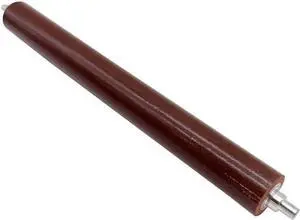
Replacement Fuser Pressure Roller Assembly Compatible with Printer Models E260 E360 E460 X364 X463 X464 X466 LPR-E260 for Part Number 8K1927225B
- Model #: CHIPB0G4CNL6VP
- $121.99 –
- Free Shipping
Quick View
Output Exit Tray E3E01-40091 Fit Forhp- 8720 8724 8725 8726 8727 8728 8730 8732M 8734 8735 8736 8740 8743 8744 8745 8746 8747
- Product Type: Printhead
- Model #: CH-DYJ-0210
- $139.96 –
- Free Shipping
Quick View
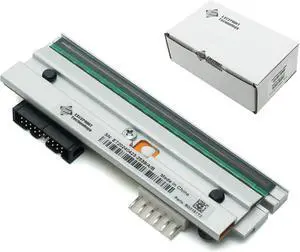
eecee PHD20-2181-01 New Printhead for Datamax I-4206 I-4208 I-4210 I-4212 Thermal Label Printer 203dpi - Spare Part/Replacement Printhead Compatible with Datamax Printer
- Model #: HANZB0D6GH8XCG
- $520.99 –
- Free Shipping
Quick View
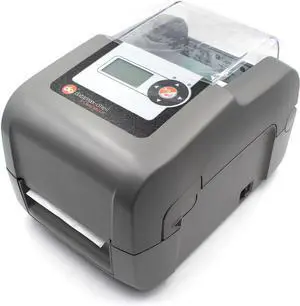
GETPARTS EP2-00-0H000P00 Datamax E-Class E-4206P Mark III Professional Label Printer Model, LAN USB Serial Interface, with AC Adapter
- Model #: HANZB0FLY7F1X4
- $900.99 –
- Free Shipping

Quick View
Elo Cradle E458992
- Model #: E458992
- $145.90 –
- More options from $145.90 - $187.26
- Free Shipping
Quick View
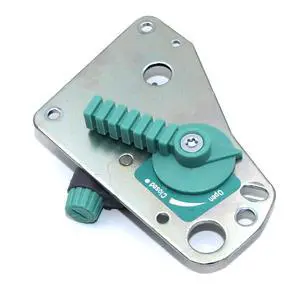
1-040248-02 Crank Shaft (Cam Handle) for Intermec PX4i PX6i Thermal Barcode Printer 203dpi 300dpi Genuine
Limited time offer, ends 08/31
- Model #: OYS-C5TJ-2607130572
- $221.50 –
- Free Shipping
Quick View
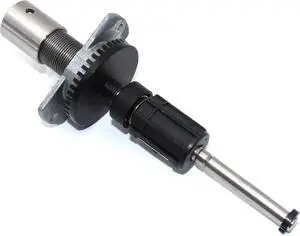
Ennovor 1-040189-90 Ribbon Supply Unit Assembly for Intermec PX4i Thermal Label Printer 203dpi 300dpi 400dpi
- Model #: LIAB0CXXY7CJY
- $152.89 –
- Free Shipping
Quick View
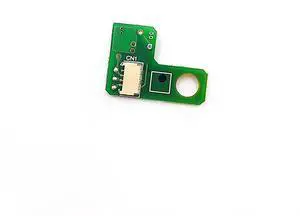
For 2203202 2154774 Encorder Board Assy Sensor for L18058 L8058 L8168 L8188 L8180 L8160 L18050 L8050
- Model #: 3256808812653540
- $39.00 –
- Free Shipping
Quick View
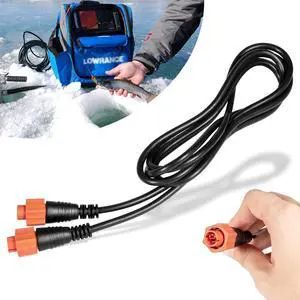
0127-29 Ethernet Cable Replacement for Lowrance Ethext-15Yl 3004.7036,15ft(4.5m) 5-Pin Network Cable Fit for Most Lowrance Devices
- Model #: DEEUB0CNG6584Z
- $81.99 –
- Free Shipping
Quick View
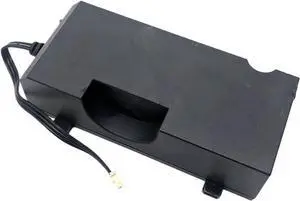
Compatible for HP, Power Supply E3E01-60132, Fits for 8200 7730 7710 8702 8216 8714 7745 8218 8715 7720 7740 8710 8700 8210 8717 Printers
- Model #: CHIPB0G5PHJXMY
- $105.99 –
- Free Shipping
Quick View
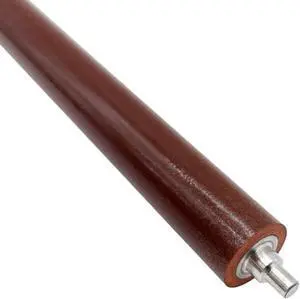
Replacement Fuser Pressure Roller Assembly Compatible with Printer Supplies E260 E360 E460 X364 X463 X464 X466 for Part Number LPR-E260
- Model #: CHIPB0G5DCZ7WT
- $103.99 –
- Free Shipping

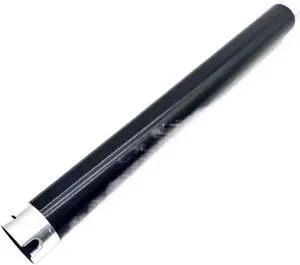
Quick View
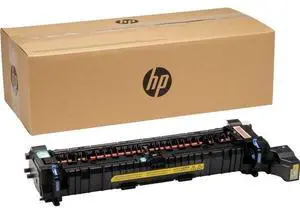
Upper Fuser Roller Compatible with Printer Supplies IM350F IM430F P501 P502 for Part Number AE011135
- Model #: CHIPB0G4QKWSF5
- $230.99 –
- Free Shipping
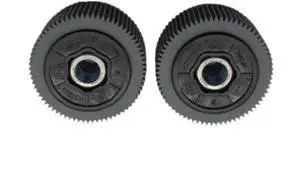
Quick View
2Pcs Compatible with Printer Supplies A3 Duplicator Pickup Roller 021-14301 for Part Number 02114301 Compatible with Riso RV EV EZ ES SF GR RZ MV RN Feed Roller Pickup Roller
- Model #: CHIPB0G51TS3P5
- $148.99 –
- Free Shipping
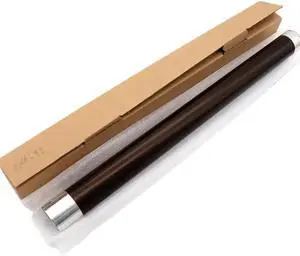
Quick View
1PCS E166 Upper Fuser Roller Compatible with Printer Models E 163 165 167 181 182 195 203 205 206 207 211 212 223 225 237 242 245 6LE19935000 for Part Number E166
- Model #: CHIPB0GDPPJRCZ
- $112.99 –
- Free Shipping
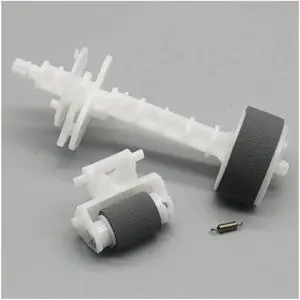
Quick View
Fit for EPOSN L300 L310 L350 L355 L362 L365 L366 L455 L456 L360 L110 L120 L130 L132 L210 L220 L222 1569314 1569311 Pickup Roller Replacement Parts
- Model #: CHIPB0G7R98Z8X
- $133.99 –
- Free Shipping
Quick View
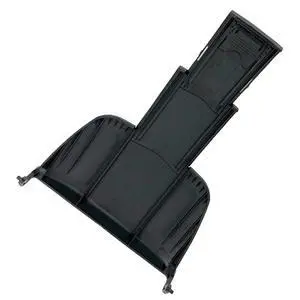
Refurbished Output Stacker PA03670-E980 for Fujitsu fi-7140 fi-7160 fi-7180 Tray Feeder
Limited time offer, ends 08/31
- Model #: 304402478088
- $42.00 –
- Free Shipping
Quick View
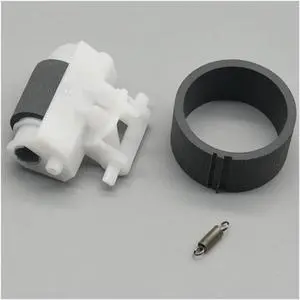
20set Fit for EPOSN L110 L120 L130 L132 L210 L220 L222 L300 L310 L350 L355 L362 L365 L366 L455 L456 L360 1569311 1569314 Pickup Roller Replacement Parts
- Model #: CHIPB0G7RH3B58
- $105.99 –
- Free Shipping
Quick View
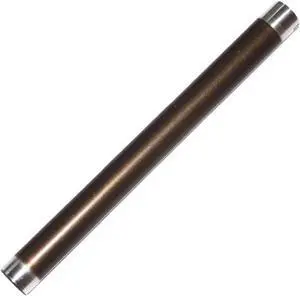
10pcs 6LA27846000 Upper Fuser Pressure Roller Compatible with Printer Supplies 200L 202 203 230 280s 232 282 233 283 for Part Number 6LA27846000
- Model #: CHIPB0G4QKRYDS
- $329.99 –
- Free Shipping

Quick View
Drum Unit Compatible with E350 450 352 452 453 288 358 458s
- Model #: ENGEB0GLFN4FD6
- $274.99 –
- Free Shipping

Choosing the Right Printer for Your Office Needs
When it comes to office solutions, printers and scanners are essential tools for any business. Whether you need to print important documents, scan invoices, or create professional-quality marketing materials, having the right equipment is crucial. In this article, we will explore the different types of printers and scanners available in the market and provide tips on how to choose the best one for your office.
All-in-One Printers: Versatility and Convenience
all-in-one printers, also known as multifunction printers, are a popular choice for offices. These devices combine the functionality of a printer, scanner, copier, and sometimes even a fax machine into a single unit. They offer versatility and convenience, allowing you to perform multiple tasks without the need for separate devices. All-in-one printers are available in both inkjet and laser options, catering to different printing needs and budgets.
Specialized Printers for Specific Tasks
In addition to all-in-one printers, there are specialized printers designed for specific tasks. For example, 3D printers are ideal for creating prototypes or intricate models, while barcode and label printers are perfect for businesses that require efficient inventory management. laser printers are known for their fast printing speeds and high-quality output, making them suitable for offices with high-volume printing needs. inkjet printers, on the other hand, are more cost-effective and can produce vibrant color prints.
Choosing the Right Supplies
Once you have selected the right printer for your office, it is important to choose the right supplies to ensure optimal performance and longevity. When it comes to inkjet printers, using high-quality ink cartridges is essential to achieve the best print quality and prevent clogging. For laser printers, it is important to choose the right type of toner cartridges that are compatible with your printer model. Additionally, investing in high-quality paper can make a significant difference in the final print results.
FAQs: Common Questions about Printers and Scanners
| Q: How often should I replace the ink cartridges? | A: The frequency of replacing ink cartridges depends on your printing volume. However, it is recommended to replace them when the print quality starts to degrade. |
|---|---|
| Q: Can I use third-party ink cartridges with my printer? | A: While it is possible to use third-party ink cartridges, it is important to ensure compatibility with your printer model. Using incompatible cartridges may result in poor print quality or damage to the printer. |
| Q: How do I clean the scanner glass? | A: To clean the scanner glass, use a soft, lint-free cloth slightly dampened with glass cleaner. Gently wipe the glass surface to remove any smudges or debris. |
| Q: What is the difference between optical and interpolated resolution in scanners? | A: Optical resolution refers to the actual hardware resolution of the scanner, while interpolated resolution is achieved through software enhancements. Optical resolution provides more accurate and detailed scans. |
| Q: How can I improve the scanning speed? | A: To improve scanning speed, reduce the scanning resolution, use black and white mode instead of color, and ensure that the scanner is connected to a high-speed USB port. |