

Your Browsing History
- In Stock
- Sold by Newegg
- Make an Offer
- New

Any questions? Our AI beta will help you find out quickly.
Try me now

Quick View
BNTECHGO 10 Gauge Flexible 2 Conductor Parallel Silicone Wire Spool Red Black High Resistant 200 deg C 600V for Single Color LED Strip Extension Cable Cord,Model,5ft Stranded Tinned Copper Wire
- Connector Type: type
- Model #: 603904578794625
- $20.86 –
- Free Shipping
Quick View
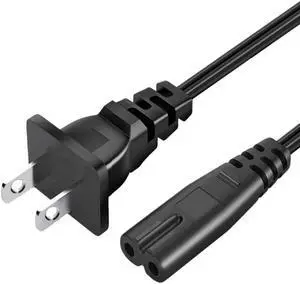
Replacement Power Cord for HP Officejet 250 200 3830 4500 4630 4650 4655 5255 5258 5740 6230 6700 6960 6962 6970 8035 8100 8625 8702 9010 9025 Printer Series 2 Prong AC Power Cord Cable
Limited time offer, ends 07/06
- Model #: B08JGGF4Y6-YIXIN
- $20.98
- See price in cart
- Free Shipping

Quick View
LD Compatible Toner Cartridge Replacement for Xerox 106R03864 High Yield (Magenta)
- Brand: LD Products
- Cartridge Quantity: 1
- Cartridge Color: Pink
- Replacement Brand: Xerox
- Model #: 106R03864CTS
- $38.39 –
- Free Shipping
Quick View
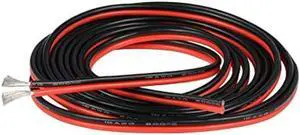
BNTECHGO 16 Gauge Flexible 2 Conductor Parallel Silicone Wire Spool Red Black High Resistant 200 deg C 600V for Single Color LED Strip Extension Cable Cord,Model,10ft Stranded Tinned Copper Wire
- Connector Type: type
- Model #: 603904578836325
- $20.86 –
- Free Shipping
Quick View
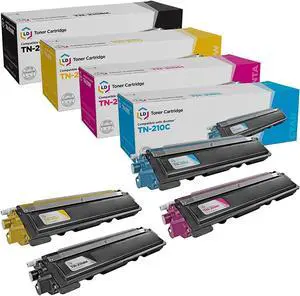
LD Compatible Replacement for Brother TN210 (Black, Cyan, Magenta, Yellow, 4-Pack)
- Product Type: Toner Collection/Waste Toner Unit
- Model #: PB003F2X1EW
- $124.08 –
- More options from $124.03 - $126.58
- Free Shipping
Quick View
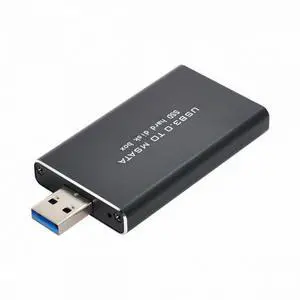
Mini PCI-E mSATA to USB 3.0 External SSD PCBA Conveter Adapter Pen Driver Card with Case
- Model #: U3-034-NG
- $11.88 –
- Free Shipping
Quick View
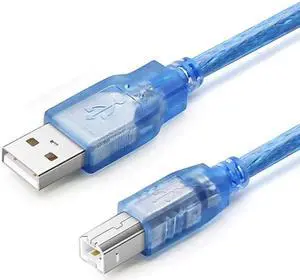
Vszerda USB 2.0 Printer Cable,High Speed USB 2.0 A Male to B Male USB Printer/Photocopier/Scanner Cord for HP,Samsung,1.64 ft.
- Model #: YTUJYUL73
- $16.89 –
- Free Shipping
Quick View
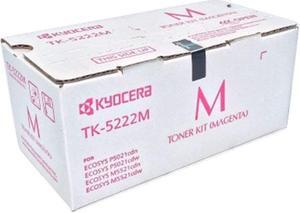
Kyocera 1T02R9BUS1 Model TK-5222M Magenta Toner Cartridge For use with ECOSYS P5021cdn, P5021cdw, M5521cdn and M5521cdw Laser Printers; Up to 1200 Pages Yield at 5% Average Coverage
- Product Type: Toner Collection/Waste Toner Unit
- Model #: PB07819NMSR
- $109.99 –
- Free Shipping

Quick View
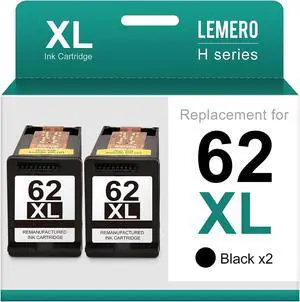
LD Compatible Ink Cartridge Replacement for Brother LC3011C (Cyan) Compatible with the following Brother Printer Models MFC MFC-J491DW MFC-J497DW MFC-J690DW MFC-J895DW
- Brand: LD Products
- Cartridge Quantity: 1
- Cartridge Color: Blue
- Replacement Model: Brother
- Model #: LC3011CCIC
- $8.99 –
- Free Shipping
Quick View
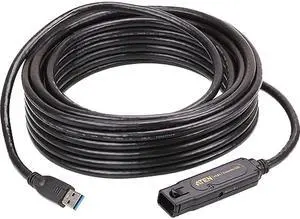
ATEN UE3310 Black USB 3.1 Gen1 Extender Cable
- Type: USB 3.1 Gen1 Extension Cables
- Connector Type: USB A to USB A
- Connector Number: 2
- Connector Detail: Connectors A: 1 x USB3.1 Gen1 Type A Male Connectors B: 1 x USB3.1 Gen1 Type A Female
- Model #: UE3310
- $80.22 –
- More options from $79.92 - $525.78
- Free Shipping

Quick View
BNTECHGO 12 Gauge Flexible 2 Conductor Parallel Silicone Wire Spool Red Black High Resistant 200 deg C 600V for Single Color LED Strip Extension Cable Cord,Model,10ft Stranded Tinned Copper Wire
- Connector Type: type
- Model #: 603904578757125
- $28.27 –
- Free Shipping
Quick View
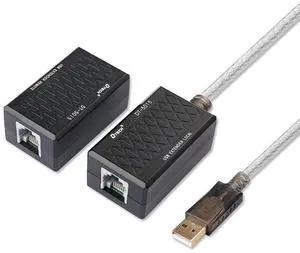
USB Extension Adapter USB to RJ45 Extender Over Cat5 Cat5e Ethernet Cable Set Connection up to 200ft
- Model #: 6906486550
- $23.20 –
- More options from $23.20 - $25.00
- Free Shipping

Quick View
LD Comp Ink Cartridge for Brother LC20 5PK: 2 LC20EBK,1 LC20EC,1 LC20EM,1 LC20EY
- Brand: LD Products
- Cartridge Quantity: 1
- Cartridge Color: Multi-Color
- Replacement Model: Brother
- Model #: LC20EY
- $34.99 –
- Free Shipping
Quick View
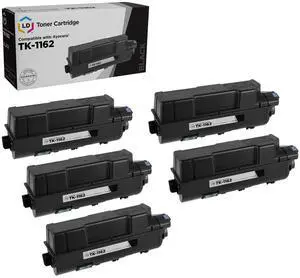
LD Products Compatible Toner Cartridge Replacement for Kyocera 1T02RY0US0 TK-1162 (Black, 5-Pack) for use in Kyocera ECOSYS P2040dw
- Brand: LD Products
- Cartridge Quantity: 1
- Cartridge Color: Black
- Replacement Brand: Kyocera Mita
- Model #: CKYTK1162CTA
- $144.29 –
- Free Shipping
Quick View
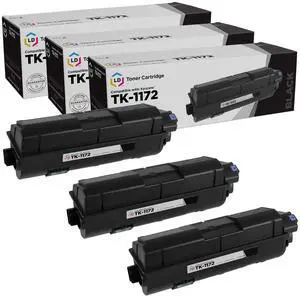
LD Products Toner Cartridge Replacement for Kyocera TK-1172 (Black, 3-Pack) Compatible with Kyocera M2040dn, M2540d, M2540dw and M2640idw
- Brand: LD Products
- Cartridge Quantity: 1
- Cartridge Color: Black
- Replacement Brand: Kyocera-Mita
- Model #: CKYTK1172CTA
- $94.09 –
- Free Shipping
Quick View
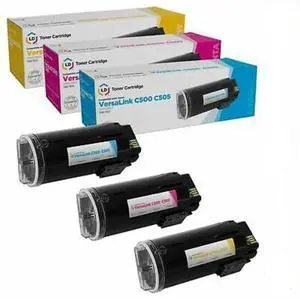
LD Compatible Toner Cartridge Replacements for Xerox VersaLink C500 & C505 High Yield (Cyan, Magenta, Yellow, 3-Pack)
- Brand: LD Products
- Cartridge Quantity: 1
- Cartridge Color: Multi-Color
- Replacement Brand: Xerox
- Model #: CXEC500C505HYSET3AMZ
- $78.74 –
- Free Shipping
Quick View
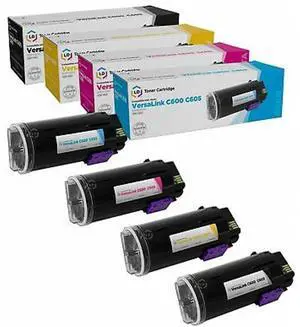
LD Compatible Toner Cartridge Replacements for Xerox VersaLink C600 & C605 High Yield (Black, Cyan, Magenta, Yellow, 4-Pack)
- Brand: LD Products
- Cartridge Quantity: 1
- Cartridge Color: Multi-Color
- Replacement Brand: Xerox
- Model #: CXEC600HYSET4AMZ
- $139.99 –
- Free Shipping
Quick View
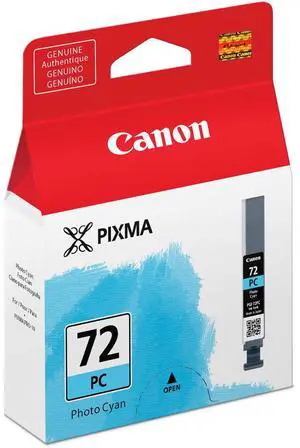
Canon PGI-72PC Photo Cyan Ink Tank
- Part Number: 6407B002
- Ink Type: Inkjet
- Model #: 6407B002
- $34.10 –
- More options from $25.83 - $34.10
- $7.85 Shipping
Quick View
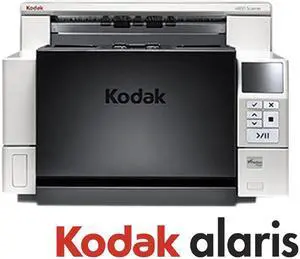
Kodak i4850 (1738764) 600 dpi USB Document Scanner
- Light Source: White LEDs
- Scanning Speed: 150 pages per minute
- Max. Document Size: Maximum Document Width: 304.8 mm (12.00") Long Document Mode Length: Up to 5.3 m (210.00") Minimum Document Size: 63.5 mm x 63.5 mm (2.50" x 2.50") Paper Thickness and Weight: With standard feeder: 45 g/m2 (12.00 lbs.) bond to 200 g/m2 (110.00 lbs.) index With ultra-lightweight feeder accessory: 25 g/m2 (7.00 lbs.) rice paper to 80 g/m2 (20.00 lbs.) bond Straight Through Paper Path - Thickness: Up to 1.25 mm (0.049")
- Image Formats: TIFF/Multi-page TIFF, PDF, RTF, TXT, Searchable PDF, PDF-A (KODAK Capture Pro Software Limited Edition), Email, Printer, MICROSOFT SHAREPOINT Server and MICROSOFT WORD files, network folders and drives
- Model #: 1738764
- $20,447.22 –
- More options from $20,447.22 - $43,489.82
- Free Shipping
Quick View
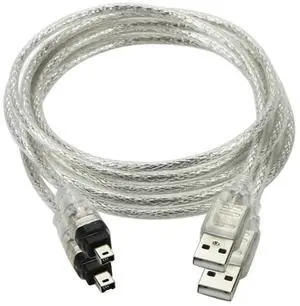
Vszerda 2 Pack Only for DCR-TRV75E DV Firewire to USB Cable USB 2.0 to Firewire IEEE 1394 4Pin iLink Cable 1.0M
Limited time offer, ends 07/22
- Cable Length: 1.0
- Brand: chenyang
- Type: USB 2.0
- Connector Type: USB Type A
- Model #: CA-037-2PCS
- $17.29 –
- Free Shipping
Quick View

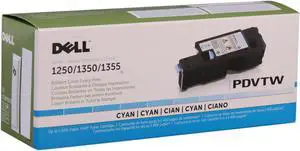
- Cartridge Quantity: 1
- Compatible Products: Dell 1250c, 1350cnw, 1355cn and 1355cnw Color Printers
- Approximate Page Yield: 1400 Pages
- Coverage: 5% page coverage
- Model #: 331-0777
- $106.99 –
- $4.99 Shipping
Quick View
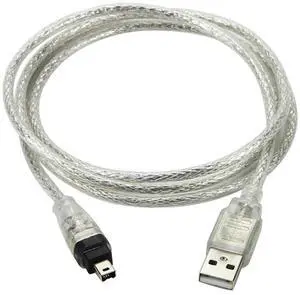
Vszerda Only for DCR-TRV75E DV Firewire to USB Cable USB 2.0 to Firewire IEEE 1394 4Pin iLink Cable 4.92FT/1.5M
Limited time offer, ends 07/22
- Model #: FW-037
- $9.99
- $9.29 –
- Save: $0.70 (7%)
- Free Shipping
Quick View
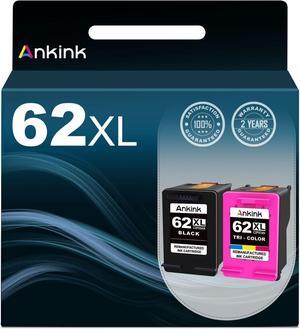
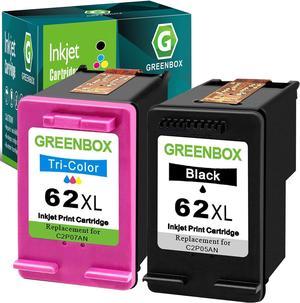
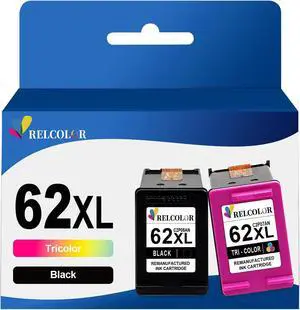
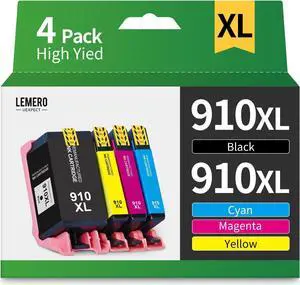
910XL Ink Cartridges Printers Replacement 910 XL 910XL Ink Cartridges Combo Pack, 4-Pack 910XL
- Model #: PB0C5WR7444
- $63.14 –
- More options from $63.14
- Free Shipping
Quick View
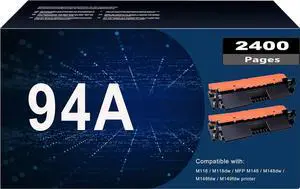
MYTONER 94A CF294A Toner Compatible Replacement 94A 94X Toner Cartridge CF294A CF294X for Laserjet MFP M148fdw M148dw Pro M118dw M148fdw Printer Black,2-Pack
- Model #: PB07SZTM3K3
- $70.64 –
- Free Shipping
Choosing the Right Printer for Your Office Needs
When it comes to office solutions, printers and scanners are essential tools for any business. Whether you need to print important documents, scan invoices, or create professional-quality marketing materials, having the right equipment is crucial. In this article, we will explore the different types of printers and scanners available in the market and provide tips on how to choose the best one for your office.
All-in-One Printers: Versatility and Convenience
all-in-one printers, also known as multifunction printers, are a popular choice for offices. These devices combine the functionality of a printer, scanner, copier, and sometimes even a fax machine into a single unit. They offer versatility and convenience, allowing you to perform multiple tasks without the need for separate devices. All-in-one printers are available in both inkjet and laser options, catering to different printing needs and budgets.
Specialized Printers for Specific Tasks
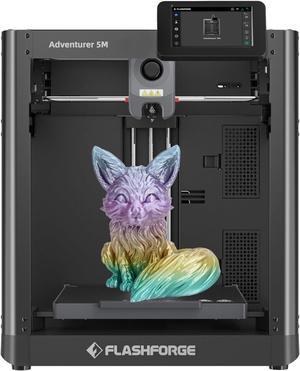
In addition to all-in-one printers, there are specialized printers designed for specific tasks. For example, 3D printers are ideal for creating prototypes or intricate models, while barcode and label printers are perfect for businesses that require efficient inventory management. laser printers are known for their fast printing speeds and high-quality output, making them suitable for offices with high-volume printing needs. inkjet printers, on the other hand, are more cost-effective and can produce vibrant color prints.
Choosing the Right Supplies
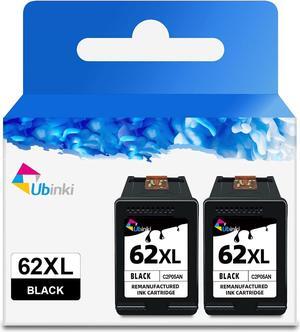
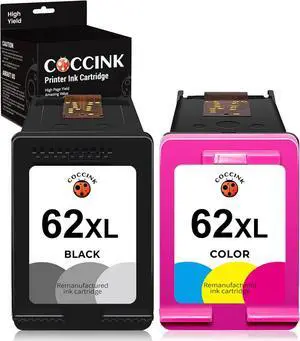
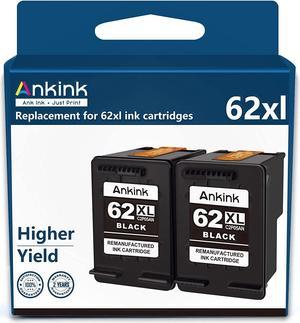
Once you have selected the right printer for your office, it is important to choose the right supplies to ensure optimal performance and longevity. When it comes to inkjet printers, using high-quality ink cartridges is essential to achieve the best print quality and prevent clogging. For laser printers, it is important to choose the right type of toner cartridges that are compatible with your printer model. Additionally, investing in high-quality paper can make a significant difference in the final print results.
FAQs: Common Questions about Printers and Scanners
| Q: How often should I replace the ink cartridges? | A: The frequency of replacing ink cartridges depends on your printing volume. However, it is recommended to replace them when the print quality starts to degrade. |
|---|---|
| Q: Can I use third-party ink cartridges with my printer? | A: While it is possible to use third-party ink cartridges, it is important to ensure compatibility with your printer model. Using incompatible cartridges may result in poor print quality or damage to the printer. |
| Q: How do I clean the scanner glass? | A: To clean the scanner glass, use a soft, lint-free cloth slightly dampened with glass cleaner. Gently wipe the glass surface to remove any smudges or debris. |
| Q: What is the difference between optical and interpolated resolution in scanners? | A: Optical resolution refers to the actual hardware resolution of the scanner, while interpolated resolution is achieved through software enhancements. Optical resolution provides more accurate and detailed scans. |
| Q: How can I improve the scanning speed? | A: To improve scanning speed, reduce the scanning resolution, use black and white mode instead of color, and ensure that the scanner is connected to a high-speed USB port. |