

Your Browsing History
- Sold by Newegg
- New

Any questions? Our AI mode will help you find out quickly.
Try me now
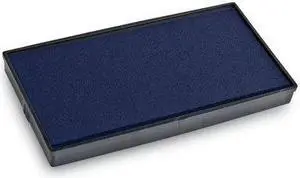
Quick View
2000 PLUS 065474 Replacement Ink Pad for Printer P60, Blue
- Product Sort: Printer Accessories
- Product Type: Ink Pad
- Compatibility: For Printer P60
- Model #: 065474
- $16.24 –
- Free Shipping
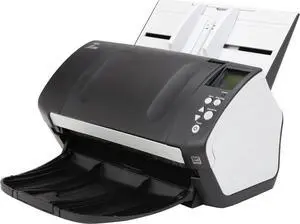
Quick View
Fujitsu FI-7160 PA03670-B065 Trade Compliant (TC) Duplex Up to 600 DPI USB Color Image Document Scanner
- Series: fi Series
- Type: Duplex
- Element Type: CCD
- Light Source: LED
- Model #: PA03670-B065,.,,
- $599.99 –
- More options from $278.95 - $599.99
- Free Shipping
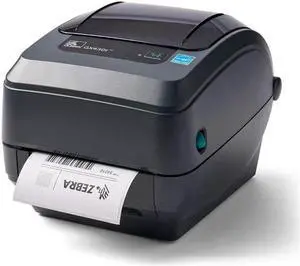
Quick View
GX430t Monochrome Thermal Transfer Desktop Printer Print Width of 4 in USB Serial and Parallel Port Connectivity GX43-102411-000
- Model #: anicorn-a1
- $48.50
- Request Price
- Free Shipping
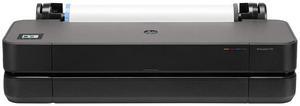
Quick View

- Brand: HP
- Part Number: 8AG32T#B1K
- Color Print Quality: 2400 x 1200 dpi
- Features: HP DesignJet T210 Large Format 24" Plotter Printer – Compact, High-Precision CAD & Poster Printer with 2 year warranty
- Model #: 8AG32T#B1K

Quick View
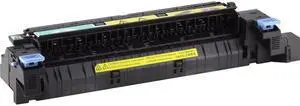
- Product Sort: Printer Accessories
- Product Type: Maintenance/Fuser Kit
- Color: N/A
- Weight: 6.65
- Model #: CE515A
- $387.00 –
- More options from $387.00 - $409.37
- Free Shipping
Quick View
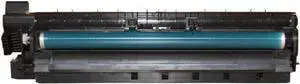
Black Drum Unit for 1027 1022 2027 2022 1032 2022SP FTG-001 411018 Compatible with - Using These Part Numbers
- Model #: CHIPB0GNZZK27P
- $732.99 –
- Free Shipping
Quick View
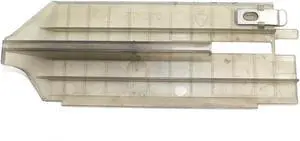
Genuine Upper Guide Assy for Intermec PX4i Thermal Label Printer 1-040151-01
- Model #: CHIDB0DKNY57P3
- $88.99 –
- Free Shipping
Quick View
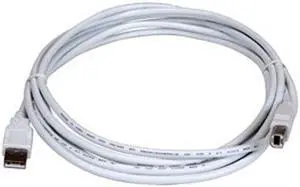
Lexmark 1021294 White USB Cable
- Type: USB
- Connector Type: USB A to USB C
- Connector Number: 1
- Electrical Outlet Plug Type: Plug Type “A” (USA, Canada, Mexico, Japan)
- Model #: 1021294
- $30.13 –
- Free Shipping
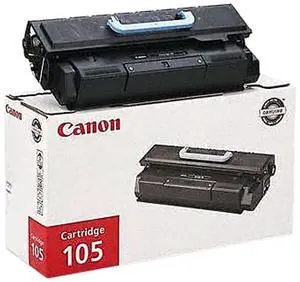
Quick View
Canon 105 Toner Cartridge - Black
- Cartridge Quantity: Single Pack
- Compatible Products: Canon imageCLASS MF7280 Canon imageCLASS MF7460 Canon imageCLASS MF7470 Canon imageCLASS MF7480
- Approximate Page Yield: 10000 Pages
- Coverage: 5%
- Model #: 0265B001
- $269.00 –
- Free Shipping
Quick View
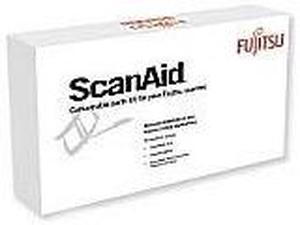
Fujitsu CG01000-510501 Consumable Kits
- Product Sort: Scanner Accessories
- Product Type: Consumable Kit
- Compatibility: fi-5110C, ScanSnap fi-5110EOX, fi-5110EOX2 ,fi-5110Series
- Specifications: Kit Contents : 2 Pad Assemblies 1 Pick Roller Cleaning Kit
- Model #: CG01000-510501
- $156.28 –
- Free Shipping
Quick View
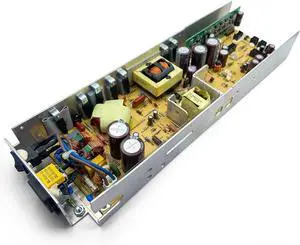
P1046930 Genuine Power Supply for Zebra 105SL Plus 110Xi4 Thermal Label Printer 203dpi 300dpi
- Model #: ENGEB0B51VMQTJ
- $304.99 –
- Free Shipping
Quick View
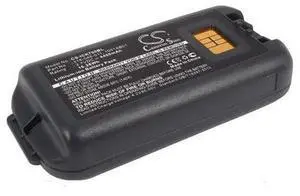
Battery for Intermec 1001AB02 318-046-001 318-046-011 AB18 CK70 CK71 4400mAh
- Model #: barcod5437
- $42.93 –
- $15.00 Shipping
Quick View
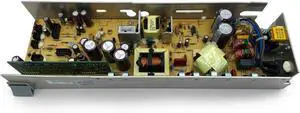
P1046930 Genuine Power Supply for Zebra 105SL 110Xi4 Thermal Label Printer P1058301
- Model #: DARKB0D1Q6L4CP
- $322.99 –
- Free Shipping
Quick View
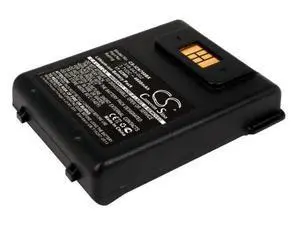
- $41.93 –
- $15.00 Shipping

Quick View
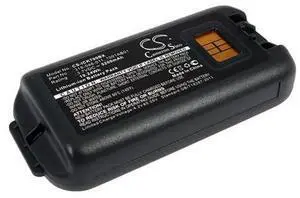
- $43.83 –
- $15.00 Shipping
Quick View
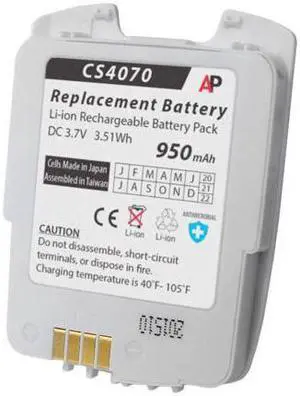
Replacement Battery for CS4070 Companion Scanner. 950 mAh 82-97300-02
- Model #: barcod365
- $34.98 –
- $15.00 Shipping
Quick View
Black Drum Unit for 1027 1022 2027 2022 1032 2022SP FTG-001 411018 Compatible with - Using These Part Numbers
- Model #: ENGEB0GNZZK27P
- $732.99 –
- Free Shipping
Quick View
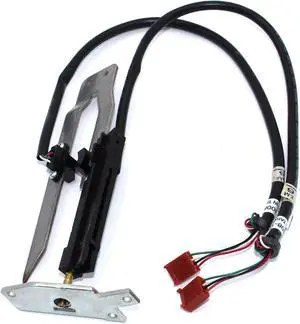
GETPARTS 1-040109-01 Label Stop Assy for Intermec PX4i Thermal Barcode Printer 203dpi 300dpi
- Model #: ENGEB0CXMQBS1H
- $142.99 –
- Free Shipping
Quick View
Drum Unit for 1027 1022 2027 2022 1032 2022SP Black FTG-001 411018 Compatible with
- Model #: ENGEB0GHQC6BCW
- $757.99 –
- Free Shipping
Quick View
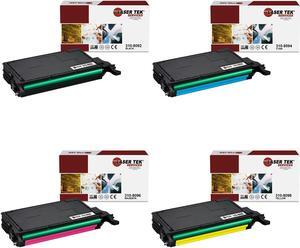
Laser Tek Services® 4PK Replacement Dell 3310 / 3115 Cartridges (1B 310-8092, 1C 310-8094, 1M 310-8096, 1Y 310-8098)
- Brand: Laser Tek Services
- Model: 310-8092,310-8094,310-8096,310-8098
- Cartridge Quantity: Four Pack
- Compatible Products: Dell Color Laser 3110cn, Multi-function 3115cn
- Model #: Dell-3110-4PK
Quick View
P1046930 Genuine Power Supply for Zebra 105SL Plus 110Xi4 Thermal Label Printer 203dpi 300dpi
- Model #: CHIPB0B51VMQTJ
- $304.99 –
- Free Shipping
Quick View
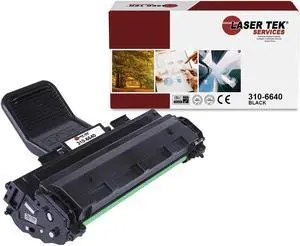
Laser Tek Services 1100 Compatible Black Toner Cartridge for Dell 310-6640
- Model #: Dell-1100-1PK
Quick View
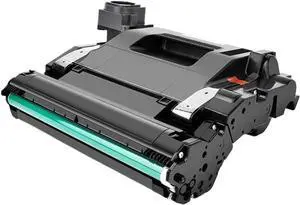
Drum Unit Compatible with 109A W1109A for NS1020w NS1020 NS1020C MFP NS1005c NS1005 NS1005W Laser Printers Printer Supplies
- Model #: CHIPB0GCFZ66G1
- $733.99 –
- Free Shipping
Quick View
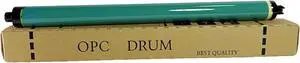
for Xerox 3371 Drum Unit Compatible with Models 2271/4471/5571/6671
- Model #: CHIPB0GPJQ3JZC
- $152.99 –
- Free Shipping
Quick View
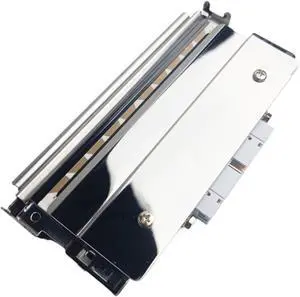
300dpi Thermal Printhead 073959-002 1-010106-900,Compatible for Intermec, PD41 PD42 305dpi Thermal Printer
- Model #: ENGEB0GMM4BMSC
- $652.99 –
- Free Shipping
Quick View
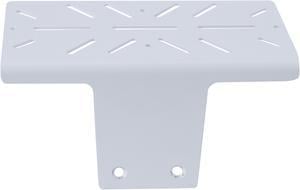
Ergotron 98-465 T-Slot Scanner and Printer Holder
- Product Sort: Scanner and Printer Accessories
- Product Type: Scanner and Printer Holder
- Color: White
- Compatibility: Compatible with CareFit Slim LCD Carts: C50-3500-0, C50-3510-0, C50-2500-0, C50-2510-0
- Model #: 98-465
- $78.99 –
- More options from $78.99 - $84.44
- Free Shipping
Quick View
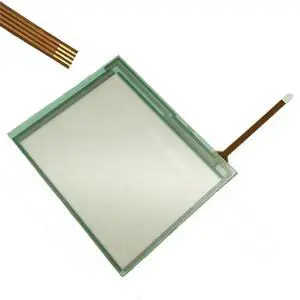
Generic 1301-X461/04-NA 1302-151 Touch Screen Panel Glass Compatible with 1301-X461/04-NA
- Model #: 3256809245512820
- $25.52 –
- Free Shipping
Quick View
Black Drum Unit 1027 1022 2027 2022 1032 2022SP FTG-001 411018 Compatible with
- Model #: DARUB0G5XCVRR8
- $755.99 –
- Free Shipping
Quick View
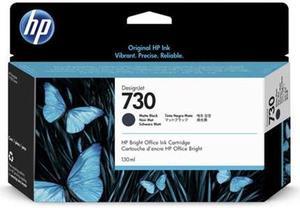
- Part Number: P2V65A
- Replacement Model: HP
- Ink Drop Size: 6 pl
- Ink Type: Dye-based
- Model #: P2V65A
- $101.00 –
- $4.99 Shipping
Quick View
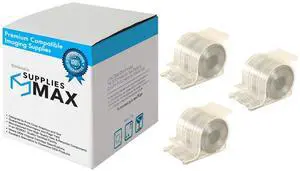
SuppliesMAX Compatible Replacement for IBM Infoprint TYPE M /TYPE N1 Copier/Printer Staples Cartridge (3/PK-5000 Staples) (318333)
- Model #: SPB-IBM318333-C
- $109.99 –
- $8.99 Shipping
Quick View
SuppliesMAX Compatible Replacement for Canon TYPE N1 Copier/Printer Staples Cartridge (3/PK-5000 Staples) (1007B001AA)
- Brand: SuppliesMAX
- Series: Compatible With Canon Booklet Finisher K1 / Booklet Finisher N1 / Booklet Finisher Q1 Pro / Booklet Finisher W1 Pro / Booklet Finisher X1 / Finisher AK1 / Finisher AM1 / Finisher K1 / Finisher N1 / Finisher Q1 / Finisher V1 / Finisher V2 / SADDLE FINISHER AB2 / SADDLE FINISHER AF2 / SADDLE FINISHER AK2 / SADDLE FINISHER AM2 Series and Other Machines - (NOTES: Check staple compatibility with your finisher before ordering ; Some models support multiple types).
- Cartridge Quantity: 3 Pack
- Cartridge Color: Silver
- Model #: SPB-CNM1007B001AA-C
- $109.99 –
- $8.99 Shipping
Quick View
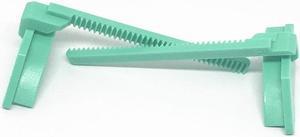
paper jammer For T200E T300 4503 4402 4403E 4502 g810 paper guide left and right rack
- Product Type: Printhead
- Model #: ZW-dyt-605
- $246.99 –
- Free Shipping
Quick View
paper jammer For T200E T300 4503 4402 4403E 4502 g810 paper guide left and right rack
- Product Type: Printhead
- Model #: ZW-dyt-603
- $126.99 –
- Free Shipping
Quick View
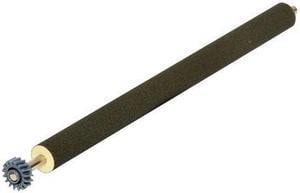
TYPE1 MNT KIT F/ T650/T652
- Cartridge Quantity: Single Pack
- Compatible Products: Lexmark X658DE,Lexmark T650N,Lexmark T654N,Lexmark T650DN,Lexmark T652N,Lexmark T652DN,Lexmark XS654de MFP,Lexmark X656DE,Lexmark T654DN,Lexmark X654DE,Lexmark XS652de MFP,Lexmark T650DTN,Lexmark T652DTN,Lexmark X658DFE,Lexmark T654DTN,Lexmark T656DNE,Lexmark X651DE,Lexmark X652DE,Lexmark X656DTE,Lexmark X658DME,Lexmark X658DTE,Lexmark X658DTFE,Lexmark X658DTME,Lexmark XS658dfe MFP
- Approximate Page Yield: 300000 Pages
- Coverage: 5%
- Model #: 40X4724
- $308.71 –
Choosing the Right Printer for Your Office Needs
When it comes to office solutions, printers and scanners are essential tools for any business. Whether you need to print important documents, scan invoices, or create professional-quality marketing materials, having the right equipment is crucial. In this article, we will explore the different types of printers and scanners available in the market and provide tips on how to choose the best one for your office.
All-in-One Printers: Versatility and Convenience
all-in-one printers, also known as multifunction printers, are a popular choice for offices. These devices combine the functionality of a printer, scanner, copier, and sometimes even a fax machine into a single unit. They offer versatility and convenience, allowing you to perform multiple tasks without the need for separate devices. All-in-one printers are available in both inkjet and laser options, catering to different printing needs and budgets.
Specialized Printers for Specific Tasks
In addition to all-in-one printers, there are specialized printers designed for specific tasks. For example, 3D printers are ideal for creating prototypes or intricate models, while barcode and label printers are perfect for businesses that require efficient inventory management. laser printers are known for their fast printing speeds and high-quality output, making them suitable for offices with high-volume printing needs. inkjet printers, on the other hand, are more cost-effective and can produce vibrant color prints.
Choosing the Right Supplies
Once you have selected the right printer for your office, it is important to choose the right supplies to ensure optimal performance and longevity. When it comes to inkjet printers, using high-quality ink cartridges is essential to achieve the best print quality and prevent clogging. For laser printers, it is important to choose the right type of toner cartridges that are compatible with your printer model. Additionally, investing in high-quality paper can make a significant difference in the final print results.
FAQs: Common Questions about Printers and Scanners
| Q: How often should I replace the ink cartridges? | A: The frequency of replacing ink cartridges depends on your printing volume. However, it is recommended to replace them when the print quality starts to degrade. |
|---|---|
| Q: Can I use third-party ink cartridges with my printer? | A: While it is possible to use third-party ink cartridges, it is important to ensure compatibility with your printer model. Using incompatible cartridges may result in poor print quality or damage to the printer. |
| Q: How do I clean the scanner glass? | A: To clean the scanner glass, use a soft, lint-free cloth slightly dampened with glass cleaner. Gently wipe the glass surface to remove any smudges or debris. |
| Q: What is the difference between optical and interpolated resolution in scanners? | A: Optical resolution refers to the actual hardware resolution of the scanner, while interpolated resolution is achieved through software enhancements. Optical resolution provides more accurate and detailed scans. |
| Q: How can I improve the scanning speed? | A: To improve scanning speed, reduce the scanning resolution, use black and white mode instead of color, and ensure that the scanner is connected to a high-speed USB port. |