

Your Browsing History
- In Stock
- Sold by Newegg
- Make an Offer
- New

Any questions? Our AI beta will help you find out quickly.
Try me now
Quick View
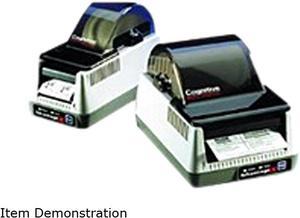
Cognitive TPG Advantage LX LBD24-2043-014G Direct Thermal 3 in/s 203 dpi Label Printer
- Printer Type: Desktop
- Memory: 4 MB Flash Memory
- Fonts Included: Bitmapped: 7 styles with up to 10 x 10 magnification, variable boldness and spacing International Fonts: Sans-serif font in 7 pt. sizes, up to 4 x 4 magnification, variable boldness and spacing Scalable Smooth Fonts: 3 Ultra Font styles for smooth characters in any size and boldness Rotations: 0, 90, 180, 270 degrees
- Barcode Type: 21 standard bar codes, including: Add2, Add5, Codabar, Code39, Code93, Code128A/B/C, D2of5, I2of5, S2of5, EAN8/8+, EAN13/13+, EAN128, Maxicode, MSI/I1, PDF417, Plessey, Postnet, UPCA/A+/E/E1
- Model #: LBD24-2043-014G
- $596.83 –
- Free Shipping
Quick View
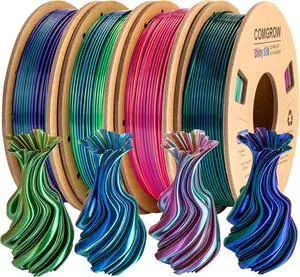
Comgrow Silk Shiny Rainbow Multi-Color 3D Printer Filament, Comgrow 3D Printing Materials Silk PLA 1.75mm, 3D Printing Filament +/-0.02mm, 250g X 4 Spool
- Model #: 433330046873ComputerzoneGANG
- $41.89 –
- Free Shipping
Quick View
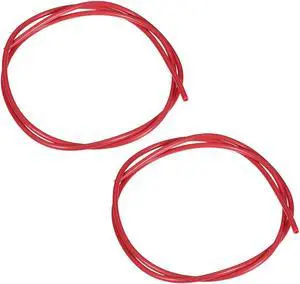
PTFE Tube 3.2Ft - ID 2mm X OD 4mm Fit 1.75 Filament for 3D Printer Red 2pcs
- Brand: Unique Bargains
- Model #: a19073000ux0162

Quick View
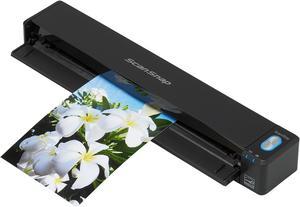
Ricoh ScanSnap iX100 (PA03688-B005) USB color Wireless Mobile Scanner
- Light Source: 3 Color LED (Red / Green / Blue)
- Scanning Speed: Auto mode: 5.2 seconds / page Normal mode: 5.2 seconds / page Better mode: 5.2 seconds / page Best mode: 5.2 seconds / page Excellent mode: 20.4 seconds / page
- Max. Document Size: 8.50" x 14.17"
- USB Ports: USB 2.0 (USB 1.1 compatible)
- Model #: PA03688-B005
- $284.49
- $259.99 –
- Save: $24.50 (8%)
- $4.99 Shipping
Quick View
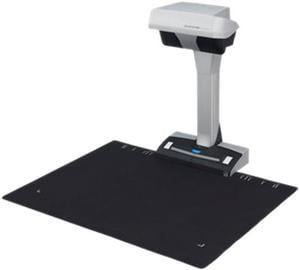
Ricoh ScanSnap SV600 (PA03641-B305) USB Color Contactless Overhead Scanner
- Light Source: White LED array
- Max. Document Size: 17.00" x 11.81"
- USB Ports: USB 2.0
- Power Consumption: Operational ( Standby ): 20 Watts (0.4 Watt) Stand by: 0.4 Watt Sleep: 2.6 Watts
- Model #: PA03641-B305
- $679.99 –
- $4.99 Shipping
Quick View
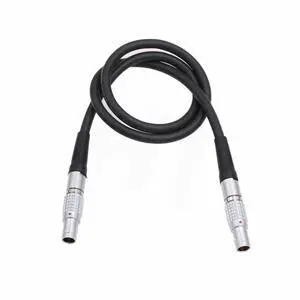
Serial Data Cable for Preston Light Ranger 2 to MDR 3 MDR 4 Motor 4 pin Straight to 4 pin Straight 50cm
- Model #: GENXB09T36Q9Z7
- $72.99 –
- More options from $72.99 - $76.99
- Free Shipping
Quick View
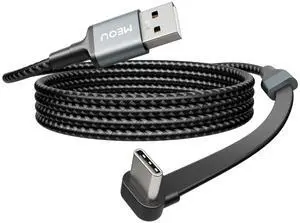
USB to USB C Cable 3.3ft, 60W USB A to USB C Fast Charging Cable, Right Angle USB C Cord Nylon Braided for iPhone 17/16/15, iPad Pro, Samsung Galaxy S21/S22/S23/S24, Note 20 10, Pixel 8, Nintendo etc.
- Brand: MEOU
- Type: USB
- Color: Black&Grey
- Connector Number: 28
- Model #: 748108179837
- $19.99 –
- Free Shipping
Quick View
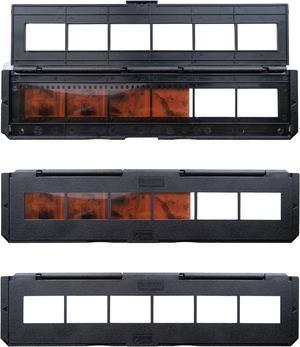
Magnasonic All-in-One Super 8/8mm Film Scanner, Converts Film into Digital Video, Scans 3", 5" and 7" Super 8/8mm Film Reels with Bonus 32GB SD Card (FS81)
- Part Number: FS81-SDSDB032G-KIT
- Dimensions: 6.00 in H x 15.00 in W x 10.00 in L
- Weight: 4.4 lbs
- Color: Black
- Model #: FS81-SDSDB032G-KIT
Quick View

- Part Number: 3ED79A
- Product Type: Other Accessories
- Weight: 0.3800 lb
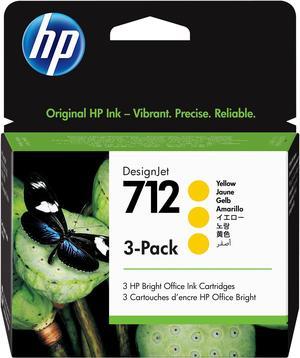
- Features: HP 712 Yellow DesignJet Ink Cartridge 3-Pack, 3ED79A
- Model #: 3ED79A
Quick View
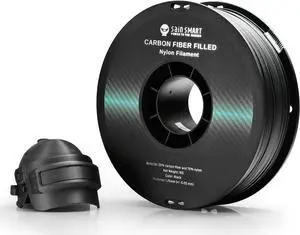
SainSmart 1.75mm Black ePA-CF Carbon Fiber Filled Nylon Filament 1KG (2.2lbs) Spool for 3D Printer
- Model #: 433330047115ComputerzoneGANG
- $96.89 –
- Free Shipping
Quick View
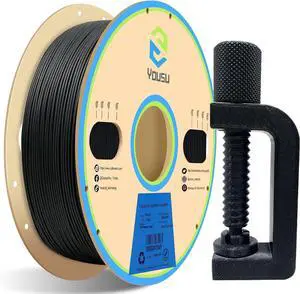
YOUSU Polypropylene PP Filament, 1.75mm 3D Printer Filament for 3D Printing, 1kg(2.2lbs) 5pcs Build Sheet Included, Semi-Flexible Ultra Tough Filament, Black
- Model #: 433330049287ComputerzoneGANG
- $65.89 –
- Free Shipping
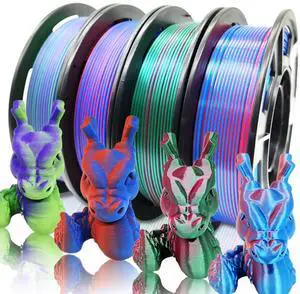
Quick View
Reprapper 4X 250g Color Pack, Dual Color Filament Coextrusion PLA Filament 1.75mm for 3D Printer, 4 x 250g Spools Matte Red/Blue, Matte Purple/Green, Silk Red/Blue, Silk Purple/Green
- Model #: 433330054014ComputerzoneGANG
- $45.89 –
- Free Shipping
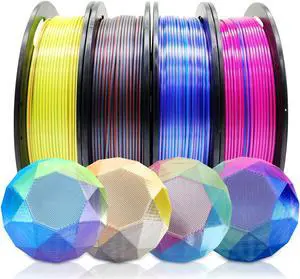
Quick View
Reprapper PLA Filament 4 X 250g Color Pack, Triple Color Filament Coextrusion PLA 1.75mm for 3D Printer, 4 Spools Silk Rose/Blue/Green, red-blue1-gold, Purple/Blue/Yellow, Gold/Copper/Black
- Model #: 433330053222ComputerzoneGANG
- $45.89 –
- Free Shipping
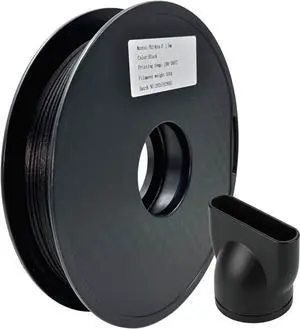
Quick View
Nylon Carbon Fiber Filament 1.75mm, PAHT-CF Filament, High Temprature Resistant & Low Moisture Absorption for Engineering Parts, 500g,Black, Compartible with Most FDM 3D Printers
- Model #: 433330055585ComputerzoneGANG
- $68.89 –
- Free Shipping
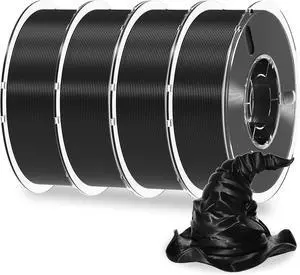
Quick View
RAMBERY Black X 4 Spools PLA+ 3D Printer Filament 1.75mm 4KG Spool Toughness Upgraded 3D Printing Filament Neatly Wound Fit Most FDM Printers
- Model #: 433330053529ComputerzoneGANG
- $84.89 –
- Free Shipping
Quick View
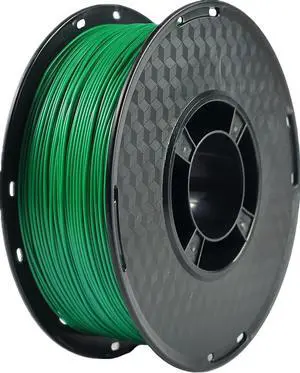
PLA+ Filament 1.75mm, PLA Plus 3D Printer Filament, RANKI PLA Filament Pro, Dimensional Accuracy +/- 0.03mm, 1kg Spool(2.2lbs), Green
- Model #: EQWER462277168881
- $37.88 –
- Free Shipping
Quick View
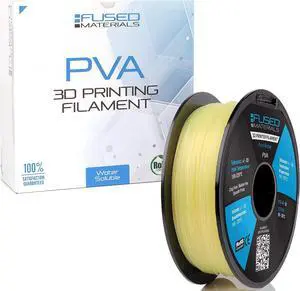
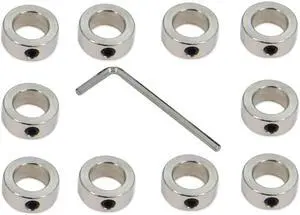
10PCS/Pack Silver 12mm Bore Shaft Lock Collar T12 Lead Screw Lock Ring Stainless Steel Material Isolation for 3D Printer Accessories(12mm-Silver)
- Model #: EQWER462277178033
- $25.88 –
- Free Shipping
Quick View
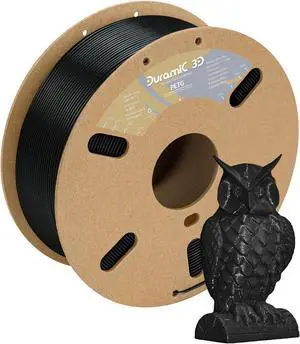
DURAMIC 3D PETG Filament 1.75mm Black, 3D Printing Filament 1kg Spool(2.2lbs), Black Filament 1.75mm Dimensional Accuracy +/- 0.05 mm Non-Tangling Non-Clogging Non-Stringing
- Model #: 433330055103ComputerzoneGANG
- $26.89 –
- Free Shipping
Quick View
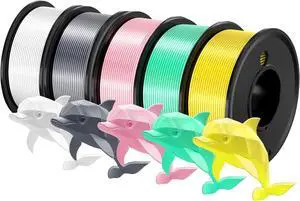
Dollate 3D Printing Filament - 5 Color Printing Filament White Silver Pink Green Yellow 1.75mm Dimensional Accuracy ±0.02mm Filled Filament Spools, Vacuum Packed 250G X 5
- Model #: 433330054991ComputerzoneGANG
- $57.89 –
- Free Shipping
Quick View
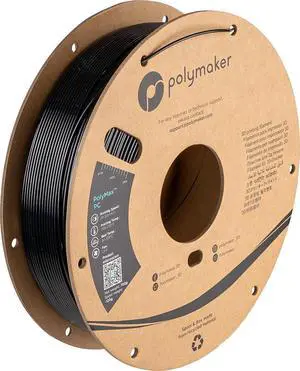
Polymaker Polymax Tough PC Filament 1.75mm, Black Polycarbonate Filament 1.75mm 0.75kg Cardboard Spool - PC Filament 3D Printer Polycarbonate Filament, Tough & High Heat Resistant
- Model #: EQWER462277172635
- $77.88 –
- Free Shipping
Quick View
SainSmart 1.75mm Black ePA-CF Carbon Fiber Filled Nylon Filament 1KG (2.2lbs) Spool for 3D Printer
- Model #: EQWER462277168782
- $131.88 –
- Free Shipping
Quick View
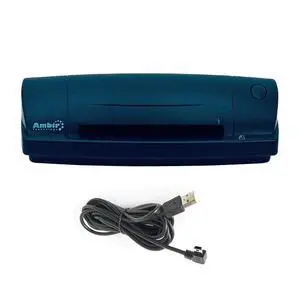
Used - Very Good Ambir ImageScan Pro DS687-3 Portable Duplex ID Card Scanner w/USB cable
- Optical Resolution: 600 x 600 dpi
- Model #: 304727623468
- $135.00 –
- Free Shipping
Quick View
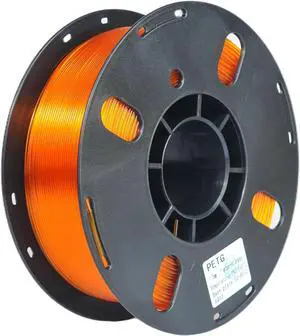
RANKI PETG Filament 1.75mm 3D Printer Filament, Dimensional Accuracy +/- 0.03 mm, 1kg Spool(Transparent Orange)
- Model #: 433330052201ComputerzoneGANG
- $45.89 –
- Free Shipping
Quick View
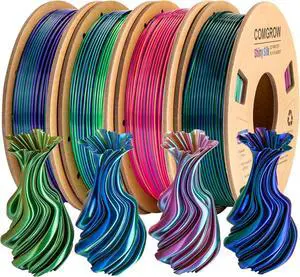
Comgrow Silk Shiny Rainbow Multi-Color 3D Printer Filament, Comgrow 3D Printing Materials Silk PLA 1.75mm, 3D Printing Filament +/-0.02mm, 250g X 4 Spool
- Model #: SOYE517526153818WEI
- $51.39 –
- Free Shipping
Quick View
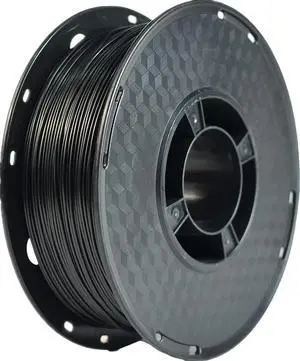
RANKI TPU Filament 1.75 mm Flexible TPU, 3D Printer Filament, Dimensional Accuracy +/- 0.05 mm, 98A,1kg Spool,Black
- Model #: EQWER462277176145
- $47.88 –
- Free Shipping
Quick View
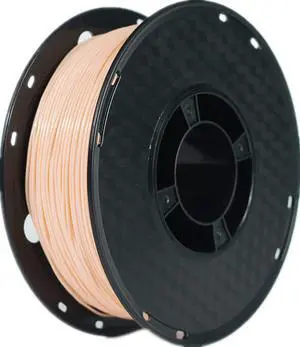
RANKI TPU Filament 1.75 mm Flexible TPU, 3D Printer Filament, Dimensional Accuracy +/- 0.05 mm, 98A,1kg Spool,Skin
- Model #: EQWER462277171270
- $51.88 –
- Free Shipping
Quick View
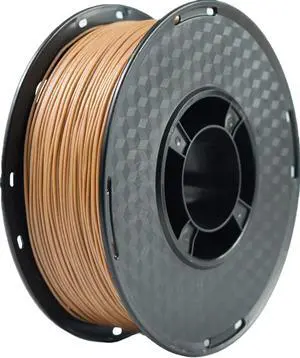
RANKI Wood PLA 3D Printer Filament 1.75mm, Real Wood, 1kg Spool
- Model #: EQWER462277168737
- $43.88 –
- Free Shipping
Quick View
RANKI PETG Filament 1.75mm 3D Printer Filament, Dimensional Accuracy +/- 0.03 mm, 1kg Spool(Transparent Orange)
- Model #: EQWER462277171621
- $45.88 –
- Free Shipping
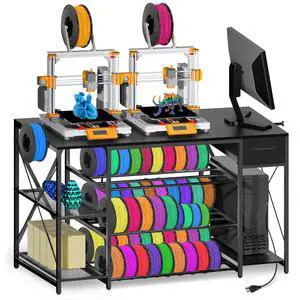
Quick View
Heavy Duty 3D Printer Table with Storage, Large 4-Tier 3D Printer Stand with Power Outlet & Drawer, Sturdy Wooden Desk & Metal Filament Rack for Workshop, Home Office Black
Limited time offer, ends 08/04
- Model #: 499784163658
- $315.99
- See price in cart
- Free Shipping
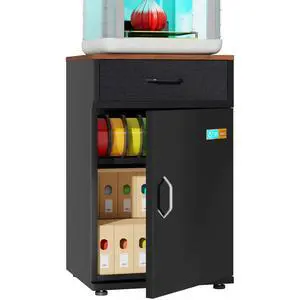
Quick View
3D Printer Stand for P1S Filament Storage Moisture-Proof,25% RH Control 40 Rolls Filament Dehumidification Cabinet 3D Printing Sealing and Protection for PLA/ABS/TPU/Nylon (Black)
Limited time offer, ends 08/02
- Model #: 129314833088
- $519.99
- See price in cart
- Free Shipping
Quick View
SainSmart 1.75mm Black ePA-CF Carbon Fiber Filled Nylon Filament 1KG (2.2lbs) Spool for 3D Printer
- Model #: R238247663308986
- $112.84 –
- Free Shipping
Quick View
SainSmart 1.75mm Black ePA-CF Carbon Fiber Filled Nylon Filament 1KG (2.2lbs) Spool for 3D Printer
- Model #: C0A27465010404031
- $96.31 –
- Free Shipping
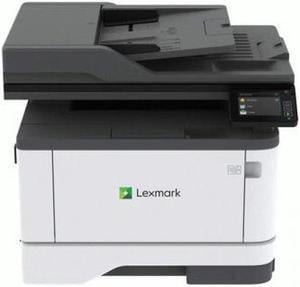
Quick View
Lexmark MX431adn 29S0200 Workgroup Up to 42 ppm Monochrome Ethernet (RJ-45) / USB Laser 4-in-1 Printer
- Output Capacity, std.: 150 pages 20 lb or 75 gsm bond
- Black Print Quality: 2400 x 1200 dpi
- Functions: 4-in-1: Print, Copy, Scan & Fax
- Display: 2.8 inch (7.2 cm) LCD touch panel
- Model #: 29S0200
- $549.00
- $497.67 –
- Save: $51.33 (9%)
- More options from $497.67 - $778.00
- Free Shipping
Quick View
RANKI TPU Filament 1.75 mm Flexible TPU, 3D Printer Filament, Dimensional Accuracy +/- 0.05 mm, 98A,1kg Spool,Skin
- Model #: 433330051198ComputerzoneGANG
- $48.89 –
- Free Shipping
Choosing the Right Printer for Your Office Needs
When it comes to office solutions, printers and scanners are essential tools for any business. Whether you need to print important documents, scan invoices, or create professional-quality marketing materials, having the right equipment is crucial. In this article, we will explore the different types of printers and scanners available in the market and provide tips on how to choose the best one for your office.
All-in-One Printers: Versatility and Convenience
all-in-one printers, also known as multifunction printers, are a popular choice for offices. These devices combine the functionality of a printer, scanner, copier, and sometimes even a fax machine into a single unit. They offer versatility and convenience, allowing you to perform multiple tasks without the need for separate devices. All-in-one printers are available in both inkjet and laser options, catering to different printing needs and budgets.
Specialized Printers for Specific Tasks
In addition to all-in-one printers, there are specialized printers designed for specific tasks. For example, 3D printers are ideal for creating prototypes or intricate models, while barcode and label printers are perfect for businesses that require efficient inventory management. laser printers are known for their fast printing speeds and high-quality output, making them suitable for offices with high-volume printing needs. inkjet printers, on the other hand, are more cost-effective and can produce vibrant color prints.
Choosing the Right Supplies
Once you have selected the right printer for your office, it is important to choose the right supplies to ensure optimal performance and longevity. When it comes to inkjet printers, using high-quality ink cartridges is essential to achieve the best print quality and prevent clogging. For laser printers, it is important to choose the right type of toner cartridges that are compatible with your printer model. Additionally, investing in high-quality paper can make a significant difference in the final print results.
FAQs: Common Questions about Printers and Scanners
| Q: How often should I replace the ink cartridges? | A: The frequency of replacing ink cartridges depends on your printing volume. However, it is recommended to replace them when the print quality starts to degrade. |
|---|---|
| Q: Can I use third-party ink cartridges with my printer? | A: While it is possible to use third-party ink cartridges, it is important to ensure compatibility with your printer model. Using incompatible cartridges may result in poor print quality or damage to the printer. |
| Q: How do I clean the scanner glass? | A: To clean the scanner glass, use a soft, lint-free cloth slightly dampened with glass cleaner. Gently wipe the glass surface to remove any smudges or debris. |
| Q: What is the difference between optical and interpolated resolution in scanners? | A: Optical resolution refers to the actual hardware resolution of the scanner, while interpolated resolution is achieved through software enhancements. Optical resolution provides more accurate and detailed scans. |
| Q: How can I improve the scanning speed? | A: To improve scanning speed, reduce the scanning resolution, use black and white mode instead of color, and ensure that the scanner is connected to a high-speed USB port. |