

Your Browsing History
- In Stock
- Sold by Newegg
- Make an Offer
- New

Any questions? Our AI mode will help you find out quickly.
Try me now
Quick View
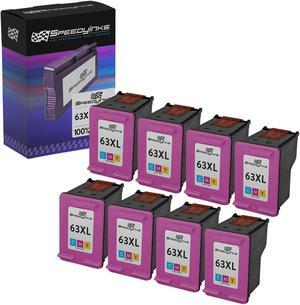
Speedy Inks Remanufactured Ink Cartridge Replacement for HP 63XL F6U63AN (Color, 8-Pack)
- Brand: SPEEDYINKS
- Cartridge Quantity: 1
- Cartridge Color: Multi-Color
- Replacement Model: HP
- Model #: F6U63ANRII

Quick View
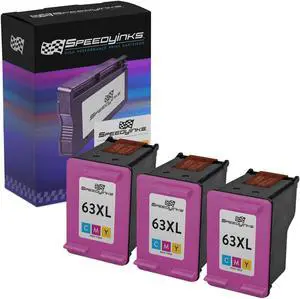
Speedy Inks Remanufactured Ink Cartridge Replacement for HP 63XL F6U63AN High Yield (Color, 3-Pack) Compatible with 1112 2130 3630 3631 3633 3634 3637 4511 4516 4520 4521 4522 4523 4524 and more
- Brand: SPEEDYINKS
- Cartridge Quantity: 1
- Cartridge Color: Multi-Color
- Replacement Model: HP
- Model #: F6U63ANRII
Quick View
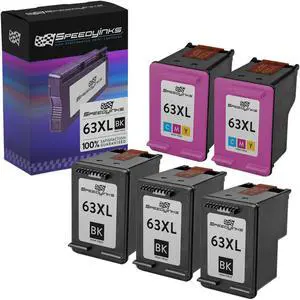
Speedy Inks Remanufactured Ink Cartridge Replacement for HP 63XL High-Yield (3 Black, 2 Color, 5-Pack) Compatible with HP DeskJet 2130 ENVY 4520 OfficeJet 3830 Deskjet 3632 2132 3631 and more
- Cartridge Quantity: 1
- Replacement Brand: HP
- Ink Type: Dye-based
- Approximate Page Yield: 480 Pages
- Model #: REMANHP63XLSET3
Quick View
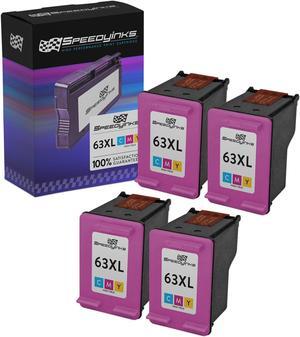
Speedy Inks Remanufactured Ink Cartridge Replacement for HP 63XL F6U63AN High Yield (Color, 4-Pack) Compatible with HP DeskJet 2130 HP ENVY 4520 HP OfficeJet 3830 HP Deskjet 3632 2132 3631 and more
- Brand: SPEEDYINKS
- Cartridge Quantity: 1
- Cartridge Color: Multi-Color
- Replacement Model: HP
- Model #: F6U63ANRII
Quick View
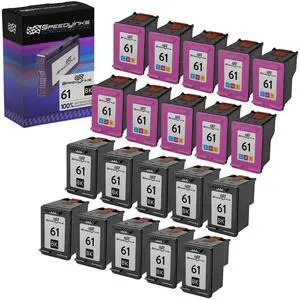
SPEEDYINKS Remanufactured Ink Cartridge Replacement for HP 61 (10 Black, 10 Color, 20-Pack)
- Brand: SPEEDYINKS
- Cartridge Quantity: 1
- Cartridge Color: Multi-Color
- Replacement Model: HP
- Model #: HP61
Quick View
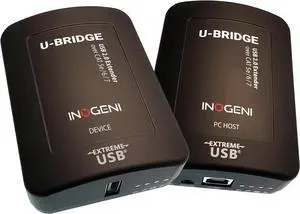
U-Bridge by INOGENI, USB 2.0 Extender with Flexible Power, for Video Cameras and Any USB 2.0 Peripheral, Reliable Long-Distance USB Extension to Maintain Video up to 100 m /330 ft.
- Model #: TOLKB0CNH8RYC3
- $1,057.99 –
- Free Shipping
Quick View
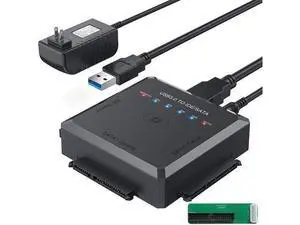
USB 3.0 to SATA IDE Adapter Cable w/One Touch Backup, External Hard Drive Reader for Universal 2.5" 3.5" SSD HDD CD/DVD Optical Drives, Data Recovery Converter w/12V/2A Power Adapter
Limited time offer, ends 08/01
- Model #: YC7FW0709-oys-330
- $48.96 –
- Free Shipping
Quick View
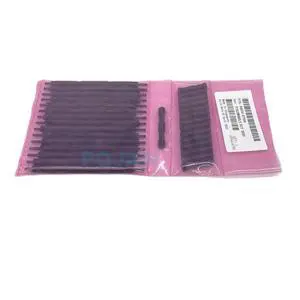
B4H70-67099 PinchWheel Kit for Latex 260 280 310 330 360 370 335 365 375 110 115 560 570 Printer Plotter Parts
Limited time offer, ends 08/02
- Model #: LC6W1JU7-1040
- $87.11 –
- Free Shipping
Quick View
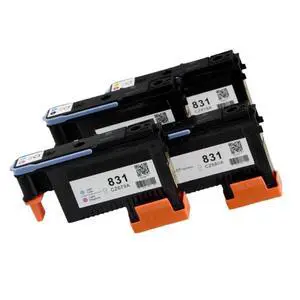
Compatible 831 Print Head for HP831 Latex Printers 110 560 570 115 310 315 330 335 360 365 370 CZ677A CZ678A CZ679A CZ680A(BK-C)
Limited time offer, ends 08/02
- Model #: LC6W1JU7-861
- $103.94 –
- Free Shipping
Quick View
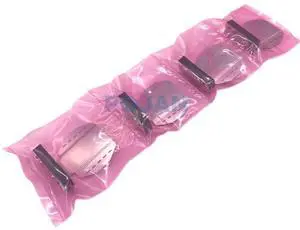
4pcs X B4H70-67005 Edge Holder Service Latex 115 310 330 360 370 335 365 375 560 570 Edge Holder Printer Plotter Parts
Limited time offer, ends 08/02
- Model #: LC6W1JU7-925
- $214.82 –
- Free Shipping
Quick View
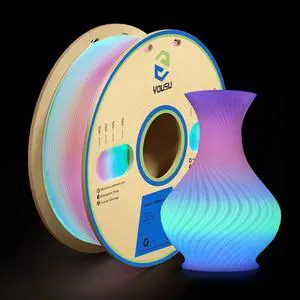
YOUSU PLA Filament Glow in The Dark MulticolorRainbow PLA Filament, Gradient 3D Printer Filament Color Change, 1kg(2.2lbs) Spool.
- Model #: EQWER462277172741
- $55.88 –
- Free Shipping
Quick View
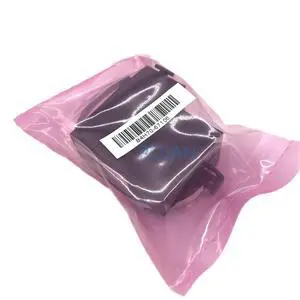
B4H70-67106 SOL Color Sensor Fit for Latex 260 280 310 330 360 370 560 570 115 Fix Error 58:10 58:XX Printer Plotter Parts
Limited time offer, ends 08/02
- Model #: LC6W1JU7-977
- $364.31 –
- Free Shipping
Quick View
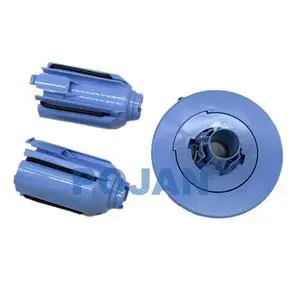
1Set E2X76-67005 30.48cm 2-inch Spindle HUB w/Adaptor SERV Fit for H -P Latex 110 115 310 315 330 335 Printer Plotter Parts
Limited time offer, ends 08/02
- Model #: LC6W1JU7-1117
- $507.86 –
- Free Shipping
Quick View
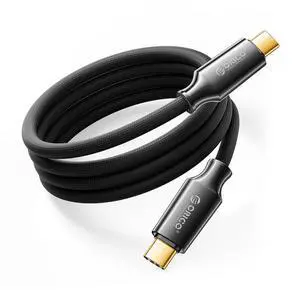
Auso 40Gbps USB-C Cable 3.3FT with PD 240W Fast Charging, 8K60Hz Video,Thunderbolt4/3 USB4 Compatible Data Cable,for iPhone 17/16/15 MacBook Docking -Black
Limited time offer, ends 08/02
- Model #: LC6W1JU1-330
- $72.26 –
- Free Shipping
Quick View
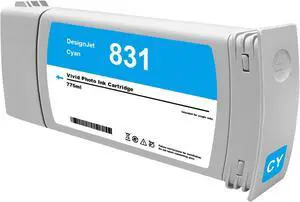
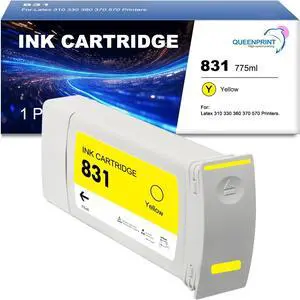
831 Cyan Ink Cartridge CZ683A 831A Latex Inks 775ml Replacement for HP 831 for Latex 310 315 330 335 360 365 370 570 Printer
- Model #: CHIDB0GCZ4DBNM
- $172.19 –
- More options from $172.19
- Free Shipping
Quick View
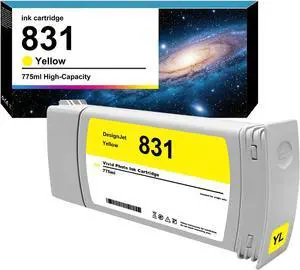
Remanufactured 831 Yellow Ink Cartridge Replacements for HP 831 Yellow Ink Work for HP Latex 310 330 360 Printers
- Model #: CHIDB0DGPLGY88
- $216.19 –
- More options from $216.19
- Free Shipping
Quick View
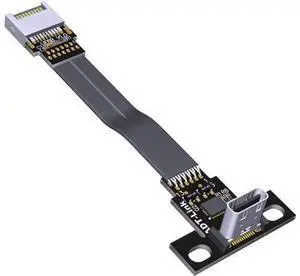
831 Yellow Ink Cartridge CZ685A 831A Latex Inks 775ml Replacement for 831 for Latex 310 315 330 335 360 365 370 570 Printer
- Model #: ENGEB0GCZ8GW2V
- $172.19 –
- More options from $172.19
- Free Shipping
Quick View
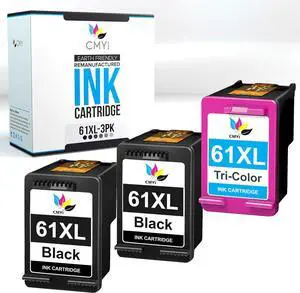
ADT-LINK USB 3.1 Extension Adapter Cable Male and Female Type-c to Type-e Data Cable 10G/BPS for ITX Motherboard Built-in USB Device (25cm,T5T-F6B)
Limited time offer, ends 08/01
- Model #: C7FW0626-JIA-330
- $12.99 –
- Free Shipping
Quick View
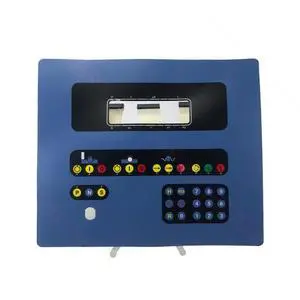
Generic BCL 2A BCA 1A 9 494-82.330.001 AA DK760 Membrane Keyboard Film DK903 Button Keypad Compatible with BCL 2A
- Model #: 3256807002406577
- $138.62 –
- Free Shipping
Quick View
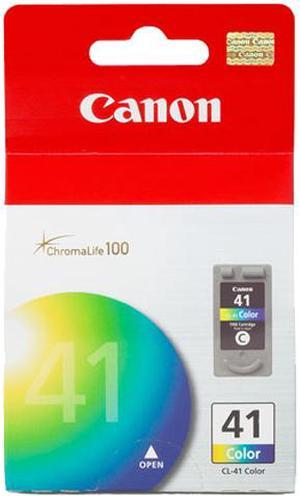
Canon CL-41 Ink Cartridge - Color
- Part Number: 0617B002
- Cartridge Quantity: Single Pack
- Compatible Products: PIXMA iP1600, PIXMA iP1700, PIXMA iP1800, PIXMA iP2600, PIXMA iP2600 , PIXMA iP6210D, PIXMA iP6220D, PIXMA iP6310D, PIXMA iP6310D , PIXMA MP140, PIXMA MP140 , PIXMA MP150, PIXMA MP160, PIXMA MP170, PIXMA MP180, PIXMA MP180 , PIXMA MP190, PIXMA MP210, PIXMA MP210 , PIXMA MP450, PIXMA MP460, PIXMA MP460 , PIXMA MP470, PIXMA MP470 , PIXMA MX300, PIXMA MX300 , PIXMA MX310, PIXMA MX310 , PowerShot A530/PIXMA MP460 Combo
- Ink Type: Dye-based
- Model #: 0617B002
- $48.27 –
- More options from $41.99 - $48.27
- Free Shipping
Quick View
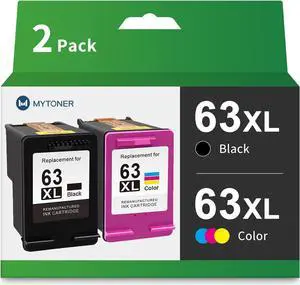
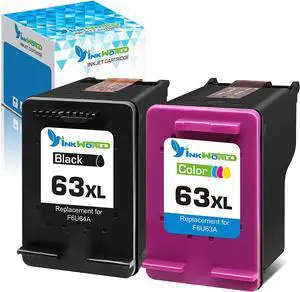
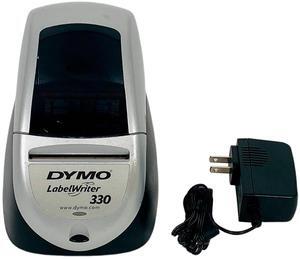
DYMO LabelWriter 330 Thermal Label Printer USB Serial 93037
- Print Technology: Direct Thermal
- Max Resolution(B&W): 300 dpi
- Interface: Serial / USB
- Model #: 326502545886
- $158.20 –
- More options from $158.20
- Free Shipping
Quick View
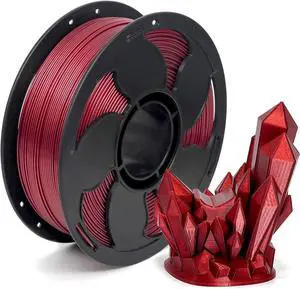
Metal Wine Red PETG Filament 1.75mm High Intensity 3D Printer Filament, 1kg (2.2lbs) Spool Toughness Enhanced Metallic PETG 3D Printing Filament Beginner Friendly
- Model #: 433330054489ComputerzoneGANG
- $39.89 –
- Free Shipping
Quick View
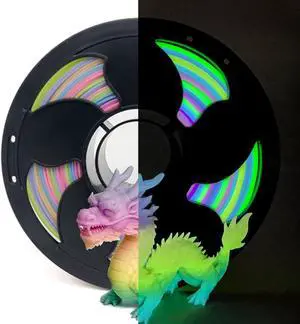
Glow Gradient in the Dark 1.75mm Rainbow Candy PLA Filament, Luminous Rainbow Vibrant Bright 3D Printer Filament, 1kg (2.2lbs) Spool 3D Printing PLA Filament Rod
- Model #: 433330053673ComputerzoneGANG
- $48.89 –
- Free Shipping
Quick View
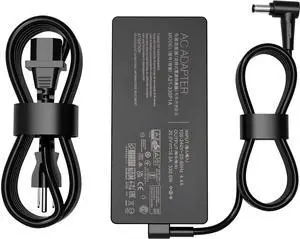
330W 20V 16.5A Laptop Charger A21-330P1A Compatible for Asus Rog Strix Scar 16 G733PZ Power Supply Adapter
Limited time offer, ends 08/02
- Model #: BLC73X-618-ZM-69
- $166.98 –
- Free Shipping
Quick View
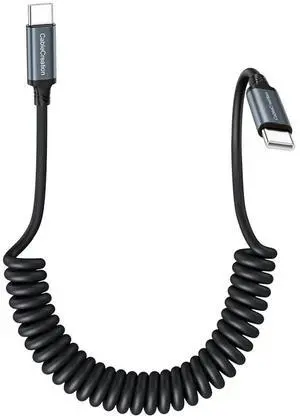
Coiled USB C to USB C Cable, Charger Cable for Carplay & Android Auto Compatible with iPhone 16, 15, Samsung Galaxy S24 / S23, Google Pixel, Tablet
Limited time offer, ends 08/02
- Model #: LC6W1J16-330
- $20.78 –
- Free Shipping

Choosing the Right Printer for Your Office Needs
When it comes to office solutions, printers and scanners are essential tools for any business. Whether you need to print important documents, scan invoices, or create professional-quality marketing materials, having the right equipment is crucial. In this article, we will explore the different types of printers and scanners available in the market and provide tips on how to choose the best one for your office.
All-in-One Printers: Versatility and Convenience
all-in-one printers, also known as multifunction printers, are a popular choice for offices. These devices combine the functionality of a printer, scanner, copier, and sometimes even a fax machine into a single unit. They offer versatility and convenience, allowing you to perform multiple tasks without the need for separate devices. All-in-one printers are available in both inkjet and laser options, catering to different printing needs and budgets.
Specialized Printers for Specific Tasks
In addition to all-in-one printers, there are specialized printers designed for specific tasks. For example, 3D printers are ideal for creating prototypes or intricate models, while barcode and label printers are perfect for businesses that require efficient inventory management. laser printers are known for their fast printing speeds and high-quality output, making them suitable for offices with high-volume printing needs. inkjet printers, on the other hand, are more cost-effective and can produce vibrant color prints.
Choosing the Right Supplies
Once you have selected the right printer for your office, it is important to choose the right supplies to ensure optimal performance and longevity. When it comes to inkjet printers, using high-quality ink cartridges is essential to achieve the best print quality and prevent clogging. For laser printers, it is important to choose the right type of toner cartridges that are compatible with your printer model. Additionally, investing in high-quality paper can make a significant difference in the final print results.
FAQs: Common Questions about Printers and Scanners
| Q: How often should I replace the ink cartridges? | A: The frequency of replacing ink cartridges depends on your printing volume. However, it is recommended to replace them when the print quality starts to degrade. |
|---|---|
| Q: Can I use third-party ink cartridges with my printer? | A: While it is possible to use third-party ink cartridges, it is important to ensure compatibility with your printer model. Using incompatible cartridges may result in poor print quality or damage to the printer. |
| Q: How do I clean the scanner glass? | A: To clean the scanner glass, use a soft, lint-free cloth slightly dampened with glass cleaner. Gently wipe the glass surface to remove any smudges or debris. |
| Q: What is the difference between optical and interpolated resolution in scanners? | A: Optical resolution refers to the actual hardware resolution of the scanner, while interpolated resolution is achieved through software enhancements. Optical resolution provides more accurate and detailed scans. |
| Q: How can I improve the scanning speed? | A: To improve scanning speed, reduce the scanning resolution, use black and white mode instead of color, and ensure that the scanner is connected to a high-speed USB port. |