
Your Browsing History
- In Stock
- Sold by Newegg
- Make an Offer
- New

Any questions? Our AI beta will help you find out quickly.
Try me now
![[G38000M] for Ze bra 170Xi3 ? 203 DPI ? High Performance OEM-Compatible Replacement Printhead](https://c1.neweggimages.com/productimage/nb300/ABKSD2506230E6H3AB3.jpg "[G38000M] for Ze bra 170Xi3 ? 203 DPI ? High Performance OEM-Compatible Replacement Printhead")
Quick View
[G38000M] for Ze bra 170Xi3 ? 203 DPI ? High Performance OEM-Compatible Replacement Printhead
- Model #: 6YG3-6MJU1858
- $349.00 –
- More options from $346.49 - $350.00
- Free Shipping
Quick View
[G38000M] for Ze bra 170Xi3 ? 203 DPI ? High Performance OEM-Compatible Replacement Printhead
Limited time offer, ends 01/28
- Model #: 6YG3-6MJU1859
- $346.98 –
- More options from $346.49 - $350.00
- Free Shipping
Quick View
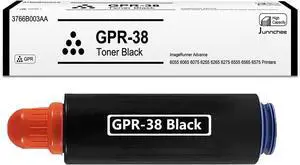
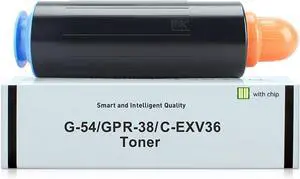
GPR38 Black Toner Compatible for Canon GPR-38 3766B003AA Toner for ImageRunner Advance 6055 6065 6075 6255 6265 6275 6555 6565 6575 Printer
- Model #: DARKB0DR4MV3W8
- $117.99 –
- Free Shipping
Quick View
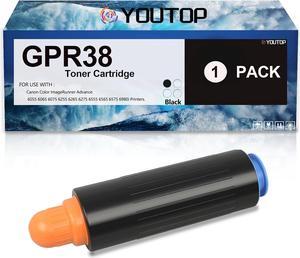
GPR-38 Toner Cartridge Replacement for Canon GPR38 3766B003AA Toner for Canon ImageRunner Advance 6055 6065 6075 6255 6265 6275 6555 6565 6575 Printer
- Model #: DARKB0CD296696
- $119.99 –
- Free Shipping
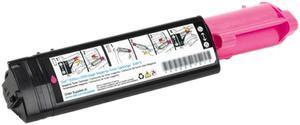
Quick View

- Cartridge Quantity: 1
- Compatible Products: Dell 3000cn and 3100cn Laser Printers
- Approximate Page Yield: 2000 Pages
- Coverage: 5% page coverage
- Model #: 310-5738
- $23.49 –
- More options from $25.49 - $32.00
- $9.99 Shipping
Quick View
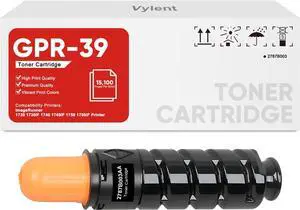
GPR-39 GPR39 Toner Cartridge High Yield 2787B003AA Replacement for Canon GPR-39 GPR39 Toner Cartridge for ImageRunner 1730 1730IF 1740 1740IF 1750 1750IF Printer Ink 1-Pack
- Model #: DARKB0DG1VJX64
- $108.99 –
- Free Shipping
Quick View
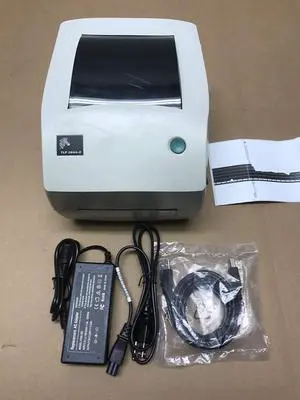
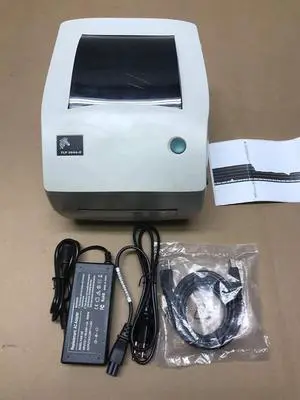
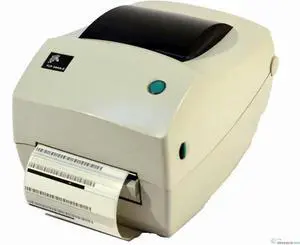
Ze bra TLP 3844-Z Printer 384Z-10300-0001 W/Adapter, USB & Power Cables
Limited time offer, ends 01/28
- Model #: 6YG3-6MJU741
- $226.49 –
- More options from $226.49 - $230.00
- Free Shipping
Quick View
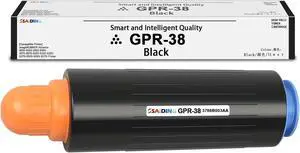
GPR38 GPR-38 3766B003AA Toner Cartridge Compatible for Canon imageRUNNER Advance 6055 6055i 6065 6065i 6075 6075i 6255 6255i 6265i 6275i 6555i 6565i 6575i Printer
- Model #: BAMB0CNPS6S54
- $126.99 –
- Free Shipping
Quick View
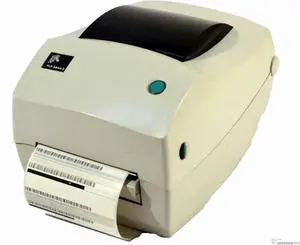
Ze braNet Ze bra TLP 3844-Z Printer 384Z-10300-0001 W/Adapter, USB & Power Cables
Limited time offer, ends 01/28
- Model #: C2ZP-H-1211127
- $243.97 –
- More options from $243.97 - $245.00
- Free Shipping

Quick View
Ricoh 407218 VM Card Type W
- Product Sort: Printing Supplies
- Product Type: VM Card
- Model #: 407218
- $32.00 –
- Free Shipping
Quick View
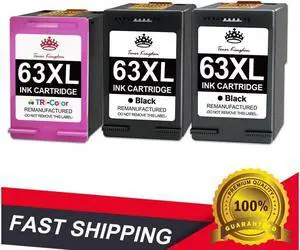
3x 63XL Ink Cartridge for Envy 4512 4516 4520 4522 OfficeJet 3830 4650 5255
- Approximate Page Yield: 63XL 63-XL 63 XL, for HP OfficeJet 4650 4652 4654 4655 5255 5258, for HP OfficeJet 3830 3831 3832 3833 3834 5200, for HP ENVY 4510 4511 4512 4513 4516 4520 4522, for HP ENVY 4524 4525 4526, for HP DeskJet 1110 1111 1112 2130 2131 2132, for HP DeskJet 2133 2134 2136 3630 3631 3632, for HP DeskJet 3633 3634 3635 3636 3637 3638
- Labor: Toner Kingdom
- Model #: 112912449j
- $58.95 –
- Free Shipping
Quick View
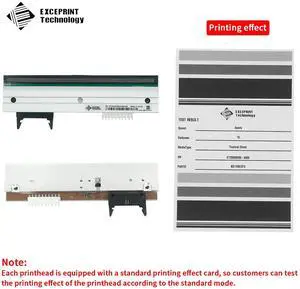
Brand New 203dpi Print Head for Ze bra 170Xi3 170XiIII 170XiIII Plus 170PAX4 Thermal Bar code Label Printer,P/N:G38000M
- Model #: BADGE-980
- $767.70 –
- More options from $766.00 - $768.00
- Free Shipping
Quick View
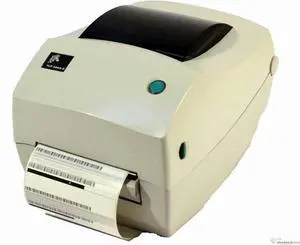
Ze braNet Ze bra TLP 3844-Z Printer 384Z-10300-0001 W/Adapter, USB & Power Cables
- Model #: 6YG3-6MJU1641
- $249.70 –
- More options from $249.70
- Free Shipping
Quick View
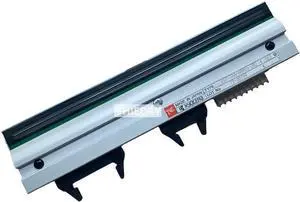
G38000M PrintHead Printhead for Ze bra 170PAX4/170PAX3/170PAX2 Thermal Bar code Printer 203dpi Genuine
- Model #: 6YG3-6MJU2246
- $647.70 –
- More options from $647.00
- Free Shipping
Quick View
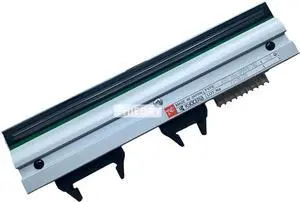
G38000M PrintHead Printhead for Ze bra 170PAX4/170PAX3/170PAX2 Thermal Bar code Printer 203dpi Genuine
- Model #: oo-2070
- $644.99 –
- More options from $644.59 - $646.00
- Free Shipping
Quick View
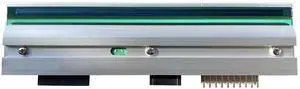
OEM-Compatible Ze bra 170Xi3 203 DPI Printhead. OEM Part Number: G38000M
- Model #: BADGE-836
- $425.70 –
- More options from $425.00
- Free Shipping
Quick View
- $226.99 –
- More options from $226.59 - $228.00
- Free Shipping
Quick View
- $246.99 –
- More options from $246.99 - $248.00
- Free Shipping
Quick View
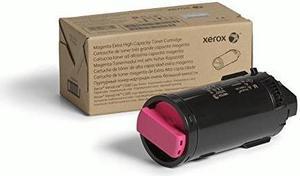
Xerox 106r03867 Extra High-Yield Toner, 9,000 Page-Yield, Magenta 106R03867
- Cartridge Quantity: Single Pack
- Compatible Products: Xerox VersaLink C500 Color Printer Xerox VersaLink C505 Color Multifunction Printer
- Approximate Page Yield: 9000 Pages
- Model #: 106R03867
- $325.99 –
- More options from $259.00 - $359.72
- Free Shipping
Quick View
QM7-4573 QM7-4572 paper sensor forcanon-G3810 G1800 G2800 G4800 G2810 G1810 G4810 G3800
- Product Type: Printhead
- Model #: CH-DYJ-0409
- $60.22 –
- More options from $59.92
- Free Shipping
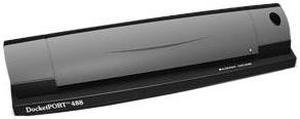
Quick View
DocketPORT 488 Sheetfed Scanner
- Brand: DocketPORT
- Type: Sheet Fed
- Element Type: Dual linear color contact image sensor (CMOS CIS)
- Scanning Speed: 7 seconds per single-sided page in B&W mode at 200 dpi, 10 seconds per page duplex mode
- Model #: DP488
- $280.13 –
- More options from $258.99 - $334.00
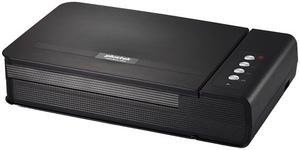
Quick View
Plustek OpticBook 4800 (783064354660) 1200 x 1200dpi 48bit USB Flatbed Scanner
- Image Sensor: CCD
- Light Source: LED
- Scanning Speed: 3.6 sec (Color/ Grayscale/ B&W mode, 300dpi, A4)
- Resolutions, Optical: 1200 x 1200dpi
- Model #: OpticBook 4800
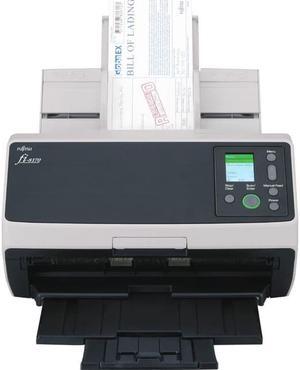
Quick View
Ricoh / Fujitsu ImageScanner fi-8170 Color Duplex Document Scanner - TAA Compliant
- Brand: Ricoh / Fujitsu
- Type: Single Pass
- Element Type: CIS
- Light Source: RGB LED
- Model #: PA03810-B075
- $1,192.99 –
- More options from $1,049.99 - $1,199.33
- Free Shipping
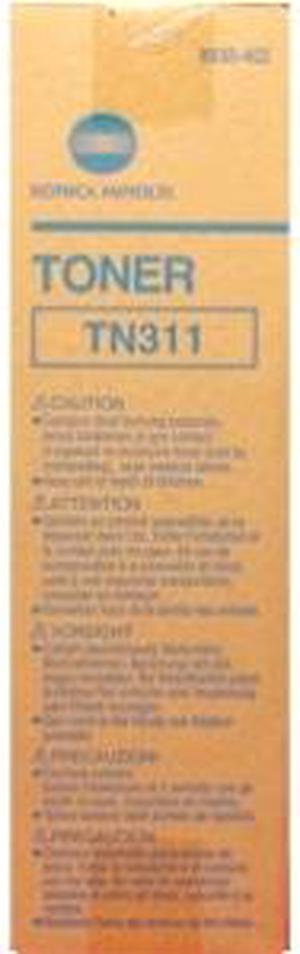
Quick View
KONICA MINOLTA 8938402 Toner Cartridge Black
- Compatible Products: Konica Minolta Bizhub MFP: C350 MFP
- Approximate Page Yield: 2600 Pages
- Coverage: 5%
- Parts: 1 year limited
- Model #: 8938402
- $53.00 –
- More options from $53.00
- Free Shipping
Quick View
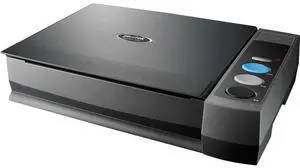
Opticfilm 3800l Book Scanner 1200 Dpi 8.5x11.69 A4 Scanner
- Model #: 783064356992
Quick View
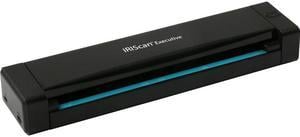
I.R.I.S. IRIScan Executive 4 (458738) Duplex 600 dpi Color Mobile Scanner
- Brand: IRIS
- Series: IRIScan
- Type: Mobile
- Element Type: CIS
- Model #: 458738
- $116.83 –
- More options from $116.83 - $151.96
Quick View
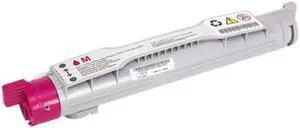
- Cartridge Quantity: 1
- Compatible Products: Dell 5100cn Laser Printer
- Approximate Page Yield: 8000 Pages
- Coverage: 5% page coverage
- Model #: 310-5809
- $44.38 –
- More options from $40.00 - $44.38
- Free Shipping

Quick View
Laser Tek Services ® 4PK Toner Refill with chips for Konica Minolta 7450 7500 7550 8938-629 8938-632 8938-631 8938-630
- Cartridge Quantity: Four Pack
- Compatible Products: Konica Minolta 7450
- Coverage: 5%
- Model #: qms_7450_4pk

Quick View
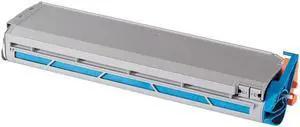
Oki Data 41963601 Toner Cartridge - Yellow
- Cartridge Quantity: Single Pack
- Compatible Products: Okidata C9300, C9300dxn, C9300n, C9500dxn
- Approximate Page Yield: 15000 Pages
- Model #: 41963601
- $30.00 –
- Free Shipping
Quick View
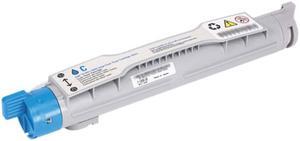
- Cartridge Quantity: 1
- Compatible Products: Dell 5100cn Laser Printer
- Approximate Page Yield: 8000 Pages
- Coverage: 5% page coverage
- Model #: 310-5810
- $136.89 –
- Free Shipping
Quick View
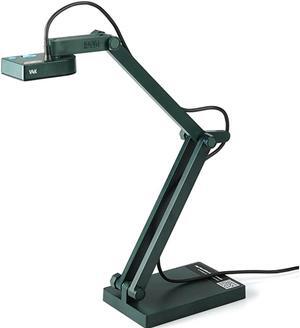
IPEVO V4K USB Document Camera
- Part Number: 5-880-4-01-00
- Max. Document Size: Max Shooting Area 13.46" x 10.04" (342 x 255mm)
- USB Ports: USB 2.0 Video Class (UVC) interface
- Operating Systems Supported: Works with Mac, PC and Chromebook Mac Minimum Requirements Intel Core i5 CPU 1.8 GHz or higher OS X 10.10 or higher 2 GB RAM 200MB of free hard disk space 256MB of dedicated video memory (For lag-free live streaming up to 1920 x 1080) Recommended Requirements Intel Core i5 CPU 2.5 GHz or higher OS X 10.10 or higher 4 GB RAM Solid-state drive, and 200MB of free hard disk space 256MB of dedicated video memory (For lag-free live streaming up to 1920 x 1080, and video recording of 1920 x 1080) Windows Minimum Requirements Microsoft Windows 7 Service Pack 1 or higher Intel Core i3 CPU 3.20 GHz or higher 4 GB RAM 200MB of free hard disk space 256MB ...
- Model #: 4712098410895
- $116.99 –
- Free Shipping
Quick View
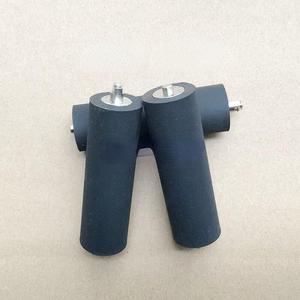
roller roller For Toledo- rl00-jj 3960 + pressure roller 3880BL + large rubber roller 3660 +
- Product Type: Printhead
- Model #: ZW-dyt-188
- $96.99 –
- Free Shipping
Choosing the Right Printer for Your Office Needs
When it comes to office solutions, printers and scanners are essential tools for any business. Whether you need to print important documents, scan invoices, or create professional-quality marketing materials, having the right equipment is crucial. In this article, we will explore the different types of printers and scanners available in the market and provide tips on how to choose the best one for your office.
All-in-One Printers: Versatility and Convenience
all-in-one printers, also known as multifunction printers, are a popular choice for offices. These devices combine the functionality of a printer, scanner, copier, and sometimes even a fax machine into a single unit. They offer versatility and convenience, allowing you to perform multiple tasks without the need for separate devices. All-in-one printers are available in both inkjet and laser options, catering to different printing needs and budgets.
Specialized Printers for Specific Tasks
In addition to all-in-one printers, there are specialized printers designed for specific tasks. For example, 3D printers are ideal for creating prototypes or intricate models, while barcode and label printers are perfect for businesses that require efficient inventory management. laser printers are known for their fast printing speeds and high-quality output, making them suitable for offices with high-volume printing needs. inkjet printers, on the other hand, are more cost-effective and can produce vibrant color prints.
Choosing the Right Supplies
Once you have selected the right printer for your office, it is important to choose the right supplies to ensure optimal performance and longevity. When it comes to inkjet printers, using high-quality ink cartridges is essential to achieve the best print quality and prevent clogging. For laser printers, it is important to choose the right type of toner cartridges that are compatible with your printer model. Additionally, investing in high-quality paper can make a significant difference in the final print results.
FAQs: Common Questions about Printers and Scanners
| Q: How often should I replace the ink cartridges? | A: The frequency of replacing ink cartridges depends on your printing volume. However, it is recommended to replace them when the print quality starts to degrade. |
|---|---|
| Q: Can I use third-party ink cartridges with my printer? | A: While it is possible to use third-party ink cartridges, it is important to ensure compatibility with your printer model. Using incompatible cartridges may result in poor print quality or damage to the printer. |
| Q: How do I clean the scanner glass? | A: To clean the scanner glass, use a soft, lint-free cloth slightly dampened with glass cleaner. Gently wipe the glass surface to remove any smudges or debris. |
| Q: What is the difference between optical and interpolated resolution in scanners? | A: Optical resolution refers to the actual hardware resolution of the scanner, while interpolated resolution is achieved through software enhancements. Optical resolution provides more accurate and detailed scans. |
| Q: How can I improve the scanning speed? | A: To improve scanning speed, reduce the scanning resolution, use black and white mode instead of color, and ensure that the scanner is connected to a high-speed USB port. |