

Your Browsing History
- In Stock
- Sold by Newegg
- New

Any questions? Our AI mode will help you find out quickly.
Try me now
Quick View
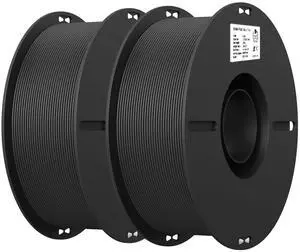
PLA 3D Printer Filament, Black & Black, 2-Pack, 2KG Total | PLA Filament 1.75mm, Smooth Printing, Neatly Wound, +/-0.02mm Accuracy, Compatible with Most FDM 3D Printers
- Material: Polylactic Acid
- Color: Black*2
- Brand: Creality
- Weight: 5.68 pounds
- Model #: 066425427816
- $53.99 –
- Free Shipping
Quick View
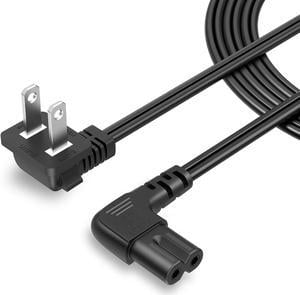
CableCreation 10 Feet 18 AWG Angled 2-Slot Non-Polarized Angle Power Cord for Samsung TV LG TCL Replacement (IEC320 C7 to Nema 1-15P), 3M
- Model #: C0A692465010410681
- $27.48 –
- Free Shipping
Quick View
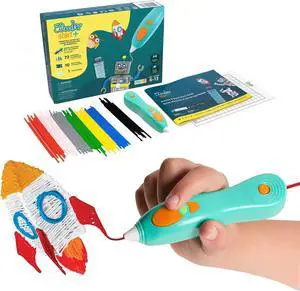
3Doodler Start+ Essentials 3D Pen for Kids | Easy to Use, Learn from Home Art Activity, Educational STEM Toy for Boys & Girls Ages 6+
- Model #: C0A712465010410889
- $111.48 –
- Free Shipping
Quick View
CableCreation 10 Feet 18 AWG Angled 2-Slot Non-Polarized Angle Power Cord for Samsung TV LG TCL Replacement (IEC320 C7 to Nema 1-15P), 3M
- Model #: 433330052638ComputerzoneGANG
- $27.89 –
- Free Shipping
Quick View
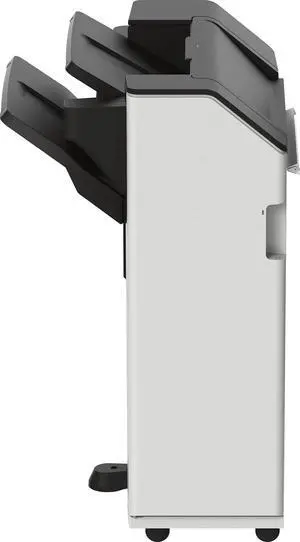
Lexmark Staple 2/3 Punch Punch CX83X/95X/96X CS96X MX95X
- Brand: LEXMARK
- Part Number: 20L8812
- Product Sort: Printer Accessories
- Model #: 20L8812
- $1,619.56 –
- More options from $1,608.76 - $2,136.00
- Free Shipping

Quick View
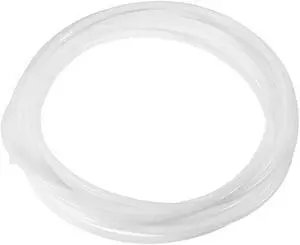
PTFE Tube 26Ft - ID 4mm X OD 6mm Fit 3mm Filament for 3D Printer White
- Brand: Unique Bargains
- Model #: a19073000ux0171
Quick View
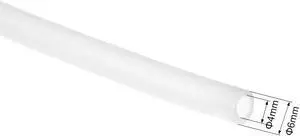
PTFE Tube 9.8Ft - ID 4mm X OD 6mm Fit 3mm Filament for 3D Printer White
- Brand: Unique Bargains
- Model #: a19073000ux0168
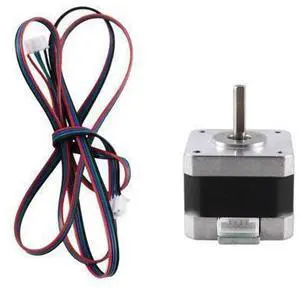
Quick View
FOR Stepper Motor 42 Motor High 17HS3401 for 3D Printer Motor
Limited time offer, ends 09/19
- Model #: YC7FW0709-oys-114
- $26.67 –
- Free Shipping
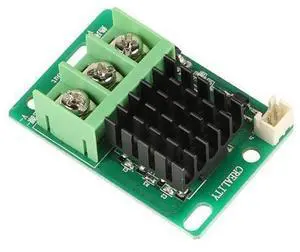
Quick View
CREALITY 3D Printer Parts CR-10 Max/ CR-10S Pro V2/Ender-5 Plus Hotbed Control Module
Limited time offer, ends 09/19
- Model #: YC7FW0709-oys-219
- $30.47 –
- Free Shipping
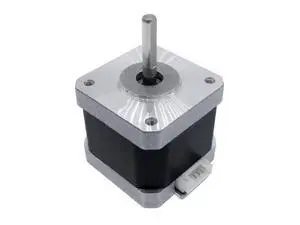
Quick View
40mm High torque stepper motor 42 motor Nema17 stepping motor 1.7A 0.45N.M 2phase for machine 3D printer
Limited time offer, ends 09/19
- Model #: YC7FW0709-oys-241
- $27.97 –
- Free Shipping
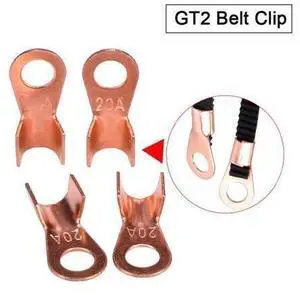
Quick View
3D Printer Parts GT2 Belt Clip Suitable for GT2-6mm timing belt Fixed belt Reprap for 3d printer
Limited time offer, ends 09/19
- Model #: YC7FW0709-oys-77
- $30.07 –
- Free Shipping

Quick View
CowboyBebop Anime Mouse Pads Boob Oppai Gaming 3D Mousepads 2Way Skin
Limited time offer, ends 09/19
- Model #: JC7FW0709-OYJ-646
- $35.66 –
- Free Shipping
Quick View
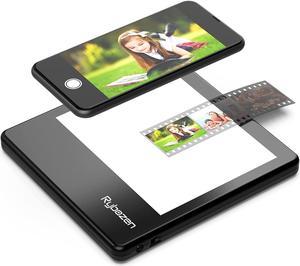
Rybozen Ultra-Thin Portable Slide Scanner 5 x 4 Inches LED Light Panel Photo Slides Negatives and Film Viewer
- Image Sensor: CCD
- Resolutions, Optical: 1800 x 3600 dpi
- Color Depth: 36bit
- Max. Document Size: Custom Size
- Model #: C400
Quick View
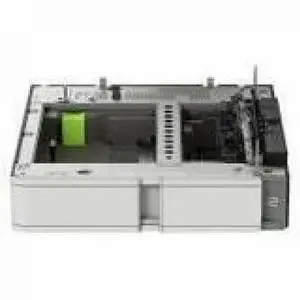
Lexmark Special Media Tray - Labels - A3, Ledger, 12x18, and SRA3 - 20L8808
- Brand: Lexmark
- Part Number: 20L8808
- Product Sort: Special Media Tray
- Product Type: Special Media Tray
- Model #: 20L8808
- $393.06 –
- More options from $389.62 - $429.00
Quick View
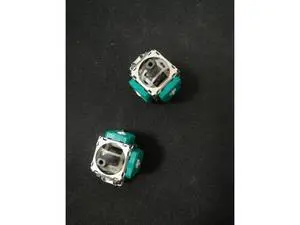
10pcs 3D Joystick Axis Analog Sensor Module Replacement for PS4 Controller
Limited time offer, ends 09/19
- Model #: YC7FW0709-oys-286
- $35.47 –
- Free Shipping
Quick View
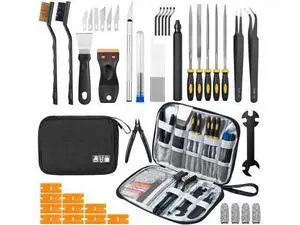
50Pcs 3D Printer Tool Kit & Accessories for All FDM/SLA Printers, Includes Nozzle Cleaning Kit, Scraper, Deburring Tool, Files, Brushes - Complete Starter Kit with Case
Limited time offer, ends 09/19
- Model #: YC7FW0709-oys-421
- $43.07 –
- Free Shipping
Quick View
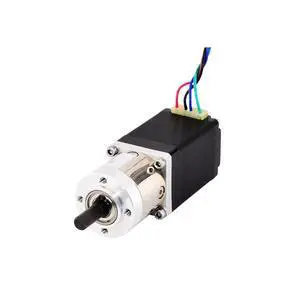
Nema 11 Geared Stepper Motor with 5:1 Planetary Gearbox 0.67A Geared Step Motor 4-Lead for DIY CNC 3D Printer
- Model #: LC6W1JU7-1127
- $135.62 –
- Free Shipping
Quick View

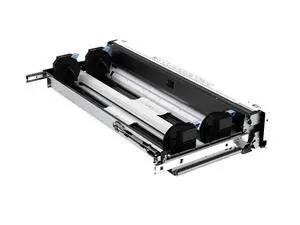
- Brand: HP
- Part Number: 8SB02A
- Product Sort: Media Drawer
- Compatibility: HP PageWide XL Pro 5200, 8200, 10000
- Model #: 8SB02A
- $3,975.40 –
- More options from $3,881.88 - $5,004.00
- Free Shipping
Quick View
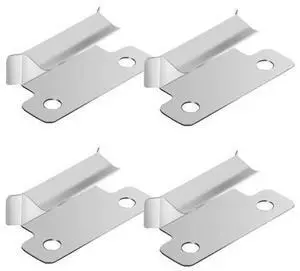
4PCS Ender 3 Pro Bed Clips Clamp 7mm for Creality Ender 3 V2 Ender 3S CR-10S 3D Printer Heated Bed Glass
Limited time offer, ends 09/19
- Model #: YC7FW0709-oys-123
- $28.67 –
- Free Shipping
Quick View
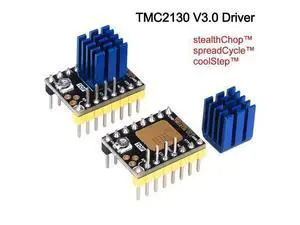
BIGTREETECH TMC2130 V3.0 SPI Stepper Motor Driver Silent 3D Printer Parts vs TMC2209 TMC2208 A4988 SKR V1.3 Pro MKS GEN L Board
Limited time offer, ends 09/19
- Model #: YC7FW0709-oys-275
- $29.47 –
- Free Shipping
Quick View
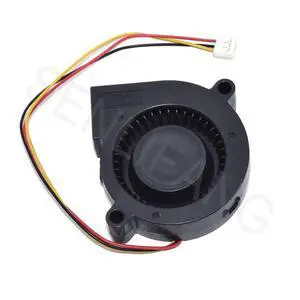
New BUB0524HHB for 3D Printer Blower 5CM Turbine Cooling Fan 5015 24V 0.18A 3-Line Aserver Inverter
- Model #: LC6W1JU7-393
- $34.64 –
- Free Shipping
Quick View
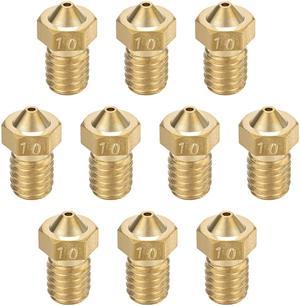
1mm 3D Printer Nozzle, Fit for V6, for 1.75mm Filament Brass 10pcs
- Brand: Unique Bargains
- Model #: a19080800ux0069
Quick View
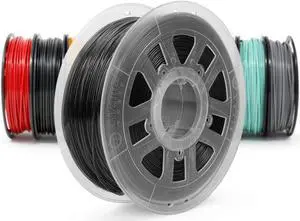
Gizmo Dorks Low Odor ABS 3D Printer Filament 1.75mm 1kg, Black
- Model #: AIWU444275501617
- $43.55 –
- Free Shipping
Quick View
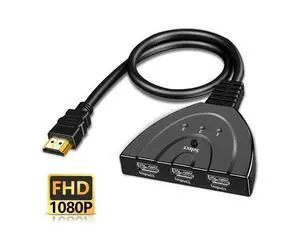
HDMI-compatible Switch KVM Splitter 4K 2K 3D 3 input 1 Output Mini 3 Port VIdeo Switcher Hub 1080P For DVD HDTV Xbox PS3 PS4(3 In 1 1080P)
Limited time offer, ends 09/19
- Model #: YC7FW0709-oys-45
- $31.27 –
- Free Shipping

Quick View
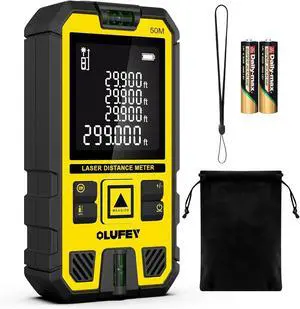
Laser Measure,Laser Distance Meter Device IP54 Portable Digital Measure Tool Range Finder with Bubble Levels and LCD Backlit
- Model #: 682667674626
- $45.99 –
- Free Shipping
Quick View
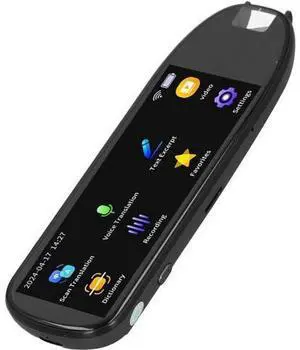
Scan Reader Pen, 112 Languages Smart Scan Translator Pen, Ultra Big Screen Reading Pen Offline Online Language Translator Device, Officeelectronics
- Model #: G3F1C783-XM6150717
- $90.99 –
- Free Shipping
Quick View
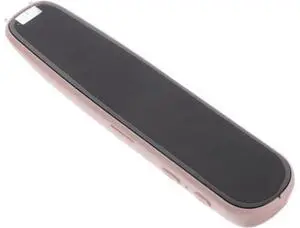
Scan Reader Pen Portable Language Photo Multi-Language Support High Precision Text Recognition for Students and Travelers
- Model #: G3F1C783-XM6150736
- $82.99 –
- Free Shipping
Choosing the Right Printer for Your Office Needs
When it comes to office solutions, printers and scanners are essential tools for any business. Whether you need to print important documents, scan invoices, or create professional-quality marketing materials, having the right equipment is crucial. In this article, we will explore the different types of printers and scanners available in the market and provide tips on how to choose the best one for your office.
All-in-One Printers: Versatility and Convenience
all-in-one printers, also known as multifunction printers, are a popular choice for offices. These devices combine the functionality of a printer, scanner, copier, and sometimes even a fax machine into a single unit. They offer versatility and convenience, allowing you to perform multiple tasks without the need for separate devices. All-in-one printers are available in both inkjet and laser options, catering to different printing needs and budgets.
Specialized Printers for Specific Tasks
In addition to all-in-one printers, there are specialized printers designed for specific tasks. For example, 3D printers are ideal for creating prototypes or intricate models, while barcode and label printers are perfect for businesses that require efficient inventory management. laser printers are known for their fast printing speeds and high-quality output, making them suitable for offices with high-volume printing needs. inkjet printers, on the other hand, are more cost-effective and can produce vibrant color prints.
Choosing the Right Supplies
Once you have selected the right printer for your office, it is important to choose the right supplies to ensure optimal performance and longevity. When it comes to inkjet printers, using high-quality ink cartridges is essential to achieve the best print quality and prevent clogging. For laser printers, it is important to choose the right type of toner cartridges that are compatible with your printer model. Additionally, investing in high-quality paper can make a significant difference in the final print results.
FAQs: Common Questions about Printers and Scanners
| Q: How often should I replace the ink cartridges? | A: The frequency of replacing ink cartridges depends on your printing volume. However, it is recommended to replace them when the print quality starts to degrade. |
|---|---|
| Q: Can I use third-party ink cartridges with my printer? | A: While it is possible to use third-party ink cartridges, it is important to ensure compatibility with your printer model. Using incompatible cartridges may result in poor print quality or damage to the printer. |
| Q: How do I clean the scanner glass? | A: To clean the scanner glass, use a soft, lint-free cloth slightly dampened with glass cleaner. Gently wipe the glass surface to remove any smudges or debris. |
| Q: What is the difference between optical and interpolated resolution in scanners? | A: Optical resolution refers to the actual hardware resolution of the scanner, while interpolated resolution is achieved through software enhancements. Optical resolution provides more accurate and detailed scans. |
| Q: How can I improve the scanning speed? | A: To improve scanning speed, reduce the scanning resolution, use black and white mode instead of color, and ensure that the scanner is connected to a high-speed USB port. |