

Your Browsing History

Any questions? Our AI beta will help you find out quickly.
Try me now
Quick View
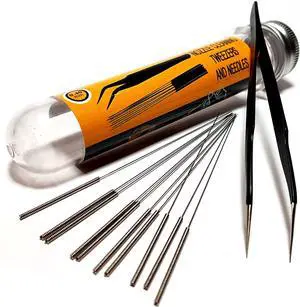
3D Printer Nozzle Cleaning Kit - 0.4mm Needles and Tweezers Toolkit - Stainless Steel Nozzle Cleaning Tool Kit - Alternative for 0.4mm Drill Bits for 3D Printer - Set of 11
- Model #: SOYE517526154075WEI
- $25.39 –
- Free Shipping
Quick View
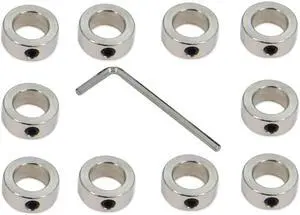
10PCS/Pack Silver 12mm Bore Shaft Lock Collar T12 Lead Screw Lock Ring Stainless Steel Material Isolation for 3D Printer Accessories(12mm-Silver)
- Model #: EQWER462277178033
- $25.88 –
- Free Shipping
Quick View
3D Printer Nozzle Cleaning Kit - 0.4mm Needles and Tweezers Toolkit - Stainless Steel Nozzle Cleaning Tool Kit - Alternative for 0.4mm Drill Bits for 3D Printer - Set of 11
- Model #: EQWER462277174332
- $25.88 –
- Free Shipping
Quick View
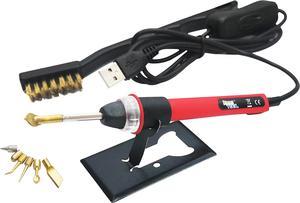
KINGTOOL 3D Printer Accessories Tool Kit, 3D Printing/Modify Finishing Tool, Cleaning Needle, Scarper, (USB Powered) (Scarlett)
- Model #: EQWER462277177913
- $58.88 –
- Free Shipping
Quick View
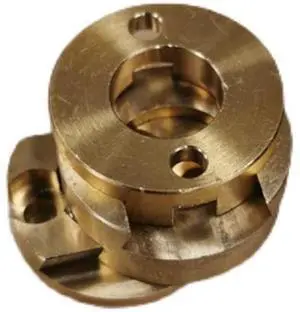
VzBoT 3D printer, Z-axis T8 screw, Oldham bronze coupling, BLV Ender3 3D printer
- Model #: Kepler-C72J-beiyong-0441
- $36.68 –
- Free Shipping
Quick View
3D Printer Nozzle Cleaning Kit - 0.4mm Needles and Tweezers Toolkit - Stainless Steel Nozzle Cleaning Tool Kit - Alternative for 0.4mm Drill Bits for 3D Printer - Set of 11
- Model #: 433330049232ComputerzoneGANG
- $25.89 –
- Free Shipping
Quick View
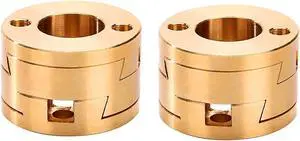
2-Pack Oldham Coupling Couplers Compatible with BLV and Other 3D Printer Z axis T8 Lead Screw Hotbed (Oldham Coupling)
- Model #: EQWER462277176084
- $39.88 –
- Free Shipping
Quick View
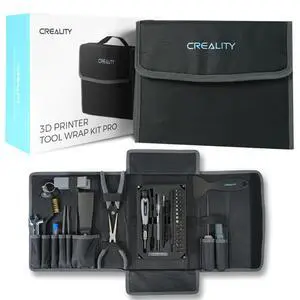
3D Printer Tool Kit, 74Pcs 3D Printing Tool Wrap Kit Assembly/Removal/Filament Cutting Set 3D Printer Accessories for All FDM Printers Cleaning Finishing Printing
- Brand: Creality
- Part Number: 3D Printer Tool 688
- Color: Black
- Type: Filament
- Model #: 347011326908
- $59.99 –
- Free Shipping
Quick View
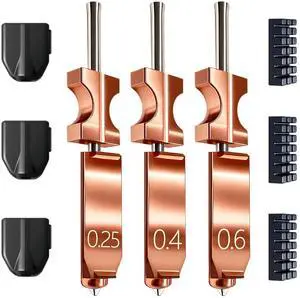
New Upgraded 0.25MM&0.4MM&0.6MM Hotend Kit for Flashforge AD5X Nozzle, All Metal 3s Quick-Detachable Nozzle kit,HTR 550°C Hardened Steel Nozzle,32mm³/s High Flow,600mm/s High-Speed AD5X Parts
- Brand: A
- Part Number: NZ-246-YZ5X-3GJS-3S-F
- Color: 0.25+0.4+0.6MM AD5X Nozzle
- Type: NZ-246-YZ5X-3GJS-3S-F
- Model #: 465862806613
- $21.99 –
- Free Shipping

Quick View
Modular Y Carriage Plate Upgrade for 2040V Aluminum Profile for Ender3/Ender3 Pro 3D Printer (190mm)
- Model #: EQWER462277172734
- $51.88 –
- Free Shipping
Quick View
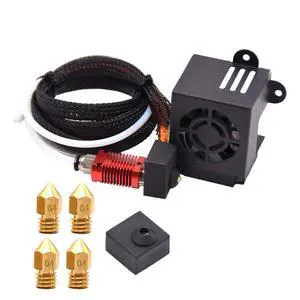
Full Assembled Ender 3 Hotend Upgraded Kit with Nozzles 3D Printer Parts Accessories Replacement for Ender 3s/ Ender 3 Pro 3D Printer
- Part Number: Ender3-Fan
- Type: Filament
- Model #: Ender3-Fan
- $34.99 –
- Free Shipping
Quick View
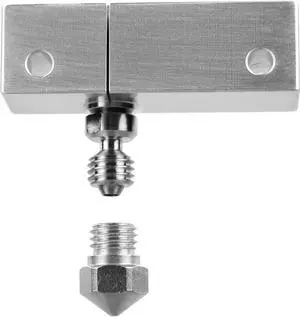
Microswiss All Metal Hotend with Slotted Cooling Block for Wanhao i3 w/.4mm Nozzle
- Model #: EQWER462277173472
- $98.88 –
- Free Shipping
Quick View
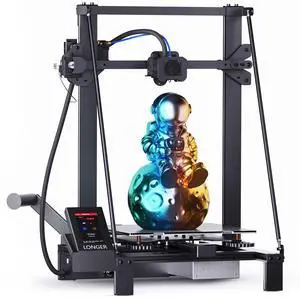
LK5 Pro 3D Printer+Dual Z-Axis Kit 11.8x11.8x15.7in Large Printing Size with Resume Printing FDM 3D Printer Fully Open Source Motherboard Upgrade TMC 2209,95% Pre-Assembled Ideal for Beginners
Limited time offer, ends 07/30
- Model #: 258132655272
- $599.99
- See price in cart
- Free Shipping
Quick View
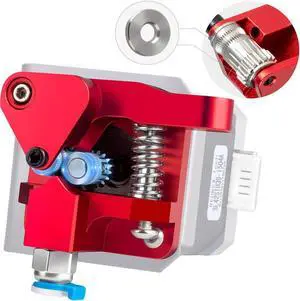
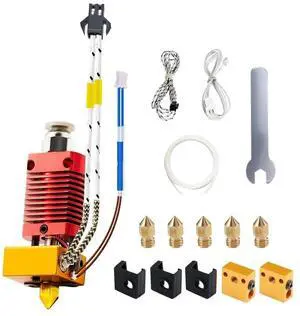
3D Printer Hotend kit, Upgrade Ender 3 Hotend 24V 40W, CR10 J-Head Hotend Compatible for Ender 3, Ender 3 V2, Ender 3 Pro, Ender 3 max, Ender 5, CR-10/CR10S,
- Model #: EQWER462277173038
- $33.88 –
- Free Shipping
Quick View
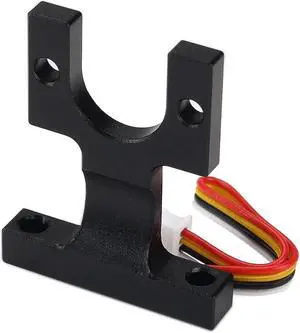
BCZAMD Hotend Mounting Block Kit for Anycubi Vyperr Series (B C D), Strain Gauge Sensor Spare Parts The Hole Has No Thread for Automatic Leveling 3D Printer Parts Accessories
- Model #: EQWER462277172901
- $42.88 –
- Free Shipping
Quick View
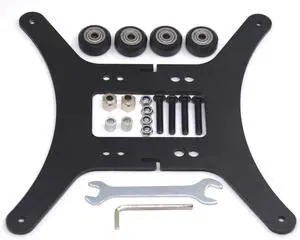
Modular Y Carriage Plate Upgrade Kit for 2040V Aluminum Profile for 3D Printer
- Model #: EQWER462277175940
- $47.88 –
- Free Shipping
Quick View
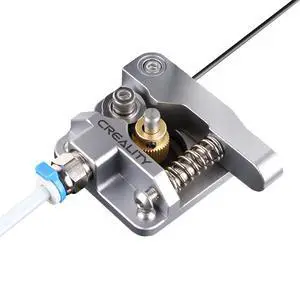
Official Ender 3 Extruder Upgrade Metal Drive Feeder 3D Printer Parts for Ender-3 Pro/3S/3 V2/3 Max CR-10/10S Gray Aluminum 1.75mm Filament Extruder
- Part Number: Gray Extruder
- Color: Black
- Type: Filament
- Compatible System: Linux
- Model #: B09LQKN5WG003
- $14.99 –
- Free Shipping
Quick View
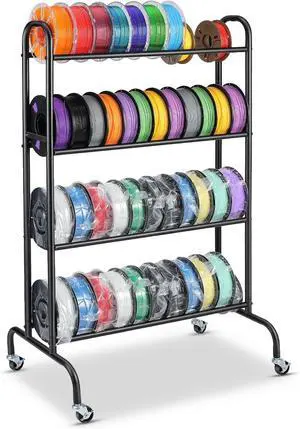
3D Printer Filament Storage Rack - 4 Tier Heavy Duty Metal Shelf Filaments Spool Holder for PLA/ABS/TPU, Organized for 3D Printing Studio, Office Workshop
- Model #: 433330048280ComputerzoneGANG
- $89.89 –
- Free Shipping
Quick View
Microswiss All Metal Hotend with Slotted Cooling Block for Wanhao i3 w/.4mm Nozzle
- Model #: 433330050641ComputerzoneGANG
- $97.89 –
- Free Shipping
Quick View
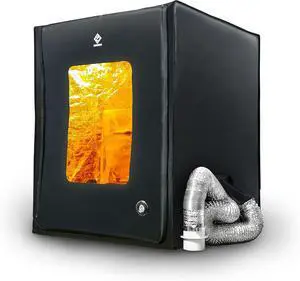
3D Printer Enclosure with Ventilation Kit & LED Lighting Thermal Insulation Cover & Fume Extraction Tent for FDM/DLP/SLA/LCD 3D Printers(Size 700 * 750 * 900mm)
- Model #: 433330056179ComputerzoneGANG
- $252.89 –
- Free Shipping
Quick View
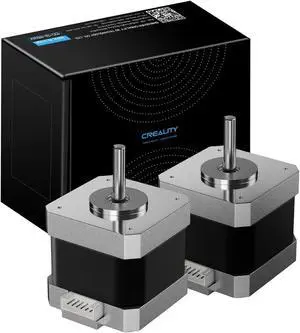
ALadrs FDM 3D Printer Stepper Motor 42-40,2 Phases 1A 1.8 Degrees 0.4 N.M Stepper Motor 3D Printer Extruder, for Creality Ender-3 Series and CR-10 Series E-axis (42-40(2Pcs))
- Model #: EQWER462277174622
- $43.88 –
- Free Shipping
Quick View
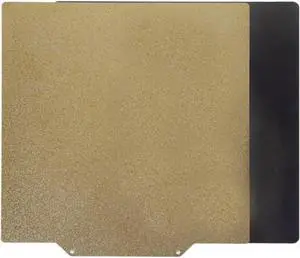
Compatible with KINGROON Single-Side PEI Spring Steel Sheet with Magnetic Base 180/210/220/235/310/350mm Build Plate for Aquila C2/X2 3D Printers(210x210mm)
- Model #: ENGEB0FQB62TPR
- $78.99 –
- Free Shipping
Quick View
BCZAMD Hotend Mounting Block Kit for Anycubi Vyperr Series (B C D), Strain Gauge Sensor Spare Parts The Hole Has No Thread for Automatic Leveling 3D Printer Parts Accessories
- Model #: 433330050184ComputerzoneGANG
- $42.89 –
- Free Shipping
Quick View
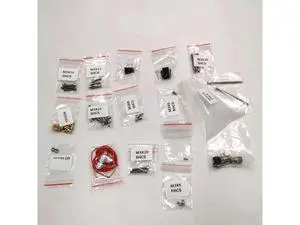
Funssor V2.4 Trident 3D printer V2.4 StealthBurner extruder screw Fasteners Cables kit NeoPixel RGBW Mini Button PCB
- Model #: YLJGZMC7AZ-0722-2724
- $43.84 –
- Free Shipping
Quick View
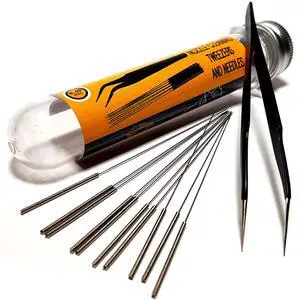
3D Printer Nozzle Cleaning Kit - 0.4mm Needles and Tweezers Toolkit - Stainless Steel Nozzle Cleaning Tool Kit - Alternative for 0.4mm Drill Bits for 3D Printer - Set of 11
- Brand: AMERVAULT
- Part Number: PRM10
- Color: Stainless Steel
- Type: PRM10
- Model #: 681748463049
- $27.99 –
- Free Shipping
Quick View
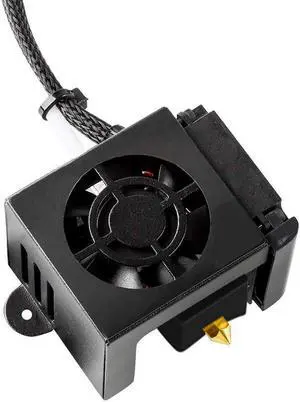
HICTOP Ender 3 Hotend Ender 3 Pro Hotend 24V 40W Full Assembled Extruder Kit Accessories with Silicone Cover for Ender 3, Ender 3 Pro 3D Printer
- Model #: EQWER462277172420
- $45.88 –
- Free Shipping
Quick View
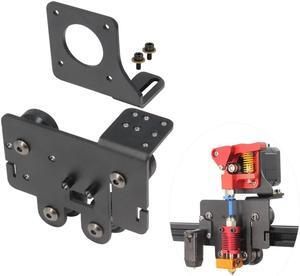
Ender 5 pro Direct Drive Upgrade Kit Aluminum Alloy Plate with 4pcs Pulleys Easy Print TPU Flexible Filament for Ender 5 Pro/Ender 5/Ender 5 Plus (Plate-Ender 5 Series)
- Model #: EQWER462277173403
- $31.88 –
- Free Shipping
Quick View
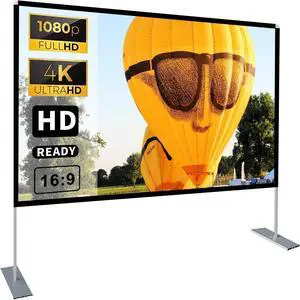
Projector Screen with Stand 100 inch 16:9 HD 4K Outdoor Projector Screen for Home Theater 3D Fast-Folding Portable Projection Screen Indoor Legs and Carry Bag Projector Movie Screen Wrinkle-Free
- Model #: 433330052980ComputerzoneGANG
- $97.89 –
- Free Shipping
Quick View
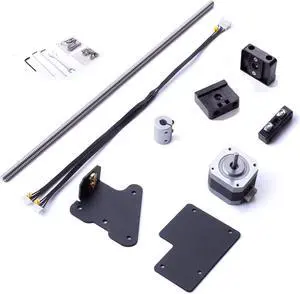
HICTOP Ender 3 Dual Z-axis Upgrade Kit Ender 3 Pro Upgrades Compatible with Ender 3/Ender 3 Neo, Ender 3 pro, Ender 3 V2/Ender 3 V2 Neo 3D Printer
- Model #: 433330050344ComputerzoneGANG
- $50.89 –
- Free Shipping
Quick View
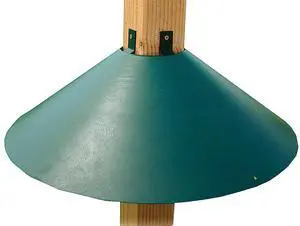
Metal 4 x 4 Inch Wrap Around Bird Feeder Squirrel Baffle Guard Pole Posts to Deter Squirrels, Racoons, and Critters from Bird Feeders, Green
Limited time offer, ends 08/02
- Model #: 937033603420
- $109.99
- See price in cart
- Free Shipping
Quick View
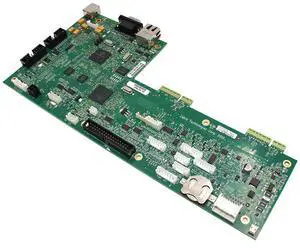
P1058930-402 New Main Logic Board Mainboard for Zebra ZT410 ZT420 Thermal Printer ZT400 Series All dpi
Limited time offer, ends 07/26
- Model #: OYS-C5TJ-2607130318
- $298.75 –
- Free Shipping
Choosing the Right Printer for Your Office Needs
When it comes to office solutions, printers and scanners are essential tools for any business. Whether you need to print important documents, scan invoices, or create professional-quality marketing materials, having the right equipment is crucial. In this article, we will explore the different types of printers and scanners available in the market and provide tips on how to choose the best one for your office.
All-in-One Printers: Versatility and Convenience
all-in-one printers, also known as multifunction printers, are a popular choice for offices. These devices combine the functionality of a printer, scanner, copier, and sometimes even a fax machine into a single unit. They offer versatility and convenience, allowing you to perform multiple tasks without the need for separate devices. All-in-one printers are available in both inkjet and laser options, catering to different printing needs and budgets.
Specialized Printers for Specific Tasks
In addition to all-in-one printers, there are specialized printers designed for specific tasks. For example, 3D printers are ideal for creating prototypes or intricate models, while barcode and label printers are perfect for businesses that require efficient inventory management. laser printers are known for their fast printing speeds and high-quality output, making them suitable for offices with high-volume printing needs. inkjet printers, on the other hand, are more cost-effective and can produce vibrant color prints.
Choosing the Right Supplies
Once you have selected the right printer for your office, it is important to choose the right supplies to ensure optimal performance and longevity. When it comes to inkjet printers, using high-quality ink cartridges is essential to achieve the best print quality and prevent clogging. For laser printers, it is important to choose the right type of toner cartridges that are compatible with your printer model. Additionally, investing in high-quality paper can make a significant difference in the final print results.
FAQs: Common Questions about Printers and Scanners
| Q: How often should I replace the ink cartridges? | A: The frequency of replacing ink cartridges depends on your printing volume. However, it is recommended to replace them when the print quality starts to degrade. |
|---|---|
| Q: Can I use third-party ink cartridges with my printer? | A: While it is possible to use third-party ink cartridges, it is important to ensure compatibility with your printer model. Using incompatible cartridges may result in poor print quality or damage to the printer. |
| Q: How do I clean the scanner glass? | A: To clean the scanner glass, use a soft, lint-free cloth slightly dampened with glass cleaner. Gently wipe the glass surface to remove any smudges or debris. |
| Q: What is the difference between optical and interpolated resolution in scanners? | A: Optical resolution refers to the actual hardware resolution of the scanner, while interpolated resolution is achieved through software enhancements. Optical resolution provides more accurate and detailed scans. |
| Q: How can I improve the scanning speed? | A: To improve scanning speed, reduce the scanning resolution, use black and white mode instead of color, and ensure that the scanner is connected to a high-speed USB port. |