

Your Browsing History
- In Stock
- Sold by Newegg
- New

Any questions? Our AI mode will help you find out quickly.
Try me now
Quick View
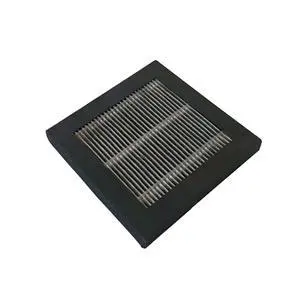
3D Printer Parts Hepa Air Filter for Adventurer 4 Filter Dust Accessories
- Model #: LC6W1JU7-1071
- $60.25 –
- More options from $60.25 - $61.99
- Free Shipping
Quick View
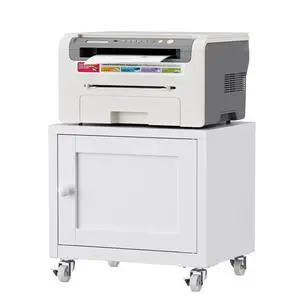
Small Printer Stand with Storage, Mobile Printer Cart for Home Office Sturdy Printer Table with 4 Casters for Fits Small Spaces, Supports 3D Printers, Copiers & Fax Machines
Limited time offer, ends 09/21
- Model #: 672057909126
- $89.99 –
- Free Shipping
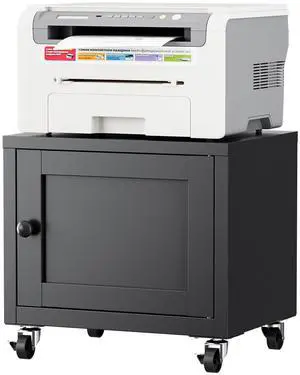
Quick View
Small Printer Stand with Storage, Mobile Printer Cart for Home Office Sturdy Printer Table with 4 Casters for Fits Small Spaces, Supports 3D Printers, Copiers & Fax Machines
Limited time offer, ends 09/21
- Model #: 672057909119
- $89.99 –
- Free Shipping
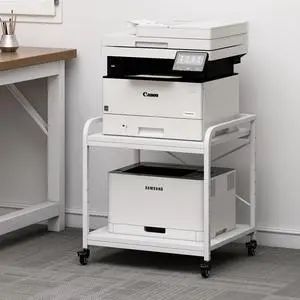
Quick View
Large Printer Stand for Under Desk Storage, Adjustable Top Shelf Table Top 20"x20", Fits 3D/Laser Printer, Easy Roll Industrial Wheels, Heavy Duty 2 Tier Printer Cart for Home Office, White
Limited time offer, ends 09/21
- Model #: 957629138907
- $148.49 –
- Free Shipping
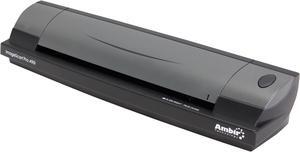
Quick View
Ambir ImageScan Pro 490i (DS490-AS) Image Sensor - dual linear color contact image sensor (CMOS CIS)
Paper Sensor - mechanical Up to 600 dpi Duplex ID Card & Document Scanner with AmbirScan
- Brand: Ambir
- Series: ImageScan Pro
- Type: Duplex
- Element Type: Image Sensor - dual linear color contact image sensor (CMOS CIS) Paper Sensor - mechanical
- Model #: DS490-AS
- $285.99 –
- Free Shipping
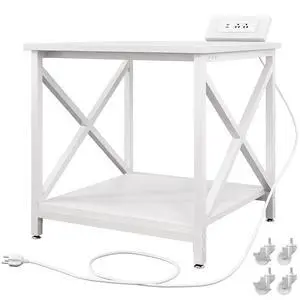
Quick View
23.6"x23.6" Large Printer Stand with Power Outlet 2 Tier Storage Shelf, 200 lbs Heavy Duty, Industrial Wheels, Fits 3D Printers, Laser Printers and Heat Press, Home Office
Limited time offer, ends 09/21
- Model #: 536809190784
- $149.99 –
- Free Shipping

Quick View
2B PP Anime Mouse Pads with Wrist Rest Gaming 3D Mousepads 2Way Skin
Limited time offer, ends 09/16
- Model #: WLC78S.0727.Pallet0271
- $23.07 –
- Free Shipping
Quick View
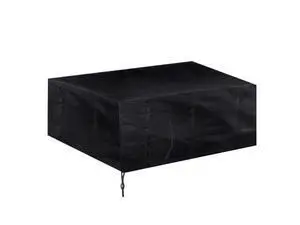
LKXHarleya Heavy Duty Waterproof Printer Dust Cover Protector Cloth for 3D Printer and HP OfficeJet Pro 8600/8610 Printer, 27.5"x17.7"x11.8"
Limited time offer, ends 09/19
- Model #: OYSC5KU-8.5-2IN1-234
- $42.98 –
- Free Shipping
Quick View
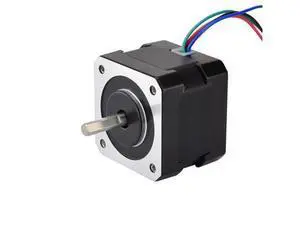
STEPPERONLINE Nema 17 Stepper Motor 26Ncm(36.8oz.in) 12V 0.4A 3D Printer CNC
Limited time offer, ends 09/19
- Model #: YC7FW0709-oys-316
- $25.07 –
- Free Shipping
Quick View
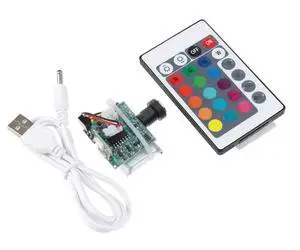
for 16 Colors USB LED Moon Lamp Board Remote Control Light Source Night 3D Printer Parts with Remote Control
- Model #: LC6W1JU7-086
- $39.99 –
- Free Shipping
Quick View
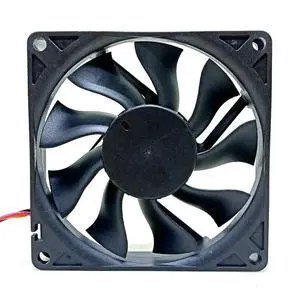
for 40mm DC 24V 3D Printer Printing Cooling Fan,FD244015HB 40X40X15mm Bearing 0.09A Mute Silent Cooler
- Model #: LC6W1JU7-225
- $41.99 –
- Free Shipping
Quick View
for 2Pack 5015 DC 24V 50mm Blower Fan A Popular Choice for 3D Printers, Providing Powerful Airflow and Quiet Operation
- Model #: LC6W1JU7-142
- $34.99 –
- Free Shipping
Quick View
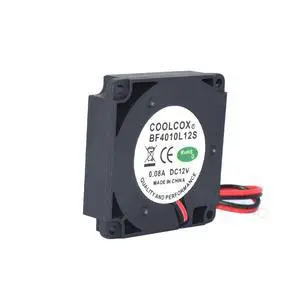
BF4010L12S 4CM New Blower Turbo Cooling Fan DC12V 0.08A 2Lines 3D Printer Cooler for J-Head Hotend Reprap
- Model #: LC6W1JU7-485
- $32.99 –
- Free Shipping
Quick View
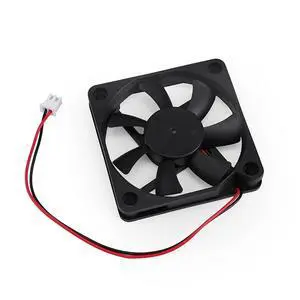
for Neptune 3 Pro/Plus 24V 4015 4010 Blower Fan 6010 Cooling Ventilator for ELEGOO Neptune 3 Pro/for Plus 3D Printer Parts(6010 Cooling Fan)
- Model #: LC6W1JU7-1009
- $82.99 –
- Free Shipping
Quick View
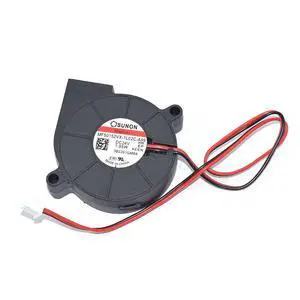
New 5015 MF50152VX-1L02C-A99 New PWM Cooling Fan for 3D Printer Cooler 24VDC 1.95W 2Lines
- Model #: LC6W1JU7-506
- $32.99 –
- Free Shipping
Quick View
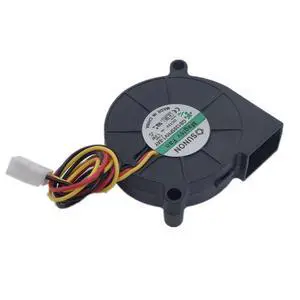
New for GB1205PHV1-8AY 50 * 50 * 15MM 5015 DC12V 3Pin Magnetic Suspension Mute Speed Turbo 3D Printer Blower Cooling Fan
- Model #: LC6W1JU7-526
- $32.99 –
- Free Shipping

Quick View
2B PP Anime Mouse Pads with Wrist Rest Gaming 3D Mousepads 2Way Skin (2BPP)
Limited time offer, ends 09/19
- Model #: JC7FW0709-OYJ-635
- $32.26 –
- Free Shipping
Quick View
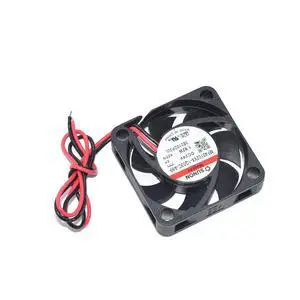
New for SUNON DC24V 1.92W 40 * 40 * 10MM MF40102VX-1Q03C-A99 2Pin 3D Printer Square Cooling Fan
- Model #: LC6W1JU7-402
- $32.99 –
- Free Shipping
Quick View
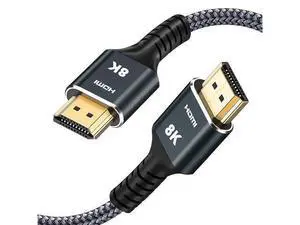
8K HDMI Cable 3.3 ft 5-Pack - Nylon Braided Ultra High Speed 2.1 4K/8K. Supports 165/180/240Hz, HDR10, HDCP2.3, ARC/eARC, 3D - Compatible, Roku, PC & Home Theater, TV, PS5, Monitor
Limited time offer, ends 09/19
- Model #: YC7FW0709-oys-416
- $45.07 –
- Free Shipping
Quick View
for 3D Printer Blower GB1205PHV1-8AY for 5015 12V Suspension Mute 5cm Speed Measuring turbofan
- Model #: LC6W1JU7-237
- $44.99 –
- Free Shipping
Quick View
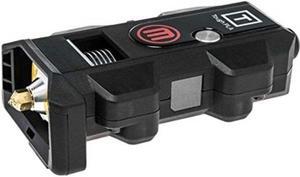
MakerBot 3D Printer Extruder Unit
- Model #: MP08325
- $284.83 –
- More options from $279.78 - $284.83
- Free Shipping
Quick View
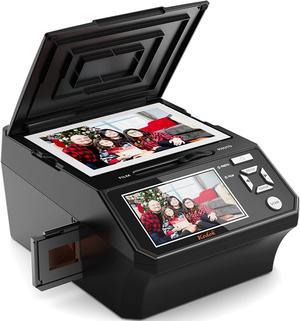
Photo, NameCard, Slide & Negative Scanner with Large 5" LCD Screen,Film and Slide Digitizer-Convert 35mm,110 Film/Photo(3R,4R,5R)/NameCard to 22MP Digital JPEG-8GB SD Card Included
- USB Ports: Yes
- Dimensions: 12.9 x 10.5 x 9.4 inches
- Weight: 4.64 pounds
- Color: Black
- Model #: M129A

Quick View
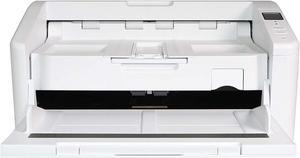
Avision AD6090 Color ADF A3 Size Document Scanner 90 ppm/180ipm in Color, 150-page ADF. Ultrasonic double-feed detection capability. High-Volume Daily Duty Cycle 20,000 pages per day.
- Brand: Avision
- Series: AD Series
- Type: Duplex
- Element Type: CIS
- Model #: 000-0930-07G
- $1,187.00 –
- $55.00 Shipping

Quick View
HP Compatible Q2436-67901 Maintenance Kit RQ2436-67901
- Model #: RQ2436-67901
- $129.95 –
- Free Shipping
Quick View
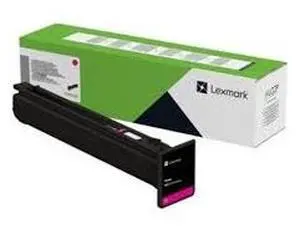
Lexmark CX833 Magenta Return Program 46.9K Toner Cartridge GSA - 79L0HMG
- Brand: LEXMARK
- Part Number: 79L0HMG
- Cartridge Quantity: 1
- Cartridge Color: Magenta
- Model #: 79L0HMG
- $1,254.27
- $1,089.99 –
- Save: $164.28 (13%)
- More options from $976.93 - $1,717.99
- Free Shipping

Quick View
Lexmark 79L0HCG Cyan Return Program Cartridge for Lexmark CX833 - 46.9K Pages - GSA
- Brand: LEXMARK
- Part Number: 79L0HCG
- Cartridge Quantity: 1
- Cartridge Color: Cyan
- Model #: 79L0HCG
- $1,254.27
- $1,075.99 –
- Save: $178.28 (14%)
- More options from $954.73 - $1,717.99
- Free Shipping
Quick View
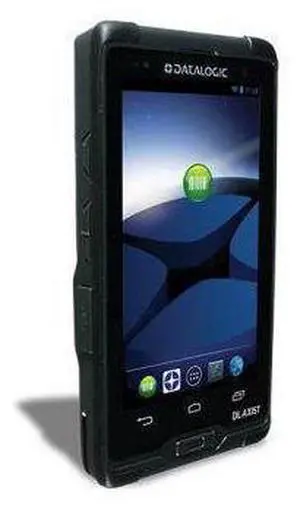
DL-Axist Full Touch PDA, 3G4G HSPA+ NA, 802.11 abgn CCX v4, Bluetooth v4.0 & NFC, 1GB RAM8 GB Flash, Mul
- Model #: barcod1976
- $897.83 –
- $15.00 Shipping
Quick View
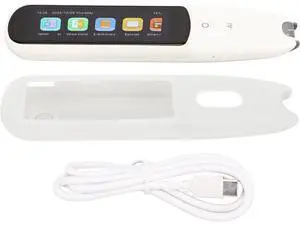
Smart Portable Language Translator Pen for 134 Languages with Offline Scanning WiFi Support Travel Business Learning
- Model #: G3F1C783-XM6150599
- $109.99 –
- Free Shipping
Quick View
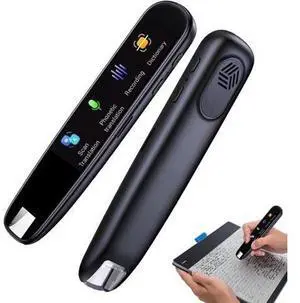
Reading Pen: scan Reader Pen, Smart Voice Translator | 113 Language Reading Pen, scanning Electronic Dictionary Pen, scan Reading Pen for via
- Model #: G3F1C783-XM6150508
- $160.99 –
- Free Shipping

Quick View
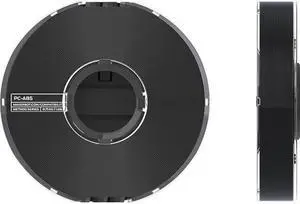
MakerBot PC-ABS Filament Spool for Method X 3D Printer (Black, 0.63kg/1.39lb)
- Product Type: Other Accessories
- Model #: 375-0057A
- $79.99 –
- Free Shipping
Quick View
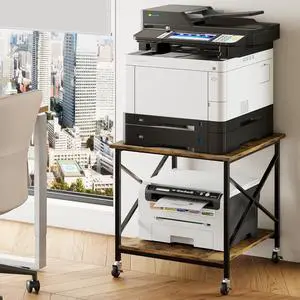
Warmiehomy 24"x24"x24" Large Printer Stand with Storage, 2 Tier Rolling Printer Cart Table, Mini Fridge Stand with Wheels, Use for 3D Laser Printer Home Office, Rustic Brown
- Model #: DARKB0DS47XM4P
- $162.99 –
- Free Shipping

Quick View
LXK CS/X96X/CX83X 4-PACK FINISHER STAPLE
- Model #: 20L7500
- $69.31 –
- More options from $69.31 - $79.99
- Free Shipping
Choosing the Right Printer for Your Office Needs
When it comes to office solutions, printers and scanners are essential tools for any business. Whether you need to print important documents, scan invoices, or create professional-quality marketing materials, having the right equipment is crucial. In this article, we will explore the different types of printers and scanners available in the market and provide tips on how to choose the best one for your office.
All-in-One Printers: Versatility and Convenience
all-in-one printers, also known as multifunction printers, are a popular choice for offices. These devices combine the functionality of a printer, scanner, copier, and sometimes even a fax machine into a single unit. They offer versatility and convenience, allowing you to perform multiple tasks without the need for separate devices. All-in-one printers are available in both inkjet and laser options, catering to different printing needs and budgets.
Specialized Printers for Specific Tasks
In addition to all-in-one printers, there are specialized printers designed for specific tasks. For example, 3D printers are ideal for creating prototypes or intricate models, while barcode and label printers are perfect for businesses that require efficient inventory management. laser printers are known for their fast printing speeds and high-quality output, making them suitable for offices with high-volume printing needs. inkjet printers, on the other hand, are more cost-effective and can produce vibrant color prints.
Choosing the Right Supplies
Once you have selected the right printer for your office, it is important to choose the right supplies to ensure optimal performance and longevity. When it comes to inkjet printers, using high-quality ink cartridges is essential to achieve the best print quality and prevent clogging. For laser printers, it is important to choose the right type of toner cartridges that are compatible with your printer model. Additionally, investing in high-quality paper can make a significant difference in the final print results.
FAQs: Common Questions about Printers and Scanners
| Q: How often should I replace the ink cartridges? | A: The frequency of replacing ink cartridges depends on your printing volume. However, it is recommended to replace them when the print quality starts to degrade. |
|---|---|
| Q: Can I use third-party ink cartridges with my printer? | A: While it is possible to use third-party ink cartridges, it is important to ensure compatibility with your printer model. Using incompatible cartridges may result in poor print quality or damage to the printer. |
| Q: How do I clean the scanner glass? | A: To clean the scanner glass, use a soft, lint-free cloth slightly dampened with glass cleaner. Gently wipe the glass surface to remove any smudges or debris. |
| Q: What is the difference between optical and interpolated resolution in scanners? | A: Optical resolution refers to the actual hardware resolution of the scanner, while interpolated resolution is achieved through software enhancements. Optical resolution provides more accurate and detailed scans. |
| Q: How can I improve the scanning speed? | A: To improve scanning speed, reduce the scanning resolution, use black and white mode instead of color, and ensure that the scanner is connected to a high-speed USB port. |