

Your Browsing History
- In Stock
- Sold by Newegg
- New

Any questions? Our AI mode will help you find out quickly.
Try me now
Quick View
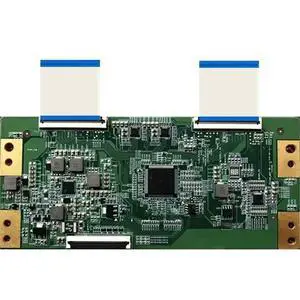
For for HV550QUB-V10 55UHD RGB DUAL Tcon TV Board 47-6021230
- Model #: 3256812324948297
- $19.50 –
- Free Shipping
Quick View
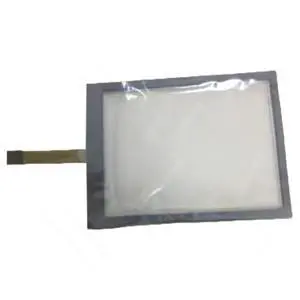
Generic Only Touch Screen Glass GT1175-VNBA GT1175-VNBA-C 47-F-8-48-001,47-F-8-48-007 Compatible with GT1175-VNBA
- Model #: 3256808598201977
- $43.70 –
- Free Shipping
Quick View
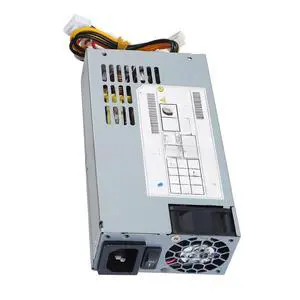
Generic For 190W Power Supply KSA-180S2 DPS-200PB-185B DC +52V 2.5A +12V 5A For POE DVR 100-240V 3.5A 47-63HZ
- Model #: 3256804755894839
- $283.08 –
- Free Shipping
Quick View
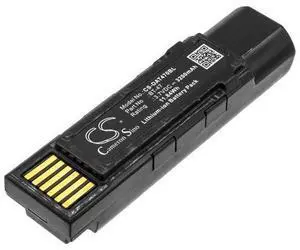
Battery for GBT4500 GM4500 Gryphon 4500 128004721 BT-47 TW18050652
- Model #: barcod286
- $60.69 –
- $15.00 Shipping
Quick View
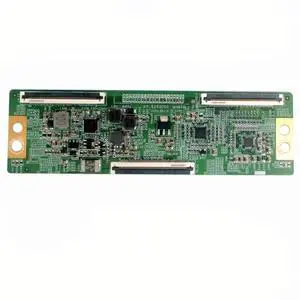
For L43M6-6ARG L55M6-6ARG L65M6-6ARG TV Tcon board HV550QUBF70 HV650QUBF70 47-6060002 Logic Board L43M6 L55M6 L65ML
- Model #: 3256808460396231
- $36.30 –
- Free Shipping
Quick View
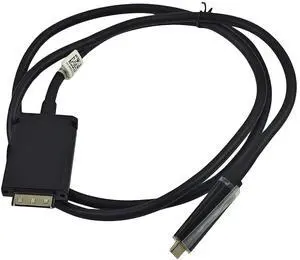
USB-C to DisplayPort Dock Cable Compatible Dell WD15 K17A HFXN4 PM41V 47" | USB-C to DisplayPort Dock Cable for PM41V HFXN4
- Model #: TOLKB0FWCX5CB9
- $56.99 –
- More options from $56.99 - $59.99
- Free Shipping
Quick View
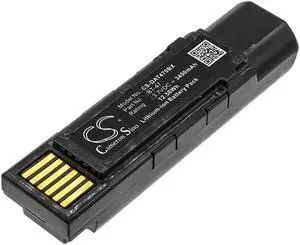
Cameron Sino Battery for Datalogic GBT4500, GM4500, Gryphon 4500 PN:Datalogic 128004721, BT-47, RBP-GM45, TW18050652 3400mAh / 12.58Wh
- Brand: cameron sino
- Part Number: 4894128174608
- Scan Engine: 1D
- Included Cables: USB Cable
- Model #: 027984660190
- $33.40 –
- Free Shipping
Quick View
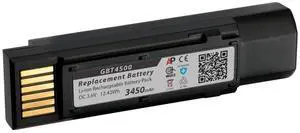
Artisan Power Replacement Battery for Datalogic Gryphon | 3450 mAh | Lithium-Ion Rechargeable Battery | Replaces RBP-GM45, BT-47, and 128004721
- Brand: Honeywell
- Width of Scan Field: 3.1 L x 7.2 W x 11.3 H centimeters
- Regulatory: transportation
- Dimensions: 72"
- Model #: 501174100989
- $104.75 –
- More options from $104.75 - $106.95
- Free Shipping
Quick View
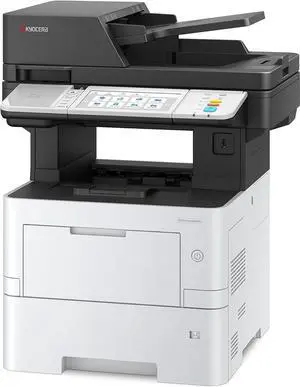
KYOCERA ECOSYS MA4500ifx All-in-One Monochrome Laser Printer (Print/Copy/Scan/Fax), 47 ppm, Up to Fine 1200 dpi, Gigabit Ethernet HyPAS Capable, 7 inch Touchscreen Panel, 512 MB
- Model #: BEKYOCERA MA4500ifx
- $3,799.00 –
- Free Shipping
Quick View
Around The Office Compatible Toner Cartridge replacement for CANON 47
- Type: Compatible
- Model #: CANON 47
- $32.50 –
- Free Shipping
Quick View
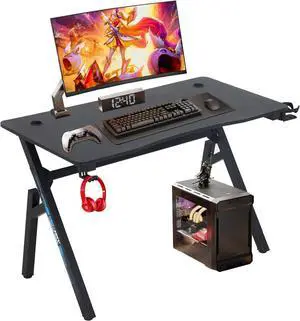
BestOffice | 47" Gaming Desk | Blue | Carbon Fiber Textured Computer Desk | Sturdy Steel Frame, Cup Holder, Headphone Hook, Cable Management Holes, Adjustable Leg Pads | for Gamers, Home, Office
- Model #: Tong409397164140miao
- $112.88 –
- Free Shipping
Quick View
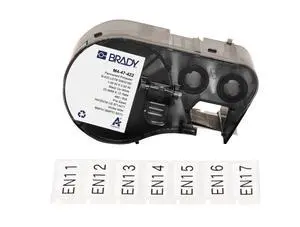
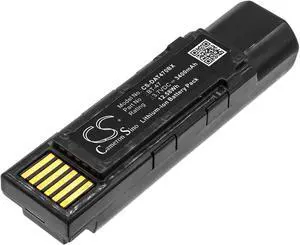
Battery for Datalogic GBT4500 GM4500 Gryphon 4500 BT-47 RBP-GM45 TW18050652
- Model #: CS-DAT470BX
- $41.19 –
- More options from $41.19
Quick View
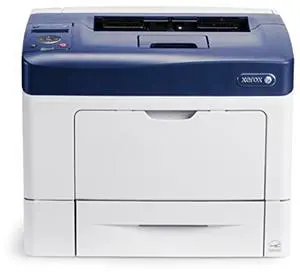
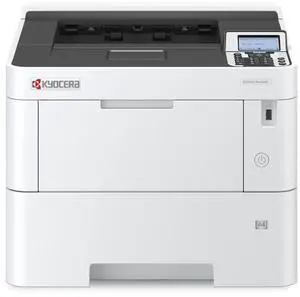
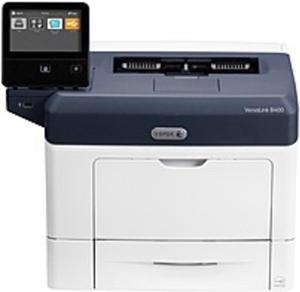
Refurbished Xerox Phaser 3610/N Mono Laser Printer - Upto 47 ppm (Mono) - 1200 x 1200 dpi - 700 Sheets - USB - AC 110V
- Model #: 3610/N
- $480.00 –
- $25.00 Shipping
Quick View
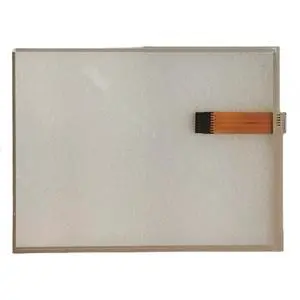
Generic 12.1Inch Touchscreen Panel UC800 47-F-8-121-027 R1.1 5800457M REV 1.0 Compatible with UC800
- Model #: 3256808656635761
- $113.96 –
- Free Shipping
Quick View
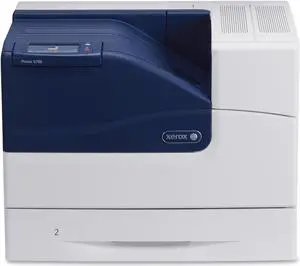
Refurbished Xerox Phaser 6700N Laser Printer - Color - 2400 x 1200 dpi Print - Plain Paper Print - Desktop - 47 ppm Mono / 47 ppm Color Print - 700 sheets Standard Input Capacity - 120000 Duty Cycle - ...
- Part Number: 6700/N
- Package Contents: 6 Mo. Warranty! NOT INCLUDED: TONER, IMAGE DRUM/UNIT, DRIVERS, AND/OR USER GUIDES. This item has been refurbished, cleaned, tested, inspected and guaranteed 100% functional.
- Model #: 6700/N
- $549.99 –
- $129.99 Shipping
Quick View
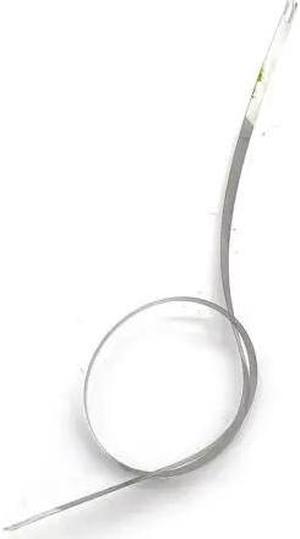
Encoder Strip Fits Forepson-XP-600 XP-615 XP-605 XP-810 XP-601 XP-630 XP-721 XP-700 XP-640 XP-720 XP-550 XP-530 EP-807 EP-776A(A3 47.1CM)
- Product Type: Printhead
- Model #: CH-DYJ-1137
- $49.96 –
- Free Shipping
Quick View
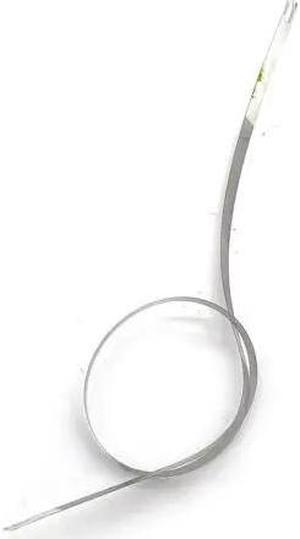
Encoder Strip Forepson-XP-850 XP-897 XP-900 XP-950 XP-950 XP-821 XP801 XP800 XP851 XP-721 XP-700 XP-701 XP-601 XP-710 XP-610(A3 47.1CM)
- Product Type: Printhead
- Model #: CH-DYJ-1177
- $49.96 –
- Free Shipping
Quick View
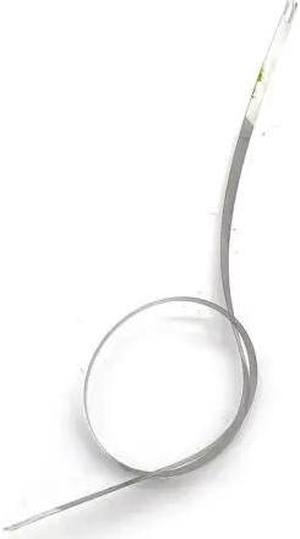
Encoder Strip Fits Forepson-EP-807AB XP-610 XP-615 XP-821 EP-807 XP-721 XP-820 XP-700 XP-530 XP-550 XP-620 XP-510 XP-625 XP-750(A3 47.1CM)
- Product Type: Printhead
- Model #: CH-DYJ-1150
- $49.96 –
- Free Shipping
Quick View
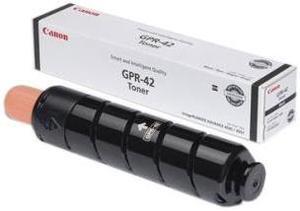
CANON-STRATEGIC 4791B003AA CANON GPR-42 BLACK TONER CARTRIDGE FOR USE IN IR ADVANCE 4045 4051
- Compatible Products: Canon USA imageRUNNER ADVANCE 4051,Canon USA imageRUNNER ADVANCE 4045,Canon USA imageRUNNER ADVANCE 4251,Canon USA imageRUNNER ADVANCE 4245
- Approximate Page Yield: 34200 Pages
- Coverage: 5%
- Features: 100% satisfaction guaranteed
- Model #: 4791B003AA
- $74.00 –
- Free Shipping
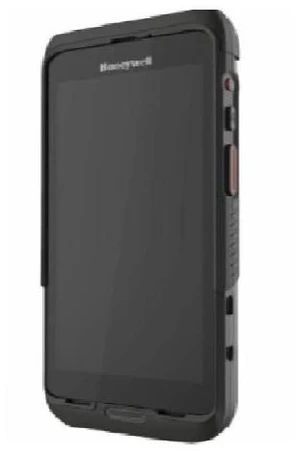
Quick View
Honeywell CT47 CT47-X0N-38D100G 5.5-Inch 2160 × 1080 6 GB Mobile Computer(NOB)
- Model #: CT47-X0N-38D100G
- $1,299.00 –
- $15.00 Shipping
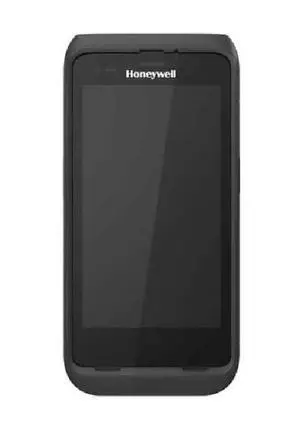
Quick View
Honeywell CT47 CT47-X0N-3ED100G 2160 × 1080 USB-C 3.0 Mobile Computer (NOB)
- Model #: CT47-X0N-3ED100G
- $1,699.00 –
- $15.00 Shipping

Quick View
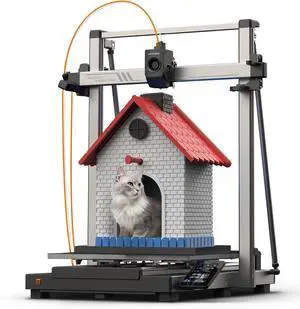
Anycubic Kobra 3 Max 3D Printer Only, Support Multicolor Needs ACE Pro, 600mm/s High-Speed Printing Large Build Volume 420x420x500mm Auto Leveling & Smart Vibration
Limited time offer, ends 09/15
- Technology: FDM (Fused Deposition Modeling)
- Model #: C40E.070804
- $1,498.99 –
- Free Shipping
Quick View
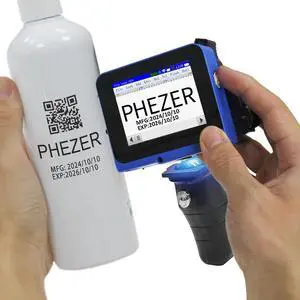
Mini Handheld Inkjet Printer PC11 for Flat and Curved Surface, with Touch Screen and Quick-Drying Ink Cartridge, Portable Pocket Marking Device for Label/Date/Barcode/Logo/Qrcode/Batch Number
Limited time offer, ends 09/17
- Model #: 740943582446
- $218.99 –
- Free Shipping
Quick View
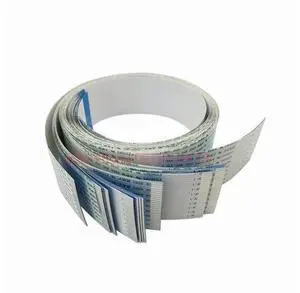
Factory Wholesale 474400B 474997M (73.5cm 26pins) Printhead Flat Cable For Olivetti PR2 PR2E PR2 PLUS Dot Matrix Printer Parts
Limited time offer, ends 09/19
- Model #: Kepler-C72J-1771
- $78.49 –
- Free Shipping
Quick View
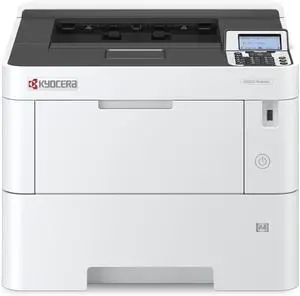
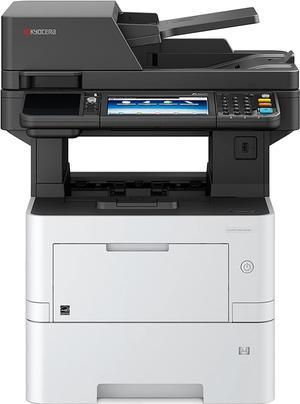
Kyocera ECOSYS M3145idn BW Mono Laser Printer Copier Scan Duplex 47PPM
- Model #: BE1102V22US0
- $2,999.00 –
- Free Shipping
Quick View
Factory Wholesale 474400B 474997M (73.5cm 26pins) Printhead Flat Cable For Olivetti PR2 PR2E PR2 PLUS Dot Matrix Printer Parts
Limited time offer, ends 09/19
- Model #: Kepler-C72J-1770
- $78.49 –
- Free Shipping
Quick View
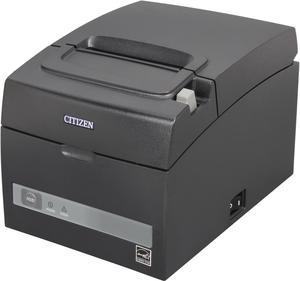
Citizen CT-S310IIETUBK CT-S310II POS ETHERNET Thermal Receipt and Barcode Printer
- Fonts Included: Number of Columns: 80.00 mm Font A: 48, Font B: 64, Font C 72 58.00 mm Font A: 35, Font B: 46, Font C 52 Character Size (W x H) Font A: 1.50 x 3.00 mm, Font B: 1.13 x 2.13 mm, Font C: 1.00 x 2.00 mm
- Barcode Type: UPC-A/E, JAN (EAN) 13/8 columns, ITF, CODE39, CODE128, CODABAR (NW-7), CODE93, PDF417, QR Code, GS1-DataBar
- Cutter: Guillotine cutter Partial / Full cut available by software setting
- Reliability MCBF: Thermal Head: 300 Million pulse or 150.00 km (up to 200.00 km with LLP [Long Life Print] Function)
- Model #: CT-S310IIETUBK
- $268.40 –
- More options from $268.40 - $290.66
Quick View
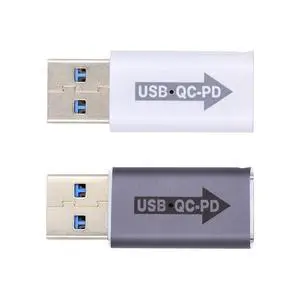
2pcs/lot 5Gbps QC to PD USB 2.0 A Male to USB-C Type C Female Data Power Adapter for Laptop Tablet Phone
Limited time offer, ends 09/13
- Brand: Fervit
- Model #: C26.8.14CXY-47
- $23.73 –
- Free Shipping
Quick View
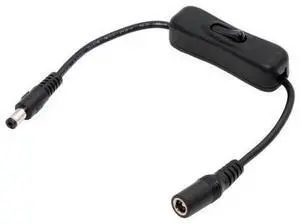
DC Cable with On Off Power Switch Button DC 5.5x2.1mm Male to Female for DC 5V Desk Lamp Fan Camera
Limited time offer, ends 09/19
- Model #: C7FK-OYS-2026.7.31-47
- $12.99 –
- Free Shipping
Related searches
Choosing the Right Printer for Your Office Needs
When it comes to office solutions, printers and scanners are essential tools for any business. Whether you need to print important documents, scan invoices, or create professional-quality marketing materials, having the right equipment is crucial. In this article, we will explore the different types of printers and scanners available in the market and provide tips on how to choose the best one for your office.
All-in-One Printers: Versatility and Convenience
all-in-one printers, also known as multifunction printers, are a popular choice for offices. These devices combine the functionality of a printer, scanner, copier, and sometimes even a fax machine into a single unit. They offer versatility and convenience, allowing you to perform multiple tasks without the need for separate devices. All-in-one printers are available in both inkjet and laser options, catering to different printing needs and budgets.
Specialized Printers for Specific Tasks
In addition to all-in-one printers, there are specialized printers designed for specific tasks. For example, 3D printers are ideal for creating prototypes or intricate models, while barcode and label printers are perfect for businesses that require efficient inventory management. laser printers are known for their fast printing speeds and high-quality output, making them suitable for offices with high-volume printing needs. inkjet printers, on the other hand, are more cost-effective and can produce vibrant color prints.
Choosing the Right Supplies
Once you have selected the right printer for your office, it is important to choose the right supplies to ensure optimal performance and longevity. When it comes to inkjet printers, using high-quality ink cartridges is essential to achieve the best print quality and prevent clogging. For laser printers, it is important to choose the right type of toner cartridges that are compatible with your printer model. Additionally, investing in high-quality paper can make a significant difference in the final print results.
FAQs: Common Questions about Printers and Scanners
| Q: How often should I replace the ink cartridges? | A: The frequency of replacing ink cartridges depends on your printing volume. However, it is recommended to replace them when the print quality starts to degrade. |
|---|---|
| Q: Can I use third-party ink cartridges with my printer? | A: While it is possible to use third-party ink cartridges, it is important to ensure compatibility with your printer model. Using incompatible cartridges may result in poor print quality or damage to the printer. |
| Q: How do I clean the scanner glass? | A: To clean the scanner glass, use a soft, lint-free cloth slightly dampened with glass cleaner. Gently wipe the glass surface to remove any smudges or debris. |
| Q: What is the difference between optical and interpolated resolution in scanners? | A: Optical resolution refers to the actual hardware resolution of the scanner, while interpolated resolution is achieved through software enhancements. Optical resolution provides more accurate and detailed scans. |
| Q: How can I improve the scanning speed? | A: To improve scanning speed, reduce the scanning resolution, use black and white mode instead of color, and ensure that the scanner is connected to a high-speed USB port. |