
Your Browsing History
- Make an Offer

Any questions? Our AI beta will help you find out quickly.
Try me now

Quick View
10/15x 3x5x7mm Needle Bearing 3D Printer Diy Extruder Sleeve for Btech Dual Gear 3D Printer Accessories(15 pieces)
- Model #: ff-yy-024
- $25.00 –
- Free Shipping


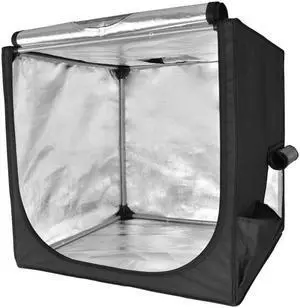
Quick View
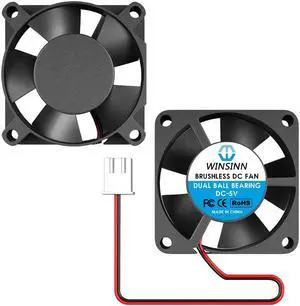
WINSINN 30mm Fan 5V, 3D Printer Micro 5 Volt Fans 3010 Dual Ball Bearing, Brushless Cooling 30mmx10mm 2PIN (Pack of 2Pcs)
- Model #: 6402411567907ASDFA15145311
Quick View
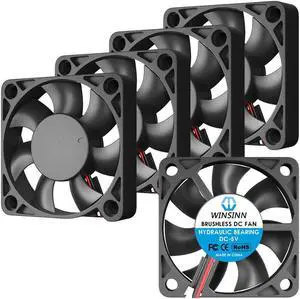
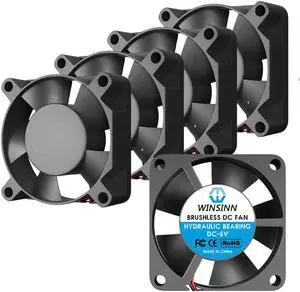
WINSINN 50mm Fan 5V, 3D Printer Micro 5 Volt Fans 5010 Hydraulic Bearing, Brushless Cooling 50mmx10mm 2PIN (Pack of 5Pcs)
- Model #: 6402411565002ASDFA8242551
Quick View
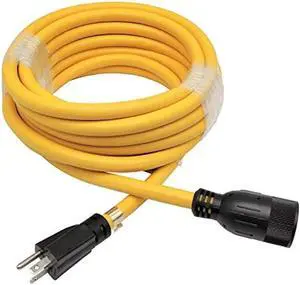
Parkworld NEMA 5-20 Extension Cord 5-20P to 5-20R (T Blade Female Also for 5-15R Adapter) 125V, 20A, 2500W (25FT)
- Connector Type: type
- Model #: 603904578685725
- $94.98 –
- Free Shipping
Quick View
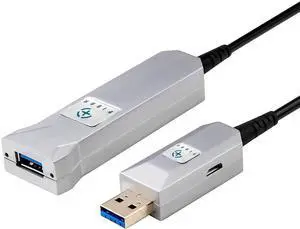
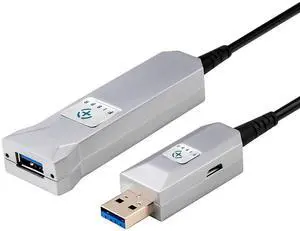
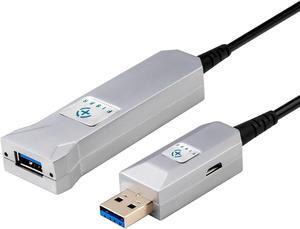
FIBBR 65FT/20M Fiber Optical USB 3.0 Extension Cable, USB A Male to Female Ultra-Long Extender Cord, 5Gbps High Speed Data Transfer Compatible with PlayStation, Printer, Display, Hard Drive and Webcam
Limited time offer, ends 06/06
- Model #: C472-L7535
- $386.34 –
- Free Shipping
Quick View
WINSINN 30mm Fan 5V, 3D Printer Micro 5 Volt Fans 3010 Hydraulic Bearing, Brushless Cooling 30mmx10mm 2PIN (Pack of 5Pcs)
- Model #: 6402411566603ASDFA11643911
Quick View
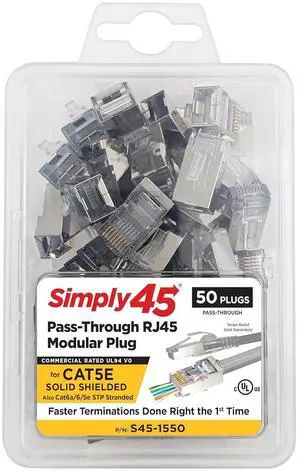
Simply45 Shielded Internal Ground Pass-Through RJ45 Modular Plugs for 24AWG Solid (Cat5e STP), 28-26AWG Stranded (Cat5e/6/6a STP Stranded) - 50-Piece/Jar - S45-1550
- Model #: GENXB07YYMJ9WG
- $122.99 –
- Free Shipping
Quick View
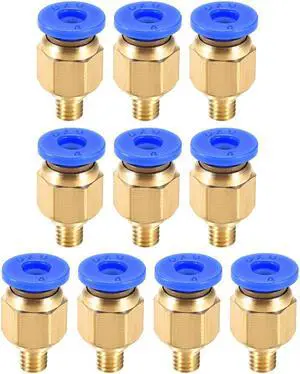
M5 Tube Fitting for 3D Printer Push Fixings, for 4mm Tube 1.75mm Filament 10pcs
- Product Type: Accessories - Printers/Scanners/Faxes
- Model #: a19080200ux0599

Quick View
Lay Filaments LAYWOODmeta5 Wood 3D Printing Filament - 3.00mm, 0.60kg
- Model #: LWm5_30/1/060
- $64.24 –
- Free Shipping

Quick View
M5 Tube Fitting for 3D Printer Push Fixings, for 4mm Tube 1.75mm Filament 5pcs
- Product Type: Accessories - Printers/Scanners/Faxes
- Model #: a19080200ux0598
Quick View
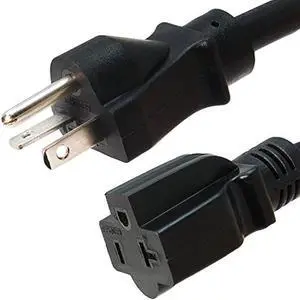
NEMA 5-20 Extension Power Cord - 1 Foot, 20A/125V - UL Listed - Iron Box Part # IBX-1010 (1 ft, Molded)
- Connector Type: type
- Model #: 603904578657425
- $29.39 –
- Free Shipping
Quick View
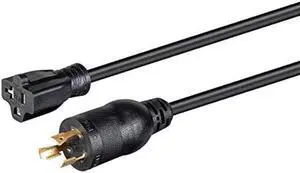
Monoprice Heavy Duty Extension Cord - 2 Feet - Black | Locking Connector - NEMA L5-20P to NEMA 5-15/20R, 12AWG, 20A, Sjtw, 125V
- Connector Type: type
- Model #: 603904578734212
- $29.45 –
- Free Shipping
Quick View
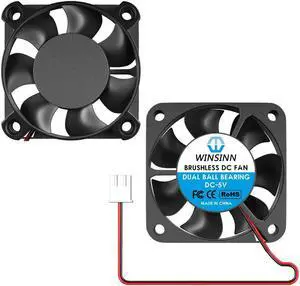
WINSINN 40mm Fan 5V, 3D Printer Micro 5 Volt Fans 4010 Dual Ball Bearing, Brushless Cooling 40mmx10mm 2PIN (Pack of 2Pcs)
- Model #: 6402411562247ASDFA309491
Quick View
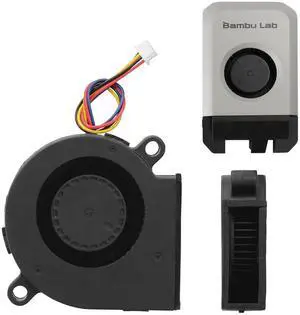
x1 Series 5015 Blower Cooling Fan for Bambu Lab 3D Printer X1C Components Cooling Blower Fan Fast Speed High Air Volume Low Noisy 3D Printer Parts(for x1 Series)
- Brand: Creality
- Part Number: 5015 Blower fan
- Type: Filament
- Model #: 551085790835
- $17.99 –
- Free Shipping
Quick View
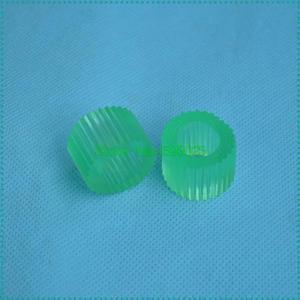
Pickup Roller FF5-9779-000 FB5-3435-000 for IR 5000 6000 6020 5020 5070 5075 5570 6570 7105 8500 Pick UP Roller
- Model #: LXS-DYJ-0061
- $16.44 –
- More options from $16.20
- $5.00 Shipping
Quick View
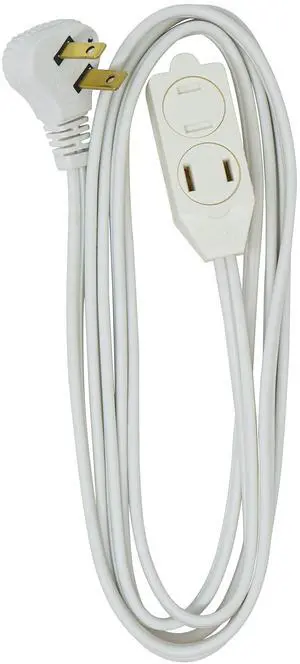
SlimLine Extension Cord - 16/3 Indoor Flat Plug with Right Angled Design - 3 Polarized Outlets - PVC Jacket - Space Saving - Neutral White - 16 Gauge - 3 Feet
- Model #: 597213149485
- $9.99 –
- Free Shipping
Quick View
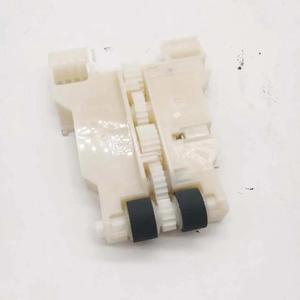
Feeder Pickup Roller Fits Forepson-WF-4740 EC-4030 WF-4838 WF-4734 WF-4725 WF-4270
- Product Type: Printhead
- Model #: CH-DYJ-1080
- $81.46 –
- Free Shipping
Quick View
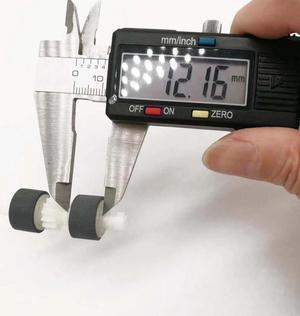
Feeder Pickup Roller Fits Forepson-WF-4740 EC-4030 WF-4838 WF-4734 WF-4725 WF-4270
- Product Type: Printhead
- Model #: CH-DYJ-1067
- $81.46 –
- Free Shipping
Quick View
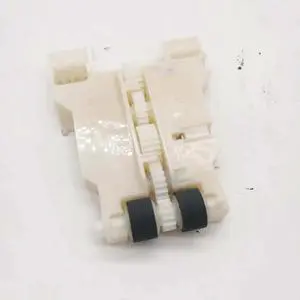
Feeder Pickup Roller Fits Forepson-WF-4838 WF-4730 WF-4740 WF-4838 WF-4725 WF-4740
- Product Type: Printhead
- Model #: CH-DYJ-1113
- $81.46 –
- Free Shipping
Quick View
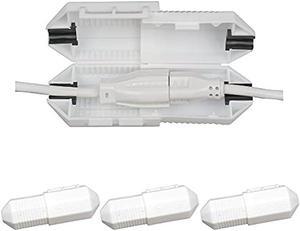
CordSafe Extension Cord Plug Protector Safety Cover, Water-Resistant Indoor Outdoor, Keep Cords Connected, Patio Bistro String Lights Holiday Lights Christmas Lights Power Tools FansWhite 3pk
- Connector Type: type
- Model #: 603904578914825
- $32.28 –
- Free Shipping
Quick View
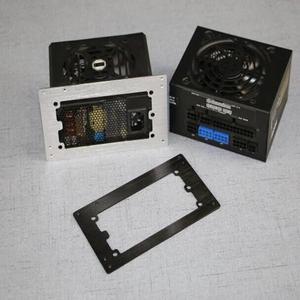
ATX Power supply Baffle Computer Small Chassis SFX Power to ATX Bracket MATX Conversion frame Black Silver
- Connector Type: Micro USB to USB A
- Model #: 1-PowerCable1533
- $32.56 –
- Free Shipping
Quick View
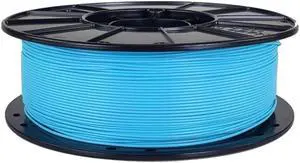
3D Fuel Advanced PLA Filament - 1.75mm, 1kg, Electric Blue
- Model #: APLA-175-BLU-E
- $42.15 –
- Free Shipping
Quick View
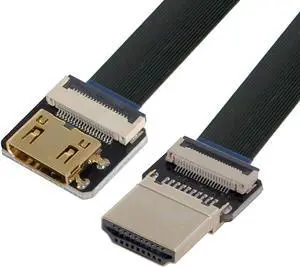
Xiwai Cyfpv Male To Mini Female Extension Fpc Flat Cable 1080P For Fpv Hdtv Multicopter Aerial Photography (0.5M)
- Connector Type: Micro USB to USB A
- Model #: HD-189-BK-0.5M-XY
Quick View
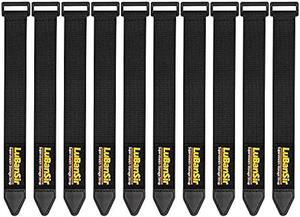
LuBanSir Cinch Straps, 1 x 9 (10 Pack) Elastic Hook and Loop Fastening Cable Strap for Extension Cord, Cable, Cord Wrap and Hose Organization and Storage
- Connector Type: type
- Model #: 603904578714425
- $24.87 –
- Free Shipping
Quick View
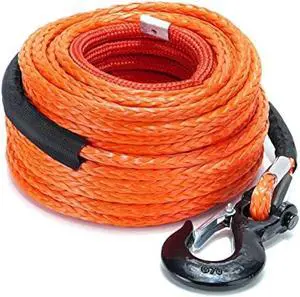
SPARKWHIZ Synthetic Winch Rope Cable Kit: 1/2 x 100 ft 32000lbs Winch Line Cable with Protective Sleeve + Winch Hook for 4WD Off Road Vehicle Truck SUV UTV ATV
- Connector Type: type
- Model #: 603904579108025
- $189.98 –
- Free Shipping
Quick View
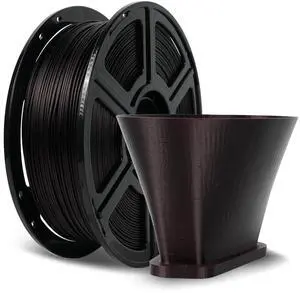
Carbon Fiber PLA Filament 1.75mm Marsala, Reinforced 3D Printer Filament 1kg, Lightweight & High-Strength PLA-CF Filament, Strong & Easy to Print
- Model #: 413710562173
- $45.98 –
- Free Shipping
Quick View
Feeder Pickup Roller Fits Forepson-WF-4838 WF-4730 WF-4740 WF-4838 WF-4725 WF-4740
- Product Type: Printhead
- Model #: CH-DYJ-1106
- $81.46 –
- Free Shipping
Quick View
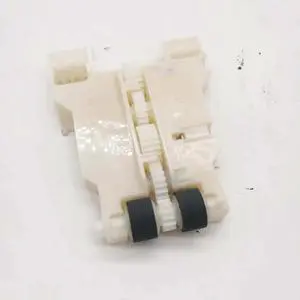
Feeder Pickup Roller Fits Forepson-WF-4740 WF-4730 WF-4270 WF-4740 WF-4838
- Product Type: Printhead
- Model #: CH-DYJ-1004
- $81.46 –
- Free Shipping
Quick View
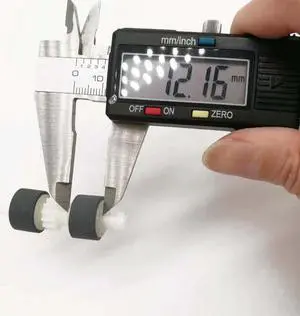
Feeder Pickup Roller Fits Forepson-WF-4740 WF-4730 WF-4270 WF-4740 WF-4838
- Product Type: Printhead
- Model #: CH-DYJ-0995
- $81.46 –
- Free Shipping
Quick View
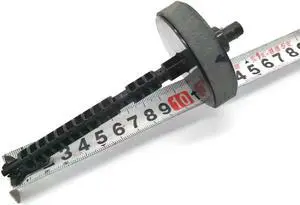
Feed Duplex Roller Gear Fits Forepson-WF-2650 ET-2650 L655 WF-2651 ET-4500 WF-2750 ET-2760 WF-2660 L605 WF-2661
- Product Type: Printhead
- Model #: CH-DYJ-0064
- $63.46 –
- Free Shipping
Choosing the Right Printer for Your Office Needs
When it comes to office solutions, printers and scanners are essential tools for any business. Whether you need to print important documents, scan invoices, or create professional-quality marketing materials, having the right equipment is crucial. In this article, we will explore the different types of printers and scanners available in the market and provide tips on how to choose the best one for your office.
All-in-One Printers: Versatility and Convenience
all-in-one printers, also known as multifunction printers, are a popular choice for offices. These devices combine the functionality of a printer, scanner, copier, and sometimes even a fax machine into a single unit. They offer versatility and convenience, allowing you to perform multiple tasks without the need for separate devices. All-in-one printers are available in both inkjet and laser options, catering to different printing needs and budgets.
Specialized Printers for Specific Tasks
In addition to all-in-one printers, there are specialized printers designed for specific tasks. For example, 3D printers are ideal for creating prototypes or intricate models, while barcode and label printers are perfect for businesses that require efficient inventory management. laser printers are known for their fast printing speeds and high-quality output, making them suitable for offices with high-volume printing needs. inkjet printers, on the other hand, are more cost-effective and can produce vibrant color prints.
Choosing the Right Supplies
Once you have selected the right printer for your office, it is important to choose the right supplies to ensure optimal performance and longevity. When it comes to inkjet printers, using high-quality ink cartridges is essential to achieve the best print quality and prevent clogging. For laser printers, it is important to choose the right type of toner cartridges that are compatible with your printer model. Additionally, investing in high-quality paper can make a significant difference in the final print results.
FAQs: Common Questions about Printers and Scanners
| Q: How often should I replace the ink cartridges? | A: The frequency of replacing ink cartridges depends on your printing volume. However, it is recommended to replace them when the print quality starts to degrade. |
|---|---|
| Q: Can I use third-party ink cartridges with my printer? | A: While it is possible to use third-party ink cartridges, it is important to ensure compatibility with your printer model. Using incompatible cartridges may result in poor print quality or damage to the printer. |
| Q: How do I clean the scanner glass? | A: To clean the scanner glass, use a soft, lint-free cloth slightly dampened with glass cleaner. Gently wipe the glass surface to remove any smudges or debris. |
| Q: What is the difference between optical and interpolated resolution in scanners? | A: Optical resolution refers to the actual hardware resolution of the scanner, while interpolated resolution is achieved through software enhancements. Optical resolution provides more accurate and detailed scans. |
| Q: How can I improve the scanning speed? | A: To improve scanning speed, reduce the scanning resolution, use black and white mode instead of color, and ensure that the scanner is connected to a high-speed USB port. |