

Your Browsing History
- Sold by Newegg
- Make an Offer

Any questions? Our AI beta will help you find out quickly.
Try me now
Quick View
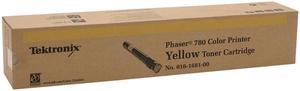
XEROX 016168100 Toner Cartridge For Phaser 780 Yellow
- Compatible Products: Phaser 780
- Approximate Page Yield: 5,900 pages
- Model #: 016168100
- $22.69 –
- Free Shipping
Quick View
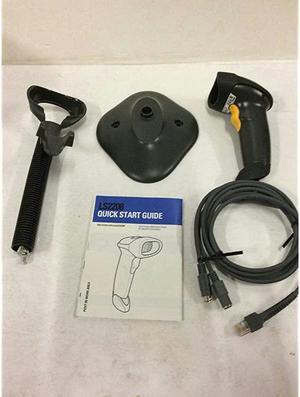
LS2208 Barcode Scanner With Cable and Stand
- Model #: GpejC-B003OQJ116
- $31.99 –
- Free Shipping
Quick View
LS2208 Barcode Scanner With Cable and Stand
- Model #: u1KoV-B003OQJ116
- $31.99 –
- Free Shipping
Quick View
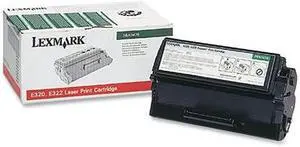
Lexmark 08A0476 Return Program Toner Cartridge - Black
- Cartridge Quantity: Single Pack
- Compatible Products: Lexmark Optra E320 Lexmark Optra E322 Lexmark Optra E322n
- Approximate Page Yield: Up to 3000 pages
- Model #: 08A0476
- $49.00 –
- More options from $45.29 - $49.00
- Free Shipping
Quick View
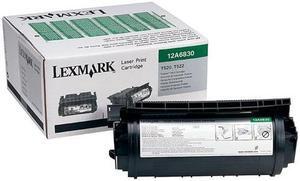
Lexmark 12A6830 Return Program Toner Cartridge - Black
- Cartridge Quantity: Single Pack
- Compatible Products: Prebate Toner Cartridge For Lexmark T520 T522 7500pg Yield Lexmark T520d Lexmark T520dn Lexmark T522dn
- Approximate Page Yield: 7500 Pages
- Model #: 12A6830
- $58.00 –
- More options from $58.00 - $88.77
- Free Shipping
Quick View
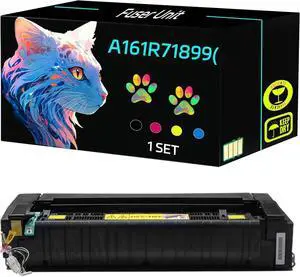
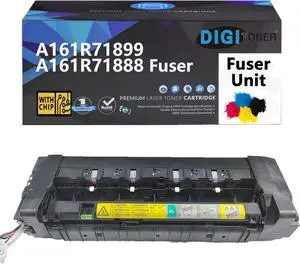
High Yield A161R71899(110V) Fuser Unit Compatible for Konica Minolta bizhub 224e 284e 364e 368 C224 C224e C258 C284 C284e C308 C364 C364e C368 Printers, Print Clearly (1 Set)
- Model #: DARJB0F1314GZH
- $771.99 –
- Free Shipping
Quick View
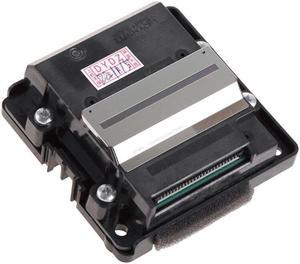
- $258.69 –
- Free Shipping
Quick View
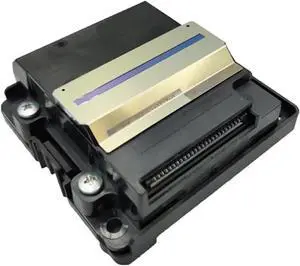
Compatible for L6160 L6170 L6180 L6190 ET-3750 Printer Printhead
- Model #: ENGEB0GD6SKRBS
- $150.99 –
- Free Shipping

Quick View
Xerox 106R01438 High Yield Toner Cartridge - Yellow
- Brand: XEROX
- Model: 106R01438
- Cartridge Quantity: Single Pack
- Cartridge Color: Yellow
- Model #: 106R01438
- $439.95
- $170.00 –
- Save: $269.95 (61%)
- More options from $170.00 - $520.99
- Free Shipping
Quick View
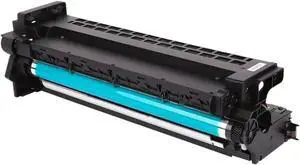
Drum Unit BH183 Compatible with 152 162 163 183 210 211 220 221 1611 7516 7521 7621 7622 BH152 BH163 Image Cartridge
- Model #: ENGEB0GF3F9FSG
- $444.99 –
- Free Shipping
Quick View
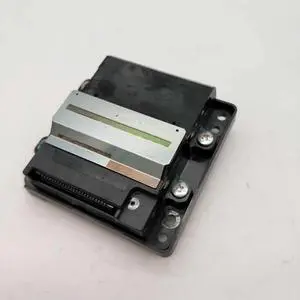
FA35001 FA35011 print head Forepson-L14150 L6160 L6161 L6166 L6168 L6170 L6171 L6176 L6178 L6180 L6190 L6198 ET3750 WF-2860
- Product Type: Replacement Parts
- Model #: DYJ23-12-2-1461
- $220.69 –
- Free Shipping
Quick View
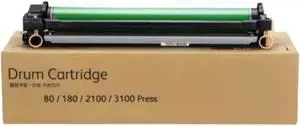
Drum Unit Compatible with V80 V180 V2100 V3100 Printers for Part Numbers 13R676 013R00676 13R674 013R00674
- Model #: ENGEB0GR6PNF2D
- $310.99 –
- Free Shipping
Quick View
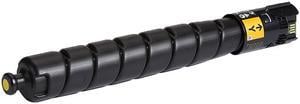
Xerox 106R04076 High Yield Toner Cartridge - Yellow
- Cartridge Quantity: 1 Pack
- Compatible Products: Versalink C9000
- Approximate Page Yield: 26500 Pages
- Model #: 106R04076
- $660.99 –
- More options from $660.99 - $781.00
Quick View
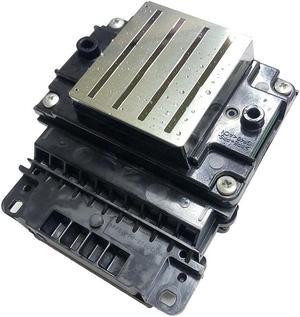
FA16141 5113 print head FA160210 FORepson-PRINTER WF5110 WF4630 wf-5110 WF5113 WF5623 WF5620 5113 5110 5623 5620 WF-5621 C579R(G8 Forth locked head)
- Product Type: Printhead
- Model #: Dyj-231218-714
- $323.29 –
- More options from $323.20
- Free Shipping
Quick View
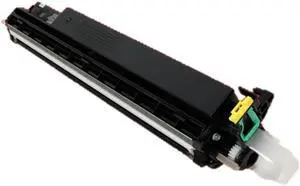
Ricoh Aficio 2228C 2232C 2238C, Yellow Developer Assembly B1163014
- Model #: B116-3014
- $39.00 –
- Free Shipping

Quick View
Genuine Xerox 6R1645 Yellow Toner Cartridge
- Product Type: Base Station
- Model #: 6R1645
- $170.00 –
- Free Shipping
Quick View
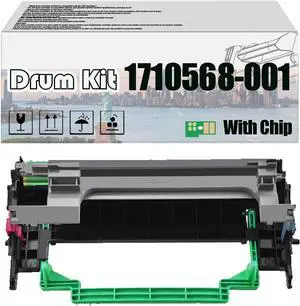
1710568-001 1710568001 Imaging Drum Kit, Compatible for Konica Minolta Pagepro 1300W 1350W 1380MF 1390MF PrintersHigh Print Volume with Chip 1 pcs
- Model #: DARUB0DSBWLDBH
- $108.99 –
- Free Shipping
Quick View
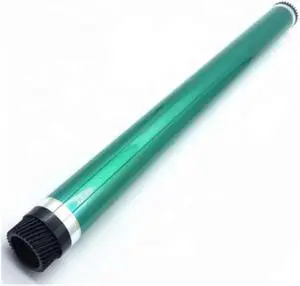
5PCS Fit for BH183 BH164 BH184 BH163 BH165 BH185 BH266 Di 152 BH159 BH162 OPC Copier Drum Printer
- Model #: DARUB0G5HH5STR
- $265.99 –
- Free Shipping
Quick View
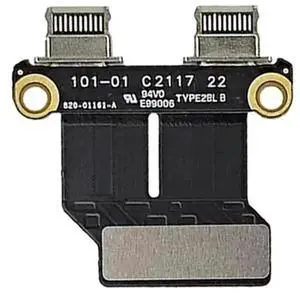
USB-C DC Power Jack I/O Board Flex Cable Replacement for MacBook Air 13 Inch A1932 A2179 A2337, Part Number 820-01161-A 821-01658-A
Limited time offer, ends 07/30
- Model #: C24W- USB661

Quick View
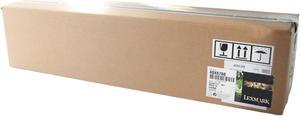
Lexmark 40X6788 Developer Unit Assembly
- Brand: LEXMARK
- Cartridge Color: N/A
- Compatible Products: Lexmark C935DN, Lexmark C935DTN, LexmarkC935DTTN, Lexmark C935HDN, Lexmark X940e, Lexmark X945e
- Approximate Page Yield: 150000 Page
- Model #: 40X3742
- $52.00 –
Quick View
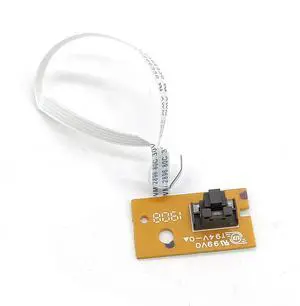
Sensor B6P40-80014 Fits Forhp- 6830 6979 6812 6810 6825 6820 6954 6970 6200 6962 6235 6960 6956 6220 6968 6815 6230 6978 6961
- Product Type: Printhead
- Model #: CH-DYJ-0413
- $47.48 –
- Free Shipping
Quick View
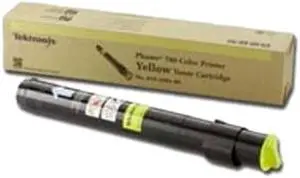
XEROX 6R1178 Toner Cartridge Yellow
- Cartridge Quantity: 1
- Compatible Products: Xerox CopyCentre C2128 Xerox CopyCentre C2636 Xerox CopyCentre C3545 Xerox WorkCentre Pro C2128 Xerox WorkCentre Pro C2636 Xerox WorkCentre Pro C3545
- Approximate Page Yield: 15000 Pages
- Coverage: 5%
- Model #: 6R1178
- $40.00 –
- Free Shipping
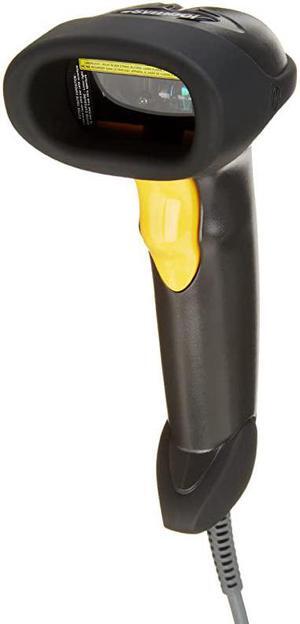
Quick View
LS2208 General Purpose Handheld 1D BiDirectional Laser Barcode Scanner Black
- Model #: LpjlG-B00EUN42SO
- $32.90 –
- Free Shipping
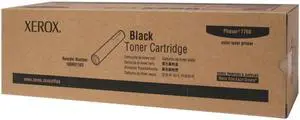
Quick View
Xerox 106R01163 Toner Cartridge - Black
- Cartridge Quantity: Single Pack
- Compatible Products: Xerox Phaser 7760, 7760/DN, 7760/DX, 7760/GX
- Approximate Page Yield: 32000 Pages
- Model #: 106R01163
- $50.00 –
- More options from $50.00 - $60.00
- Free Shipping
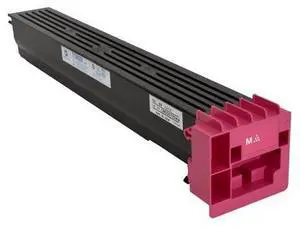
Quick View
Konica Minolta A9K8330 Magenta Toner Cartridge
- Compatible Products: Konica Minolta bizhub C659,Konica Minolta bizhub C759
- Approximate Page Yield: 33200 Pages
- Coverage: 5%
- Features: 100% satisfaction guaranteed
- Model #: A9K8330
- $61.05
- $61.00 –
- More options from $61.00 - $71.74
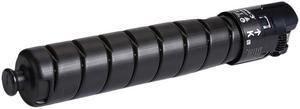
Quick View
Xerox 106R04077 High Yield Toner Cartridge - Black
- Cartridge Quantity: 1 Pack
- Compatible Products: Versalink C9000
- Approximate Page Yield: 31,400 Pages
- Model #: 106R04077
- $401.99 –
- More options from $401.99 - $483.00
- Free Shipping
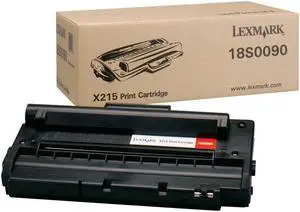
Quick View
Lexmark 18S0090 Toner Cartridge - Black
- Cartridge Quantity: Single Pack
- Compatible Products: Lexmark X215 Multifunction Laser Printer
- Approximate Page Yield: 3,200 prints at 5% coverage
- Model #: 18S0090
- $25.36 –
- More options from $25.36 - $56.00
- $10.64 Shipping
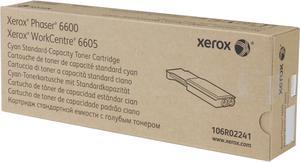
Quick View
Xerox 106R02241 Toner Cartridge - Cyan
- Cartridge Quantity: Single Pack
- Compatible Products: Xerox Phaser 6600/N, WorkCentre 6605/DN, WorkCentre 6605/N
- Approximate Page Yield: 2000 Pages
- Model #: 106R02241
- $196.86 –
- More options from $138.99 - $248.92
- Free Shipping
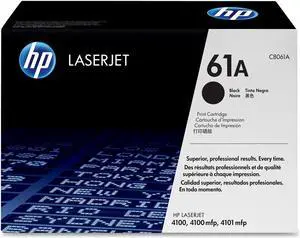
Quick View
HP 61A Black LaserJet Toner Cartridge (C8061A)

- Compatible Products: HP LaserJet 4100 Series, LaserJet 4100mfp, 4101mfp
- Approximate Page Yield: 6,000 Pages Based on 5% coverage of 8.5"x11" prints.
- Coverage: 5%
- Model #: C8061A
- $99.99 –
- Free Shipping
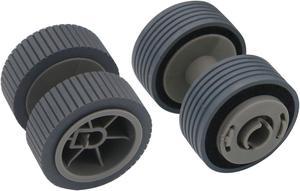
Quick View
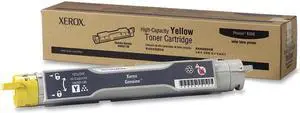
Xerox 106R01146 High Yield Toner Cartridge - Yellow
- Cartridge Quantity: Single Pack
- Compatible Products: Xerox Phaser 6350, 6350DT, 6350DX, 6350DP
- Approximate Page Yield: 10000 Pages
- Model #: 106R01146
- $40.00 –
- Free Shipping
Quick View
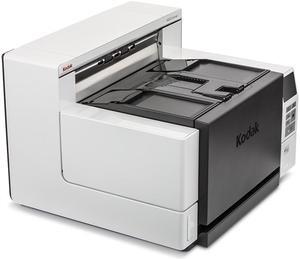
Kodak i4250 (1681006) 110 ppm output up to 600 dpi CCD Document Scanner
- Light Source: White LED
- Scanning Speed: 110 pages per minute
- Max. Document Size: Maximum Document Width: 304.8 mm (12 in.) Long Document Mode Length: Up to 5.3 m (210 in.) Minimum Document Size: 63.5 mm x 63.5 mm (2.5 in. x 2.5 in.) Paper Thickness and Weight: With standard feeder: 45 g/m2 (12 lb.) bond to 200 g/m2 (110 lb.) index With ultra-lightweight feeder accessory: 25 g/m2 (7 lb.) rice paper to 80 g/m2 (20 lb.) bond Straight Through Paper Path - Thickness: Up to 1.25 mm (0.049 in.)
- USB Ports: USB 3.0
- Model #: 1681006
- $10,719.86 –
- More options from $10,719.86 - $12,500.00
- Free Shipping
Quick View
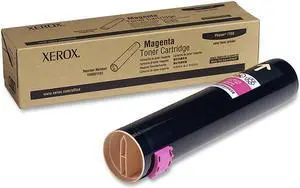
Xerox 106R01161 Toner Cartridge - Magenta
- Brand: XEROX
- Model: 106R01161
- Cartridge Quantity: Single Pack
- Cartridge Color: Magenta
- Model #: 106R01161
Quick View
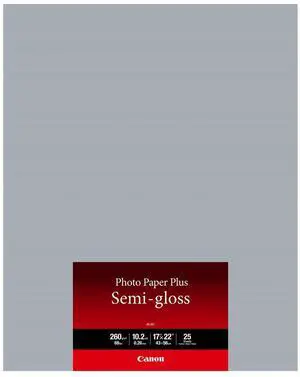
Canon SG-201 Semi-Gloss Photo Paper (17x22"), 25 Sheets #1686B076
- Model #: 1686B076
- $67.79 –
Quick View
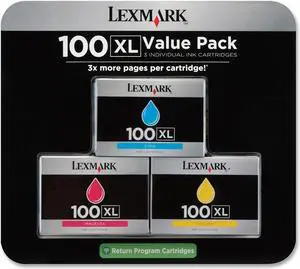
Lexmark 100XL High Yield Return Program Ink Cartridge - Combo Pack - Cyan/Magenta/Yellow
- Compatible Products: Lexmark Impact S305, Intuition S505, Interact S605, Prevail Pro705, Prestige Pro805, Platinum Pro905, Pinnacle Pro901, Genesis S815, Impact S301, Prospect Pro205, S816 Genesis
- Model #: 14N0684
- $64.79 –
- Free Shipping
Choosing the Right Printer for Your Office Needs
When it comes to office solutions, printers and scanners are essential tools for any business. Whether you need to print important documents, scan invoices, or create professional-quality marketing materials, having the right equipment is crucial. In this article, we will explore the different types of printers and scanners available in the market and provide tips on how to choose the best one for your office.
All-in-One Printers: Versatility and Convenience
all-in-one printers, also known as multifunction printers, are a popular choice for offices. These devices combine the functionality of a printer, scanner, copier, and sometimes even a fax machine into a single unit. They offer versatility and convenience, allowing you to perform multiple tasks without the need for separate devices. All-in-one printers are available in both inkjet and laser options, catering to different printing needs and budgets.
Specialized Printers for Specific Tasks
In addition to all-in-one printers, there are specialized printers designed for specific tasks. For example, 3D printers are ideal for creating prototypes or intricate models, while barcode and label printers are perfect for businesses that require efficient inventory management. laser printers are known for their fast printing speeds and high-quality output, making them suitable for offices with high-volume printing needs. inkjet printers, on the other hand, are more cost-effective and can produce vibrant color prints.
Choosing the Right Supplies
Once you have selected the right printer for your office, it is important to choose the right supplies to ensure optimal performance and longevity. When it comes to inkjet printers, using high-quality ink cartridges is essential to achieve the best print quality and prevent clogging. For laser printers, it is important to choose the right type of toner cartridges that are compatible with your printer model. Additionally, investing in high-quality paper can make a significant difference in the final print results.
FAQs: Common Questions about Printers and Scanners
| Q: How often should I replace the ink cartridges? | A: The frequency of replacing ink cartridges depends on your printing volume. However, it is recommended to replace them when the print quality starts to degrade. |
|---|---|
| Q: Can I use third-party ink cartridges with my printer? | A: While it is possible to use third-party ink cartridges, it is important to ensure compatibility with your printer model. Using incompatible cartridges may result in poor print quality or damage to the printer. |
| Q: How do I clean the scanner glass? | A: To clean the scanner glass, use a soft, lint-free cloth slightly dampened with glass cleaner. Gently wipe the glass surface to remove any smudges or debris. |
| Q: What is the difference between optical and interpolated resolution in scanners? | A: Optical resolution refers to the actual hardware resolution of the scanner, while interpolated resolution is achieved through software enhancements. Optical resolution provides more accurate and detailed scans. |
| Q: How can I improve the scanning speed? | A: To improve scanning speed, reduce the scanning resolution, use black and white mode instead of color, and ensure that the scanner is connected to a high-speed USB port. |