

Your Browsing History
- Sold by Newegg
- Make an Offer
- New

Any questions? Our AI mode will help you find out quickly.
Try me now
Quick View

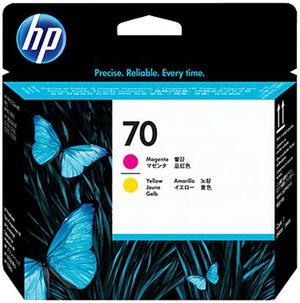
- Part Number: C9406A
- Compatible Products: HP DesignJet Z5200 44-in Photo (CQ113A#B1K) ; HP Photosmart Pro B8850 Photo (Q7161A#B1H) ; HP DesignJet Z5400 44-in PostScript with Encrypted Hard Disk (E1L21B) ; HP DesignJet SD Pro MFP (L3S81A) ; HP Designjet Z3100 24-in Photo (Q5669A) ; HP Designjet Z3100 GP 24-in Photo /Advanced Profiling Solution Bundle (Q5669B) ; HP Designjet Z3100ps GP 24-in Photo (Q5670A) ; HP Photosmart Pro B9180 (Q5736A#ABA) ; HP Photosmart Pro B9180 Photo (Q5738A#A2L) ; HP Designjet Z3100 44-in Photo (Q6659A) ; HP Designjet Z3100ps GP 44-in Photo (Q6660A) ; HP Designjet Z2100 24-in Photo (Q6675C#B1K) ; HP DesignJet Z2100 24-in Photo (Q6675D#B1K) ; HP Designjet Z2100 44-in Photo (Q6677A#BCC) ; HP Designjet Z2100 44-in Photo (Q6677C#B1K) ; HP Designjet Z2100 44-in Photo (Q6677D#B1K) ; HP Designjet Z3200 44-in Photo (Q6719A#B1K) ; HP Designjet Z32...
- Model #: C9406A

Quick View
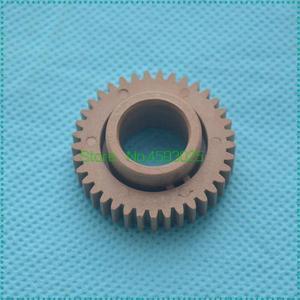
2PCS Upper Fuser Gear 37T JC66-00564A for ML1510 ML1610 1710 1750 2010 SCX4216 SCX4200 SCX4300 4116 4521F 4321F 560 565P
- Model #: LXS-DYJ-0120
- $14.36 –
- $5.00 Shipping
Quick View
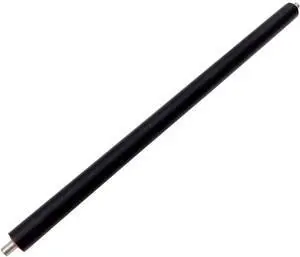
Fuser Pressure Roller JC66-01663A JC66-01664A JC66-01079A Compatible with ML3310 3310 3312 2850 2851 4020 4025 4070 4075 Printer
- Model #: CHIPB0G56Q1QCP
- $128.99 –
- Free Shipping
Quick View
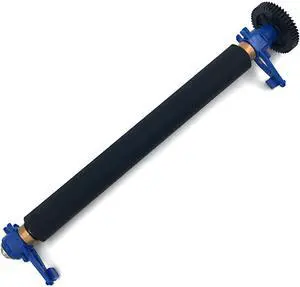
Kit Platen Roller for Intermec PC43T Thermal Mobile Printer 203dpi 300dpi 203-185-400
- Model #: LEMLB0BNNGJW4S
- $87.89 –
- Free Shipping
![Print.Save.Repeat. Lexmark 66S1H00 High Yield Toner Cartridge for MS531, MX532 [28,400 Pages]](https://c1.neweggimages.com/productimage/nb300/A59MD2504151ANZ9V9D.jpg "Print.Save.Repeat. Lexmark 66S1H00 High Yield Toner Cartridge for MS531, MX532 [28,400 Pages]")
Quick View
Print.Save.Repeat. Lexmark 66S1H00 High Yield Toner Cartridge for MS531, MX532 [28,400 Pages]
- Cartridge Quantity: Single Pack
- Replacement Brand: Lexmark
- Replacement Model: 66S1H00
- Compatible Products: Lexmark Printers: MS531dw, MX532adwe
- Model #: 66S1H00-IPS
Quick View
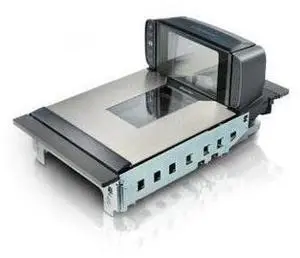
9420150013-000050 MGL94 SS ENG LNG SAPH US EP
- Model #: barcod2136
- $1,526.08 –
- $15.00 Shipping
Quick View
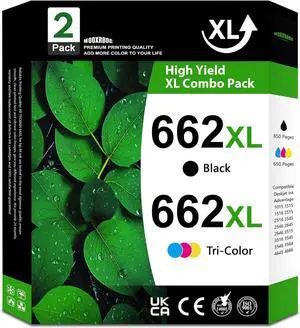
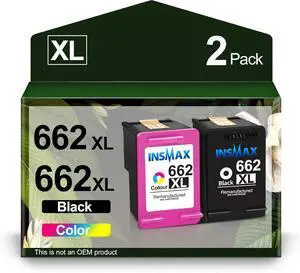
662XL Ink Cartridges Compatible with HP 662XL 662 Ink Replacement for Deskjet Ink Advantage 2545 2546 2645 2646 3515 3516 Printer (2-Pack, 1Black 1Color)
- Model #: DARKB0DLG9496S
- $162.99 –
- Free Shipping
Quick View
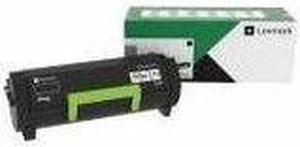
Lexmark Original Laser Toner Cartridge Return Program 66S1000
- Model #: 66S1000
- $169.99 –
- More options from $154.99 - $235.08
- Free Shipping
Quick View
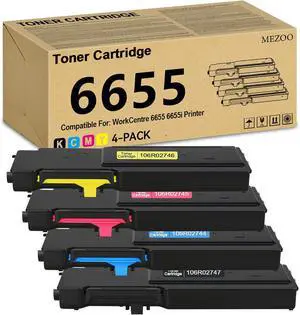
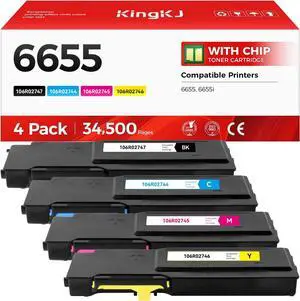
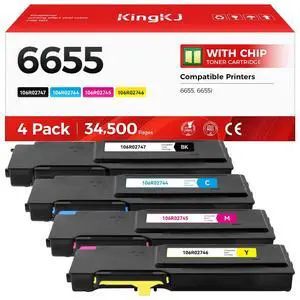
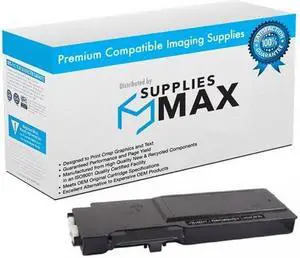
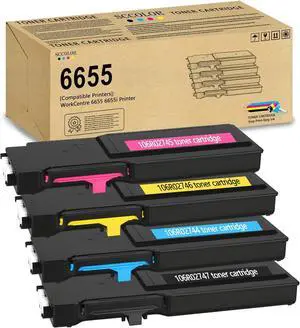
SuppliesMAX Remanufactured Replacement for WorkCentre 6655I/WorkCentre 6655X Series Black Toner Cartridge (12000 Page Yield) (106R02747)
- Cartridge Quantity: 1 Pack
- Replacement Brand: Xerox
- Replacement Model: Xerox
- Compatible Products: Xerox 106R02747
- Model #: XER106R02747-C
- $23.99 –
- $8.99 Shipping
Quick View
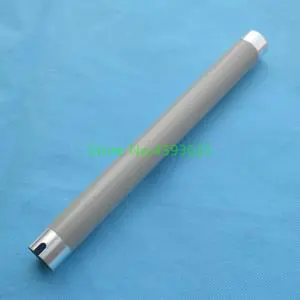
JC66-01256B Upper Fuser Roller Heat for ML 1910 1915 2510 2525 2540 2545 2580 2851 SCX 4600 4623 4626 4725 4824 4828
- Model #: LXS-DYJ-0024
- $16.80 –
- $5.00 Shipping
Quick View
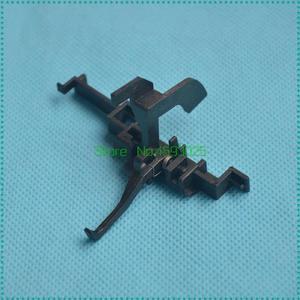
1SET Fuser Sensor Holder JC66-02364A for SCX4623 SCX4600 ML1910 ML1911 ML1915 ML2525 SF651 651P Paper Exit Actuator
- Model #: LXS-DYJ-0246
- $16.04 –
- $5.00 Shipping
Quick View
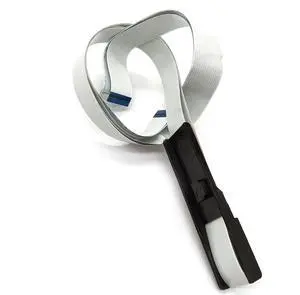
Carriage Cable Fits Forhp-6235 6954 6970 6979 6968 6960 6800 6956 6830 6961 6978 6962 6815 6200 6958 6670 6975 6950 6974 6810
- Product Type: Printhead
- Model #: CH-DYJ-0226
- $49.96 –
- Free Shipping
Quick View
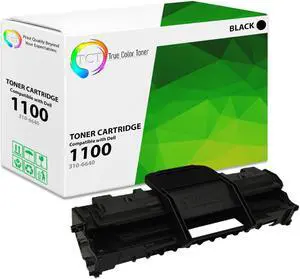
True Color Toner 1100 Toner Cartridge - Premium Compatible Replacement for Dell 310-6640 GC502 310-7660 J9833 Black Works With Dell 1100 1110
- Brand: True Color Toner
- Model: 310-6640
- Cartridge Quantity: Single Pack
- Cartridge Color: Black
- Model #: TCT-1100-310-6640
Quick View
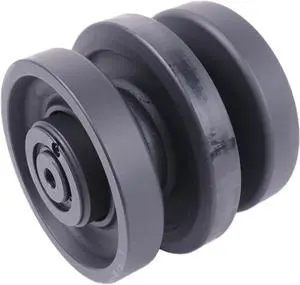
Center Bottom Roller 6689371 6732901 Compatible with Bobcat T140 T190 T180 T200 T250 T300 T320 T550 T590 T630 T650 T750 T770 864 6686632
- Model #: DARKB0D834G982
- $333.99 –
- Free Shipping
Quick View
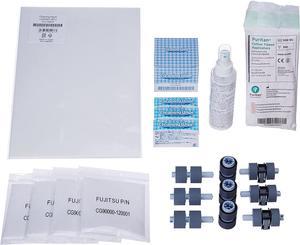
Fujitsu Genuine ScanAid Kit, Cleaning Supplies & Replacement Parts, fi-6670/A fi-6770/A
- Product Type: Other Accessories
- Model #: BE90CH4YQZ
Quick View
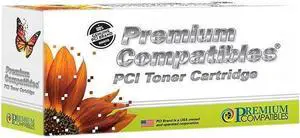
Pci Okidata 43866103 11.5K Cyan Laser Toner Cartridge For Okidata C710 C710dn C7
- Replacement Brand: Oki Data
- Type: Toner Cartridge
- Model #: 43866103-PCI
- $44.82 –
- More options from $44.82 - $57.00
- $10.99 Shipping
Quick View
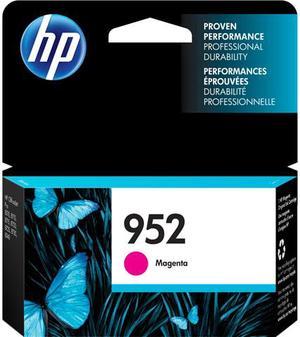
HP 952 Ink Cartridge - Magenta


- Brand: HP
- Model: 952
- Part Number: L0S52AN
- Cartridge Quantity: Single Pack
- Model #: L0S52AN#140
Quick View
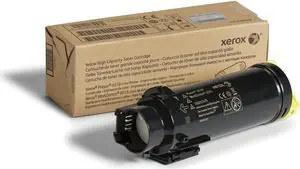
Xerox Phaser 6510/Workcentre 6515 Yellow High Capacity Toner Cartridge (2,400 Pages) - 106R03479
- Product Type: Toner Collection/Waste Toner Unit
- Model #: PB01M6B2WN6
- $259.99 –
- Free Shipping
Quick View
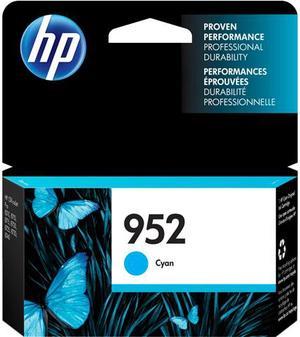
HP 952 Ink Cartridge - Cyan
- Part Number: L0S49AN
- Cartridge Quantity: Single Pack
- Compatible Products: HP OfficeJet Pro 8210 Printer (D9L64A) HP OfficeJet Pro 8710 All-in-One Printer (M9L66A) HP OfficeJet Pro 8720 All-in-One Printer (M9L75A) HP OfficeJet Pro 8730 All-in-One Printer (D9L20A) HP OfficeJet Pro 8740 All-in-One Printer (K7S42A)
- Ink Drop Size: 7 pl
- Model #: L0S49AN#140
Quick View
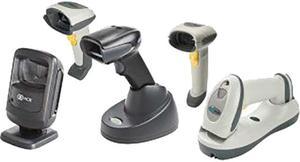
NCR 7837-4024-9090 Barcode Scanner
- Form Factor: Handheld
- Model #: 7837-4024-9090
- $308.50 –
- More options from $308.50 - $369.65
- Free Shipping
Quick View
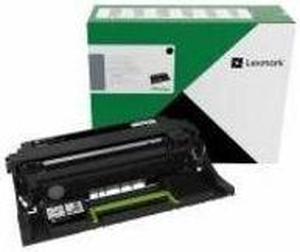
Lexmark Imaging Drum 75,000 Page Yield Black 66S0Z00
- Product Type: Drum Cartridge
- Model #: 66S0Z00
- $52.97 –
- More options from $51.22 - $88.96
- Free Shipping
Quick View
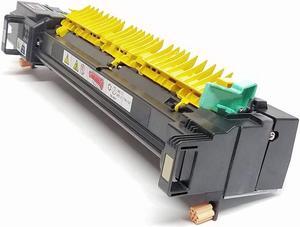
Parts Drop Fuser Assembly (New in a Plain Box, Replaces 604K94280, 604K62210) Compatible with Xerox 7545, 7556, 7845, 7855
- Product Type: Fuser Kit
- Model #: TB07YNWVFVG
- $449.00 –
- Free Shipping
Quick View
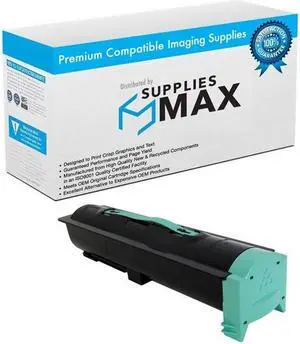
SuppliesMAX Compatible Replacement for IBM InfoPrint 1585N-01 Toner Cartridge (30000 Page Yield) (75P6877)
- Cartridge Quantity: 1 Pack
- Replacement Brand: IBM InfoPrint
- Replacement Model: IBM InfoPrint
- Compatible Products: IBM InfoPrint 75P6877
- Model #: 049931392181
- $99.99 –
- $8.99 Shipping
Choosing the Right Printer for Your Office Needs
When it comes to office solutions, printers and scanners are essential tools for any business. Whether you need to print important documents, scan invoices, or create professional-quality marketing materials, having the right equipment is crucial. In this article, we will explore the different types of printers and scanners available in the market and provide tips on how to choose the best one for your office.
All-in-One Printers: Versatility and Convenience
all-in-one printers, also known as multifunction printers, are a popular choice for offices. These devices combine the functionality of a printer, scanner, copier, and sometimes even a fax machine into a single unit. They offer versatility and convenience, allowing you to perform multiple tasks without the need for separate devices. All-in-one printers are available in both inkjet and laser options, catering to different printing needs and budgets.
Specialized Printers for Specific Tasks
In addition to all-in-one printers, there are specialized printers designed for specific tasks. For example, 3D printers are ideal for creating prototypes or intricate models, while barcode and label printers are perfect for businesses that require efficient inventory management. laser printers are known for their fast printing speeds and high-quality output, making them suitable for offices with high-volume printing needs. inkjet printers, on the other hand, are more cost-effective and can produce vibrant color prints.
Choosing the Right Supplies
Once you have selected the right printer for your office, it is important to choose the right supplies to ensure optimal performance and longevity. When it comes to inkjet printers, using high-quality ink cartridges is essential to achieve the best print quality and prevent clogging. For laser printers, it is important to choose the right type of toner cartridges that are compatible with your printer model. Additionally, investing in high-quality paper can make a significant difference in the final print results.
FAQs: Common Questions about Printers and Scanners
| Q: How often should I replace the ink cartridges? | A: The frequency of replacing ink cartridges depends on your printing volume. However, it is recommended to replace them when the print quality starts to degrade. |
|---|---|
| Q: Can I use third-party ink cartridges with my printer? | A: While it is possible to use third-party ink cartridges, it is important to ensure compatibility with your printer model. Using incompatible cartridges may result in poor print quality or damage to the printer. |
| Q: How do I clean the scanner glass? | A: To clean the scanner glass, use a soft, lint-free cloth slightly dampened with glass cleaner. Gently wipe the glass surface to remove any smudges or debris. |
| Q: What is the difference between optical and interpolated resolution in scanners? | A: Optical resolution refers to the actual hardware resolution of the scanner, while interpolated resolution is achieved through software enhancements. Optical resolution provides more accurate and detailed scans. |
| Q: How can I improve the scanning speed? | A: To improve scanning speed, reduce the scanning resolution, use black and white mode instead of color, and ensure that the scanner is connected to a high-speed USB port. |