

Your Browsing History
- In Stock
- Sold by Newegg
- Make an Offer
- New

Any questions? Our AI beta will help you find out quickly.
Try me now

Quick View
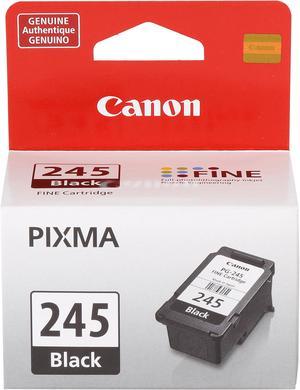
Canon PG-245 Ink Cartridge - Black
- Part Number: 8279B001
- Cartridge Quantity: Single Pack
- Compatible Products: PIXMA iP2820 PIXMA MG2924 Wireless PIXMA MG2520 PIXMA MG2924 Wireless PIXMA MG2420
- Ink Type: Pigment-based
- Model #: 8279B001
- $25.99 –
- Est. Shipping Fee $2.99
Quick View
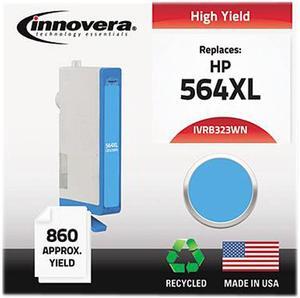
Innovera Compatible Cyan High Yield Toner Cartridge (Alternative for HP 564XL/CB323WN)
- Cartridge Quantity: Single Pack
- Replacement Brand: HP
- Compatible Products: HP Deskjet 3520, 3521, 3522; Officejet 4620; PhotoSmart All-In-One 5510, 5511, 5512, 5514, 5515, 5520, 5522, 6510, 6512, 6515, 7510, 7515, C6340, C6350, C6380, C6383; Photosmart B8550, B8553, B8558, D5460, D7560; Photosmart E-Station, C510a; Photosmart Premium, C309G; Photosmart Premium Fax C309a, C410a; Photosmart Plus B209A, B209B, B209C, B210A; Premium Touchsmart C309, C309n, C310 (HP 564XL) Ink Monitoring Technology
- Approximate Page Yield: 750 Pages
- Model #: IVRB323WN
- $19.99 –
- Free Shipping
Quick View
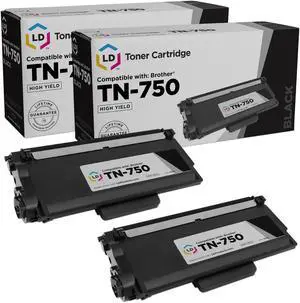
LD Products Compatible Toner Cartridge Replacement for Brother TN750 High Yield (Black, 2-Pack)
- Type: TONER
- Model #: CBRTN750BK2PKAMZ
Quick View
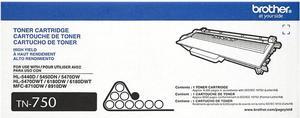
Brother TN750 High Yield Toner Cartridge - Black
- Cartridge Quantity: Single Pack
- Compatible Products: DCP-8110DN, DCP-8150DN, DCP-8155DN, HL-5440D, HL-5450DN, HL-5470DW, HL-5470DWT, HL-6180DW, HL-6180DWT, MFC-8510DN, MFC-8710DW, MFC-8810DW, MFC-8910DW, MFC-8950DW, MFC-8950DWT
- Approximate Page Yield: 8000 Pages
- Coverage: 5%
- Model #: TN750
- $126.79 –
- More options from $126.79 - $161.56
- Free Shipping
Quick View
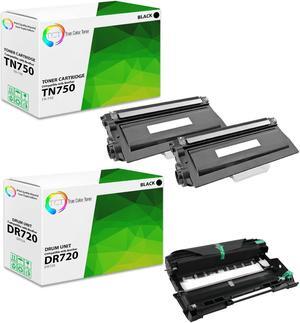
TCT TN750 Toner Cartridge 2 Pack and DR720 Drum Unit - Premium Compatible Replacements for Brother HL-5440D 5450 6180 MFC-8510 8950 DCP-8110 8250
- Brand: TCT
- Model: TN-750, DR-720
- Cartridge Quantity: 3 Pack
- Cartridge Color: Black
- Model #: TCT-BR750-2PK-DR
Quick View
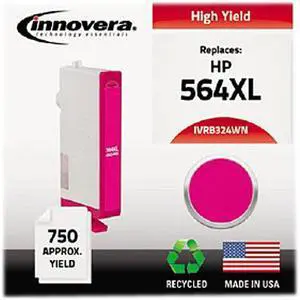
Innovera Compatible Magenta High Yield Ink Cartridge (Alternative for HP 564XL/CB324WN)
- Cartridge Quantity: Single Pack
- Replacement Brand: HP
- Compatible Products: HP Deskjet 3520, 3521, 3522; Officejet 4620; PhotoSmart All-In-One 5510, 5511, 5512, 5514, 5515, 5520, 5522, 6510, 6512, 6515, 7510, 7515, C6340, C6350, C6380, C6383; Photosmart B8550, B8553, B8558, D5460, D7560; Photosmart E-Station, C510a; Photosmart Premium, C309G; Photosmart Premium Fax C309a, C410a; Photosmart Plus B209A, B209B, B209C, B210A; Premium Touchsmart C309, C309n, C310(HP 564XL) - Inkjet Cartridge, Magenta, Chipped (High Yield) Ink Monitoring Technology
- Approximate Page Yield: 750 Pages
- Model #: IVRB324WN
- $16.99 –
- $2.99 Shipping
Quick View
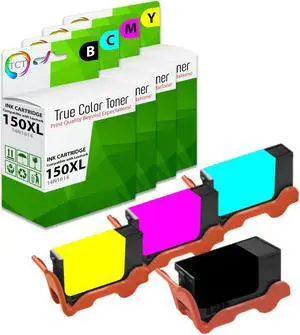
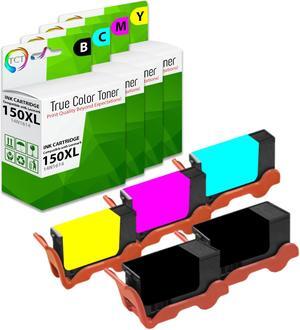
True Color Toner Compatible Ink Cartridge Replacement for Lexmark 150XL 150 XL High Yield Works With Lexmark Pro 715 915 S315 S415 S515
- Brand: True Color Toner
- Model: 14N1614, 14N1615, 14N1616), 14N1618
- Cartridge Quantity: 4 Pack
- Cartridge Color: 4 Colors
- Model #: LEX-150XL-4PK
- $46.19 –
- More options from $46.19
- Free Shipping
Quick View
True Color Toner Compatible Ink Cartridge Replacement for Lexmark 150XL 150 XL High Yield Works With Lexmark Pro 715 915 S315 S415 S515
- Brand: True Color Toner
- Model: 14N1614, 14N1615, 14N1616), 14N1618
- Cartridge Quantity: 5 Pack
- Cartridge Color: 4 Colors
- Model #: LEX-150XL-5PK
- $58.19 –
- More options from $58.19
- Free Shipping
Quick View
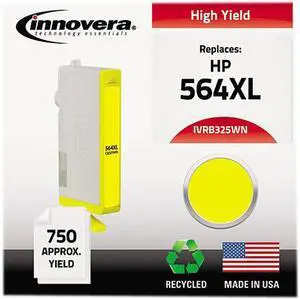
Innovera Compatible Yellow High Yield Toner Cartridge (Alternative for HP 564XL/CB325WN)
- Cartridge Quantity: Single Pack
- Replacement Brand: HP
- Compatible Products: HP Deskjet 3520, 3521, 3522; Officejet 4620; PhotoSmart All-In-One 5510, 5511, 5512, 5514, 5515, 5520, 5522, 6510, 6512, 6515, 7510, 7515, C6340, C6350, C6380, C6383; Photosmart B8550, B8553, B8558, D5460, D7560; Photosmart E-Station, C510a; Photosmart Premium; Photosmart Premium Fax C309a, C410a; Photosmart Plus B209A, B209B, B209C, B210A; Premium Touchsmart C309, C309n, C310 (HP 564XL) Ink Monitoring Technology
- Approximate Page Yield: 750 Pages
- Model #: IVRB325WN
- $16.99 –
- $2.99 Shipping
Quick View

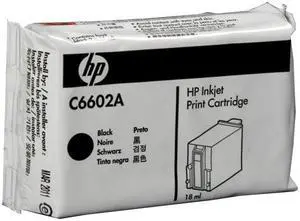
- Part Number: C6602A
- Cartridge Quantity: Single Pack
- Compatible Products: Addmaster: IJ-6000, IJ-6080, IJ-6160, IJ-7000, IJ-7100, IJ-7102 Canon: DR-6080 imageFORMULA scanner DR-9080C, imageFORMULA scanner Diebold: Opteva 720, Opteva 740, Opteva 750, Opteva 760 Digital Check: Tellerscan 210E, Tellerscan 215, Tellerscan 220E, Tellerscan 230 Ithaca Per.: 500, 510, BANKjet 1500, BANKjet 2500, Kitchenjet 1000, POSjet 1000, POSjet 1500 Panini: MY Vision X Transact: BANKjet 2500, POSjet 1000
- Capacity: N/A
- Model #: C6602A
Quick View
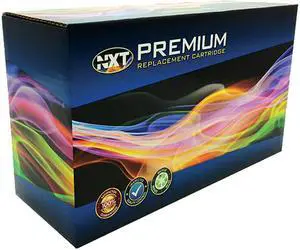
NXT Premium PRM4479A003 Black Toner Cartridge
- Cartridge Quantity: 1 Pack
- Replacement Brand: Canon
- Compatible Products: Canon - BJ F850 Canon - BJC-3000 Canon - BJC-3010 Canon - BJC-6000 Canon - BJC-6100 Canon - BJC-6200 Canon - BJC-8200 Photo Canon - Fax C855 Canon - i550 Canon - i560 Canon - i850 Canon - i860 Canon - i9900 Canon - Multi Pass 730 Canon - Multi Pass C730 Canon - Multi Pass F30 Canon - Multi Pass F50 Canon - Multi Pass F60 Canon - Multi Pass F80 Canon - MultiPASS MP700 Canon - Pixma i-9950 Canon - PIXMA iP3000 Canon - PIXMA iP4000 Canon - PIXMA iP4000R Canon - PIXMA iP5000 Canon - PIXMA iP8500 Canon - PIXMA MP750 Canon - PIXMA MP760 Canon - PIXMA MP780 Canon - S-400 Canon - S-450 Canon - S-455 Canon - S-500 Canon - S-520 Canon - S-530D Canon - S-600 Canon - S-630 Canon - S-630 Network Canon - S-750 Canon - S-820 Canon - S-820D
- Model #: PRM4479A003
- $18.99 –
- Free Shipping
Quick View
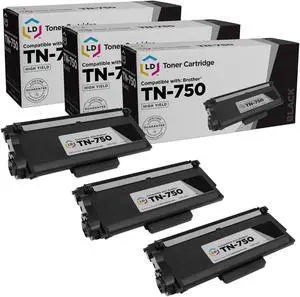
LD Products Compatible Toner Cartridge Replacement for Brother TN750 High Yield (Black, 3-Pack)
- Type: TONER
- Model #: 843964067388
Quick View
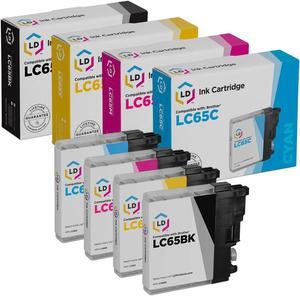
LD Products Compatible Ink Cartridge Replacement for Brother LC65 High Yield (Black, Cyan, Magenta, Yellow, 4-Pack)
- Cartridge Quantity: 1
- Replacement Brand: Brother
- Replacement Model: Brother
- Ink Type: Dye-based
- Model #: CBRLC65
Quick View
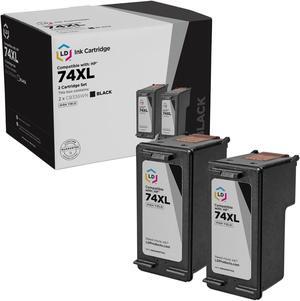
LD Products Remanufactured Ink Cartridge Replacement for HP 74XL CB336WN High Yield (Black, 2-Pack)
- Cartridge Quantity: 1
- Replacement Brand: HP
- Replacement Model: HP
- Ink Type: Dye-based
- Model #: REHP74XLPK2AMZ
Quick View
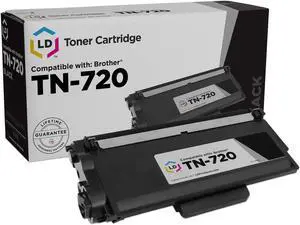
LD Products Compatible Toner Cartridge Replacement for Brother TN720 (Black Single)
- Type: TONER
- Model #: 843964029768
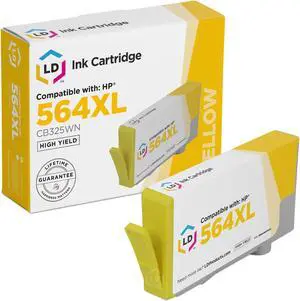
Quick View
LD Products Compatible Ink Cartridge Replacement for HP 564XL CB325WN High Yield (Yellow) Compatible with Deskjet 3524 e-All-in-One OfficeJet 4610 PhotoSmart 7510 7515 752
- Cartridge Quantity: 1
- Replacement Brand: HP
- Replacement Model: HP
- Ink Type: Dye-based
- Model #: CB325WN
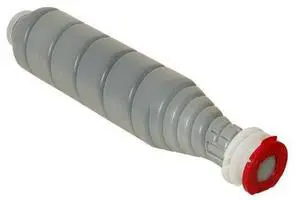
Quick View
Konica Minolta Black Toner Cartridge
- Compatible Products: KONICA MINOLTA BIZHUB Multi-function Printers: C600 750
- Approximate Page Yield: 450 Page
- Coverage: 5%
- Model #: 02XJ
- $89.99
- $78.99 –
- Save: $11.00 (12%)
- Free Shipping
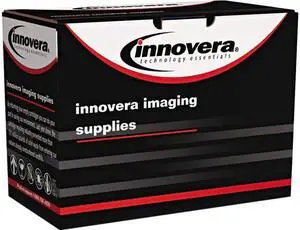
Quick View
Innovera IVRD525C Cyan Toner, 1400 Pages, for Dell Printer
- Cartridge Quantity: 1
- Replacement Brand: Dell
- Approximate Page Yield: 1400 Pages
- Model #: IVRD525C
- $40.99 –
- $2.99 Shipping
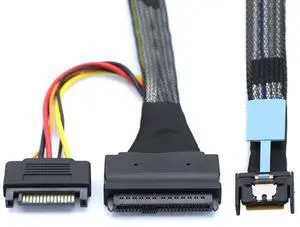
Quick View
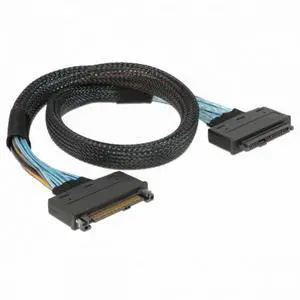
MCIO 4x Mini Cool Edge IO to U.2 SFF-8639 NVME PCIe PCI-Express Cable for Mainboard SSD
- Model #: BZ59-1208-Z5
- $67.19 –
- More options from $66.19
- Free Shipping
Quick View
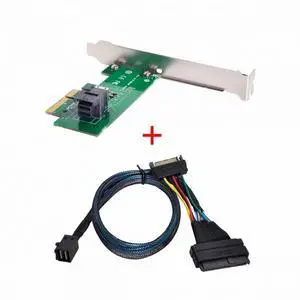
U.2 U2 SFF-8639 68Pin Connector NVME PCIe4.0 PCI-E5.0 SSD Cable Male to Female Socket Extension 50cm
- Model #: BZ59-1206-Z60
- $62.04 –
- More options from $61.04
- Free Shipping
Quick View
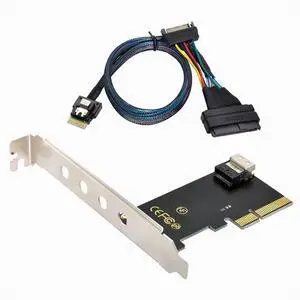
PCI-E 3.0 4.0 to SFF-8643 Card Adapter and U.2 U2 SFF-8639 NVME PCIe SSD Cable for Mainboard SSD
- Model #: BZ59-1206-Z56
- $67.08 –
- More options from $66.08
- Free Shipping
Quick View
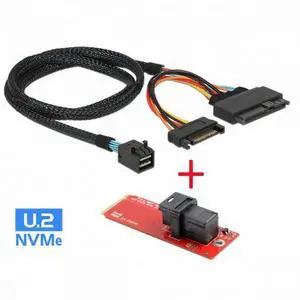
PCI-E 3.0 4.0 to SFF-8654 Slimline SAS Card Adapter and U.2 U2 SFF-8639 NVME PCIe SSD Cable for Mainboard SSD
- Model #: BZ59-1208-Z46
- $57.08 –
- More options from $56.08
- Free Shipping
Quick View
M.2 SFF-8643 Card Adapter and U.2 U2 SFF-8639 NVME PCIe SSD Cable PCI-E 3.0 4.0 for Mainboard SSD
- Model #: BZ59-1206-Z57
- $67.08 –
- More options from $66.08
- Free Shipping
Quick View
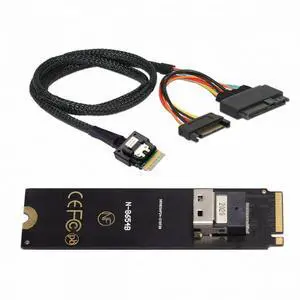
NGFF M-Key NVME to SFF-8654 Slimline SAS Card Adapter and U.2 U2 SFF-8639 NVME PCIe SSD Cable for Mainboard SSD
- Model #: BZ59-1208-Z43
- $57.08 –
- More options from $56.08
- Free Shipping
Quick View
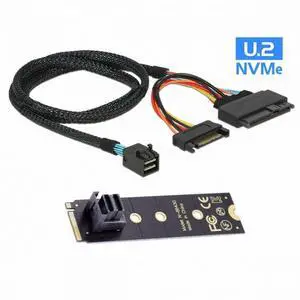
22X80mm 2280 M.2 SFF-8643 Card and U.2 U2 SFF-8639 NVME PCIe SSD Cable PCI-E 3.0 4.0 for Mainboard SSD
- Model #: BZ59-1206-Z51
- $67.08 –
- More options from $66.08
- Free Shipping
Quick View
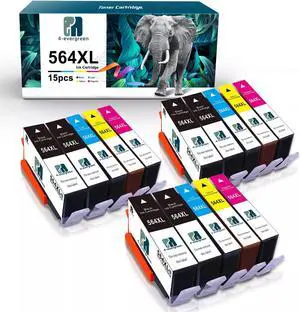
15 Pack 564XL Ink Cartridges for Photosmart 6510 6515 5510 5515 5520 5525
- Approximate Page Yield: for HP Deskjet 3520 3521 3522 for HP Officejet 4620 4622 for HP Photosmart 5510 5512 5514 5515 5520 5522 5524 5525 6510 6512 6515 6520 6525 7510 7515 7520 7525 D7560 B8500 B8550 B8553 B8558 B209a B210a B210b B210c B210d for HP C309a C309g C309n C310a C410a C410b C410d C510a C5300 C5324 C6340 C6350 C5370 C5373 C5380 C5383 C5388 C5390 C5393 C6300 C6324 C6375 C6380 C6383 C6388 D5400 D5445 D5460 D5463 D5468 D7500 D7560 B109n
- Labor: HaloFox
- Model #: 332855605464j
- $38.99 –
- More options from $38.99 - $41.97
- Free Shipping
Quick View
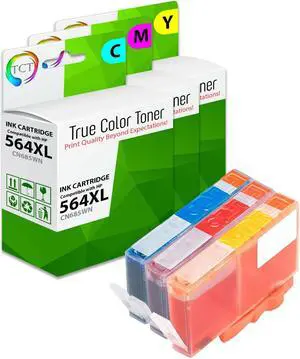
TCT 564XL Color Ink Cartridge 3 Pack - Premium Compatible Replacement for HP 564XL 546 XL Works With HP Photosmart 5511 5512 5514 5515 5520 5522 5524 5525
- Brand: TCT
- Model: CN685WN (564XL C), CN686WN (564XL M), CN687WN (564XL Y)
- Cartridge Quantity: 3 Pack
- Cartridge Color: 3 Colors
- Model #: HP-564XL-CL3PK
Quick View
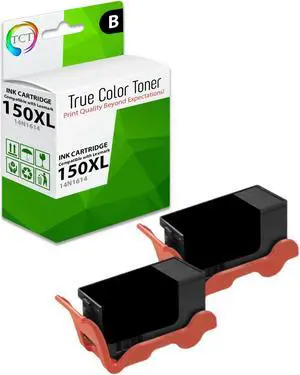
True Color Toner Compatible Ink Cartridge Replacement for Lexmark 150XL 150XLBK 14N1614 Black High Yield Works With Lexmark Pro 715 915 S315 S415 S515
- Brand: True Color Toner
- Model: 14N1614 (150XL BK)
- Cartridge Quantity: 2 Pack
- Cartridge Color: Black
- Model #: LEX-150XL-BK2PK
Quick View
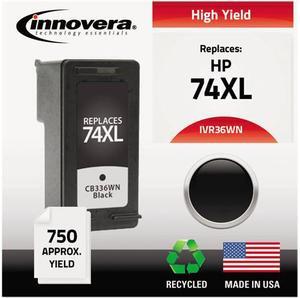
Innovera IVR36WN Black Ink Cartridge, Replacement for HP CB336WN (HP 74XL)
- Cartridge Quantity: Single Pack
- Replacement Brand: HP
- Compatible Products: HP Deskjet D4260, D4360; OfficeJet J5780, J6480; Photosmart D5345, D5360, D5363, D5368; Photosmart All-In-One C4240, C4250, C4280, C4340, C4380, C4385, C4480, C4500, C4580, C4599, C5240, C5250, C5280, C5580 (HP74XL)
- Approximate Page Yield: 750 Pages
- Model #: IVR36WN
- $20.54 –
- More options from $18.99 - $20.54
- Free Shipping
Quick View
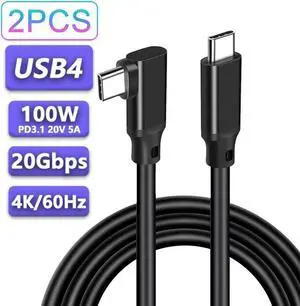
USB C to USB C Cable 6.6FT/1Pack,Right Angle Type-C/USB C 3.2 Gen 2 20Gbps Cablee 4K@60Hz UHD Video Monitor Cable 100W PD Fast Charging Cable.for Oculus Quest, MacBook Pro,AR,Switch,Phone 15,Laptops
Limited time offer, ends 07/29
- Model #: cy-750
- $22.24 –
- Free Shipping
Quick View
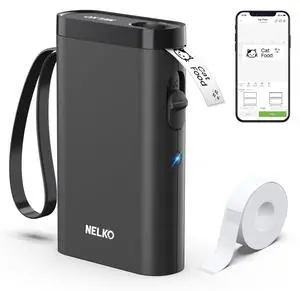
Label Maker Machine with Tape, P21 Bluetooth Label Printer, Wireless Mini Label Makers with Multiple Templates for School Office Home, Black
- Brand: Honeywell
- Part Number: P21
- Print Technology: Direct Thermal
- Printer Type: Desktop
- Model #: 801181741736
- $35.99 –
- Free Shipping
Quick View
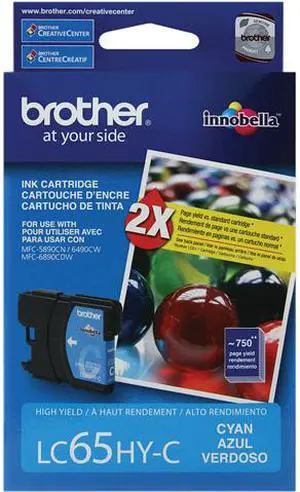
Brother LC65HYC High Yield Innobella Ink Cartridge - Cyan


- Cartridge Quantity: Single Pack
- Compatible Products: Brother All-in-One Machines: MFC-5890CN, MFC-5895CW, MFC-6490CW, MFC-6890CDW, MFC-6890DW Brother Copy Machines: DCP-6690CW
- Approximate Page Yield: 750 Pages
- Coverage: 5%
- Model #: LC65HYC
- $30.00 –
- $3.99 Shipping
Choosing the Right Printer for Your Office Needs
When it comes to office solutions, printers and scanners are essential tools for any business. Whether you need to print important documents, scan invoices, or create professional-quality marketing materials, having the right equipment is crucial. In this article, we will explore the different types of printers and scanners available in the market and provide tips on how to choose the best one for your office.
All-in-One Printers: Versatility and Convenience
all-in-one printers, also known as multifunction printers, are a popular choice for offices. These devices combine the functionality of a printer, scanner, copier, and sometimes even a fax machine into a single unit. They offer versatility and convenience, allowing you to perform multiple tasks without the need for separate devices. All-in-one printers are available in both inkjet and laser options, catering to different printing needs and budgets.
Specialized Printers for Specific Tasks
In addition to all-in-one printers, there are specialized printers designed for specific tasks. For example, 3D printers are ideal for creating prototypes or intricate models, while barcode and label printers are perfect for businesses that require efficient inventory management. laser printers are known for their fast printing speeds and high-quality output, making them suitable for offices with high-volume printing needs. inkjet printers, on the other hand, are more cost-effective and can produce vibrant color prints.
Choosing the Right Supplies
Once you have selected the right printer for your office, it is important to choose the right supplies to ensure optimal performance and longevity. When it comes to inkjet printers, using high-quality ink cartridges is essential to achieve the best print quality and prevent clogging. For laser printers, it is important to choose the right type of toner cartridges that are compatible with your printer model. Additionally, investing in high-quality paper can make a significant difference in the final print results.
FAQs: Common Questions about Printers and Scanners
| Q: How often should I replace the ink cartridges? | A: The frequency of replacing ink cartridges depends on your printing volume. However, it is recommended to replace them when the print quality starts to degrade. |
|---|---|
| Q: Can I use third-party ink cartridges with my printer? | A: While it is possible to use third-party ink cartridges, it is important to ensure compatibility with your printer model. Using incompatible cartridges may result in poor print quality or damage to the printer. |
| Q: How do I clean the scanner glass? | A: To clean the scanner glass, use a soft, lint-free cloth slightly dampened with glass cleaner. Gently wipe the glass surface to remove any smudges or debris. |
| Q: What is the difference between optical and interpolated resolution in scanners? | A: Optical resolution refers to the actual hardware resolution of the scanner, while interpolated resolution is achieved through software enhancements. Optical resolution provides more accurate and detailed scans. |
| Q: How can I improve the scanning speed? | A: To improve scanning speed, reduce the scanning resolution, use black and white mode instead of color, and ensure that the scanner is connected to a high-speed USB port. |