

Your Browsing History
- In Stock
- Sold by Newegg
- New

Any questions? Our AI mode will help you find out quickly.
Try me now

Quick View
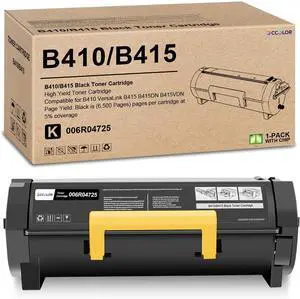
B410 B415 Toner Cartridge Replacement for Xerox B415 B410 Black Toner
- Model #: HANWB0G8D3YLT5
- $304.99 –
- Free Shipping
Quick View
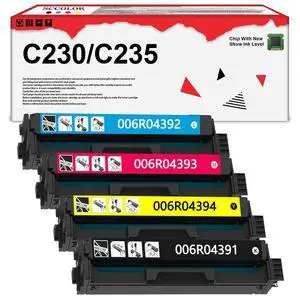
Extra High Yield C230 C235 Toner Cartridge with New Chip 006R04391 006R04392 006R04393 006R04394(BK:5,550 Pages,CMY:4,550 Pages) Replacement for Xerox C230 C235 C230/DNI C235/DNI Printer
Limited time offer, ends 09/17
- Model #: 717544348931
- $373.49 –
- Free Shipping
Quick View
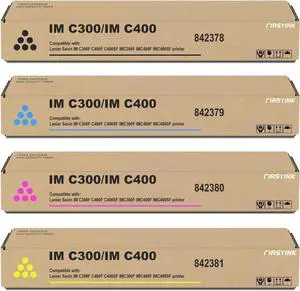
Compatible with Ricoh IM C300 IM C400 Toner Cartridges
- Model #: HANWB0DWSFB864
- $225.99 –
- Free Shipping
Quick View
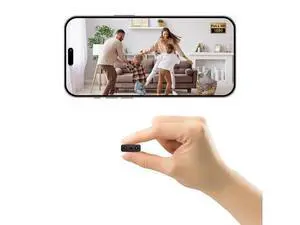
1080P HD Hidden Camera, Mini Spy Nanny Cam with Night Vision, Motion Detection, APP Real-Time View
Limited time offer, ends 09/19
- Model #: YC7FW0709-oys-268
- $35.07 –
- Free Shipping
Quick View
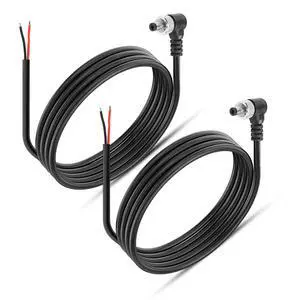
DC Power Pigtails Cable, 90 Degree Right Angle 5.5mm x 2.1mm Male DC Pigtail Connectors for Led Strip,Security Camera Wire 12V 5A (1.64FT-2PCS)
Limited time offer, ends 09/30
- Model #: C745-L708-235
- $23.99 –
- More options from $23.98
- Free Shipping
Quick View
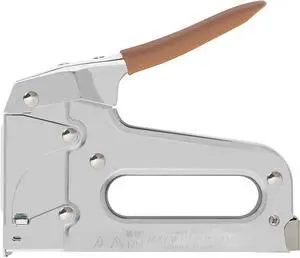
Arrow T25 Heavy Duty Staple Gun for Low Voltage Cables and Wires up to 1/4-Inch Diameter - Silver
- Model #: Tong409397164553miao
- $57.88 –
- Free Shipping
Quick View
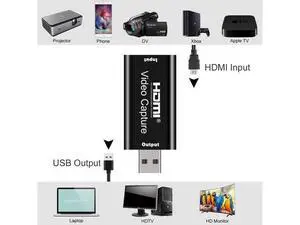
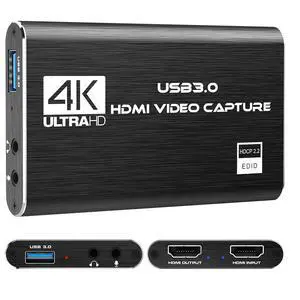
Audio Video Capture Card,HDMI to USB USB2.0 High Definition 1080p 30fps, Directly to Computer for Gaming, Streaming, Teaching, Video Conference or Live Broadcasting
Limited time offer, ends 09/15
- Model #: YLJGZMC7AZ-0801-127
- $16.98 –
- Free Shipping
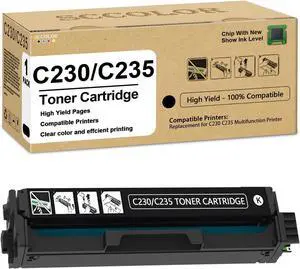
Quick View
Extra High Yield C230 C235 Toner Cartridge with New Chip 006R04391 Black Toner Cartridge (BK:5,550 Pages) Replacement for Xerox C230/DNI C235/DNI C230 C235 Printer
- Model #: HANWB0DMS3H4RV
- $144.99 –
- Free Shipping
Quick View
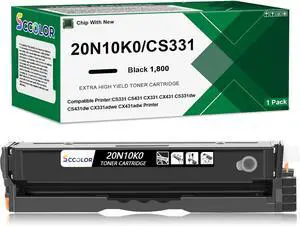
CS431 CX431 CX331 CS331 Black Toner Cartridge Compatible for Lexmark 20N10 20N10K0 Black Toner Cartridge Replacement for Lexmark CS331dw CS431dw CX331adwe CX431adw Printer
- Model #: HANWB0FH29ZVTN
- $162.99 –
- Free Shipping
Quick View
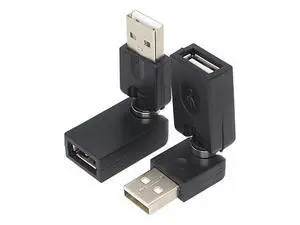
Swivel USB Adapter, Rotatable USB 2.0 Type A Male to Type A Female Extension Connector 360 Degree Rotation Adjustable Right Angle Extension Adapter Converter(Black- 2 Pack)
Limited time offer, ends 09/15
- Model #: YLJGZMC7AZ-0801-480
- $18.98 –
- Free Shipping
Quick View
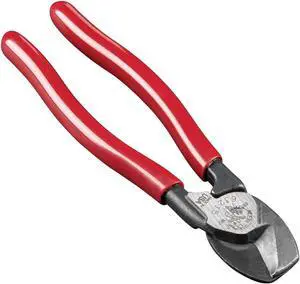
Klein Tools 63215 Cable Cutter, Made in USA, High-Leverage 6.5-Inch Compact, Forged From US Made Steel, Ideal for Cutting Aluminum and Copper Cable
- Model #: Tong409397164577miao
- $47.88 –
- Free Shipping
Quick View
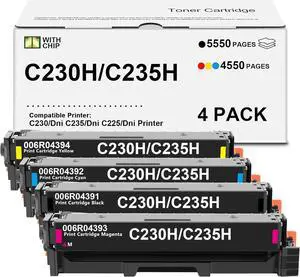
C230 C235 Toner Cartridge 4 Pack High Yield(with New Chip)
- Model #: HANWB0F9YL49CM
- $432.99 –
- Free Shipping
Quick View
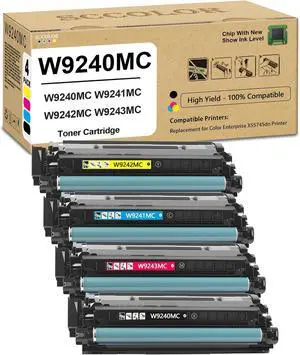
W9240MC Toner Cartridge Replacement for Color Enterprise X55745dn Printer
- Model #: HANWB0DMVDYTCM
- $736.99 –
- Free Shipping
Quick View
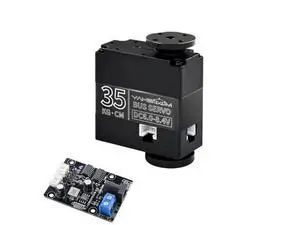
35KG Intelligent Serial Bus Servo 270° High Torque Serial Port Motor Dual-axis Servo for Robot Gimbal Robotic Arm with Steering Gear Debugging Board (35KG Bus servo*1-debug Board)
Limited time offer, ends 09/16
- Model #: WLC78S.0803.Pallet0797
- $51.98 –
- Free Shipping
Quick View
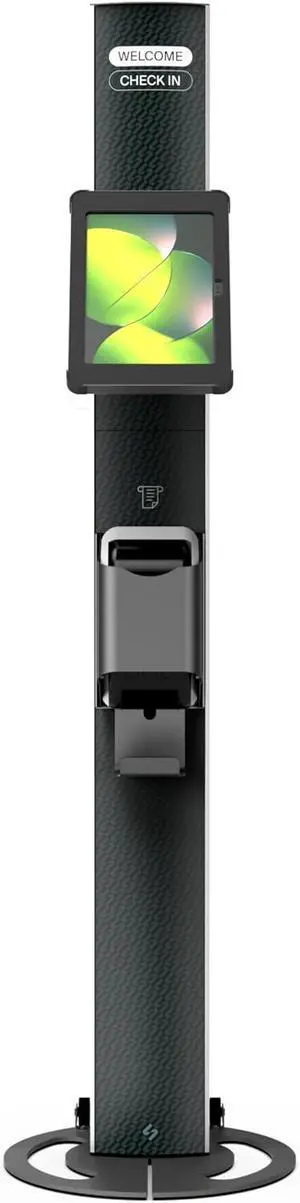
SPROCKET Premium Kiosk Stand T Print B15 - Most Advanced & Key-Locked Secure Tablet Floor Stand with Label Printer, Adjustable Mount & Ergonomic Design, Compatible with Apple iPad
- Model #: HANZB0DTMRS533
- $1,078.99 –
- Free Shipping
Quick View
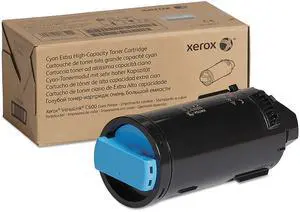
VersaLink C600 Cyan Extra High Capacity Toner Cartridge (16,800 Pages) - 106R03916
Limited time offer, ends 09/17
- Model #: 382814549563
- $434.24 –
- Free Shipping
Quick View
- $161.99 –
- Free Shipping
Quick View
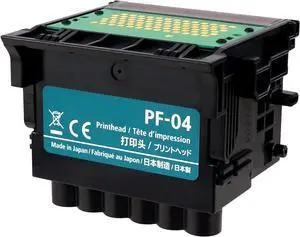
PF-04 Printhead Compatible with iPF650 / iPF655/ iPF670/ iPF670/ iPF750/ iPF755/ iPF760/ iPF765/ iPF770/ iPF770/iPF780/ iPF780 MFPM40/iPF830/ iPF840/iPF850,Replacement of PF-04 Printhead
Limited time offer, ends 09/12
- Model #: BAMB0FNMLQM6H
- $288.99 –
- More options from $239.99 - $288.99
- Free Shipping
Quick View
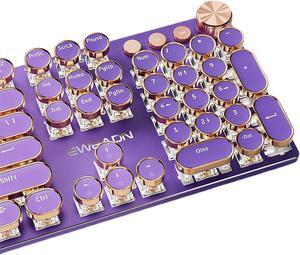
Typewriter Style Mechanical Gaming Keyboard White LED Backlit 104-Key NKRO Pink Switches Retro Round Keycaps Golden Ring Volume Knob Metal Panel Wired USB-C Detachable Cable, Purple
- Model #: Tong409397168483miao
- $98.88 –
- Free Shipping
Quick View
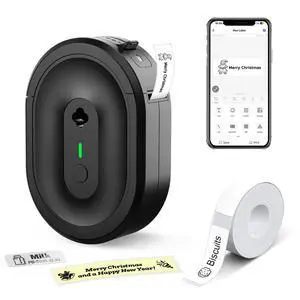
Mini Label Maker Machine with Tape, N12 Portable Bluetooth Label Printer, Thermal Sticker Labeler for Small Business, School, Home, Office(Black)
- Brand: CASIO
- Part Number: LD-N12
- Printer Type: Desktop
- Barcode Type: Bluetooth
- Model #: 572794791678
- $39.99 –
- Free Shipping
Quick View
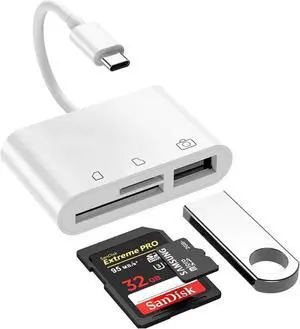
USBC SD Card Reader OTG Adapter, Camera Connection Kit for iPad Pro, MacBook, Samsung, XPS & Chromebook
- Model #: C24W- USB120
- $13.58 –
- More options from $13.58
- Free Shipping
Quick View
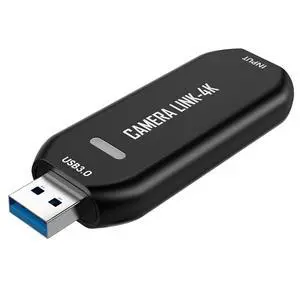
Cam Link 4K USB Capture Card HDMI to USB 3.0, Plug-and-Play for Microscopes, DSLR, Electronics Repair & Precision Work, Live Streaming & OBS/Zoom, Windows/Mac
- Model #: C745-L708-423
- $222.99 –
- Free Shipping

![USB C to HDMI 2.1 Cable [8K@60Hz,4K@144Hz] 3.3FT Aluminum Type-C to HDMI Braided Cord [Thunderbolt 3/4 Compatible] Support HDCP2.3/HDR/VRR/Freesync/G-Sync for MacBook Pro/Air, iPad Pro, S23, Dell](https://c1.neweggimages.com/productimage/nb300/B7Y1S2506230C0YCN5D.jpg "USB C to HDMI 2.1 Cable [8K@60Hz,4K@144Hz] 3.3FT Aluminum Type-C to HDMI Braided Cord [Thunderbolt 3/4 Compatible] Support HDCP2.3/HDR/VRR/Freesync/G-Sync for MacBook Pro/Air, iPad Pro, S23, Dell")

Quick View
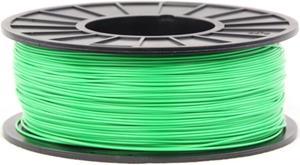
3DMakerWorld ABS (PA-747) Filament - 1.75mm, 1kg, Green
- Material: ABS
- Model #: ABS-1.75-GRE-US
- $31.33 –
- Free Shipping
Quick View
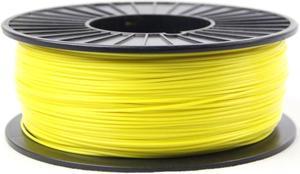
3DMakerWorld ABS (PA-747) Filament - 1.75mm, 1kg, Yellow
- Material: ABS
- Model #: ABS-1.75-YEL-US
- $31.33 –
- Free Shipping
Quick View
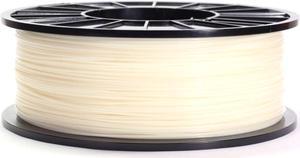
3DMakerWorld ABS (PA-747) Filament - 1.75mm, 1kg, Natural
- Material: ABS
- Model #: ABS-1.75-NAT-US
- $31.33 –
- Free Shipping
Quick View
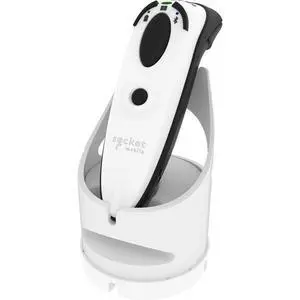
Socket Mobile DuraScan D720 Barcode Scanner - White - White Charging Dock - Cable Connectivity - 19.49" Scan Distance - 1D, 2D - Imager - Omni-directional - Bluetooth - USB CX4061-3124
- Brand: Socket
- Part Number: CX4061-3124
- Form Factor: Handheld
- Model #: CX4061-3124
- $386.11 –
- More options from $386.11 - $415.16
- Free Shipping
![USB C to HDMI 2.1 Cable [8K@60Hz,4K@144Hz] 3.3FT Aluminum Type-C to HDMI Braided Cord [Thunderbolt 3/4 Compatible] Support HDCP2.3/HDR/VRR/Freesync/G-Sync for MacBook Pro/Air, iPad Pro, S23, Dell](https://c1.neweggimages.com/productimage/nb300/AE04S2311080QFHNV61.jpg "USB C to HDMI 2.1 Cable [8K@60Hz,4K@144Hz] 3.3FT Aluminum Type-C to HDMI Braided Cord [Thunderbolt 3/4 Compatible] Support HDCP2.3/HDR/VRR/Freesync/G-Sync for MacBook Pro/Air, iPad Pro, S23, Dell")
Quick View
USB C to HDMI 2.1 Cable [8K@60Hz,4K@144Hz] 3.3FT Aluminum Type-C to HDMI Braided Cord [Thunderbolt 3/4 Compatible] Support HDCP2.3/HDR/VRR/Freesync/G-Sync for MacBook Pro/Air, iPad Pro, S23, Dell
Limited time offer, ends 09/24
- Brand: ESTONE
- Model: TJ-C2HDMI8K
- Type: USB to HDMI
- Color: Black
- Model #: E-TJ-C2HDMI8K-1M-1
- $31.99 –
- Free Shipping
Choosing the Right Printer for Your Office Needs
When it comes to office solutions, printers and scanners are essential tools for any business. Whether you need to print important documents, scan invoices, or create professional-quality marketing materials, having the right equipment is crucial. In this article, we will explore the different types of printers and scanners available in the market and provide tips on how to choose the best one for your office.
All-in-One Printers: Versatility and Convenience
all-in-one printers, also known as multifunction printers, are a popular choice for offices. These devices combine the functionality of a printer, scanner, copier, and sometimes even a fax machine into a single unit. They offer versatility and convenience, allowing you to perform multiple tasks without the need for separate devices. All-in-one printers are available in both inkjet and laser options, catering to different printing needs and budgets.
Specialized Printers for Specific Tasks
In addition to all-in-one printers, there are specialized printers designed for specific tasks. For example, 3D printers are ideal for creating prototypes or intricate models, while barcode and label printers are perfect for businesses that require efficient inventory management. laser printers are known for their fast printing speeds and high-quality output, making them suitable for offices with high-volume printing needs. inkjet printers, on the other hand, are more cost-effective and can produce vibrant color prints.
Choosing the Right Supplies
Once you have selected the right printer for your office, it is important to choose the right supplies to ensure optimal performance and longevity. When it comes to inkjet printers, using high-quality ink cartridges is essential to achieve the best print quality and prevent clogging. For laser printers, it is important to choose the right type of toner cartridges that are compatible with your printer model. Additionally, investing in high-quality paper can make a significant difference in the final print results.
FAQs: Common Questions about Printers and Scanners
| Q: How often should I replace the ink cartridges? | A: The frequency of replacing ink cartridges depends on your printing volume. However, it is recommended to replace them when the print quality starts to degrade. |
|---|---|
| Q: Can I use third-party ink cartridges with my printer? | A: While it is possible to use third-party ink cartridges, it is important to ensure compatibility with your printer model. Using incompatible cartridges may result in poor print quality or damage to the printer. |
| Q: How do I clean the scanner glass? | A: To clean the scanner glass, use a soft, lint-free cloth slightly dampened with glass cleaner. Gently wipe the glass surface to remove any smudges or debris. |
| Q: What is the difference between optical and interpolated resolution in scanners? | A: Optical resolution refers to the actual hardware resolution of the scanner, while interpolated resolution is achieved through software enhancements. Optical resolution provides more accurate and detailed scans. |
| Q: How can I improve the scanning speed? | A: To improve scanning speed, reduce the scanning resolution, use black and white mode instead of color, and ensure that the scanner is connected to a high-speed USB port. |