
Your Browsing History
- Make an Offer

Any questions? Our AI beta will help you find out quickly.
Try me now
Quick View

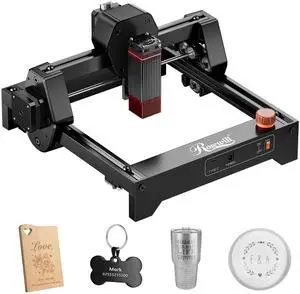
- Brand: Rosewill
- Type: Laser Engraver
- Color: Black
- Print Technology: Diode Laser
- Model #: Ray6mini_3.5W
- $139.99
- $109.99 –
- Save: $30.00 (21%)
- Free Shipping
Quick View
off w/ promo code BGSF268, limited offer
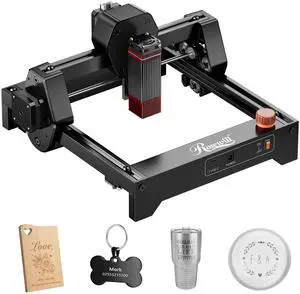
- Brand: Rosewill
- Type: Laser Engraver
- Color: Black
- Print Technology: Diode Laser
- Model #: Ray6mini_2.5W
- $129.99
- $99.99 –
- Save: $30.00 (23%)
- Free Shipping
Quick View
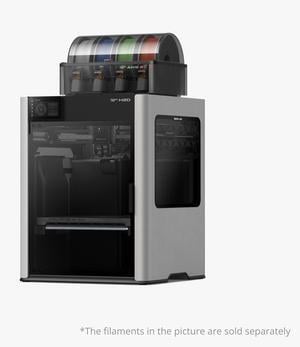
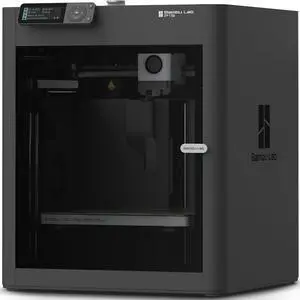
Bambu Lab H2D 3D printer laser engraving die-cutting brush multifunctional four-in-one high-precision large-size intelligent multi-color printing
- Series: H2D
- Type: 3D Printer & Engraving Machines
- Number of Extruders: 1
- Jets Diameter: 0.2mm、0.4mm、0.6mm、0.8mm
- Model #: Bambu Lab H2D
- $3,699.00
- See price in cart
- Free Shipping
Quick View
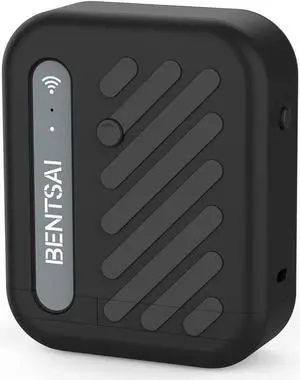
BENTSAI B10 Mini Handheld Printer Mobile Printer Code Printer Wirless WiFi Printer with iOS/Android APP (Black) for DIY Printing QR-Code Barcode Production Date Logo Batch Series Number
- Replacement Brand: BENTSAI
- Compatible Products: Low Consumption Ink - B10 Series work only with fast dry ink cartridges. Each cartridge contains 42ml single-color high capacity ink (This item includes only one black cartridge). Using a solvent fast dry ink, you are able to print anything on any porous and non-porous surfaces including paper, wood, cloth, carton box, glass, plastic, metal, ceramic, and even
- Model #: PB-B10B-PM01
- $329.00 –
- Free Shipping
Quick View
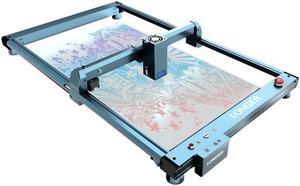
Longer B1 Series Expansion Kit, Engraving Area Extendable to 17.7" x 33.5" (450 x 850mm), Compatible with B1 20W/30W/40W Laser Engravers, Ideal for Engraving Extra-Long Objects Like Wood and Metal.
Limited time offer, ends 02/28
- Model #: B1 Y Extension Kits


Quick View
Longer RAY5 20W B1 20W B1 30W B1 40W Laser Air Assist Nozzle Kit
- Model #: Air Assist Nozzle Kit
Quick View
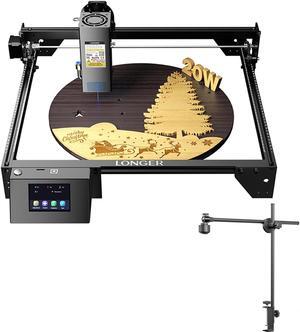
LONGER RAY5 20W Laser Engraver & 8MP Laser Engraver Lightbum Camera Module
Limited time offer, ends 02/28
- Model #: RAY5 20W & Lightbum Camera
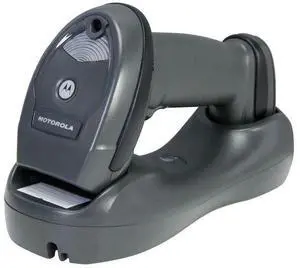
Quick View
- $142.98 –
- More options from $142.00 - $143.99
- Free Shipping
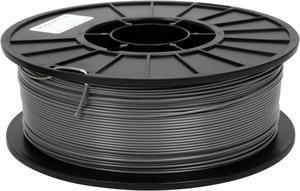
Quick View
MakerBot True Gray ABS Filament (1kg Spool)
- Melting Point: 1Amorphous, no "true" melting point
- Compatible System: MakerBot 3D Printers: Replicator 1 Replicator 2X Thing-O-Matic Stepstruder MK6+ and Up
- Weight: 2.20 lbs. (1 kg)
- Model #: MP02915
- $81.64 –
- Free Shipping
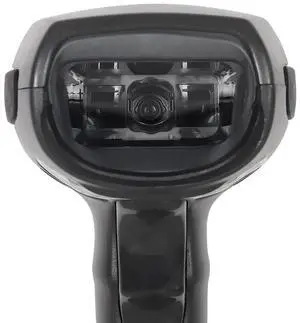
Quick View
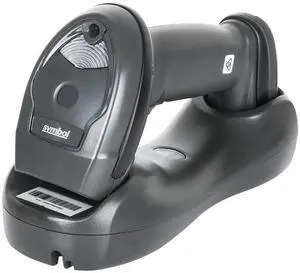
Ze,bra Sym,bol LI4278-SR20007WR USB Wireless 1D Handheld Barco,de Scann,er W/ Cradle
- Model #: LE-5003
- $142.98 –
- More options from $142.00 - $143.99
- Free Shipping
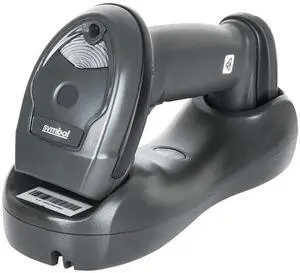
Quick View
- $142.97 –
- More options from $142.00 - $143.98
- Free Shipping
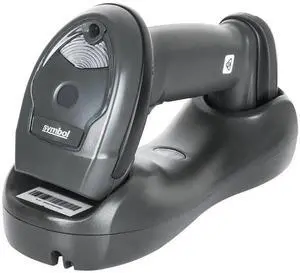
Quick View
- $142.97 –
- More options from $142.00 - $143.98
- Free Shipping
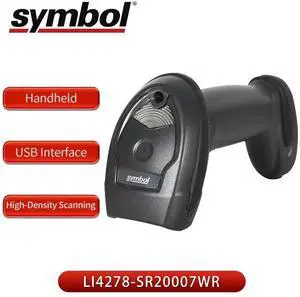
Quick View
- $142.98 –
- More options from $142.00 - $143.99
- Free Shipping
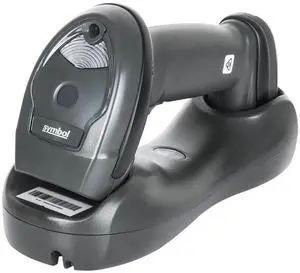
Quick View
- $142.97 –
- More options from $142.00 - $143.98
- Free Shipping
Quick View
- $142.97 –
- More options from $142.00 - $143.98
- Free Shipping
Quick View
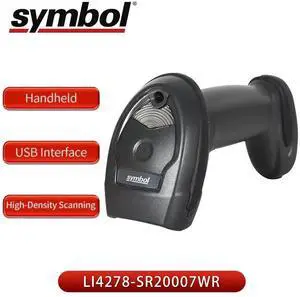
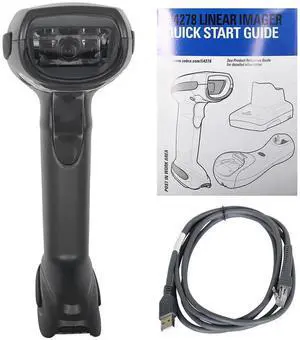
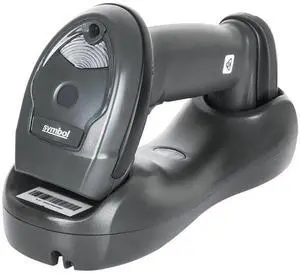
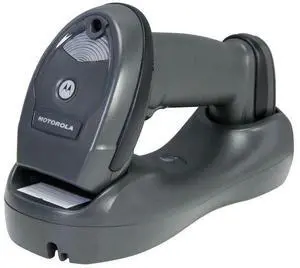
Ze,bra Sym,bol LI4278-SR20007WR 1D Wireless Handheld Barco,de Scann,er W/ USB Cradle
- Model #: LE-5006
- $142.98 –
- More options from $142.00 - $143.99
- Free Shipping
Quick View
- $142.98 –
- More options from $142.00 - $143.99
- Free Shipping
Quick View
- $142.97 –
- More options from $142.00 - $143.98
- Free Shipping
Quick View
- $142.98 –
- More options from $142.00 - $143.99
- Free Shipping
Quick View
- $142.98 –
- More options from $142.00 - $143.99
- Free Shipping
Quick View
- $142.98 –
- More options from $142.00 - $143.99
- Free Shipping
Quick View
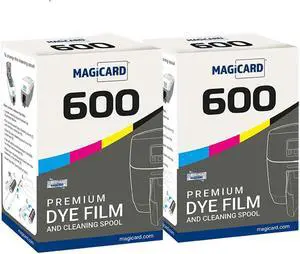
Bodno 2 x Magicard 600 Printer MB250YMCKOK Color Ribbon - YMCKOK - 250 Prints Software Demo Card
- Model #: DARKB08LK9DXZY
- $504.99 –
- Free Shipping
Quick View
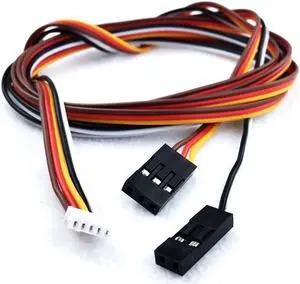
ANTCLABS BLTouch Servo Extension Cable Set (SM-DU-1000)
- Model #: SM-DU-1000
- $10.27 –
- Free Shipping
Quick View
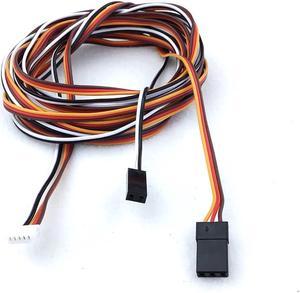
ANTCLABS BLTouch Servo Extension Cable Set (SM-DU-2000)
- Model #: SM-DU-2000
- $12.89 –
- Free Shipping
Quick View
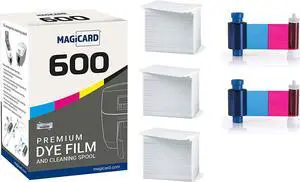
Bodno Magicard 600 Printer 2 x MB300YMCKO Color Ribbon - YMCKO - 600 Prints (Total) Premium CR80 30 Mil Graphic Quality PVC Cards - Qty 300
- Model #: DARKB088SRBB51
- $443.99 –
- Free Shipping
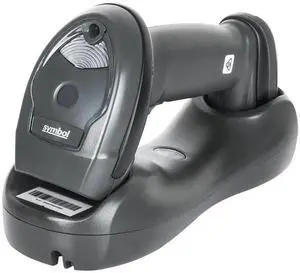
Quick View
- $142.97 –
- More options from $142.00 - $143.98
- Free Shipping
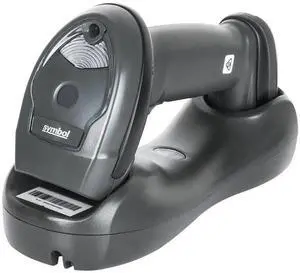
Quick View
- $142.97 –
- More options from $142.00 - $143.98
- Free Shipping
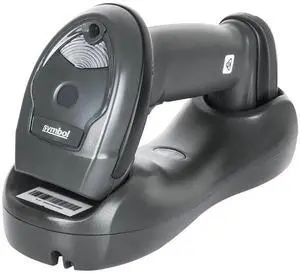
Quick View
- $142.97 –
- More options from $141.00 - $143.98
- Free Shipping
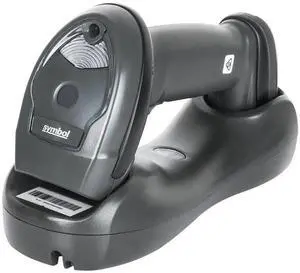
Quick View
- $142.97 –
- More options from $142.00 - $143.98
- Free Shipping
Quick View
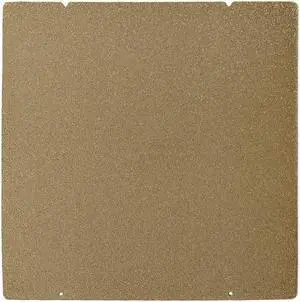
BCZAMD Prusa MK4 I3 MK3 MK52 Gold Double Sided Textured PEI Spring Steel Sheet Powder Coated PEI Build Plate for Prusa i3/quila pro/CR6 SE MK2.5S MK3 MK3S, 253.8 x 241MM
- Model #: vfrtR302951376327
- $51.46 –
- Free Shipping
Quick View
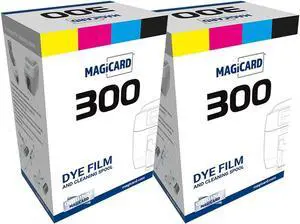
Bodno 2 x Magicard 300 Printer MC250YMCKOK Color Ribbon - YMCKOK - 250 Prints Software Demo Card
- Model #: DARKB08LKM69Q8
- $432.99 –
- Free Shipping
Quick View
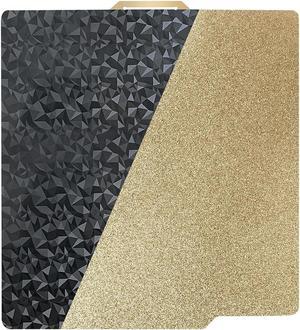
PEO+PEI Build Plate for Bambu Lab X1C/X1/P1P/P1S/A1, 257x257mm Double Sided PEO+PEI Spring Steel Bed Plate Flexible Textured Print Bed for Bambulab 3D Printers
OUT OF STOCK
- Model #: vfrtR302951372305
- $33.64 –
- Free Shipping
Choosing the Right Printer for Your Office Needs
When it comes to office solutions, printers and scanners are essential tools for any business. Whether you need to print important documents, scan invoices, or create professional-quality marketing materials, having the right equipment is crucial. In this article, we will explore the different types of printers and scanners available in the market and provide tips on how to choose the best one for your office.
All-in-One Printers: Versatility and Convenience
all-in-one printers, also known as multifunction printers, are a popular choice for offices. These devices combine the functionality of a printer, scanner, copier, and sometimes even a fax machine into a single unit. They offer versatility and convenience, allowing you to perform multiple tasks without the need for separate devices. All-in-one printers are available in both inkjet and laser options, catering to different printing needs and budgets.
Specialized Printers for Specific Tasks
In addition to all-in-one printers, there are specialized printers designed for specific tasks. For example, 3D printers are ideal for creating prototypes or intricate models, while barcode and label printers are perfect for businesses that require efficient inventory management. laser printers are known for their fast printing speeds and high-quality output, making them suitable for offices with high-volume printing needs. inkjet printers, on the other hand, are more cost-effective and can produce vibrant color prints.
Choosing the Right Supplies
Once you have selected the right printer for your office, it is important to choose the right supplies to ensure optimal performance and longevity. When it comes to inkjet printers, using high-quality ink cartridges is essential to achieve the best print quality and prevent clogging. For laser printers, it is important to choose the right type of toner cartridges that are compatible with your printer model. Additionally, investing in high-quality paper can make a significant difference in the final print results.
FAQs: Common Questions about Printers and Scanners
| Q: How often should I replace the ink cartridges? | A: The frequency of replacing ink cartridges depends on your printing volume. However, it is recommended to replace them when the print quality starts to degrade. |
|---|---|
| Q: Can I use third-party ink cartridges with my printer? | A: While it is possible to use third-party ink cartridges, it is important to ensure compatibility with your printer model. Using incompatible cartridges may result in poor print quality or damage to the printer. |
| Q: How do I clean the scanner glass? | A: To clean the scanner glass, use a soft, lint-free cloth slightly dampened with glass cleaner. Gently wipe the glass surface to remove any smudges or debris. |
| Q: What is the difference between optical and interpolated resolution in scanners? | A: Optical resolution refers to the actual hardware resolution of the scanner, while interpolated resolution is achieved through software enhancements. Optical resolution provides more accurate and detailed scans. |
| Q: How can I improve the scanning speed? | A: To improve scanning speed, reduce the scanning resolution, use black and white mode instead of color, and ensure that the scanner is connected to a high-speed USB port. |