

Your Browsing History
- Sold by Newegg

Any questions? Our AI mode will help you find out quickly.
Try me now

Quick View
CKE Upgraded Hydraulic Cable Crimper Hand Tool for 1/8, 3/16 Stainless Steel Cable Railing Fittings - Wire Swaging Tool-10 Ton and Stainless Steel Cable Cutter - Heavy Duty Head with 11 Dies HC05
- Model #: Tong409397164638miao
- $138.88 –
- Free Shipping
Quick View
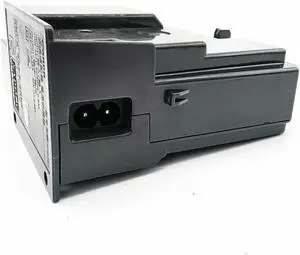
Power Supply Adapter K30361 Fits Forcanon-MB5180 MB5140 MB5110 MB5130 MB5170 MB5160 MB5100 MB5120 MB5190 MB5150
- Product Type: Printhead
- Model #: CH-DYJ-0323
- $85.73 –
- Free Shipping
Quick View
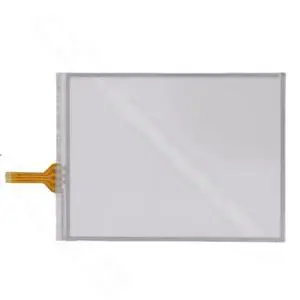
Generic CK3X CK3R CK3E Touchpad Screen Glass Compatible with CK3X
- Model #: 3256806981428286
- $78.68 –
- Free Shipping
Quick View
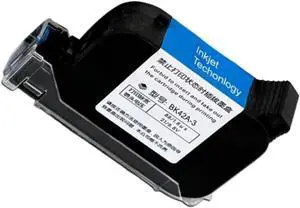
42ml Fast Drying Black Inkjet Cartridge Compatible with Handheld Printers BK42A-3 Replacement Compatible with 600DPI Dropshipping
- Model #: CHIDB0F98Z1969
- $184.99 –
- Free Shipping
Quick View
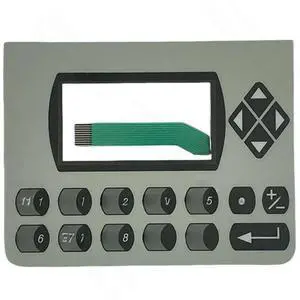
Generic C300 2711C-K3M Membrane Keypad Keyboard Compatible with C300 2711C-K3M
- Model #: 3256809250099826
- $62.80 –
- Free Shipping
Quick View
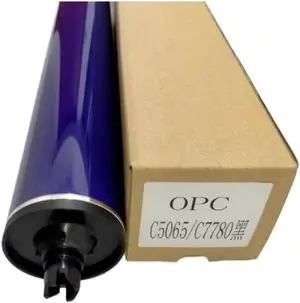
BKTHVAKAI Drum Unit Compatible with C6500 C5065 C700 C5400 C770 C75 J75 C5500
- Model #: ENGEB0GSTVLD9P
- $115.99 –
- Free Shipping
Quick View
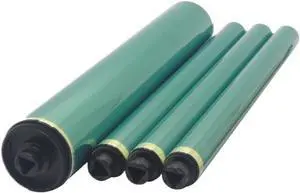
1 Set Compatible with Black CMY Color Drum Unit for C652 C451 C552 C650 C550 C452 C654 C754 Printer Models 8K1927225B
- Model #: ENGEB0GSY22XWQ
- $215.99 –
- Free Shipping
Quick View
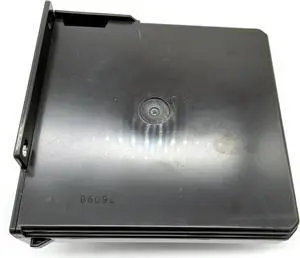
Power Supply Adapter k30361 Fits Forcanon-MB2300 MB2090 MB2320 MB2340 MB2330 MB2130 MB2100 MB2010 MB2310 MB2160 MB2030 MB2110
- Product Type: Printhead
- Model #: CH-DYJ-0369
- $85.43 –
- More options from $85.43
- Free Shipping
Quick View
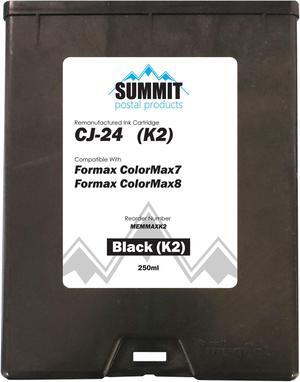
Formax CJ-24 Compatible Black (K2) Ink Cartridge for Colormax7 and Colomax8 Envelope Printers
- Cartridge Quantity: Single Pack
- Labor: 1 Year
- Parts: 1 Year
- Model #: CJ-24 (K2)
- $259.00 –
- Free Shipping
Quick View
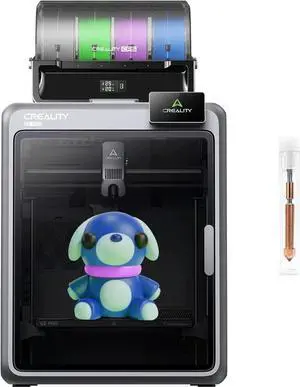
Creality Official K2 Pro Combo(A) 3D Printer, Multi-Color Printing with CFS, 600mm/s High-Speed, AI Cameras, Full Auto-Leveling, Dual Z-Axis, 300x300x300mm Build Volume
- Technology: FDM (Fused Deposition Modeling)
- Model #: 26-6CXY2334
- $1,799.00 –
- Free Shipping
Quick View
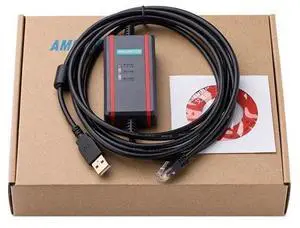
For KEYENCE PLC programming cable KV KZ series USB-KV+ FTDI chip
Limited time offer, ends 09/19
- Model #: JC6WV-0728-OYJ-580
- $61.55 –
- Free Shipping
Quick View
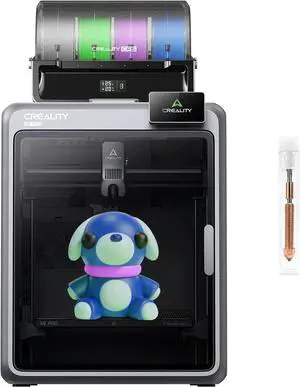
Creality Official K2 Pro Combo(A) 3D Printer, Multi-Color Printing with CFS, 600mm/s High-Speed, AI Cameras, Full Auto-Leveling, Dual Z-Axis, 300x300x300mm Build Volume
- Technology: FDM (Fused Deposition Modeling)
- Model #: 26-6CXY2335
- $1,699.00 –
- Free Shipping
Quick View
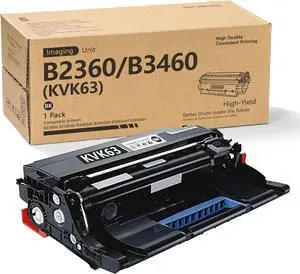
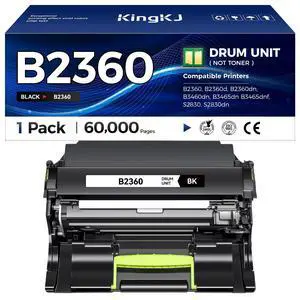
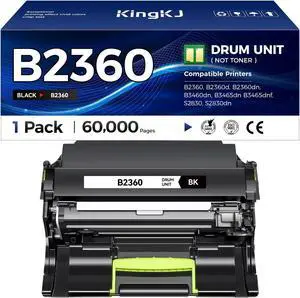
B2360 KVK63 Drum Unit 1-Pack Replacement for Dell KVK63 Drum use with B2360d B2360dn B3460dn B3465dn B3465dnf S2830dn Printers (1Black)
- Model #: DARJB0D54772FB
- $142.99 –
- Free Shipping
Quick View
B2360 KVK63 Drum Unit 1-Pack Replacement for Dell KVK63 Drum use with B2360d B2360dn B3460dn B3465dn B3465dnf S2830dn Printers (1Black)
- Model #: DARKB0FHV4JJLS
- $142.99 –
- Free Shipping
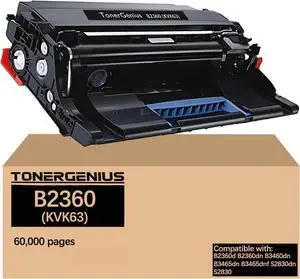
Quick View
B2360 KVK63 Drum Unit 331-9810 331-9811 Imaging Unit Compatible with Dell B2360d B2360dn B3460dn B3465dn B3465dnf S2830dn S2830 Imaging Drum
- Model #: DARKB0FJ83PPD3
- $94.99 –
- Free Shipping
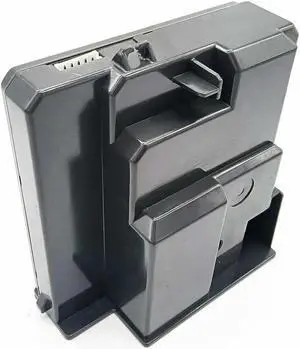
Quick View
Power Supply Adapter K30361 Fits Forcanon-MB2710 MB2340 MB2720 MB2390 MB2350 MB2360 MB2740 MB2700 MB2760 MB2730
- Product Type: Printhead
- Model #: CH-DYJ-0421
- $86.68 –
- Free Shipping
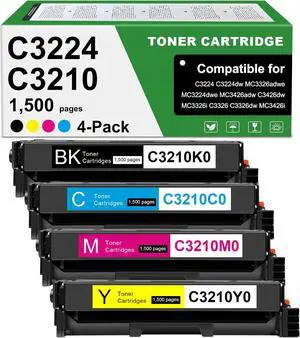
Quick View
MC3224 Toner Cartridges Compatible for Lexmark C3224 C3326 Toner Cartridge C3210K0 C3210C0 C3210M0 C3210Y0 for C3210 C3326 C3426 MC3224 MC3326 MC3426 Laser Printers (BKCMY)
- Model #: HANWB0F5H9Q5WY
- $342.99 –
- Free Shipping
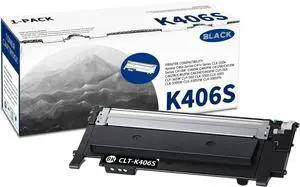
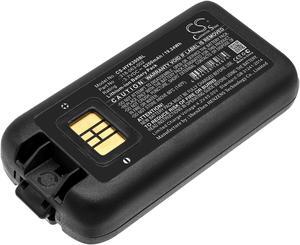
Quick View
Battery for Honeywell Dolphin CK65 CK3 CK3B CK3X CK3XR CK71 CK75 318-063-002
- Model #: CS-HYK300BL
- $62.29 –
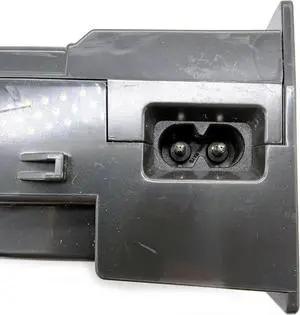
Quick View
Power Supply Adapter k30361 Fits Forcanon-PIXMA MB2740 MB5020 MB2700 MB5030 MB5000 MB2360 MB2720 MB5040 MB5050 MB5070 MB2730
- Product Type: Printhead
- Model #: CH-DYJ-0356
- $87.26 –
- Free Shipping
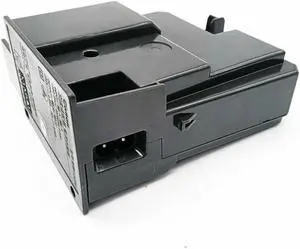
Quick View
Power Supply Adapter K30361 Fits Forcanon-MB2150 MB2110 MB2300 MB2160 MB2130 MB2120 MB2330 MB2320 MB2140 MB2310
- Product Type: Printhead
- Model #: CH-DYJ-0425
- $85.73 –
- Free Shipping
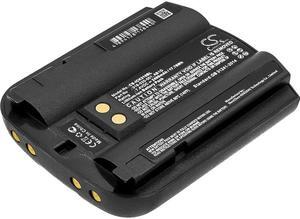
Quick View
Battery for Intermec CK30 CK31 CK32 318-020-001 AB1G Barcode Scanner CS-ICK310BL
- Model #: CS-ICK310BL
- $46.09 –
Quick View
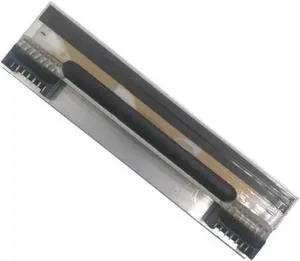
Thermal Printhead 203 dpi Compatible with Dibal K355, K500, K525, D500, D525, D900 Label Printers
- Model #: HANZB0GP22CLGN
- $111.99 –
- Free Shipping
Quick View
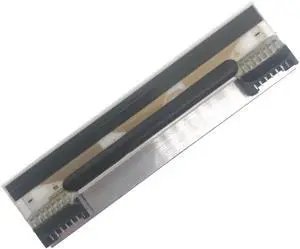
Thermal Printhead 5-Pack 203 dpi Compatible with Dibal K355, K500, K525, D500, D525, D900 Label Printers
- Model #: HANZB0GLFF1313
- $434.99 –
- Free Shipping
Quick View
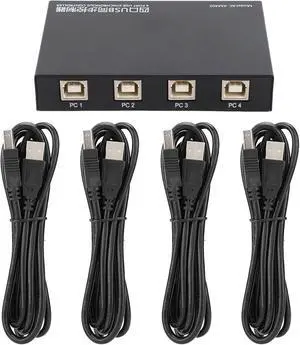
KC KM402 USB 2.0 Four Port Keyboard and Mouse Synchronous Controller, Plug and Play KVM Switch for Linux macOS Android, Hotkey and Mode Switching
- Model #: CLOWCAB0GQR4XV97
- $125.99 –
- Free Shipping

Quick View
NEW Kensington K39124WW CH1000 USB C 4 Port Hub
- Model #: c61-439641000163663
- $47.13 –
- Free Shipping

Quick View
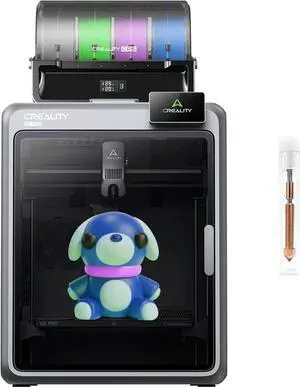
Creality Official K2 Pro Combo(A) 3D Printer, Multi-Color Printing with CFS, 600mm/s High-Speed, AI Cameras, Full Auto-Leveling, Dual Z-Axis, 300x300x300mm Build Volume
- Technology: FDM (Fused Deposition Modeling)
- Model #: 26-6CXY2337
- $1,599.00 –
- Free Shipping
Quick View
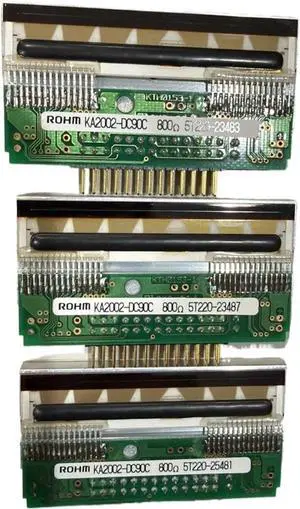
Compatible KA2002-DC90C Thermal Printhead Replaces KF2002-C1SXA
- Model #: ENGEB0GSFPPTLN
- $600.99 –
- Free Shipping
Quick View
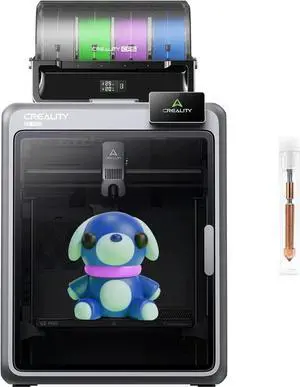
Creality Official K2 Pro Combo(A) 3D Printer, Multi-Color Printing with CFS, 600mm/s High-Speed, AI Cameras, Full Auto-Leveling, Dual Z-Axis, 300x300x300mm Build Volume
Limited time offer, ends 09/19
- Model #: JC32P-0623-1
- $1,898.99 –
- Free Shipping
Quick View
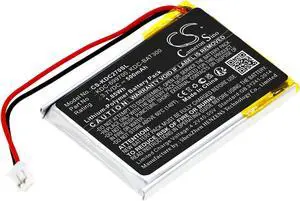
Battery for KOAMTAC KDC270 KDC280 KDC30 KDC300 KDC-699700 KDC-BAT300 CS-KDC270SL
- Model #: CS-KDC270SL
- $24.49 –
Quick View
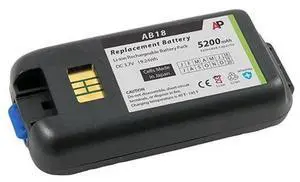
IntermecNorand CK3 Scanner Replacement Battery 5200 mAh Extended Capacity
- Model #: barcod2651
- $70.01 –
- $15.00 Shipping
Quick View
Compatible KD2002-CAFWO BCII Printhead for BC II BS SC TDP-225 TTP-225
- Model #: ENGEB0GS98DBMP
- $103.99 –
- Free Shipping
Choosing the Right Printer for Your Office Needs
When it comes to office solutions, printers and scanners are essential tools for any business. Whether you need to print important documents, scan invoices, or create professional-quality marketing materials, having the right equipment is crucial. In this article, we will explore the different types of printers and scanners available in the market and provide tips on how to choose the best one for your office.
All-in-One Printers: Versatility and Convenience
all-in-one printers, also known as multifunction printers, are a popular choice for offices. These devices combine the functionality of a printer, scanner, copier, and sometimes even a fax machine into a single unit. They offer versatility and convenience, allowing you to perform multiple tasks without the need for separate devices. All-in-one printers are available in both inkjet and laser options, catering to different printing needs and budgets.
Specialized Printers for Specific Tasks
In addition to all-in-one printers, there are specialized printers designed for specific tasks. For example, 3D printers are ideal for creating prototypes or intricate models, while barcode and label printers are perfect for businesses that require efficient inventory management. laser printers are known for their fast printing speeds and high-quality output, making them suitable for offices with high-volume printing needs. inkjet printers, on the other hand, are more cost-effective and can produce vibrant color prints.
Choosing the Right Supplies
Once you have selected the right printer for your office, it is important to choose the right supplies to ensure optimal performance and longevity. When it comes to inkjet printers, using high-quality ink cartridges is essential to achieve the best print quality and prevent clogging. For laser printers, it is important to choose the right type of toner cartridges that are compatible with your printer model. Additionally, investing in high-quality paper can make a significant difference in the final print results.
FAQs: Common Questions about Printers and Scanners
| Q: How often should I replace the ink cartridges? | A: The frequency of replacing ink cartridges depends on your printing volume. However, it is recommended to replace them when the print quality starts to degrade. |
|---|---|
| Q: Can I use third-party ink cartridges with my printer? | A: While it is possible to use third-party ink cartridges, it is important to ensure compatibility with your printer model. Using incompatible cartridges may result in poor print quality or damage to the printer. |
| Q: How do I clean the scanner glass? | A: To clean the scanner glass, use a soft, lint-free cloth slightly dampened with glass cleaner. Gently wipe the glass surface to remove any smudges or debris. |
| Q: What is the difference between optical and interpolated resolution in scanners? | A: Optical resolution refers to the actual hardware resolution of the scanner, while interpolated resolution is achieved through software enhancements. Optical resolution provides more accurate and detailed scans. |
| Q: How can I improve the scanning speed? | A: To improve scanning speed, reduce the scanning resolution, use black and white mode instead of color, and ensure that the scanner is connected to a high-speed USB port. |