

Your Browsing History
- In Stock
- Sold by Newegg
- New

Any questions? Our AI mode will help you find out quickly.
Try me now
Quick View

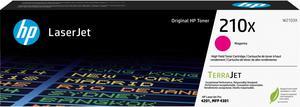
- Brand: HP
- Series: TerraJet
- Model: W2103X
- Part Number: W2103X
- Model #: W2103X
- $268.99
- See price in cart
- More options from $268.89 - $334.57
- Free Shipping

Quick View
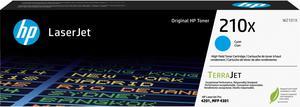
- Brand: HP
- Series: TerraJet
- Model: HP 210X Cyan
- Part Number: W2101X
- Model #: W2101X
Quick View
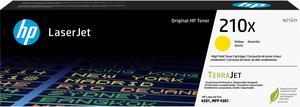
- Brand: HP
- Series: TerraJet
- Model: HP 210X Yellow
- Part Number: W2102X
- Model #: W2102X
- $268.99
- See price in cart
- More options from $268.89 - $334.57
- Free Shipping
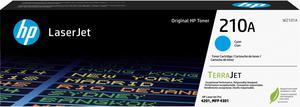
Quick View
- Brand: HP
- Series: TerraJet
- Model: HP 210A Cyan
- Part Number: W2101A
- Model #: W2101A
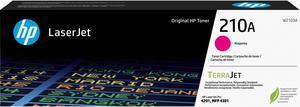
Quick View
- Brand: HP
- Series: TerraJet
- Model: HP 210A
- Part Number: W2103A
- Model #: W2103A
- $138.99
- See price in cart
- More options from $138.89 - $179.66
- Free Shipping

Quick View
- Part Number: W2132X
- Cartridge Quantity: 1
- Approximate Page Yield: 6,000 standard pages in accordance with ISO/IEC 19752
- Operating Humidity: 10 to 80% RH
- Model #: W2132X
- $321.99
- See price in cart
- More options from $321.89
- Free Shipping
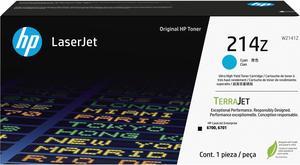
Quick View
- Part Number: W2141Z
- Cartridge Quantity: 1
- Model #: W2141Z
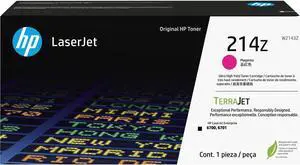
Quick View
- Part Number: W2143Z
- Cartridge Quantity: 1
- Model #: W2143Z
Quick View
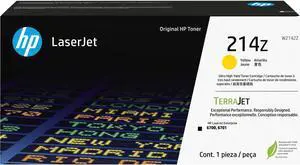
- Part Number: W2142Z
- Cartridge Quantity: 1
- Approximate Page Yield: 26,000 standard pages
- Operating Humidity: 10 to 80% RH
- Model #: W2142Z
Quick View
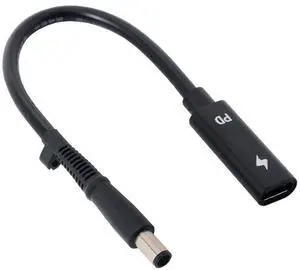
BUCIER Type C USB-C Female Input to DC Power PD Charge Cable fit for Laptop 18-20V (7.4x5.0mm)
- Brand: BUCIER
- Type: USB
- Connector Type: USB Type C
- Color: Black
- Model #: 8567457848
Quick View
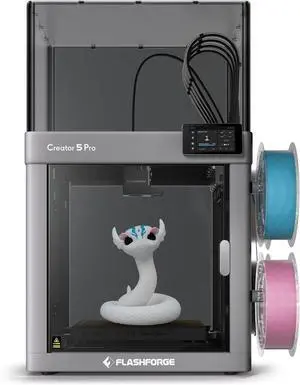
Flashforge Creator 5 Pro 4-Toolheads Enclosed Multi-Color 3D Printer | 500% Faster, Zero Purge Waste
- Technology: FDM (Fused Deposition Modeling)
- Model #: Creator 5 Pro
- $999.00
- See price in cart
- Free Shipping
Quick View
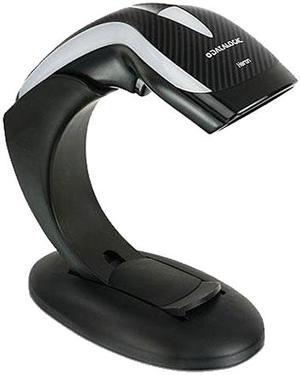
Heron HD3130 Linear Imager Barcode Reader and 1D Scanner, USB Kit, Black - HD3130-BKK1B
- Series: Heron
- Part Number: HD3130-BKK1B
- Form Factor: Handheld
- Connectivity: Cable
- Model #: HD3130-BKK1B
- $152.49 –
- More options from $152.49 - $170.36
- Free Shipping
Quick View
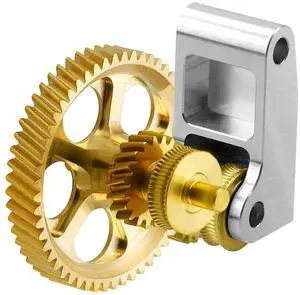
SeulQirw Panda Claw Gold RNC Nanocoated Hardened Steel Extruder Gear for Bambu Lab X1C/P1P/P1S 3D Printers,Golden RNC Nano-Coated Extruder Gear
- Brand: SeulQirw
- Part Number: LSTJ0156
- Type: LSTJ0156
- Model #: 765374657800
- $18.99 –
- Free Shipping
Quick View
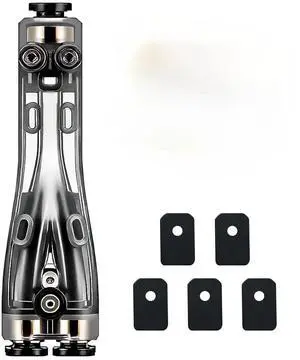
Original Bamboo 4 in 1 PTFE Adapter for Bambu Lab X2D/H2C/H2D/H2S/P1S/P1P/P2S/X1C/A1/A1MINI/A2L 3D Printer, Multi-Filament Compatibility, Built-in Cleaning Blade & Anti-Clog Design for Smooth Feeding
- Brand: ANKEI
- Part Number: SA014-Y
- Color: Original4 in 1 PTFE Adapter
- Type: SA014-Y
- Model #: 160245191957
- $19.59 –
- Free Shipping
Quick View
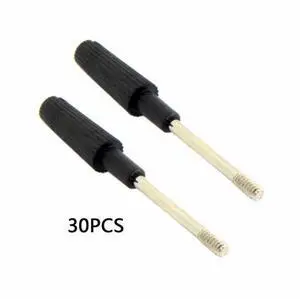
30pcs Thumb Screws #4-40 UNC 47mm Length Stainless Steel Overmold for Computer DVI VGA RS232 Cable
- Model #: CN-021-30PCS_NG2
- $8.88 –
- Free Shipping
Quick View
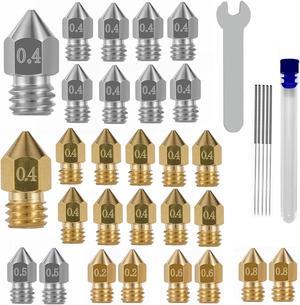
32PCS Nozzles 3D Printer nozzles Mk8 Nozzle, Stainless Steel, Brass,Compatible with Ender 3/Ender 3 Pro Nozzle/Ender 3 Neo/Ender 3 Max/Ender 5 Pro/,/Ender 3 Neo/CR 10..., Welcome to consult
- Model #: kolitt9451486448786
- $24.99 –
- Free Shipping
Quick View
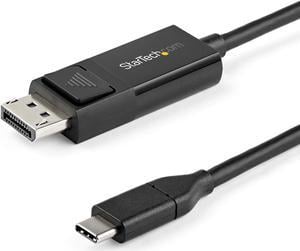
StarTech.com 3.3 ft. (1 m) USB C to DisplayPort 1.2 Cable - Bidirectional - 4K 60Hz - Thunderbolt 3 - USB Type C Adapter Cable (CDP2DP1MBD)
- Type: USB-C to DP 1.2 Adapter Cable
- Connector Number: 2
- Connector Detail: Connector A: 1 - USB-C (24 pin) DisplayPort Alt Mode Connector B: 1 - DisplayPort (20 pin)
- Terminal Gender: Male to Male
- Model #: CDP2DP1MBD
- $35.33 –
- More options from $35.33
Quick View
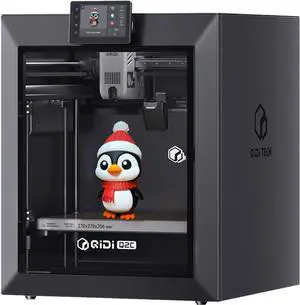
QIDI TECH Q2C 3D Printer, 600mm/s Speed 370°C All-Metal Hotend Enclosed FDM with New Generation Leveling Sensor for Full Auto Leveling, 270x270x256mm Build Volume,Unlock PPS-CF from Beginner to Expert
- Technology: FDM (Fused Deposition Modeling)
- Parts: 1 Year
- Labor: 1 Year
- Model #: 1297483
- $429.99 –
- Free Shipping
Quick View
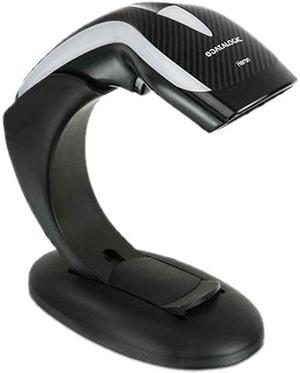
Heron HD3130 Linear Imager Barcode Reader and 1D Scanner with Stand, Black - HD3130-BK
- Series: Heron
- Part Number: HD3130-BK
- Form Factor: Presentation
- Scan Engine: 1D
- Model #: HD3130-BK
- $159.99
- $146.99 –
- Save: $13.00 (8%)
- More options from $146.99 - $156.01
- $7.99 Shipping
Quick View
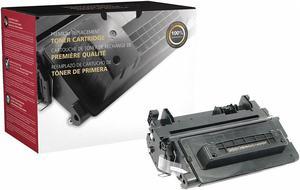
Clover HP Toner Cartridge, No. 90A, Black Black 200553P
- Model #: 200553P
- $78.99
- $71.99 –
- Save: $7.00 (8%)
- More options from $71.99 - $81.03
- Free Shipping
Quick View
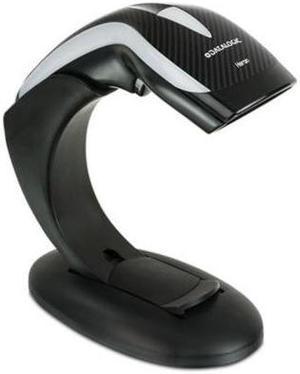
Datalogic Heron HD3430 General Purpose Corded 2D Area Imager Barcode Reader with Stand, USB Kit, Black - HD3430-BKK1B
- Series: Heron
- Connectivity: Cable
- Interfaces Supported: USB
- Cordless Type: Handheld Barcode Scanner
- Model #: HD3430-BKK1B
- $294.99 –
- More options from $294.99 - $358.67
- $2.99 Shipping
Quick View
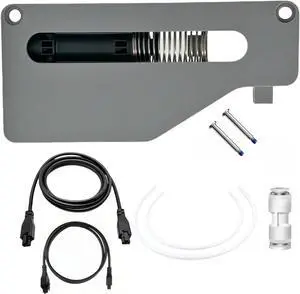
AMS Filament Buffer Assembly Kits -Essential for Multi-Color 3D Printing Accessories,3D Printer Accessories for Bambu Lab AMS P1P,P1S,X1C,X1E 3D Printer
- Model #: STARWELL426253765921Lan
- $67.98 –
- Free Shipping
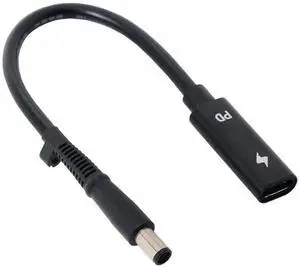
Quick View
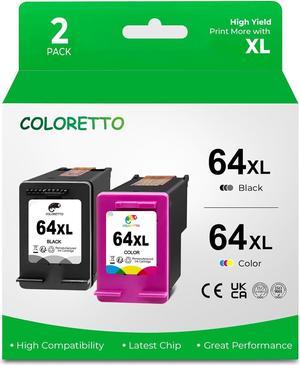
Aomoproing Type C USB-C Female Input to DC Power PD Charge Cable fit for Laptop 18-20V (7.4x5.0mm)
- Model #: ww-618
- $16.99 –
- Free Shipping
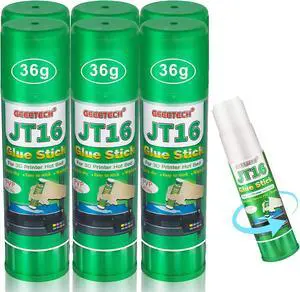
Quick View
3D Printer Glue Sticks, 36 Grams Each PVP Solid Glue Sticks for Hot Bed Plate, Washable, Non-Toxic, Reduce Warping for PLA, ABS, PETG, HIPS, TPU Filament on PEI, Glass, Aluminum, Buildtak Board, 6Pcs
- Model #: STARWELL426253756042Lan
- $23.98 –
- Free Shipping
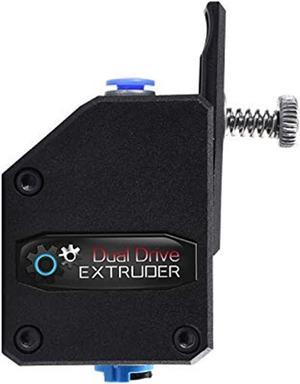
Quick View
3Dman Dual Drive Bowden Extruder Universal Geared Extruders for Ender 3 V2, Ender 3 Pro, Ender 3 Series, CR10 Series, Mega S, Tevo Tornado, Wanhao D9, Anet A8 E10, Prusa I3 and DIY 3D Printer
- Model #: STARWELL426253758312Lan
- $27.98 –
- Free Shipping
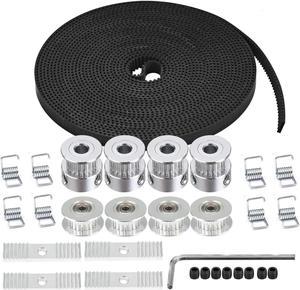
Quick View
Zeelo 5M GT2 Timing Belt 6mm Width + 4pcs 20 Teeth 5mm Bore Timing Pulley Wheel + 4pcs Idler + 8pcs Tensioner Spring Torsion + 4pcs Gear Clamp Mount Block with Allen Wrench for 3D Printer
- Model #: STARWELL426253759487Lan
- $33.98 –
- Free Shipping
Quick View
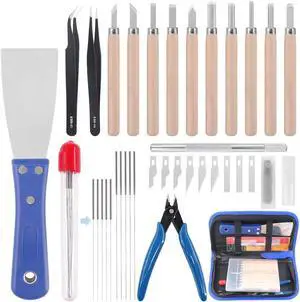
Glarks 34Pieces 3D Printer Nozzle Cleaning Removal Tool Kit, Including 0.35mm 0.4mm Cleaning Needles, Wood Carving Tools Kit, Knife Clean Up Kit, Tweezers, Scraper, Wire Cutter
- Model #: STARWELL426253755670Lan
- $37.98 –
- Free Shipping
![[5pcs/Pack] Hardened Steel Tool High Temperature Pointed Wear Resistant Nozzles 0.4 mm/1.75 mm 3D Printer Compatible with Makerbot, Creality CR-10 All Metal Hotend, Ender 3/ Ender3 pro, Prusa i3](https://c1.neweggimages.com/productimage/nb300/BMC3D230823028Y1M14.jpg "[5pcs/Pack] Hardened Steel Tool High Temperature Pointed Wear Resistant Nozzles 0.4 mm/1.75 mm 3D Printer Compatible with Makerbot, Creality CR-10 All Metal Hotend, Ender 3/ Ender3 pro, Prusa i3")

Choosing the Right Printer for Your Office Needs
When it comes to office solutions, printers and scanners are essential tools for any business. Whether you need to print important documents, scan invoices, or create professional-quality marketing materials, having the right equipment is crucial. In this article, we will explore the different types of printers and scanners available in the market and provide tips on how to choose the best one for your office.
All-in-One Printers: Versatility and Convenience
all-in-one printers, also known as multifunction printers, are a popular choice for offices. These devices combine the functionality of a printer, scanner, copier, and sometimes even a fax machine into a single unit. They offer versatility and convenience, allowing you to perform multiple tasks without the need for separate devices. All-in-one printers are available in both inkjet and laser options, catering to different printing needs and budgets.
Specialized Printers for Specific Tasks
In addition to all-in-one printers, there are specialized printers designed for specific tasks. For example, 3D printers are ideal for creating prototypes or intricate models, while barcode and label printers are perfect for businesses that require efficient inventory management. laser printers are known for their fast printing speeds and high-quality output, making them suitable for offices with high-volume printing needs. inkjet printers, on the other hand, are more cost-effective and can produce vibrant color prints.
Choosing the Right Supplies
Once you have selected the right printer for your office, it is important to choose the right supplies to ensure optimal performance and longevity. When it comes to inkjet printers, using high-quality ink cartridges is essential to achieve the best print quality and prevent clogging. For laser printers, it is important to choose the right type of toner cartridges that are compatible with your printer model. Additionally, investing in high-quality paper can make a significant difference in the final print results.
FAQs: Common Questions about Printers and Scanners
| Q: How often should I replace the ink cartridges? | A: The frequency of replacing ink cartridges depends on your printing volume. However, it is recommended to replace them when the print quality starts to degrade. |
|---|---|
| Q: Can I use third-party ink cartridges with my printer? | A: While it is possible to use third-party ink cartridges, it is important to ensure compatibility with your printer model. Using incompatible cartridges may result in poor print quality or damage to the printer. |
| Q: How do I clean the scanner glass? | A: To clean the scanner glass, use a soft, lint-free cloth slightly dampened with glass cleaner. Gently wipe the glass surface to remove any smudges or debris. |
| Q: What is the difference between optical and interpolated resolution in scanners? | A: Optical resolution refers to the actual hardware resolution of the scanner, while interpolated resolution is achieved through software enhancements. Optical resolution provides more accurate and detailed scans. |
| Q: How can I improve the scanning speed? | A: To improve scanning speed, reduce the scanning resolution, use black and white mode instead of color, and ensure that the scanner is connected to a high-speed USB port. |