

Your Browsing History
- Sold by Newegg

Any questions? Our AI mode will help you find out quickly.
Try me now
Quick View
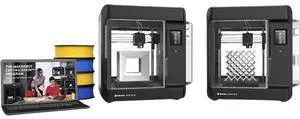
MakerBot Sketch Standard Classroom 3D Printer, Two-Printer Setup | SKETCHKIT-KIT
- Brand: Makerbot
- Part Number: SKETCHKIT-KIT
- Type: 3D Printer
- Color: Black
- Model #: SKETCHKIT-KIT
- $2,598.00
- $2,083.99 –
- Save: $514.01 (19%)
- Free Shipping
Quick View
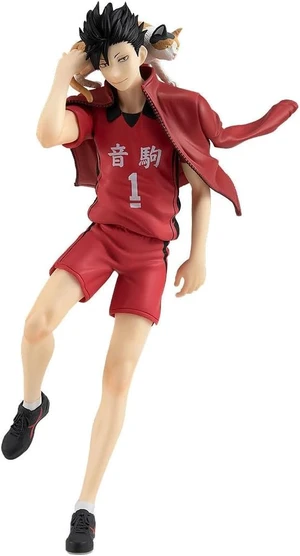
Haikyu!! Tetsuro Kuroo Pop Up Parade PVC Figure
- Model #: TONFB0B4NRSGN2
- $131.99 –
- Free Shipping
Quick View
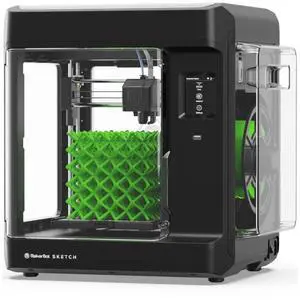
Makerbot Sketch Standard, 3D Printer for small size projects | SKETCHKIT
- Technology: FDM (Fused Deposition Modeling)
- Type: 3D Printer
- Brand: Makerbot
- Build Size: 150mm x 150mm x 150mm (5.9 x 5.9 x 5.9 inches)
- Model #: SKETCHKIT
- $1,268.83 –
- More options from $1,188.00 - $1,320.99
- Free Shipping
Quick View
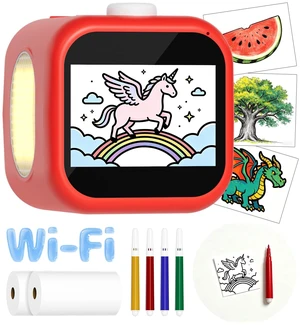
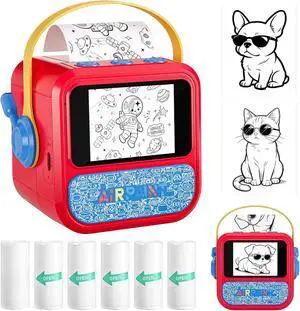
AI Voice Sticker Printer, 3.5" HD Touchscreen Mini Thermal Inkless Printer with Ambient Light, WiFi Portable Sticker Maker Machine with 2000mAh Battery for Kids DIY, Journaling & Gift(Red)
- Brand: Gtonster
- Series: YAT-US-AMZ-A68, 1
- Part Number: YAT-US-AMZ-A68
- Print Technology: Thermal
- Model #: 647334127505
- $94.99 –
- Free Shipping
Quick View
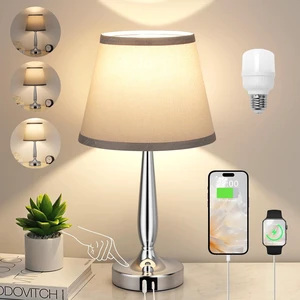
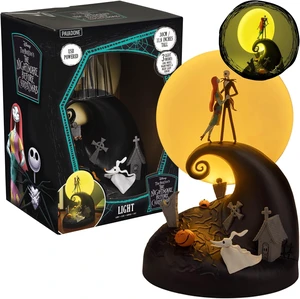
Paladone Nightmare Before Christmas Diorama Light 30cm (11.8") LED Spiral Hill Lamp with Jack & Sally Figurines, USB Powered with Warm & Cool Light Modes, Home Décor for Fans
- Model #: TONFB0GVVB3DNZ
- $115.99 –
- Free Shipping
Quick View
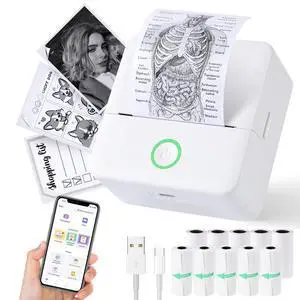
Mini Sticker Printer, X6 Print Pod with 10 Rolls Thermal Paper | Bluetooth Pocket Printer Sticker Maker for Phone, Impresora Portátil for Gifts, DIY, Journaling Supplies, Photos (White)
- Brand: cudinham
- Series: 1
- Part Number: 1
- Print Technology: Thermal
- Model #: 053712274707
- $51.99 –
- Free Shipping
Quick View
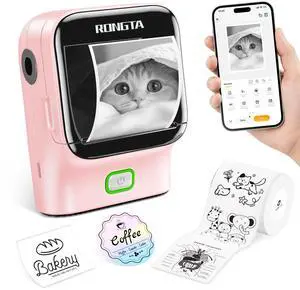
Mini Sticker Printer, Bluetooth Thermal Label Printer, Portable Inkless Label Maker Suitable for Creative Kids DIY, Diaries, Study Notes, Pink
- Brand: Rongta
- Series: R22B
- Part Number: 1
- Print Technology: inkless
- Model #: 746656503761
- $26.99 –
- Free Shipping
Quick View
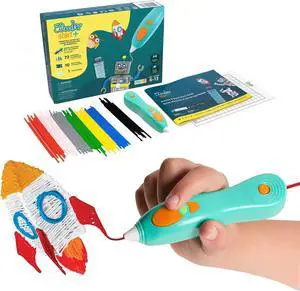
3Doodler Start+ Essentials 3D Pen for Kids | Easy to Use, Learn from Home Art Activity, Educational STEM Toy for Boys & Girls Ages 6+
- Model #: C0A712465010410889
- $111.48 –
- Free Shipping
Quick View
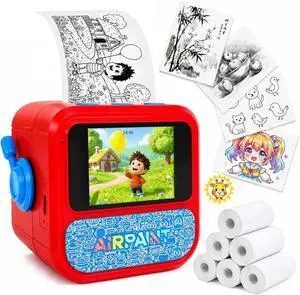
FamilyKit AI Smart Voice Sticker Printer Box Toy Gift for Boys Girls
- Model #: HANWB0GVY7GJ4S
- $72.99 –
- Free Shipping
Quick View
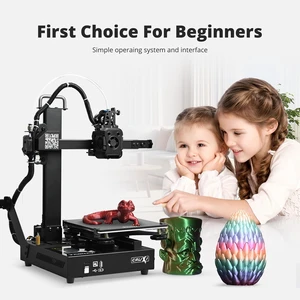
TRONXY Small High Speed 3D Printer, CRUX 1S Desktop Mini 3D Printer for Beginners, Proximal Printhead with Dual-axis Metal Guide, Build Size 7.09x7.09x7.09 inch
- Type: crux1s
- Brand: TRONXY
- Series: crux1s
- Part Number: crux 1S
- Model #: crux 1S
- $189.00 –
- Free Shipping
Quick View
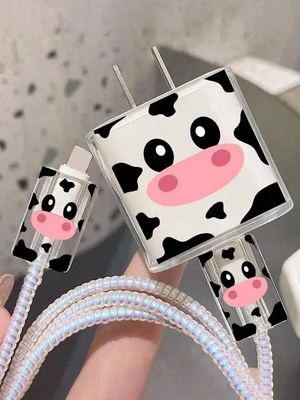
Bks 5-Pack Cartoon Cow Cable Winder Organizer, Anti-Break Charging Protector for Apple iPhone 20W Fast Charge Cables
- Brand: China Bks
- Type: Power
- Connector Type: type
- Color: Multi-Color
- Model #: DGNDY-EQ50
- $5.41 –
- $5.00 Shipping
Quick View
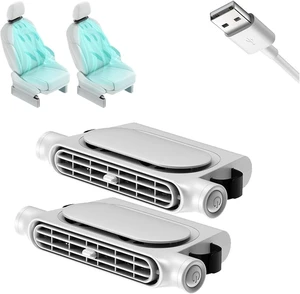
Car Seat Fan for BMW 7 Series LWB F02 2008-2015 Driver Backseat
- Model #: TONFB0HDC6R14Q
- $72.99 –
- Free Shipping
Quick View
Car Seat Fan for BMW 6 Series(4door) 2011-2016 Driver Backseat
- Model #: TONFB0HDC6S3YX
- $72.99 –
- Free Shipping
Quick View
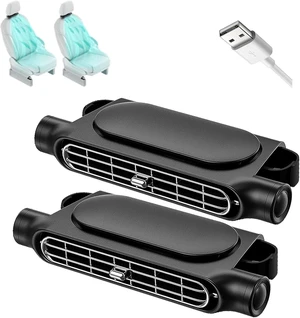
Car Seat Fan for BMW 5 Series E60+E61 2003-2010 Driver Backseat
- Model #: TONFB0HDCHQKPW
- $72.99 –
- Free Shipping
Quick View
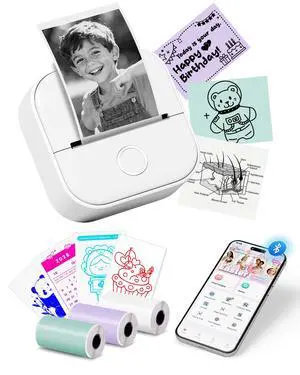
Mini Printer T02 Thermal Sticker Printer with 3 Rolls Paper | Portable Thermal Printer Sticker Maker Machine, Bluetooth Label Printer for Study Graphics, Anatomical Diagrams, DIY, Gift
- Brand: Oki
- Series: T02, 2
- Part Number: T02-WH-A1-3SET(1)
- Print Technology: Inkless
- Model #: 083127834477
- $69.99 –
- Free Shipping
Quick View
Car Seat Fan for BMW 4 Series(2door) F32 2013-2019 Driver Backseat
- Model #: TONFB0HDCCLX6Y
- $72.99 –
- Free Shipping
Quick View
Car Seat Fan for BMW 5 Series G30+G31 2017-2023 Driver Backseat
- Model #: TONFB0HDC6YS2V
- $72.99 –
- Free Shipping
Quick View
Car Seat Fan for BMW 8 Series G14 2019-2023 Driver Backseat
- Model #: TONFB0HDCHDBT8
- $72.99 –
- Free Shipping
Quick View
Car Seat Fan for BMW 5 Series wagon 2011-2017 Driver Backseat
- Model #: TONFB0HDCFDD13
- $72.99 –
- Free Shipping
Quick View
Mini Sticker Printer | Bluetooth Thermal Label Printer, Portable Inkless Label Maker Suitable for Creative Kids DIY, Diaries, Study Notes, Pink
- Brand: Rongta
- Series: R22B
- Part Number: 1
- Print Technology: inkless
- Model #: 195636414462
- $26.99 –
- Free Shipping
Quick View
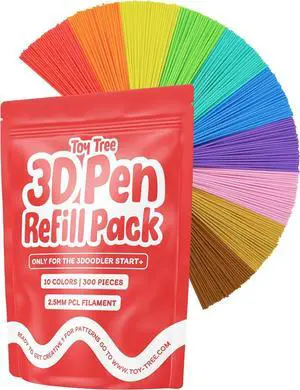
Toy Tree 300 Piece 3D Pen Refill Pack | Compatible with The 3Doodler Start+ Only | 10 Tropical Colors of Safe Low Temperature PCL Filament 2.5mm Thick | Not Compatible with Other 3D Pens
- Material: PLA
- Model #: 433330055226ComputerzoneGANG
- $38.98 –
- Free Shipping
Quick View
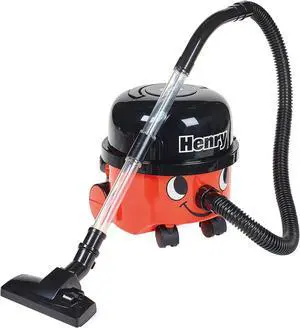
Casdon Henry & Hetty Toys - Henry Vacuum Cleaner - Red Vacuum Cleaning Toy with Real Function & Nozzle Accessories - Kids Cleaning Set - For Children Aged 3+
- Model #: EQWER462277178231
- $67.49 –
- Free Shipping
Quick View
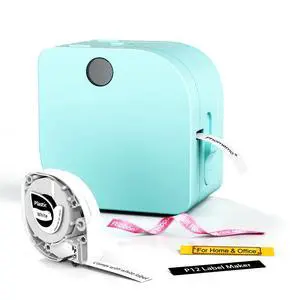
Label Maker Machine with Tape, P12 Bluetooth Small Label Makers
- Brand: Phomemo
- Series: P12-label maker
- Part Number: P12-Green
- Print Technology: Inkless
- Model #: 362429226806
- $29.99 –
- Free Shipping
Quick View
Label Maker Machine with Tape, P12 Bluetooth Small Label Makers | Inkless, Multiple Templates Thermal Transfer Ribbon Printer Machine for Home, School, Teacher, Classroom Name Tags
- Brand: Phomemo
- Series: P12-label maker
- Part Number: P12-Green
- Print Technology: Inkless
- Model #: 799630575460
- $29.99 –
- Free Shipping

Quick View
3Doodler Start+ Essentials 3D Pen for Kids | Easy to Use, Learn from Home Art Activity, Educational STEM Toy for Boys & Girls Ages 6+
- Model #: 433330052805ComputerzoneGANG
- $111.89 –
- Free Shipping
Quick View
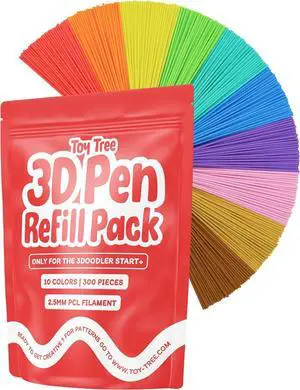
Toy Tree 300 Piece 3D Pen Refill Pack | Compatible with The 3Doodler Start+ Only | 10 Tropical Colors of Safe Low Temperature PCL Filament 2.5mm Thick | Not Compatible with Other 3D Pens
- Model #: STARWELL426253765686Lan
- $38.98 –
- Free Shipping
Quick View
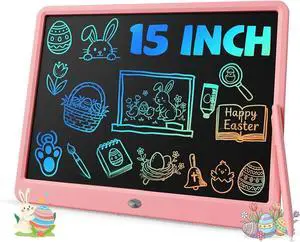
TEKFUN Teen Girl Gifts Ideas, 15inch LCD Writing Tablet for Kids Age 8-10 and Up, Doodle Board 4 5 6 7 Year Old Girl Toys, Mothdays Day Gifts Homeschool Supplies Easter Gifts for Adults(Pink)
- Model #: STARWELL426253762531Lan
- $41.78 –
- Free Shipping
Quick View
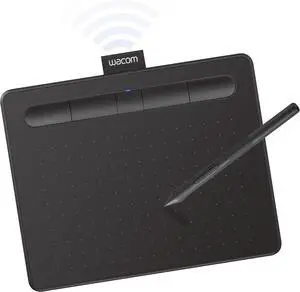
Wacom Intuos Small Bluetooth Graphics Drawing Tablet, 4 Customizable ExpressKeys, Portable for Teachers, Students and Creators, Compatible with Chromebook Mac OS Android and Windows - Black
- Model #: 433330052690ComputerzoneGANG
- $150.89 –
- Free Shipping
Quick View
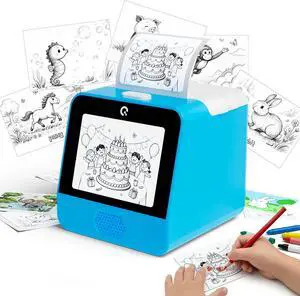
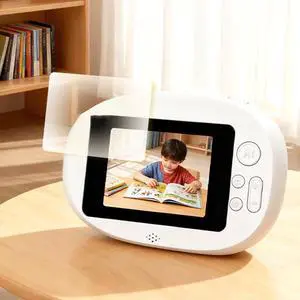
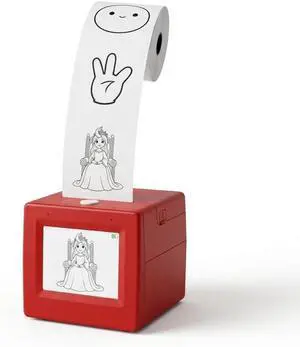
Kids mini Thermal Printer for Challenge Cards clue Notes Activity Sheets and Family Game Materials with Screen Preview and inkless Printing
- Model #: ENGEB0GVJZ9V92
- $88.99 –
- Free Shipping
Choosing the Right Printer for Your Office Needs
When it comes to office solutions, printers and scanners are essential tools for any business. Whether you need to print important documents, scan invoices, or create professional-quality marketing materials, having the right equipment is crucial. In this article, we will explore the different types of printers and scanners available in the market and provide tips on how to choose the best one for your office.
All-in-One Printers: Versatility and Convenience
all-in-one printers, also known as multifunction printers, are a popular choice for offices. These devices combine the functionality of a printer, scanner, copier, and sometimes even a fax machine into a single unit. They offer versatility and convenience, allowing you to perform multiple tasks without the need for separate devices. All-in-one printers are available in both inkjet and laser options, catering to different printing needs and budgets.
Specialized Printers for Specific Tasks
In addition to all-in-one printers, there are specialized printers designed for specific tasks. For example, 3D printers are ideal for creating prototypes or intricate models, while barcode and label printers are perfect for businesses that require efficient inventory management. laser printers are known for their fast printing speeds and high-quality output, making them suitable for offices with high-volume printing needs. inkjet printers, on the other hand, are more cost-effective and can produce vibrant color prints.
Choosing the Right Supplies
Once you have selected the right printer for your office, it is important to choose the right supplies to ensure optimal performance and longevity. When it comes to inkjet printers, using high-quality ink cartridges is essential to achieve the best print quality and prevent clogging. For laser printers, it is important to choose the right type of toner cartridges that are compatible with your printer model. Additionally, investing in high-quality paper can make a significant difference in the final print results.
FAQs: Common Questions about Printers and Scanners
| Q: How often should I replace the ink cartridges? | A: The frequency of replacing ink cartridges depends on your printing volume. However, it is recommended to replace them when the print quality starts to degrade. |
|---|---|
| Q: Can I use third-party ink cartridges with my printer? | A: While it is possible to use third-party ink cartridges, it is important to ensure compatibility with your printer model. Using incompatible cartridges may result in poor print quality or damage to the printer. |
| Q: How do I clean the scanner glass? | A: To clean the scanner glass, use a soft, lint-free cloth slightly dampened with glass cleaner. Gently wipe the glass surface to remove any smudges or debris. |
| Q: What is the difference between optical and interpolated resolution in scanners? | A: Optical resolution refers to the actual hardware resolution of the scanner, while interpolated resolution is achieved through software enhancements. Optical resolution provides more accurate and detailed scans. |
| Q: How can I improve the scanning speed? | A: To improve scanning speed, reduce the scanning resolution, use black and white mode instead of color, and ensure that the scanner is connected to a high-speed USB port. |