

Your Browsing History
- In Stock
- Sold by Newegg
- Make an Offer
Quick View
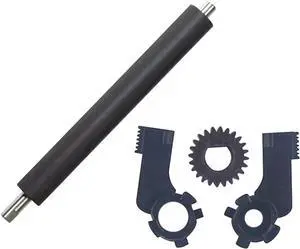
Platen Roller & Buckle & Gear for Ze-Bra GK420T GX420T Barcode Label Printer
- Model #: ENGEB0GTCX85KK
- $73.99 –
- Free Shipping

Quick View
Stripping Component Rubber Roller Kit 77197M for Ze-Bra ZM400 S4M Z4M ZM400 ZT410 Barcode Label Printer Spare Parts(Roller Only)
- Model #: ENGEB0GTCJVCYL
- $86.99 –
- Free Shipping
Quick View
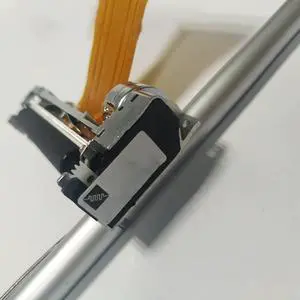
Printer Accesstories Metal Thermal Print Head for JX-2R-01DZ, SY-P100 NP100-1 Printer Dedicated Print Head
- Model #: ENGEB0BWR94S55
- $76.99 –
- Free Shipping
Quick View
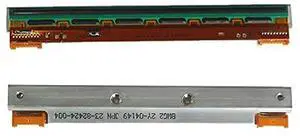
Printer Accesstories 95% Ky0cera Thermal Print Head for Argox OS-214 Plus OS 214 Plus 203dpi Printer
- Model #: ENGEB0BWS79381
- $173.99 –
- Free Shipping
Quick View
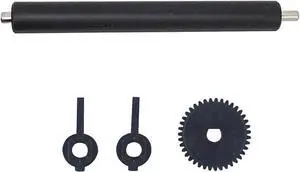
Roller Gear Buckle Kits for Ze-Bra 888TT GK888T GC420T Barcode Label Printer(Roller kit)
- Model #: ENGEB0G22W2Y8S
- $124.99 –
- Free Shipping
Quick View
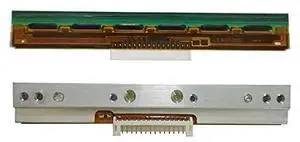
Printer Accesstories Original Printer Printhead for TSC TA200 TSC TA210 TSC ME240 203dpi Thermal Barcode Printer,Warranty 3months
- Model #: ENGEB0BWS82CC6
- $207.99 –
- Free Shipping
Quick View
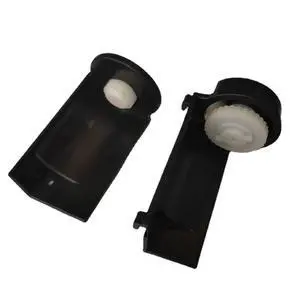
Printer Accesstories Ribbon Holder Rack for Argox OS-214 Plus OS214 CP-2140 Cp-2140M OS-204 OS-214 OS-214TT MP-2140 A100 A200 Printer
- Model #: ENGEB0BWR7F9R5
- $153.99 –
- Free Shipping
Quick View
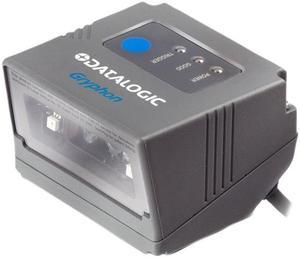
Datalogic Gryphon GFS4470 GFS4400 FIXED SCANNER, 2D, USB
- Series: GRYPHON
- Part Number: GFS4470
- Interfaces Supported: USB
- Light Source: 650 nm visible laser diode
- Model #: GFS4470
- $199.29
- $172.00 –
- Save: $27.29 (13%)
- More options from $121.98 - $172.00
- Free Shipping
Quick View

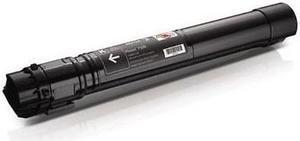
- Brand: Dell
- Model: 3GDT0
- Part Number: 3GDT0 (330-6135)
- Cartridge Quantity: 1
- Model #: 3GDT0
- $156.00 –
- More options from $156.00 - $305.12
Quick View
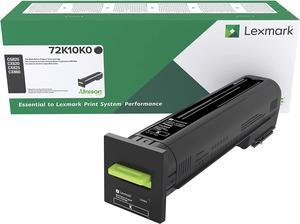
Lexmark 72K10K0 CS820, CX820, CX825, CX860 Black Return Program Cartridge Toner
- Model #: ENGEB01BLFR3Q6
- $378.99 –
- Free Shipping

Quick View
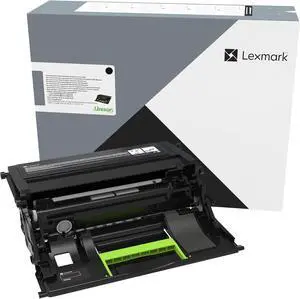
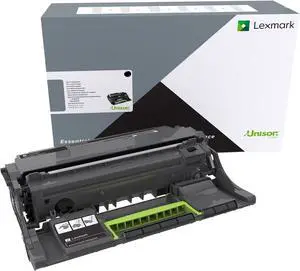
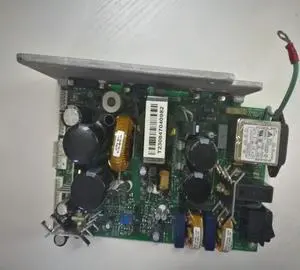
Printer Accesstories Original Power Board PN: DPR51-2308-00 for Datamax I-4208 I-4212 Barcode Label Printer
- Model #: ENGEB0BWR8C961
- $434.99 –
- Free Shipping

Quick View
Lexmark 60F1X00 Extra High Yield Return Program Toner
- Model #: ENGEB009SM8EMM
- $306.99 –
- Free Shipping
Quick View
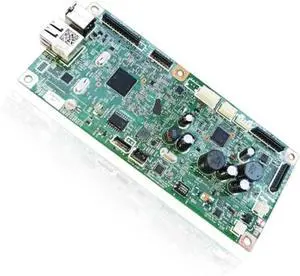
Logic Main Board for Canon MF4890dw MF4890 MF4880dw MF4880 MF4870dn MF4870 4890 4880 4870 Formatter Mainboard FM0-3925 FM0-3923 Replacement Parts(MF4870dn)
- Model #: ENGEB0GXHRQZZG
- $264.99 –
- Free Shipping
Quick View
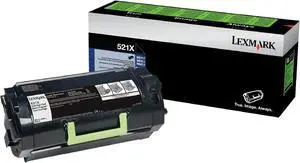
Lexmark 52D1X00 High Yield Return Program Toner Cartridge
- Model #: ENGEB009SM8GWA
- $387.99 –
- Free Shipping
Quick View
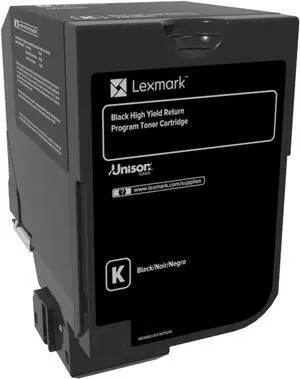
Lexmark 74C1HK0 CS720, CS725 Black High Yield Return Program Cartridge Toner
- Model #: ENGEB01BLFSOPA
- $490.99 –
- Free Shipping
Quick View
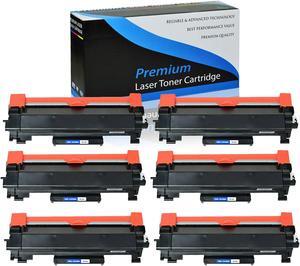
6PK TN760 Toner Cartridge for Brother TN-760 DCP-L2550DW HL-L2395DW MFC-L2710DW
- Model #: 627-081734000254661
- $87.50 –
- Free Shipping
Quick View
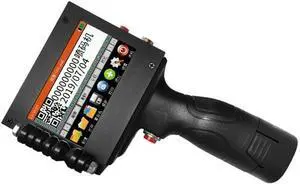
Faith 25 Languages 12.7mm Variable QR Bar Batch Code Number Logo Expiry Date Label Handheld Thermal Inkjet TIJ Printer (Printer+1Black Ink)
- Model #: ENGEB0BQQXK5XS
- $564.99 –
- Free Shipping
Quick View
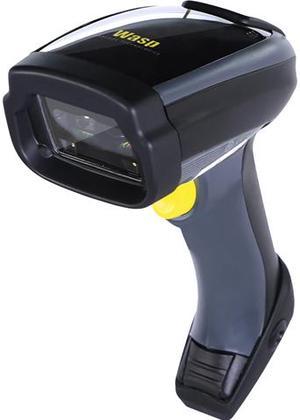
Wasp Wws750 Wireless 2D Barcode Scanner
- Form Factor: Handheld
- Connectivity: Cordless
- Scan Engine: 2D/1D
- Interfaces Supported: USB
- Model #: 633809002861
- $619.20 –
- More options from $619.20 - $656.55
- Free Shipping
Quick View
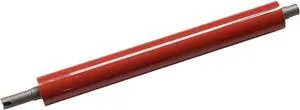
1pcs OEM Lower Fuser Roller for Konica Minolta Bizhub C554 C654 C754 C554e C654e C754e Pressure Roller Copier Printer Parts
- Model #: CHIPB0GCHXCB42
- $138.99 –
- Free Shipping
Quick View
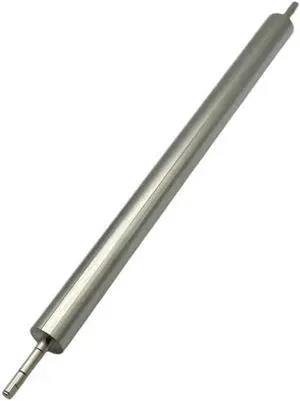
1PCS 059K46251 Secondary Transfer Roller for Xerox DC 560 570 5580 6680 7780 700 J75 550 2nd BTR Copier Printer Parts
- Model #: CHIPB0GD7R5Z2T
- $145.99 –
- Free Shipping
Quick View
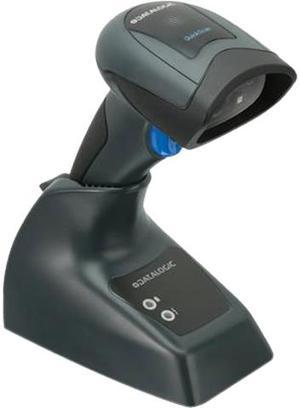
Datalogic QuickScan QBT2430 General Purpose Cordless Handheld 2D Area Imager Barcode Reader with Bluetooth, USB, Kit, Black - QBT2430-BK-BTK1
- Series: QUICKSCAN
- Part Number: QBT2430-BK-BTK1
- Form Factor: Handheld
- Connectivity: Cordless
- Model #: QBT2430-BK-BTK1
- $199.00 –
- Free Shipping
Quick View
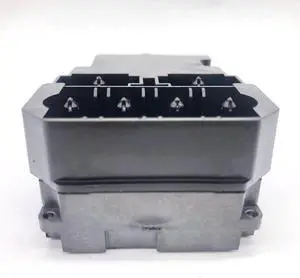
Printhead Manifold Only Fits Forepson-TX800FW China Brand UV Printer DX10 DX11 F192040
- Product Type: Replacement Parts
- Model #: DYJ23-12-2-1257
- $59.69 –
- Free Shipping
Quick View
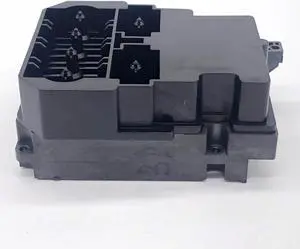
Printhead Manifold Only Fits Forepson-TX800FW DX10 DX11 China Brand UV Printer F192040
- Product Type: Replacement Parts
- Model #: DYJ23-12-2-1304
- $59.69 –
- Free Shipping
Quick View
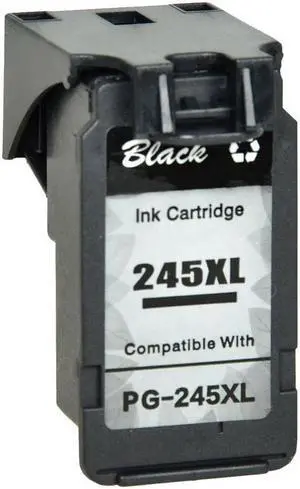
PG-245 XL High Capacity Black Ink Cartridge for MG Printers 12ml
- Model #: GGID-391082093656L
- $28.21 –
- Free Shipping
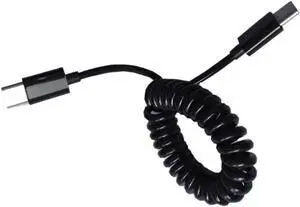
Quick View
Aomoproing USB 3.1 Type C to Type C Charging Cable Retractable Type C Data Transmission Cord 480Mbps for Android Phone
- Model #: C12Y -USB142
- $11.70 –
- Free Shipping
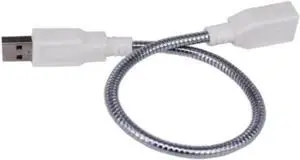
Quick View
Aomoproing LED Light Adapter Cable 360 Degree Bending Metal Flexible Tube USB Extension Cable Male To Female Extender Cable For Laptop PC
- Model #: C12Y -USB37
- $12.99 –
- Free Shipping
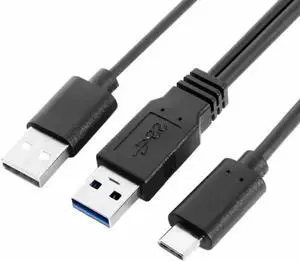
Quick View
Aomoproing Type-C USB-C to USB 3.0 Male & USB 2.0 Dual Power Data Y Cable for Laptop & Disk
- Model #: C12Y -USB194
- $12.24 –
- Free Shipping
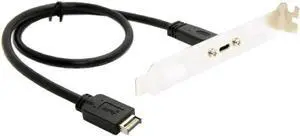
Quick View
Aomoproing USB 3.1 Front Panel Header to Type-C Female Extension Cable 40cm with Screw
- Model #: C12Y -USB572
- $15.58 –
- Free Shipping
Quick View
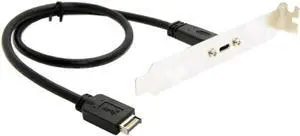
Aomoproing USB-C Type-C Female to USB 3.1 Front Panel Header Extension Cable 40cm with Panel Mount Screw
- Model #: C12Y -USB301
- $15.30 –
- Free Shipping
Quick View
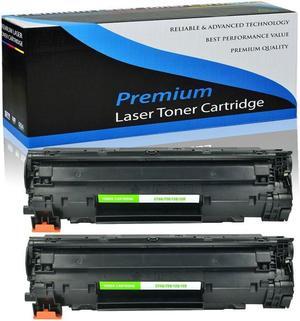
2 Pack Replacement For 126 CRG126 128 Toner ImageClass LBP6230dw Printers
- Model #: 5c9-740158000252550-J
- $35.40 –
- Free Shipping
Quick View
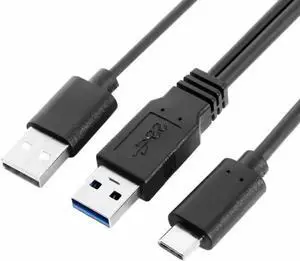
Aomoproing USB 3.0 Power Data Male & USB 2.0 Dual Power to USB-C Type-C Y Cable Cord for Lap top & Hard Disk 60cm Black
- Model #: C12Y -USB192
- $14.80 –
- Free Shipping
Quick View
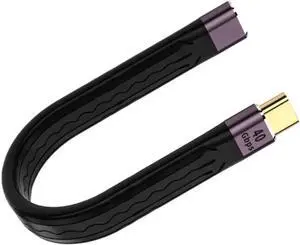
Aomoproing Type C Female to Type C Male Cable 40gbps Short Type C Sync Data Charger Cable
- Model #: C12Y -USB76
- $11.65 –
- Free Shipping
Quick View
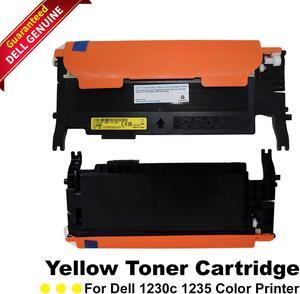
- Product Type: Toner
- Model #: CN-0F479K-Sa
- $60.30 –
Quick View
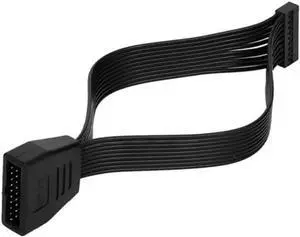
Aomoproing Host Built-in USB3.0 Extension Cable Motherboard Female To Male Plug Data Cable
- Model #: C12Y -USB228
- $11.35 –
- Free Shipping

Any questions? Our AI beta will help you find out quickly.
Try me now
Choosing the Right Printer for Your Office Needs
When it comes to office solutions, printers and scanners are essential tools for any business. Whether you need to print important documents, scan invoices, or create professional-quality marketing materials, having the right equipment is crucial. In this article, we will explore the different types of printers and scanners available in the market and provide tips on how to choose the best one for your office.
All-in-One Printers: Versatility and Convenience
all-in-one printers, also known as multifunction printers, are a popular choice for offices. These devices combine the functionality of a printer, scanner, copier, and sometimes even a fax machine into a single unit. They offer versatility and convenience, allowing you to perform multiple tasks without the need for separate devices. All-in-one printers are available in both inkjet and laser options, catering to different printing needs and budgets.
Specialized Printers for Specific Tasks
In addition to all-in-one printers, there are specialized printers designed for specific tasks. For example, 3D printers are ideal for creating prototypes or intricate models, while barcode and label printers are perfect for businesses that require efficient inventory management. laser printers are known for their fast printing speeds and high-quality output, making them suitable for offices with high-volume printing needs. inkjet printers, on the other hand, are more cost-effective and can produce vibrant color prints.
Choosing the Right Supplies
Once you have selected the right printer for your office, it is important to choose the right supplies to ensure optimal performance and longevity. When it comes to inkjet printers, using high-quality ink cartridges is essential to achieve the best print quality and prevent clogging. For laser printers, it is important to choose the right type of toner cartridges that are compatible with your printer model. Additionally, investing in high-quality paper can make a significant difference in the final print results.
FAQs: Common Questions about Printers and Scanners
| Q: How often should I replace the ink cartridges? | A: The frequency of replacing ink cartridges depends on your printing volume. However, it is recommended to replace them when the print quality starts to degrade. |
|---|---|
| Q: Can I use third-party ink cartridges with my printer? | A: While it is possible to use third-party ink cartridges, it is important to ensure compatibility with your printer model. Using incompatible cartridges may result in poor print quality or damage to the printer. |
| Q: How do I clean the scanner glass? | A: To clean the scanner glass, use a soft, lint-free cloth slightly dampened with glass cleaner. Gently wipe the glass surface to remove any smudges or debris. |
| Q: What is the difference between optical and interpolated resolution in scanners? | A: Optical resolution refers to the actual hardware resolution of the scanner, while interpolated resolution is achieved through software enhancements. Optical resolution provides more accurate and detailed scans. |
| Q: How can I improve the scanning speed? | A: To improve scanning speed, reduce the scanning resolution, use black and white mode instead of color, and ensure that the scanner is connected to a high-speed USB port. |