
Your Browsing History
- In Stock
- Sold by Newegg
- Make an Offer
- New

Any questions? Our AI beta will help you find out quickly.
Try me now
Quick View
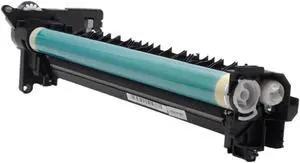
Drum Unit 1X GPR-57 NPG-73 C-EXV53 0475C003AA 0475C002AA 0475C001AA Compatible with IR-ADV 4535 4525 4545 4551 4735
- Model #: CHIPB0GL6X7T29
- $367.99 –
- Free Shipping
Quick View
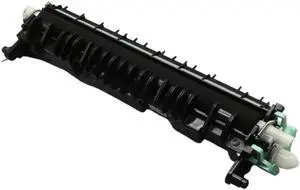
Transfer Roller Assembly JC93-00708A Compatible with 150a 150nw 178nw CLP-360 CLP-365 CLP-366 3305 C410W C430W C460FW C480F
- Model #: CHIPB0GFYZBZ35
- $107.99 –
- Free Shipping
Quick View
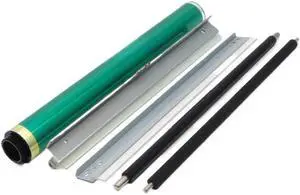
Drum Maintenance Kit Compatible with C3350i C3850i C3300i Drum Unit Copier Parts
- Model #: CHIPB0GL9NG5WW
- $210.99 –
- Free Shipping
Quick View
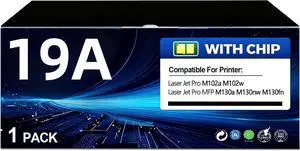
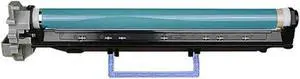
19A CF219A Drum Unit (Not Toner) Black High Yield Replacement for HP 19A CF219A Imaging Drum Works Pro MFP M130fn M130fw M130nw M130a M102w M102a M130 M102 Series Printer
- Model #: CHIPB0GCMGPY6R
- $167.99 –
- Free Shipping
Quick View
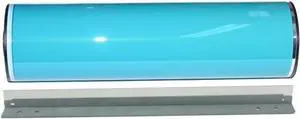
NPG28 GPR18 CEXV14 Drum Unit for IR2016 IR2020 IR2116 IR2318 IR2320 IR2420 IR2422 Copier
- Model #: CHIPB0GL7YRTCD
- $205.99 –
- Free Shipping
Quick View
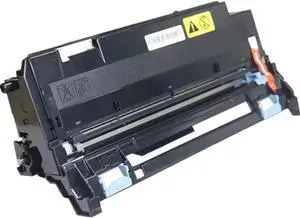
1SET Compatible with Printer Supplies for 1060 7502 2075 MP5500 6500 7500 6000 B246-9510 B070-9510 A294-9510 9001 Cleaning Drum
- Model #: CHIPB0GJCG5S5S
- $234.99 –
- Free Shipping
Quick View
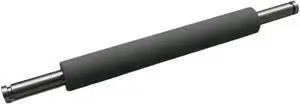
DK1150 Drum Unit Replacement for Select Printer Models Including P2040 P2235 P2335 M2040 M2540 M2135 M2635 M2640 M2735 M2835 P2040dn - Model 302RV93010
- Model #: CHIPB0GL7JTB3V
- $135.99 –
- Free Shipping
Quick View
Classic Style RV A4 Pressure Roller 023-75120 Compatible with Printer Supplies Riso RZ 200 220 300 310 EZ 200 220 300
- Model #: CHIPB0GH2SNTW2
- $179.99 –
- Free Shipping
Quick View
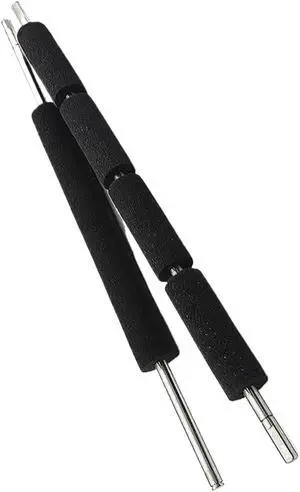
Sponge Roller Set Parts L1-G2060 L1-G2050 with Duplo DP 41S 43S 63S 63F 4030 4035 SONGE Roller
- Model #: CHIPB0GCZ4W3K4
- $134.99 –
- Free Shipping
Quick View
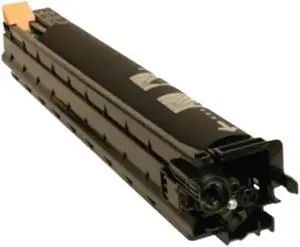
Image Drum Unit 013R00647 Black and Color Compatible with WorkCentre 7425 7428 7435
- Model #: CHIPB0GKLTNW4V
- $221.99 –
- Free Shipping
Quick View
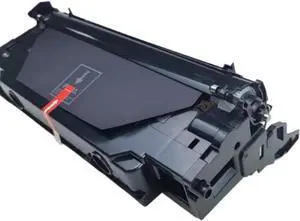
Drum Unit 1PCS DK1150 DK-1150 302RV93010 Compatible with P2040 P2235 P2335 M2040 M2540 M2135 M2635 M2640 M2735 M2835
- Model #: CHIPB0GPQ4M54R
- $179.99 –
- Free Shipping
Quick View
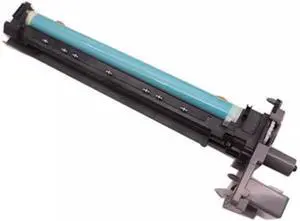
Drum Unit NPG56 C-EXV38 GPR-42 for IR4045 IR4051 IR4245 IR4251 Printer
- Model #: CHIPB0GLG6H6GX
- $256.99 –
- Free Shipping
Quick View
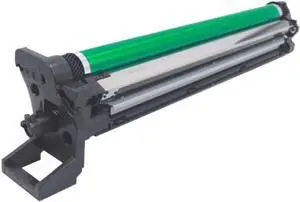
Drum Unit Replacement for BH 227, 287, 367, 7522, 7536, 7528 Copiers Compatible with DR312
- Model #: CHIPB0GPNQ81SF
- $226.99 –
- Free Shipping
Quick View
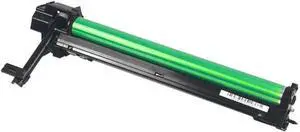
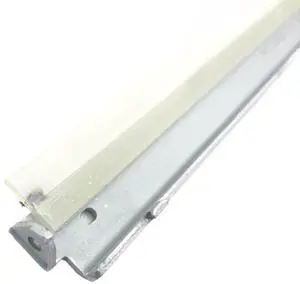
1PCS AR200 Drum Unit for AR163N 201N 206N AR1818 1820 M160 205 2818 M290 2616 2618 2718 2918 2820 2921 Printer
- Model #: CHIPB0GLGCJHB3
- $228.99 –
- Free Shipping
Quick View
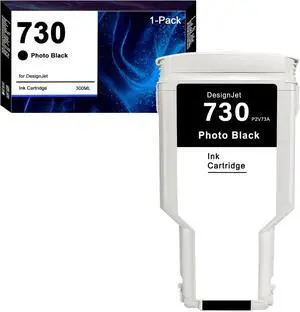
730 Ink Cartridge P2V73A Photo Black HP 730 Compatible for DesignJet T1700 T1600 T2600 Printer (1-Pack, 300ML)
- Model #: CHIDB0G571HYY4
- $135.99 –
- Free Shipping
Quick View
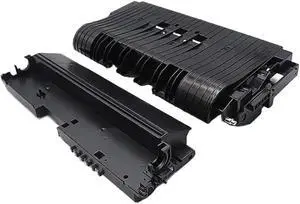
Transfer Roller Case Kit 1X D0894666 D0894665 D0894664 D0296288 Compatible with MP C2800 C3300 C4000 C5000 C3001 C3501 C4501 C5501
- Model #: CHIPB0G9ZM8HSJ
- $176.99 –
- Free Shipping
Quick View
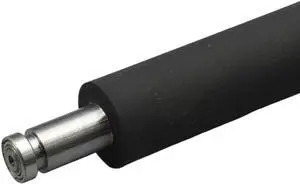
Pressure Roller ES RVA4 RVB4 Compatible with Riso RV2460 2490 3460 RZ230 330 RZ Copier Printer Spare Parts
- Model #: CHIPB0GHMS6BCW
- $210.99 –
- Free Shipping
Quick View
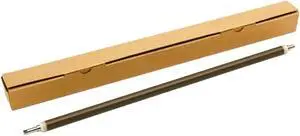
1X AD02-7050 Primary Charge Roller Compatible with Printer Models MPC3003 C3503 C3004 C3504 C4503 C5503 C6003 C4504 C5504 C6004 IMC3000 C3500 C4500 for Part Number AD02-7050
- Model #: CHIPB0GC6KQRTM
- $102.99 –
- Free Shipping
Quick View
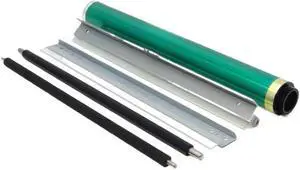
Drum Maintenance Kit Compatible with C3380 C3350 Drum Unit Copier Parts
- Model #: CHIPB0GPJ82QRW
- $218.99 –
- Free Shipping
Quick View
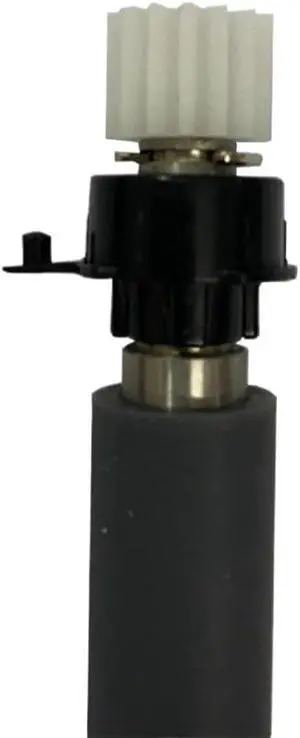
Printer Roller Kit Compatible with TSC ME240 ME340 Barcode Label Printer
- Model #: CHIPB0G5H35RD3
- $252.99 –
- Free Shipping
Quick View
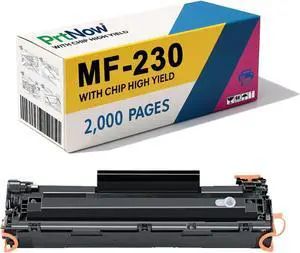
MF-230 MF230 Toner Cartridge Compatible for Canon MF-230 Toner Cartridge for MF230 MF233n MF236n MF232w MF240 Printers 1Pack
- Model #: CHIDB0FGCZ9RY7
- $90.99 –
- Free Shipping
Quick View
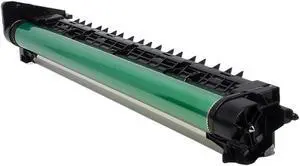
DR312 Drum Assembly Unit Compatible with Printer Models 227, 287, 367, 7536, 7528, 7522, A7Y00RD, DR-312
- Model #: CHIPB0GN36JX1K
- $276.99 –
- Free Shipping
Quick View
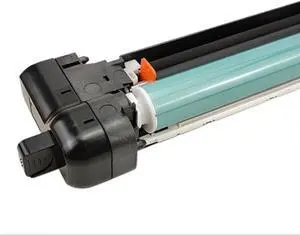
Drum Unit NPG-67 GPR-53 C-EXV49/54 120K Compatible with IRC3025 C3025i C3320 C3320L C3320i C3325i C3330i C3520i C3525i C3530i
- Model #: CHIPB0GLF6XMGW
- $208.99 –
- Free Shipping
Quick View
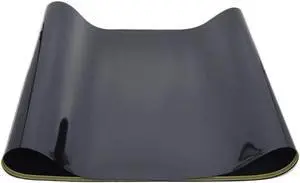
1X Transfer Belt Compatible with Printer Models C224 C284 C364 C454 C554 C7822 C7828 C258 C308 C368 C458 C558 C658 C226 C256 C266 C227 C287 for Part Number 8K1927225B
- Model #: CHIPB0G4FQH92X
- $157.99 –
- Free Shipping
Quick View
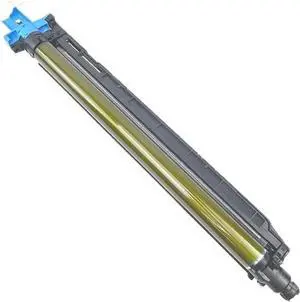
Drum Unit Compatible with C221 C224 C281 C284 C364 C454 C554 C7822 C7828
- Model #: CHIPB0GK5CYMH8
- $255.99 –
- Free Shipping
Quick View
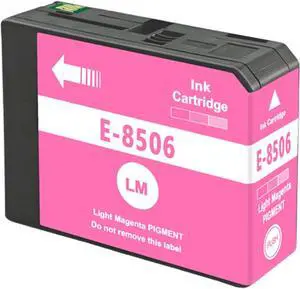
T8506 UltraChrome HD T850600 Light Magenta Ink Cartridge Replacement for SureColor P800 SC-P800 Printer
- Model #: CHIDB0FHPD44Q1
- $84.99 –
- Free Shipping
Quick View
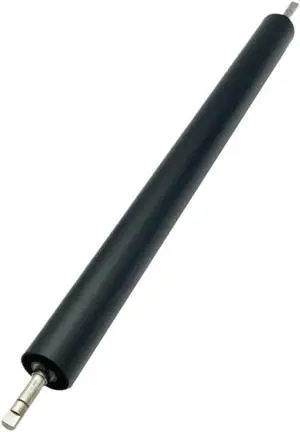
Secondary Transfer Roller 059K46251 Compatible with DC 560 570 5580 6680 7780 700 J75 550 Models
- Model #: CHIPB0G7BK6R14
- $192.99 –
- Free Shipping
Quick View
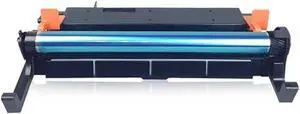
NPG32 GPR22 EXV-18 Drum Unit for IR1018 IR1019 IR1020 IR1022 IR1023 IR1024 CEXV18 Copier
- Model #: CHIPB0GLGGZ7CY
- $228.99 –
- Free Shipping
Quick View
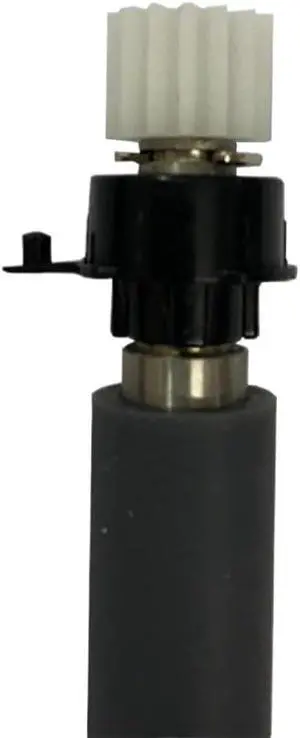
Printer Roller Kit Compatible with TSC ME240 ME340 Barcode Label Printer Spare Parts
- Model #: CHIPB0GFSFNPD4
- $256.99 –
- Free Shipping
Quick View
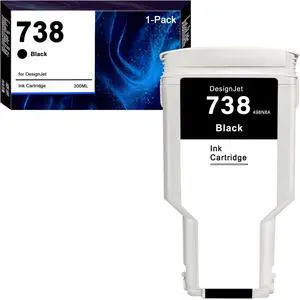
738 Ink Cartridge 498N8A Black HP 738 Compatible for DesignJet T850 DesignJet T950 Printer (1-Pack, 300ML)
- Model #: CHIDB0G56KCXF6
- $135.99 –
- Free Shipping
Quick View
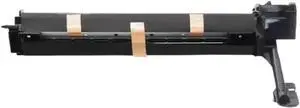
Drum Unit 1PCS Compatible with MX235 AR2308D AR2035 AR2328 AR1808S AR2008D Copier Black Drum Cartridge
- Model #: CHIPB0GLFC5J83
- $381.99 –
- Free Shipping
Quick View
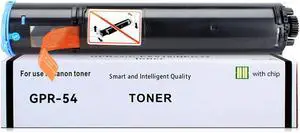
GPR54 Black Toner Compatible for Canon GPR-54 9436B003AA Toner for Canon ImageRunner Advance 1430 1435 1435i 1435iF 1435P Printer
- Model #: CHIDB0DR4HRVPL
- $84.99 –
- Free Shipping
Quick View
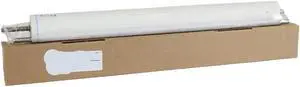
Compatible Fuser Cleaning Web Roller for Press C8000 8000 Copier Parts Compatible with Printer Models for Part Number
- Model #: CHIPB0GH5VQH8F
- $245.99 –
- Free Shipping
Quick View
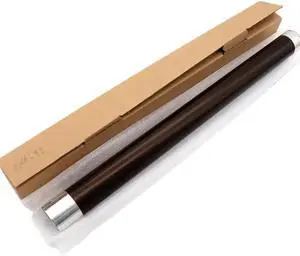
1PCS E166 Upper Fuser Roller Compatible with Printer Models E 163 165 167 181 182 195 203 205 206 207 211 212 223 225 237 242 245 6LE19935000 for Part Number E166
- Model #: CHIPB0GDPPJRCZ
- $112.99 –
- Free Shipping
Quick View
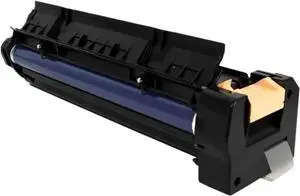
Black Drum Imaging Unit for WorkCentre 5325 5330 5335 Printer
- Model #: CHIPB0GJRF36N5
- $382.99 –
- Free Shipping
Choosing the Right Printer for Your Office Needs
When it comes to office solutions, printers and scanners are essential tools for any business. Whether you need to print important documents, scan invoices, or create professional-quality marketing materials, having the right equipment is crucial. In this article, we will explore the different types of printers and scanners available in the market and provide tips on how to choose the best one for your office.
All-in-One Printers: Versatility and Convenience
all-in-one printers, also known as multifunction printers, are a popular choice for offices. These devices combine the functionality of a printer, scanner, copier, and sometimes even a fax machine into a single unit. They offer versatility and convenience, allowing you to perform multiple tasks without the need for separate devices. All-in-one printers are available in both inkjet and laser options, catering to different printing needs and budgets.
Specialized Printers for Specific Tasks
In addition to all-in-one printers, there are specialized printers designed for specific tasks. For example, 3D printers are ideal for creating prototypes or intricate models, while barcode and label printers are perfect for businesses that require efficient inventory management. laser printers are known for their fast printing speeds and high-quality output, making them suitable for offices with high-volume printing needs. inkjet printers, on the other hand, are more cost-effective and can produce vibrant color prints.
Choosing the Right Supplies
Once you have selected the right printer for your office, it is important to choose the right supplies to ensure optimal performance and longevity. When it comes to inkjet printers, using high-quality ink cartridges is essential to achieve the best print quality and prevent clogging. For laser printers, it is important to choose the right type of toner cartridges that are compatible with your printer model. Additionally, investing in high-quality paper can make a significant difference in the final print results.
FAQs: Common Questions about Printers and Scanners
| Q: How often should I replace the ink cartridges? | A: The frequency of replacing ink cartridges depends on your printing volume. However, it is recommended to replace them when the print quality starts to degrade. |
|---|---|
| Q: Can I use third-party ink cartridges with my printer? | A: While it is possible to use third-party ink cartridges, it is important to ensure compatibility with your printer model. Using incompatible cartridges may result in poor print quality or damage to the printer. |
| Q: How do I clean the scanner glass? | A: To clean the scanner glass, use a soft, lint-free cloth slightly dampened with glass cleaner. Gently wipe the glass surface to remove any smudges or debris. |
| Q: What is the difference between optical and interpolated resolution in scanners? | A: Optical resolution refers to the actual hardware resolution of the scanner, while interpolated resolution is achieved through software enhancements. Optical resolution provides more accurate and detailed scans. |
| Q: How can I improve the scanning speed? | A: To improve scanning speed, reduce the scanning resolution, use black and white mode instead of color, and ensure that the scanner is connected to a high-speed USB port. |