

Your Browsing History
- In Stock
- Sold by Newegg
- New
Quick View
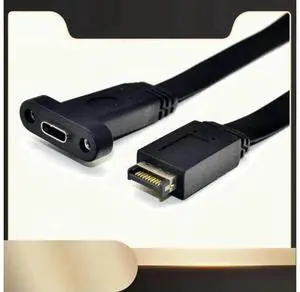
50cm USB 3.1 Type-E to Type-C Front Panel Header Extension Cable, Motherboard Type E Header to USB-C Internal Adapter Cable with Mount Panel for PC Chassis Modification, Model N33R
- Model #: TECH CABIN - TCH1199
- $17.69 –
- Free Shipping
Quick View
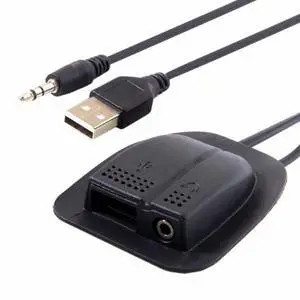
Backpack USB 2.0 Audio 3.5mm Charging Cable Practical Convenient Outdoor Travel Camping External
- Model #: U2-019_NG2
- $7.99 –
- Free Shipping
Quick View
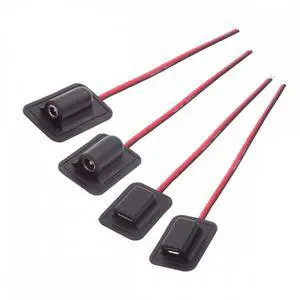
4pcs/lot Type-C Micro-USB DC 5.5x2.1mm 3.5X1.35mm Power Extension Cable for Backpack Charging Electric Heating Pads
- Model #: CN-030_NG2
- $8.99 –
- Free Shipping
Quick View
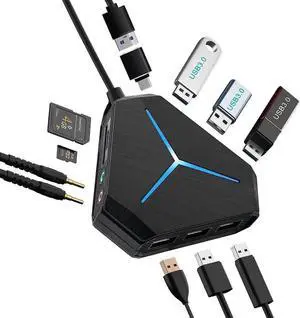
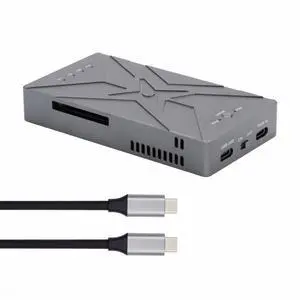
Dual NVME M.2 NGFF M-Key to Type-C USB-C Raid0 Raid1 JBOD Big Enclosure 20Gbps with Fan Raid0 Hyper Adapter
- Model #: UC-031_NG2
- $129.99 –
- Free Shipping
Quick View
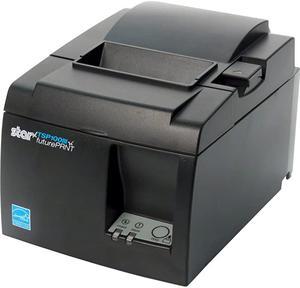
TSP143IIIW WiFi WLAN Thermal Receipt Printer with Wireless Access Point WPS Cutter and Internal Power Supply Gray
- Model #: kBG23-B01BJOFPNM
- $479.00 –
- Free Shipping
Quick View
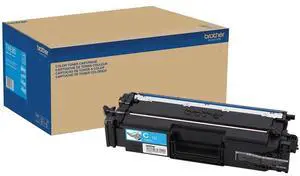
Brother TNE80C Original Super High (XXL Series) Yield Laser Toner Cartridge - Cyan
- Brand: Brother
- Model: TNE80C
- Part Number: TNE80C
- Cartridge Color: Cyan
- Model #: TNE80C
- $311.29 –
- Free Shipping
Quick View
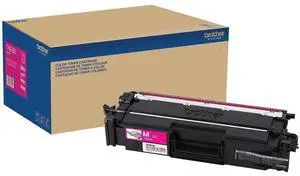
Brother TNE80M Original Super High (XXL Series) Yield Laser Toner Cartridge - Magenta - 12000 Pages
- Brand: Brother
- Model: TNE80M
- Part Number: TNE80M
- Cartridge Quantity: 1
- Model #: TNE80M
- $311.29 –
- Free Shipping
Quick View
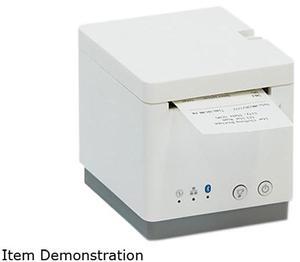
Star Micronics 39653010 mC-Print2 Thermal Receipt Printer, 2", Cutter, Ethernet (LAN), USB, Lightning, Bluetooth, CloudPRNT, Peripheral Hub, White - MCP21LB WT US
- Brand: Star Micronics
- Series: mC-Print2
- Color: White
- Print Technology: Direct Thermal
- Model #: 39653010
- $362.68 –
- More options from $319.49 - $362.68
- Free Shipping
Quick View
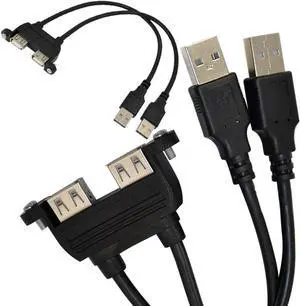
Dual USB 2.0 A Female Socket Panel Mount to 2 USB A Male Extension Cable,25cm/10inch
- Cable Length: 10 in.
- Model #: B00NIH1PZ61
- $19.99
- See price in cart
- Free Shipping
Quick View
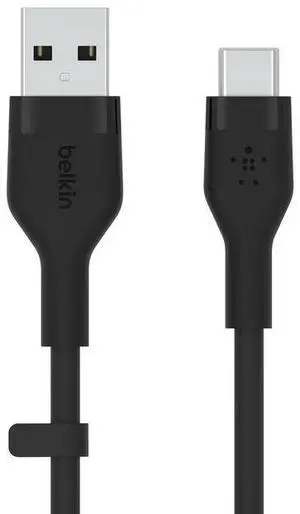
Belkin 15W USB-C to USB-A Cable Model CAB008BT2MBK
- Model #: CAB008BT2MBK
Quick View
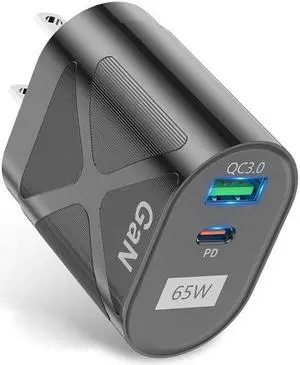
65W USB Type C Charger, Dual Port USB Wall Charger, 65 Watt GaN Fast Charger, Type C Foldable Adapter 65W. Compatible for All Phones and Tablets (Black)
Limited time offer, ends 09/11
- Color: Black
- Model #: cy-2053
- $24.39 –
- Free Shipping
Quick View
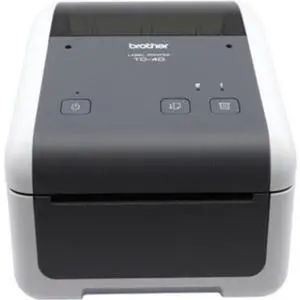
Brother TD4420DN 4.3 Direct Thermal Monochrome Desktop Label Receipt Printer - 203dpi - 8ips (TD4420DN)
- Brand: Brother Mobile Solutions
- Part Number: TD4420DN
- Print Technology: Direct Thermal
- Printer Type: Desktop
- Model #: TD4420DN
- $368.09 –
- More options from $368.09 - $577.24
- Free Shipping
Quick View
- $122.00 –
Quick View
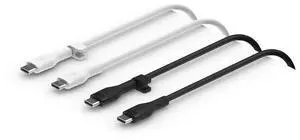
Belkin 6.6 ft USB-C to USB-C Cable 60W 2Pack Black/ White Model CAB009BT2MBW2PK
- Model #: CAB009BT2MBW2PK
Quick View
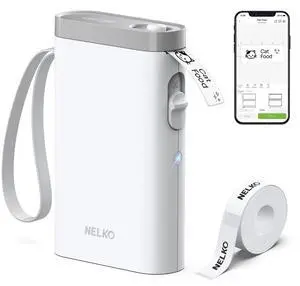
Label Maker Machine with Tape, P21 Bluetooth Label Printer, Wireless Mini Label Makers with Multiple Templates for School Office Home, White
- Brand: Honeywell
- Part Number: P21
- Print Technology: Direct Thermal
- Printer Type: Desktop
- Model #: 113344886635
- $37.99 –
- Free Shipping
Quick View
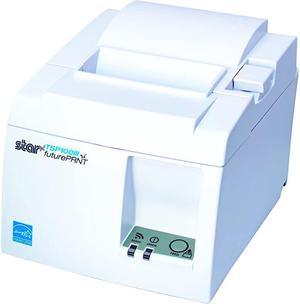
TSP143IIIU USB Thermal Receipt Printer with Device and Mfi USB Ports Autocutter and Internal Power Supply White
- Model #: uMYvF-B07148FN5P
- $379.00 –
- Free Shipping
Quick View
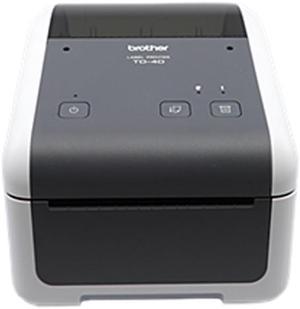
4.3IN DESKTOP PRINTER, DT, 203DPI, 8IPS, USB/ SER, 2 YEARS PREMIER WARRANTY
- Printer Type: Desktop
- Memory: 64MB Flash
- Cutter: Cutter
- Interface: Serial / USB
- Model #: TD4410D
- $342.28
- $282.83 –
- Save: $59.45 (17%)
- More options from $282.27 - $507.30
- Free Shipping
Quick View
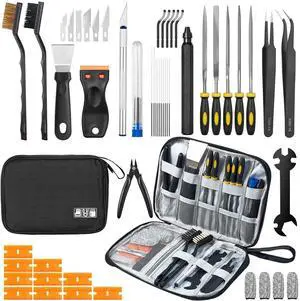
50Pcs 3D Printer Tool Kit & Accessories for All FDM/SLA Printers, Includes Nozzle Cleaning Kit, Scraper, Deburring Tool, Files, Brushes - Complete Starter Kit with Case
- Brand: VERBATIM
- Part Number: 3D-DYGJ
- Color: Black
- Type: Filament
- Model #: 421322987915
- $45.09 –
- Free Shipping
Quick View
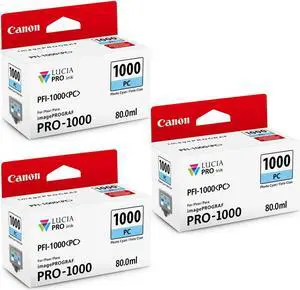
Canon 3 Pack PFI-1000PC Photo Cyan LUCIA PRO ink for imagePROGRAF PRO-1000
- Model #: 0550C002 3
- $201.63 –
Quick View
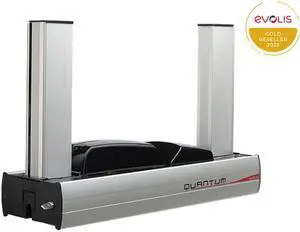
Evolis Quantum 2 Standard Mag Iso, Smart Contact Station, Connecting Panel and Mounting Area for Contactless Encoders - QTM306GRH-BS
- Memory: 16 MB
- Media Type: Composite PVC cards PET cards ABS cards Special varnished cards
- Interface: USB (1.0, 1.1, 2.0, 3.0), cable supplied Ethernet TCP-IP 10BaseT, 100BaseT (Traffic Led)
- Windows Compatible: Windows (32/64 bits): XP SP3, Vista, W7, W8, W10
- Model #: QTM306GRH-BS
- $8,272.00
- See price in cart
- $4.99 Shipping
Quick View
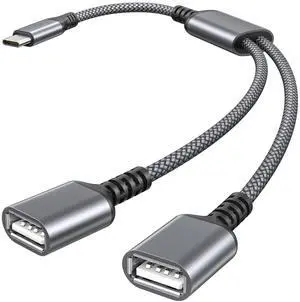
USB C Male to Dual USB Female Cable Splitter 1FT,Thunderbolt 5 4 3 to Double Type A 2.0 OTG Adapter Cord Converter Multiple Hub for iPhone 17 Air 16 16e 15,MacBook Pro,iPad Mini,Samsung S25
- Cable Length: 6 ft.
- Brand: IOGEAR
- Type: USB
- Connector Type: USB C
- Model #: 591297559526
- $24.99 –
- Free Shipping
Quick View
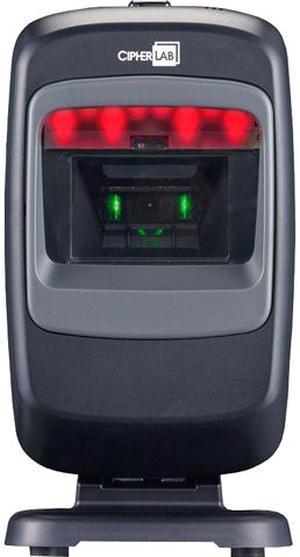
CipherLab A2200NBUN0001 2200 Series Omnidirectional Barcode Scanner and 2D Imager, USB Kit - Black
- Series: 2200 Series
- Part Number: A2200NBUN0001
- Form Factor: Fixed-position
- Scan Engine: 2D Imager
- Model #: A2200NBUN0001
- $193.20 –
- More options from $193.20 - $270.87
- Free Shipping
Quick View
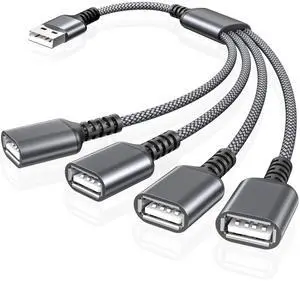
USB Splitter 1 In 4 Out 1FT,USB Y Cable,USB A Male to Four Female Extension Cord Adapter,4 Port Multi Multiport Extender Hub,Double Dual Data Power Charger Split For Car,Xbox,PS4,PS5,Laptop
- Cable Length: 6 ft.
- Brand: IOGEAR
- Type: USB
- Connector Type: USB C
- Model #: 405231421947
- $26.99 –
- Free Shipping
Quick View
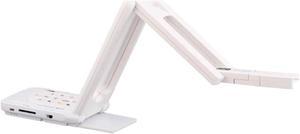
ELMO MX-P3 1450 Camera Document Scanner
- USB Ports: Yes
- Model #: 1450
- $510.90 –
- More options from $497.98 - $510.90
- Free Shipping
Quick View
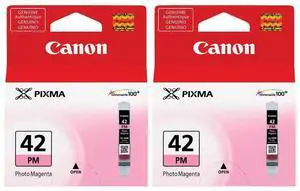
Canon CLI-42 Photo Magenta Ink Cartridge for Pixma PRO-100 Inkjet Photo Printer, 2-Pack
- Model #: 6389B002 2
- $36.00 –
- $7.85 Shipping
Quick View
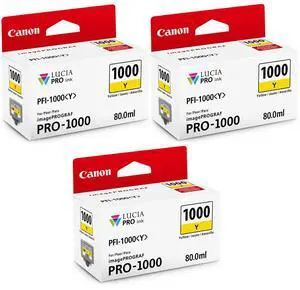
Canon 3 Pack PFI-1000Y Yellow LUCIA PRO ink for imagePROGRAF PRO-1000
- Model #: 0549C002 3
- $201.00 –
Quick View
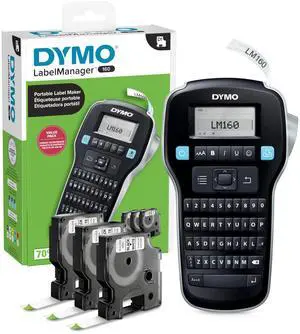
LabelManager 160 Label Maker Bundle with 3 D1 Label Cassettes, Portable Handheld, QWERTY Keyboard, One-Touch Smart Keys, Large Display, Home & Office Organization
- Brand: Honeywell
- Part Number: 2147606
- Print Technology: Direct Thermal
- Memory: 64MB Flash
- Model #: 907744654337
- $93.99 –
- Free Shipping
Quick View
TSP143IIIU USB Thermal Receipt Printer with Device and Mfi USB Ports Autocutter and Internal Power Supply Gray
- Model #: O6bel-B071LC7GBL
- $346.40 –
- More options from $346.40 - $350.00
- Free Shipping
Quick View
TSP143IIILAN Ethernet LAN Thermal Receipt Printer with Autocutter and Internal Power Supply Gray
- Model #: zuXKw-B01HRJRXZQ
- $429.00 –
- Free Shipping
Quick View
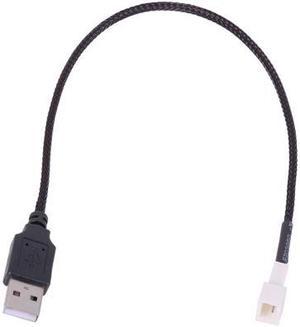
Phobya 5V USB External to 3-Pin Fan Cable - 30cm | Black (81132)
- Brand: Phobya
- Model: 81132
- Color: Black
- Features: With this cable it is possible to operate a fan simply via an USB connection. The voltage is just right to operate a fan quietly and with a pleasant airflow. When looking into operating a fan outside of the system enclosure, and the hot summer months are coming up, this
- Model #: 81132
- $15.89 –
- Free Shipping


Any questions? Our AI mode will help you find out quickly.
Try me now
Choosing the Right Printer for Your Office Needs
When it comes to office solutions, printers and scanners are essential tools for any business. Whether you need to print important documents, scan invoices, or create professional-quality marketing materials, having the right equipment is crucial. In this article, we will explore the different types of printers and scanners available in the market and provide tips on how to choose the best one for your office.
All-in-One Printers: Versatility and Convenience
all-in-one printers, also known as multifunction printers, are a popular choice for offices. These devices combine the functionality of a printer, scanner, copier, and sometimes even a fax machine into a single unit. They offer versatility and convenience, allowing you to perform multiple tasks without the need for separate devices. All-in-one printers are available in both inkjet and laser options, catering to different printing needs and budgets.
Specialized Printers for Specific Tasks
In addition to all-in-one printers, there are specialized printers designed for specific tasks. For example, 3D printers are ideal for creating prototypes or intricate models, while barcode and label printers are perfect for businesses that require efficient inventory management. laser printers are known for their fast printing speeds and high-quality output, making them suitable for offices with high-volume printing needs. inkjet printers, on the other hand, are more cost-effective and can produce vibrant color prints.
Choosing the Right Supplies
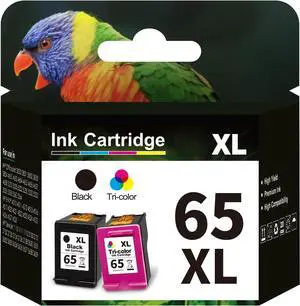
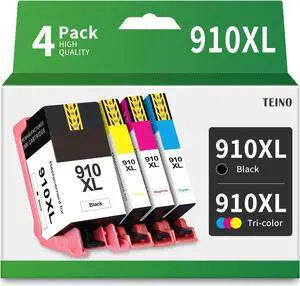
Once you have selected the right printer for your office, it is important to choose the right supplies to ensure optimal performance and longevity. When it comes to inkjet printers, using high-quality ink cartridges is essential to achieve the best print quality and prevent clogging. For laser printers, it is important to choose the right type of toner cartridges that are compatible with your printer model. Additionally, investing in high-quality paper can make a significant difference in the final print results.
FAQs: Common Questions about Printers and Scanners
| Q: How often should I replace the ink cartridges? | A: The frequency of replacing ink cartridges depends on your printing volume. However, it is recommended to replace them when the print quality starts to degrade. |
|---|---|
| Q: Can I use third-party ink cartridges with my printer? | A: While it is possible to use third-party ink cartridges, it is important to ensure compatibility with your printer model. Using incompatible cartridges may result in poor print quality or damage to the printer. |
| Q: How do I clean the scanner glass? | A: To clean the scanner glass, use a soft, lint-free cloth slightly dampened with glass cleaner. Gently wipe the glass surface to remove any smudges or debris. |
| Q: What is the difference between optical and interpolated resolution in scanners? | A: Optical resolution refers to the actual hardware resolution of the scanner, while interpolated resolution is achieved through software enhancements. Optical resolution provides more accurate and detailed scans. |
| Q: How can I improve the scanning speed? | A: To improve scanning speed, reduce the scanning resolution, use black and white mode instead of color, and ensure that the scanner is connected to a high-speed USB port. |