

Your Browsing History
- In Stock
- Sold by Newegg
- New

Any questions? Our AI mode will help you find out quickly.
Try me now
Quick View
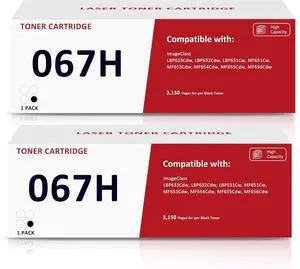
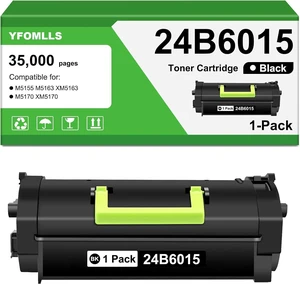
067H High Yield 2 Pack Black Toner Cartridge Compatible for Canon 067H 067
- Model #: HANWB0F1D35JGJ
- $173.99 –
- Free Shipping
Quick View
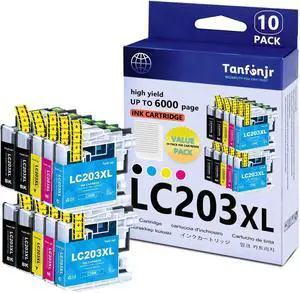
LC203XL High Yield Ink Cartridges Combo Pack 10-Pack (4BK/2C/2M/2Y) Replacement for Brother MFC-J480DW MFC-J880DW MFC-J4420DW MFC-J680DW MFC-J885DW Printer Ink
- Model #: HANWB0GSZ552FL
- $113.99 –
- Free Shipping
Quick View
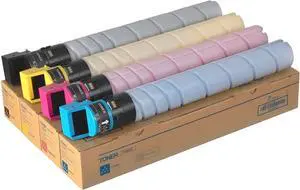
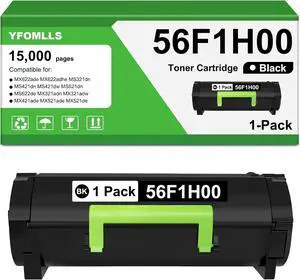
TN-328 Toner Cartridge Compatible for Konica Minolta TN328 TN626
- Model #: HANWB0FLJMCW2W
- $299.99 –
- Free Shipping
Quick View
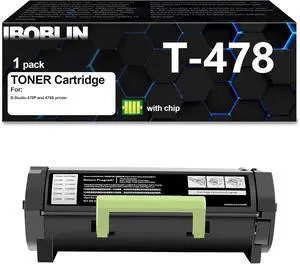
T-478 T478E 6B000000856 Black Toner Cartridge with Chip
- Model #: HANWB0F21DTPN2
- $193.99 –
- Free Shipping
Quick View
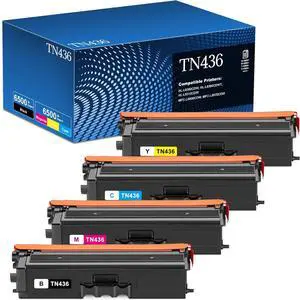
TN436 Toner Cartridge Compatible for Brother TN 436 TN433 TN431 4 Pack
- Model #: HANWB0FR98J85S
- $522.99 –
- Free Shipping
Quick View
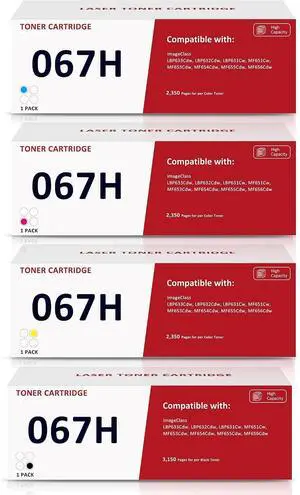
067H 067 High Yield Toner Cartridge Compatible for Canon 067 067H 4 Pack
- Model #: HANWB0FN7D456V
- $324.99 –
- Free Shipping
Quick View
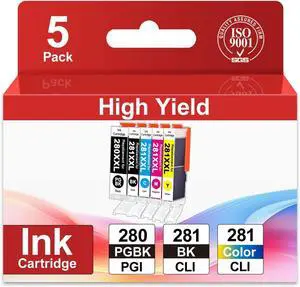
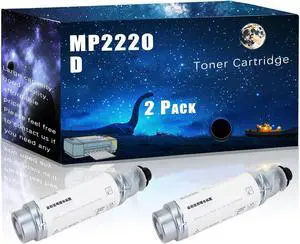
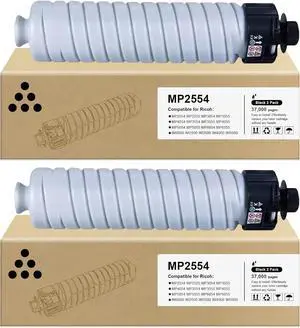
MP2554 MP3554 Toner Cartridge Compatible for Ricoh MP2554 MP2555 MP3054 MP3055 MP4054 MP3554 MP3555 MP4055 MP5054 MP5055 MP6054 MP6055 IM6000 IM4000 IM5000 IM2500 IM3500
- Model #: HANWB0CG31JMD1
- $149.99 –
- Free Shipping
Quick View
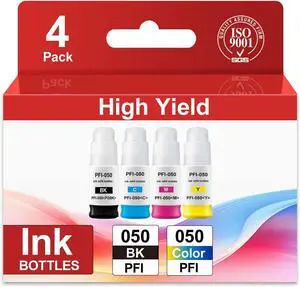
PFI-050 Pigment Ink Refill Replacement for PFI 050 Ink Cartridge
- Model #: HANWB0GDDS34FP
- $144.99 –
- Free Shipping
Quick View
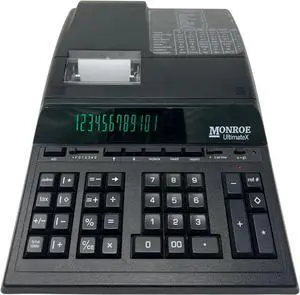
Monroe UltimateX Executive Printing Calculator with Edit and Reprint Capabilities
- Model #: BRAPB071NMY3XX
- $341.99 –
- Free Shipping
Quick View
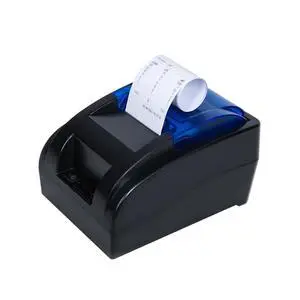
RIBAO Thermal POS Printer Receipt Printer Connect BC-55 BC-40 BCS-160 Mixed Bill Money Counter & Coin Sorter 58mm USB Cash Drawer Interface NOT for Square NOT for Other PC Device
Limited time offer, ends 09/17
- Model #: 565314672577
- $119.99
- See price in cart
- Free Shipping
Quick View
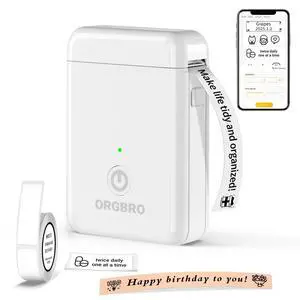
Label Maker Machine with Tape, X1 Bluetooth Mini Label Printer
- Brand: ORGBRO
- Series: LP-X1-WHITE, 1
- Part Number: X1-WHITE
- Print Technology: Thermal
- Model #: 784986900144
- $37.99 –
- Free Shipping
Quick View
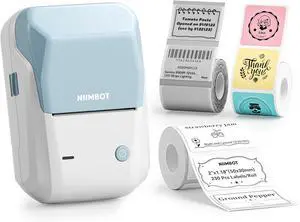
NIIMBOT B1 Label Maker with Tapes Set, 2 Inch Thermal Printer, Sky Blue
- Model #: HANWB0FWK419JQ
- $72.99 –
- Free Shipping
Quick View
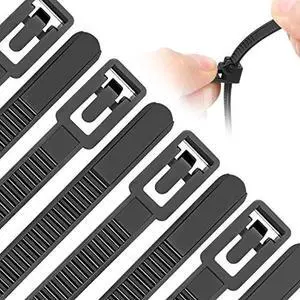
Reusable Zip Ties Assorted Sizes 6+8+10+12 Inch 100 Packs Releasable Zip Tie Heavy Duty Round Ending No Hurt Removable Cable Ties Reusable Indoor Outdoor Tie Wraps for Wire No Slip Off
- Connector Type: type
- Model #: 603904578947625
- $26.77 –
- More options from $26.22
- Free Shipping
Quick View
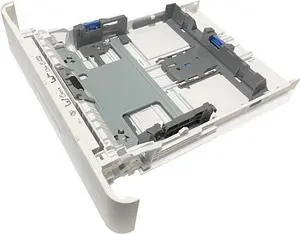
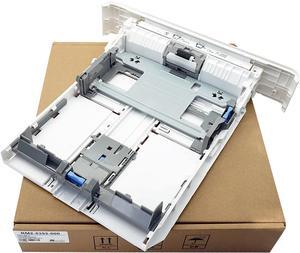
RM2-5392 Paper Tray 2 Assembly/Cassette Fits for HP LaserJet Pro Printer
- Model #: HANWB0F2DZVR4P
- $124.99 –
- Free Shipping
Quick View
Label Maker Machine with Tape, X1 Bluetooth Mini Label Printer | Fits Pre-Cut & Continuous Waterproof Label, Rich Templates APP, Inkless, Portable Sticker Maker, for School, Home, Office
- Brand: ORGBRO
- Series: LP-X1-WHITE, 1
- Part Number: X1-WHITE
- Print Technology: Thermal
- Model #: 738291522414
- $38.99 –
- Free Shipping
Quick View
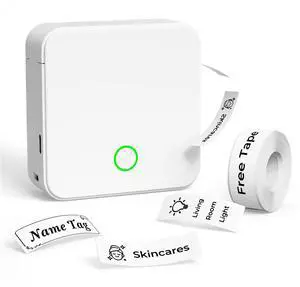
P0 Label Maker, Thermal Machine Sticker Label Printer, Label Maker Waterproof Labels, Multiple Templates, Portable Thermal Small Label Printer for Home Office School Organization White
- Brand: DETONGER
- Series: P0
- Part Number: P0-WHITE
- Print Technology: Thermal
- Model #: 498165417931
- $32.99 –
- Free Shipping
Quick View
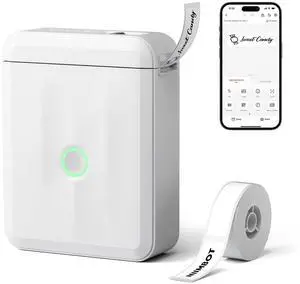
D110 Mini Label Maker Machine with Tape for Home School, White | Portable Label Printer Bluetooth Thermal Sticker Labeler with Multiple Templates for Office Kitchen Jars Organization
- Brand: NIIMBOT
- Series: D110M
- Part Number: NIIMBOT
- Print Technology: no_ink
- Model #: 721554379980
- $38.99 –
- Free Shipping
Quick View
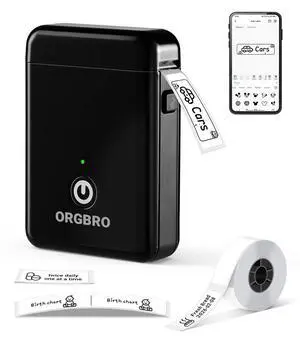
Label Maker Machine with Tape, X1 Bluetooth Mini Label Printer | Fits Pre-Cut & Continuous Waterproof Label, Rich Templates APP, Inkless, Portable Sticker Maker, for School, Home, Office
- Brand: ORGBRO
- Series: LP-X1-Black, 1
- Part Number: X1
- Print Technology: Thermal
- Model #: 952262679273
- $38.99 –
- Free Shipping
Quick View
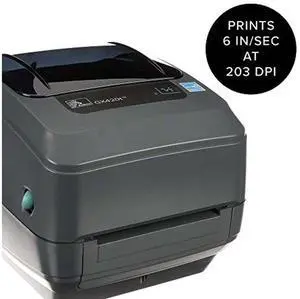
GX42-102510-000 GX420t Thermal Transfer Desktop Printer Print Width of 4 in USB Serial and Parallel Port Connectivity (GX42-102510-000)
- Model #: SDFS-FSD5FS5
- $370.00 –
- Free Shipping
Quick View
RM2-5392 Paper Tray 2 Assembly/Cassette Fits for HP LaserJet Pro M402n M402dn M403d M403dn M404n M405 M429dw M329 M304 M305 M426fdw M427dw,250-Sheet Capacity
- Model #: DARKB0F2DZVR4P
- $144.99 –
- Free Shipping
Quick View
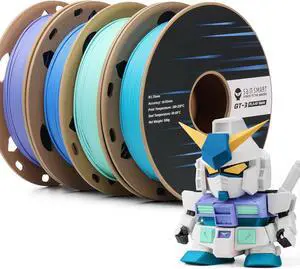
SainSmart GT-3 High Speed Matte PLA Filament Bundle, 3D Printer Filament Bundle Multicolor, 1.75mm 500g X 4 Spools, 4.4lbs (2kg) in Total High Flowability Cool Color - Blue, Green, Violet, Indigo
- Model #: STARWELL426253756707Lan
- $84.98 –
- Free Shipping
Quick View
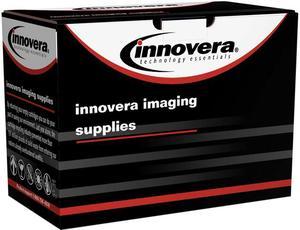
Innovera AC-D0825XMR Magenta Remanufactured 593-BBOY (593-BBOY) Toner, 2500 Page-Yield
- Cartridge Quantity: 1
- Replacement Brand: Dell
- Compatible Products: Dell H625cdw, H825cdw, S2825cdn
- Approximate Page Yield: 2500 Pages
- Model #: AC-D0825XMR
- $23.51 –
- Free Shipping


Quick View
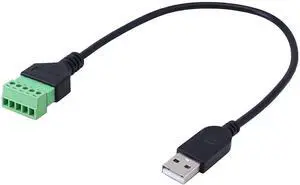
JAENFONG 1ft USB Type A 2.0 Male to 5 Pins Screw Terminal Female Solderless Charging and Data Transfer Converter Adapter Extension Cord
Limited time offer, ends 09/30
- Model #: fx-574
- $22.97 –
- Free Shipping
Quick View
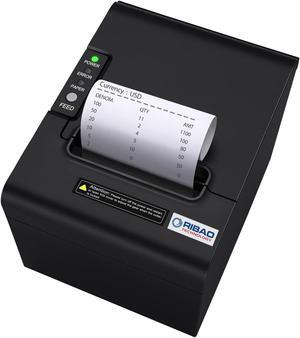
RIBAO Thermal 80mm POS Printer Receipt Printer Connect Cash Registers Cash Drawer, BC-55 BC-40 BCS-160 Mixed Bill Money Counter RS232 Cashbox InterfaceWindows/Mac/Linux
- Model #: 9359014189791
- $152.99 –
- $5.99 Shipping
Quick View
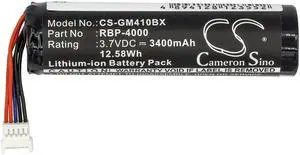
Cameron Sino Battery for Gryphon GM4100, RBP-GM40, Datalogic GM4100 GM4130 GM4400 GM4430 GBT4400 GBT4430 GM4100-BK-433Mhz RBP-GM40
- Brand: CS Cameron Sino
- Battery Pack: 68.70 x 18.40 x 18.40
- Battery Capacity: 3400 milliamp_hours
- Specifications: 68.70 x 18.40 x 18.40
- Model #: 382520013565
- $18.81 –
- Free Shipping
Quick View
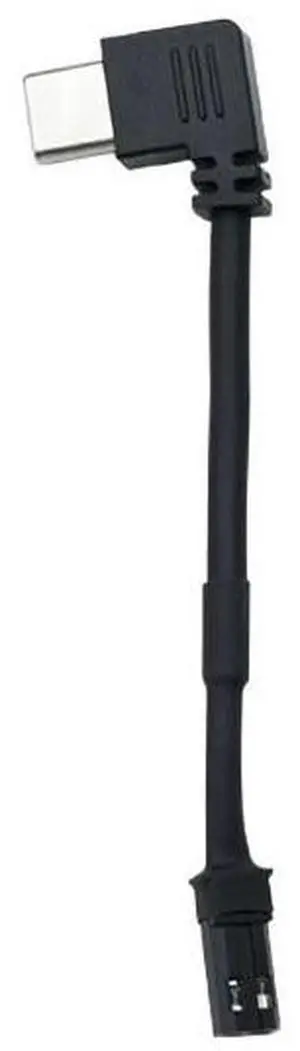
Anti-Freezing Magnet Line Magnetic Backboard Charging Panel Tail Plug Elbow USB Cable Android Heating Mantle Soft Silicone TYPE-C Port
- Connector Type: Lighting Connector to USB A
- Model #: DOCTOR METAL-Cable000049
- $12.99 –
- Free Shipping
Choosing the Right Printer for Your Office Needs
When it comes to office solutions, printers and scanners are essential tools for any business. Whether you need to print important documents, scan invoices, or create professional-quality marketing materials, having the right equipment is crucial. In this article, we will explore the different types of printers and scanners available in the market and provide tips on how to choose the best one for your office.
All-in-One Printers: Versatility and Convenience
all-in-one printers, also known as multifunction printers, are a popular choice for offices. These devices combine the functionality of a printer, scanner, copier, and sometimes even a fax machine into a single unit. They offer versatility and convenience, allowing you to perform multiple tasks without the need for separate devices. All-in-one printers are available in both inkjet and laser options, catering to different printing needs and budgets.
Specialized Printers for Specific Tasks
In addition to all-in-one printers, there are specialized printers designed for specific tasks. For example, 3D printers are ideal for creating prototypes or intricate models, while barcode and label printers are perfect for businesses that require efficient inventory management. laser printers are known for their fast printing speeds and high-quality output, making them suitable for offices with high-volume printing needs. inkjet printers, on the other hand, are more cost-effective and can produce vibrant color prints.
Choosing the Right Supplies
Once you have selected the right printer for your office, it is important to choose the right supplies to ensure optimal performance and longevity. When it comes to inkjet printers, using high-quality ink cartridges is essential to achieve the best print quality and prevent clogging. For laser printers, it is important to choose the right type of toner cartridges that are compatible with your printer model. Additionally, investing in high-quality paper can make a significant difference in the final print results.
FAQs: Common Questions about Printers and Scanners
| Q: How often should I replace the ink cartridges? | A: The frequency of replacing ink cartridges depends on your printing volume. However, it is recommended to replace them when the print quality starts to degrade. |
|---|---|
| Q: Can I use third-party ink cartridges with my printer? | A: While it is possible to use third-party ink cartridges, it is important to ensure compatibility with your printer model. Using incompatible cartridges may result in poor print quality or damage to the printer. |
| Q: How do I clean the scanner glass? | A: To clean the scanner glass, use a soft, lint-free cloth slightly dampened with glass cleaner. Gently wipe the glass surface to remove any smudges or debris. |
| Q: What is the difference between optical and interpolated resolution in scanners? | A: Optical resolution refers to the actual hardware resolution of the scanner, while interpolated resolution is achieved through software enhancements. Optical resolution provides more accurate and detailed scans. |
| Q: How can I improve the scanning speed? | A: To improve scanning speed, reduce the scanning resolution, use black and white mode instead of color, and ensure that the scanner is connected to a high-speed USB port. |