
Your Browsing History
- In Stock

Any questions? Our AI beta will help you find out quickly.
Try me now

Quick View
Lay Filaments ETHY-LAY Dissolvable Support 3D Printing Filament - 3.0mm, 0.10kg
- Model #: ETL_30/1/010
- $28.21 –
- Free Shipping
Quick View
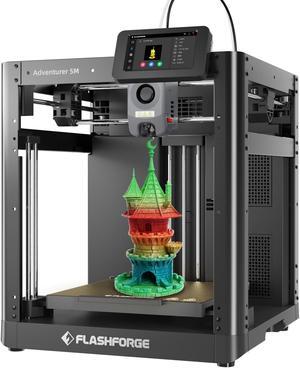
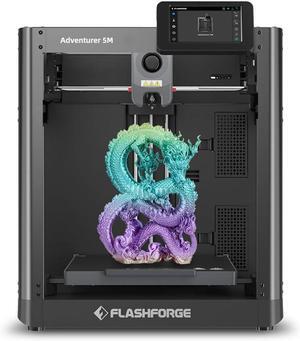
Flashforge Adventurer 5M 3D Printer, 600mm/s High Speed 3D Printer with Auto Leveling, PEI Plate, CoreXY Structure and Quick-release Nozzle, 8.7 x 8.7 x 8.7''
Limited time offer, ends 02/15
- Series: Adventurer 5M
- Part Number: AD5M
- Type: 3D Printer
- Body Material: Metal
- Model #: AD5M

Quick View
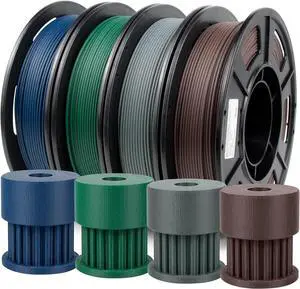
IEMAI Carbon Fiber PLA Filament 1.75mm Bundle, High Strength & Rigidity Colorful PLA-CF 3D Printer Filament Bundle, 250g x 4 Spools Blue/Blue Grey/Brown/Army Green
- Model #: Fahint365035837787
- $59.38 –
- Free Shipping
Quick View
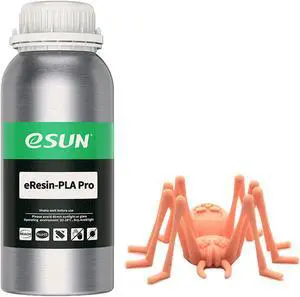
eSUN Plant-Based Pro 3D Printer Rapid Resin, 405nm LCD UV-Curing High Precision PLA Based Resin Photopolymer Resin for Monochrome Screen 3D Printer Beige 0.5KG
- Model #: ERESINPLAPRO-BG05KG
- $20.99 –
- Free Shipping
Quick View
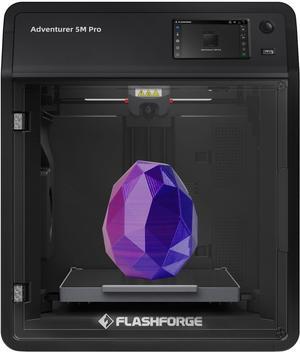
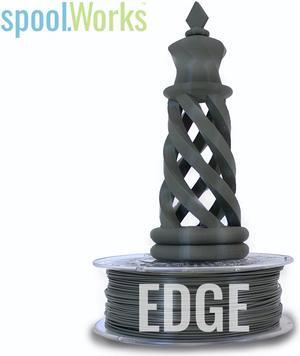
Genuine E3D spoolWorks EDGE Filament - 2.85mm, 750g, Basalt Grey45
- Model #: F-SW-EDGE-GREY45-300
- $48.29 –
- Free Shipping
Quick View
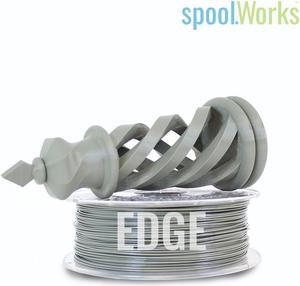
Genuine E3D spoolWorks EDGE Filament - 2.85mm, 750g, Cement Grey28
- Model #: F-SW-EDGE-GREY28-300
- $48.29 –
- Free Shipping
Quick View
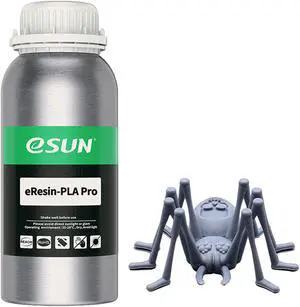
eSUN Plant-Based Pro 3D Printer Rapid Resin, 405nm LCD UV-Curing High Precision PLA Based Resin Photopolymer Resin for Monochrome Screen 3D Printer Gray 0.5KG
- Model #: ERESINPLAPRO-H05KG
- $20.99 –
- Free Shipping
Quick View
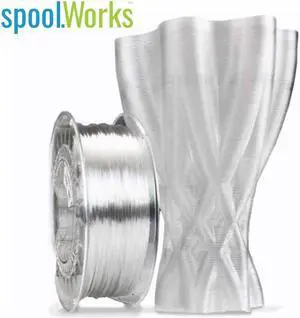
Genuine E3D spoolWorks EDGE Filament - 1.75mm, 750g, Clear Crystal01
- Model #: F-SW-EDGE-CRYSTAL01-
- $48.29 –
- Free Shipping
Quick View
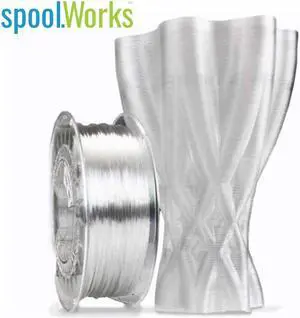
Genuine E3D spoolWorks EDGE Filament - 2.85mm, 750g, Clear Crystal01
- Model #: F-SW-EDGE-CRYSTAL01-
- $48.29 –
- Free Shipping
Quick View
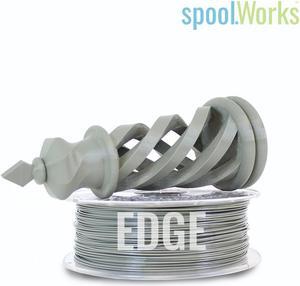
Genuine E3D spoolWorks EDGE Filament - 1.75mm, 750g, Cement Grey28
- Model #: F-SW-EDGE-GREY28-175
- $48.29 –
- Free Shipping
Quick View
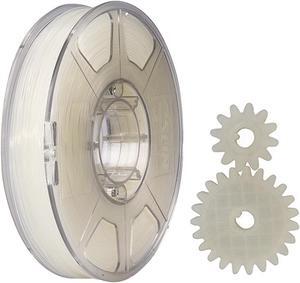
eSUN Nylon Filament 1.75mm 3D Printer PA Filament Accuracy +/- 0.05mm 1KG 2.2LBS Spool 3D Printing Filament for 3D Printers
- Model #: EPA175N1KG
- $43.99 –
- Free Shipping
Quick View
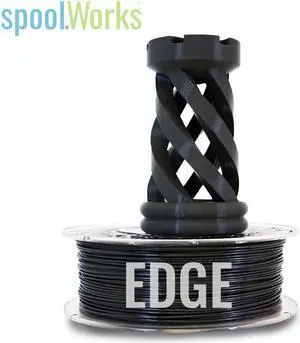
Genuine E3D spoolWorks EDGE Filament - 1.75mm, 2.3kg, Very Black30
- Model #: F-SW-EDGE-BLACK30-17
- $149.45 –
- Free Shipping
Quick View
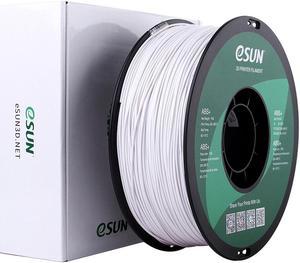
eSUN ABS Filament 1.75mm, 3D Printer Filament ABS, Dimensional Accuracy +/- 0.05mm, 1KG Spool (2.2 LBS) 3D Printing Filament for 3D Printers Cold White
- Compatible System: For All FDM 3D Printer
- Weight: 2.20 lbs. (1 kg)
- Model #: ABS175CW1A
- $20.99 –
- Free Shipping
Quick View
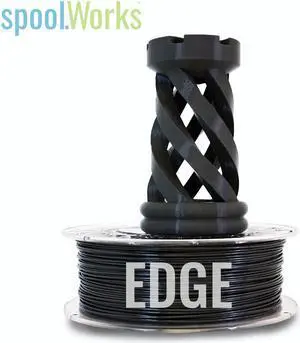
Genuine E3D spoolWorks EDGE Filament - 1.75mm, 750g, Very Black30
- Model #: F-SW-EDGE-BLACK30-17
- $48.29 –
- Free Shipping
Quick View
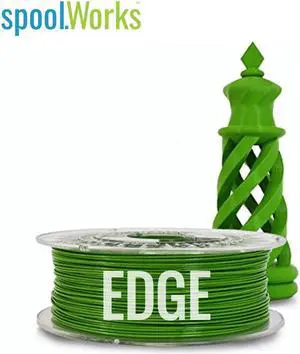
Genuine E3D spoolWorks EDGE Filament - 2.85mm, 750g, Cricket Green16
- Model #: F-SW-EDGE-GREEN16-30
- $48.29 –
- Free Shipping
Quick View
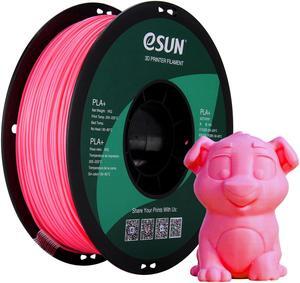
eSUN -Wholesale- 10 Rolls PLA+ Filament 1.75mm, 3D Printer Filament PLA Plus, Dimensional Accuracy +/- 0.03mm, 1KG Spool (2.2 LBS) 3D Printing Filament for 3D Printers Pink
- Compatible System: For All FDM 3D Printer
- Model #: PLA+175P10
- $149.99 –
- Free Shipping
Quick View
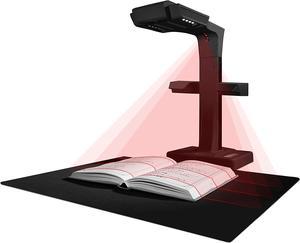
ET18 Pro Professional Document Scanner, 2nd Gen Auto-Flatten & Deskew Tech, 18MP HD Camera, Capture A3, 186 Languages OCR, Convert to PDF/Searchable PDF/Word/Tiff/Excel, Run On Windows & MacOS
- Product Type: Professional Document Scanner
- Model #: BJFIB993IR3BR3
- $799.99 –
- Free Shipping
Quick View
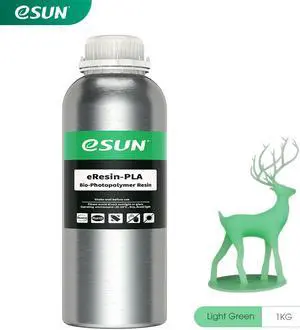
eSUN Plant-Based 3D Printer Rapid Resin, 405nm LCD UV-Curing PLA Based Resin Photopolymer Resin for Photon LCD 3D Printer Liquid 3D Resin Grass Green 1kg
- Model #: ERESIN-PLA-GG1
- $30.99 –
- Free Shipping
Quick View
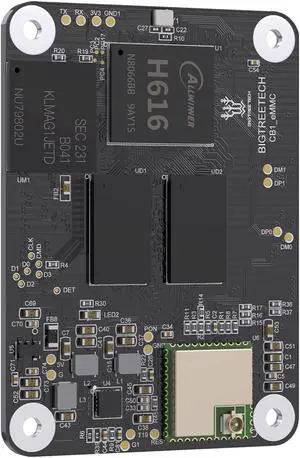
BIGTREETECH CB1 eMMC Core Control Board for 3D Printers to Run Klipper, 32GB ROM, 1GB DDR3 RAM, 100M Ethernet, 100M WiFi, As CM4 Compatible with Rasp-Berry Pi4, BTT Pi4B, Manta E3EZ M8P M4P M5P
Limited time offer, ends 02/10
- Model #: 9391048845533
- $82.49 –
- More options from $82.49 - $83.99
- Free Shipping
Quick View
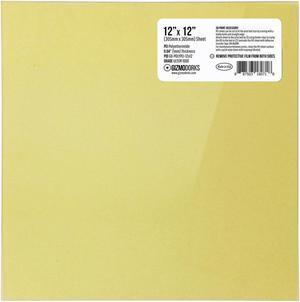
Gizmo Dorks PEI Sheet 12" x 12" (305mm x 305mm) 1mm Thick 3D Printer Build Surface Ultem 1000, Made in The USA
- Model #: vfrtR302951376358
- $39.50 –
- Free Shipping
Quick View
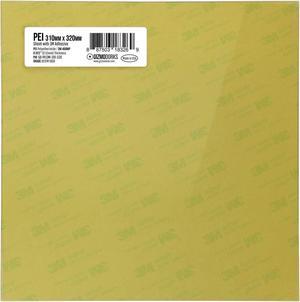
Gizmo Dorks PEI Sheet 3D Printer Build Surface 310mm x 320mm Compatible for CR-10S Pro or Pro V2, Made in The USA
- Model #: vfrtR302951376624
- $39.50 –
- Free Shipping
Quick View
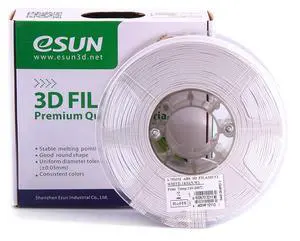
eSUN 1.75mm White ABS 3D Printer Filament 1kg Spool (2.2lbs), White
- Model #: vfrtR302951375856
- $51.46 –
- Free Shipping
Quick View
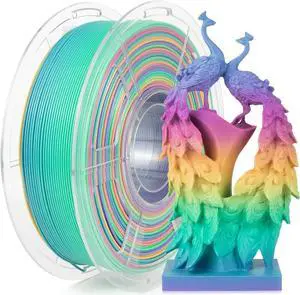
IEMAI Rainbow PLA Filament 1.75mm, Fast Color Changing Gradient, High-Speed 3D Printer Filament Up to 600mm/s, 1kg Spool for Artistic Creations & Home Decor
- Model #: vfrtR302951377300
- $48.79 –
- Free Shipping
Quick View
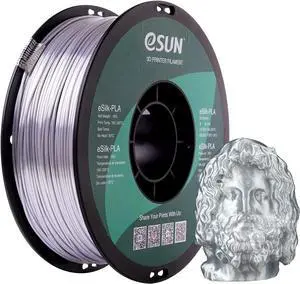
eSUN Silk PLA 3D Printer Filament, Dimensional Accuracy +/- 0.03 mm, 1 kg Spool, 1.75 mm, Silver
- Model #: 6295441436738ASDFA17941775
Quick View
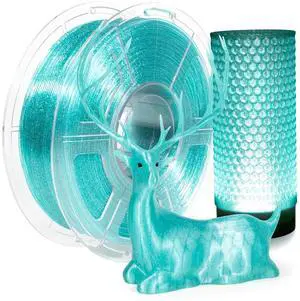
IEMAI Clear PETG Filament 1.75mm, Transparent Glitter Light Blue, Sparkling 3D Printer Filament Up to 600mm/s Printing, 1kg Spool for Artistic Creations & Home Decor
- Model #: Fahint365035836834
- $49.48 –
- Free Shipping
Quick View
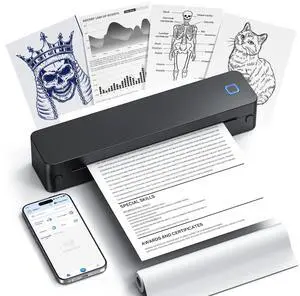
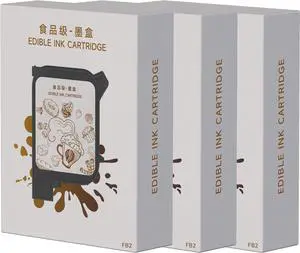
EVEBOT High Speed Coffee Printer Ink Cartridge Replacement for EB-Pro, Printing Exquisite Patterned Coffee Latte Art, Brown 3PCS Fancy Box
- Model #: BAMB0D2H1DPMQ
- $409.99 –
- Free Shipping
Quick View
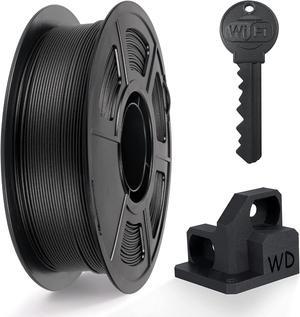
IEMAI PETG Carbon Fiber Filament 1.75mm, Matte Black PETG-CF, Heat-Resistant, High Strength & Rigidity 3D Printer Filament, 1kg Spool Designed for Complex Models and Functional Parts
- Model #: Fahint365035838050
- $41.56 –
- Free Shipping

Quick View
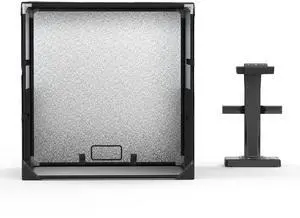
Gizmo Dorks PEI Sheet 8" x 8" (203mm x 203mm) 1mm Thick 3D Printer Build Surface with 3M 468MP Adhesive, Made in The USA
OUT OF STOCK
- Model #: vfrtR302951376969
- $33.56 –
- Free Shipping
Choosing the Right Printer for Your Office Needs
When it comes to office solutions, printers and scanners are essential tools for any business. Whether you need to print important documents, scan invoices, or create professional-quality marketing materials, having the right equipment is crucial. In this article, we will explore the different types of printers and scanners available in the market and provide tips on how to choose the best one for your office.
All-in-One Printers: Versatility and Convenience
all-in-one printers, also known as multifunction printers, are a popular choice for offices. These devices combine the functionality of a printer, scanner, copier, and sometimes even a fax machine into a single unit. They offer versatility and convenience, allowing you to perform multiple tasks without the need for separate devices. All-in-one printers are available in both inkjet and laser options, catering to different printing needs and budgets.
Specialized Printers for Specific Tasks
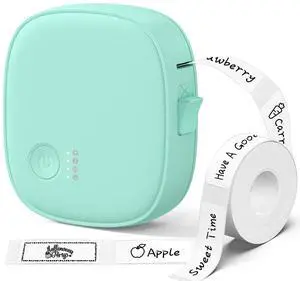
In addition to all-in-one printers, there are specialized printers designed for specific tasks. For example, 3D printers are ideal for creating prototypes or intricate models, while barcode and label printers are perfect for businesses that require efficient inventory management. laser printers are known for their fast printing speeds and high-quality output, making them suitable for offices with high-volume printing needs. inkjet printers, on the other hand, are more cost-effective and can produce vibrant color prints.
Choosing the Right Supplies
Once you have selected the right printer for your office, it is important to choose the right supplies to ensure optimal performance and longevity. When it comes to inkjet printers, using high-quality ink cartridges is essential to achieve the best print quality and prevent clogging. For laser printers, it is important to choose the right type of toner cartridges that are compatible with your printer model. Additionally, investing in high-quality paper can make a significant difference in the final print results.
FAQs: Common Questions about Printers and Scanners
| Q: How often should I replace the ink cartridges? | A: The frequency of replacing ink cartridges depends on your printing volume. However, it is recommended to replace them when the print quality starts to degrade. |
|---|---|
| Q: Can I use third-party ink cartridges with my printer? | A: While it is possible to use third-party ink cartridges, it is important to ensure compatibility with your printer model. Using incompatible cartridges may result in poor print quality or damage to the printer. |
| Q: How do I clean the scanner glass? | A: To clean the scanner glass, use a soft, lint-free cloth slightly dampened with glass cleaner. Gently wipe the glass surface to remove any smudges or debris. |
| Q: What is the difference between optical and interpolated resolution in scanners? | A: Optical resolution refers to the actual hardware resolution of the scanner, while interpolated resolution is achieved through software enhancements. Optical resolution provides more accurate and detailed scans. |
| Q: How can I improve the scanning speed? | A: To improve scanning speed, reduce the scanning resolution, use black and white mode instead of color, and ensure that the scanner is connected to a high-speed USB port. |