

Your Browsing History
- Sold by Newegg
- Make an Offer

Any questions? Our AI beta will help you find out quickly.
Try me now
Quick View
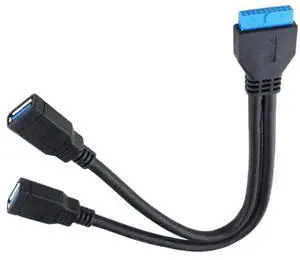
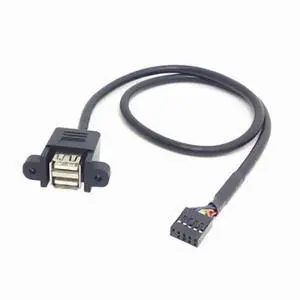
Generic Motherboard USB 3,0 20pin Stecker auf Dual USB 3,0 Weibliche Kabel Für PC Computer Fall 2 Port USB 3,0 zu mainboard 20Pin Header
- Model #: 12000024503253393
- $18.58 –
- Free Shipping
Quick View
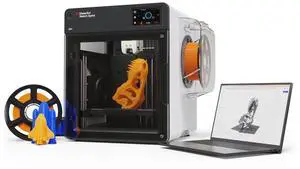
MakerBot Sketch Sprint
- Brand: Makerbot
- Series: Sketch Sprint
- Part Number: 900-0151A
- Type: 3D Printer
- Model #: 900-0151A
- $2,366.99 –
- Free Shipping
Quick View
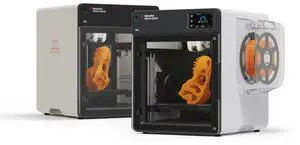
MakerBot Sketch Sprint, Classroom Two-Printer Setup, 3D Printer for small size projects | SKETCHSPRINTCLASSROOM
- Brand: Makerbot
- Series: Sketch Sprint
- Part Number: SKETCHSPRINTCLASSROOM
- Type: 3D Printer
- Model #: SKETCHSPRINTCLASSROOM
- $4,798.00
- $4,234.99 –
- Save: $563.01 (11%)
- Free Shipping
Quick View
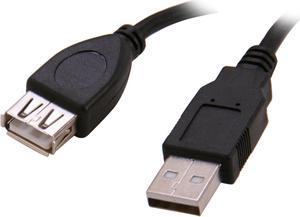
BYTECC USB2-6MF-K Black Type A Male to Type A Female USB 2.0 Extension Cable
- Type: USB
- Connector Type: USB A to USB A
- Connector Number: 2
- Model #: USB2-6MF-K
- $8.99 –
- Free Shipping
Quick View
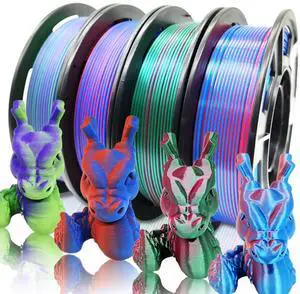
Reprapper 4X 250g Color Pack, Dual Color Filament Coextrusion PLA Filament 1.75mm for 3D Printer, 4 x 250g Spools Matte Red/Blue, Matte Purple/Green, Silk Red/Blue, Silk Purple/Green
- Model #: C0A865465010412418
- $44.83 –
- Free Shipping

Quick View
CAT5e (CMP) Plenum Cable, 1000FT 24AWG 4Pair, 350MHz Solid Network Cable Unshielded Twisted Pair (UTP), Available in Blue, White, Gray & Black Color (Black)
- Model #: Tong409397167233miao
- $217.88 –
- Free Shipping
Quick View
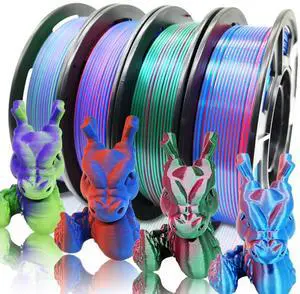
Reprapper 4X 250g Color Pack, Dual Color Filament Coextrusion PLA Filament 1.75mm for 3D Printer, 4 x 250g Spools Matte Red/Blue, Matte Purple/Green, Silk Red/Blue, Silk Purple/Green
- Brand: RepRapper
- Color: Dual Color Blue Pla
- Material: Polylactic Acid
- Diameter: 1.75
- Model #: 262317130152
- $39.99 –
- Free Shipping
Quick View
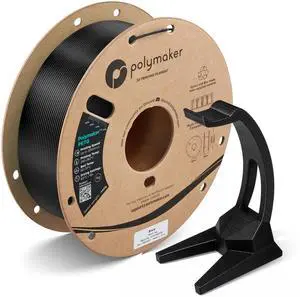
PETG Filament 1.75mm Black 1KG, High Speed, 2.2 Lbs
- Brand: Polymaker
- Color: 111 - 1.75mm Black (Hex Code: #070908)
- Material: Polyethylene Terephthalate Glycol
- Diameter: 1.75
- Model #: 586416398887
- $34.99 –
- Free Shipping
Quick View
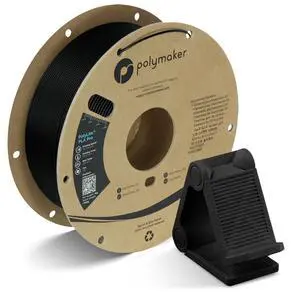
PolyLite PLA Pro Filament 1.75mm 1KG Black
- Brand: Polymaker
- Color: 111 - 1.75mm Black (Hex Code: #161619)
- Material: Polylactic Acid
- Diameter: 1.75
- Model #: 295974849930
- $44.99 –
- Free Shipping
Quick View
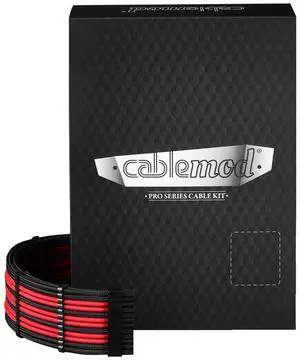
CableMod C-Series Pro ModMesh Sleeved Cable Kit for Corsair Type 5 RMX Shift (Black + Red)
- Model #: TOLKB0DSBX8G9C
- $180.99 –
- Free Shipping
Quick View
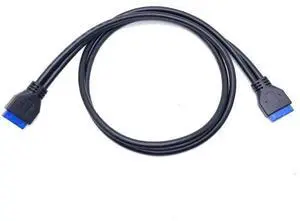
USB 3.0 motherboard data cable USB 3.0 20-pin male-to-male data cable 20PIN 3.0
- Model #: jiudian-YC5KU-1697
- $13.99 –
- Free Shipping
Quick View
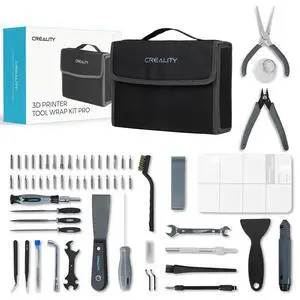
3D Printer Tools Kit, 74 Pcs 3D Printing Tool Wrap Kit Assembly/Removal/Finishing/Deburring/Filament Cutting/Nozzle Cleaning/Printing Model Tool, 3D Printer Accessories for All FDM Printers
- Brand: Creality
- Part Number: AMUS-HYZ-3D-AC-ToolKit
- Color: Black
- Type: Filament
- Model #: 974060322147
- $69.99 –
- Free Shipping
Quick View
Reprapper 4X 250g Color Pack, Dual Color Filament Coextrusion PLA Filament 1.75mm for 3D Printer, 4 x 250g Spools Matte Red/Blue, Matte Purple/Green, Silk Red/Blue, Silk Purple/Green
- Model #: 433330054014ComputerzoneGANG
- $45.89 –
- Free Shipping
Quick View
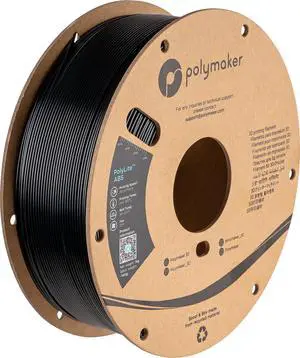
ABS Filament Black 1KG 1.75mm, Heat Resistant, Strength
- Brand: Polymaker
- Color: 111 - 1.75mm Black (Hex Code: #16161a)
- Material: Acrylonitrile Butadiene Styrene
- Diameter: 1.75
- Model #: 941910172915
- $34.99 –
- Free Shipping
Quick View
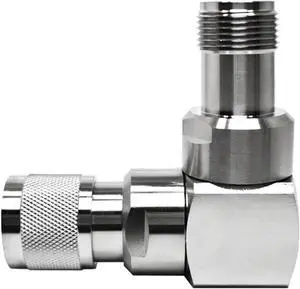
90 Degree HN Male to HN Female Right Angle RF Elbow Adapter, IP67 Waterproof Brass Connector for Antenna/Router (Phase Stable, 7.5GHz)
- Model #: TOLKB0FJF7XGJD
- $66.99 –
- Free Shipping

Quick View
Modular Y Carriage Plate Upgrade for 2040V Aluminum Profile for Ender3/Ender3 Pro 3D Printer (190mm)
- Model #: C0A392465010407681
- $50.68 –
- Free Shipping
Quick View
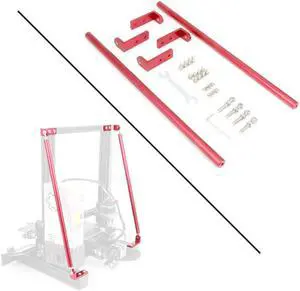
Red Supporting Rod Set for Ender 3D Printer, Upgrade 3D Printer Supply Parts for 3D Printer Ender 3/Ender 3 pro/Ender 3 V2 3D Printer (365MM)
- Model #: EQWER462277178057
- $57.88 –
- Free Shipping
Quick View
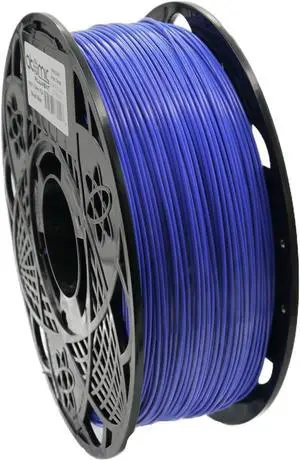
Royal Blue PLA Filament AMS Compatible, 1.75mm, 1KG Spool, ±0.02mm Diameter Variation Fits Most FDM 3D Printers
- Model #: vfrtR302951376693
- $68.27 –
- Free Shipping
Quick View
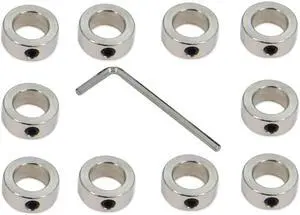
10PCS/Pack Silver 12mm Bore Shaft Lock Collar T12 Lead Screw Lock Ring Stainless Steel Material Isolation for 3D Printer Accessories(12mm-Silver)
- Model #: EQWER462277178033
- $25.88 –
- Free Shipping
Quick View
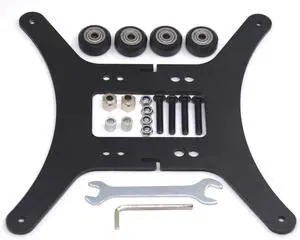
Modular Y Carriage Plate Upgrade Kit for 2040V Aluminum Profile for 3D Printer
- Model #: EQWER462277175940
- $47.88 –
- Free Shipping
Quick View
Modular Y Carriage Plate Upgrade for 2040V Aluminum Profile for Ender3/Ender3 Pro 3D Printer (190mm)
- Model #: EQWER462277172734
- $51.88 –
- Free Shipping
Quick View
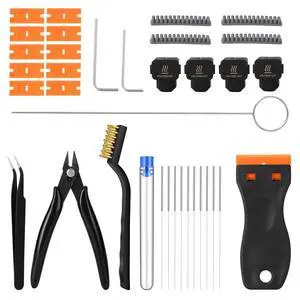
35Pcs 3D Printer Tool Kit Compatible with Bambu Lab A1-4X Nozzle Wiper, 4X Silicone Sock, Clog Poke, Scraper, Flush Cutter & Tweezers for 3D Printer Maintenance, Cleaning & Removal
- Brand: EILKBLA
- Part Number: 35pcs 3D Printer Tool Kit
- Type: 35pcs 3D Printer Tool Kit
- Model #: 079129155621
- $23.99 –
- Free Shipping
Quick View
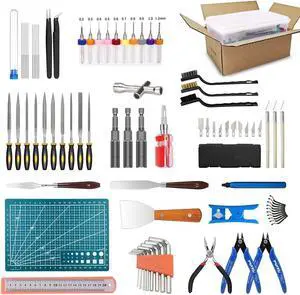
82 Pcs 3D Printer Tool Kit with Case, 3D Printing Tools with Accessories of Deburring Tool, Nozzle Cleaning Kit, Screwdriver Kit, Tube Cutter for 3D Print Removing, Cleaning, Finishing, Carving
- Model #: STARWELL426253758923Lan
- $57.98 –
- Free Shipping

Quick View
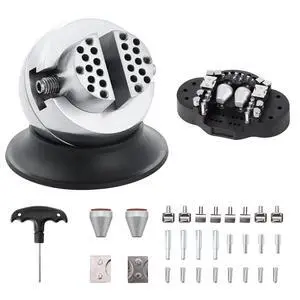
Modular Y Carriage Plate Upgrade for 2040V Aluminum Profile for Ender3/Ender3 Pro 3D Printer (190mm)
- Model #: R183247663308511
- $51.46 –
- Free Shipping
Quick View
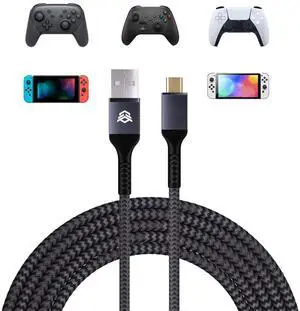
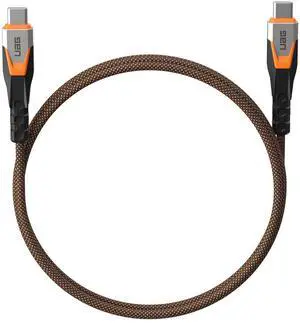
13.12FT Charging Cable for ps5 Controller, Replacement USB C Cord for Gamepad, Universal Data Cord Accessories for Xbox Core/Elite Series 2 / Switch Pro Controller
- Brand: HEXGAMING
- Type: USB
- Connector Type: USB Type C
- Connector Number: 24
- Model #: 426587204721
- $23.95 –
- Free Shipping
Quick View
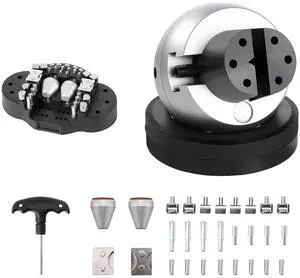
82 Pcs 3D Printer Tool Kit with Case, 3D Printing Tools with Accessories of Deburring Tool, Nozzle Cleaning Kit, Screwdriver Kit, Tube Cutter for 3D Print Removing, Cleaning, Finishing, Carving
- Model #: 433330049768ComputerzoneGANG
- $56.89 –
- Free Shipping

Quick View
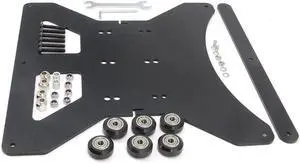
Zeberoxyz Upgrade Modular Y Carriage Plate Kit 260mmx260mmx3.5mm/10.2x10.2x0.14inch for 2040V Aluminum Profile for CR-10s 3D Printer (260x260x3.5mm)
- Model #: C0A435465010408114
- $69.99 –
- Free Shipping
Quick View
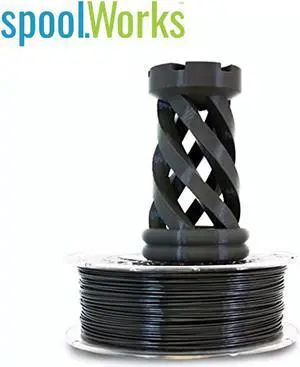
Genuine E3D spoolWorks MatX ASA Filament - 2.85mm, 750g, Basalt Grey45
- Model #: F-SW-MATX-DARKGREY-3
- $50.18 –
- Free Shipping
Quick View
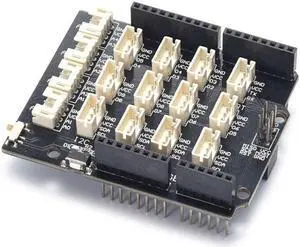
RGB Base V1.0 Expansion Board Streamlined Design for Optimal Performance Elevate Your 3D Printing Game
- Model #: ff-yy-118
- $21.90 –
- Free Shipping
Choosing the Right Printer for Your Office Needs
When it comes to office solutions, printers and scanners are essential tools for any business. Whether you need to print important documents, scan invoices, or create professional-quality marketing materials, having the right equipment is crucial. In this article, we will explore the different types of printers and scanners available in the market and provide tips on how to choose the best one for your office.
All-in-One Printers: Versatility and Convenience
all-in-one printers, also known as multifunction printers, are a popular choice for offices. These devices combine the functionality of a printer, scanner, copier, and sometimes even a fax machine into a single unit. They offer versatility and convenience, allowing you to perform multiple tasks without the need for separate devices. All-in-one printers are available in both inkjet and laser options, catering to different printing needs and budgets.
Specialized Printers for Specific Tasks
In addition to all-in-one printers, there are specialized printers designed for specific tasks. For example, 3D printers are ideal for creating prototypes or intricate models, while barcode and label printers are perfect for businesses that require efficient inventory management. laser printers are known for their fast printing speeds and high-quality output, making them suitable for offices with high-volume printing needs. inkjet printers, on the other hand, are more cost-effective and can produce vibrant color prints.
Choosing the Right Supplies
Once you have selected the right printer for your office, it is important to choose the right supplies to ensure optimal performance and longevity. When it comes to inkjet printers, using high-quality ink cartridges is essential to achieve the best print quality and prevent clogging. For laser printers, it is important to choose the right type of toner cartridges that are compatible with your printer model. Additionally, investing in high-quality paper can make a significant difference in the final print results.
FAQs: Common Questions about Printers and Scanners
| Q: How often should I replace the ink cartridges? | A: The frequency of replacing ink cartridges depends on your printing volume. However, it is recommended to replace them when the print quality starts to degrade. |
|---|---|
| Q: Can I use third-party ink cartridges with my printer? | A: While it is possible to use third-party ink cartridges, it is important to ensure compatibility with your printer model. Using incompatible cartridges may result in poor print quality or damage to the printer. |
| Q: How do I clean the scanner glass? | A: To clean the scanner glass, use a soft, lint-free cloth slightly dampened with glass cleaner. Gently wipe the glass surface to remove any smudges or debris. |
| Q: What is the difference between optical and interpolated resolution in scanners? | A: Optical resolution refers to the actual hardware resolution of the scanner, while interpolated resolution is achieved through software enhancements. Optical resolution provides more accurate and detailed scans. |
| Q: How can I improve the scanning speed? | A: To improve scanning speed, reduce the scanning resolution, use black and white mode instead of color, and ensure that the scanner is connected to a high-speed USB port. |