

Your Browsing History
- In Stock
- Sold by Newegg
- Make an Offer
- New

Any questions? Our AI mode will help you find out quickly.
Try me now
Quick View
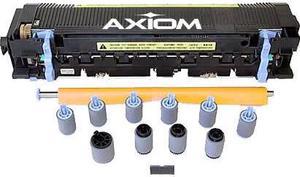
Axiom Maintenance Kit For Hp Laserjet 5Si 8000 # C3971-67903
- Brand: Axiom
- Product Type: Printer Server
- Weight: 8
- Model #: C3971-67903-AX
- $253.23 –
- Free Shipping
Quick View
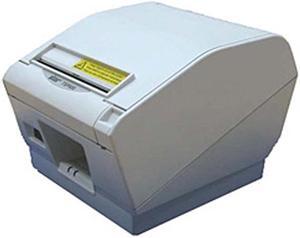
star 39590110 Wall Mount Kit
- Product Sort: Printer Accessories
- Model #: 39590110
- $48.99
- $42.99 –
- Save: $6.00 (12%)
- $4.99 Shipping
Quick View
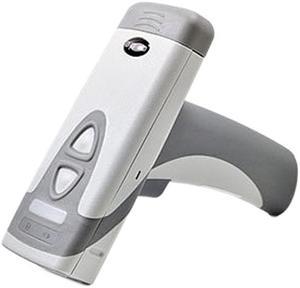
CODE READER KIT CR2700 BLUETOOTH HANDLED LIGHT GRAY CODESHIELD BATTERY BT INDUCTIVE CHARGING STATION 6FT USB CABLE
- Weight: 6.0000
- Model #: CR2702-100-A271-C36
- $895.00 –
- More options from $895.00 - $1,132.85
- Free Shipping
Quick View
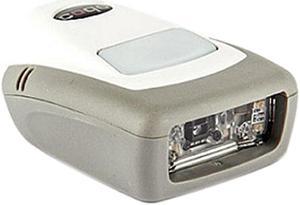
CODE READER KIT CR1100 CABLED DARK GRAY USB 3FT STRAIGHT USB CABLE
- Model #: CR1100-K201-C507
- $248.00 –
- More options from $240.99 - $288.04
- Free Shipping
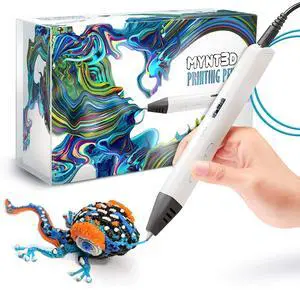
Quick View
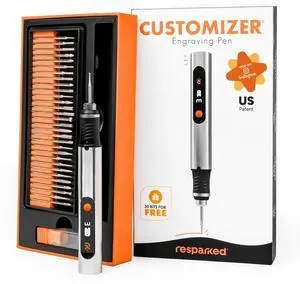
Professional Printing 3D Pen with OLED Display
- Model #: 405530573055
- $109.99 –
- Free Shipping
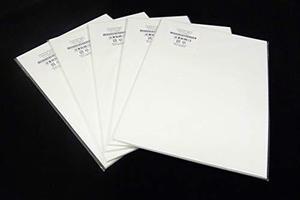
Quick View
Fujitsu CG00000-602701 Scanner Cleaning Paper (50 Sheets)
- Product Sort: Scanner Accessories
- Product Type: Cleaning and Maintenance kits
- Model #: CG00000-602701
- $93.95 –
- More options from $93.95 - $103.21
- Free Shipping
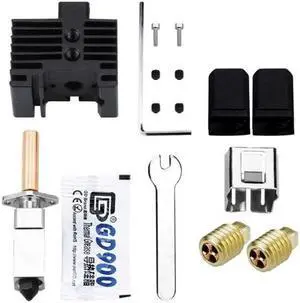
Quick View
3D Printer Accessories for LabX1 Series Modules Nozzle Assembly Hardened Steel Nozzle Extrusion Head(for KIT four)
- Model #: ff-yy-217
- $78.50 –
- Free Shipping
Quick View
ZEBRA AIT PART KIT PRINTHEAD 300 DPI ZT510
- Product Type: Printer
- Weight: 0.1400
- Model #: P1083347-006
- $858.46
- See price in cart
- Free Shipping
Quick View
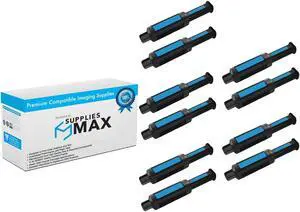
SuppliesMAX Compatible Replacement for HP Neverstop Laser 1001NW/1201N/1202NW/1202W-MFP Toner Reload Kit (10/PK-2500 Page Yield) (NO. 143A) (W1143AD_5PK)
- Cartridge Quantity: 10 Pack
- Replacement Brand: HP
- Compatible Products: HP W1143AD_5PK
- Approximate Page Yield: 2500 Pages
- Model #: SPB-HEWW1143AD_5PK-C
- $91.99 –
- $17.99 Shipping

Quick View
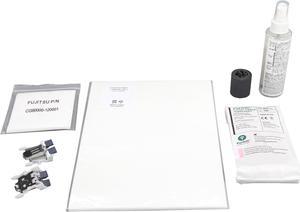
Fujitsu CG01000-530501 ScanAid Kit
- Product Sort: Scanner Accessories
- Product Type: Consumable Kit
- Color: N/A
- Compatibility: Fujitsu ScanSnap S1500M Sheet-Fed Scanner
- Model #: CG01000-530501
- $108.94 –
- More options from $108.94 - $113.27
- Free Shipping
Quick View
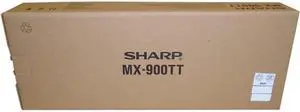
Sharp Transfer Belt Kit
- Product Type: Transfer Belt
- Model #: MX900TT
- $197.99 –
- More options from $197.99 - $237.26
- $4.99 Shipping
Quick View
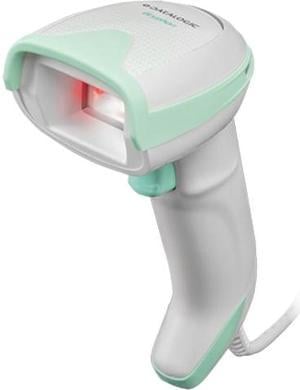
Datalogic Gryphon GD4590 Handheld Barcode Scanner and Imager for Healthcare, 2D Mpixel Imager, USB/RS-232/Wedge Multi-Interface, BPOC Kit - GD4590-HCK10-BPOC
- Series: GRYPHON
- Part Number: GD4590-HCK10-BPOC
- Form Factor: Handheld
- Scan Engine: 1D / linear codes: Autodiscriminates all standard 1D codes including GS1 DataBar linear codes. 2D codes: Aztec Code; China Han Xin Code; Data Matrix; MaxiCode; Micro QR Code; QR Code; Dot code
- Model #: GD4590-HCK10-BPOC
- $308.61 –
- More options from $242.99 - $308.61
- Free Shipping
Quick View
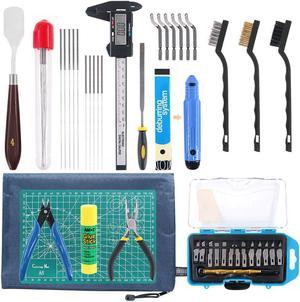
42 Piece 3D Print Tool Kit Includes Debur Tool, Cleaning and Removal Tool with Storage Bag, 3D Printer Tool Set for Cleaning, Finishing and Printing 3D Prints
- Model #: vfrtR302951372480
- $52.69 –
- More options from $52.69
- Free Shipping
Quick View
Sharp MX753KB MX - M623 And 753 Mintenance Kit
- Model #: MX753KB
- $91.93 –
- More options from $91.93 - $119.99
- Free Shipping
Quick View
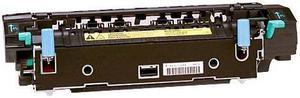
AXIOM 110V IMAGE FUSER KIT FOR HP COLOR LASERJET 4600 SERIES - Q3676A
- Brand: Axiom
- Product Type: Fuser
- Model #: Q3676A-AX
- $298.23 –
- Free Shipping
Quick View
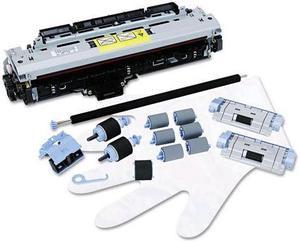
AXIOM MAINTENANCE KIT FOR HP LASERJET M5025, M5035 SERIES - Q7832A
- Product Type: Maintenance Kit
- Color: N/A
- Model #: Q7832A-AX
- $322.55 –
- Free Shipping
Quick View
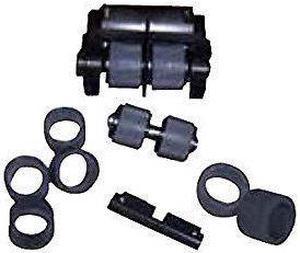
Kodak Consumables Kit for the i2900 and i3000 Series Scanners (1428101)
- Model #: 279-128681000332375
- $255.86 –
- Free Shipping
Quick View

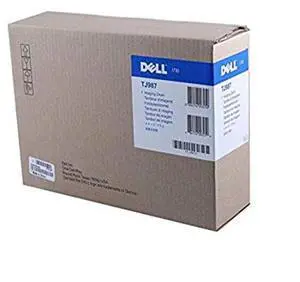
- Part Number: TJ987
- Accessory Type: Drum
- Model #: 900340515700
- $45.99 –
- Free Shipping
Quick View
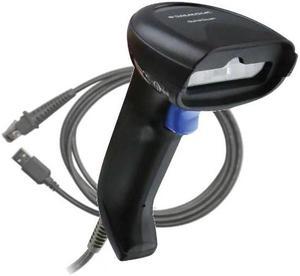
QuickScan I QD2220, Kit,
- Weight: 0.3000
- Model #: QD2220-BKK1
- $78.38 –
- More options from $78.38 - $87.26
- Free Shipping
Quick View
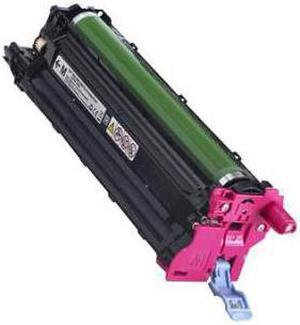
- Product Type: Imaging Drums and Photoconductors
- Color: Magenta
- Model #: D20NH
- $35.00 –
- More options from $35.00 - $65.99
- Free Shipping
Quick View
- Model #: P4866 55
- $59.99 –
- Free Shipping
Quick View
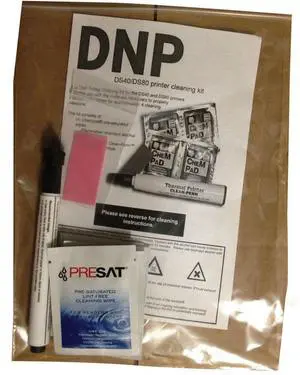
DNP Print Head Cleaning Kit for All DS RX Model Printers, Includes 4x Alcohol Pads, Polishing Cloth, Marker
- Model #: 100-860
- $16.99 –
- $7.85 Shipping
Quick View
Lexmark MX71x, MX81x ADF Maintenance Kit
- Product Type: Other Accessories
- Model #: 40X8431
- $187.91 –
- Free Shipping
Quick View
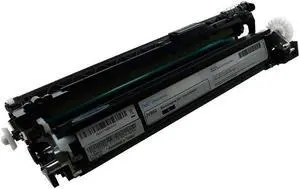
- Model #: JV98J 0JV98J
- $31.99 –
- More options from $23.09 - $31.99
- Free Shipping
Quick View
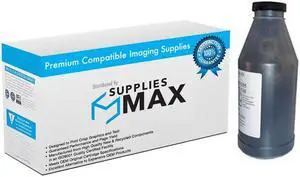
SuppliesMAX Compatible Replacement for Sharp AR-162/AR-163/AR-164/AR-M160/AR-M162/AR-M205/AR-M207 Developer Refill Kit (30000 Page Yield) (AR-202ND)
- Cartridge Quantity: 1 Pack
- Replacement Brand: Sharp
- Compatible Products: Sharp AR-202ND
- Approximate Page Yield: 30000 Pages
- Model #: SPB-SHPAR-202ND-C
- $25.99 –
- $8.99 Shipping
Quick View
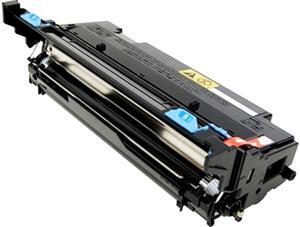
Kyocera MK1152 Printer Accessory
- Product Sort: Printer Accessories
- Product Type: Maintenance/Fuser Kit
- Compatibility: Kyocera Mita - ECOSYS M2040dn Kyocera Mita - ECOSYS M2135dn Kyocera Mita - ECOSYS M2540dn Kyocera Mita - ECOSYS M2540dw Kyocera Mita - ECOSYS M2635dn Kyocera Mita - ECOSYS M2635dw Kyocera Mita - ECOSYS M2640idw Kyocera Mita - ECOSYS M2735dw Kyocera Mita - ECOSYS P2235dn Kyocera Mita - ECOSYS P2235dw Triumph-adler - P-4020 MFP Triumph-adler - P-4025w MFP Triumph-adler - P-4026iw MFP
- Model #: MK1152
- $172.99 –
- $119.99 Shipping
Quick View
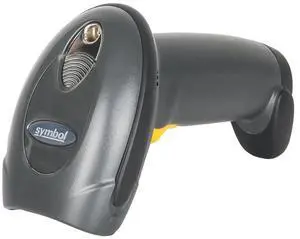
DS4208-SR00007WR 2D Handheld with USB Cable Kit
- Model #: DS4208-SR00007WR-S55
- $75.80 –
- Free Shipping
Quick View
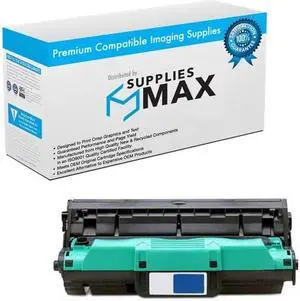
SuppliesMAX Compatible Replacement for HP Color Laser Jet 2550L/2500Ln/2500n/2800/2820/2830/2840 Drum Kit (20000 Page Yield) (NO. 122A) (Q3964A)
- Parts: 30 DAYS
- Model #: 049909290044
- $79.99 –
- $8.99 Shipping
Quick View
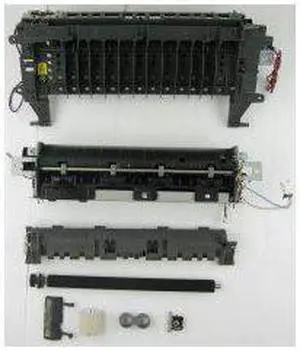
LEXMARK 40X8434 MS610DE FUSER MAINTENANCE KIT/110-120V
- Product Type: Replacement Parts
- Color: N/A
- Model #: 40X8434
- $345.00
- $328.37 –
Quick View
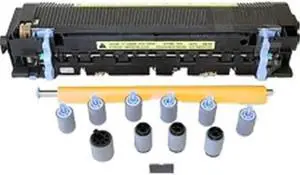
AXIOM 110V FUSER KIT FOR HP COLOR LASERJET 4700, CM4730, CP4005
- Color: N/A
- Weight: 8
- Model #: Q7502A-AX
- $338.35 –
- Free Shipping
Quick View
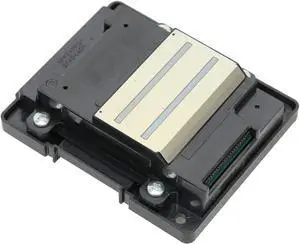
Replacement Printhead WF 7610 7620 7621 3620 3640 7111 Printer, Resistance Metal Print Head Printer Kit Plug and Play
- Model #: PB0B44G9N76
- $52.64 –
- Free Shipping

Quick View
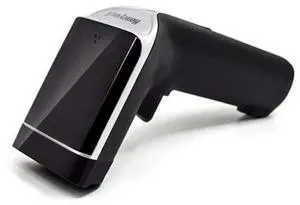
Xenon OH3503 , WIRELESS HANDHELD IMAGER , 1D/2D/PDF417 , BLACK , USB CABLE & DONGLE KIT
- Model #: OH3503-New
- $798.20 –
- More options from $798.20
- Free Shipping

Quick View
LEXMARK 57X0070 Removable Hard Disk Enclosure Kit
- Product Sort: Printer Accessories
- Product Type: Removable Hard Disk Enclosure Kit
- Dimensions: 1.90" x 4.00" x 6.90"
- Weight: 1.07 lbs.
- Model #: 57X0070
- $218.73 –
- More options from $218.73 - $228.49

Choosing the Right Printer for Your Office Needs
When it comes to office solutions, printers and scanners are essential tools for any business. Whether you need to print important documents, scan invoices, or create professional-quality marketing materials, having the right equipment is crucial. In this article, we will explore the different types of printers and scanners available in the market and provide tips on how to choose the best one for your office.
All-in-One Printers: Versatility and Convenience
all-in-one printers, also known as multifunction printers, are a popular choice for offices. These devices combine the functionality of a printer, scanner, copier, and sometimes even a fax machine into a single unit. They offer versatility and convenience, allowing you to perform multiple tasks without the need for separate devices. All-in-one printers are available in both inkjet and laser options, catering to different printing needs and budgets.
Specialized Printers for Specific Tasks
In addition to all-in-one printers, there are specialized printers designed for specific tasks. For example, 3D printers are ideal for creating prototypes or intricate models, while barcode and label printers are perfect for businesses that require efficient inventory management. laser printers are known for their fast printing speeds and high-quality output, making them suitable for offices with high-volume printing needs. inkjet printers, on the other hand, are more cost-effective and can produce vibrant color prints.
Choosing the Right Supplies
Once you have selected the right printer for your office, it is important to choose the right supplies to ensure optimal performance and longevity. When it comes to inkjet printers, using high-quality ink cartridges is essential to achieve the best print quality and prevent clogging. For laser printers, it is important to choose the right type of toner cartridges that are compatible with your printer model. Additionally, investing in high-quality paper can make a significant difference in the final print results.
FAQs: Common Questions about Printers and Scanners
| Q: How often should I replace the ink cartridges? | A: The frequency of replacing ink cartridges depends on your printing volume. However, it is recommended to replace them when the print quality starts to degrade. |
|---|---|
| Q: Can I use third-party ink cartridges with my printer? | A: While it is possible to use third-party ink cartridges, it is important to ensure compatibility with your printer model. Using incompatible cartridges may result in poor print quality or damage to the printer. |
| Q: How do I clean the scanner glass? | A: To clean the scanner glass, use a soft, lint-free cloth slightly dampened with glass cleaner. Gently wipe the glass surface to remove any smudges or debris. |
| Q: What is the difference between optical and interpolated resolution in scanners? | A: Optical resolution refers to the actual hardware resolution of the scanner, while interpolated resolution is achieved through software enhancements. Optical resolution provides more accurate and detailed scans. |
| Q: How can I improve the scanning speed? | A: To improve scanning speed, reduce the scanning resolution, use black and white mode instead of color, and ensure that the scanner is connected to a high-speed USB port. |