
Your Browsing History
- In Stock
- Sold by Newegg

Any questions? Our AI beta will help you find out quickly.
Try me now
Quick View
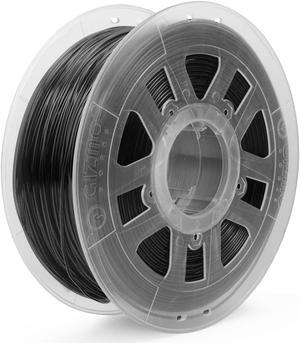
Gizmo Dorks 3D Printer Filament 2.85mm PLA, Neat Wind, Fits Most FDM 3D Printers, 1kg Spool (2.2lb), Black
- Model #: R98247663307842
- $47.42 –
- Free Shipping
Quick View
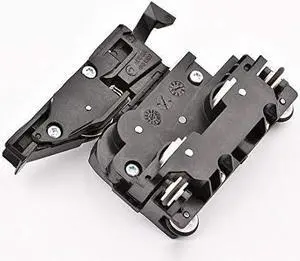
Printer Cutter Kit Compatible with HP T520 T100 T120 T125 T130 T230 T250 T830 T730 T130 T525 T530 T630 T650 CQ890-67108 CQ890-67066 CQ890-67017 CQ890-60238 CQ890-67091
- Model #: BAMB0FGHRJXM5
- $268.99 –
- Free Shipping
Quick View
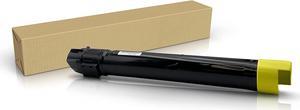
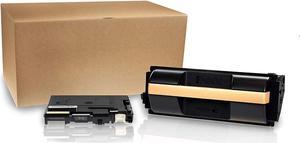
Ennovor Professor Color Re-Coded OEM Toner Replacement for Xerox Phaser 7500 7500N 7500DN 7500YDN 7500DT 7500YD 7500DX | 106R01438 - High Yield Yellow (17,800 Pages)
- Model #: LIAB07BLM7DWY
- $252.99 –
- Free Shipping
Quick View
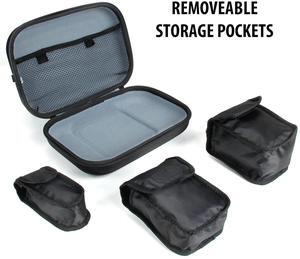
Craft Case for Create , Soyan 3D Printing Pen , Samto 3D , 7TECH 3D , Scribbler 3D and Other 3D Printing Pens by USA GEAR with Storage for Plastic Filament , Power Cables and More
- Model #: Fahint365035838890
- $39.58 –
- Free Shipping
Quick View
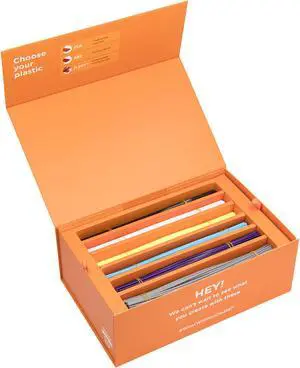
3Doodler EDU Create+ Learn Pack Plastic Kit
- Compatible System: 3Doodler create+, create, pro, 2.0 and version 1
- Model #: 8CPLFILLED
- $213.69 –
Quick View
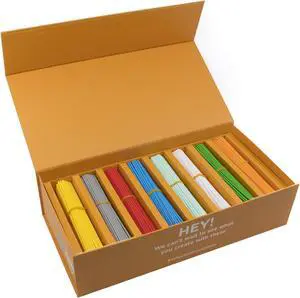
3Doodler EDU Start Learning Pack Plastic Kit, 1200 Strands
- Compatible System: Only compatible with the 3Doodler start and 3D build & play Not compatible with 3Doodler create+, create, pro, 2.0, version 1
- Model #: 8SPLFILLED
- $213.69 –
- Free Shipping
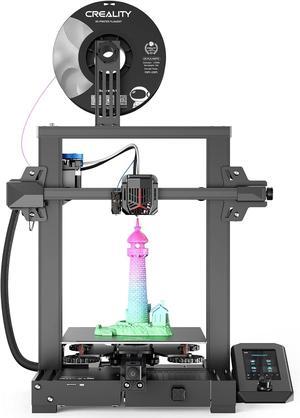
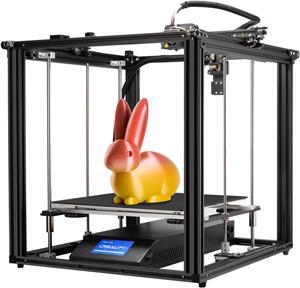
Quick View
Creality 3D Printer Ender 5 Plus FDM Printer with Auto Bed Leveling Sensor Kit, Dual Z-Axis Touch Screen and Glass Bed Large Printing Size 350x350x400mm
- Model #: SHOPRTMCNMAR3151
- $819.00 –
- More options from $818.99
- Free Shipping
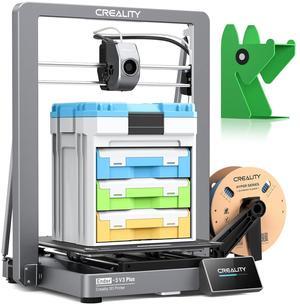
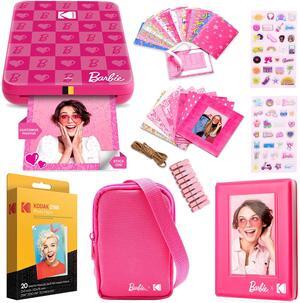
Quick View
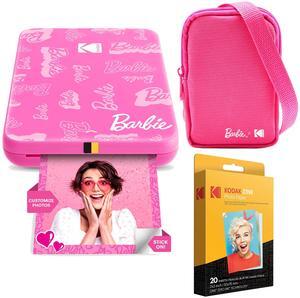
Kodak x Barbie Step Slim Instant Photo Printer, Iconic Style Barbie Case, Paper & More - Gift Bundle
- Product Type: Photo Printer
- Color: Pink
- Model #: AMZRODBP1K2
- $189.99
- $179.99 –
- Save: $10.00 (5%)
- Free Shipping
Quick View
Kodak x Barbie Step Slim Instant Portable Photo Printer Barbie Starter Bundle (Signature Style)
- Product Type: Photo Printer
- Color: Pink
- Model #: AMZRODBP2K1
- $134.99 –
- Free Shipping
Quick View
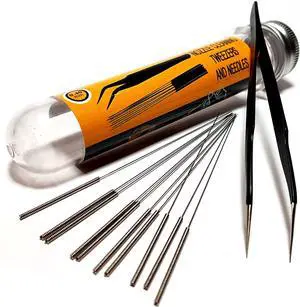
3D Printer Nozzle Cleaning Kit - 0.4mm Needles and Tweezers Toolkit - Stainless Steel Nozzle Cleaning Tool Kit - Alternative for 0.4mm Drill Bits for 3D Printer - Set of 11
- Model #: SOYE517526154075WEI
- $25.33 –
- Free Shipping
Quick View
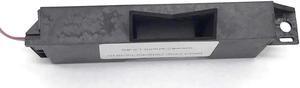
Drop Detector Sensor Q5669-60666 Fits Forhp- DesignJet T610 24-In Z5200 T2300 T1200 44-In T620 T770 T7100
- Product Type: Printhead
- Model #: CH-DYJ-0634
- $132.49 –
- Free Shipping

Quick View
Coding Encoder Strip Disc Fits For Brother-Inkjet MFC-J5910DW MFC-J6710DW MFC-J6510DW MFC-J5610DW MFC-J5910CDW MFC-J5955DW
- Product Type: Printhead
- Model #: CH-DYJ-0783
- $76.96 –
- Free Shipping
Quick View
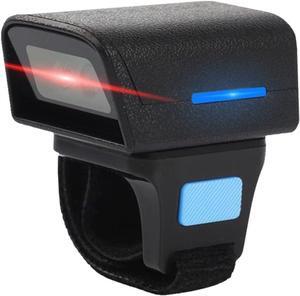
Barcode Scanner,HUIOP Wearable Ring Type Barcode Scanner USB Wired+2.4G+BT Three-Mode Connection Support One-Dimensional Barcode/QR Code Scanning
- Model #: PB0CF5F9FD6
- $76.99 –
- Free Shipping
Quick View
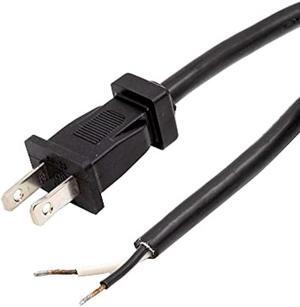
Rebuild Skills Replacement Power Tool Cords for Drills, Sanders, chop saws, Grinders, vacuums, Miter saws, appliances, Motors and Power Tools (8' ft, 16/2)
- Connector Type: type
- Model #: 603904578885125
- $20.90 –
- Free Shipping
Quick View
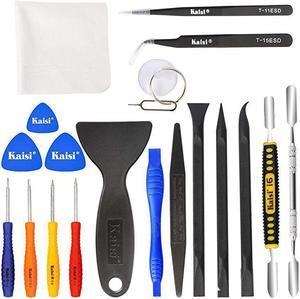
Professional Electronics Opening Pry Tool Repair Kit with Metal Spudger NonAbrasive Carbon Fiber Nylon Spudgers and AntiStatic Tweezers for Cellphone iPhone Laptops Tablets and More 20 Piece
Limited time offer, ends 02/13
- Model #: 477546523423

Quick View
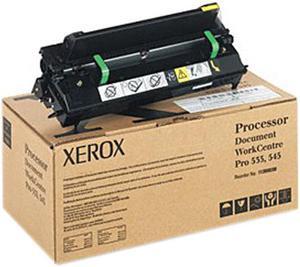
XEROX 113R00610 Xmod GEN.Metere for Document Centre 555 Digital Copier
- Product Sort: Copier Accessories
- Product Type: Toner
- Compatibility: Document Centre 555 Digital Copier, Document Centre 535 Multifunction System, Document Centre 545 Multifunction System, Document Centre 555 Multifunction System, Document Centre 535 Digital Copier, Document Centre 545 Digital Copier
- Model #: 113R00610
- $69.00 –
- Free Shipping
Quick View
Tektronix-Xerox Phaser 6250 Cyan Standard Capacity Toner Cartridge (4000 Page Yield) (TEK106R00668)
- Model #: TEK106R00668
- $98.99 –
- $8.39 Shipping
Choosing the Right Printer for Your Office Needs
When it comes to office solutions, printers and scanners are essential tools for any business. Whether you need to print important documents, scan invoices, or create professional-quality marketing materials, having the right equipment is crucial. In this article, we will explore the different types of printers and scanners available in the market and provide tips on how to choose the best one for your office.
All-in-One Printers: Versatility and Convenience
all-in-one printers, also known as multifunction printers, are a popular choice for offices. These devices combine the functionality of a printer, scanner, copier, and sometimes even a fax machine into a single unit. They offer versatility and convenience, allowing you to perform multiple tasks without the need for separate devices. All-in-one printers are available in both inkjet and laser options, catering to different printing needs and budgets.
Specialized Printers for Specific Tasks
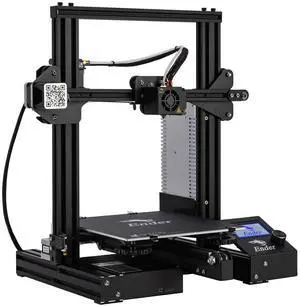
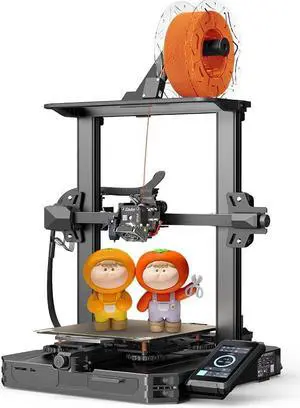
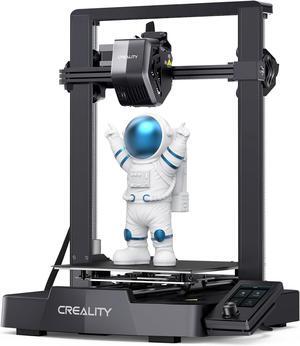
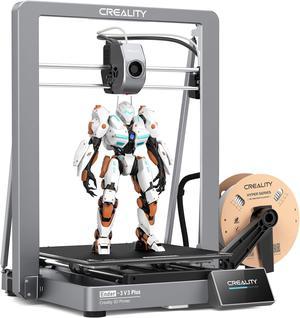
In addition to all-in-one printers, there are specialized printers designed for specific tasks. For example, 3D printers are ideal for creating prototypes or intricate models, while barcode and label printers are perfect for businesses that require efficient inventory management. laser printers are known for their fast printing speeds and high-quality output, making them suitable for offices with high-volume printing needs. inkjet printers, on the other hand, are more cost-effective and can produce vibrant color prints.
Choosing the Right Supplies
Once you have selected the right printer for your office, it is important to choose the right supplies to ensure optimal performance and longevity. When it comes to inkjet printers, using high-quality ink cartridges is essential to achieve the best print quality and prevent clogging. For laser printers, it is important to choose the right type of toner cartridges that are compatible with your printer model. Additionally, investing in high-quality paper can make a significant difference in the final print results.
FAQs: Common Questions about Printers and Scanners
| Q: How often should I replace the ink cartridges? | A: The frequency of replacing ink cartridges depends on your printing volume. However, it is recommended to replace them when the print quality starts to degrade. |
|---|---|
| Q: Can I use third-party ink cartridges with my printer? | A: While it is possible to use third-party ink cartridges, it is important to ensure compatibility with your printer model. Using incompatible cartridges may result in poor print quality or damage to the printer. |
| Q: How do I clean the scanner glass? | A: To clean the scanner glass, use a soft, lint-free cloth slightly dampened with glass cleaner. Gently wipe the glass surface to remove any smudges or debris. |
| Q: What is the difference between optical and interpolated resolution in scanners? | A: Optical resolution refers to the actual hardware resolution of the scanner, while interpolated resolution is achieved through software enhancements. Optical resolution provides more accurate and detailed scans. |
| Q: How can I improve the scanning speed? | A: To improve scanning speed, reduce the scanning resolution, use black and white mode instead of color, and ensure that the scanner is connected to a high-speed USB port. |