

Your Browsing History

Any questions? Our AI mode will help you find out quickly.
Try me now
Quick View
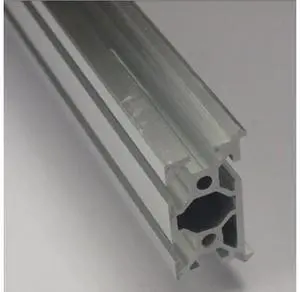
fussor CNC mill frame Aluminum Profiles MakerSlide Extrusion For DIY 200 mm length clear anodized for 3D printer
Limited time offer, ends 09/28
- Model #: WLC78S.0807.Pallet1517
- $39.43 –
- More options from $39.43
- Free Shipping
Quick View
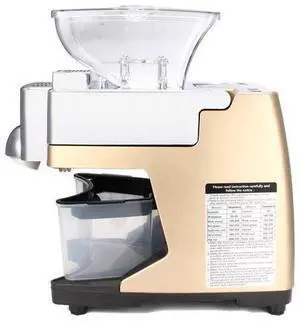
220V Mini Full-automatic Seed Oil Press Machine Home Use Peanut Oil Pressing Presser Machine Switch -
- Model #: barcod3937
- $377.78 –
- $15.00 Shipping
Quick View
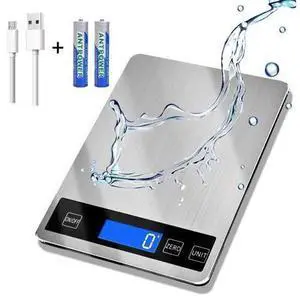
33lb Food Scale, Digital Kitchen Scale Batteries and USB Charging,1g/0.05oz Precise Graduation, Waterproof Stainless Steel with LCD Display Weight Grams and oz for Cooking Baking (Stainless Steel)
Limited time offer, ends 10/07
- Model #: JC6WV-0728-OYJ-609
- $50.95 –
- Free Shipping
Quick View
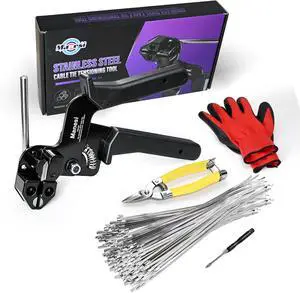
106PCS Heavy Duty 304 Stainless Steel Cable Tie Gun Kit, Includes 100PCS 11.8 Inch Metal Zip Ties, Self-Locking, UV & Corrosion Resistant, for Fence, Exhaust Pipe, Chicken Coop, Farm Use
- Model #: Tong409397164560miao
- $52.88 –
- Free Shipping
Quick View
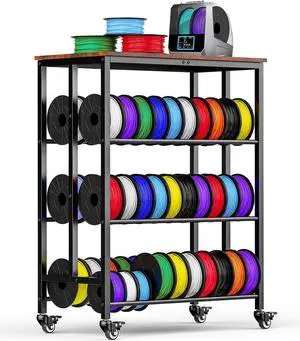
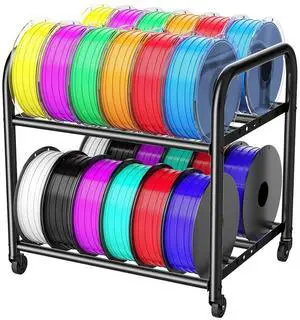
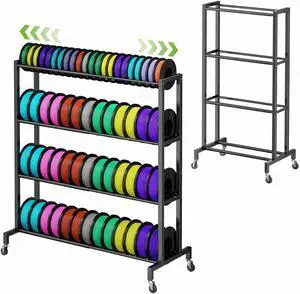
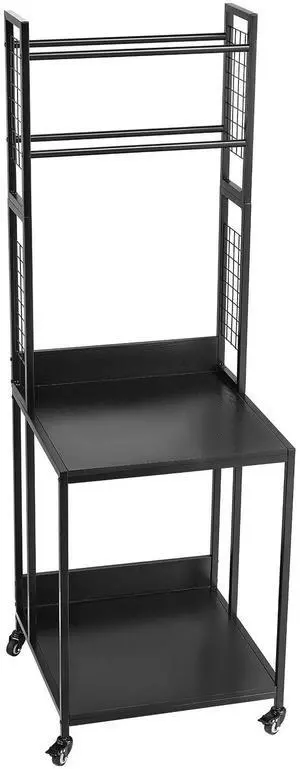
2-Tier Metal Filament Rack, Compact Under Desk 3D Filament Spools Rolling Cart with Adjustable Spools Storage Holds 24+ PLA/ABS/TPU Filaments, for Home, Office Workshop, Studio
- Model #: C0A1060465010414368
- $74.48 –
- Free Shipping
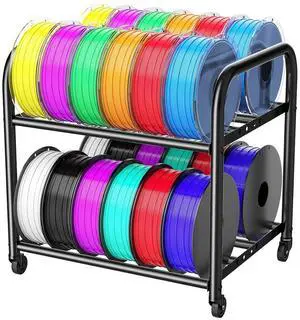
Quick View
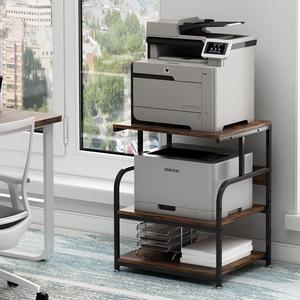
2-Tier Metal Filament Rack, Compact Under Desk 3D Filament Spools Rolling Cart with Adjustable Spools Storage Holds 24+ PLA/ABS/TPU Filaments, for Home, Office Workshop, Studio
- Model #: STARWELL426253766072Lan
- $75.98 –
- Free Shipping
Quick View
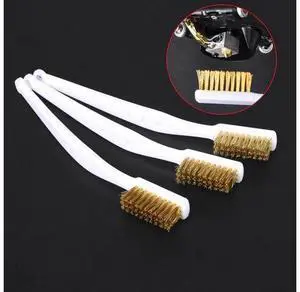
3D Printer Cleaner Tool Copper Wire Toothbrush Copper Brush Handle For Nozzle Heater Block Hotend Cleaning Hot Bed Parts
Limited time offer, ends 09/28
- Model #: WLC78S.0807.Pallet0835
- $30.17 –
- More options from $30.17
- Free Shipping
Quick View
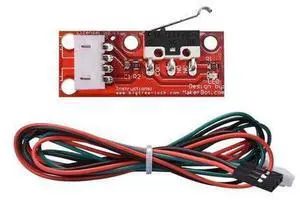
10pcs/lot Mechanical Endstop For Reprap ramps 1.4 3D printer With independent packing for 3D printer parts
Limited time offer, ends 09/28
- Model #: WLC78S.0807.Pallet1044
- $32.17 –
- More options from $32.17
- Free Shipping

Quick View
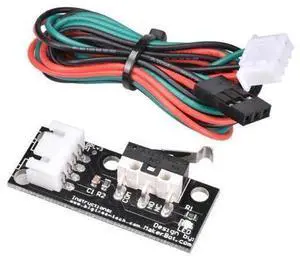
1pcs Black Mechanical Endstop without the wheel For Reprap ramps 1.4 3D printer With independent packing
Limited time offer, ends 09/28
- Model #: WLC78S.0807.Pallet1374
- $32.17 –
- More options from $32.17
- Free Shipping
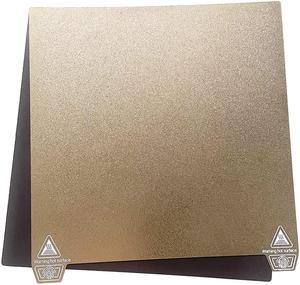
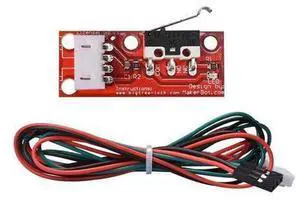
Quick View
3D Prnter parts Mechanical Endstop without& with the wheel For Reprap ramps 1.4 3D printer With independent packing
Limited time offer, ends 09/28
- Model #: WLC78S.0807.Pallet1249
- $32.17 –
- More options from $32.17
- Free Shipping
Quick View
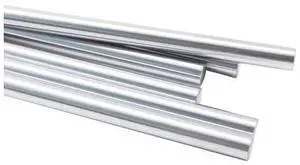
6pcs/set Prusa MK3 bear 8mm smooth rods kit for Prusa bear X/Y/Z axis smooth rods harden steel
Limited time offer, ends 09/28
- Model #: WLC78S.0807.Pallet1674
- $41.55 –
- Free Shipping
Quick View
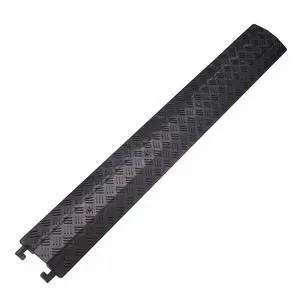
Small 1 Piece - Floor Cord Cover Cord Protector Drop Over Drop Trak Cable Ramp for Office Warehouse - Black
- Model #: C745-L708-208
- $144.99 –
- Free Shipping
Quick View
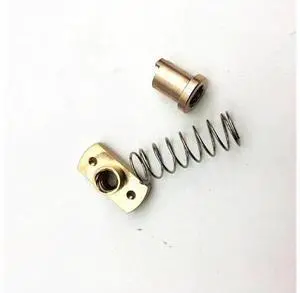
1pcs*anti-back lash TR8 lead screw brass nut for upgrade CR-10/Tornado and clone 3D printer anti backlash Spring Loaded nut
Limited time offer, ends 09/28
- Model #: WLC78S.0807.Pallet1473
- $38.39 –
- Free Shipping
Quick View
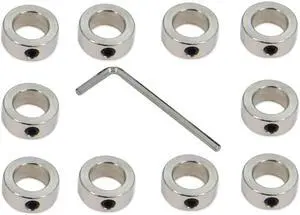
10PCS/Pack Silver 12mm Bore Shaft Lock Collar T12 Lead Screw Lock Ring Stainless Steel Material Isolation for 3D Printer Accessories(12mm-Silver)
- Model #: AIWU444275511302
- $25.55 –
- Free Shipping

Quick View
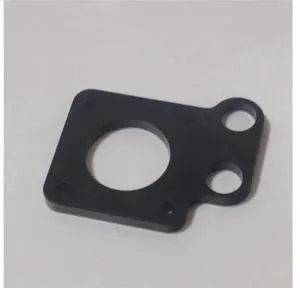
Reprap Prusa CNC black color metal Y-motor mount plate Sturdier RepRap Prusa i3 Aluminum y-motor mount for NEMA 17 stepper motor
Limited time offer, ends 09/28
- Model #: WLC78S.0807.Pallet0936
- $37.60 –
- Free Shipping
Quick View
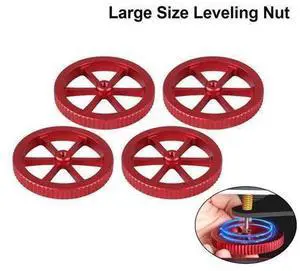
4PCS Large Red Hand Twist Leveling Nut Heated Bed Spring Adjustment Nut 3D Printer Parts For CREALITY Ender3 Ender-5 CR-10 CR10S
Limited time offer, ends 09/28
- Model #: WLC78S.0807.Pallet1379
- $34.96 –
- More options from $34.96
- Free Shipping

Quick View
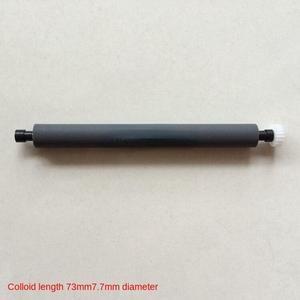
paper output rod rotating shaft rubber roller gear instrument glue stick For Koman CM300 electrocardiograph thermal printer
- Product Type: Printhead
- Model #: ZW-dyt-185
- $96.99 –
- Free Shipping
Quick View
paper output rod rotating shaft rubber roller gear instrument glue stick For Koman CM300 electrocardiograph thermal printer
- Product Type: Printhead
- Model #: ZW-d5234-185
- $145.49 –
- Free Shipping
Quick View
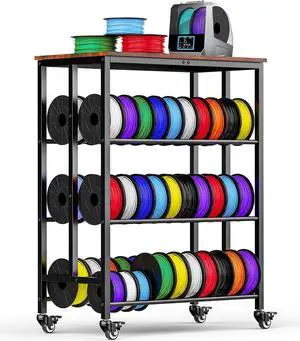
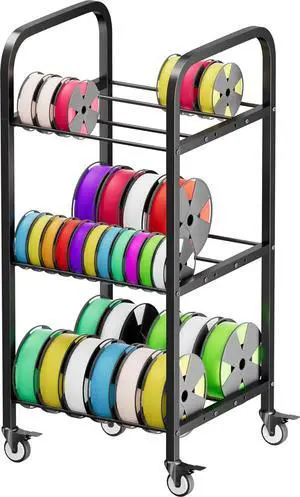
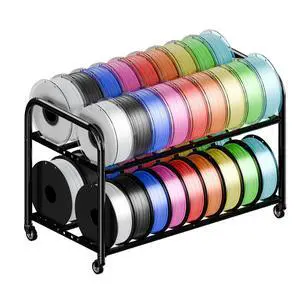
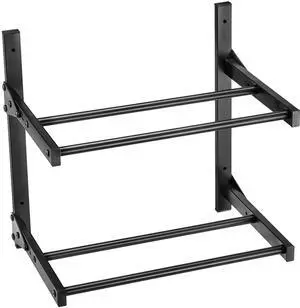
Wall Mount Printer Filament Storage Rack, 2-Tier Wall Bracket Storage Shelf, Rolling Filament Spool Holders Racks with Wheels, Filaments Organzied for 3D Printing Studio, Workshop (Shelf Only)
- Model #: 3DDYSNJHSECBXUUA2001V0
- $22.90 –
- Free Shipping

Choosing the Right Printer for Your Office Needs
When it comes to office solutions, printers and scanners are essential tools for any business. Whether you need to print important documents, scan invoices, or create professional-quality marketing materials, having the right equipment is crucial. In this article, we will explore the different types of printers and scanners available in the market and provide tips on how to choose the best one for your office.
All-in-One Printers: Versatility and Convenience
all-in-one printers, also known as multifunction printers, are a popular choice for offices. These devices combine the functionality of a printer, scanner, copier, and sometimes even a fax machine into a single unit. They offer versatility and convenience, allowing you to perform multiple tasks without the need for separate devices. All-in-one printers are available in both inkjet and laser options, catering to different printing needs and budgets.
Specialized Printers for Specific Tasks
In addition to all-in-one printers, there are specialized printers designed for specific tasks. For example, 3D printers are ideal for creating prototypes or intricate models, while barcode and label printers are perfect for businesses that require efficient inventory management. laser printers are known for their fast printing speeds and high-quality output, making them suitable for offices with high-volume printing needs. inkjet printers, on the other hand, are more cost-effective and can produce vibrant color prints.
Choosing the Right Supplies
Once you have selected the right printer for your office, it is important to choose the right supplies to ensure optimal performance and longevity. When it comes to inkjet printers, using high-quality ink cartridges is essential to achieve the best print quality and prevent clogging. For laser printers, it is important to choose the right type of toner cartridges that are compatible with your printer model. Additionally, investing in high-quality paper can make a significant difference in the final print results.
FAQs: Common Questions about Printers and Scanners
| Q: How often should I replace the ink cartridges? | A: The frequency of replacing ink cartridges depends on your printing volume. However, it is recommended to replace them when the print quality starts to degrade. |
|---|---|
| Q: Can I use third-party ink cartridges with my printer? | A: While it is possible to use third-party ink cartridges, it is important to ensure compatibility with your printer model. Using incompatible cartridges may result in poor print quality or damage to the printer. |
| Q: How do I clean the scanner glass? | A: To clean the scanner glass, use a soft, lint-free cloth slightly dampened with glass cleaner. Gently wipe the glass surface to remove any smudges or debris. |
| Q: What is the difference between optical and interpolated resolution in scanners? | A: Optical resolution refers to the actual hardware resolution of the scanner, while interpolated resolution is achieved through software enhancements. Optical resolution provides more accurate and detailed scans. |
| Q: How can I improve the scanning speed? | A: To improve scanning speed, reduce the scanning resolution, use black and white mode instead of color, and ensure that the scanner is connected to a high-speed USB port. |