
Your Browsing History
- In Stock
- Sold by Newegg
- Make an Offer
- New

Any questions? Our AI beta will help you find out quickly.
Try me now

Quick View
2PCS OPC Drum 101R00554 113R00773 Compatible with VersaLink B400 B405 DocuPrint P355 P365 M355 P455df P355d P455d
- Model #: DARUB0G6158CK2
- $98.99 –
- Free Shipping
Quick View
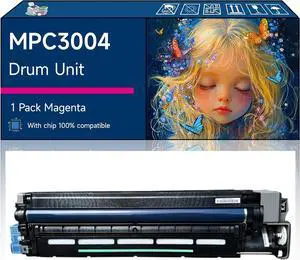
MPC3004 Drum Unit Compatible with Ricoh MP C3004 MP C3504 Printers, High-Yield Vibrant Colors, Sharp Text, Easy Installation, Perfect for Home & Office Use (1 Pack Magenta)
- Model #: DARUB0F1FQPBS6
- $437.99 –
- Free Shipping
Quick View
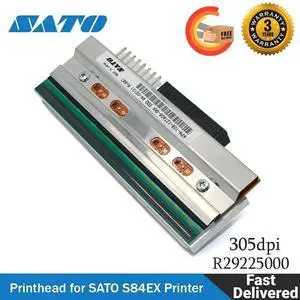
R29225000 New Print Head Printhead for SATO S84EX Thermal Label Printers 305 dpi
- Model #: R29225000-JR7
- $874.99 –
- Free Shipping
Quick View
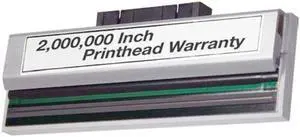
SATO M10e Thermal Printhead 305DPI, PR7A60101 NEW OEM
- Part Number: PR7A60101
- Product Type: Printhead
- Model #: PR7A60101-812
- $734.70 –
- More options from $732.00 - $745.99
- Free Shipping
Quick View
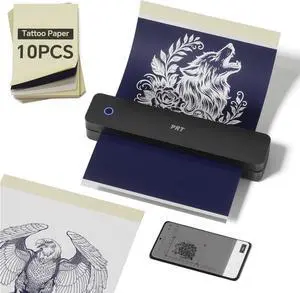
PRT Tattoo Stencil Printer Wireless with 10pcs Transfer Paper, Portable Thermal Tattoo Printers for Tattoo Artists & Beginners, Compatible with Phone& Tablet& PC, Black
- Model #: DARKB0F6MHPRYM
- $126.99 –
- Free Shipping
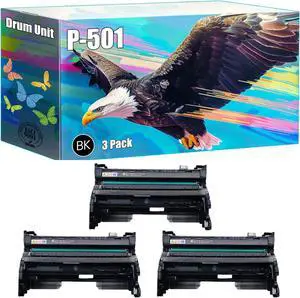
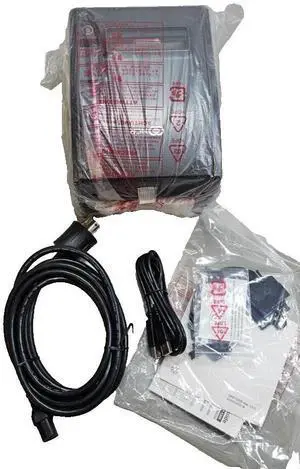
Quick View
- $259.70 –
- More options from $259.70
- Free Shipping
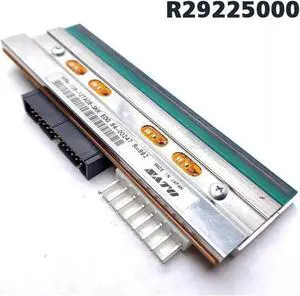
Quick View
New Sato R29225000 Printhead for Sato S84-EX Series Thermal Label Printer
- Product Type: Printhead
- Model #: R29225000-w21d19
- $795.50 –
- More options from $790.00 - $798.00
- Free Shipping
Quick View
Genuine SATO Printhead R29225000 for S84EX Printers (305 dpi) Printhead
- Product Type: Printhead
- Model #: R29225000-w21d4
- $795.70 –
- More options from $790.00 - $795.70
- Free Shipping
Quick View
Original Sato R29225000 Printhead for Sato S84-EX Series Thermal Label Printer
- Product Type: Printhead
- Model #: R29225000-w21d8
- $795.50 –
- More options from $790.00 - $795.70
- Free Shipping
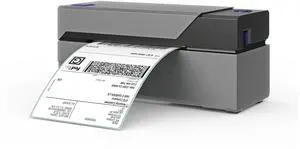
Quick View
Rollo X1038 USB Shipping Label Printer - Commercial Grade 4x6 Thermal Label Printer for Shipping Packages - High Speed Custom Sticker Label Maker for Small Business
- Brand: Rollo
- Part Number: X1038
- Print Technology: Thermal
- Printer Type: Desktop
- Model #: X1038
- $199.99
- $199.87 –
- More options from $189.89 - $199.87
- Free Shipping
Quick View
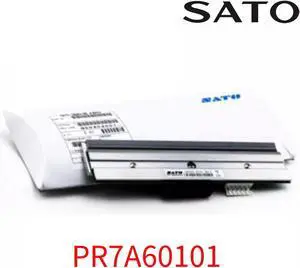
SATO PR7A60101 M10e Thermal Printhead 305DPI
- Product Type: Printhead
- Model #: PR7A60101-4121
- $738.90 –
- More options from $736.00 - $758.99
- Free Shipping
Quick View
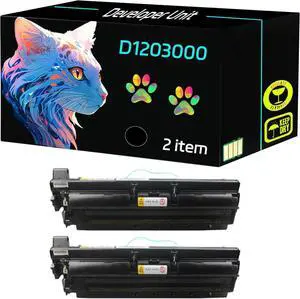
High Yield D1203000 Developer Unit Compatible for Savin MP 2352SP 2852 2852SP 3352 3352SP MP 2553 3053 3353 Printers, Print Clearly (2 Pack Black)
- Model #: LEMLB0DXDW3FQY
- $646.99 –
- Free Shipping
Quick View
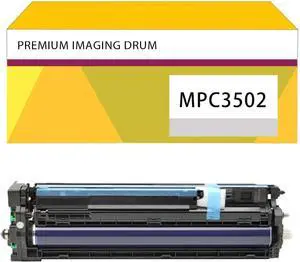
MPC3502 Imaging Drum Kit Suitable for Ricoh MPC3502 MPC4502 MPC5502A MPC3002 Printer, Developer Unit Yellow
- Model #: LEMLB0DDHD5DQ3
- $429.99 –
- Free Shipping
Quick View
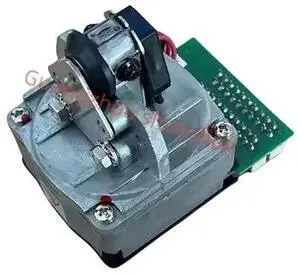
- $66.09 –
- More options from $66.09 - $67.10
- Free Shipping
Quick View
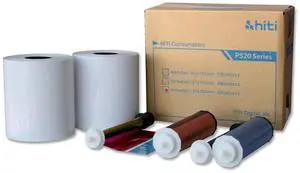
HiTi 6x8" Ribbon and Paper Case for P520 Photo Printers, 500 Prints per Case
- Model #: 87.PBL77.10XT
- $89.00 –
Quick View
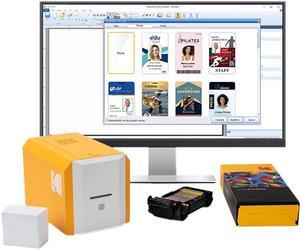
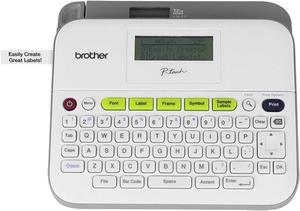
Brother Printer RPTD400 Versatile Compact Label Maker
- Model #: RB01HTQGBI2
- $321.30 –
- Free Shipping
Quick View
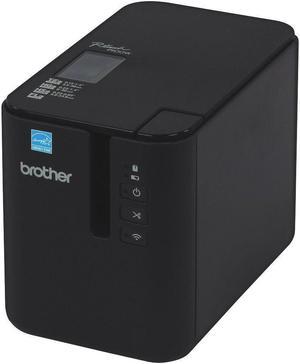
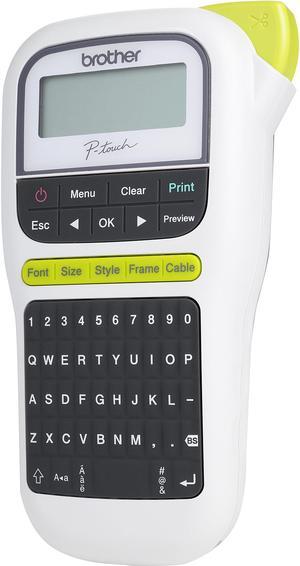
Brother P-touch PT-H110 Easy, Portable Label Maker, Thermal Transfer, 180 dpi, 20mm./sec, Up to 2 Print Lines, Manual Cutter
- Printer Type: Mobile
- Memory: Up to 15 labels Built-in Memory
- Fonts Included: Fonts: Helsinki, Brussels, Florida Font Styles: Normal, Bold, Outline, Shadow, Italic, Italic Bold, Italic Outline, Italic Shadow, Vertical, Vertical Bold Font Sizes: Small, Medium, Large
- Cutter: Manual
- Model #: PT-H110
- $47.93 –
- More options from $39.11 - $48.62
- $9.10 Shipping
Quick View
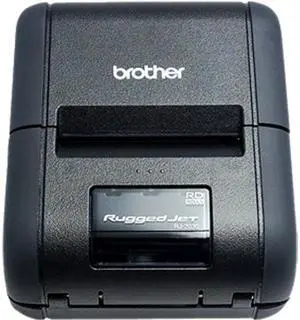
Brother RuggedJet RJ-2050 1" Mobile Direct Thermal Receipt / Label Printer, 203 dpi, 32 MB RAM / 32 MB Flash, USB, WiFi, Bluetooth MFi
- Color: Black
- Printer Type: Mobile
- Memory: 32 MB RAM; 32 MB Flash (12 MB Available)
- Fonts Included:
; Bitmap font: Gothic, Letter Gothic Bold, Helsinki 3 size<16, 24, 32dot>; Outline font: Gothic, Letter Gothic Bold, Helsinki Max: 400dot; - Model #: RJ-2050
- $756.99 –
- More options from $647.44 - $760.75
- $4.99 Shipping
Quick View
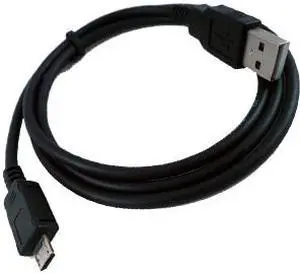
Replacement USB Data Sync & Charging Cable for Sony PRS-350 Pocket, PRS-650 Touch, PRS-950 Daily, T1 & T2 E-Ink Pearl Edition E-Book Readers
- Type: Power / Batteries / Cables
- Compatibility: Sony PRS-350 Pocket, PRS-650 Touch, PRS-950 Daily, T1 & T2 E-Ink Pearl Edition E-Book Readers.
- Model #: USB-SNYMCRO
- $4.95 –
- $4.99 Shipping
Quick View
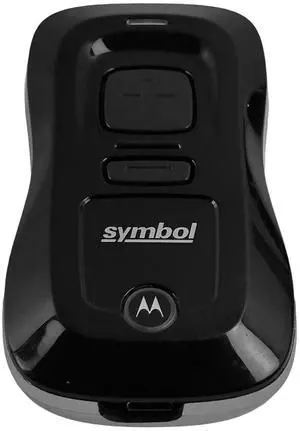
Sym,bol CS3000-SR10007WW Handheld 1D Laser Bluetooth Barco,de Scann,er w/USB Cable
- Model #: CS3000-SR10007WW-er1
- $179.99 –
- More options from $179.99 - $185.99
- Free Shipping
Quick View
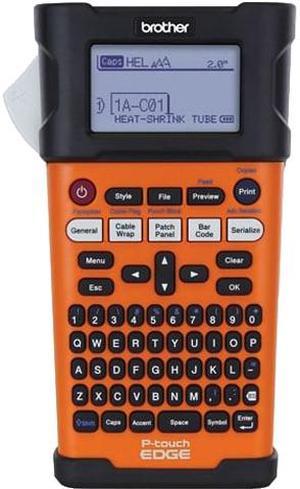
Brother PTE300 Laminated Thermal Transfer 0.8 ips (20 mm/sec) 180 dpi Industrial Handheld Labeling Tool With Rechargeable Li-ion Battery
- Printer Type: Handheld
- Memory: Up to 2,400 characters
- Fonts Included: Bitmap Fonts: Helsinki, Brussels, Los Angeles, Atlanta, Adams, Sofia, Letter Gothic
- Barcode Type: Code39, Code128, ITF(I-2/5), UPC-A, UPC-E, EAN-8, EAN-13, GS1-128 (UCC/EAN-128), Codabar (NW-7)
- Model #: PTE300
- $175.92 –
- More options from $128.97 - $271.99
- Free Shipping
Quick View
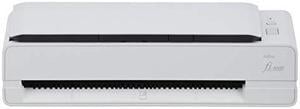
Ricoh fi-800R PA03795-B005 Color Duplex Document Scanner
- Brand: Ricoh
- Series: fi-800R
- Type: Duplex
- Element Type: CIS x 2 (front x 1, back x 1)
- Model #: PA03795-B005
- $534.99 –
- More options from $534.99 - $972.94
Quick View
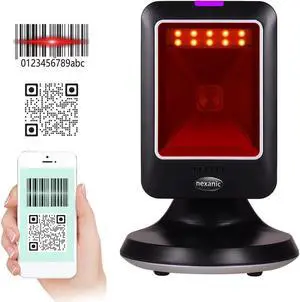
Nexanic MP6300Y Hand-Free 2D 1D QR Barcode Scanner Omnidirectional Desk Mobile Payment USB Wired for Supermarket Bookstore Retail Hospital
- Scan Engine: 2D/1D
- Included Cables: Powered USB Included
- Interfaces Supported: USB
- Imager Field of View: HD Focus
- Model #: MP6300
- $79.00
- See price in cart
- Free Shipping
Quick View
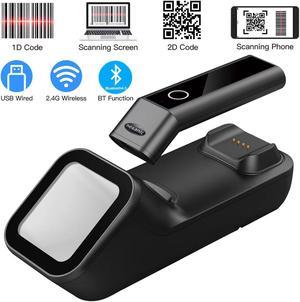
Nexanic R50 Bluetooth 2D Wireless 2.4G USB 3 in 1 Barcode Scanner Scan Automactically with Charge Base Mobile Payment Code Reader
- Connectivity: Cordless
- Scan Engine: 2D/1D
- Included Cables: Powered USB Included
- Interfaces Supported: Full Speed USB
- Model #: R50
- $89.00
- See price in cart
- Free Shipping
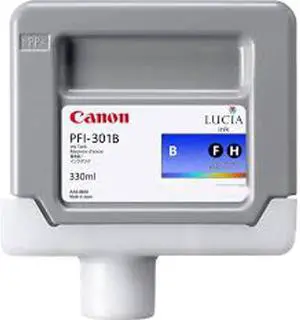
Quick View
Canon PFI-301 Ink Cartridge - Blue
- Part Number: 1494B001
- Compatible Products: Canon imagePROGRAF IPF9000 Printer
- Ink Type: Dye-based
- Model #: 1494B001
- $177.20 –
- Free Shipping

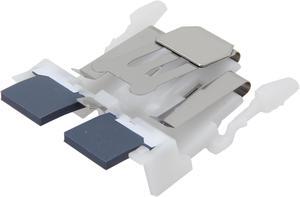
Quick View
Fujitsu PA03586-0002 Scanner Pad Assembly
- Product Sort: Scanner Accessories
- Product Type: Pad assembly
- Color: Black
- Compatibility: fi-6110 N1800
- Model #: PA03586-0002
- $92.99 –
- Free Shipping
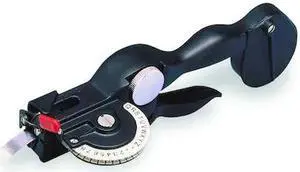
Quick View
DYMO 101105 RHINO (R) Manual Label Maker, Tape width 3/8, 1/2"
- Model #: Rhino M1011
- $360.99 –
- More options from $360.00
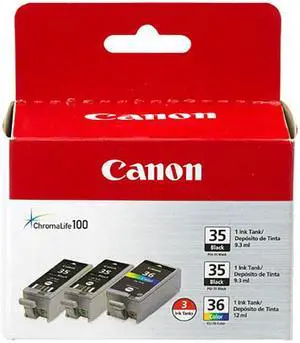
Quick View
Canon PGI-35/CLI-36 Ink Cartridge - Combo Pack - Black/Color
- Part Number: 1509B007
- Cartridge Quantity: 2 x Black 1 x Color
- Compatible Products: PIXMA iP100 PIXMA iP100 Printer - Refurbished
- Ink Type: Pigment-based
- Model #: 1509B007
- $64.99 –
- Free Shipping
Quick View
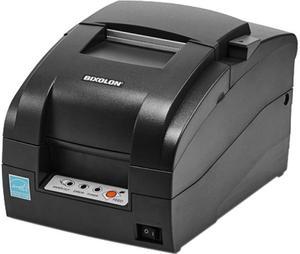
SRP-275III 9PIN RECEIPT 3IN
- Color: Black
- Printer Type: Desktop
- Memory: 16MB Flash
- Barcode Type: Receipt
- Model #: SRP-275IIICOESG
- $326.04
- $284.99 –
- Save: $41.05 (12%)
- More options from $266.51 - $332.30
- Free Shipping
Quick View
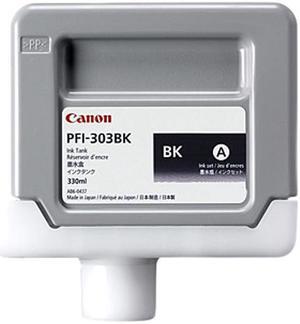
Canon PFI-303 Ink Cartridge - Black
- Part Number: 2958B001
- Cartridge Quantity: Single Pack
- Compatible Products: Canon imagePROGRAF Printers: iPF810 iPF820 iPF810 Pro iPF820 Pro
- Ink Type: Inkjet
- Model #: 2958B001
- $223.99 –
- Free Shipping
Quick View
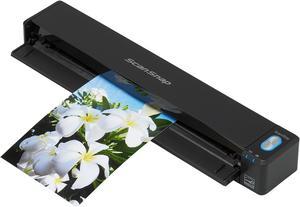
Ricoh ScanSnap iX100 (PA03688-B005) USB color Wireless Mobile Scanner
- Light Source: 3 Color LED (Red / Green / Blue)
- Scanning Speed: Auto mode: 5.2 seconds / page Normal mode: 5.2 seconds / page Better mode: 5.2 seconds / page Best mode: 5.2 seconds / page Excellent mode: 20.4 seconds / page
- Max. Document Size: 8.50" x 14.17"
- USB Ports: USB 2.0 (USB 1.1 compatible)
- Model #: PA03688-B005
- $269.00 –
- $4.99 Shipping
Quick View
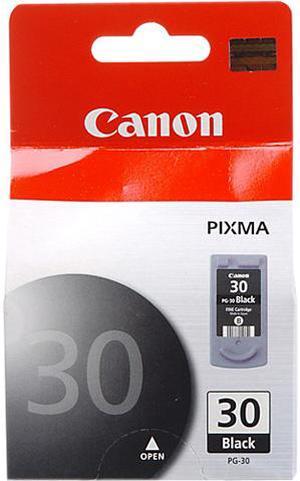
Canon PG-30 Ink Cartridge - Black
- Part Number: 1899B002
- Cartridge Quantity: Single Pack
- Compatible Products: PIXMA MX300 , PIXMA MP190 , PIXMA iP1800 , PIXMA iP2600 , PIXMA MP470 , PIXMA MX310 , PIXMA MP210 , PIXMA MX300 , PIXMA MX310 , PIXMA MP470 , PIXMA MP140 , PIXMA MP210 , PIXMA MP140 , PIXMA iP2600
- Ink Type: Pigment-based
- Model #: 1899B002
- $29.99 –
- Free Shipping
Choosing the Right Printer for Your Office Needs
When it comes to office solutions, printers and scanners are essential tools for any business. Whether you need to print important documents, scan invoices, or create professional-quality marketing materials, having the right equipment is crucial. In this article, we will explore the different types of printers and scanners available in the market and provide tips on how to choose the best one for your office.
All-in-One Printers: Versatility and Convenience
all-in-one printers, also known as multifunction printers, are a popular choice for offices. These devices combine the functionality of a printer, scanner, copier, and sometimes even a fax machine into a single unit. They offer versatility and convenience, allowing you to perform multiple tasks without the need for separate devices. All-in-one printers are available in both inkjet and laser options, catering to different printing needs and budgets.
Specialized Printers for Specific Tasks
In addition to all-in-one printers, there are specialized printers designed for specific tasks. For example, 3D printers are ideal for creating prototypes or intricate models, while barcode and label printers are perfect for businesses that require efficient inventory management. laser printers are known for their fast printing speeds and high-quality output, making them suitable for offices with high-volume printing needs. inkjet printers, on the other hand, are more cost-effective and can produce vibrant color prints.
Choosing the Right Supplies
Once you have selected the right printer for your office, it is important to choose the right supplies to ensure optimal performance and longevity. When it comes to inkjet printers, using high-quality ink cartridges is essential to achieve the best print quality and prevent clogging. For laser printers, it is important to choose the right type of toner cartridges that are compatible with your printer model. Additionally, investing in high-quality paper can make a significant difference in the final print results.
FAQs: Common Questions about Printers and Scanners
| Q: How often should I replace the ink cartridges? | A: The frequency of replacing ink cartridges depends on your printing volume. However, it is recommended to replace them when the print quality starts to degrade. |
|---|---|
| Q: Can I use third-party ink cartridges with my printer? | A: While it is possible to use third-party ink cartridges, it is important to ensure compatibility with your printer model. Using incompatible cartridges may result in poor print quality or damage to the printer. |
| Q: How do I clean the scanner glass? | A: To clean the scanner glass, use a soft, lint-free cloth slightly dampened with glass cleaner. Gently wipe the glass surface to remove any smudges or debris. |
| Q: What is the difference between optical and interpolated resolution in scanners? | A: Optical resolution refers to the actual hardware resolution of the scanner, while interpolated resolution is achieved through software enhancements. Optical resolution provides more accurate and detailed scans. |
| Q: How can I improve the scanning speed? | A: To improve scanning speed, reduce the scanning resolution, use black and white mode instead of color, and ensure that the scanner is connected to a high-speed USB port. |