

Your Browsing History
- In Stock
- Sold by Newegg
- New

Any questions? Our AI mode will help you find out quickly.
Try me now
Quick View
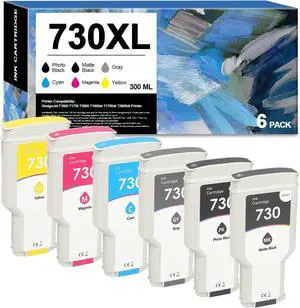
730 Ink Cartridges High-Capacity Replacement for HP 730 Ink Cartridge P2V68A P2V69A P2V70A P2V71A P2V72A P2V73A for DesignJet T1700 T2600 T1600 Printer(6Packs300ML,with Chip)
- Model #: DARKB0DZ24H4T3
- $468.99 –
- Free Shipping
Quick View
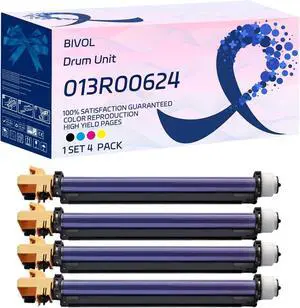
013R00624 Drum Unit Compatible for Xerox WorkCentre 7328 7335 7345 7346 Printers, with Chip, High Yield 48000 Pages, Vivid Colors (4-Pack BK/C/M/Y)
- Model #: DARUB0F8N434BT
- $615.99 –
- Free Shipping
Quick View
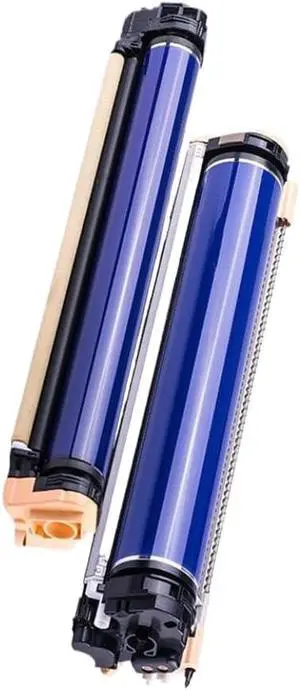
Drum Unit 013R00655 013R00656 Black Compatible with Color C75 J75 Press Digital Color Press 700i 770 700 100000 Pages
- Model #: ENGEB0GQ754DMS
- $443.99 –
- Free Shipping
Quick View
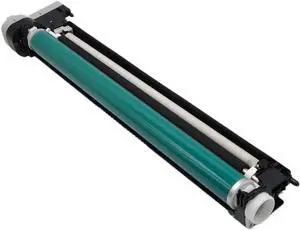
Drum Unit 150K NPG86 Compatible with 4825i 4835i 4845i 4925i 4935i 4945i Image Unit
- Model #: ENGEB0GQC4C1TC
- $454.99 –
- Free Shipping
Quick View
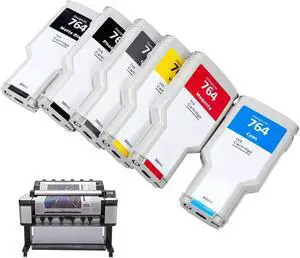
6-Pack 764 Ink Cartridge Set for HP 764 Ink for DesignJet T3500 Postscript Printer (Photo Black/Matte Black/Gray/Cyan/Magenta/Yellow) 300ml
- Model #: DARKB0FGHKQYP1
- $749.99 –
- Free Shipping
Quick View
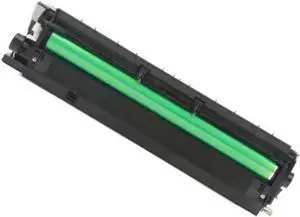
1PCS Fit for Aficio 2001 1813 MP2501 Drum Unit Compatible with MP2501 Copier Image Unit Replacement Parts
- Model #: ENGEB0GSZBZ68B
- $474.99 –
- Free Shipping
Quick View
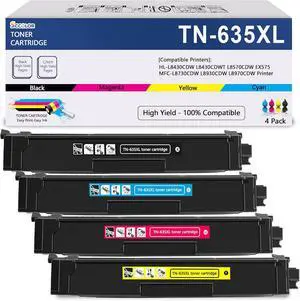
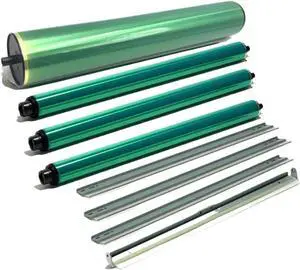
CMYK Drum Kit Compatible with C659 C759 C452 C550 C650 C652 C654 C754 Printers
- Model #: ENGEB0GQDY37LN
- $514.99 –
- Free Shipping
Quick View
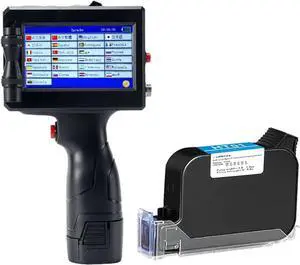
Handheld Inkjet Printer 12.7mm Bar Batch Code Date Number Logo Expiry Date Label Portable Jet Inkjet Printer
- Model #: ENGEB0CRDWVV2T
- $468.99 –
- Free Shipping
Quick View
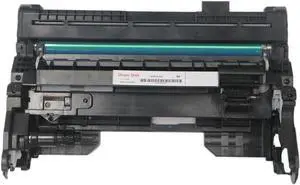
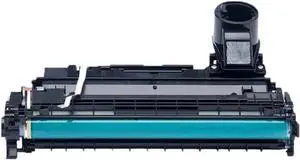
Remanufactured Drum Unit Compatible with IM350 IM430 P501 P500 IM350F IM430F P501L P500m IP5000sf
- Model #: ENGEB0GQTT4BD9
- $461.99 –
- Free Shipping
Quick View
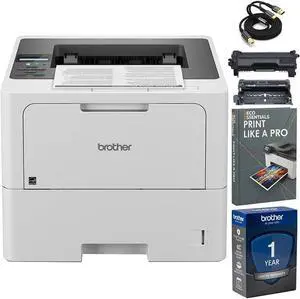
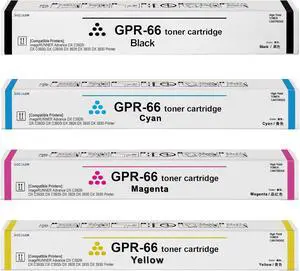
Drum Unit 154A W1540A Compatible with Tank 1502 2502 MFP 1602w 2602dn 2602sdn Sdw Printer
- Model #: ENGEB0GL434JYT
- $627.99 –
- Free Shipping
Quick View
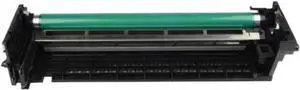
DR310 Drum Unit Compatible with Select Printer Models Including 200, 222, 282, 350, 362, and 250 Series
- Model #: ENGEB0GQHQCXLR
- $551.99 –
- Free Shipping
Quick View
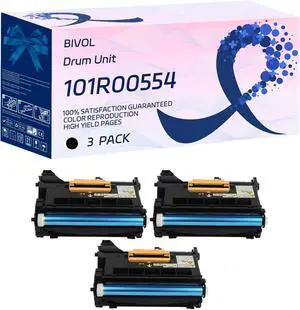
BIVOL 101R00554 Drum Unit Compatible for Xerox VersaLInk B400dn B400n B405dn Printers, with Chip, High Yield 75000 Pages, Vivid Colors (3 Pack Black)
- Model #: DARUB0F8MPKQY6
- $846.99 –
- Free Shipping
Quick View
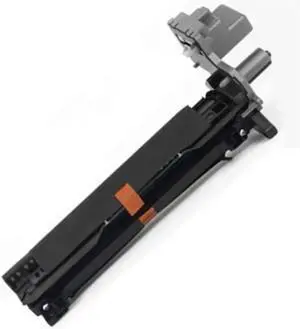
1PCS NPG55 GPR39 EXV-37 Fit for Canon IR ADV IR400 IR500 IR1730i IR1740i IR1750i Drum Unit Copier Replacement Parts
- Model #: ENGEB0GSZKXF9R
- $449.99 –
- Free Shipping
Quick View
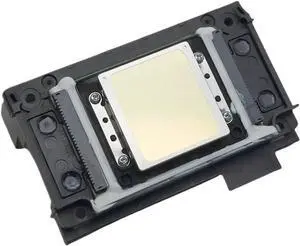
Compatible for FA09050 XP600 Printhead XP700 XP800 Eco Solvent UV Models(XP600)
- Model #: ENGEB0GTD1KSQP
- $571.99 –
- Free Shipping
Quick View
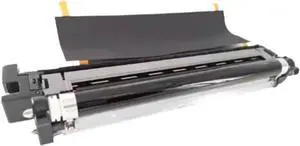
Drum Unit DK-8350 (302L793050) Compatible with 2552ci, 2553ci, 2554ci, 3252ci, 3253ci, 3554ci Printers
- Model #: ENGEB0GRN7HYGP
- $647.99 –
- Free Shipping
Quick View
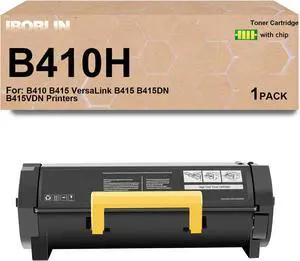
B410 Black Toner Cartridge High Capacity Replacement for Xerox B415 Toner (14,000 Pages) -006R04726 Use for B410 B415 VersaLink B415 B415DN B415VDN Printers1 Pack,with Chip
- Model #: ENGEB0G3PG9NHD
- $517.99 –
- Free Shipping
Quick View
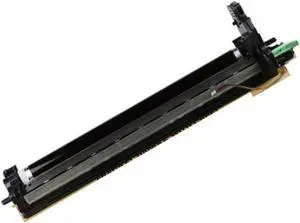
Replacement Parts 1PCS Fit for Koyocera TK413 1648 1620 2050 1650 MK413 Copier Drum Unit
- Model #: ENGEB0GSZDWF2F
- $473.99 –
- Free Shipping
Quick View
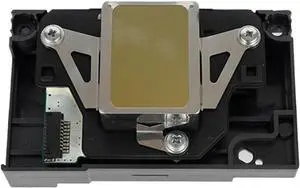
Compatible for Print Head for L1800, R270, R1390, 1430, 1400 Series Printers, DTF UV Solvent Printer Replacement
- Model #: ENGEB0G91SKWNP
- $622.99 –
- Free Shipping
Quick View
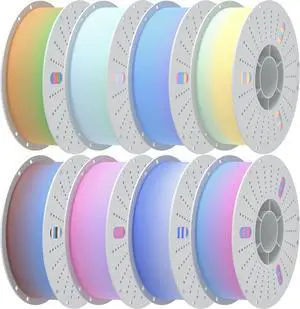
PINBALL Matte Rainbow PLA 3D Printer Filament 1.75mm Multi-Color Changing Filament 3D Printing PLA Filament Dimensional Accuracy +/- 0.02mm 8 KG Matte Rainbow
- Model #: C0A1084465010414603
- $214.48 –
- Free Shipping
Quick View
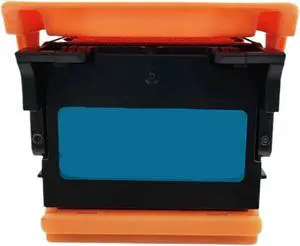
Compatible for Canon Print Head PF-04 for IPF650 IPF680 IPF755 IPF760 Series Large Format Printers
- Model #: ENGEB0G91H42T3
- $626.99 –
- Free Shipping
Quick View
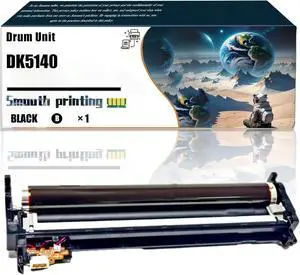
Replacement Parts Drum Unit DK5140 Compatible with Kyocera ECOSYS M6035cidn M6235cidn M6530cdn M6535cidn M6630cidn Printers, Contains Chip and Clear Printing (Black)
- Model #: DARUB0DZ5SKC2P
- $482.99 –
- Free Shipping
Quick View
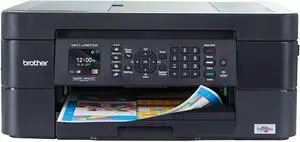
Brother® International Compact MFC-J497DW Wireless Color Inkjet All-In-One Printer
- Model #: ENGEB07DL838W9
- $531.99 –
- Free Shipping
Quick View
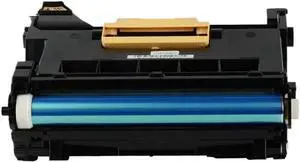
Drum Unit Compatible with DocuPrint P455d P455db P455df M455df 455 P455 95
- Model #: ENGEB0GMKDBYGS
- $633.99 –
- Free Shipping
Quick View
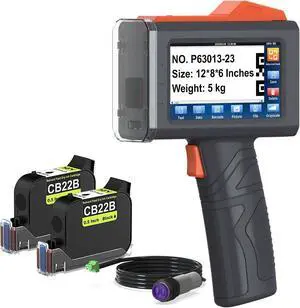
YEV Handheld Printer VP127 (Orange) Bundle with 2-Pack CB22B Original Solvent Fast Dry Black Ink Cartridge use for Code Date Logo Text Printing
- Model #: ENGEB0F8N9Y89Y
- $772.99 –
- Free Shipping
Quick View
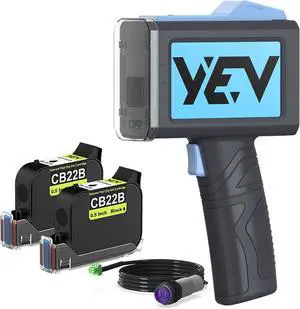
YEV Handheld Printer VP127 (Blue) Bundle with 2-Pack CB22B Original Solvent Fast Dry Black Ink Cartridge use for Code Date Logo Text Printing
- Model #: ENGEB0F8N9K31L
- $772.99 –
- Free Shipping
Quick View
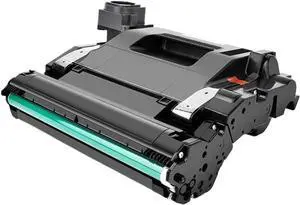
Drum Unit Compatible with 109A W1109A Laser NS1020w NS1020 NS1020C MFP NS1005c NS1005 NS1005W Printers
- Model #: ENGEB0GMHX8XMM
- $680.99 –
- Free Shipping
Quick View
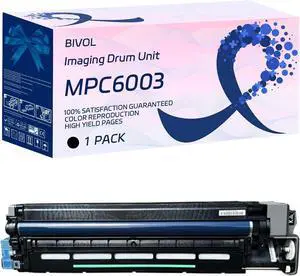
MPC6003 Imaging Drum Unit Compatible for Savin MP C3003 MP C3503 MP C4503 MP C5503 MP C6003 Printers, with Chip, High Yield 80000 Pages, Vivid Colors (Black)
- Model #: DARUB0DKDTDHBL
- $459.99 –
- Free Shipping
Quick View
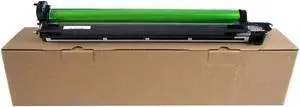
Drum Unit Compatible with MX36 2008UC DX-2008UC for Use in MX 2648 3148 3648 2508 2018 2318 3128 2310 Printers
- Model #: ENGEB0GTTQD4RX
- $591.99 –
- Free Shipping
Quick View
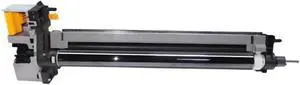
Drum Unit DK-7105 Compatible with 3010i 3510i 3011i 3511i 302NL93020 302NL93023
- Model #: ENGEB0GNJ65RYX
- $650.99 –
- Free Shipping
Quick View
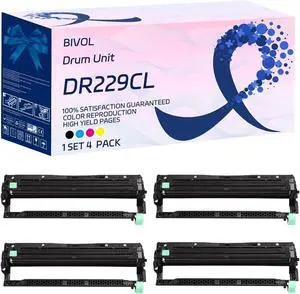
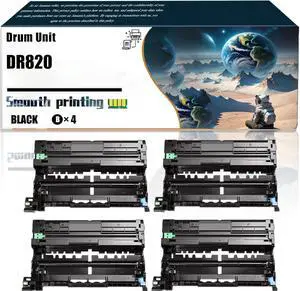
Replacement Parts Drum Unit DR820 Compatible with Brother HL-L6300DW MFC-L5700DW MFC-L5705DW MFC-L5800DW Printers, Contains Chip and Clear Printing (4 Pack Black)
- Model #: DARUB0F82WVRJW
- $586.99 –
- Free Shipping
Quick View
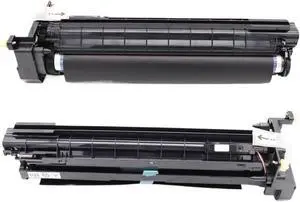
Imaging Drum Unit Compatible with DocuCentre 2150 and Apeos 2150 Series, Replacement for CT20 Drum Assembly
- Model #: ENGEB0GQPRGQD4
- $850.99 –
- Free Shipping
Choosing the Right Printer for Your Office Needs
When it comes to office solutions, printers and scanners are essential tools for any business. Whether you need to print important documents, scan invoices, or create professional-quality marketing materials, having the right equipment is crucial. In this article, we will explore the different types of printers and scanners available in the market and provide tips on how to choose the best one for your office.
All-in-One Printers: Versatility and Convenience
all-in-one printers, also known as multifunction printers, are a popular choice for offices. These devices combine the functionality of a printer, scanner, copier, and sometimes even a fax machine into a single unit. They offer versatility and convenience, allowing you to perform multiple tasks without the need for separate devices. All-in-one printers are available in both inkjet and laser options, catering to different printing needs and budgets.
Specialized Printers for Specific Tasks
In addition to all-in-one printers, there are specialized printers designed for specific tasks. For example, 3D printers are ideal for creating prototypes or intricate models, while barcode and label printers are perfect for businesses that require efficient inventory management. laser printers are known for their fast printing speeds and high-quality output, making them suitable for offices with high-volume printing needs. inkjet printers, on the other hand, are more cost-effective and can produce vibrant color prints.
Choosing the Right Supplies
Once you have selected the right printer for your office, it is important to choose the right supplies to ensure optimal performance and longevity. When it comes to inkjet printers, using high-quality ink cartridges is essential to achieve the best print quality and prevent clogging. For laser printers, it is important to choose the right type of toner cartridges that are compatible with your printer model. Additionally, investing in high-quality paper can make a significant difference in the final print results.
FAQs: Common Questions about Printers and Scanners
| Q: How often should I replace the ink cartridges? | A: The frequency of replacing ink cartridges depends on your printing volume. However, it is recommended to replace them when the print quality starts to degrade. |
|---|---|
| Q: Can I use third-party ink cartridges with my printer? | A: While it is possible to use third-party ink cartridges, it is important to ensure compatibility with your printer model. Using incompatible cartridges may result in poor print quality or damage to the printer. |
| Q: How do I clean the scanner glass? | A: To clean the scanner glass, use a soft, lint-free cloth slightly dampened with glass cleaner. Gently wipe the glass surface to remove any smudges or debris. |
| Q: What is the difference between optical and interpolated resolution in scanners? | A: Optical resolution refers to the actual hardware resolution of the scanner, while interpolated resolution is achieved through software enhancements. Optical resolution provides more accurate and detailed scans. |
| Q: How can I improve the scanning speed? | A: To improve scanning speed, reduce the scanning resolution, use black and white mode instead of color, and ensure that the scanner is connected to a high-speed USB port. |