

Your Browsing History
- In Stock
- Sold by Newegg
- New

Any questions? Our AI mode will help you find out quickly.
Try me now
Quick View
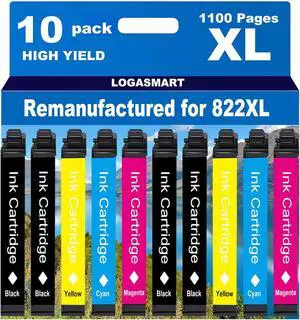
Remanufactured for 822XL Ink Cartridges Latest Upgrade for 822 XL for Workforce Pro WF-3820 WF-3823 WF-4820 WF-4830 WF-4833 WF-4834 Printer 8 Pack
- Model #: DARJB0FDG4YZWZ
- $108.99 –
- Free Shipping
Quick View
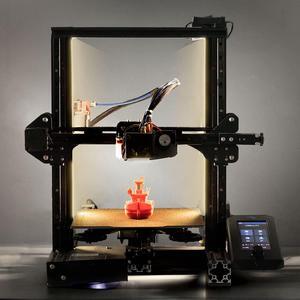
UniTak3D Ender 3 3D Printer LED Light 24V 7.5W Dual Sides Embedded Light Bar Strip Upgrades for Ender 3 V2, Ender 3 Pro,Ender 3 S1,CR6SE, Voxlab Aquila-2020 Profile
- Model #: STARWELL426253758794Lan
- $29.96 –
- Free Shipping
Quick View
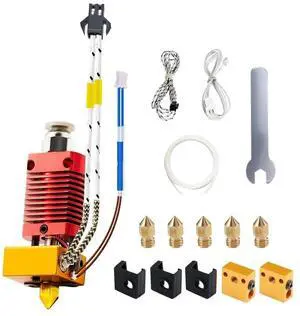
3D Printer Hotend kit, Upgrade Ender 3 Hotend 24V 40W, CR10 J-Head Hotend Compatible for Ender 3, Ender 3 V2, Ender 3 Pro, Ender 3 max, Ender 5, CR-10/CR10S,
- Model #: vfrtR302951375054
- $33.66 –
- Free Shipping
Quick View
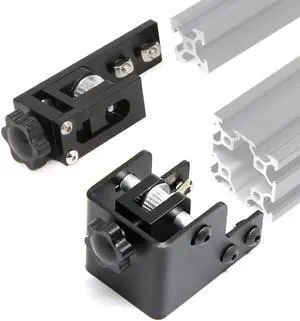
Zeberoxyz Upgrade 2020 Profile X-axis+4040 Double Slot Profile Y-axis Synchronous Belt Stretch Straighten Tensioner for Ender-3 Pro/Ender3 V2/CR-20 Pro 3D Printer Parts (X2020+Y4040)
- Model #: vfrtR302951373784
- $47.66 –
- Free Shipping
Quick View
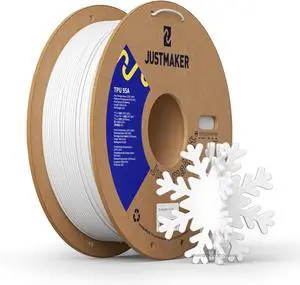
TPU 95A 3D Printer Filament, Suitable Resilience, Upgrade Cardboard Spool, 1kg, Dimensional Accuracy +/-0.05mm, 1.75mm, White
- Model #: C0A431465010408077
- $38.48 –
- Free Shipping
Quick View
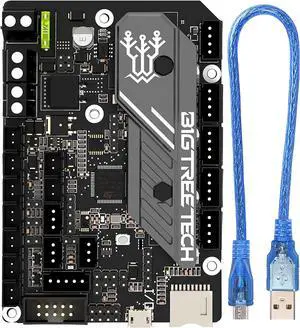
BIGTREETECH SKR Mini E3 V3.0 Control Board with TMC2209 UART Stepper Driver New Upgrade 32Bit 3D Printer Silent Board for Ender 3, Ender3 Pro, Ender 3 V2 3D Printer
- Model #: globalcrown9081943440499
- $73.35 –
- More options from $73.34 - $74.75
- Free Shipping
Quick View
3D Printer Hotend kit, Upgrade Ender 3 Hotend 24V 40W, CR10 J-Head Hotend Compatible for Ender 3, Ender 3 V2, Ender 3 Pro, Ender 3 max, Ender 5, CR-10/CR10S,
- Model #: 433330050283ComputerzoneGANG
- $33.89 –
- Free Shipping
Quick View
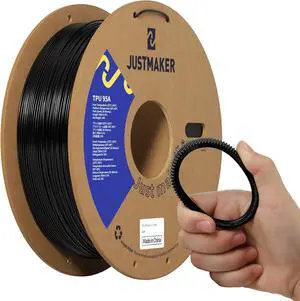
TPU 95A 3D Printer Filament, Suitable Resilience, Upgrade Cardboard Spool, 1kg, Dimensional Accuracy +/-0.05mm, 1.75mm, Black
- Model #: C0A768465010411442
- $38.48 –
- Free Shipping
Quick View
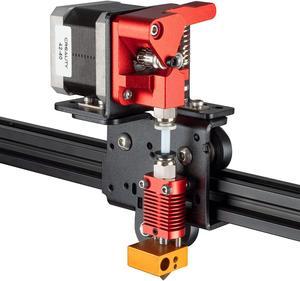
UniTak3D Ender 3 Direct Drive Upgrade Conversion Bracket for Ender 3 V2,Ender 3 Pro and Voxelab Aquila 3D Printer for B-MG&Dual Gear&Bowden Extruder(NOT for Neo Series,Extruder&Hotend NOT Include)
- Model #: STARWELL426253758121Lan
- $29.98 –
- Free Shipping
Quick View
UniTak3D Ender 3 3D Printer LED Light 24V 7.5W Dual Sides Embedded Light Bar Strip Upgrades for Ender 3 V2, Ender 3 Pro,Ender 3 S1,CR6SE, Voxlab Aquila-2020 Profile
- Model #: 433330049638ComputerzoneGANG
- $29.89 –
- Free Shipping
Quick View
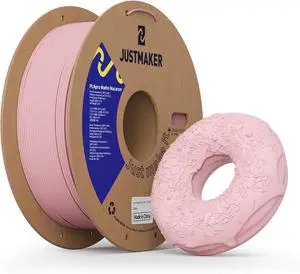
Matte PLA+ 3D Printer Filament, Upgrade Cardboard Spool, Dimensional Accuracy +/-0.03mm, 1.75mm, 1kg, Coral Pink
- Model #: C0A656465010410322
- $37.48 –
- Free Shipping
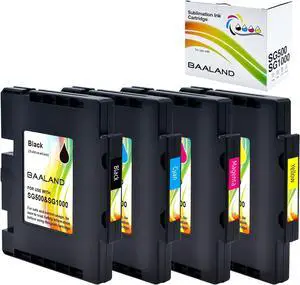
Quick View
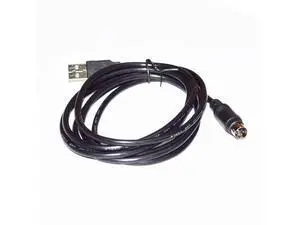
USB 2.0 A TO PS/2 MINI-DIN 6 PIN MD6 MALE ADAPTER PC PROGRAMMER UPGRADING CABLE FOR AUTOMOBILE INSPECTION DST010 TO PC Cable length:(3.6m)
Limited time offer, ends 10/07
- Model #: Kepler-C72J-beiyong-0487
- $37.76 –
- Free Shipping
Quick View
USB 2.0 A TO PS/2 MINI-DIN 6 PIN MD6 MALE ADAPTER PC PROGRAMMER UPGRADING CABLE FOR AUTOMOBILE INSPECTION DST010 TO PC Cable length:(3.6m)
Limited time offer, ends 10/07
- Model #: C72J-Y-1709-2IN1
- $31.38 –
- Free Shipping
Quick View
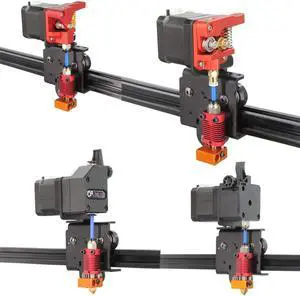
Upgrade Direct Extruder Support Plate Easy Print Flexible Filament for Ender 3/CR-10 3D Printer (Direct Plate)
- Type: Spare Part
- Model #: C0A564465010409401
- $27.48 –
- Free Shipping
Quick View
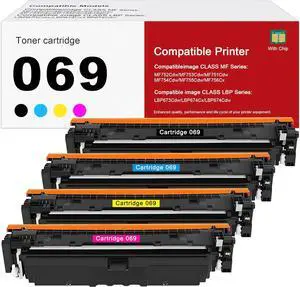
069 Toner Cartridge, Latest Upgraded Chip Replacement for Canon 069 069H CRG-069 for Canon Color imageCLASS MF753Cdw MF751Cdw LBP674Cdw Printer No Fading,No Streak,4 Pack
- Model #: DARKB0FFGQCQ3W
- $130.99 –
- Free Shipping
Quick View
EASYPRINT (Upgraded Chips) Compatible 902XL Ink Cartridges 902 Work with OfficeJet Pro 6954/ 6960/ 6962/ 6968/ 6975/ 6978 Printer, ( 3X Large Black)
- Model #: OB08Q8QJ7FZL
- $41.55 –
- Free Shipping
Quick View
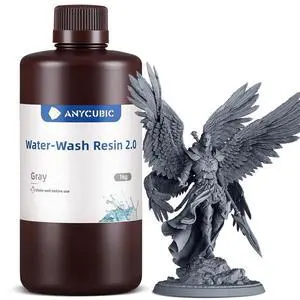
ANYCUBIC Upgraded Water Washable 3D Printer Resin 2.0, 405nm High Precision 3D Resin, Low Shrinkage Photopolymer Resin for 4K/8K/12K Capable LCD DLP Resin 3D Printer Printing (Grey, 1000g)
- Type: Curing Machine
- Model #: C0A721465010410971
- $38.48 –
- Free Shipping
Quick View
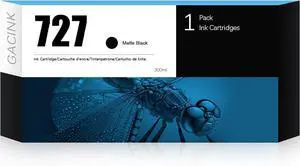
727 Ink Cartridge Matte Black (C1Q12A) Latest Upgrade Replacement for HP 727 Ink Cartridges MK, Compatible with HP DesignJet T920 T930 T1530 T1500 T2500 T2530 Printers
- Model #: DARJB0D3QRZLB7
- $144.99 –
- Free Shipping
Quick View
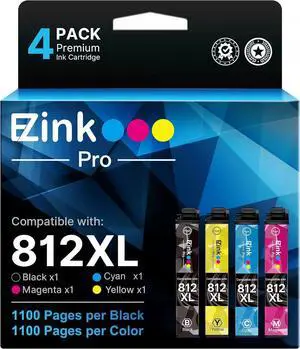
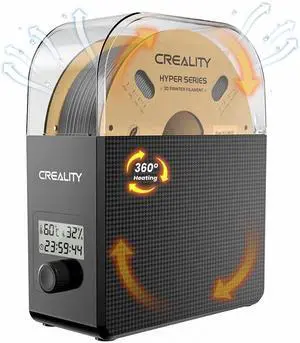
2025 New Creality Official Filament Dryer Box 2.0 with Fans-Christmas Gifts, Upgraded 1KG 3D Printer Material Dehydrator Keep Materials Dry During Printing Storage Drier for PLA PETG ABS TPU Nylon
- Model #: STARWELL426253764429Lan
- $79.96 –
- Free Shipping
Quick View
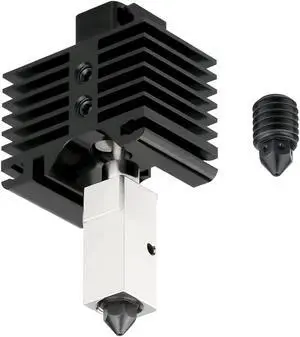
UP to 500C High Temperature Upgraded Hotend with Plated Copper Heater Block Titanium Heatbreak, Extra Hardened Steel Nozzle Compatible with BB X1 Carbon X1-Carbon Combo P1P 3D Printer (Hotend)
- Model #: 433330050146ComputerzoneGANG
- $29.89 –
- Free Shipping
Quick View
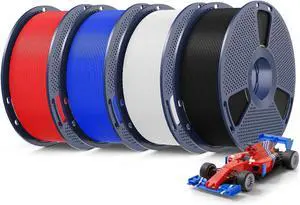
SUNLU 4KG Upgrade PLA+2.0 3D Printer Filament Bundle, PLA Plus 2.0 Filament 1.75mm, High Speed Printing, Stronger Than PLA+ Filament, 1KG per Spool, 4 Packs, Black+White+Blue+Red
- Model #: STARWELL426253763460Lan
- $101.98 –
- Free Shipping
Quick View
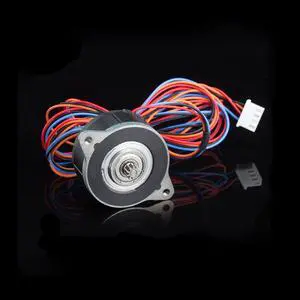
Moons NEMA14 36MM 17MM Enhanced Stepper Motor Compatible with Orbiter Extruder Sherpa Extruder, Ender 3 Pro/Voron 2.4 / BLV / CR10 3D Printer Direct Drive Upgrade
- Model #: 433330050559ComputerzoneGANG
- $45.89 –
- Free Shipping
Quick View
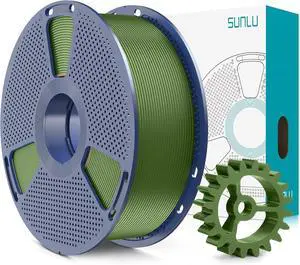
SUNLU PLA+2.0 3D Printer Filament, Upgrade PLA+ Filament 1.75mm, Tougher and Stronger, Neatly Wound PLA Plus Filament, Dimensional Accuracy +/-0.02mm, 1KG Spool(2.2lbs), Olive Green
- Model #: C0A794465010411701
- $38.48 –
- Free Shipping
Quick View
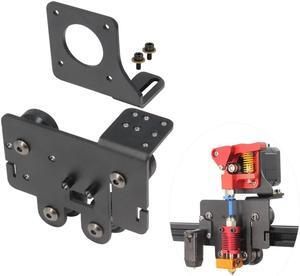
Ender 5 pro Direct Drive Upgrade Kit Aluminum Alloy Plate with 4pcs Pulleys Easy Print TPU Flexible Filament for Ender 5 Pro/Ender 5/Ender 5 Plus (Plate-Ender 5 Series)
- Model #: STARWELL426253761985Lan
- $31.98 –
- Free Shipping
Choosing the Right Printer for Your Office Needs
When it comes to office solutions, printers and scanners are essential tools for any business. Whether you need to print important documents, scan invoices, or create professional-quality marketing materials, having the right equipment is crucial. In this article, we will explore the different types of printers and scanners available in the market and provide tips on how to choose the best one for your office.
All-in-One Printers: Versatility and Convenience
all-in-one printers, also known as multifunction printers, are a popular choice for offices. These devices combine the functionality of a printer, scanner, copier, and sometimes even a fax machine into a single unit. They offer versatility and convenience, allowing you to perform multiple tasks without the need for separate devices. All-in-one printers are available in both inkjet and laser options, catering to different printing needs and budgets.
Specialized Printers for Specific Tasks
In addition to all-in-one printers, there are specialized printers designed for specific tasks. For example, 3D printers are ideal for creating prototypes or intricate models, while barcode and label printers are perfect for businesses that require efficient inventory management. laser printers are known for their fast printing speeds and high-quality output, making them suitable for offices with high-volume printing needs. inkjet printers, on the other hand, are more cost-effective and can produce vibrant color prints.
Choosing the Right Supplies
Once you have selected the right printer for your office, it is important to choose the right supplies to ensure optimal performance and longevity. When it comes to inkjet printers, using high-quality ink cartridges is essential to achieve the best print quality and prevent clogging. For laser printers, it is important to choose the right type of toner cartridges that are compatible with your printer model. Additionally, investing in high-quality paper can make a significant difference in the final print results.
FAQs: Common Questions about Printers and Scanners
| Q: How often should I replace the ink cartridges? | A: The frequency of replacing ink cartridges depends on your printing volume. However, it is recommended to replace them when the print quality starts to degrade. |
|---|---|
| Q: Can I use third-party ink cartridges with my printer? | A: While it is possible to use third-party ink cartridges, it is important to ensure compatibility with your printer model. Using incompatible cartridges may result in poor print quality or damage to the printer. |
| Q: How do I clean the scanner glass? | A: To clean the scanner glass, use a soft, lint-free cloth slightly dampened with glass cleaner. Gently wipe the glass surface to remove any smudges or debris. |
| Q: What is the difference between optical and interpolated resolution in scanners? | A: Optical resolution refers to the actual hardware resolution of the scanner, while interpolated resolution is achieved through software enhancements. Optical resolution provides more accurate and detailed scans. |
| Q: How can I improve the scanning speed? | A: To improve scanning speed, reduce the scanning resolution, use black and white mode instead of color, and ensure that the scanner is connected to a high-speed USB port. |