

Your Browsing History
- In Stock
- Sold by Newegg
- New
Quick View
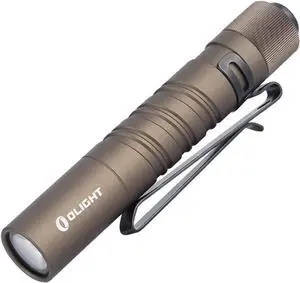
OLIGHT I3T EOS 180 Lumens Dual-Output Slim EDC Flashlight for Camping and Hiking, Tail Switch Flash Light with AAA Battery (Desert Tan)
- Model #: AIWU444275511883
- $35.55 –
- Free Shipping
Quick View
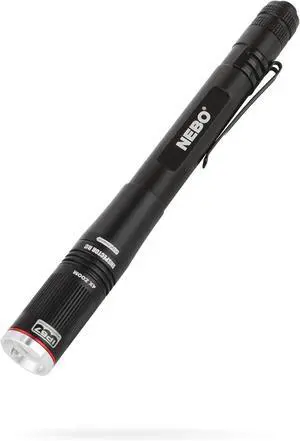
NEBO INSPECTOR RC Pen Light | 360 Lumens, 3 Light Modes, Rechargeable & AAA Battery Powered LED Flashlight, Waterproof, Compact & Durable, Pocket Clip for EDC, Includes USB Charging Cable
- Model #: Tong409397160081miao
- $68.88 –
- Free Shipping
Quick View
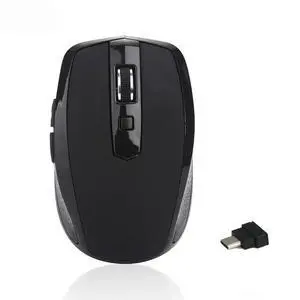
USB-C Wireless Mouse Silent Office Gaming Laptop 2.4G Wireless Mouse AAA Battery Edition
- Model #: 3256810434065023
- $31.74 –
- Free Shipping
Quick View
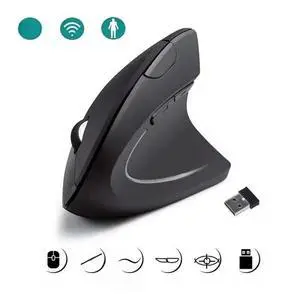
Vertical Ergonomic Portable 2.4GHz USB Wireless Mouse AAA Battery Bluetooth Gaming PC Gamer For Computer Laptops Mause Accessory
- Model #: 3256811909784299
- $21.26 –
- Free Shipping
Quick View
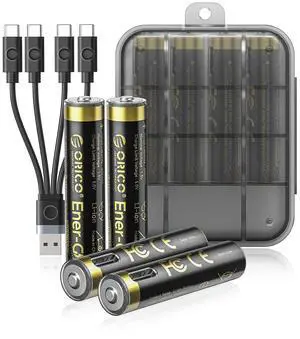
Ener-G Lithium-ion Battery Rechargeable AAA Batteries 4-Pack 1.5V Constant Output, 500mWh, 1 Hour Fast Charging with Type-C Cable, 1500x Cycles Long Lasting for Remote Control/Electronic Toys
Limited time offer, ends 09/29
- Model #: LC6W1JU1-103
- $34.99 –
- Free Shipping
Quick View
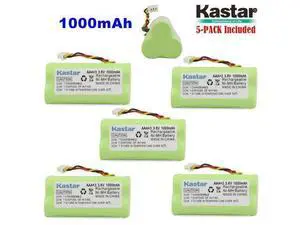
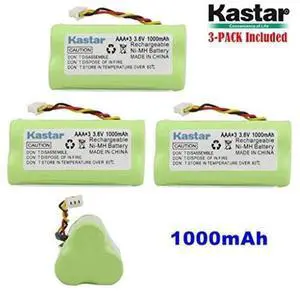
kastar 3-pack aaa 3.6v 1000mah ni-mh rechargeable battery replacement for 82-67705-01 ls-4278 ls42
- Model #: barcod245
- $25.18 –
- $15.00 Shipping
Quick View
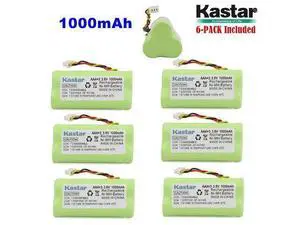
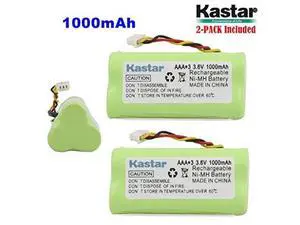
kastar 2-pack aaa 3.6v 1000mah ni-mh rechargeable battery replacement for 82-67705-01 ls-4278 ls42
- Model #: barcod2211
- $16.25 –
- $15.00 Shipping
Quick View
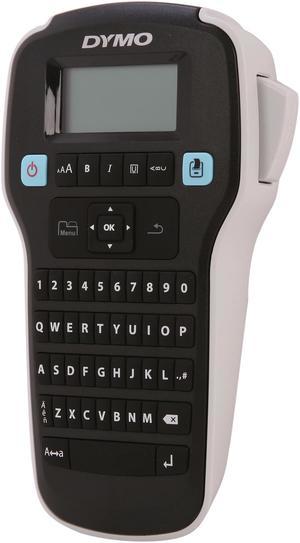
DYMO LabelManager 160 (1790415) Thermal Transfer Printer Hand-Held Label Maker
- Printer Type: Mobile
- Fonts Included: Number of Font Sizes: 6
- Media Type: DYMO D1 labels
- Media sizes supported: Width: 0.24" / 6.00 mm, 0.35" / 9.00 mm, 0.47" / 12.00 mm Length: 23.00 ft. / 7.00 m
- Model #: 1790415
- $64.99 –
- More options from $64.99 - $214.00
- Free Shipping
Quick View
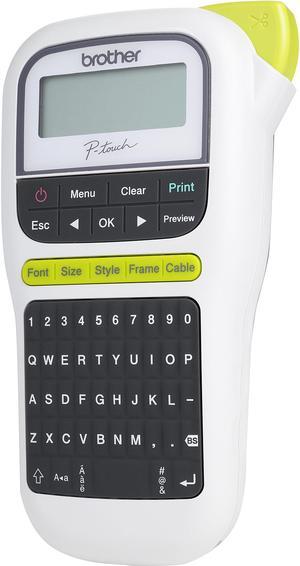
Brother P-touch PT-H110 Easy, Portable Label Maker, Thermal Transfer, 180 dpi, 20mm./sec, Up to 2 Print Lines, Manual Cutter
- Printer Type: Mobile
- Memory: Up to 15 labels Built-in Memory
- Fonts Included: Fonts: Helsinki, Brussels, Florida Font Styles: Normal, Bold, Outline, Shadow, Italic, Italic Bold, Italic Outline, Italic Shadow, Vertical, Vertical Bold Font Sizes: Small, Medium, Large
- Cutter: Manual
- Model #: PT-H110
- $44.96 –
- More options from $39.11 - $67.00
- Free Shipping
Quick View
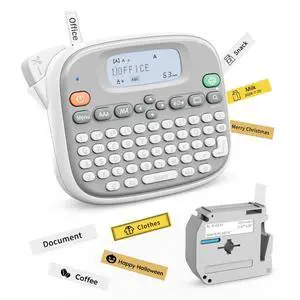
Label Maker Machine with Tape, Label Maker Waterproof with QWERTY Keyboard, TM95 12mm Portable Labeler for Home Organization, Office or School Supplier (Label Maker with 1 Tape, White)
- Brand: CASIO
- Part Number: 1
- Print Technology: Direct Thermal
- Memory: 64MB Flash
- Model #: 177314894022
- $46.99 –
- Free Shipping
Quick View
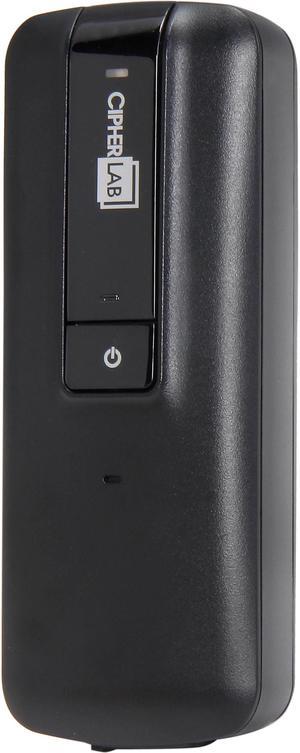
CipherLab A1662LBSNUN01 1600 Series 1662 Pocket-sized 1D Laser Scanner, Bluetooth, iOS & Android Compatible - Black
- Part Number: A1662LBSNUN01
- Form Factor: Handheld
- Connectivity: Cordless
- Scan Engine: 1D Laser
- Model #: A1662LBSNUN01
- $314.54
- $308.94 –
- More options from $308.94 - $346.99
Quick View
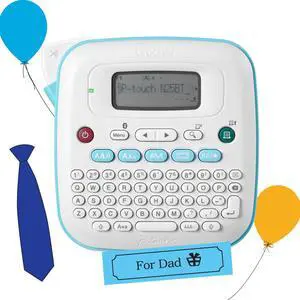
P-Touch PT-N25BT Personal Connected Label Maker, Bluetooth, Design&Print2 app, Portable, Handheld and Prints with P-Touch Btag½â (12mm) Wide Color Label Tapes
- Brand: Honeywell
- Part Number: PTN25BT
- Print Technology: Direct Thermal
- Cutter: Rewind
- Model #: 328875051135
- $74.99 –
- Free Shipping
Quick View
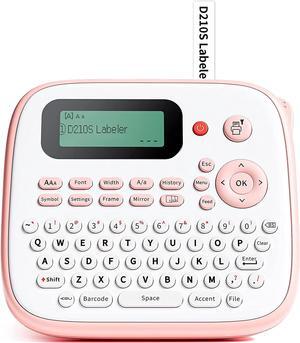
Label Printer - Portable Mini 4.0 Label Printer Pocket Print Paper Convenient Thermal Printer
- Model #: CHIPB0DW4HLK77
- $287.79 –
- Free Shipping
Quick View
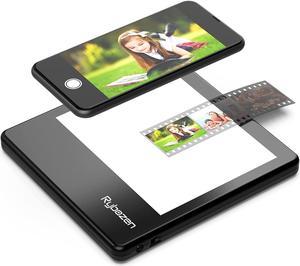
Rybozen Ultra-Thin Portable Slide Scanner 5 x 4 Inches LED Light Panel Photo Slides Negatives and Film Viewer
- Image Sensor: CCD
- Resolutions, Optical: 1800 x 3600 dpi
- Color Depth: 36bit
- Max. Document Size: Custom Size
- Model #: C400

Quick View
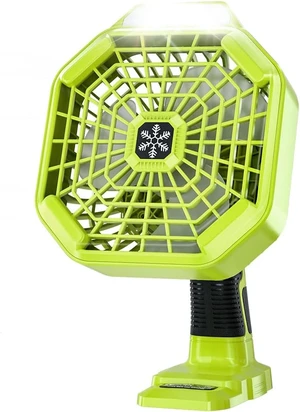
Battery Operated 18V Fan Compatible with Ryobi 18V Battery, Portable Cordless Fan with 180LM LED Lantern, Remote, Timer 1800CFM 3-Speed Outdoor Floor Fan
- Model #: TONFB0B24916FK
- $72.99 –
- Free Shipping
Quick View
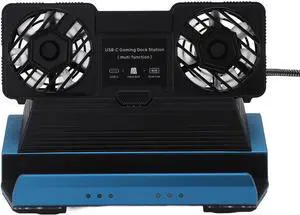
GOWENIC 10 in 1 Docking Station for Legion Go Claw with Dual Cooling Fan, 4K 60Hz Gigabit Ethernet 4 USB 3.0 M.2 NVMe Slot
- Model #: TONFB0FCMQ64FZ
- $126.99 –
- Free Shipping
Quick View
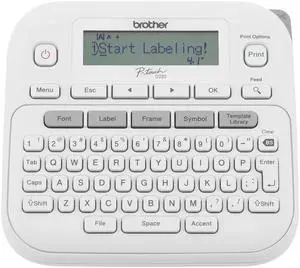
P-Touch PTD220 Home/Office Everyday Label Maker | Prints TZe Label Tapes up to ~1/2 inch White
- Brand: Brother
- Series: PTD220, 220
- Part Number: PTD220
- Print Technology: toner
- Model #: 467829817340
- $78.99 –
- Free Shipping
Quick View
P-Touch PTD220 Home/Office Everyday Label Maker | Prints TZe Label Tapes up to ~1/2 inch White
- Brand: Brother
- Series: PTD220, 220
- Part Number: PTD220
- Print Technology: toner
- Model #: 080957367444
- $78.99 –
- Free Shipping
Quick View
Label Printer - Portable Mini 4.0 Label Printer Pocket Print Paper Convenient Thermal Printer
- Model #: HANZB0DW4HLK77
- $290.99 –
- Free Shipping
Quick View
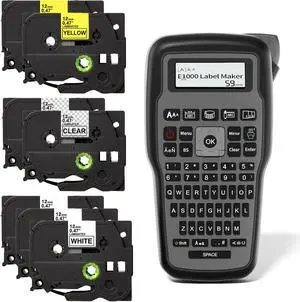
Electriduct E1000 Label Maker Thermal Transfer Portable Printer Handheld Labeler QWERTY Keyboard + 7 Tape Cartridges Black on White, Clear and Yellow
- Model #: HANZB0CW4QVBNR
- $116.99 –
- Free Shipping
Quick View
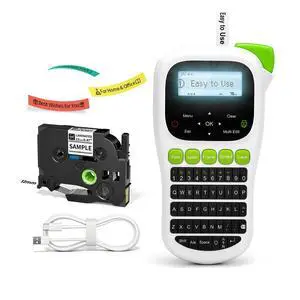
Label Maker Machine with-Tape, H1100 Label Maker Waterproof-Labels
- Brand: Vixic
- Series: H1100-GN-1PK-2026
- Part Number: H1100-GN-1PK-2026
- Printer Type: Portable, Lightweight
- Model #: 358702435373
- $59.99 –
- Free Shipping
Quick View
Label Maker Machine with Tape, Label Maker Waterproof with QWERTY Keyboard, TM95 12mm Portable Labeler for Home Organization, Office or School Supplier (Label Maker with 1 Tape, White)
- Brand: Rongta
- Series: TM95
- Part Number: 1
- Print Technology: Inkless
- Model #: 940808414530
- $46.99 –
- Free Shipping
Quick View
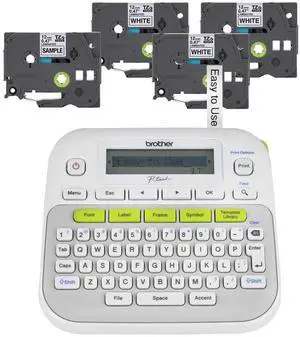
P-Touch, PTD210, Easy-to-Use Label Maker Bundle (4 Label Tapes Included), White, Small
- Brand: Brother
- Series: D210
- Part Number: PTD210BP
- Memory: 1 GB
- Model #: 685985606653
- $110.99 –
- Free Shipping
Quick View
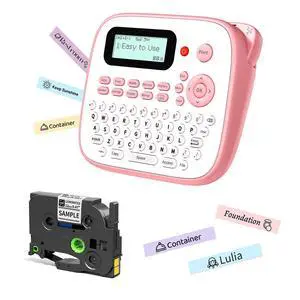
Pink Label Maker Machine with-Tape, Portable Kids Label Maker, Handheld Electric Label Maker with Keyboard, D210S Easy Labeler with Multiple Fonts Frame Barcode for Home Office School Supplies
- Brand: EazeID
- Series: D210S Pink Label Maker
- Part Number: 12mm
- Printer Type: Portable Pink label maker machine with tape, Handheld electric label maker with keyboard
- Model #: 481303626484
- $59.99 –
- Free Shipping
Quick View
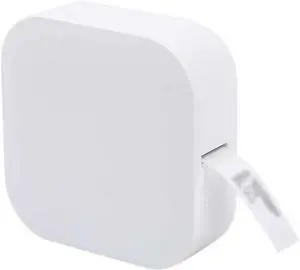
Portable Label Maker Machine Mini Pocket Thermal Label Printer BT Connect Sticker Labeling Machine
- Model #: HANZB0FLDMK9YD
- $470.99 –
- Free Shipping
Quick View
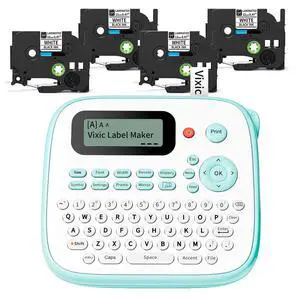
Label Maker, D210S Label Maker Machine with Laminated Tapes, Labeler
- Brand: Vixic
- Series: VX-D210S-4SET-2026
- Part Number: VX-D210S-4SET-2026
- Print Technology: No Ink
- Model #: 296875975030
- $72.99 –
- Free Shipping
Quick View
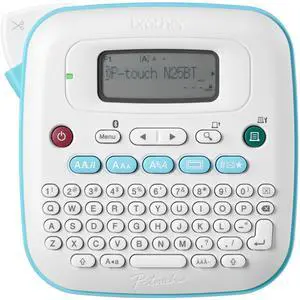
P-Touch PT-N25BT Personal Connected Label Maker, Bluetooth, Design&Print2 app, Portable, Handheld and Prints with P-Touch Btag½â (12mm) Wide Color Label Tapes
- Brand: Brother
- Series: PTN25BT
- Part Number: PTN25BT
- Print Technology: Thermal
- Model #: 868440831024
- $72.99 –
- Free Shipping
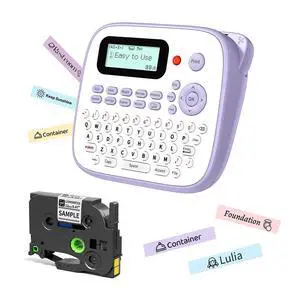
Quick View
D210S Label Maker Machine with-Tape, Label Maker Waterproof-Labels 12mm, Portable Labeler Purple for Teachers Kids, Desktop Labeler with Multiple Symbols &Fonts for Home Office School Supplies
- Brand: EazeID
- Series: d210s Purple label maker waterproof labels
- Part Number: 12mm
- Printer Type: Lightweight label maker waterproof labels, Small label maker machine with tape for small business
- Model #: 239065987326
- $64.99 –
- Free Shipping
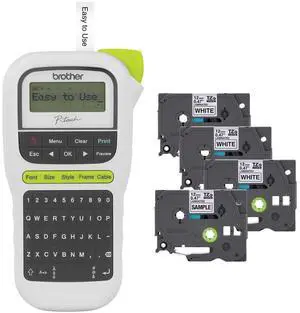
Quick View
P-Touch, PTH110BP, Easy Portable Label Maker Bundle (4 Label Tapes Included), White, Small
- Brand: Brother
- Series: H110, 110
- Part Number: PTH110BP
- Print Technology: Thermal
- Model #: 379504211781
- $105.99 –
- Free Shipping
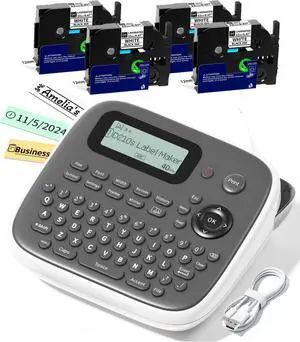
Quick View
Label Maker Machine with 4 Tapes, 12mm Laminated Waterproof Labels, D210s Desktop Label Printer, Multi Icons Borders & Bolder Fonts, School Office Supplies for Teacher, File/Daycare Labels
- Brand: VolenGo
- Series: D210S PRON-GYW
- Part Number: D210S PRON-GYW-DW-EN-4SET-A1(1)
- Printer Type: 800+ Icons & 100+ Borders & 16+ Bolder/Handwritten Fonts, Intuitive One-Touch Keys
- Model #: 405415372488
- $72.99 –
- Free Shipping
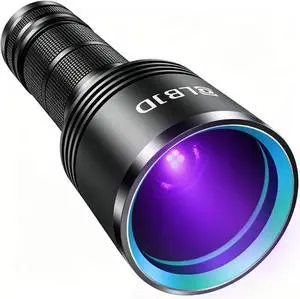
Quick View
Black Light Flashlight, 365NM Rechargeable Filtered UV Flashlights with High Power Battery for pet Urine Detection, Resin Curing, Scorpions, Rocks Hunting, Car Leaks
- Model #: AIWU444275510978
- $66.55 –
- Free Shipping
Quick View
P-Touch PTD220 Home/Office Everyday Label Maker | Prints TZe Label Tapes up to ~1/2 inch White
- Brand: Brother
- Series: PTD220, 220
- Part Number: PTD220
- Print Technology: toner
- Model #: 734450065851
- $64.99 –
- Free Shipping
Related searches

Any questions? Our AI mode will help you find out quickly.
Try me now
Choosing the Right Printer for Your Office Needs
When it comes to office solutions, printers and scanners are essential tools for any business. Whether you need to print important documents, scan invoices, or create professional-quality marketing materials, having the right equipment is crucial. In this article, we will explore the different types of printers and scanners available in the market and provide tips on how to choose the best one for your office.
All-in-One Printers: Versatility and Convenience
all-in-one printers, also known as multifunction printers, are a popular choice for offices. These devices combine the functionality of a printer, scanner, copier, and sometimes even a fax machine into a single unit. They offer versatility and convenience, allowing you to perform multiple tasks without the need for separate devices. All-in-one printers are available in both inkjet and laser options, catering to different printing needs and budgets.
Specialized Printers for Specific Tasks
In addition to all-in-one printers, there are specialized printers designed for specific tasks. For example, 3D printers are ideal for creating prototypes or intricate models, while barcode and label printers are perfect for businesses that require efficient inventory management. laser printers are known for their fast printing speeds and high-quality output, making them suitable for offices with high-volume printing needs. inkjet printers, on the other hand, are more cost-effective and can produce vibrant color prints.
Choosing the Right Supplies
Once you have selected the right printer for your office, it is important to choose the right supplies to ensure optimal performance and longevity. When it comes to inkjet printers, using high-quality ink cartridges is essential to achieve the best print quality and prevent clogging. For laser printers, it is important to choose the right type of toner cartridges that are compatible with your printer model. Additionally, investing in high-quality paper can make a significant difference in the final print results.
FAQs: Common Questions about Printers and Scanners
| Q: How often should I replace the ink cartridges? | A: The frequency of replacing ink cartridges depends on your printing volume. However, it is recommended to replace them when the print quality starts to degrade. |
|---|---|
| Q: Can I use third-party ink cartridges with my printer? | A: While it is possible to use third-party ink cartridges, it is important to ensure compatibility with your printer model. Using incompatible cartridges may result in poor print quality or damage to the printer. |
| Q: How do I clean the scanner glass? | A: To clean the scanner glass, use a soft, lint-free cloth slightly dampened with glass cleaner. Gently wipe the glass surface to remove any smudges or debris. |
| Q: What is the difference between optical and interpolated resolution in scanners? | A: Optical resolution refers to the actual hardware resolution of the scanner, while interpolated resolution is achieved through software enhancements. Optical resolution provides more accurate and detailed scans. |
| Q: How can I improve the scanning speed? | A: To improve scanning speed, reduce the scanning resolution, use black and white mode instead of color, and ensure that the scanner is connected to a high-speed USB port. |