

Your Browsing History
- In Stock
- Sold by Newegg
- Make an Offer
- New

Any questions? Our AI mode will help you find out quickly.
Try me now

Quick View
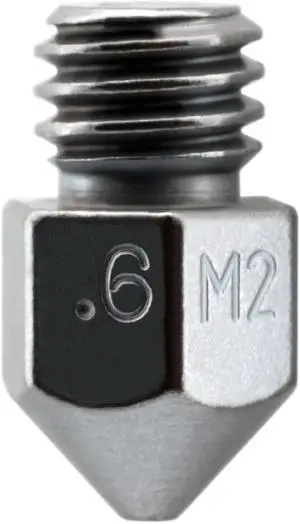
Micro Swiss MK8 Plated M2 Hardened High Speed Steel Nozzle (.6mm)
- Model #: 6295441432976ASDFA290271
Quick View
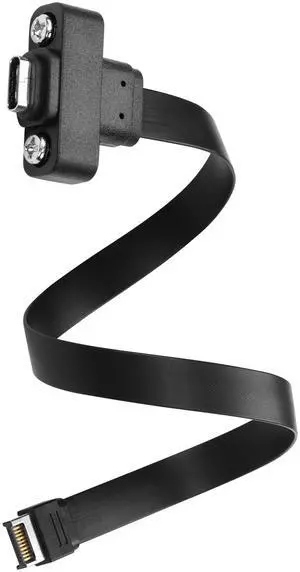
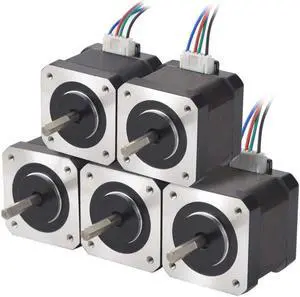
BUCIER USB 3.1 Front Panel Header Type-C Extension Cable Type-E 20Pin Male to USB-C Female Cable with Panel Mount Screw 10 Gbps 30cm/11.8inch
- Brand: SinLoon
- Color: Black
- Construction: silver
- Model #: B27
Quick View
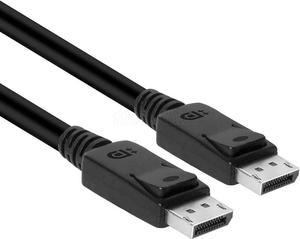
Club3D CAC-2067 VESA Certified DisplayPort to DisplayPort 1.4/Hbr3 M/M Cable DP 1.4 8K 60Hz 1m - 3,28ft
- Model #: 6295441434482ASDFA894875
Quick View
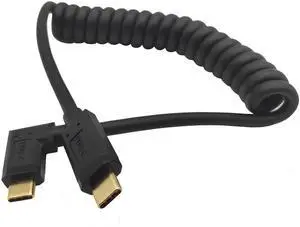
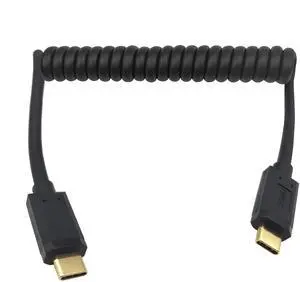
BUCIER USB C Cable, USB-C Male to Male Coiled Spring Spiral Cable, 3A 10Gbps Fast Charging, Data Extension, 3FT/1M (M/M Left & Right)
- Cable Length: 4 ft
- Brand: Qaoquda
- Type: USB
- Connector Type: USB Type C
- Model #: 0A009123
Quick View
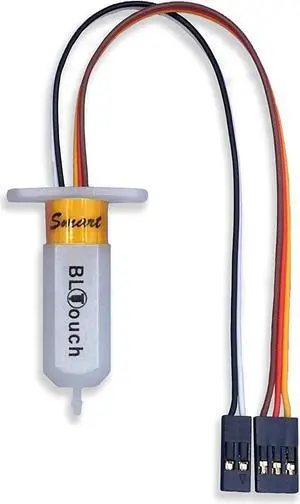
BLTouch : Auto Bed Leveling Sensor/To be a Premium 3D Printer (With 1M Extension Cable Set)
- Model #: 6295441432501ASDFA170151
Quick View
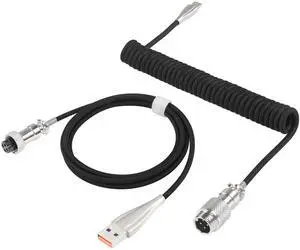
BUCIER Coiled Keyboard Cable for Gaming Keyboard, Coiled Aviator Keyboard Cables Type-C to USB A Cable with Detachable Aviator Connector, Double-Sleeved Mechanical Keyboard Wire (Black)
- Brand: SinLoon
- Part Number: SL2023102103
- Palm Rest: Coiled Keyboard Cable
- Keyboard Color: Black
- Model #: A113
Quick View
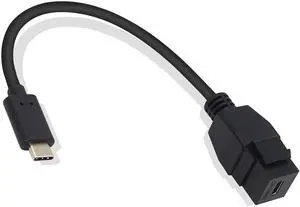
BUCIER USB-C Keystone Jack Adapter, Male to Female, Panel Mount, USB-C Pigtail Extension, Keystone-to-Cable Converter, Black
- Brand: GELRHONR
- Type: USB
- Connector Type: USB Type C
- Color: Black
- Model #: B704
Quick View
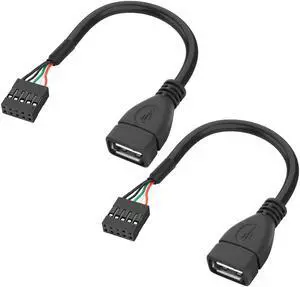
BUCIER USB 2.0 Female to Motherboard 9 Pin Header Adapter Cable USB Type A Port to Dupont 5 Pin Female Mainboard Data Cable Cord -10CM/3.9IN 2Pcs
- Brand: XMSJSIY
- Connector Type: USB Type A
- Color: Black
- Connector Detail: USB Type A
- Model #: B185
Quick View
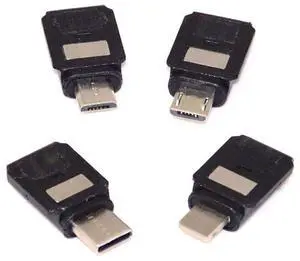
BUCIER Coiled USB 3.1 Type C Cable, USB-C Male to Male Spring Spiral, 3A 10Gbps Fast Charging, Data Extension, Stretched 1.2M (M/M)
- Cable Length: 30 ft
- Brand: Qaoquda
- Type: USB
- Connector Type: USB Type C
- Model #: G9123
Quick View
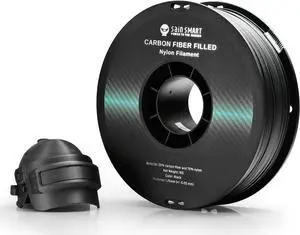
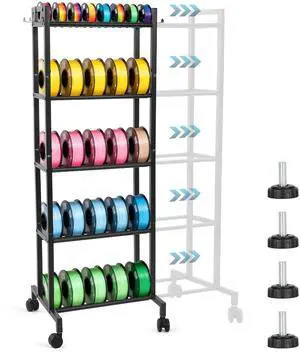
SainSmart 1.75mm Black ePA-CF Carbon Fiber Filled Nylon Filament 1KG (2.2lbs) Spool for 3D Printer
- Model #: 6295441436752ASDFA18021783
Quick View
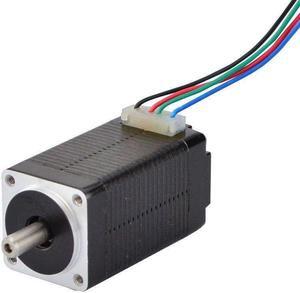
STEPPERONLINE Micro Step Motor Nema 8 Bipolar Stepper Motor 0.6A 5.7oz.in/4Ncm DIY Robot
- Model #: 6295441433287ASDFA414395
Quick View
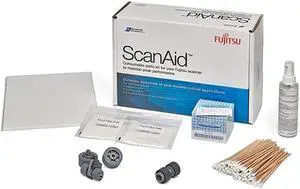
Fujitsu Genuine ScanAid Kit fi-7600 fi-7700
- Product Type: Other Accessories
- Model #: BE905GQ30Z
Quick View
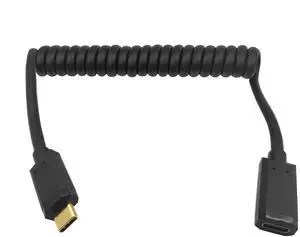
BUCIER Coiled USB 3.1 Type C Cable, USB-C Male to USB-C Female Coiled Spring Spiral Cable, 3A 10Gbps Fast Charging, Data Extension Cable, Stretched 4FT/1.2M (M/F)
- Cable Length: 4 ft
- Brand: Qaoquda
- Type: USB
- Connector Type: USB Type C
- Model #: G09123
Quick View
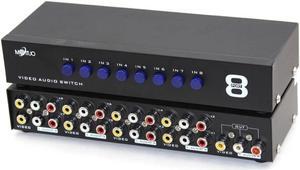
8-Way AV Switch RCA Switcher 8 in 1 Out Composite Video L/R Audio Selector Box for DVD STB Game Consoles CV0235
- Model #: 6295441432266ASDFA135116
Quick View
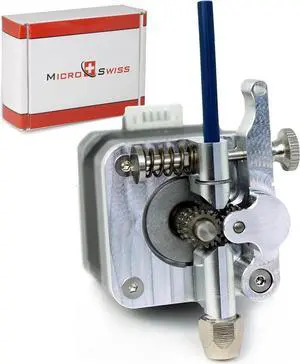
Micro Swiss Bowden Dual Gear Extruder Compatible with Creality Ender, CR10, CR-10 Pro, CR-10S, CR6-SE, Tornado
- Model #: 6295441433065ASDFA326307
Quick View
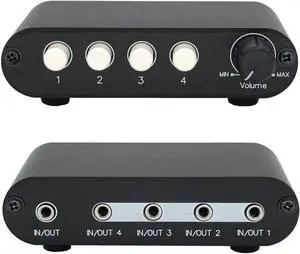
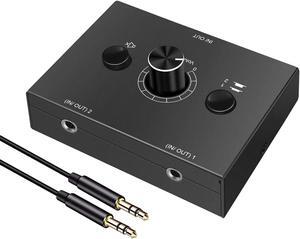
3.5mm Stereo Audio Switch Audio Switcher Passive Speaker Headphone Manual Selector Splitter Box Audio Sharing
- Model #: 6295441432259ASDFA134115
Quick View
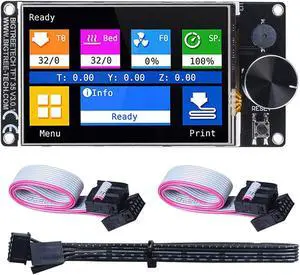
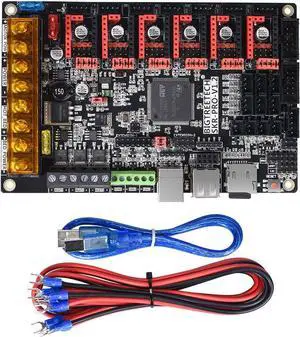
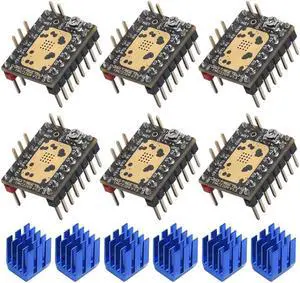
BIGTREETECH SKR Pro v1.2 32bit Control Board high-Frequency 3D Printer Motherboard, Support TMC5160, TMC2208, TMC2130, TFT28, TFT32, TFT35, 12864LCD ect.
- Model #: 6295441432747ASDFA210191
- $81.00 –
- More options from $79.73 - $97.60
- Free Shipping
Quick View
POWER SUPPLY BOARD CR357-67046 Fit for HP DJ T920 T1500 T2500 T930 T1530 T2530
- Product Type: Other Accessories
- Model #: BECR357-67046
Choosing the Right Printer for Your Office Needs
When it comes to office solutions, printers and scanners are essential tools for any business. Whether you need to print important documents, scan invoices, or create professional-quality marketing materials, having the right equipment is crucial. In this article, we will explore the different types of printers and scanners available in the market and provide tips on how to choose the best one for your office.
All-in-One Printers: Versatility and Convenience
all-in-one printers, also known as multifunction printers, are a popular choice for offices. These devices combine the functionality of a printer, scanner, copier, and sometimes even a fax machine into a single unit. They offer versatility and convenience, allowing you to perform multiple tasks without the need for separate devices. All-in-one printers are available in both inkjet and laser options, catering to different printing needs and budgets.
Specialized Printers for Specific Tasks
In addition to all-in-one printers, there are specialized printers designed for specific tasks. For example, 3D printers are ideal for creating prototypes or intricate models, while barcode and label printers are perfect for businesses that require efficient inventory management. laser printers are known for their fast printing speeds and high-quality output, making them suitable for offices with high-volume printing needs. inkjet printers, on the other hand, are more cost-effective and can produce vibrant color prints.
Choosing the Right Supplies
Once you have selected the right printer for your office, it is important to choose the right supplies to ensure optimal performance and longevity. When it comes to inkjet printers, using high-quality ink cartridges is essential to achieve the best print quality and prevent clogging. For laser printers, it is important to choose the right type of toner cartridges that are compatible with your printer model. Additionally, investing in high-quality paper can make a significant difference in the final print results.
FAQs: Common Questions about Printers and Scanners
| Q: How often should I replace the ink cartridges? | A: The frequency of replacing ink cartridges depends on your printing volume. However, it is recommended to replace them when the print quality starts to degrade. |
|---|---|
| Q: Can I use third-party ink cartridges with my printer? | A: While it is possible to use third-party ink cartridges, it is important to ensure compatibility with your printer model. Using incompatible cartridges may result in poor print quality or damage to the printer. |
| Q: How do I clean the scanner glass? | A: To clean the scanner glass, use a soft, lint-free cloth slightly dampened with glass cleaner. Gently wipe the glass surface to remove any smudges or debris. |
| Q: What is the difference between optical and interpolated resolution in scanners? | A: Optical resolution refers to the actual hardware resolution of the scanner, while interpolated resolution is achieved through software enhancements. Optical resolution provides more accurate and detailed scans. |
| Q: How can I improve the scanning speed? | A: To improve scanning speed, reduce the scanning resolution, use black and white mode instead of color, and ensure that the scanner is connected to a high-speed USB port. |