

Your Browsing History
- Sold by Newegg
- New

Any questions? Our AI mode will help you find out quickly.
Try me now
Quick View
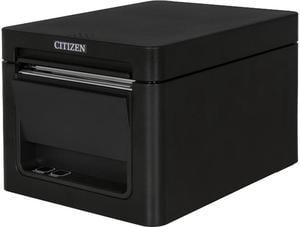
Citizen CT-E351 Compact Thermal POS Printer, Front Exit, Serial, USB, Black - CT-E351RSU-BK
- Model #: CT-E351RSU-BK
- $255.99
- $178.99 –
- Save: $77.00 (30%)
- Free Shipping
Quick View
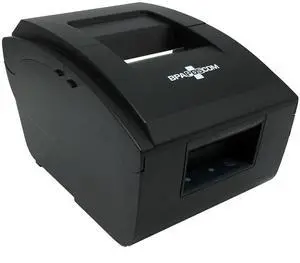
Business Software Solutions Inc. Pro 6 Dot Matrix Printer
- Model #: PTR_PRO6_DOTMT
- $140.00 –
- Free Shipping
Quick View
- $2,399.99
- $2,156.99 –
- Save: $243.00 (10%)
- $20.99 Shipping
Quick View
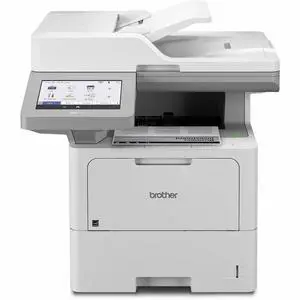
Brother Workhorse MFC-EX915DW Enterprise Monochrome Laser All-in-One Printer, Copy/Fax/Print/Scan
- Model #: MFCEX915DW
- $1,099.99 –
- $24.34 Shipping
Quick View
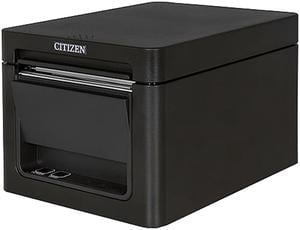
Citizen CT-E651BTUBK CT-E651 Series Fast High Performance Direct Thermal Receipt and Label Printer – USB/Bluetooth – Black
- Model #: CT-E651BTUBK
- $309.99 –
- Free Shipping
Quick View
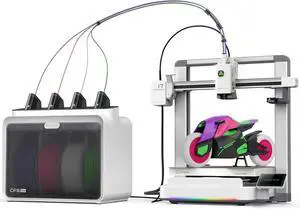
Creality SPARKX i7 Combo 3D Printer, Multi Color with CFS Lite High Speed AI Photo-to-3D Printing 95% Pre-Assemble Auto-Leveling Custom RGB Quick-Swap Essential Parts 10.24×10.24×10 inch
Limited time offer, ends 09/28
- Technology: FDM (Fused Deposition Modeling)
- Model #: C40E.070845
- $798.99 –
- More options from $798.99
- Free Shipping
Quick View
in 30 days
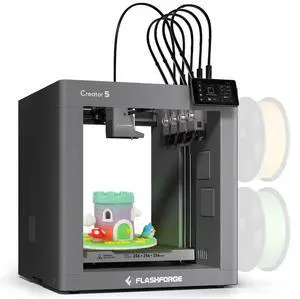
Flashforge Creator 5 Multicolor 3D Printer 4 Independent Nozzles, 600mm/s CoreXY, Auto-Calibration, 256*256*256mm- Technology: FDM (Fused Deposition Modeling)
- Type: 3D Printer
- Brand: FlashForge
- Series: Creator 5
- Model #: C5

Quick View
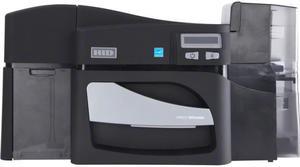
Fargo DTC4500E Dye Sublimation/Thermal Transfer Printer - Color - Desktop - Card Print
- Printer Type: Dual-side
- Memory: 32 MB
- Media Type: Adhesive Backed Card PVC Card Polyester Card Optical Media Card
- Model #: 055510
- $999.00
- Request Price
- Free Shipping
Quick View
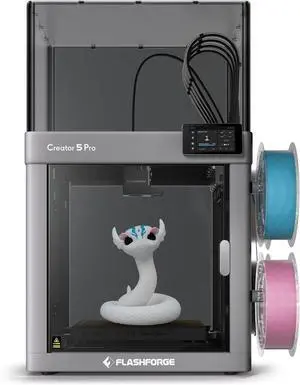
Flashforge Creator 5 Pro 4-Toolheads Enclosed Multi-Color 3D Printer | 500% Faster, Zero Purge Waste
- Technology: FDM (Fused Deposition Modeling)
- Type: FDM 3D Printer
- Brand: FlashForge
- Body Material: Metal
- Model #: Creator 5 Pro
- $849.00 –
- Free Shipping
Quick View
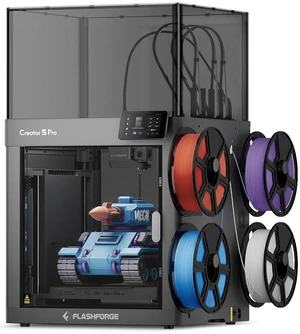
FLASHFORGE Creator 5 Pro 4-Toolhead Enclosed Multi-Color 3D Printer, 256 x 256 x 256mm, 65°C Heated Chamber
- Technology: FDM (Fused Deposition Modeling)
- Type: FDM 3D Printer
- Brand: FlashForge
- Body Material: Metal
- Model #: CREATOR5PRO-US
- $849.00 –
- Free Shipping
Quick View
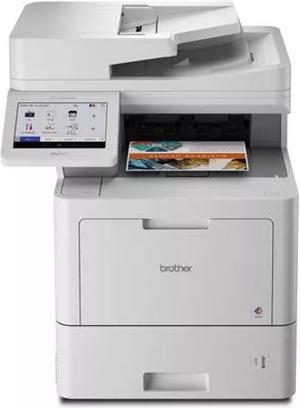
ENTERPRISE COLOR LASER ALL-IN-ONE PRINTER FOR MID TO LARGE-SIZED WORKGROUPS
- Recommended Use: MFC / All-In-One
- Black Print Speed: 42
- Black Print Quality: 2400 x 600 dpi
- Brand: Brother
- Model #: MFCL9670CDN
- $1,758.99 –
- More options from $1,399.99 - $1,758.99
- Free Shipping
Quick View
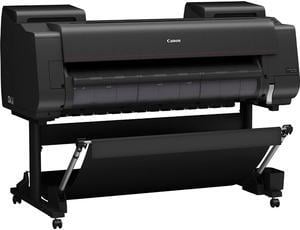
Canon imagePROGRAF PRO-2600 24" Large Format Printer
- Cartridges Compatible: Shipped with printer: 160 ML of each color Replacement: 160 ml PFI-3100 (PBK, C, M, Y, PC, PM, GY, PGY, R, B, CO), 160 ml PFI-2100 (MBK), 330 ml PFI-3300 (PBK, C, M, Y, PC, PM, GY, PGY, R, B, CO), 330 ml PFI-2300 (MBK), 700 ml PFI-3700 (PBK, C, M, Y, PC, PM, GY, PGY, R, B, CO), 700 ml PFI-2700 (MBK)
- Color Technologies: Pigment: PBK, MBK, C, M, Y, PC, PM, GY, PGY, R, B, +CO
- Thickness: 0.002" - 0.03" (0.07 mm - 0.8 mm)
- Print Languages, std.: SGRaster (Swift Graphic Raster), PDF, JPEG
- Model #: 6405C002AA
- $3,175.00 –
- Free Shipping
Quick View
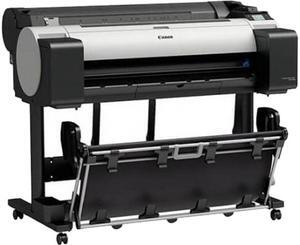
Canon imagePROGRAF TM-305 Large Format Printer (3056C002)
- Part Number: 3056C002
- Weight: 160
- Model #: 3056C002
- $4,495.00
- $3,995.00 –
- Save: $500.00 (11%)
- Free Shipping
Quick View
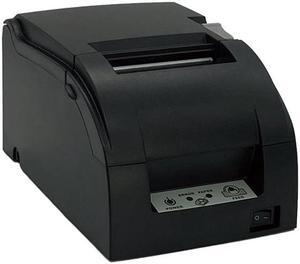
Business Software Solutions Inc. Pro 7 Dot Matrix Printer
- Model #: PTR_BSS_PRO7S
- $235.00 –
- Free Shipping
Quick View
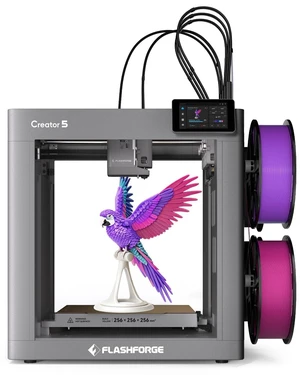
FLASHFORGE Creator 5 4-Toolhead Multi-Color 3D Printer, 256 x 256 x 256mm, 600 mm/s, Auto Leveling
- Technology: FDM (Fused Deposition Modeling)
- Type: FDM 3D Printer
- Brand: FlashForge
- Body Material: Metal
- Model #: Creator 5
- $699.00 –
- Free Shipping
Quick View
Open Box Citizen CT-E651BTUBK CT-E651 Series Fast High Performance Direct Thermal Receipt and Label Printer – USB/Bluetooth – Black
- Model #: CT-E651BTUBK
- $399.99
- $131.36 –
- Save: $268.63 (67%)
- Free Shipping
Quick View
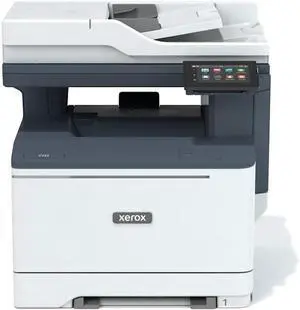
Xerox C325 Color All-in-One Printer, Laser, DADF, Copy, Print, Scan, Fax, Email, Letter, Energy Star Certified, up to 35 PPM
- Model #: BEC325
- $799.00 –
- Free Shipping

Quick View
Fargo 50100 Identification Card Printer
- Weight: 18.0000
- Model #: 50100
- $2,718.55 –
- Free Shipping
Quick View
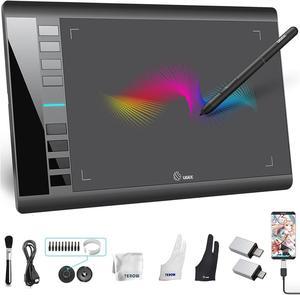
UGEE Drawing Tablet Graphics, M708 V2 Upgrade PC&Computer&Android Device,10x6 Inch Ultra Thin Large Graphic for PC, Pad with 8 Hot Keys Upgrade 16384 Level Battery-Free Stylus for Unleash Creativity
- Model #: 433330052737ComputerzoneGANG
- $74.89 –
- Free Shipping
Quick View
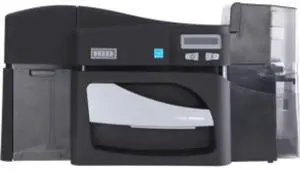
Fargo DTC4500E Single Sided Dye Sublimation/Thermal Transfer Color Printer
- Brand: HID Global
- Model #: 055000
- $2,573.89 –
- More options from $2,563.89 - $2,573.89
Quick View
UGEE Drawing Tablet Graphics, M708 V2 Upgrade PC&Computer&Android Device,10x6 Inch Ultra Thin Large Graphic for PC, Pad with 8 Hot Keys Upgrade 16384 Level Battery-Free Stylus for Unleash Creativity
- Model #: STARWELL426253762500Lan
- $77.98 –
- Free Shipping
Quick View
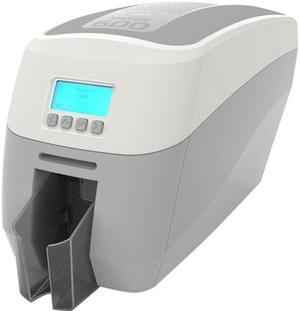
MAGICARD 600 SINGLE SIDED DTC PRINTER 600DPI USB DIGITAL SHREDDING 3YR WARRANTY
- Model #: 3652-5001/2
- $2,964.88 –
Quick View
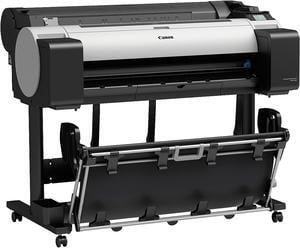
imagePROGRAF TM-300 - Inkjet Printer - Color - Ink-jet - 1,200 dpi - Ethernet 10
- Part Number: 3058C002
- Weight: 161.0000
- Model #: 3058C002
- $2,495.00 –
- Free Shipping
Quick View
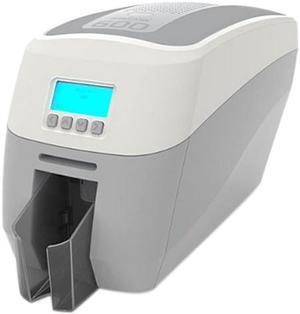
MAGICARD 600 DOUBLE SIDED DTC PRINTER 600DPI USB DIGITAL SHREDDING 3YR WARRANTY
- Weight: 13.0000
- Model #: 3652-5021/2
- $3,537.74 –
Quick View
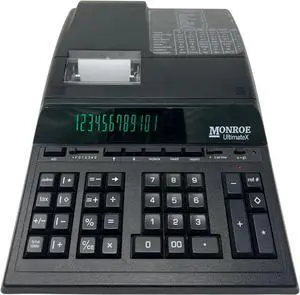
Monroe UltimateX Executive Printing Calculator with Edit and Reprint Capabilities
- Model #: BRAPB071NMY3XX
- $341.99 –
- Free Shipping
Quick View
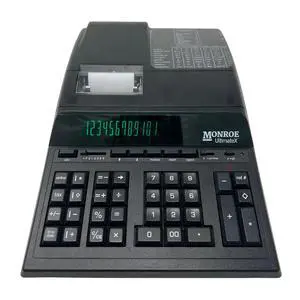
Monroe UltimateX Executive Printing Calculator with Edit and Reprint Capabilities
Limited time offer, ends 09/30
- Model #: 514131768710
- $284.24 –
- Free Shipping
Quick View
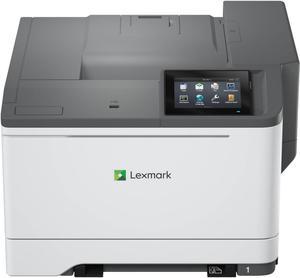
Lexmark CS632dwe Wireless Color Laser Printer 50M0060
- Model #: 50M0060
- $799.00 –
- More options from $799.00 - $1,070.71
- Free Shipping
Quick View
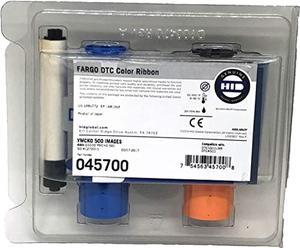
fargo 45700 color ribbon (ymcko), 500 images, dtc5500lmx
- Model #: RNAB087YPVBFY
- $141.50 –
- Free Shipping
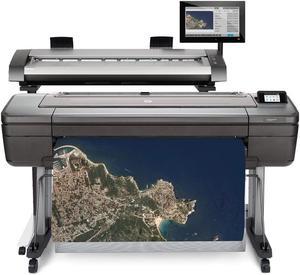
Quick View
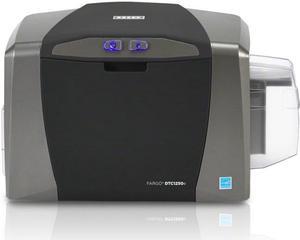
Fargo DTC1250e Single Sided Dye Sublimation/Thermal Transfer Printer - Color - Desktop - Card Print
- Memory: 32 MB
- Media Type: Card Adhesive Backed Card ID Card PVC Card Polyester Card Continuous Form
- Model #: 050020
- $1,608.11 –
- More options from $1,608.11 - $1,716.99
- Free Shipping
Quick View

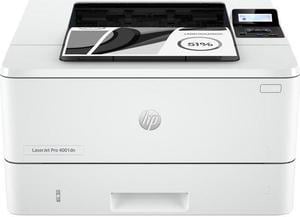
- Recommended Use: MFC / All-In-One
- Output Capacity, std.: 250 pages
- Black Print Speed: Prints up to 42/40 ppm (LTR/A4)
- Black Print Quality: 1200 x 1200 dpi
- Model #: 2Z600F#BGJ
- $448.90 –
- More options from $290.99 - $485.97
- Free Shipping
Quick View
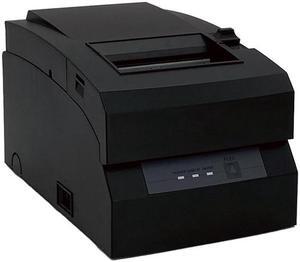
Business Software Solutions Inc. Pro 8 Dot Matrix Printer
- Model #: PTR_BSS_PRO8_DOT
- $235.00 –
- Free Shipping
Quick View
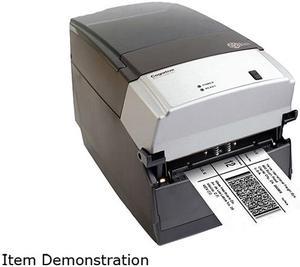
Cognitive TPG CXD4-1300 Direct Thermal Desktop Label Printer, 300 dpi, 8 ips, 4.2" 2-Line LCD Display, Serial, Parallel, USB A/B, Ethernet
- Printer Type: Desktop
- Memory: RAM - 16 MB, Flash - 8 MB
- Fonts Included: Bitmapped: 7 styles with up to 10x10 magnification, variable boldness and spacing International: Sans serif font in 7 pt. sizes, up to 4x4 magnification, variable boldness and spacing Scalable Smooth Fonts: 3 Ultra Font styles for smooth characters in any size and boldness Rotations: 0, 90, 180, 270 degrees Optional: Kanji, Korean, and OCR fonts available
- Barcode Type: Add2, Add5, Codabar, Code39, Code93, Code 128A/B/C, D2of5, I2of5, S20f5, EAN8, EAN13, EAN128, MSI/I1, Plessey, Postnet, UPCA/A+/E/E1
- Model #: CXD4-1300
- $978.96 –
- More options from $199.00 - $978.96
- Free Shipping
Quick View
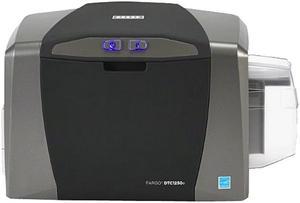
Fargo 050100 DTC1250e Direct-to-Card Printer & Encoder
- Printer Type: Dual-side
- Memory: 32 MB RAM
- MSR: N/A
- Media Type: PVC or polyester cards with polished PVC finish; monochrome resin required for100% polyester cards; optical memory cards with PVC finish; rewrite
- Model #: 050100
- $1,644.11 –
- More options from $1,644.11 - $1,926.32
- Free Shipping
Quick View
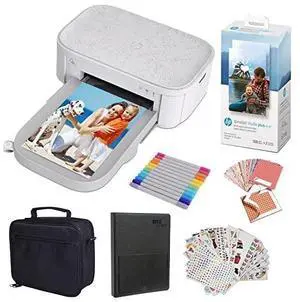
- Brand: HP
- Series: Studio
- Print Technology: Dye Sublimation
- Printer Type: false
- Model #: AMZHPISTK44US
- $229.99 –
- Free Shipping
Choosing the Right Printer for Your Office Needs
When it comes to office solutions, printers and scanners are essential tools for any business. Whether you need to print important documents, scan invoices, or create professional-quality marketing materials, having the right equipment is crucial. In this article, we will explore the different types of printers and scanners available in the market and provide tips on how to choose the best one for your office.
All-in-One Printers: Versatility and Convenience
all-in-one printers, also known as multifunction printers, are a popular choice for offices. These devices combine the functionality of a printer, scanner, copier, and sometimes even a fax machine into a single unit. They offer versatility and convenience, allowing you to perform multiple tasks without the need for separate devices. All-in-one printers are available in both inkjet and laser options, catering to different printing needs and budgets.
Specialized Printers for Specific Tasks
In addition to all-in-one printers, there are specialized printers designed for specific tasks. For example, 3D printers are ideal for creating prototypes or intricate models, while barcode and label printers are perfect for businesses that require efficient inventory management. laser printers are known for their fast printing speeds and high-quality output, making them suitable for offices with high-volume printing needs. inkjet printers, on the other hand, are more cost-effective and can produce vibrant color prints.
Choosing the Right Supplies
Once you have selected the right printer for your office, it is important to choose the right supplies to ensure optimal performance and longevity. When it comes to inkjet printers, using high-quality ink cartridges is essential to achieve the best print quality and prevent clogging. For laser printers, it is important to choose the right type of toner cartridges that are compatible with your printer model. Additionally, investing in high-quality paper can make a significant difference in the final print results.
FAQs: Common Questions about Printers and Scanners
| Q: How often should I replace the ink cartridges? | A: The frequency of replacing ink cartridges depends on your printing volume. However, it is recommended to replace them when the print quality starts to degrade. |
|---|---|
| Q: Can I use third-party ink cartridges with my printer? | A: While it is possible to use third-party ink cartridges, it is important to ensure compatibility with your printer model. Using incompatible cartridges may result in poor print quality or damage to the printer. |
| Q: How do I clean the scanner glass? | A: To clean the scanner glass, use a soft, lint-free cloth slightly dampened with glass cleaner. Gently wipe the glass surface to remove any smudges or debris. |
| Q: What is the difference between optical and interpolated resolution in scanners? | A: Optical resolution refers to the actual hardware resolution of the scanner, while interpolated resolution is achieved through software enhancements. Optical resolution provides more accurate and detailed scans. |
| Q: How can I improve the scanning speed? | A: To improve scanning speed, reduce the scanning resolution, use black and white mode instead of color, and ensure that the scanner is connected to a high-speed USB port. |