• In Stock
  • Sold by Newegg
  • Make an Offer
  • New
Department
Show More
Brands
Show More
Price
Show More
Sold by
All Top Brands
Availability
Condition
Current Promotion
Discount
Useful Links
Customer Ratings
Sort By:
View:
USB 3.0 Hub eSATA SATA Port Internal Card Reader PC Dashboard Media Front Panel Audio for SD MS CF TF M2 MMC Memory Cards Fits 5.25" Bay
Quick View
  •  
  • $33.49 
  • Free Shipping
IRIS IRISCan Desk 7 Business CMOS 5696 x 4272 pixels (24MP) Camera All-in-One Scanner
Quick View
Refurbished IRIS IRISCan Desk 7 Business CMOS 5696 x 4272 pixels (24MP) Camera All-in-One Scanner
  • Brand: IRIS
  • Series: IRISCan
  • Type: Camera
  • Element Type: CMOS
  • Model #: 464416
  •  
  • $347.99 
  • Free Shipping
IRIS IRIScan Visualizer 7 All-in-One Document Camera
Quick View
Refurbished IRIS IRIScan Visualizer 7 All-in-One Document Camera
  • Brand: IRIS
  • Series: IRISCan
  • Part Number: 464412
  • Type: Camera
  • Model #: 464412
  •  
  • $119.99 
  • $4.99 Shipping
HP OfficeJet Pro 8135e All-in-One Printer w/ bonus 12months Instant Ink through HP+ 40Q35A#B1H
Quick View
HP OfficeJet Pro 8135e All-in-One Printer w/ bonus 12months Instant Ink through HP+ 40Q35A#B1H
  • Part Number: 40Q35A#B1H
  • Color Print Speed: Up to 20 ppm
  • Black Print Quality: 1200 x 1200 dpi
  • Time To First Page (seconds): 15 sec
  • Model #: 40Q35A#B1H
Xiwai 4Pcs USB 2.0 B Type Male to Female Extension Adapter Horizontal Vertical Angled 90 Degree for Disk Scanner U2-038-BM001
Quick View
  •  
  • $8.99 
  • Free Shipping
Direct from xiwai Direct from xiwai
Brother MFC-L9610CDN Laser Multifunction Printer - Color -  Copier/Fax/Printer/Scanner - 42 ppm Mono/42 ppm Color Print - 2400 x 600 dpi Print
Quick View
Brother MFC-L9610CDN Laser Multifunction Printer - Color - Copier/Fax/Printer/Scanner - 42 ppm Mono/42 ppm Color Print - 2400 x 600 dpi Print
  • Recommended Use: MFC / All-In-One
  • Black Print Speed: Up to 42 ppm
  • Black Print Quality: 2400 x 600
  • Brand: Brother
  • Model #: MFCL9610CDN
SPEEDYINKS Remanufactured Ink Cartridge Replacement for HP 61XL High Yield (Black Single) Compatible with Deskjet 1000, 1010, 1050, 1051, 1055, 1056 All-in-One, 3000, 3050, 3050A, 3051A
Quick View
Canon PIXMA TR4720 Black Wireless All-In-One Printer - Black (5074C003)
Quick View
Canon PIXMA TR4720 Black Wireless All-In-One Printer - Black (5074C003)
  • Functions: 4-in-1: Print, Copy, Scan & Fax
  • Max. Print Speed: 4" x 6" Borderless Photo (PP-201): Approx. 65.0 Seconds Black Document (Letter/Simplex): Approx. 8.8 ipm Colour Document (Letter/Simplex): Approx. 4.4 ipm
  • Copier Features: Copy Size: 4" x 6", 5" x 7", Letter (8.5" x 11"), Legal (8.5" x 14") Copy Features: 4-on-1/2-on-1 Copy, Auto Document Feeder (ADF), Auto Exposure (AE) Copy, Borderless Copy, Collated Copy (ADF Only), Document Removal Reminder, Fit-to-Page, Frame Erase Copy (Flatbed Only), ID Card Copy, Multiple Copy (Up to 99 Pages), Preset Copy Ratio, Reduction/Enlargement (25% - 400%), Standard Copy, Two-Sided Copy
  • Scan Resolution, Optical: 600 x 1200 dpi
  • Model #: 5074C003
  • $94.42
  •  
  • $89.58 
  • Save: $4.84 (5%)
  • Free Shipping
HP Envy 6155e All-in-One Inkjet Printer, Color Mobile Print, Copy, Scan, Mobile
Quick View
HP Envy 6155e All-in-One Inkjet Printer, Color Mobile Print, Copy, Scan, Mobile
  • Part Number: 714L5A#B1H
  • Color Print Speed: Up to 10 ppm
  • Black Print Quality: Up to 1200X 1200 rendered dpi (when Printing from a computer)
  • Copy Quality, Black: 300 x 300 dpi
  • Model #: 714L5A#B1H
3DMakerpro Eagle LiDAR 3D Scanner, Professional SLAM Spatial Scanner for Film Production, 3DGS, Virtual Reality, 3D Modeling, All-in-one Workflow, 140m Range Max (4 Cameras)
Quick View
3DMakerpro Eagle LiDAR 3D Scanner, Professional SLAM Spatial Scanner for Film Production, 3DGS, Virtual Reality, 3D Modeling, All-in-one Workflow, 140m Range Max (4 Cameras)
  • Supported OS: Windows 11+
  • Product Size/Dimensions: 115 × 181 × 106 mm
  • Software Compatibility: Raystudio
  • Features: 3DGS/SLAM/Point cloud
  • Model #: Eagle Max
  •  
  • $4,898.00 
  • Free Shipping
Available Direct from 3DMakerPro Available Direct from 3DMakerPro
USB C to USB B 3.0 Cable - 3.3ft, USBB to USBC Cable with Type-B 3.0 Connector, Black
Quick View
USB C to USB B 3.0 Cable - 3.3ft, USBB to USBC Cable with Type-B 3.0 Connector, Black
  • Brand: Cable Matters
  • Type: USB
  • Connector Type: Usb Type C, Usb-b 3.0
  • Color: Black
  • Model #: 915412459672
  •  
  • $18.93 
  • Free Shipping
50Pcs 3D Printer Tool Kit & Accessories for All FDM/SLA Printers, Includes Nozzle Cleaning Kit, Scraper, Deburring Tool, Files, Brushes - Complete Starter Kit with Case
Quick View
  •  
  • $32.93 
  • Free Shipping
avatar

Any questions? Our AI beta will help you find out quickly.

Did You Find It?

Choosing the Right Printer for Your Office Needs

When it comes to office solutions, printers and scanners are essential tools for any business. Whether you need to print important documents, scan invoices, or create professional-quality marketing materials, having the right equipment is crucial. In this article, we will explore the different types of printers and scanners available in the market and provide tips on how to choose the best one for your office.

All-in-One Printers: Versatility and Convenience

all-in-one printers, also known as multifunction printers, are a popular choice for offices. These devices combine the functionality of a printer, scanner, copier, and sometimes even a fax machine into a single unit. They offer versatility and convenience, allowing you to perform multiple tasks without the need for separate devices. All-in-one printers are available in both inkjet and laser options, catering to different printing needs and budgets.

Specialized Printers for Specific Tasks

In addition to all-in-one printers, there are specialized printers designed for specific tasks. For example, 3D printers are ideal for creating prototypes or intricate models, while barcode and label printers are perfect for businesses that require efficient inventory management. laser printers are known for their fast printing speeds and high-quality output, making them suitable for offices with high-volume printing needs. inkjet printers, on the other hand, are more cost-effective and can produce vibrant color prints.

Choosing the Right Supplies

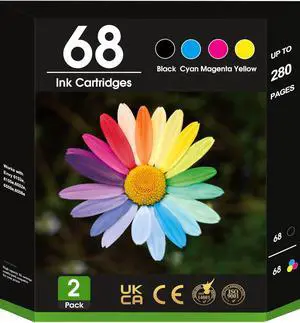
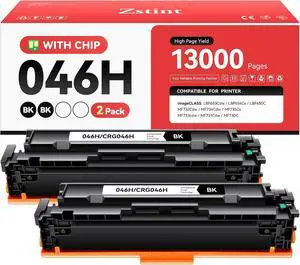
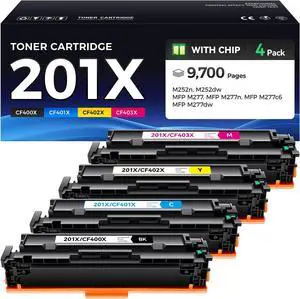
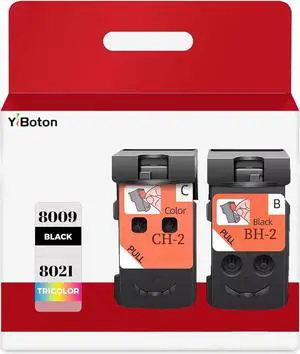
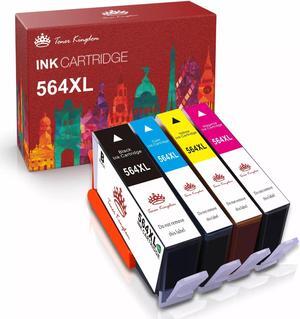
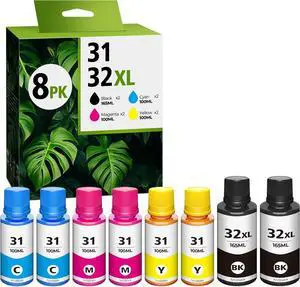
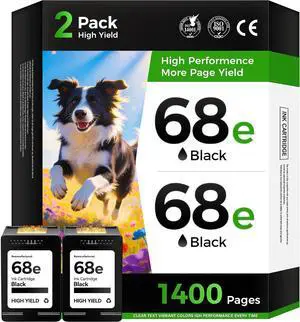
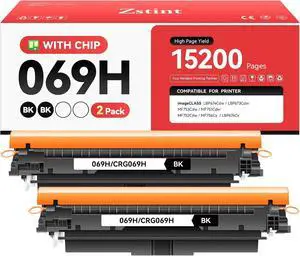
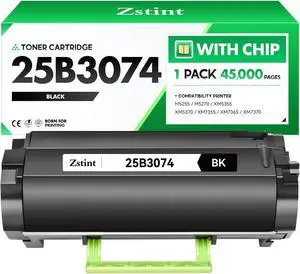
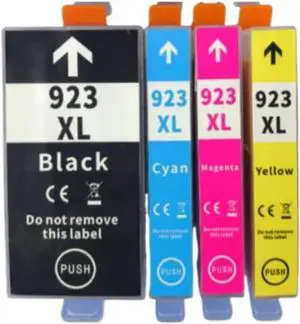
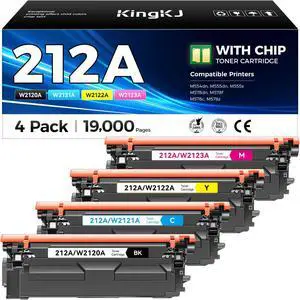
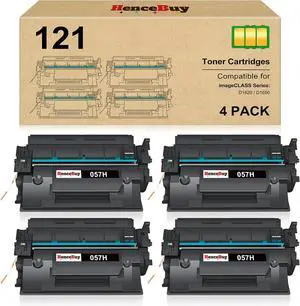
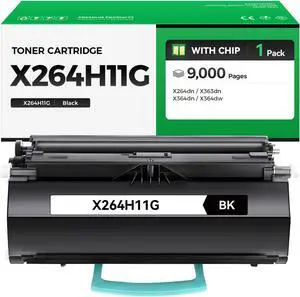
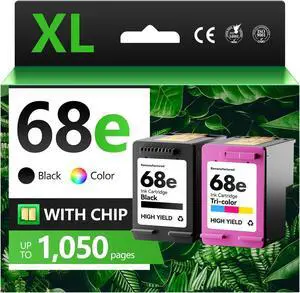
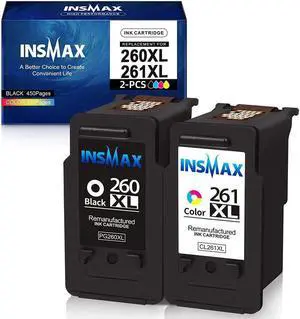
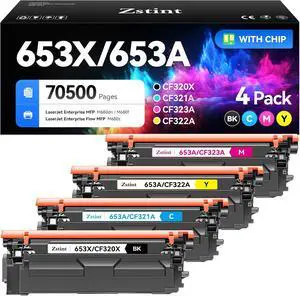
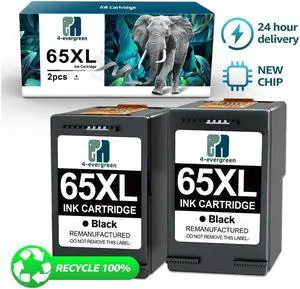
Once you have selected the right printer for your office, it is important to choose the right supplies to ensure optimal performance and longevity. When it comes to inkjet printers, using high-quality ink cartridges is essential to achieve the best print quality and prevent clogging. For laser printers, it is important to choose the right type of toner cartridges that are compatible with your printer model. Additionally, investing in high-quality paper can make a significant difference in the final print results.

FAQs: Common Questions about Printers and Scanners

Q: How often should I replace the ink cartridges?A: The frequency of replacing ink cartridges depends on your printing volume. However, it is recommended to replace them when the print quality starts to degrade.
Q: Can I use third-party ink cartridges with my printer?A: While it is possible to use third-party ink cartridges, it is important to ensure compatibility with your printer model. Using incompatible cartridges may result in poor print quality or damage to the printer.
Q: How do I clean the scanner glass?A: To clean the scanner glass, use a soft, lint-free cloth slightly dampened with glass cleaner. Gently wipe the glass surface to remove any smudges or debris.
Q: What is the difference between optical and interpolated resolution in scanners?A: Optical resolution refers to the actual hardware resolution of the scanner, while interpolated resolution is achieved through software enhancements. Optical resolution provides more accurate and detailed scans.
Q: How can I improve the scanning speed?A: To improve scanning speed, reduce the scanning resolution, use black and white mode instead of color, and ensure that the scanner is connected to a high-speed USB port.