

Your Browsing History
- Sold by Newegg
- Make an Offer

Any questions? Our AI mode will help you find out quickly.
Try me now
Quick View
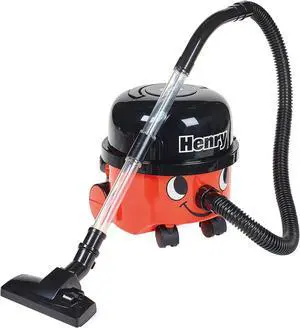
Casdon Henry & Hetty Toys - Henry Vacuum Cleaner - Red Vacuum Cleaning Toy with Real Function & Nozzle Accessories - Kids Cleaning Set - For Children Aged 3+
- Model #: AIWU444275511500
- $66.55 –
- Free Shipping
Quick View
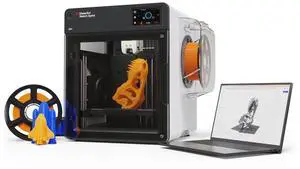
MakerBot Sketch Sprint
- Brand: Makerbot
- Series: Sketch Sprint
- Part Number: 900-0151A
- Type: 3D Printer
- Model #: 900-0151A
- $2,399.99
- $1,651.99 –
- Save: $748.00 (31%)
- Free Shipping
Quick View
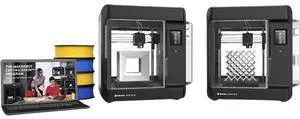
MakerBot Sketch Standard Classroom 3D Printer, Two-Printer Setup | SKETCHKIT-KIT
- Brand: Makerbot
- Part Number: SKETCHKIT-KIT
- Type: 3D Printer
- Color: Black
- Model #: SKETCHKIT-KIT
- $2,598.00
- $2,116.99 –
- Save: $481.01 (18%)
- Free Shipping
Quick View
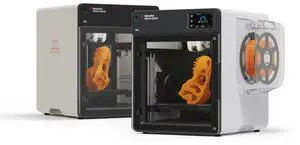
MakerBot Sketch Sprint, Classroom Two-Printer Setup, 3D Printer for small size projects | SKETCHSPRINTCLASSROOM
- Brand: Makerbot
- Series: Sketch Sprint
- Part Number: SKETCHSPRINTCLASSROOM
- Type: 3D Printer
- Model #: SKETCHSPRINTCLASSROOM
- $4,798.00
- $3,375.99 –
- Save: $1,422.01 (29%)
- Free Shipping
Quick View
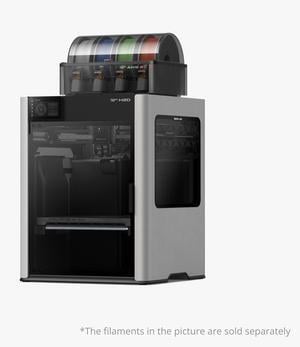
Bambu Lab H2D 3D printer laser engraving die-cutting brush multifunctional four-in-one high-precision large-size intelligent multi-color printing
- Brand: Bambu Lab
- Series: H2D
- Type: 3D Printer & Engraving Machines
- Number of Extruders: 1
- Model #: Bambu Lab H2D
- $3,699.00
- See price in cart
- Free Shipping
Quick View
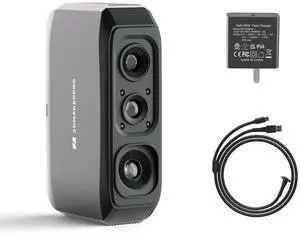
#1 Best Seller
- Supported OS: Windows/Mac/Android/iOS
- Product Size/Dimensions: 115×70×35mm
- Software Compatibility: JMStuio
- Brand: 3DMakerpro
- Model #: Moose Lite Standard

Quick View
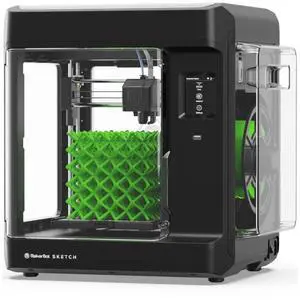
Makerbot Sketch Standard, 3D Printer for small size projects | SKETCHKIT
- Brand: Makerbot
- Type: 3D Printer
- Technology: FDM (Fused Deposition Modeling)
- Build Size: 150mm x 150mm x 150mm (5.9 x 5.9 x 5.9 inches)
- Model #: SKETCHKIT
- $1,268.83 –
- More options from $1,188.00 - $1,304.99
- Free Shipping
Quick View
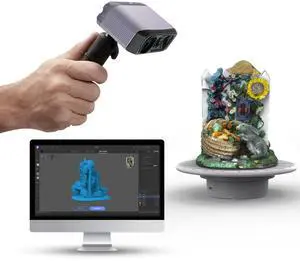
3DMakerpro 3D Scanner, NIR Light Technology, Ideal for Medium-size Object Scanning, Include Tripod and Tunrntable, Moose Lite Premuim Version
Limited time offer, ends 08/26
- Supported OS: Windows/Mac/Android/iOS
- Product Size/Dimensions: 115×70×35mm
- Software Compatibility: JMStuio
- Brand: 3DMakerpro
- Model #: Moose Lite Premuim
Quick View
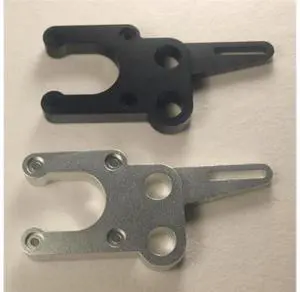
Funssor Reprap Mendel Prusa i3 de reprise Y axes mise a niveau CNC en aluminium Y-support moteur moteur titulaire Plus Robuste p
Limited time offer, ends 08/31
- Model #: WLC78S.0807.Pallet1008
- $36.37 –
- Free Shipping
Quick View
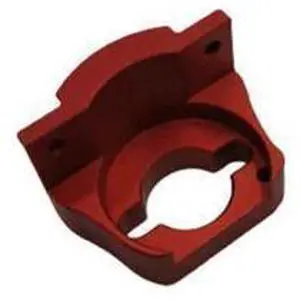
Funssor Voron0 3D printer stainless steel kirigami bed support aluminum nut mount block for Voron 0.1/0 3D printer upgrade
Limited time offer, ends 08/31
- Model #: WLC78S.0807.Pallet1226
- $38.37 –
- Free Shipping
Quick View
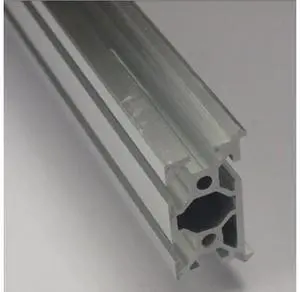
fussor CNC mill frame Aluminum Profiles MakerSlide Extrusion For DIY 200 mm length clear anodized for 3D printer
Limited time offer, ends 08/31
- Model #: WLC78S.0807.Pallet1517
- $40.24 –
- Free Shipping
Quick View
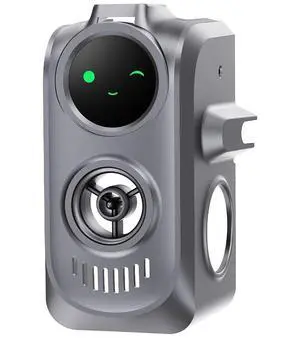
Creator KNOMI Hi Perfectly for Creality Hi Combo 3D Print Head, Plug and Play, Support Real-Time Print Monitoriing with Knomi UI, Customizable Colors and GIFS
- Model #: C6T1812-XMTT033
- $167.97 –
- Free Shipping
Quick View
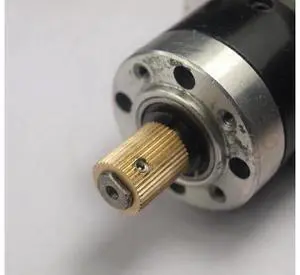
Funssor 2pcs Reprap mendel DIY brass extruder drive gear 8 mm bore hobbed gear for planetary motor Fast ship
Limited time offer, ends 08/31
- Model #: WLC78S.0807.Pallet1536
- $40.72 –
- Free Shipping
Quick View
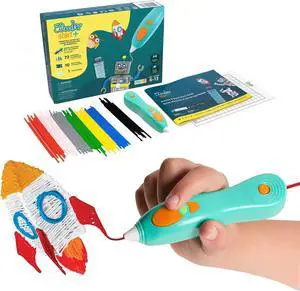
3Doodler Start+ Essentials 3D Pen for Kids | Easy to Use, Learn from Home Art Activity, Educational STEM Toy for Boys & Girls Ages 6+
- Model #: C0A712465010410889
- $111.05 –
- Free Shipping
Quick View
Casdon Henry & Hetty Toys - Henry Vacuum Cleaner - Red Vacuum Cleaning Toy with Real Function & Nozzle Accessories - Kids Cleaning Set - For Children Aged 3+
- Model #: EQWER462277178231
- $67.88 –
- Free Shipping
Quick View
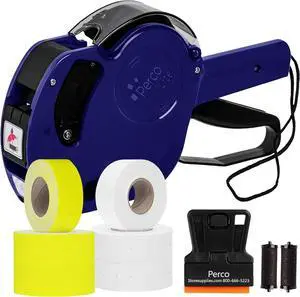
Perco Lite 1 Line Price Gun with Labels Kit - Includes 3 White Rolls, 3 Yellow Rolls, 2 Ink Rollers, 1 Ink roll and Labels Pre-Loaded
- Model #: ENGEB0CJVNZT8T
- $72.99 –
- Free Shipping
Quick View
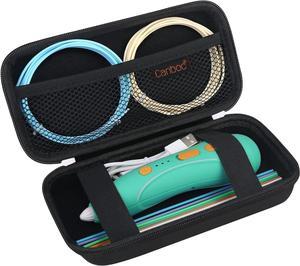
Canboc Hard Case for 3Doodler Start+ Essentials (2024) 3D Pen Set for Kids, 3D Pens Storage Organizer Carrying Holder, Mesh Pocket fit 3Doodler Start Plastic Filaments, USB Cable, Black (CASE ONLY)
- Model #: STARWELL426253762609Lan
- $25.98 –
- Free Shipping
Quick View
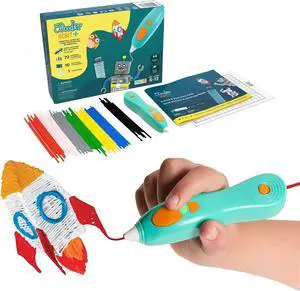
3Doodler Start+ Essentials 3D Pen for Kids | Easy to Use, Learn from Home Art Activity, Educational STEM Toy for Boys & Girls Ages 6+
- Model #: STARWELL426253762593Lan
- $113.90 –
- Free Shipping
Quick View
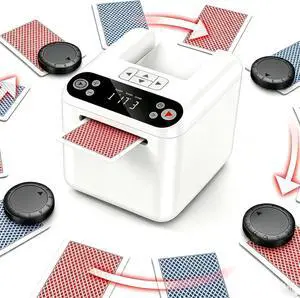
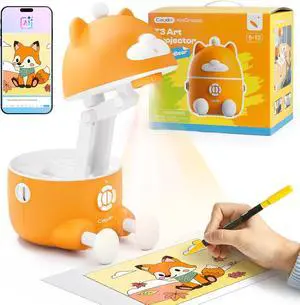
Card Dealer Machine for 1-3 Decks with 4 Remotes
- Model #: HANWB0FRS4C4XG
- $133.99 –
- Free Shipping
Quick View
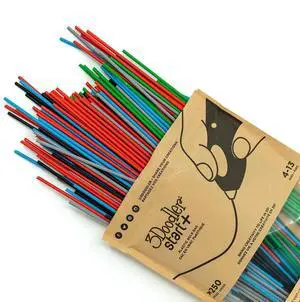
3Doodler Start 3D Printing Filament Refill Bag for 6+ years old (x250 Strands, Over 1250 ft. of Extruded Plastic) - Primary Pow
- Model #: STARWELL426253760155Lan
- $59.06 –
- Free Shipping
Quick View
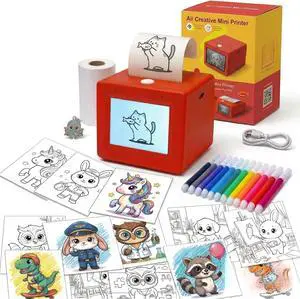
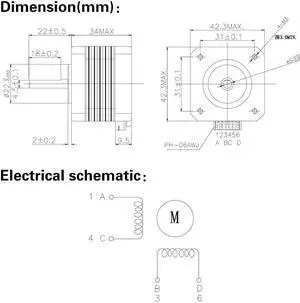
(Pack of 4pcs) NEMA17 Stepper Motor High Torque Bipolar DC Step Motor Kit by MOTOU
- Model #: STARWELL426253762357Lan
- $65.98 –
- Free Shipping
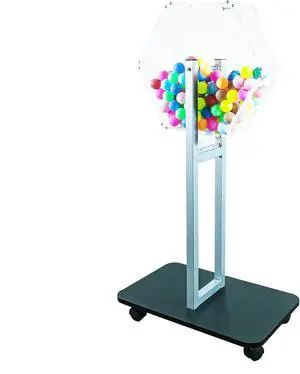
Quick View
FixtureDisplays® Acrylic Raffle Drum with Wheels, Floorstanding - Clear & Black 23X15X45", 119571-NEW-NPF
- Model #: ENGEB0B9XJ2X3Z
- $314.99 –
- Free Shipping
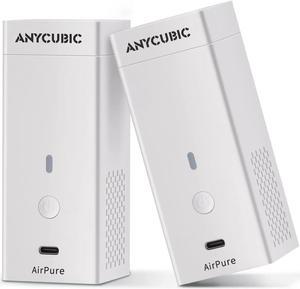
Quick View
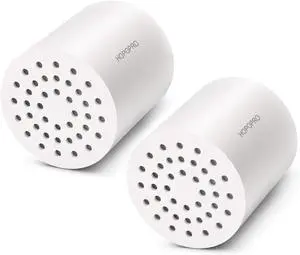
ANYCUBIC Mini Purifier 3D Printer Accessories, Lightweight Ultra Quiet Purifier with High Density Activated Carbon Filter for LCD DLP 3D Printers (Pack of 2)
- Model #: R33247663307286
- $58.48 –
- Free Shipping
Quick View
3Doodler Start+ Essentials 3D Pen for Kids | Easy to Use, Learn from Home Art Activity, Educational STEM Toy for Boys & Girls Ages 6+
- Model #: 433330052805ComputerzoneGANG
- $111.89 –
- Free Shipping
Quick View
MAKERBOT REPLICATOR+ BUILD
- Product Type: Other Accessories
- Color: Black
- Weight: 0.49
- Features: Sold as 1 Each.
- Model #: 112047-00
- $79.89 –
- Free Shipping
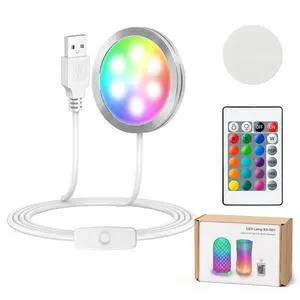
Quick View
3D Printer LED Lamp Kit 001 with 24-Key Remote Control 16-Colors Changing
- Brand: Cxydm
- Part Number: 1PC
- Color: RGBW
- Type: 1PC
- Model #: 743381603454
- $19.99 –
- Free Shipping
Quick View
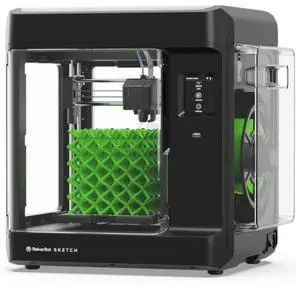
MakerBot Sketch 3D Printer (Basic - Printer Only) | 900-0053A
- Technology: FDM (Fused Deposition Modeling)
- Type: 3D Printer
- Brand: Makerbot
- Model: MakerBot Sketch
- Model #: 900-0053A
- $1,097.99
- $1,044.70 –
- More options from $1,037.99 - $1,074.41
Quick View
3Doodler Start 3D Printing Filament Refill Bag for 6+ years old (x250 Strands, Over 1250 ft. of Extruded Plastic) - Primary Pow
- Model #: EQWER462277169956
- $59.88 –
- Free Shipping
Quick View
3Doodler Start 3D Printing Filament Refill Bag for 6+ years old (x250 Strands, Over 1250 ft. of Extruded Plastic) - Primary Pow
- Model #: 433330050849ComputerzoneGANG
- $58.46 –
- Free Shipping
Quick View
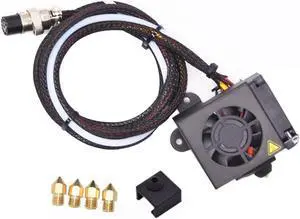
Creativity CR10 Hotend Assembled MK8 Extruder Kit Full Set (with 0.4MM Nozzles) Upgrade for 3D Printer CR 10/CR 10S/S4/S5 Replacement Parts
- Model #: EQWER462277173069
- $41.88 –
- Free Shipping
Quick View
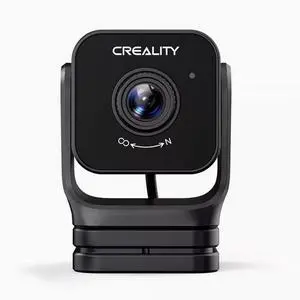
Creality 3D Nebula 3D Printing Smart Kit, Nebula Screen, Nebula Camera, High-speed Printing Screen Kit
- Model #: BZ59-634
- $108.39 –
- More options from $107.09 - $108.39
- Free Shipping
Choosing the Right Printer for Your Office Needs
When it comes to office solutions, printers and scanners are essential tools for any business. Whether you need to print important documents, scan invoices, or create professional-quality marketing materials, having the right equipment is crucial. In this article, we will explore the different types of printers and scanners available in the market and provide tips on how to choose the best one for your office.
All-in-One Printers: Versatility and Convenience
all-in-one printers, also known as multifunction printers, are a popular choice for offices. These devices combine the functionality of a printer, scanner, copier, and sometimes even a fax machine into a single unit. They offer versatility and convenience, allowing you to perform multiple tasks without the need for separate devices. All-in-one printers are available in both inkjet and laser options, catering to different printing needs and budgets.
Specialized Printers for Specific Tasks
In addition to all-in-one printers, there are specialized printers designed for specific tasks. For example, 3D printers are ideal for creating prototypes or intricate models, while barcode and label printers are perfect for businesses that require efficient inventory management. laser printers are known for their fast printing speeds and high-quality output, making them suitable for offices with high-volume printing needs. inkjet printers, on the other hand, are more cost-effective and can produce vibrant color prints.
Choosing the Right Supplies
Once you have selected the right printer for your office, it is important to choose the right supplies to ensure optimal performance and longevity. When it comes to inkjet printers, using high-quality ink cartridges is essential to achieve the best print quality and prevent clogging. For laser printers, it is important to choose the right type of toner cartridges that are compatible with your printer model. Additionally, investing in high-quality paper can make a significant difference in the final print results.
FAQs: Common Questions about Printers and Scanners
| Q: How often should I replace the ink cartridges? | A: The frequency of replacing ink cartridges depends on your printing volume. However, it is recommended to replace them when the print quality starts to degrade. |
|---|---|
| Q: Can I use third-party ink cartridges with my printer? | A: While it is possible to use third-party ink cartridges, it is important to ensure compatibility with your printer model. Using incompatible cartridges may result in poor print quality or damage to the printer. |
| Q: How do I clean the scanner glass? | A: To clean the scanner glass, use a soft, lint-free cloth slightly dampened with glass cleaner. Gently wipe the glass surface to remove any smudges or debris. |
| Q: What is the difference between optical and interpolated resolution in scanners? | A: Optical resolution refers to the actual hardware resolution of the scanner, while interpolated resolution is achieved through software enhancements. Optical resolution provides more accurate and detailed scans. |
| Q: How can I improve the scanning speed? | A: To improve scanning speed, reduce the scanning resolution, use black and white mode instead of color, and ensure that the scanner is connected to a high-speed USB port. |