

Your Browsing History
- New

Any questions? Our AI mode will help you find out quickly.
Try me now
Quick View
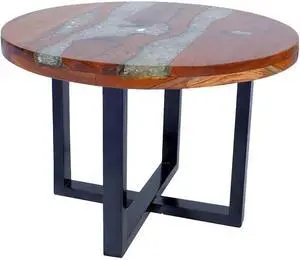
vidaXL Coffee Table, Round End Table with Wood Legs, Side Table for Living Room Bedroom, Home Furniture, Industrial Style, Teak Resin
- Model #: EQWER462277178323
- $318.88 –
- Free Shipping
Quick View
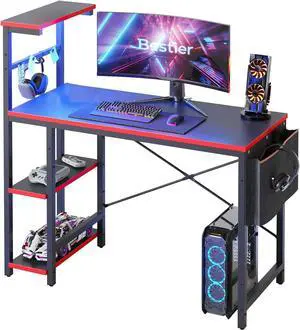
Bestier Gaming Desk with LED Lights, 44 Inch PC Gamer Desk for Small Spaces, Computer Desk with Reversible Storage Shelves & Side Storage Bag (Black 3D Carbon Fiber)
- Model #: 433330047795ComputerzoneGANG
- $156.89 –
- Free Shipping
Quick View
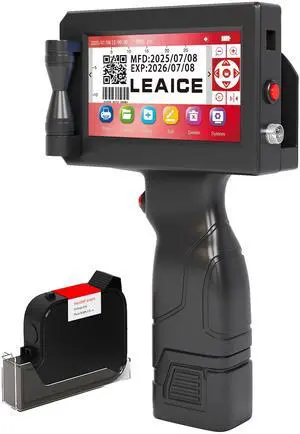
Handheld Inkjet Printer, 1 inch/25.4 mm Print Height Handheld Printer Gun with Quick-Drying Ink Cartridge for Batch Number Date QR Codes Barcodes Labels Logo Printing on Diverse Materials
Limited time offer, ends 08/17
- Model #: 162302936682
- $224.99 –
- Free Shipping
Quick View
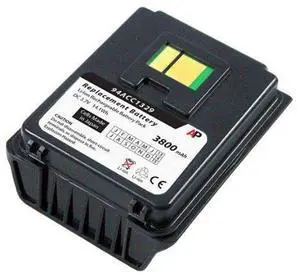
Replacement Battery for PSC Skorpio Scanner: 3800 mAh
- Model #: barcod2214
- $74.18 –
- $15.00 Shipping
Quick View
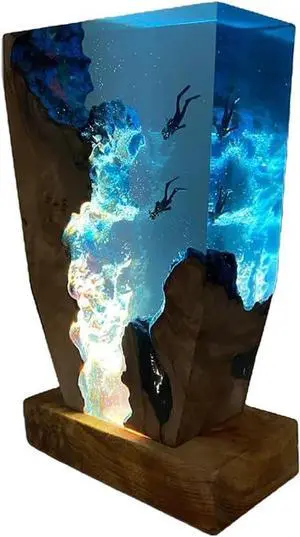
Home Decor Epoxy Lamp Handmade Resin Crafts Divers Night Light Microlandscape Table Lamp Unique Ornament (6 * 4 Inch)
- Model #: DEEUB0DYNDGKBB
- $126.99 –
- Free Shipping
Quick View
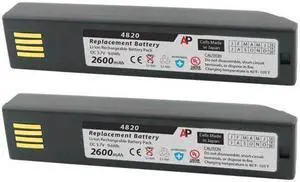
Pack of 2 Replacement Batteries for 3820, 4820, 6320 & Xenon 1902: 2600 mAh
- Model #: barcod1058
- $68.48 –
- $15.00 Shipping
Quick View
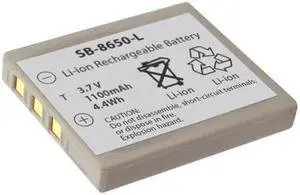
Replacement Battery for LXE 8650, 8670, 1602g Scanners. 1100 mAh
- Model #: barcod4583
- $34.48 –
- $15.00 Shipping
Quick View
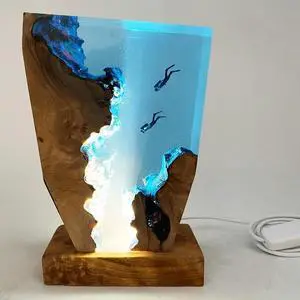
Ocean Wood Resin Handmade Night Lights Table Desk Lamp Creative Home Decor Night Lamp (8 * 5 Inch)
- Model #: DEEUB0DYJVW4RG
- $180.99 –
- Free Shipping
Quick View
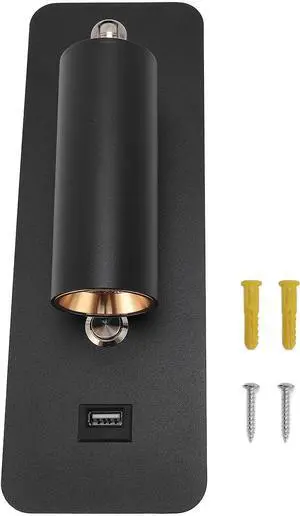
LED Wall Mounted Reading Light with USB Port, Hardwired Wall Lamp for Bedside and Living Room, 4000K Neutral Light, 350° Rotatable Headboard Sconce with 5V 2A Charger
- Model #: DEEUB0GJNRFCJG
- $96.99 –
- Free Shipping
Quick View
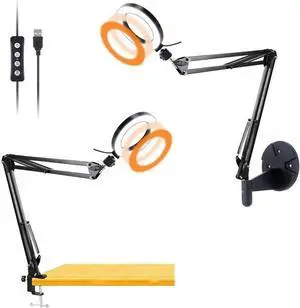
Desk & Wall Ring Light Kit - 6'' USB Ring Light with Mount Stand for YouTube, Task, Craft, Architect, Drafting, Repair
- Model #: DEEUB07XCWDF3M
- $66.99 –
- Free Shipping
Quick View
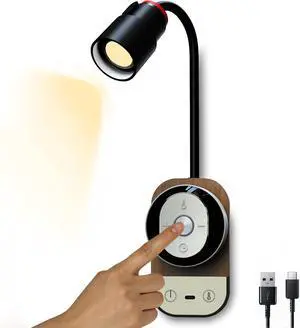
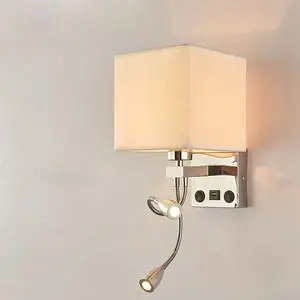
Wall Lamps Modern Wall Mounted Led Reading Lamp with Adjustable Gooseneck Spotlight Double Switches and USB Port White
- Model #: DEEUB0H4PWSC1D
- $294.99 –
- Free Shipping
Quick View
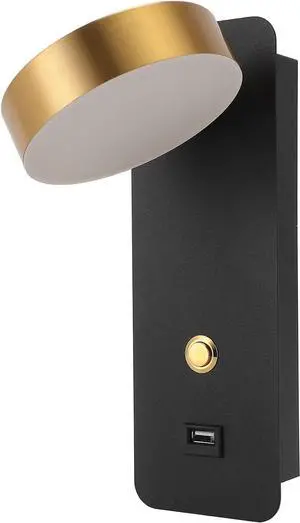
LED Modern Rotatable Adjustable Reading Light for Bedroom Living Room Iron 3 Color Temperature USB Charging Port, 9W, 1 Lamp for Bedside Wall Mount
- Model #: DEEUB0H1LYNDB7
- $87.99 –
- Free Shipping
Quick View
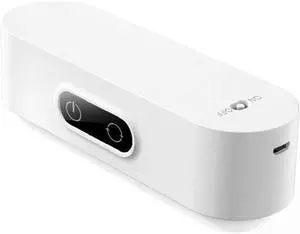
Led Bedside Wall Reading Lamp Eye Protected 3 Modes Lighting Brightness Adjustable Led Desk Lamp for Study Rechargeable Lamp
- Model #: DEEUB0FD9X923S
- $1,267.99 –
- Free Shipping
Quick View
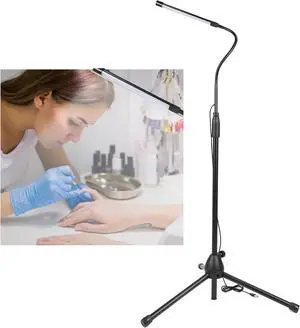
ZJchao Adjustable LED Light 10 Levels Brightness Room Bed Lamp Eye Adjustable Lamp Lamp with USB Plug, High Performance for Computer, Power Bank, Adapter
- Model #: DEEUB0DHD4V67Y
- $146.99 –
- Free Shipping

Quick View
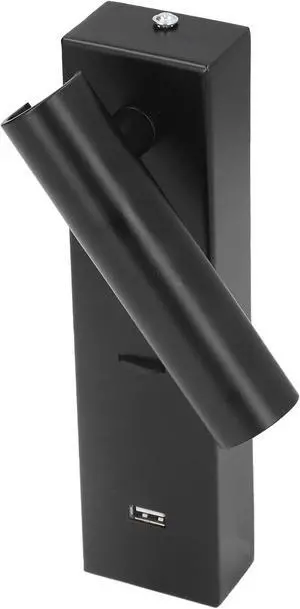
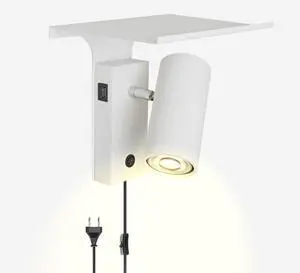
Black LED Wall Lamp with Switch & Plug - Rotatable 270°, USB Charging, Adjustable Reading Light for Living Room, Bedroom, Office
- Model #: DEEUB0FRL99KR4
- $221.99 –
- Free Shipping
Quick View
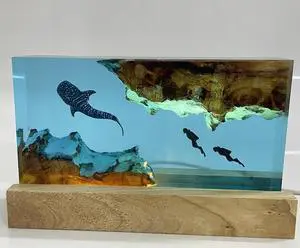
Modern Ocean Diving Resin Wooden Desk Lamp LED Light Source Creative Table Lamp for Desktop Decoration (6 * 4 inch)
- Model #: DEEUB0DYNXT9KF
- $106.99 –
- Free Shipping
Quick View
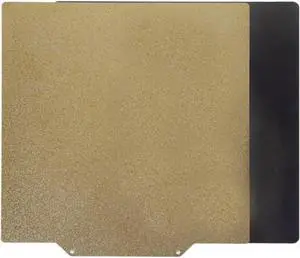
Compatible with KINGROON Single-Side PEI Spring Steel Sheet with Magnetic Base 180/210/220/235/310/350mm Build Plate for Aquila C2/X2 3D Printers(210x210mm)
- Model #: ENGEB0FQB62TPR
- $78.99 –
- Free Shipping
Quick View
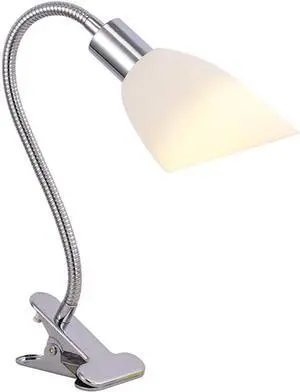
LED Desk Lamp Plug-in Reading Light Writing Lamp for Students and Children Portable Table Lamp with Clip-on Lamp, Three-Stage Dimming Table Lamp Reading Lamp
- Model #: DEEUB0CBBC75N4
- $135.99 –
- Free Shipping
Quick View
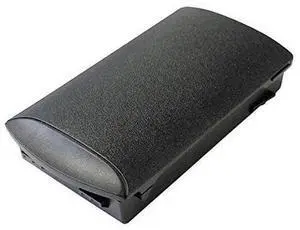
Replacement Battery for MC3200 Scanner Series. 2740 mAh. Japanese cell
- Model #: barcod1875
- $45.74 –
- $15.00 Shipping
Quick View
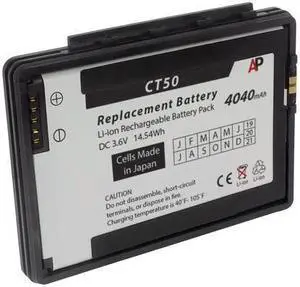
Replacement Battery for Dolphin CT50, CT60 Mobile Computers. 4040 mAh
- Model #: barcod1010
- $76.98 –
- $15.00 Shipping

Quick View
Modern LED Reading Wall Lamps with USB Charging, Bedroom Bedside Storage Light, Black/White
- Model #: DEEUB0H3TY5TY2
- $431.99 –
- Free Shipping
Quick View
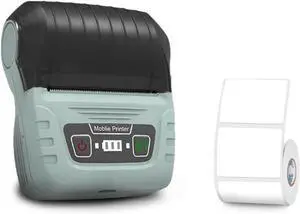
Label Printer, SK58 Portable Thermal Printer with Labels Self-Adhesive Mini Bluetooth Sticker Maker(Green-1-roll)
- Model #: ENGEB0GT4QMHXC
- $137.99 –
- Free Shipping
Quick View
Label Printer, SK58 Portable Thermal Printer with Labels Self-Adhesive Mini Bluetooth Sticker Maker(Green-1-roll)
- Model #: ENGEB0GVNQC8GN
- $136.99 –
- Free Shipping
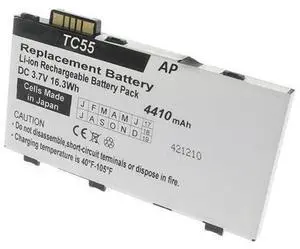
Quick View
Replacement Battery for TC55 Series Scanners. 4410 mAh (Extended Capacity)
- Model #: barcod1892
- $57.73 –
- $15.00 Shipping
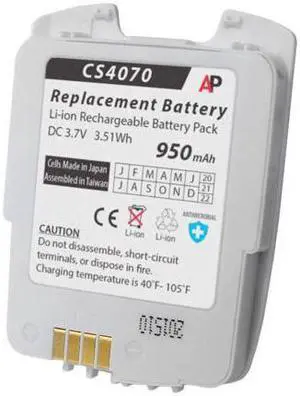
Quick View
Replacement Battery for CS4070 Companion Scanner. 950 mAh 82-97300-02
- Model #: barcod365
- $34.98 –
- $15.00 Shipping
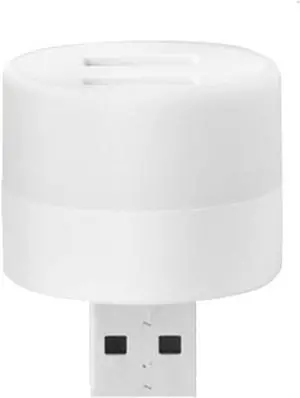
Quick View
Small Black Table lamp USB Plug Computer lamp USB Mobile Power Charging Small Book led Lamps Eye Protection Reading Light Small Round Night Light
- Model #: DEEUB0F4XFZC95
- $114.99 –
- Free Shipping
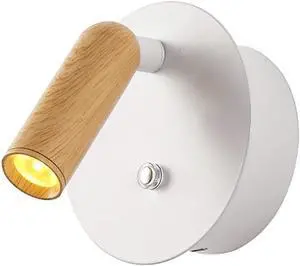
Quick View
Dimmable LED Wall Light with Switch, Adjustable Reading Lamp, USB Rechargeable, 1200mAh Battery, 3000K Warm Light, Metal Wood Design, Easy Installation
- Model #: DEEUB0G2S3S8DK
- $191.99 –
- Free Shipping
Quick View
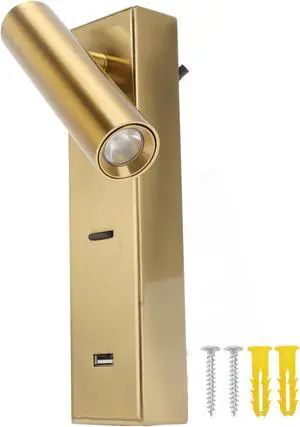
LED Wall Mounted Reading Fixture | 350° Adjustable Angle for Bedside/Hotel | Rechargeable USB Port for Phones | Modern Aluminum Alloy Design (White Light)
- Model #: DEEUB0GW6RBV96
- $78.99 –
- Free Shipping
Quick View
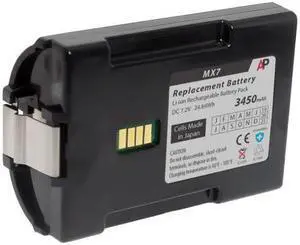
Replacement Extended Battery for LXE MX7 Tecton Scanner. 3450 mAh
- Model #: barcod1005
- $52.54 –
- $15.00 Shipping
Quick View
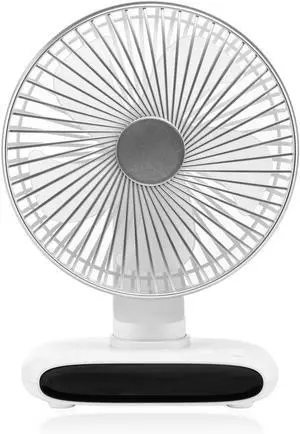
USB Rechargeable Desk Fan Hangings Ceiling 3600mAh Battery Operated 6 Speed Hangings for Home Bathroom Kitchen USB Desk Fan
- Model #: DEEUB0GCMVGD4J
- $81.99 –
- Free Shipping
Quick View
- $158.82 –
- $15.00 Shipping

Quick View
- $55.99 –
- $15.00 Shipping
Quick View
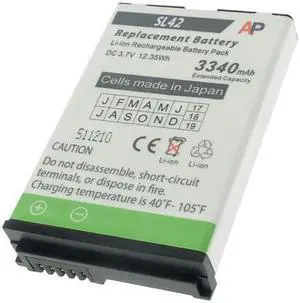
Replacement Battery for Captuvo SL42 and Captuvo Healthcare Enterprise Sleds
- Model #: barcod1919
- $77.98 –
- $15.00 Shipping
Choosing the Right Printer for Your Office Needs
When it comes to office solutions, printers and scanners are essential tools for any business. Whether you need to print important documents, scan invoices, or create professional-quality marketing materials, having the right equipment is crucial. In this article, we will explore the different types of printers and scanners available in the market and provide tips on how to choose the best one for your office.
All-in-One Printers: Versatility and Convenience
all-in-one printers, also known as multifunction printers, are a popular choice for offices. These devices combine the functionality of a printer, scanner, copier, and sometimes even a fax machine into a single unit. They offer versatility and convenience, allowing you to perform multiple tasks without the need for separate devices. All-in-one printers are available in both inkjet and laser options, catering to different printing needs and budgets.
Specialized Printers for Specific Tasks
In addition to all-in-one printers, there are specialized printers designed for specific tasks. For example, 3D printers are ideal for creating prototypes or intricate models, while barcode and label printers are perfect for businesses that require efficient inventory management. laser printers are known for their fast printing speeds and high-quality output, making them suitable for offices with high-volume printing needs. inkjet printers, on the other hand, are more cost-effective and can produce vibrant color prints.
Choosing the Right Supplies
Once you have selected the right printer for your office, it is important to choose the right supplies to ensure optimal performance and longevity. When it comes to inkjet printers, using high-quality ink cartridges is essential to achieve the best print quality and prevent clogging. For laser printers, it is important to choose the right type of toner cartridges that are compatible with your printer model. Additionally, investing in high-quality paper can make a significant difference in the final print results.
FAQs: Common Questions about Printers and Scanners
| Q: How often should I replace the ink cartridges? | A: The frequency of replacing ink cartridges depends on your printing volume. However, it is recommended to replace them when the print quality starts to degrade. |
|---|---|
| Q: Can I use third-party ink cartridges with my printer? | A: While it is possible to use third-party ink cartridges, it is important to ensure compatibility with your printer model. Using incompatible cartridges may result in poor print quality or damage to the printer. |
| Q: How do I clean the scanner glass? | A: To clean the scanner glass, use a soft, lint-free cloth slightly dampened with glass cleaner. Gently wipe the glass surface to remove any smudges or debris. |
| Q: What is the difference between optical and interpolated resolution in scanners? | A: Optical resolution refers to the actual hardware resolution of the scanner, while interpolated resolution is achieved through software enhancements. Optical resolution provides more accurate and detailed scans. |
| Q: How can I improve the scanning speed? | A: To improve scanning speed, reduce the scanning resolution, use black and white mode instead of color, and ensure that the scanner is connected to a high-speed USB port. |