

Your Browsing History
- In Stock
- Sold by Newegg
- New

Any questions? Our AI mode will help you find out quickly.
Try me now
Quick View
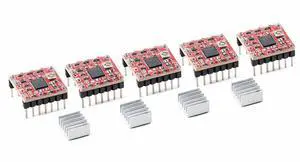
5pcs A4988 Stepper Motor Driver Module, 35 V 2 A, 1/16 Microstepping, with Heatsink
Limited time offer, ends 09/19
- Model #: C75J*OYJ*G1*0819-726
- $15.80 –
- Free Shipping
Quick View
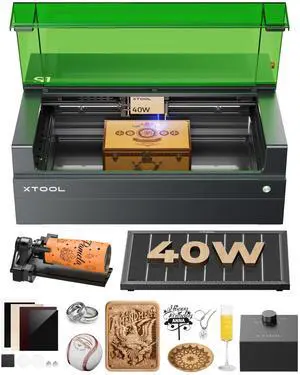
xTool S1 40W Laser Cutter and Laser Engraver for Tumblers, 23.93" x 15.16" Bed Size, 600mm/s Speed, Laser Engraving Machine, Laser Engraver for Wood and Metal, Acrylic, Big Project - Rotary Bundle
Limited time offer, ends 09/14
- Model #: MXD-K101-001
- $1,899.00 –
- Free Shipping
Quick View
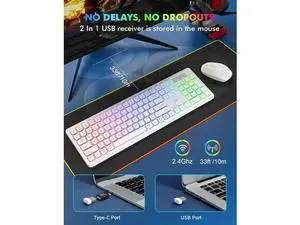
Wireless RGB Gaming Keyboard & Mouse Set Rechargeable, Ergonomic Tilt Design, 2.4G Quiet Combo for Home/Office - white
Limited time offer, ends 09/12
- Model #: C2ZP817-XMYYD0514
- $67.19 –
- Free Shipping
Quick View
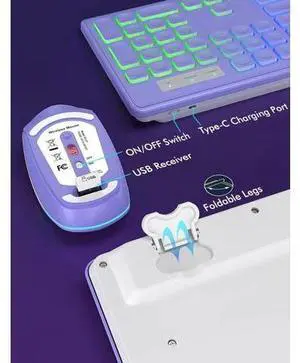
Wireless RGB Gaming Keyboard & Mouse Set Rechargeable, Ergonomic Tilt Design, 2.4G Quiet Combo for Home/Office - purple
Limited time offer, ends 09/12
- Model #: C2ZP817-XMYYD0117
- $67.19 –
- Free Shipping
Quick View
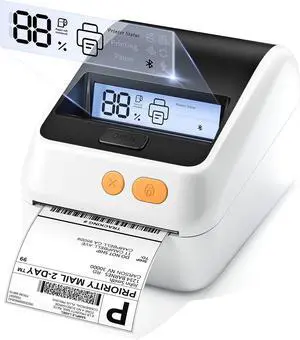
Phomemo Shipping Label Printer with Screen and Built-in Label Bin
- Model #: HANWB0GR8JSQMS
- $216.99 –
- Free Shipping
Quick View
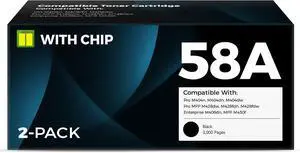
58A Toner Cartridge Black Compatible for 58a hp Toner Cartridge (2 Pack)
- Model #: HANWB0GN4WDD6M
- $180.99 –
- Free Shipping
Quick View
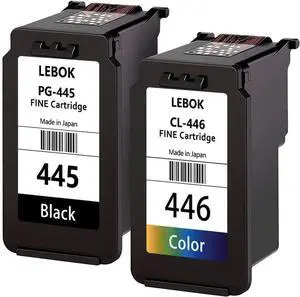
LEBOK Fine Cartridges PG-445 CL-446 for Canon Pixma iP2840 MG2440 MG2540 MG2940 MX494 MG2540S MG2545S MG3040 TS3140 Multipack Black Color
- Model #: HANWB0F2FJTRQT
- $108.99 –
- Free Shipping
Quick View
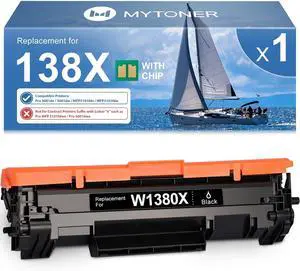
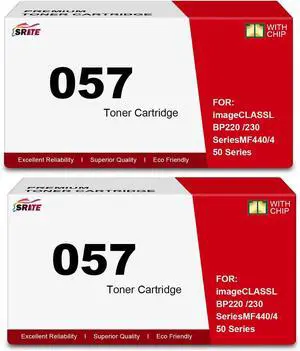
MYTONER 138X Black Toner Cartridge Replacement for HP 138A W1380A W1380X
- Model #: HANWB0C7T9XJDC
- $79.99 –
- Free Shipping
Quick View
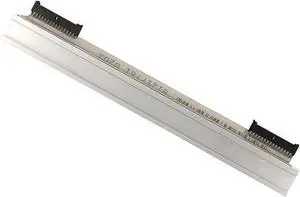
203DPI Thermal Print Head Compatible With Zebra For GK420T/GX420T/GT450 Label Printer
- Model #: HANZB0FPQV6PNX
- $76.99 –
- Free Shipping
Quick View
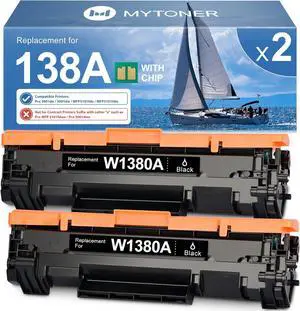
MYTONER 138A Black Toner Cartridges Replacement for HP 138X W1380A W1380X
- Model #: HANWB0CSMDF396
- $96.99 –
- Free Shipping
Quick View
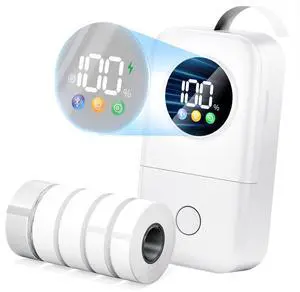
Label Maker Machine with 5 Tapes, D30D Mini Label Maker for School
- Brand: Phomemo
- Series: Phomemo
- Part Number: D30D
- Print Technology: Thermal
- Model #: 282970343316
- $68.99 –
- Free Shipping
Quick View
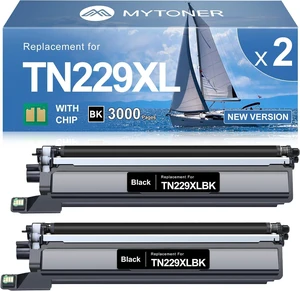
MYTONER TN229XL Black Toner Cartridge 2 Pack for MFC-L3780CDW MFC-L3720CDW
- Model #: HANWB0GZVDPD6T
- $86.99 –
- Free Shipping
Quick View
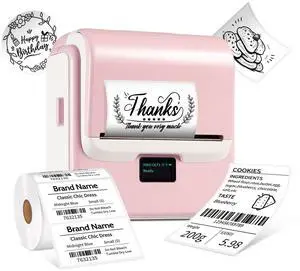
Label Maker Machine with Tape, 3 Inch Bluetooth Label Printer T003
- Brand: ORGSTA
- Series: T003
- Part Number: STA-T003-Pink
- Print Technology: No Ink
- Model #: 608669365192
- $74.99 –
- Free Shipping
Quick View
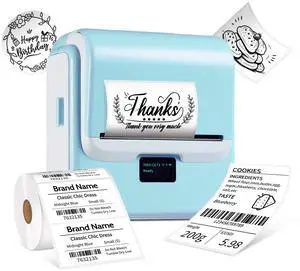
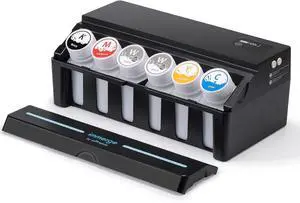
Label Maker with Tape, T003 Thermal Label Maker, 3.15 Inch Bluetooth Label Printer Compatible with Phone & PC, Sticker Printer Barcode Thermal Maker - Blue
- Brand: ORGSTA
- Series: STA-T003-Blue
- Part Number: STA-T003-Blue
- Cutter: Portable, 1 Roll Label Tape(1.97"x1.18")
- Model #: 942360836265
- $72.99 –
- Free Shipping
Quick View
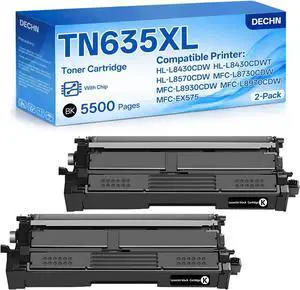
TN635XL Black Toner Cartridge Compatible with Brother MFC-L8930CDW
- Model #: HANWB0GS4NSM8N
- $184.99 –
- Free Shipping
Quick View
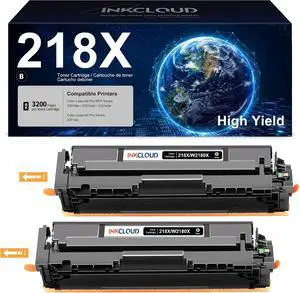
218X 2Black Toner Cartridgs Replacement for HP 218X 218A 3201dw MFP 3301fdw
- Model #: HANWB0DX26TM88
- $162.99 –
- Free Shipping
Quick View
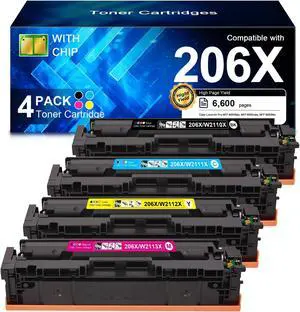
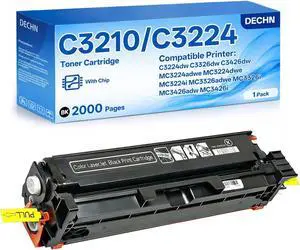
C3210/C3224 Black Toner Cartridge Compatible with Lexmark C3224dw C3326dw C3426dw MC3224adwe MC3326adwe MC3426adw MC3426i MC3224i Color Printer with chip
- Model #: BRAPB0FRRFMZX4
- $108.99 –
- Free Shipping
Quick View
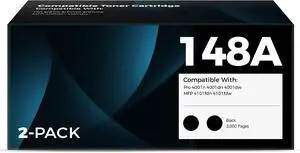
148A Black Toner Cartridge 148 W1480A W1480X
- Model #: HANWB0GMWL5718
- $295.99 –
- Free Shipping
Quick View
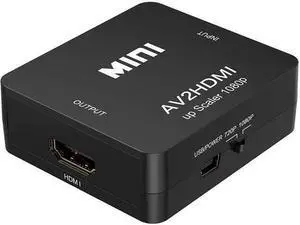
New Mini RCA AV to HDMI Converter Adapter Composite AV2 HDMI 1080P DVD HDMI to AV with audio Video PAL NTSC mode USB cable
Limited time offer, ends 09/19
- Model #: C6WV-0803-OYJ-213
- $17.97 –
- Free Shipping
Quick View
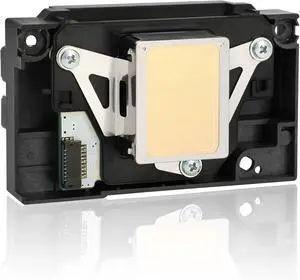
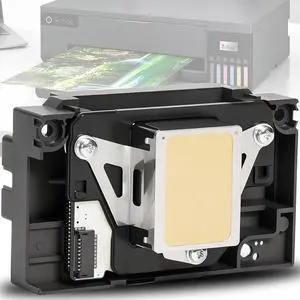
Ademon Upgrade L1800 DTF Printhead Replacement for L1800 DTF Printer, L1800 L1800D R1390 R1400 R1430 R1500W R260 R270 R330 DTF Printer, Smooth Ink Flow & Anti-Clogging Nozzle
- Model #: HANWB0GSQT7Q78
- $425.99 –
- Free Shipping
Quick View
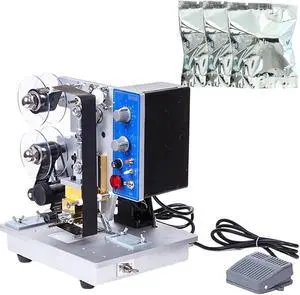
Automatic Ribbon Coding Machine,Speeds Electric Date Label Hot Stamp Printer,Plastic Bag Ribbon Coding Machine,for Various Plastic Composite
- Model #: HANZB0FCB7DQT1
- $819.99 –
- Free Shipping
Quick View
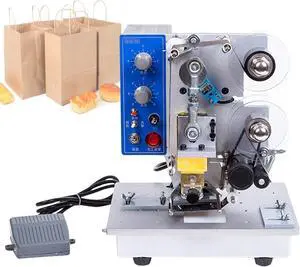
Automatic Ribbon Coding Machine,Electric Thermal Ribbon Marking Machine,Commercial Monochrome Thermal Printer,for Plastic Bag Printing Hot Foil Coding
- Model #: HANZB0FCBMY19X
- $815.99 –
- Free Shipping
Quick View
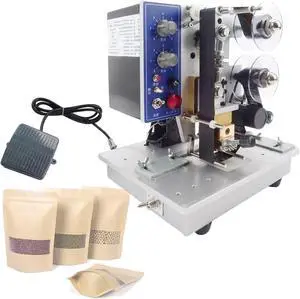
Automatic Ribbon Coding Machine,Electric Thermal Foil Stamp Printer,for Various Plastic Composite Films,Printing Coding Hot Stamping Machine
- Model #: HANZB0FCBP8C9K
- $811.99 –
- Free Shipping
Quick View
Automatic Ribbon Coding Machine,Electric Date Label Printer with 6 Speed Settings for Hot Stamping on Plastic Bags
- Model #: HANZB0FCBRMDMW
- $819.99 –
- Free Shipping
Quick View
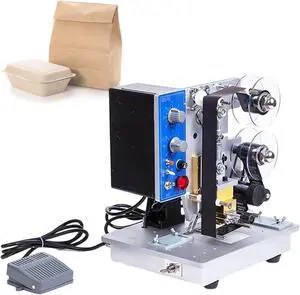
Automatic Coding Machine,Electric Ribbon Printer,Hot Stamping Machine,for Marking Trademarks Date Codes Labels
- Model #: HANZB0FCBQ2Z65
- $819.99 –
- Free Shipping
Quick View
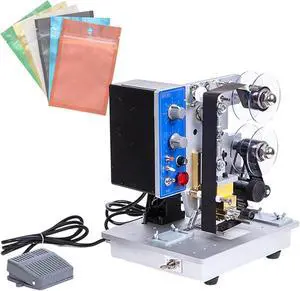
Production Date Automatic Coding Machine,Electric Ribbon Code Printer,200 W for Hot Stamping Plastic Aluminum Foil Bags
- Model #: HANZB0FCBPM1CT
- $819.99 –
- Free Shipping

Quick View
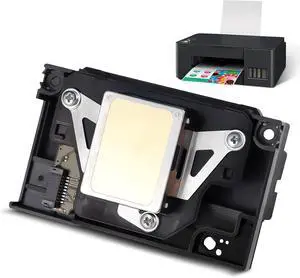
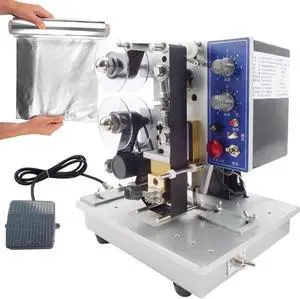
Electric Plastic Bag Printing Coding Tool,Automatic Ribbon Coding Machine,Date Hot Stamping Equipment with Foot Switch
- Model #: HANZB0FCBNJ1FT
- $815.99 –
- Free Shipping
Quick View
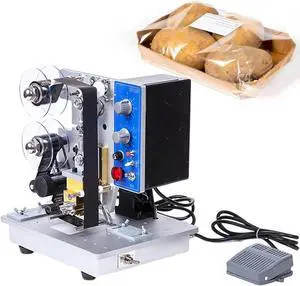
Automatic Ribbon Coding Machine,Electric Ribbon Coding Printer Machine,with Stable Base,Date Code Heat Stamping Printing Device,for Labels Stickers Cartons
- Model #: HANZB0FCBNZVVB
- $815.99 –
- Free Shipping
Quick View
Electric Thermal Ribbon Marking Machine,Automatic Ribbon Coding Machine,Commercial Monochrome Thermal Printer Desktop,for Plastic Bag Printing Hot Foil Coding
- Model #: HANZB0FCBMTL4F
- $815.99 –
- Free Shipping
Choosing the Right Printer for Your Office Needs
When it comes to office solutions, printers and scanners are essential tools for any business. Whether you need to print important documents, scan invoices, or create professional-quality marketing materials, having the right equipment is crucial. In this article, we will explore the different types of printers and scanners available in the market and provide tips on how to choose the best one for your office.
All-in-One Printers: Versatility and Convenience
all-in-one printers, also known as multifunction printers, are a popular choice for offices. These devices combine the functionality of a printer, scanner, copier, and sometimes even a fax machine into a single unit. They offer versatility and convenience, allowing you to perform multiple tasks without the need for separate devices. All-in-one printers are available in both inkjet and laser options, catering to different printing needs and budgets.
Specialized Printers for Specific Tasks
In addition to all-in-one printers, there are specialized printers designed for specific tasks. For example, 3D printers are ideal for creating prototypes or intricate models, while barcode and label printers are perfect for businesses that require efficient inventory management. laser printers are known for their fast printing speeds and high-quality output, making them suitable for offices with high-volume printing needs. inkjet printers, on the other hand, are more cost-effective and can produce vibrant color prints.
Choosing the Right Supplies
Once you have selected the right printer for your office, it is important to choose the right supplies to ensure optimal performance and longevity. When it comes to inkjet printers, using high-quality ink cartridges is essential to achieve the best print quality and prevent clogging. For laser printers, it is important to choose the right type of toner cartridges that are compatible with your printer model. Additionally, investing in high-quality paper can make a significant difference in the final print results.
FAQs: Common Questions about Printers and Scanners
| Q: How often should I replace the ink cartridges? | A: The frequency of replacing ink cartridges depends on your printing volume. However, it is recommended to replace them when the print quality starts to degrade. |
|---|---|
| Q: Can I use third-party ink cartridges with my printer? | A: While it is possible to use third-party ink cartridges, it is important to ensure compatibility with your printer model. Using incompatible cartridges may result in poor print quality or damage to the printer. |
| Q: How do I clean the scanner glass? | A: To clean the scanner glass, use a soft, lint-free cloth slightly dampened with glass cleaner. Gently wipe the glass surface to remove any smudges or debris. |
| Q: What is the difference between optical and interpolated resolution in scanners? | A: Optical resolution refers to the actual hardware resolution of the scanner, while interpolated resolution is achieved through software enhancements. Optical resolution provides more accurate and detailed scans. |
| Q: How can I improve the scanning speed? | A: To improve scanning speed, reduce the scanning resolution, use black and white mode instead of color, and ensure that the scanner is connected to a high-speed USB port. |